Neil.R
Members
-
Joined
-
Last visited
-
I’ve just put a post on about the trouble we’ve had today, is that similar to your problem?
-
Has anyone had trouble with the infotainment screen & traffication/sat nav in particular, we had to do a 400 mile round trip today & when wanting to input post codes into the sat nav we had a problem, it wouldn’t respond it was like it was frozen, when we tapped letters numbers came up instead, then the stored radio stations were wiped off, obviously it will need to go back to the dealer, but it’s always nice to know if others have had similar problems? Also when we got a phone call we couldn’t end it without getting out the actual phone to do it. Never had any problems before “traffication” started chipping in its two penorth which appears to have been a recent update?
-
Is it a mk3, if so there is a SD card in the top right of the glove box, if it’s a mk4 it updates automatically, I think, at least mine seems to? ***when I had a mk3 I asked the dealer to update it whilst it was in for a service, it wouldn’t update so they supplied a new SD card FOC***
-
Our MK4 steamed up the other morning, it cleared just as quick as our previous Mk 3, ready to drive off in a couple of minutes?
-
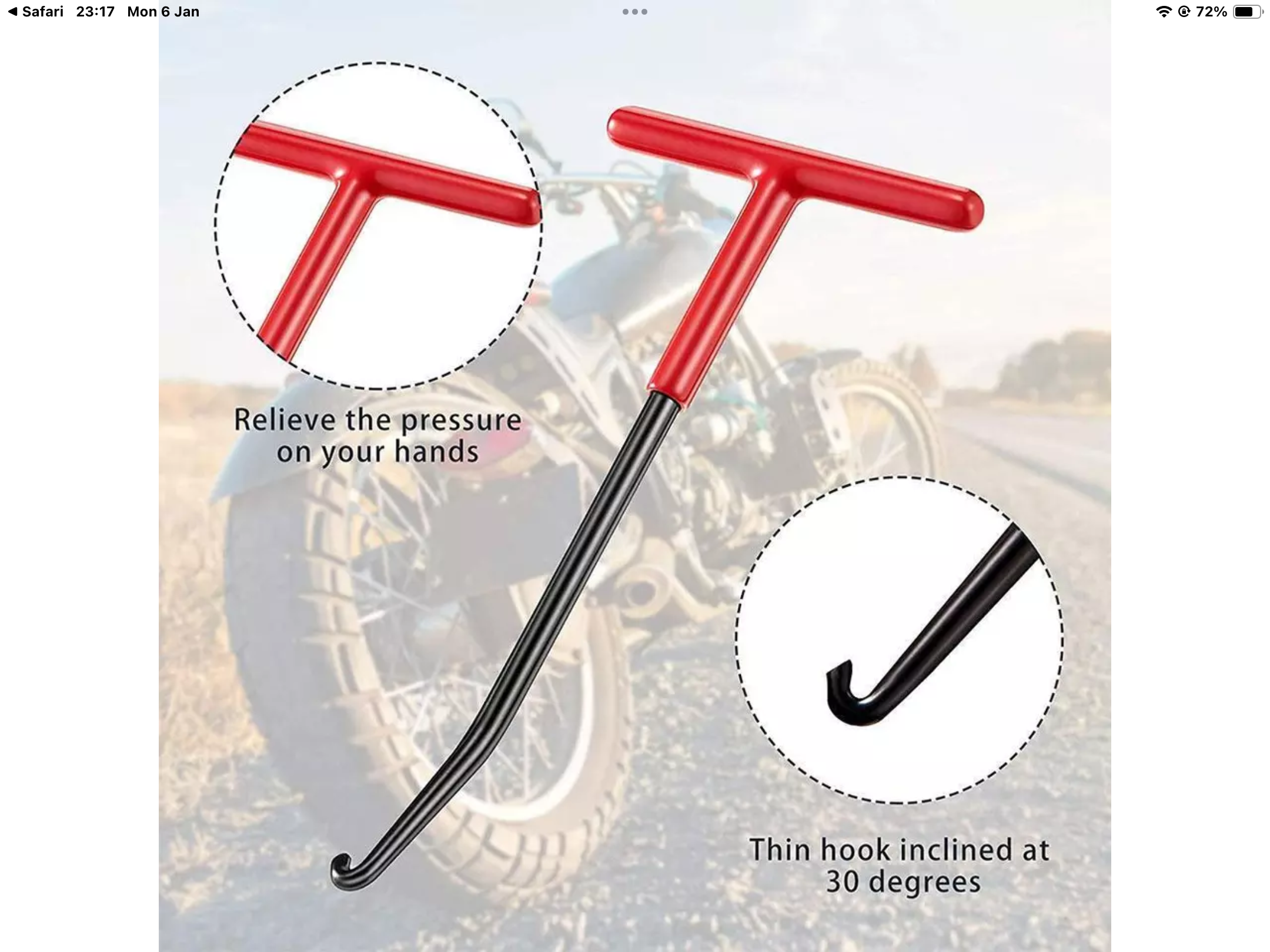
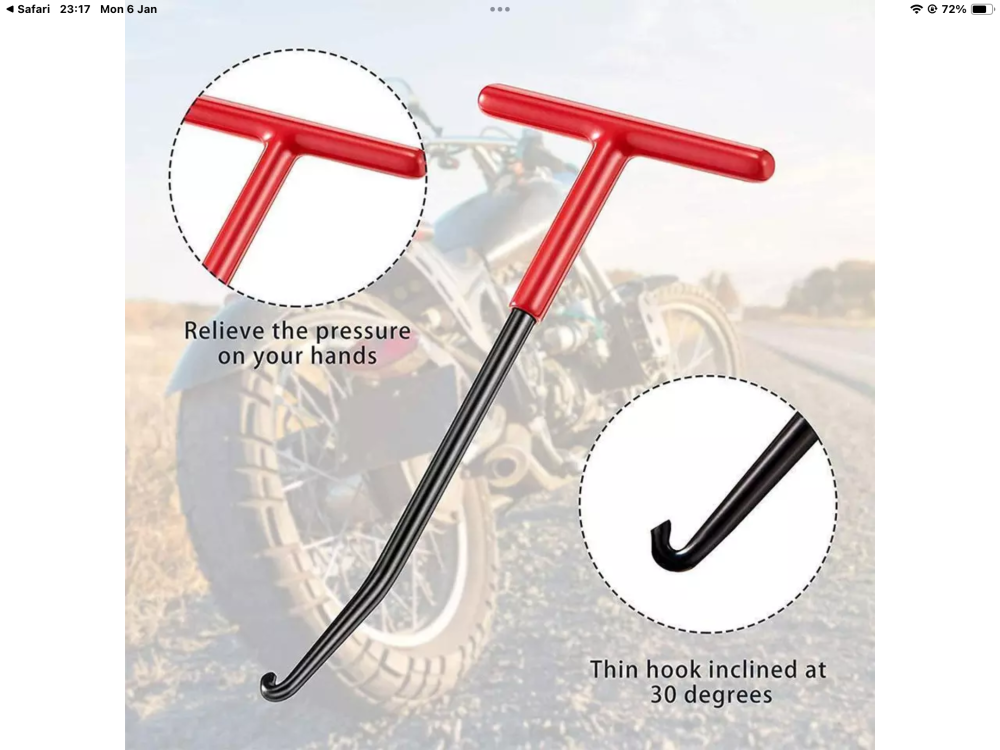
I used a motorcycle exhaust spring puller which I already had to remove them, purely because I didn’t like the look of them.
-
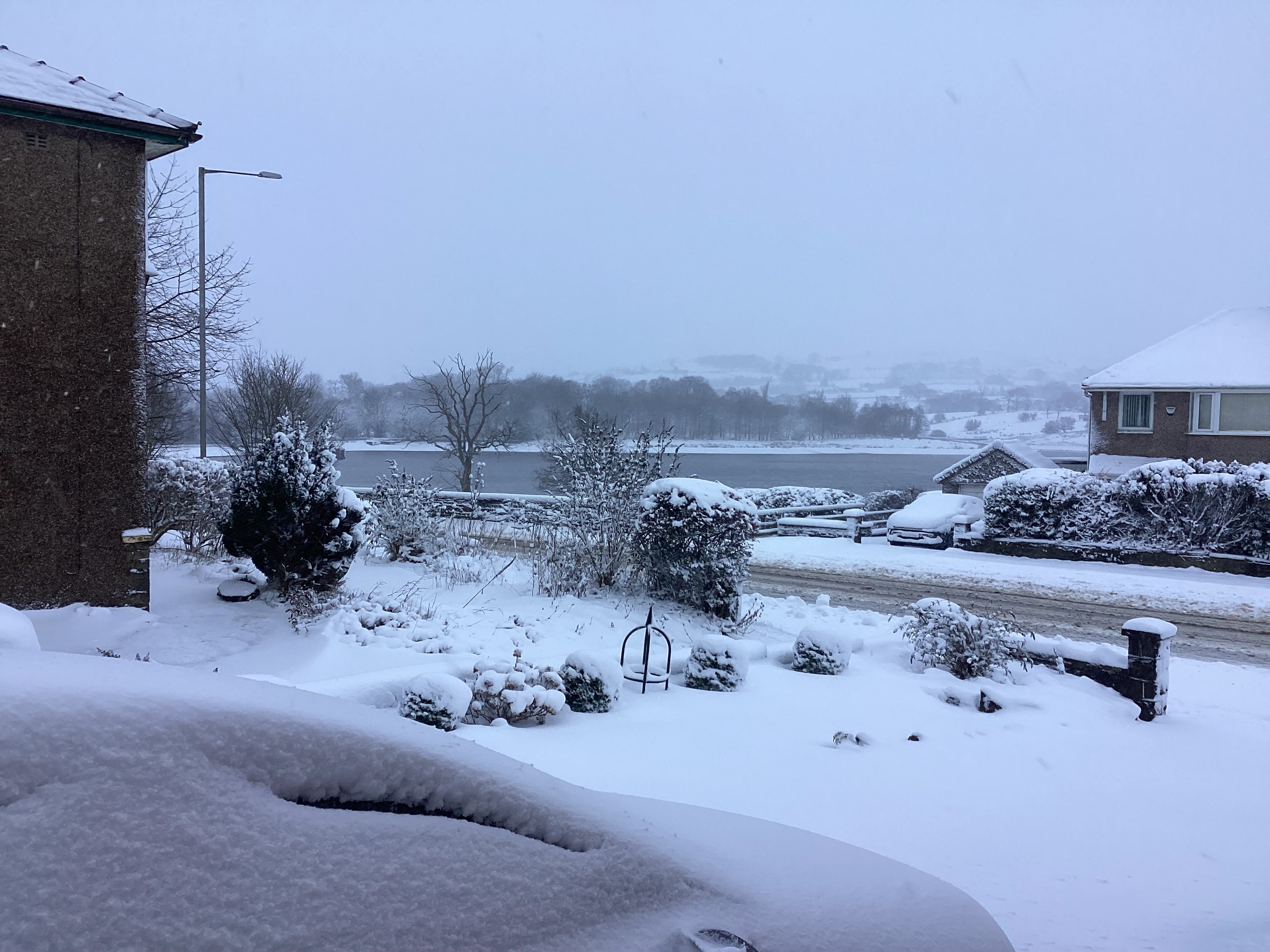
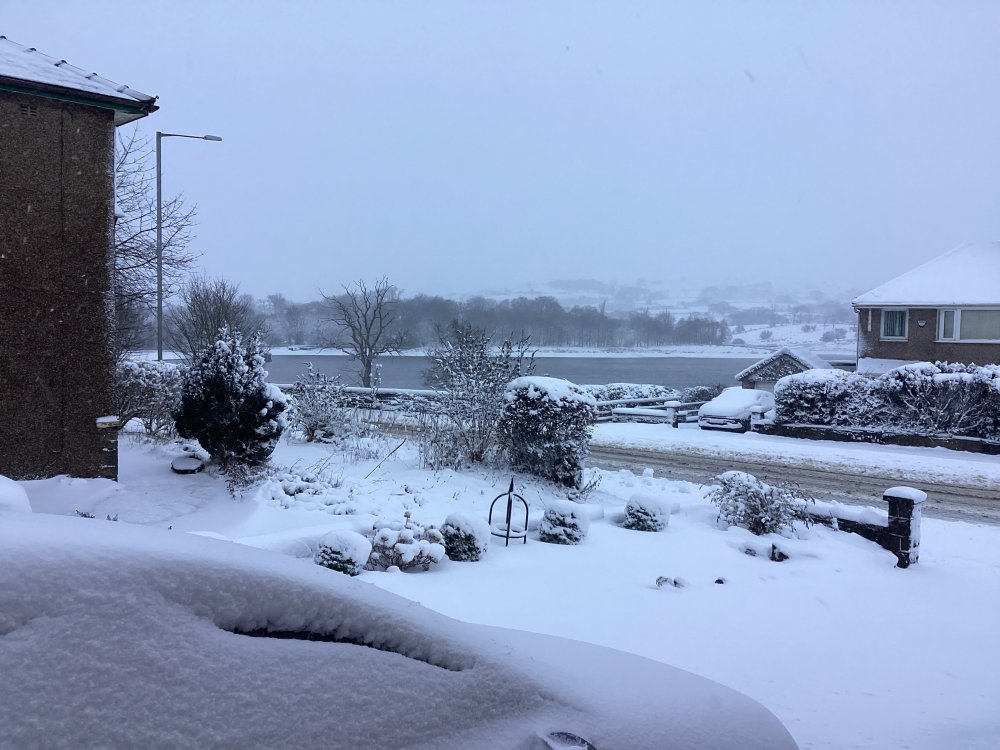
I was intending cleaning the wheels today, but the weather intervened😀😀
-
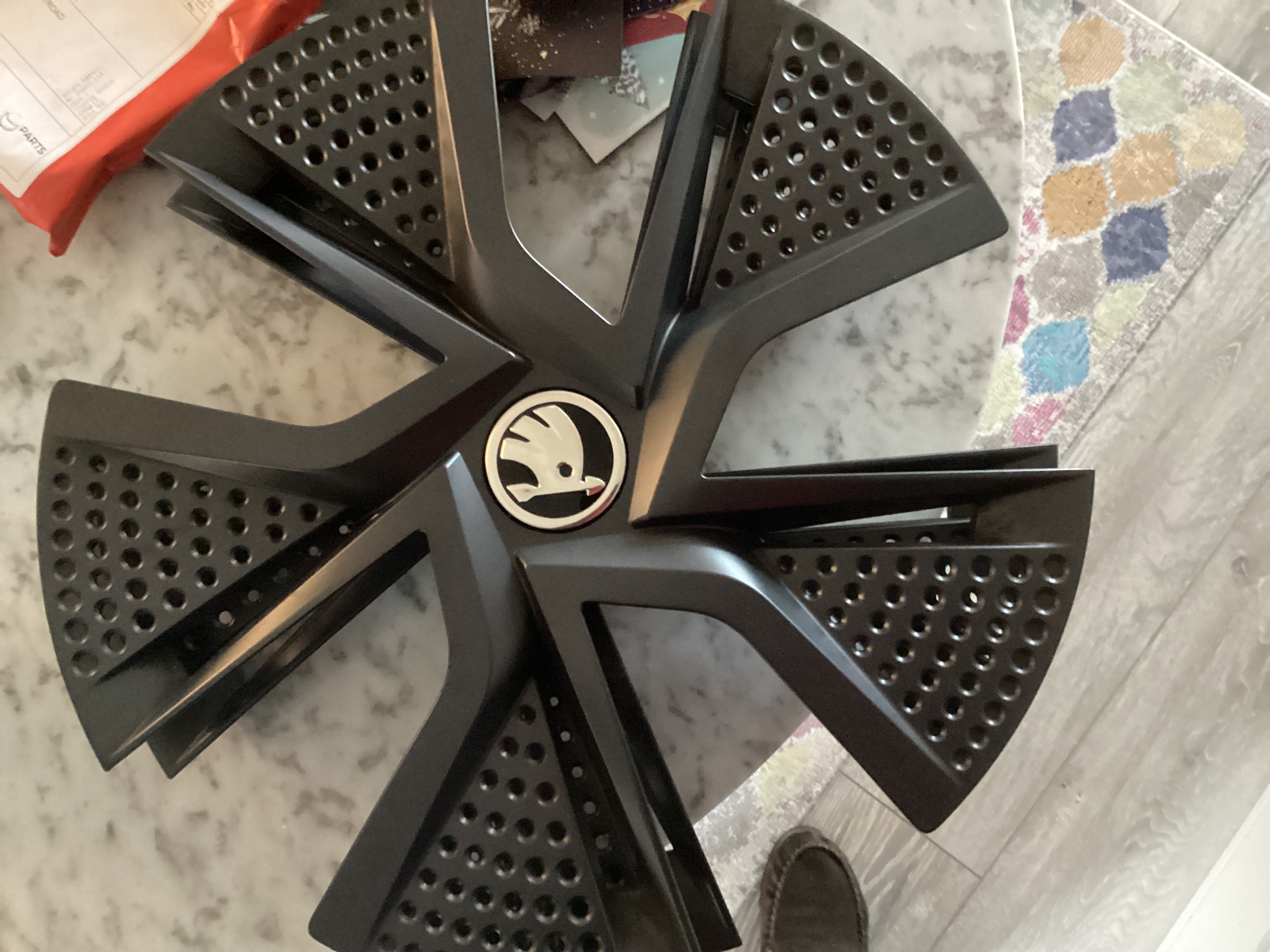
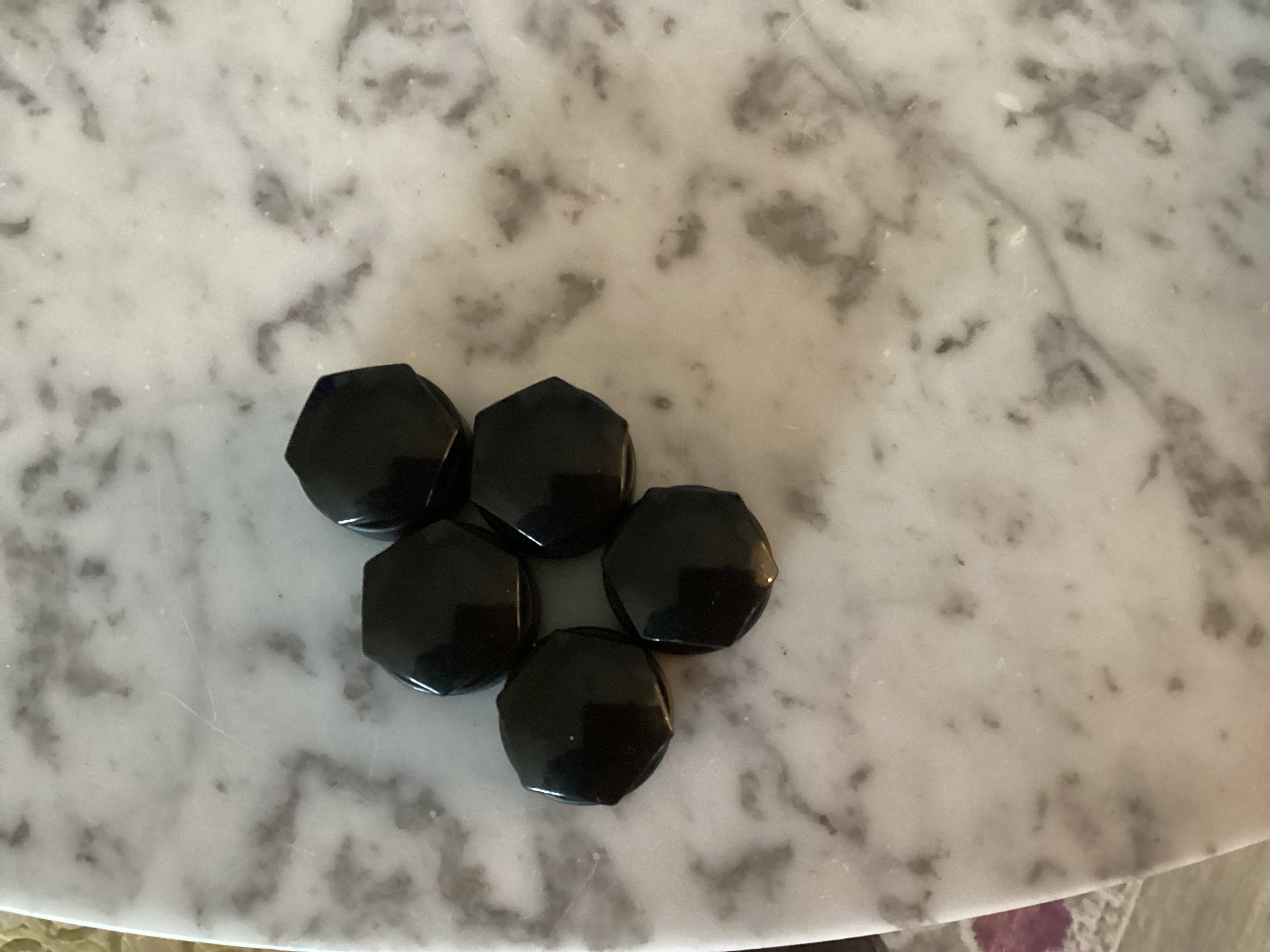
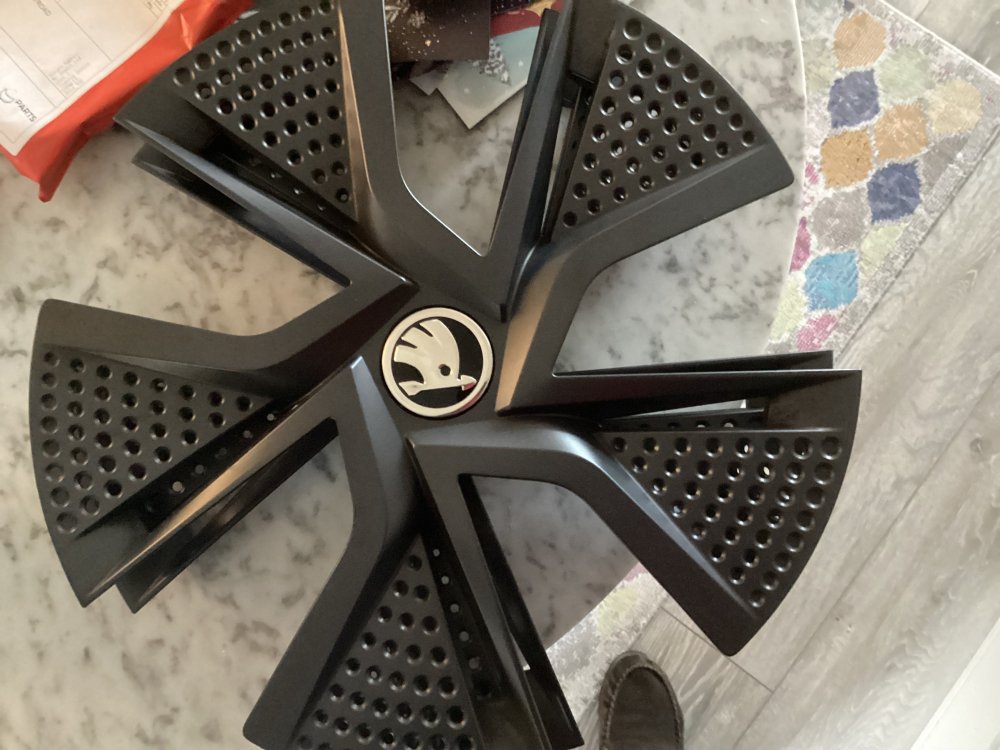
I decided the plastic wheel covers on the alloy wheels had to go, I didn’t want to be faffing with them if I had a puncture. i bought the wheel nut covers on eBay from a company called Parts Dealers, there was 16 nut covers & 4 locking bolt covers in the kit £13.99 i also bought the wheel centres on eBay from a seller called Roger.c 581 £7.98 but I wouldn’t use them again as delivery took 3 weeks, I’ll put the covers in the garage & they can go in the boot when I trade the car in in 2028. Not bad for £21.97 all in😀even after only 800 miles the alloys were covered in brake dust, another reason for removing the cover.
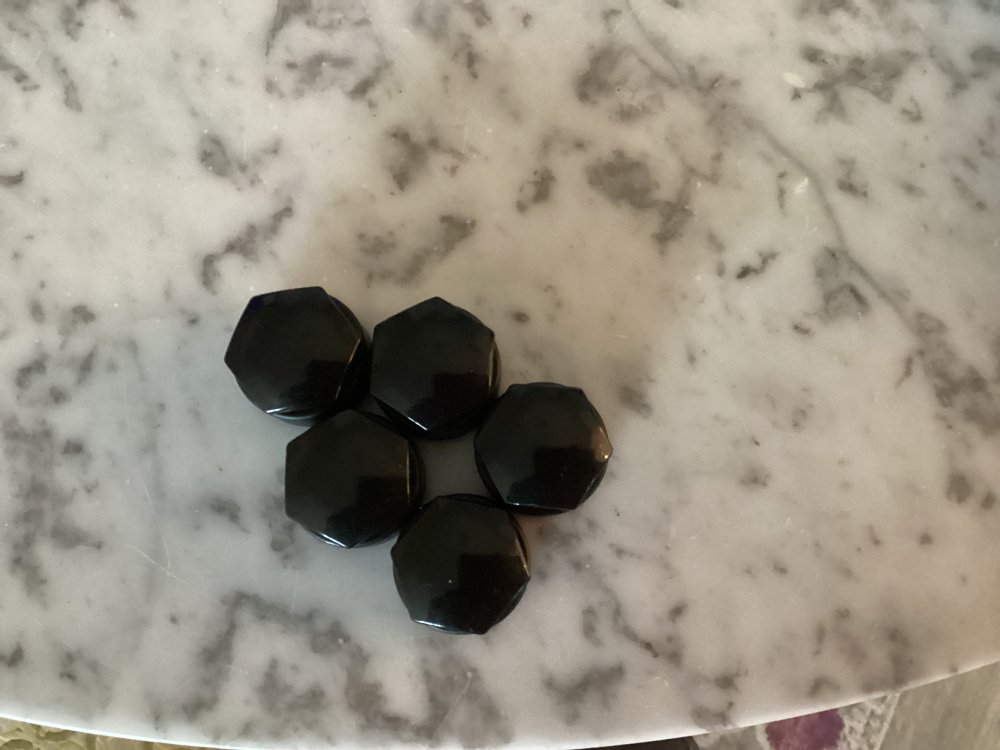
-
Ours was a factory order we picked up last week & it has the trims on, all that worries me is if you get a puncture it wouldn’t be an ideal time to be wrestling with wheel trims, using ebay ive managed to source the nut covers & wheel centres for around £30, so if I remove the trims it won’t cost too much but I’m old school & alloys & wheel trims don’t gel.
-
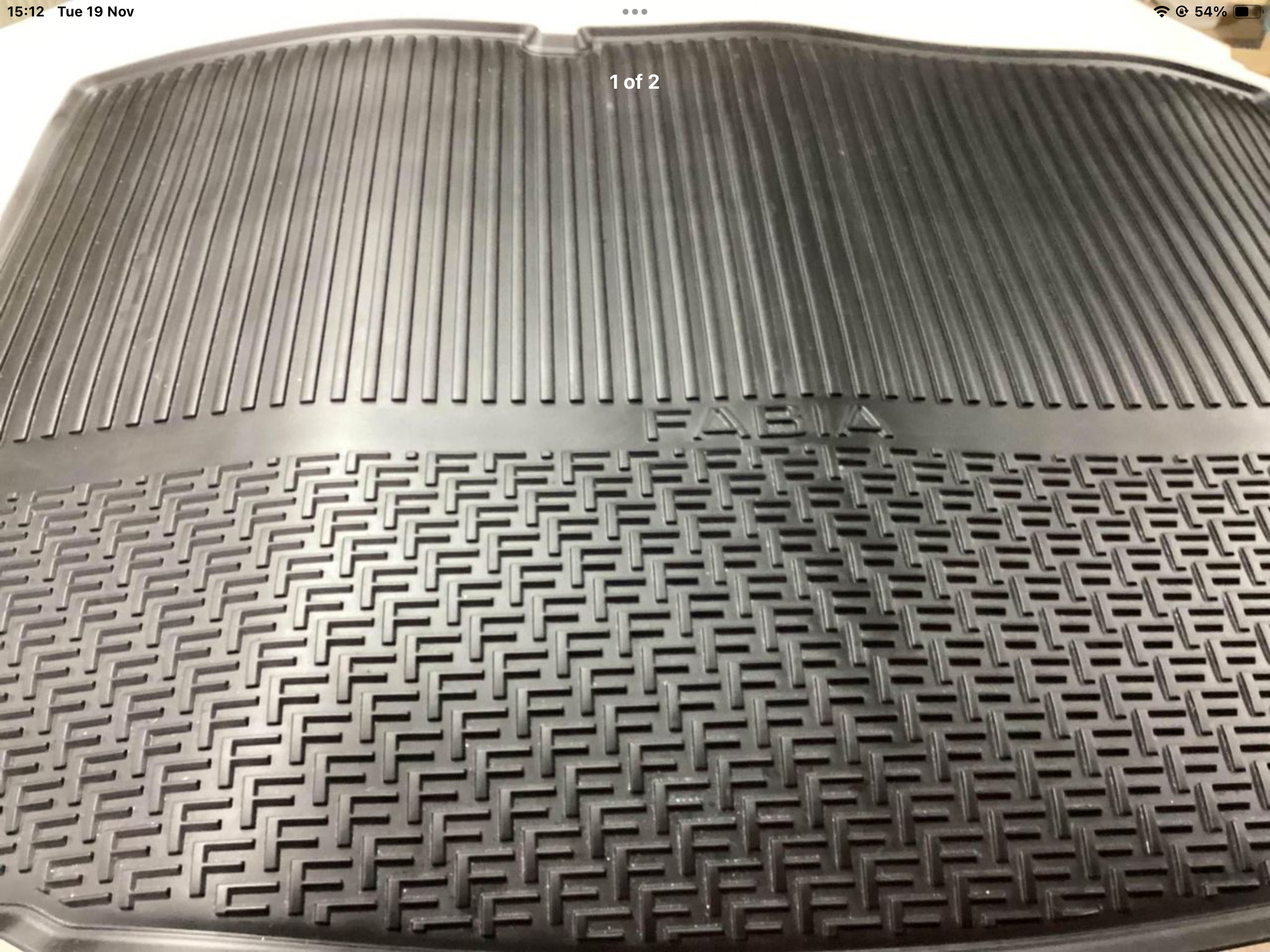
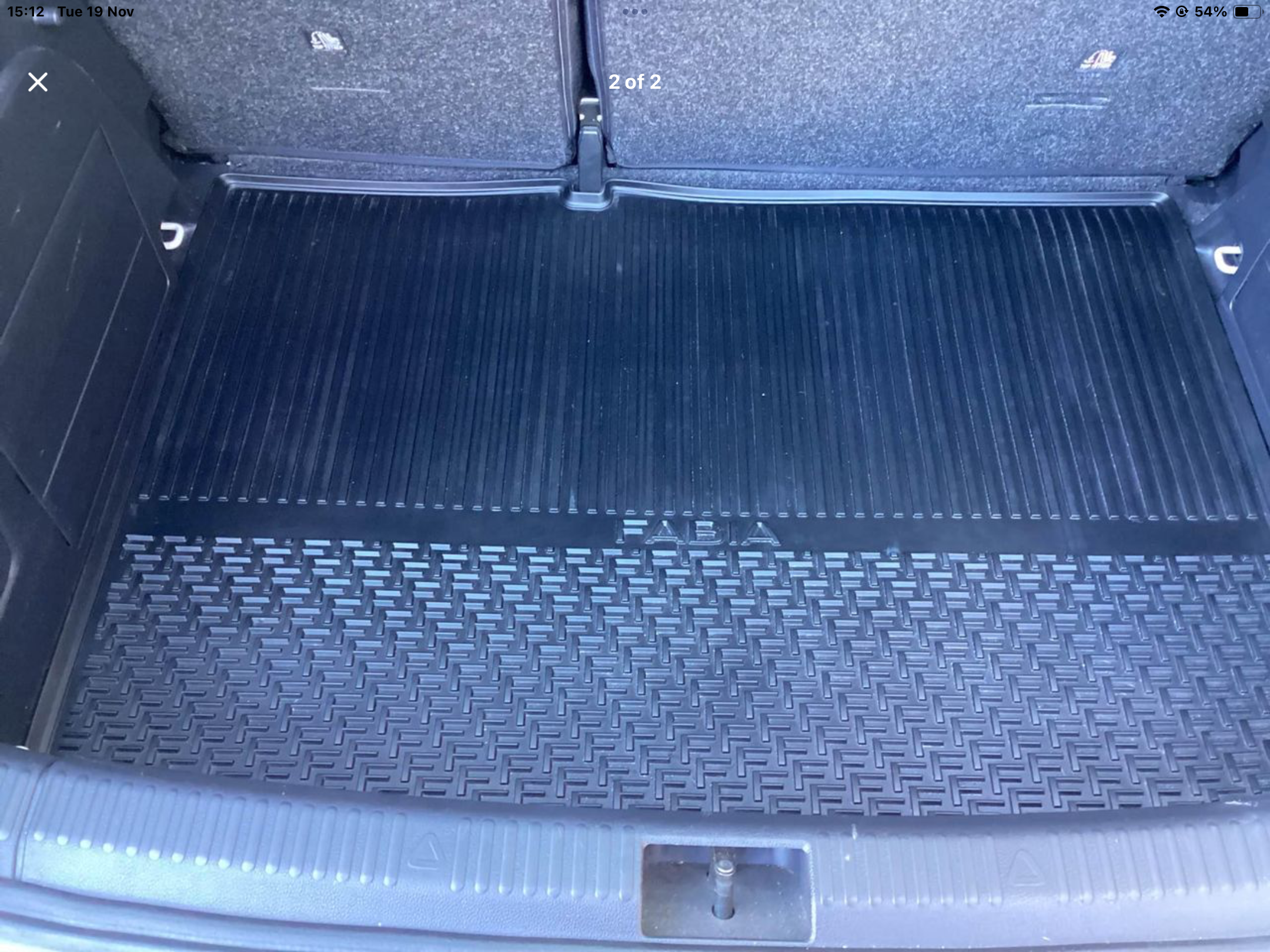
In excellent condition, never had anything spilt on it, removed from car when traded in £25 collected from East Lancs or posted at extra cost.
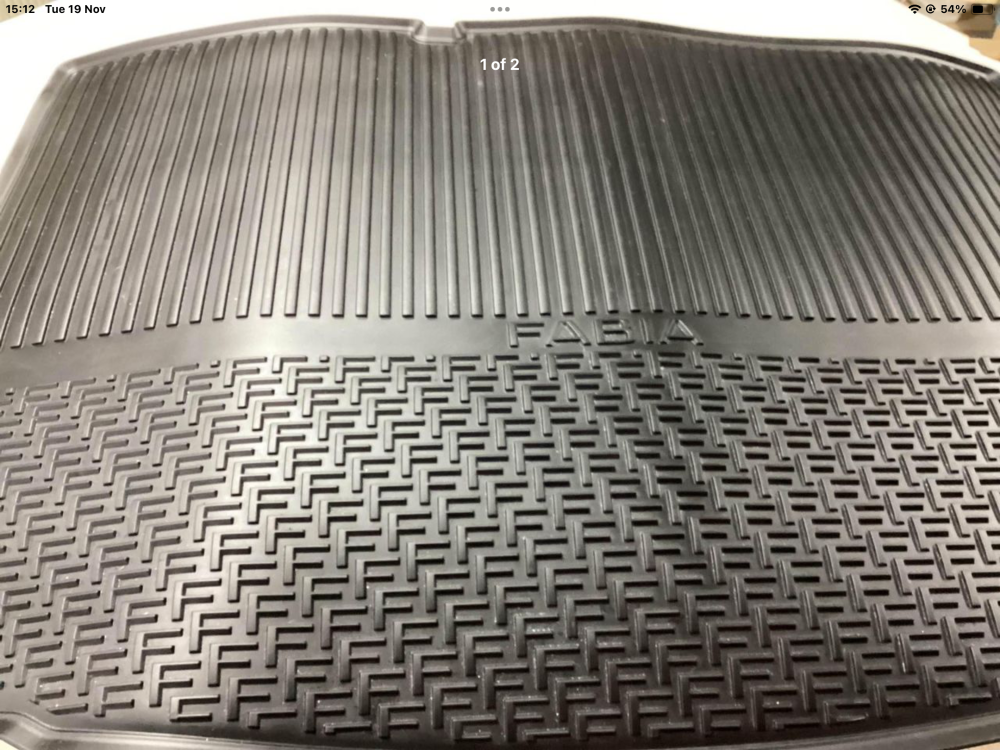
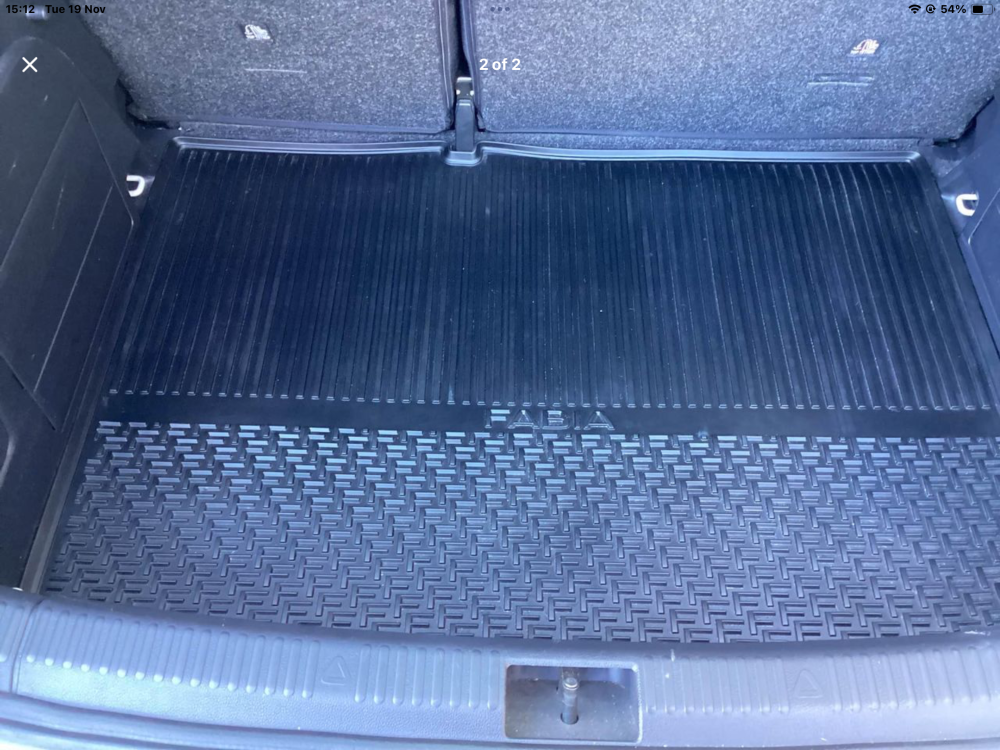
-
We’ve been for a run today & managed to sort a few things out, the sat nav announcements were like they was whispering, sorted that, also paired the mobiles with the car, I like to know it’s connected just in case, I suppose that as time goes on I’ll sort more things out, if not I’ll nip to the dealers & ask them😀😀 I have to say though I’m not a fan of KESSY so I might disable that permanently if it’s possible, & the jury is out on wether I can live with the wheels produced by Skodas “ugly wheel department” they’ve excelled themselves this time!!
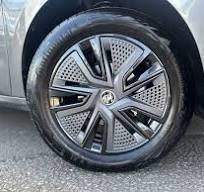
-
Collected a Mk 1V Colour Edition today, I’ve had a few Fabias over the years, but this one is very different, a bit to complicated for me, so I might have to ask for assistance on here fairly often I’m afraid😀
-
Hi, has anyone had trouble updating the sat nav SD card on a 21reg, as my laptop is on the blink I got the dealer to update it whilst it was in for a service, but when I put the SD card back in the unit it couldn’t read the card, the dealer has ordered a new card but, 2 weeks down the line & there’s no sign of the card arriving?
-
Now that our Citigo has been replaced by a Fabia I have surplus to requirements a Brodit clip phone/sat nav mount, it’s free but collection from Colne in east lancs would be best but I could post it.