Keypurr
Finding my way
-
Joined
-
Last visited
-
Hi my reversing sensors have stopped working and car says reversing option not there now, amy ideas
-
It stops randomly on cycle.doesnt.do complete wipe cycle.
-
Any ideas why my rear wiper motor is inconsistent and I had a Fabia which did dame even when I replaced motor Fabia was 61 octavia 63
-
what happens if it is a dodgy update
-
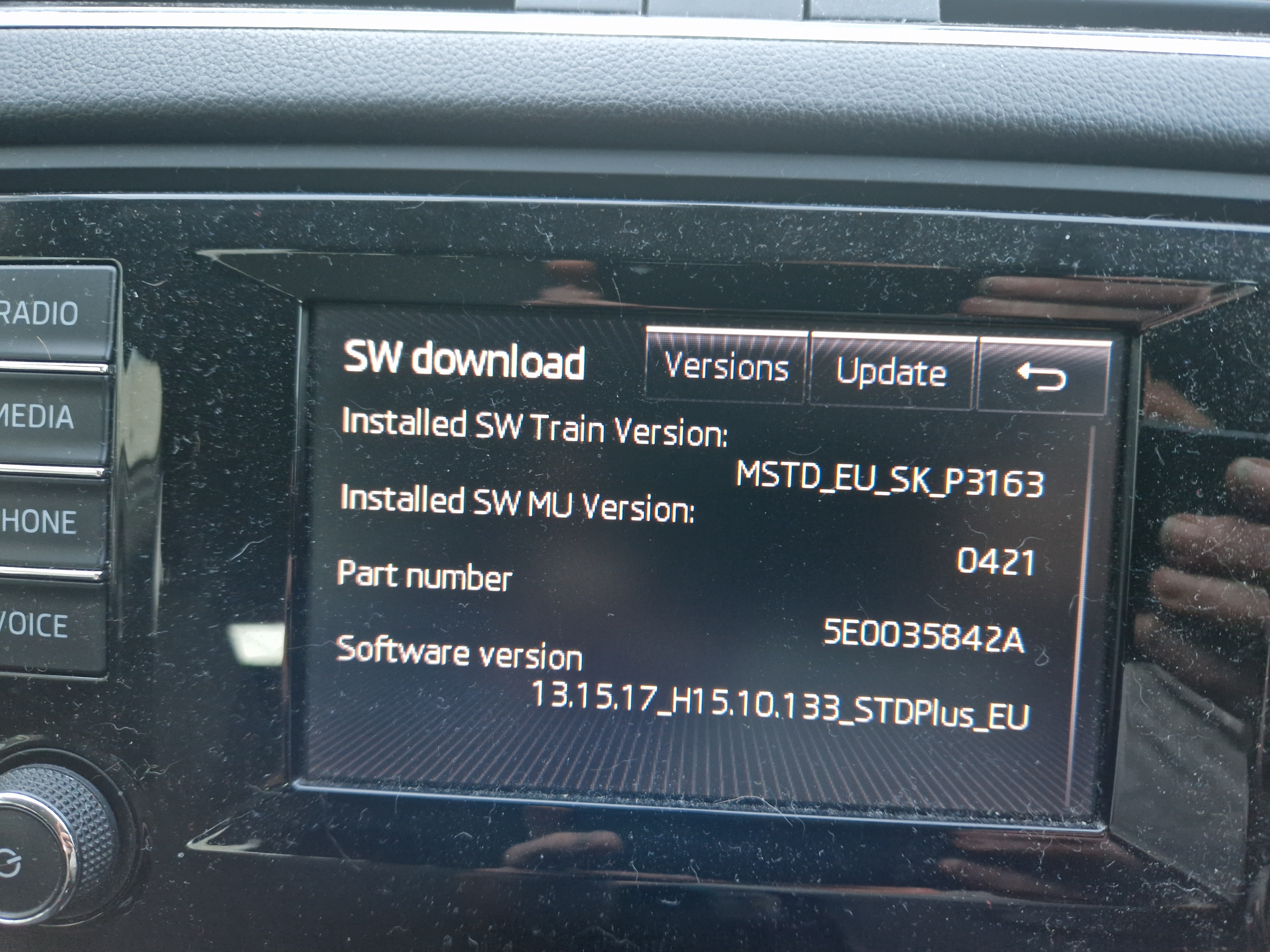
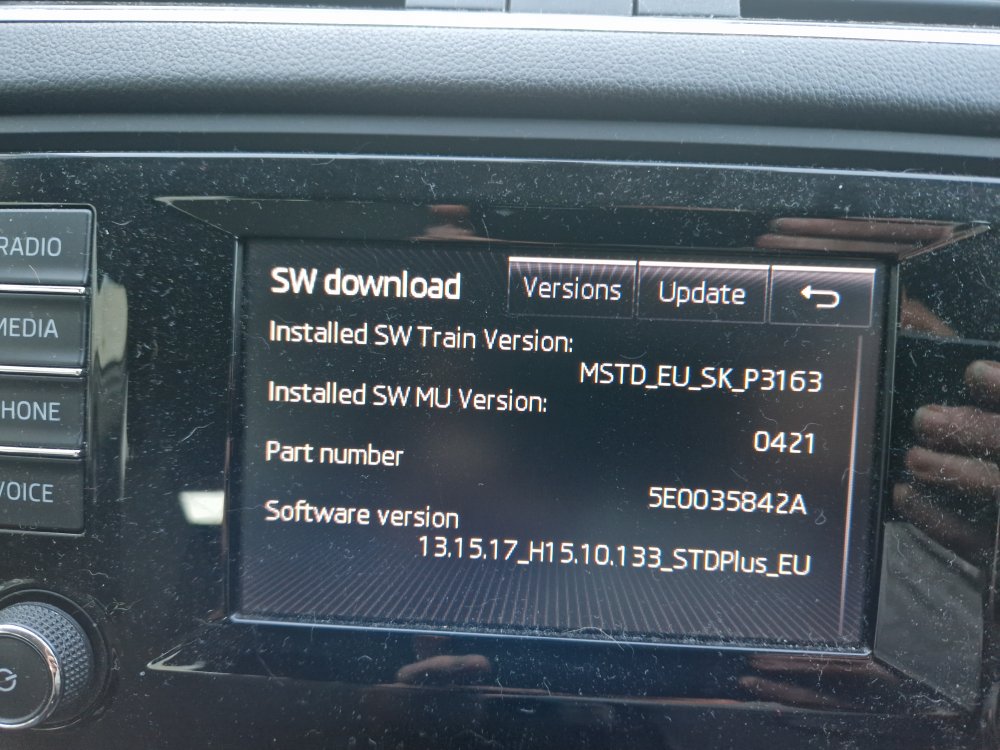
Here is software train pic
-
Hi my 2013 Octavia mk 111 has a problem with radio on infodisplay. If it's set to anything fm then it restarts the whole display after about 2 mins. Is it just an update problem or something else please.
-
How do u do that please.
-
I changed my battery and stop start still says error when start car. Is there any simple things I could check or is it a garage thing.
-
It's the explanation mark next to the cruise control symbol.
-
Anyone know why my orange warning symbol comes up on my Ictavia 2013 every now and again but if turn in/off it disappears. Battery is a little low 70% according to car.
-
Hi anyone know why my digital display with radio car phone etc... sometimes doesn't come on till I've been driving a while and if fm radio will switch off and reboot. Is it worth investing in a update.
-
Thank you
-
Hi my reg is 63 and 105 hp what model is this please as keep ordering wrong parts and getting expensive lol.
-
Hi my battery has been checked and is fine 80+ % is there any other simple fixes to try or is a sealer visit. T.I.A
-
Its just that my 61 plate Fabia had a exhaust on dash to tell when need to regen it, but cant see one on Octavia dash