AmanT
Finding my way
-
Joined
-
Last visited
-
Hey all. I am looking at ditching my faithful mark 2 elegance 190 4x4.. 290 k now and it's getting creaky .... Looking at a 2018 L&k diesel 190 4x4 and wondering about things I need to be aware of / watch. What are the common issues, what’s worth checking, and what’s worth doing as a keeper. What about adblue delete? Has anyone had issues with Adblu deletes, is EGR worth mapping out and blanking? Dpf delete, thoughts? etc Thanks all. Just want the low down on what I need to do to get that diesel engine to be reliable ..not throwing up faults during to add on systems.... Thanks so much
-
I am looking for a.copy if 5238 if anyone has one available? All sites I have tried are dodgy!!!! Thanks
-
UPDATE Despite having been replaced 60k miles previously I replaced the timing belt. I wanted it checked and to do so is most of the way to changing it anyway....it was half a tooth out ..it appears this may have resolved the issue...good luck bdk.
-
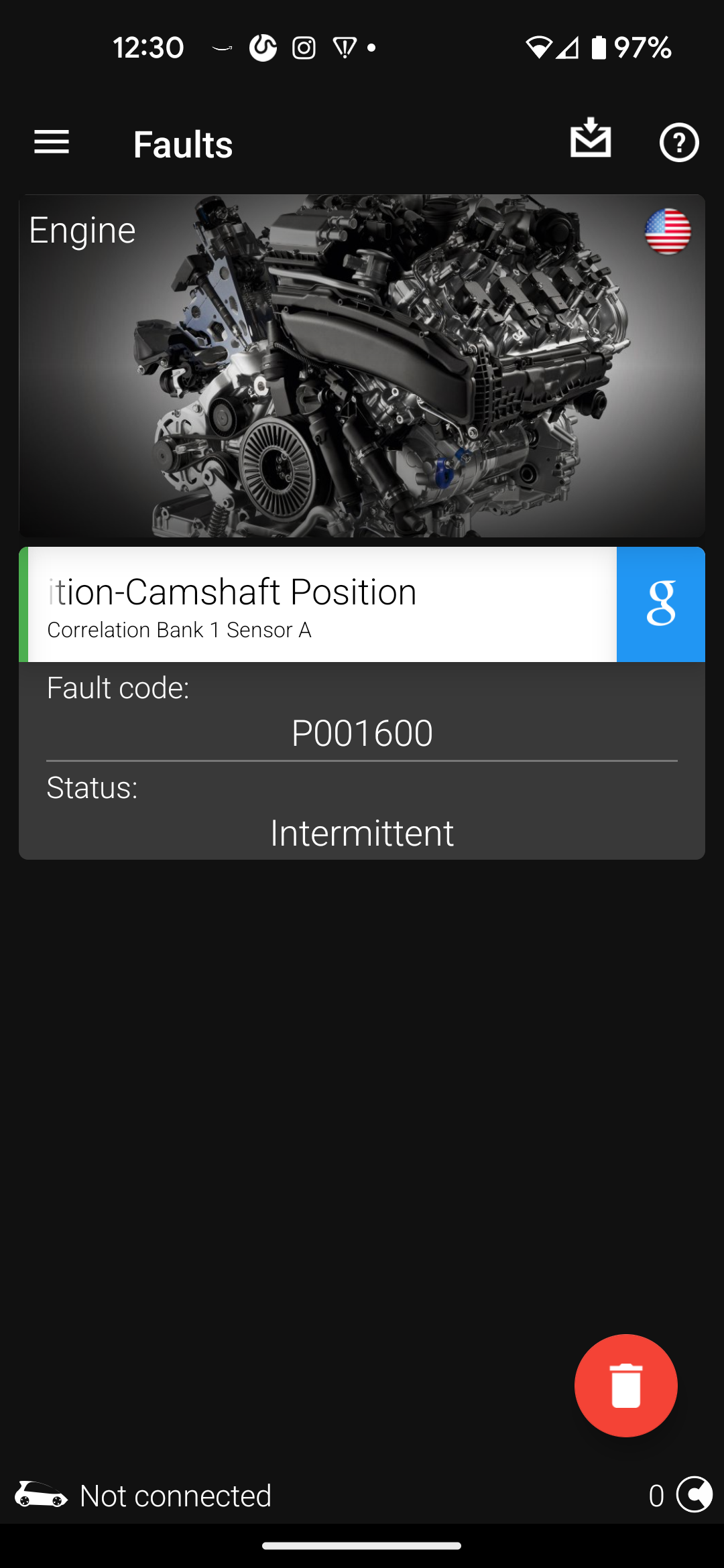
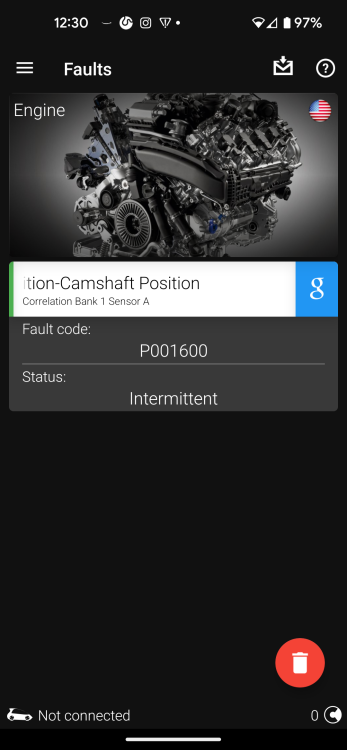
I have a problem with my superb 170 hp 4x4. Car starts fine. Sometimes when after having driven a while I try to restart it turns over and dies, I get the coil light and engine warning symbol. oB11 scan showed P001600 intermittent camshaft position correlation bank 1 sensor A. Still happening after replacing sensor. Anyone got any thoughts or next steps?
-
@langers2k thanks, will VCDS confirm which of these issues is responsible?
-
Thanks @varooom for your help. Car is 2010 superb 2
-
Hi all, looking for someone with VCDS closeby. I am visiting family and my superb has come.up with a light bend fault I understand @micloi may be closeby to Warwick / Leamington?
-
I have a 2010 superb with Columbus. Anyone know where I can get up to date disk / nav and software for it other than the dealer.?