Deceased
Finding my way
-
Joined
-
Last visited
-
@pab567Hi, any joy on spare NAD module?
-
@pab567Cheers, that would be appreciated. Colin
-
@pab567Have you got a source for broken units? few and far between on ebay. Would the module be present in other skoda models units eg octavia etc?
-
What part within the unit am I looking for? Got a part number?
-
@pab567Where would i get a replacement module? rough cost? Any help appreciated.
-
@pab567 is the module replaceable. Can solder if required.
-
@varooom@pab567Failed flashing the LTE section. Guess its broken after all.
-
@varooomIf you have it I would use it in preference to the web one.
-
@varooomCan you advise where I would get said update? Found it on mibsolution.one - is this a reliable source?
-
@varooom@pab567 Software Train is MHI2_ER_SKG13_K4524
-
@varooomAny idea where i would get a full firmware to try flashing it with? only updates i can get are maps and radio stations
-
@pab567I'm in Kilmarnock, Scotland In setup wizard on unit, when trying to connect phone, the Bluetooth shows on my phone and pairs using passkey but doesnt then show the green tick in the wizard so i think bluetooth module partially working
-
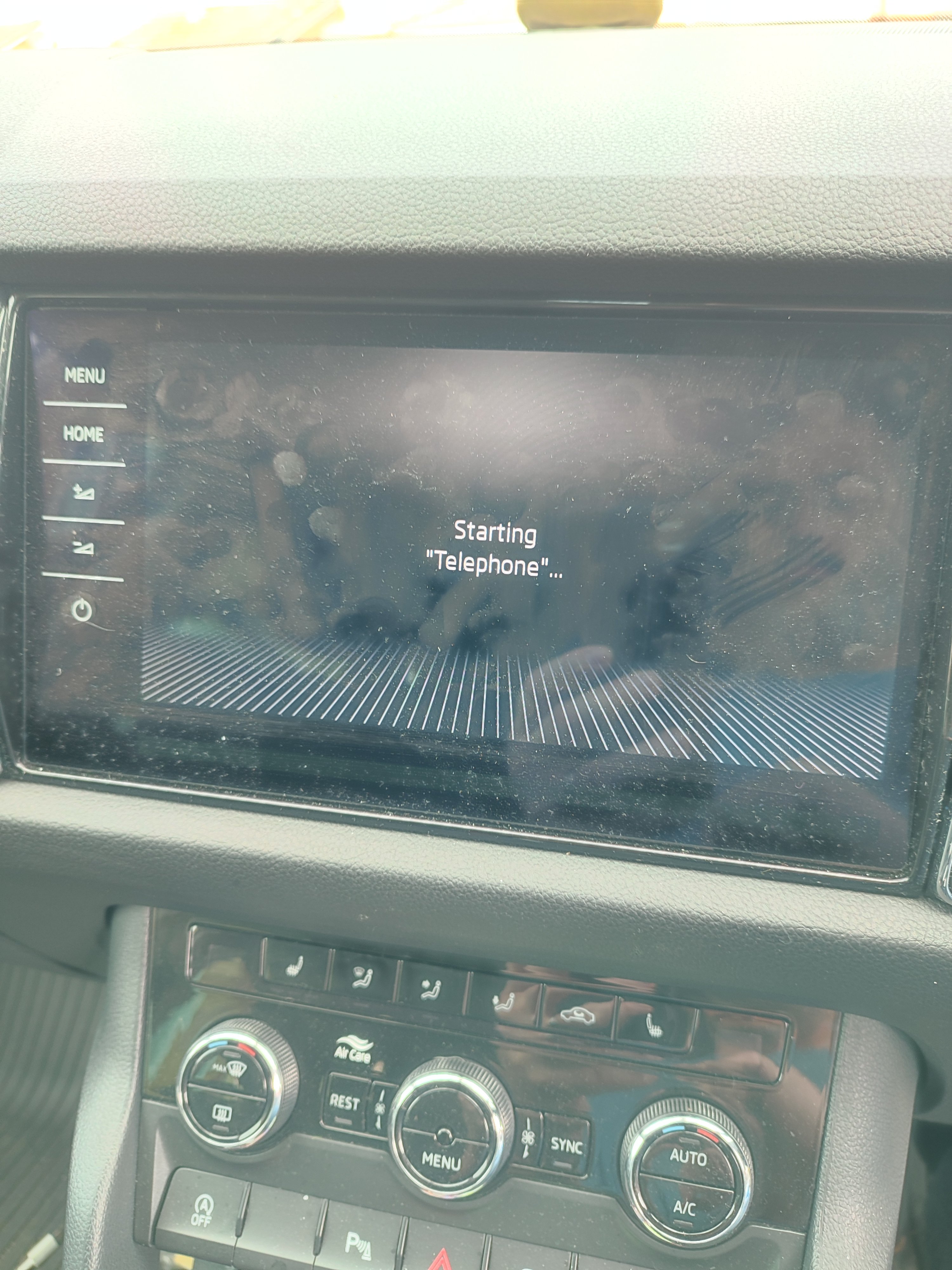
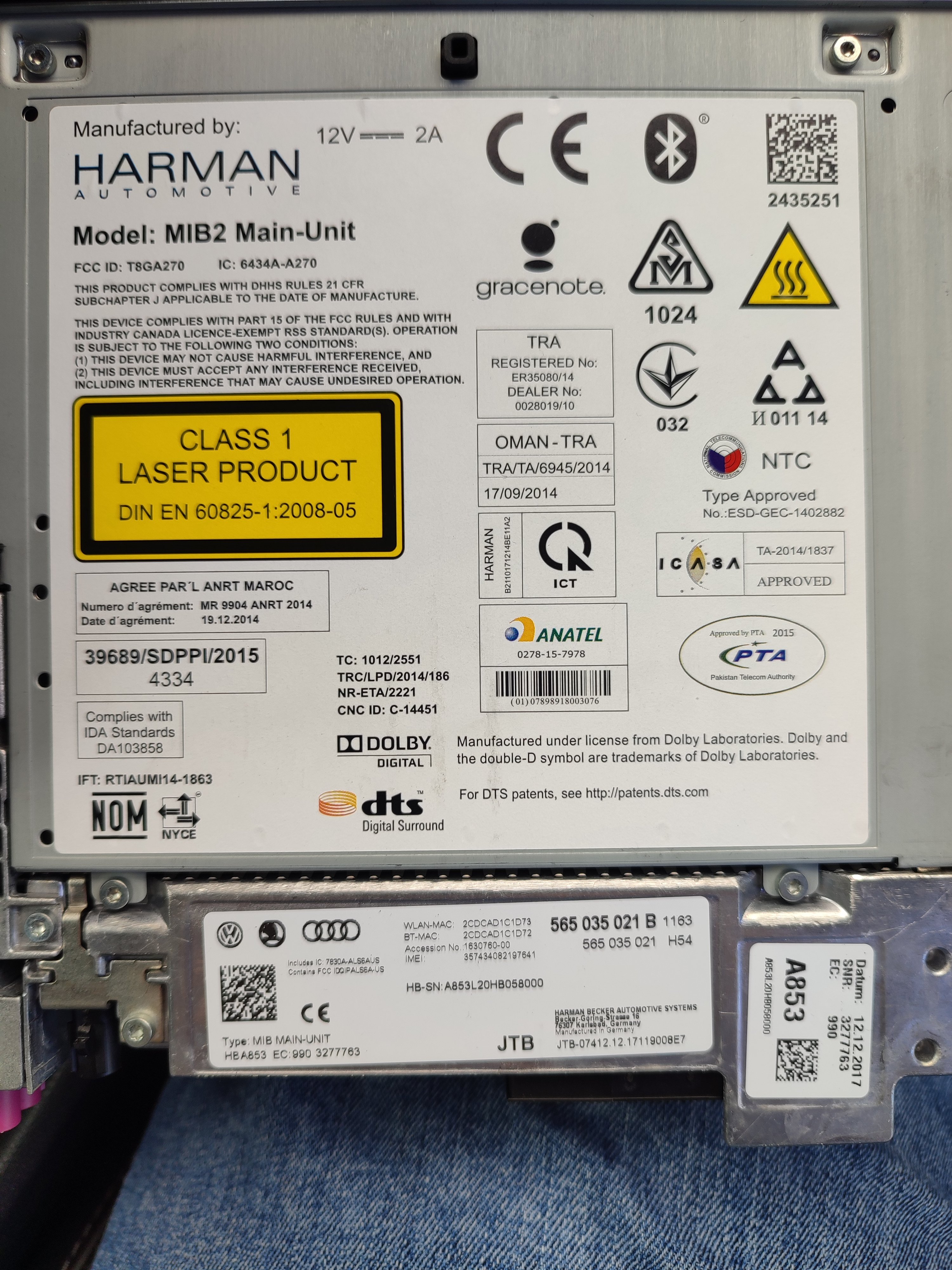
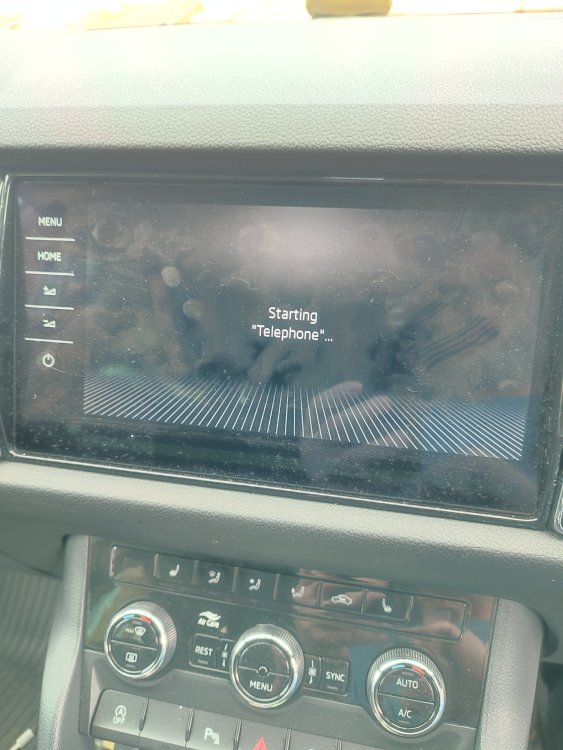
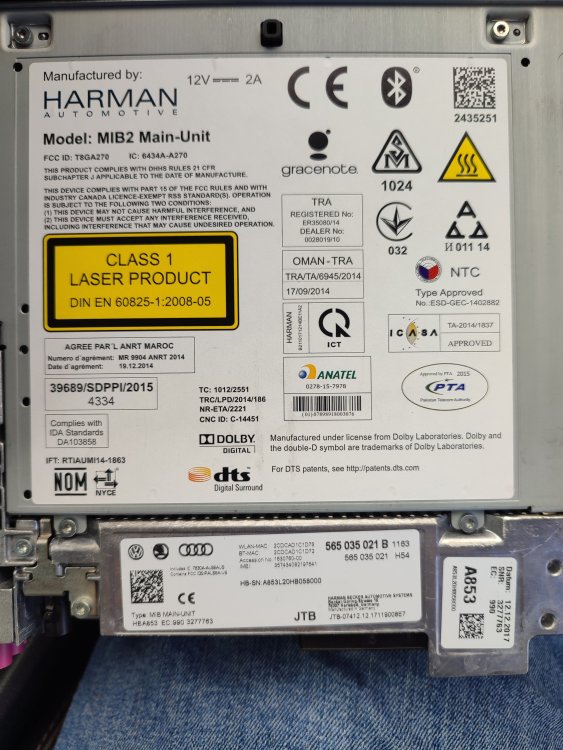
@Yogi-Bear The issue is that when you select telephone, it just sticks at the screen "starting telephone" and doesn't go any further. Pic attached @pab567Images of unit
-
Thanks for your thoughts. No warranty hence the dealer wanting £3000 to replace the unit. I'll check around for someone local to the Glasgow/Kilmarnock area. Regards Colin
-
Hi, Can anyone detail what is involved in replacing my broken infotainment control unit with one taken from a scrapped kodiaq? Is the pairing only able to be done by a dealer or can other garages do it? Will the replacement unit detect my car options automatically if it can be paired? Should I replace the display from the scrapped car also to keep the units together? Regards Colin