SimonCambridge
Members
-
Joined
-
Last visited
Everything posted by SimonCambridge
-
Hmmm, that kind of puts me off the job if drilling out is necessary ☹️
-
You just went in through the speaker covers then, didn’t remove any surrounding trim?
-
-
DaveCitigo, how easy was it to get to the speakers and remove the old ones? You say they’re riveted in?
-
From what you describe, I had this issue on a brand new 2020 Scala. It’s apparently caused by the infotainment system trying to connect the automatic emergency alert system to G4/G5 internet. It only happened to me in certain areas of the country where the coverage is a bit patchy. It happened to me particularly round the South East, Whitstable etc. It’s a well known issue and Skoda Cambridge knew all about it and sorted it under warranty since when I’ve had no problems at all.
-
4khz is an extremely high frequency, I wouldn’t expect this to be handled by the woofer? Many people above 40 probably can’t even hear that high!
-
Okay, thanks for the advice. I;ll have a look at the manual when I get a mo. Cheers
-
How easy is it to get to them?
-
Bolero!
-
Standard Scala SE system, can’t remember the name off the top of my head.
-
👍 ok cheers
-
Yes all noted, thanks. In terms of bang for your buck, any recommendations on specific gear I should consider? I’m thinking of spending around £500 say? Wasn’t really considering a sub as I’m not into massive bass, just want a bit more crispness and clarity. Last time I did an upgrade on audio it was on an MX5 about a hundred years ago so to say I’m out of touch would be a massive understatement, so all suggestions extremely welcome.
-
Presume this works with an automatic in exactly the same way? ie no different wiring required etc?
-
Ah OK, thanks!
-
Sorry, late to the thread, but where does the actual camera go, it’s not clear from the pics? Thanks
-
The current basic system is fine but not brilliant. Anyone upgraded to a new speaker/amp combo? Or even just speakers?
-
Ok, thanks for all the help. I’ll look at the pm. Cheers
-
So you just stick it on a usb c and follow the Italian video? How long does it take? when I update software on my Mac I always backup the current version first. Is there a way to do this?
-
How easy is it to instal? I looked at the italian video but obviously it didn't show the usb side of things? What happens if it doesn't work? Will it simply not load? Obviously I share CJJE's misgivings about the operation!
-
So that one you quote is definitely an update but they may be later ones? How can we tell? Is there any more data I can get off the system?
-
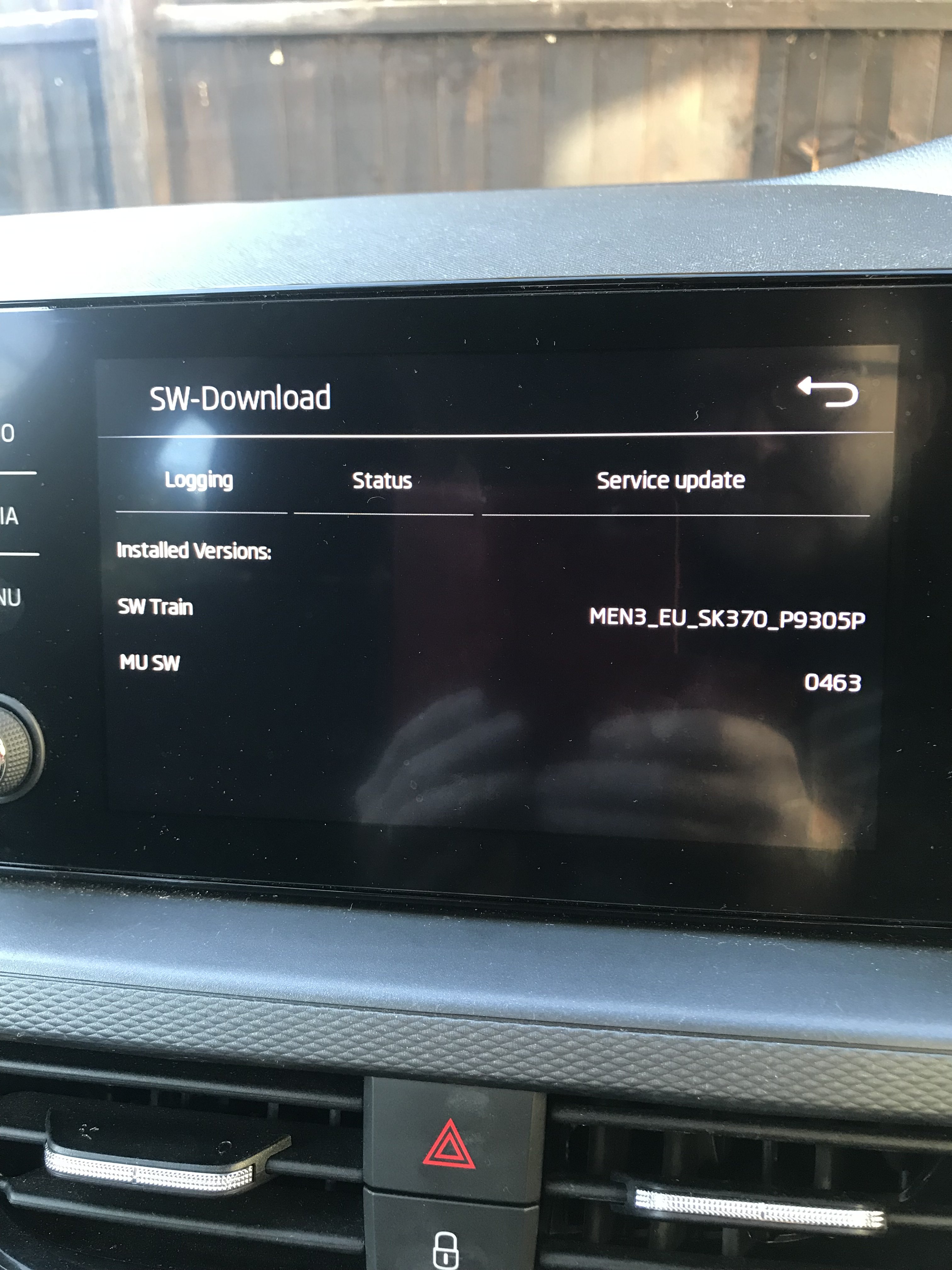
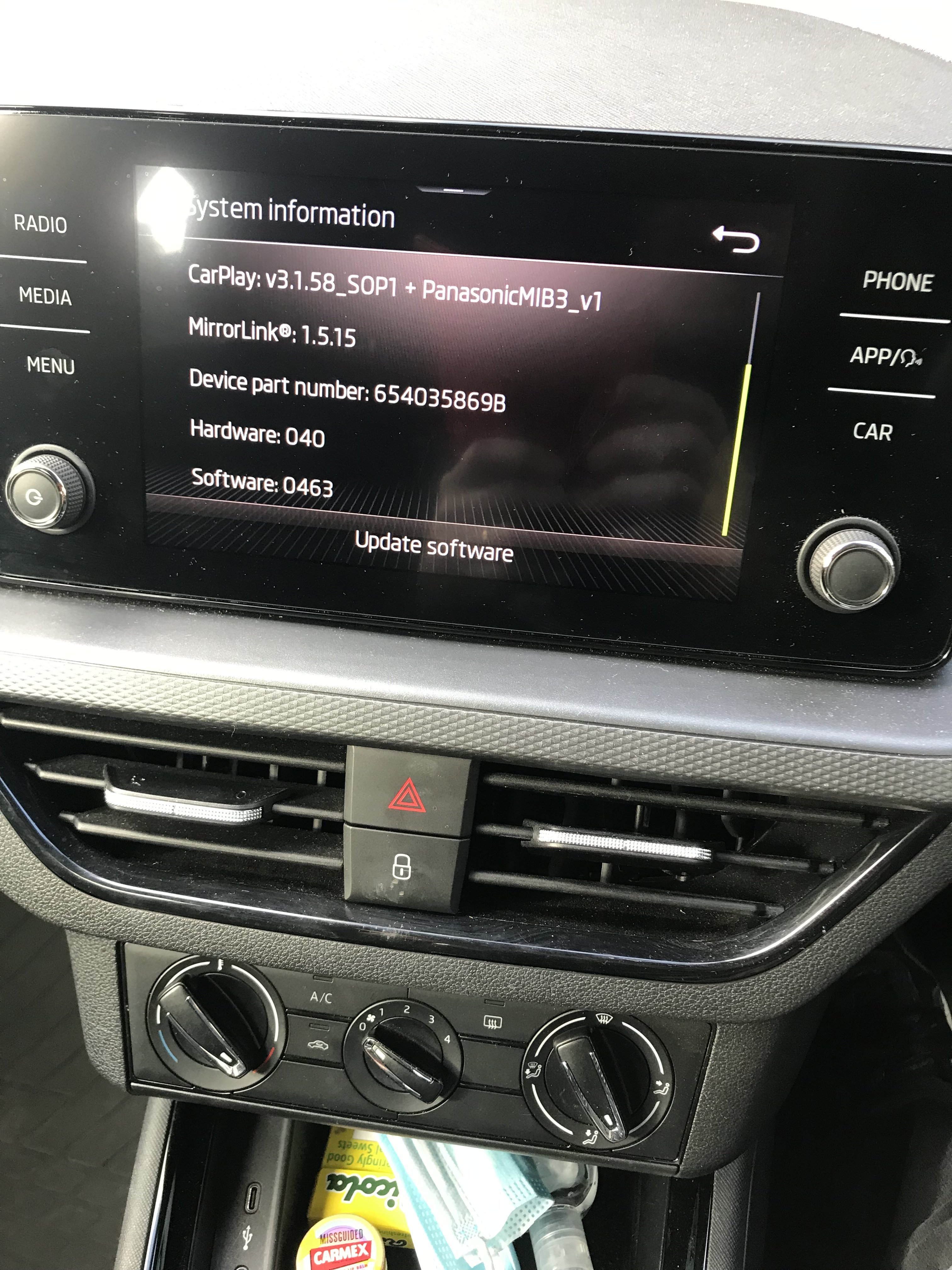
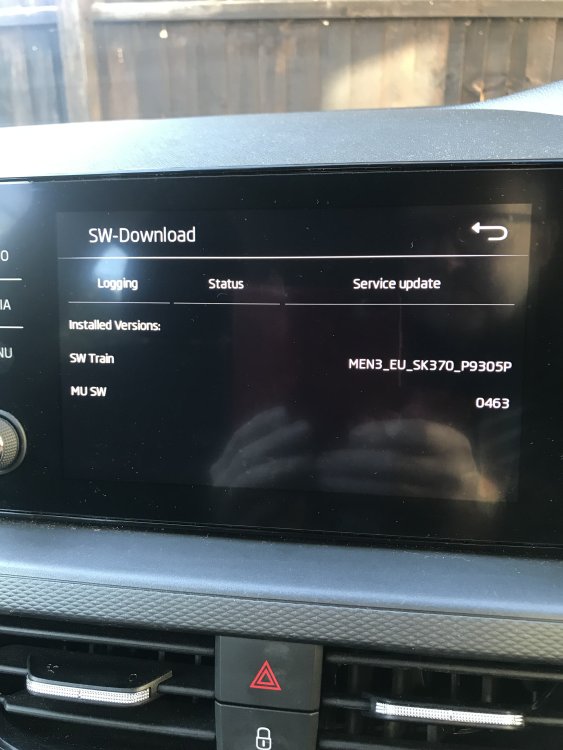
I get this, same software number? If that’s what mu sw is?
-
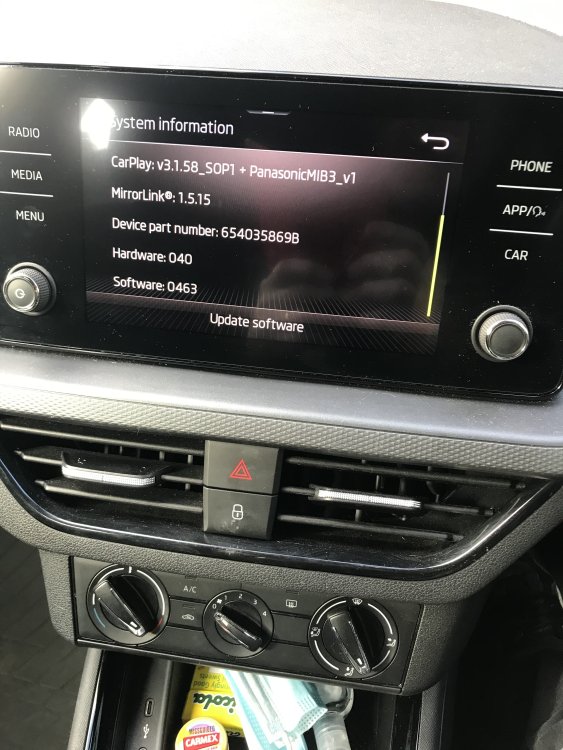
So this is what I get on the screen….how do I find out if this is updatable? And where do I find the update? Thanks everyone
-
Is the infotainment software something you can update yourself from the USB ports or something?
-
Well it was within warranty when the fault occurred again so they've said they will do it under the warranty. How do you know what software version your car is on?
-
I have a three year old Scala. Last spring the SOS call feature failed and my entire infotainment system went dead for a day or two alongside the SOS call button turning red and the warning message telling me the SOS system had failed etc. I was on holiday down near Whitstable in Kent. On the way back everything suddenly went back to normal. Didn't happen again until last week, this time at home. The whole lot was out for a week and then, after I'd booked it into Skoda to sort out, it all came back again for no apparent reason. I know this is a common fault but has anything really happened at Skoda/VAG to fix this with a software tweak or anything? The car is booked in at the end of the month but if the fault is not present at the time I take it in, will they shrug their shoulders or is there a known remedy that will stop this happening again? Thanks for any help or advice, Cheers