batemansxxxb
Members
-
Joined
-
Last visited
Everything posted by batemansxxxb
-
I often get the pop up message saying to update the software,this generally happens around 10 mins into the journey,but nothing seems to happen,I don’t get completed messages & the nav system is still in the original,I tried updating the nav with a usb stick, but it doesn’t seem to work, my car is a 20 plate Karoq 1.5 tsi sportline & has the Columbus mib3 system
-
I think that’s what I did, gonna try the over the air update next longer run
-
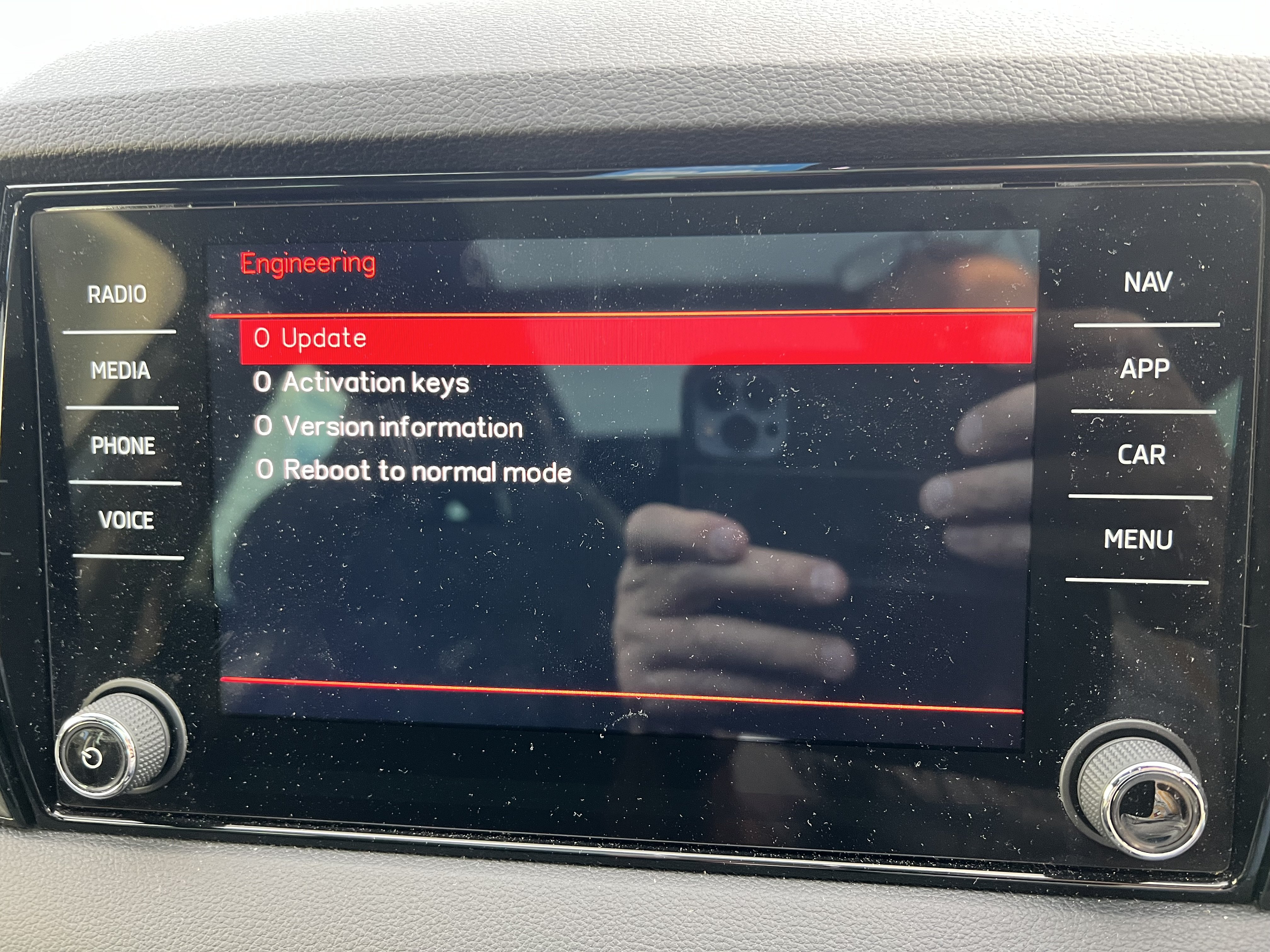
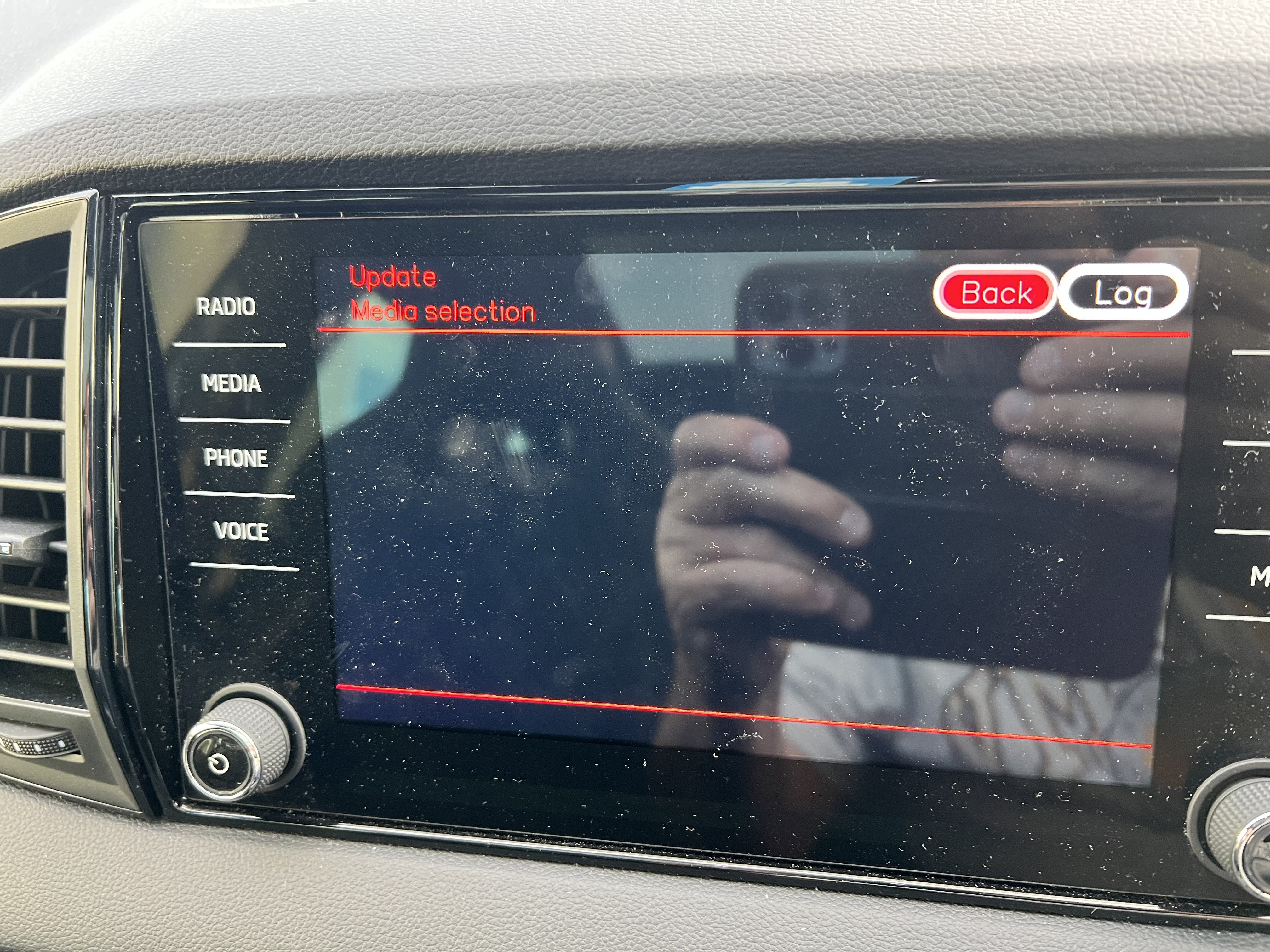
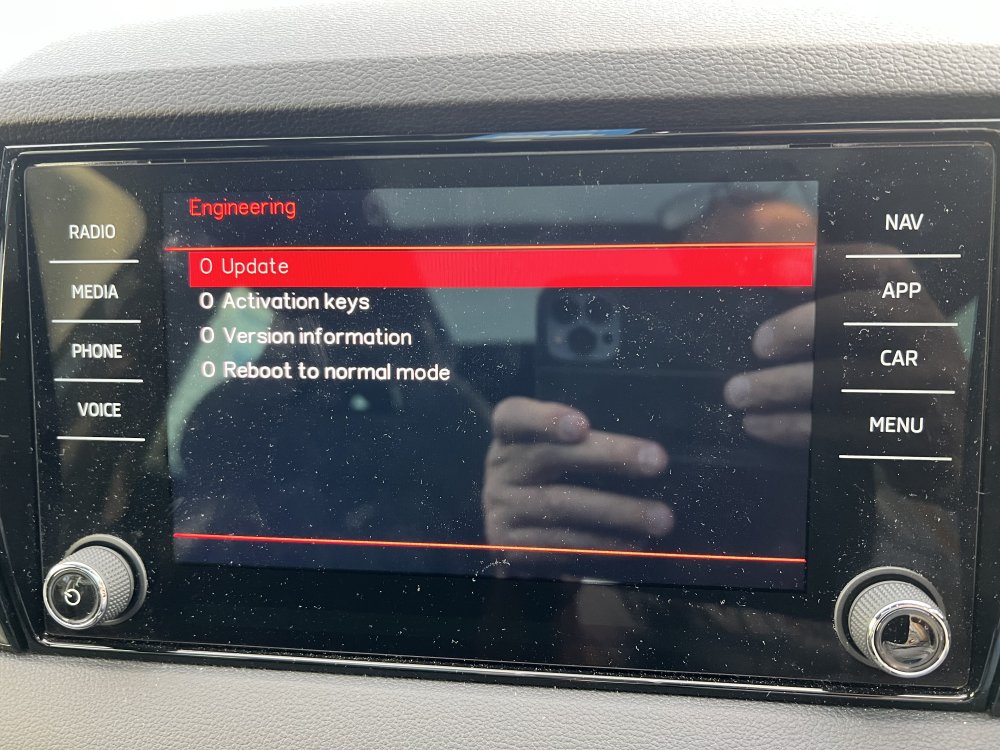
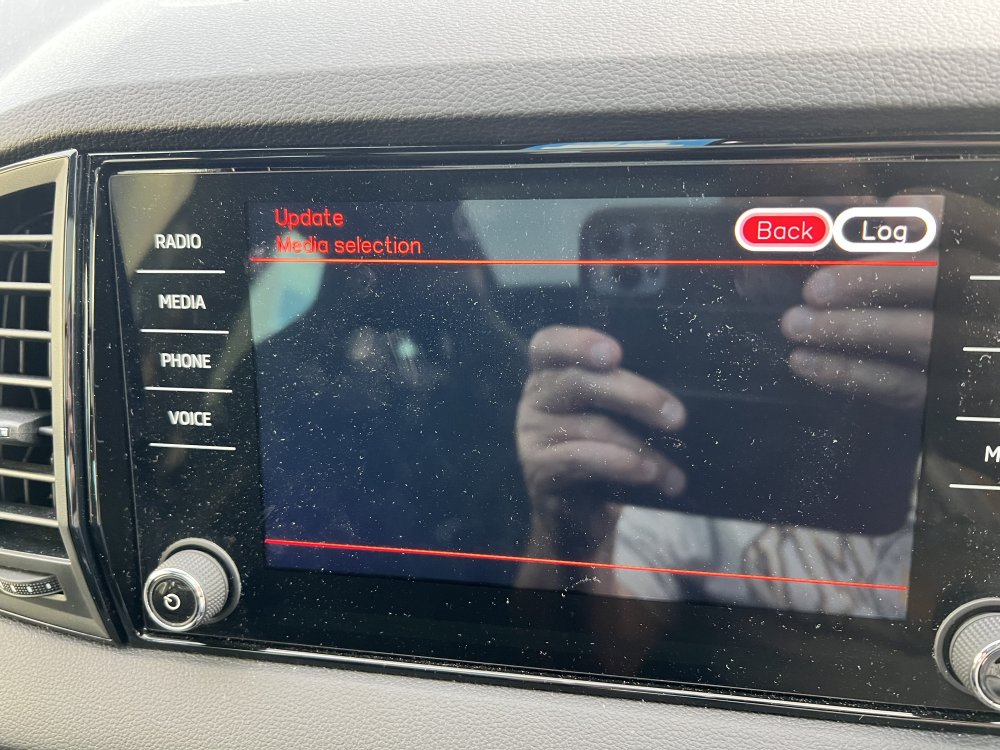
Update: I managed to find how to quit the engineering menu & back to normal I think I’ve bricked the software, held down menu it brought up the options update software, but just got the screen shown in the pic & it doesn’t go when I turn off the engine & lock the car, I tried the usb stick, but nothing happened, that’s why I tried this route, now I’ve got no navigation or radio etc, has anyone had similar issues & know how to get out of this without a trip to Skoda
-
-
-
Thanks,I’ve just finished downloading from the update portal, this is how I used to do it with a previous Octavia, been away from ŠKODA for a while & just bought a Karoq 1.5 tsi sportline, Dsg, the head unit has the knobs on it even though I’m assured it’s a Columbus & got the usb c ports in the cubby in front of the gear lever, I keep getting pop ups asking to update the software, so the sim must still be working
-
Test drove a Karoq & later bought a Karoq sportline from them, salesman David Johnson very helpful & no pressure to buy
-
-
I have a similar issue the dealership tested the battery & said it was ok.i was due to have the car booked in for an overnight battery charge & investigation, but it started working intermittently mostly on milder days, so i didn't bother in case i got landed with a diagnostic fee from the dealership if they found no fault, i find the tech's at the dealership whete i bought it just can't be bothered
-
Thanks for the help, i downloaded ECE 5 & successfully got on the card
-
Thanks for the info, i didn't read the full thread when i clicked on the Seat download i went for the 15 Gb ece as a1 file, should i just bin that & go for the ece 5 or ece 6 files instead ?
-
That’s the problem, I’ve tried reducing the cluster size to 4096 & it’s still too large, there’s a post somewhere in updating the Amundsen saying to reduce it to 2048 but windows doesn’t allow this, there are other options in the list when formatting like 32kb etc, but this is unknown territory for me, I’m sure I’ve done something like this in the past, but it just can’t remember
-
Been updating the map on the sd card for the Amundsen unit in my 2017 Octavia,when i try to copy the new files i get the message not enough room, i've read that you need to format to 2048 cluster size,but windows 7 doesn't offer that option, & it's been that long since i did it last that i've forgotten how to do it, can you guys help me ?
-
I've scraped the wheels on my Kodiaq & have looked for refurbish services,but wondered if there's anyone from Newcastle or surrounding areas that has positive experience of these services they can recommend
-
-
-
Just noticed yesterday that since the update, the Nav map has stopped showing Petrol stations,when i tap on POI it says it needs to connect to the internet, i used my phone as va hotspot 7 it imported thee poi,but they still don't show on the main map itself like they used to,als finding the nav start up is slower in booting than prev too Off topic i'm still finding the radio doesn't switch from DAB to FM
-
Had the car at the dealer today to hard wire dash cam & asked them to sort the issue with the radio out,I just got fobbed off,they said it doesn’t switch from dab to fm automatically, when I pointed out the handbook said it does they said a lot of things in the handbook don’t apply to all models,I replied that the amundsen did in the Octavia. I also tackled them about the seat belt arming lights coming on after the car starts again after stop start is activated,but got fobbed off again,they said as the handbrake was applied in stop start it was normal for this to occur
-
Ipreviously connected my iphone xs max to my columbus system by bluetooth & everything worked fine,since i connected apple car play the music from my phone no longer plays by bluetooth,so i stopped car play & reset the bluetooth connection from the phone (forget) & reconnected bluetooth,but the columbus still fails to play the music over bluetooth, has anyone else had this problem & know the solution ?
-
-
Too late I’m afraid, I did think of that, but wasn’t sure if it would work, so the files are currently being transferred to the pc, then I’ll re format the card & paste the 3 files back to the card....the scenic route I know 😏 Thanks for all your help guys 😁 It wasn’t clear in the first post that you had only to put the 3 files on the card,.
-
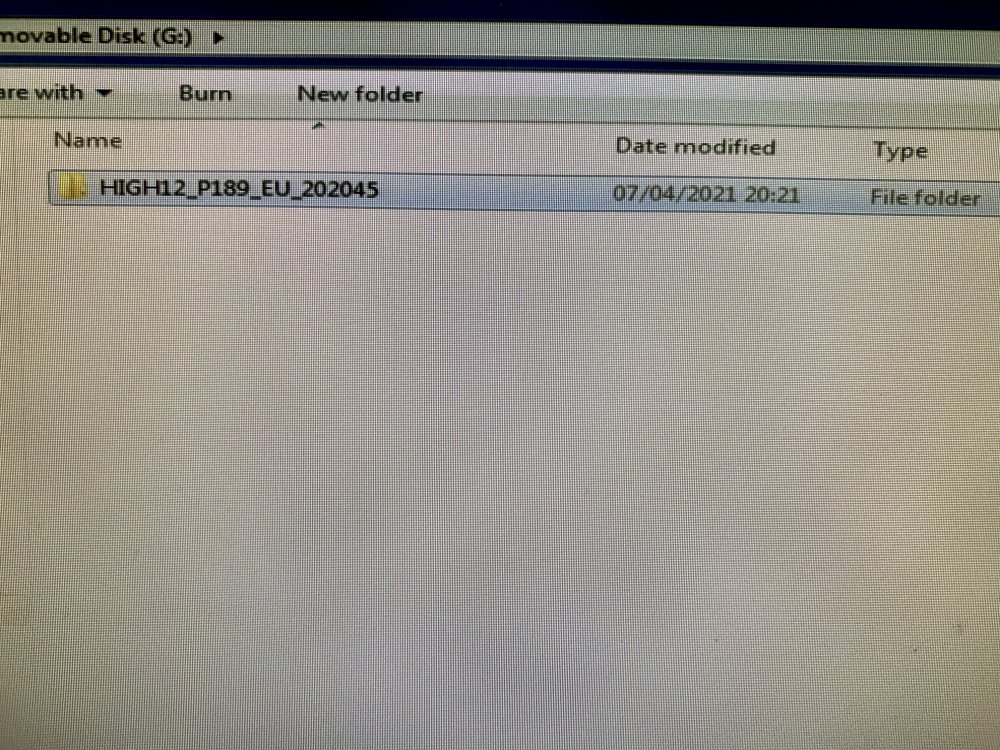
Right I think I get it now, the unzipped file includes the extra folder, which has to be ditched, so it looks like that was the reason the car couldn’t read the files,I’ll go back & paste the mob etc to my pc & re format the card to get rid of the folder, then paste the mob files & meta data back to the card im used to the amundsen updates from Skoda which self extracted without these problems
-
-
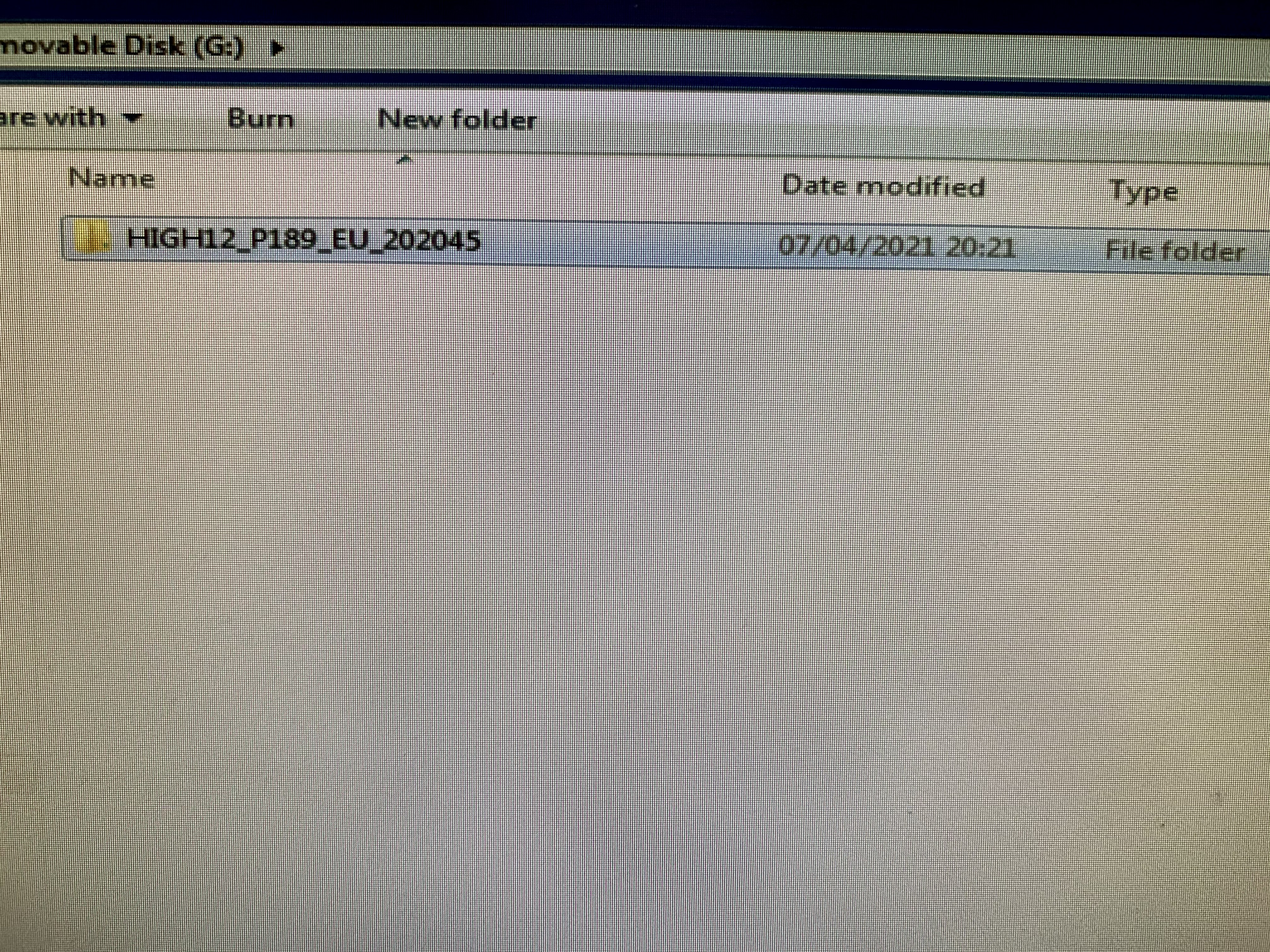
This is what’s extracted & the mib 1/2 files & meta info txt are in this folder i used the link in the 1st post for Skoda this time, not tested it yet, I’ll give it a go in the morning as far as the dealer fixing the nav if there’s a problem, I far as I see it they’re obligated to do so, the car is still under warranty for a few months yet & the approved used warranty covers me for 2 yrs inc the remaining months of the 3yr
-