wagster
Members
-
Joined
-
Last visited
Everything posted by wagster
-
I managed to get it working without having to install any tts other than the Google version. Figured out that I hadn't set anything as the navigation app application so set it as Waze then by going into the sound settings and setting the navigation volume to max and the background volume to a lower volume I would have the tts work correctly by either lowering the music volume or if the background volume set to minimum everything will mute apart from the tts.
-
No question is a stupid question in relation to these stereos!!!! When you 1st setup the bluetooth to your phone if you look at the icons on the right side of the phone dialler you will see what looks like a download arrow button, click on that and it will download your contacts list (you might need to allow access on your phone when it asks to do the download). It won't download your call history but once you start making and receiving calls it will show those. For the 4G sim, you can try using the 4G dongle that is connected to one of the additional cable harness that should have came with the head unit, it should be on the harness that also has the multi-coloured RCA connectors on it. The head unit works in the same way as the Amundsen apart from you cannot turn it on without the car ignition on switched on (not engine running). There used to be 2 power feeds that were needed to switch on and also keep the settings of the radio, a 12Volt permanent battery feed and a 12Volt ignition +ACC feed, this is not the case now as the ignition feed is controlled by the Canbus, when the Canbus detects a signal request for a component to be switched on it activates the required auxially voltage feed. The 12V +ACC feed for the head unit is taken from the Canbus box that you connect up. The permanent 12Volt feed is connected directly to the head unit but when the igniton is off it should only be drawing minimal power and nowhere near enough to cause a major battery drain. You will find as i do, if i have the igniton switched on but engine no running and i am playing around with the head unit, after anout an hour i start getting a low battery warning.
-
-
Glad the new cable is working but to be honest I cannot see the chinese sellers being that worried out it, hopefully anyone thinking about installing this type of head unit it that needs the different type of USB lead will have read this topic so they can ask for it before buying. As for the mic the only thing I tried changing was the gain settings.
-
-
Just plugging a mic in should work as the system should automatically detect it disable the inbuilt mic. If you install a basic mic test app, I used one called Mic Test by Laureano from Google Play store that allows you to record a message and then listen to it to see how you sound, just record a message with the inbuilt mic then plug in an external mic and record another message then listen to both the recordings to see the difference. Glad you have sorted the sensor issues, I have tried a few of the different canbus versions but didn't seem to notice any difference but did read somewhere that using simplesoft doesn't give a many settings options as Raise does.
-
-
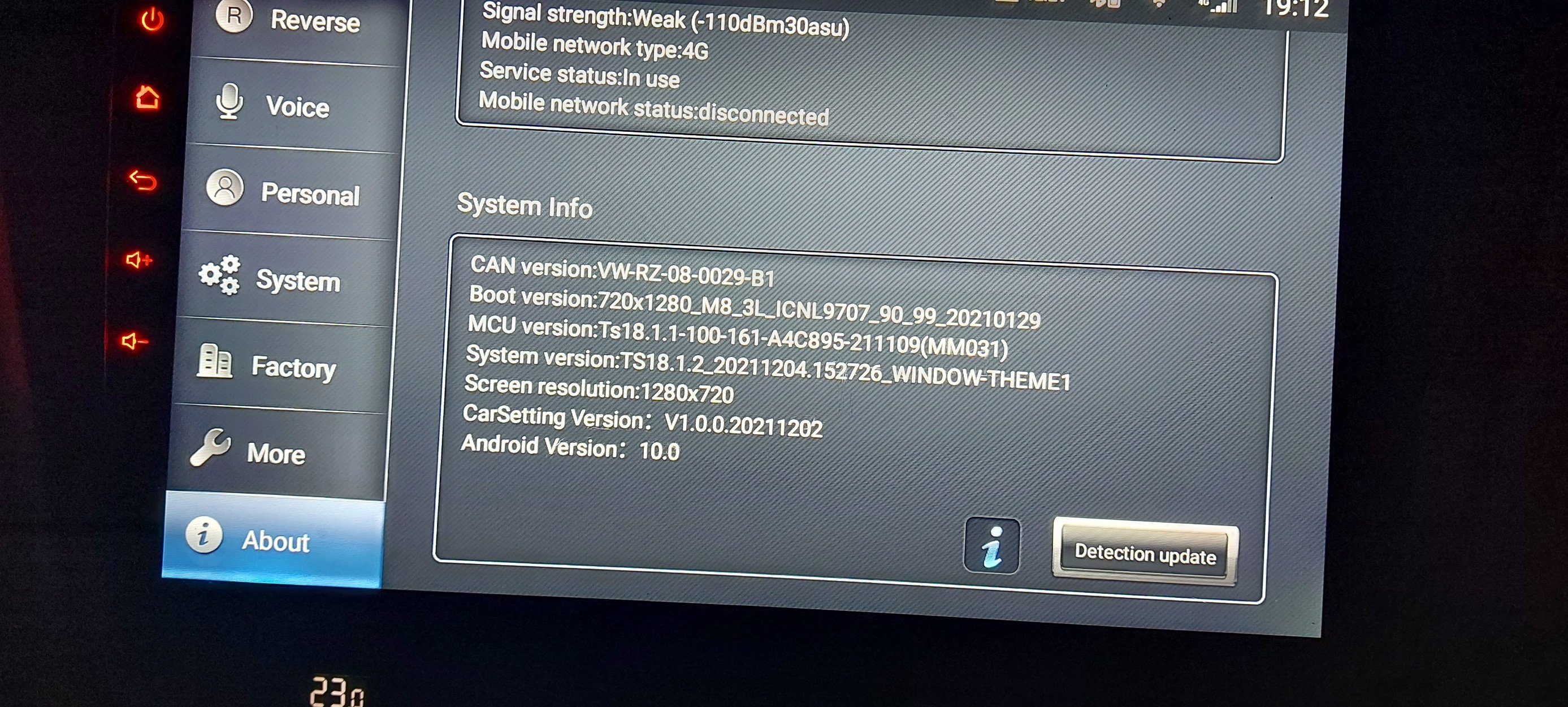
Yep it can be a bit tight with the lack of play on the harness, I set it all up with the cables hanging in the passenger footwell to give easy access and not having to go through pulling the harness in and out, once I had everything working as it should only then did I route the cables which only left having to change to dot matric language back to English as everything the main power connector is pulled out of the head unit it reverts back to German but that is just a quick change in the car settings. Until you can get the head unit to detect a can version you will always have problems but the can version where yours says unknown, is taken from the version when you select the correct car in the canbus settings. If you select Simple instead of Raise the can version will say something different to say like what mine says of VW-RZ.
-
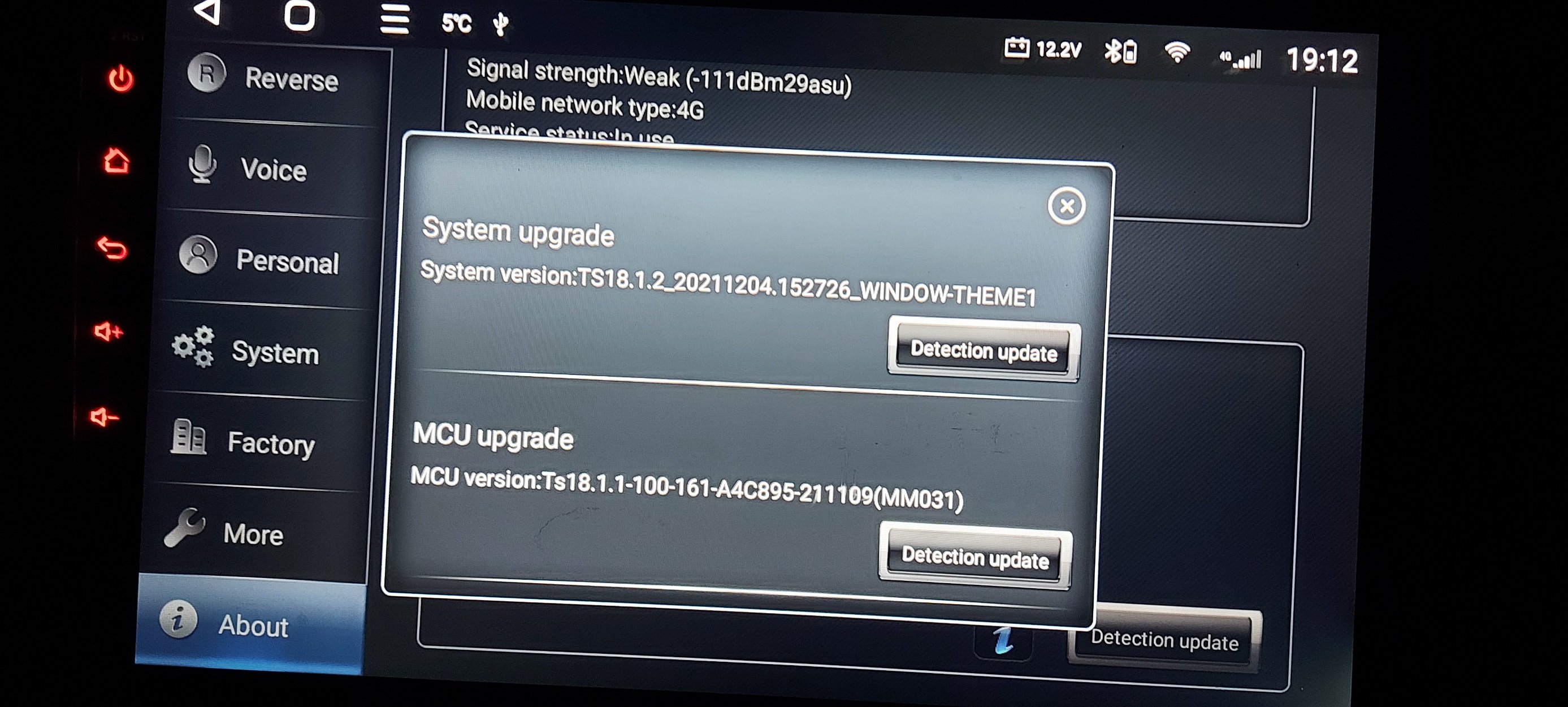
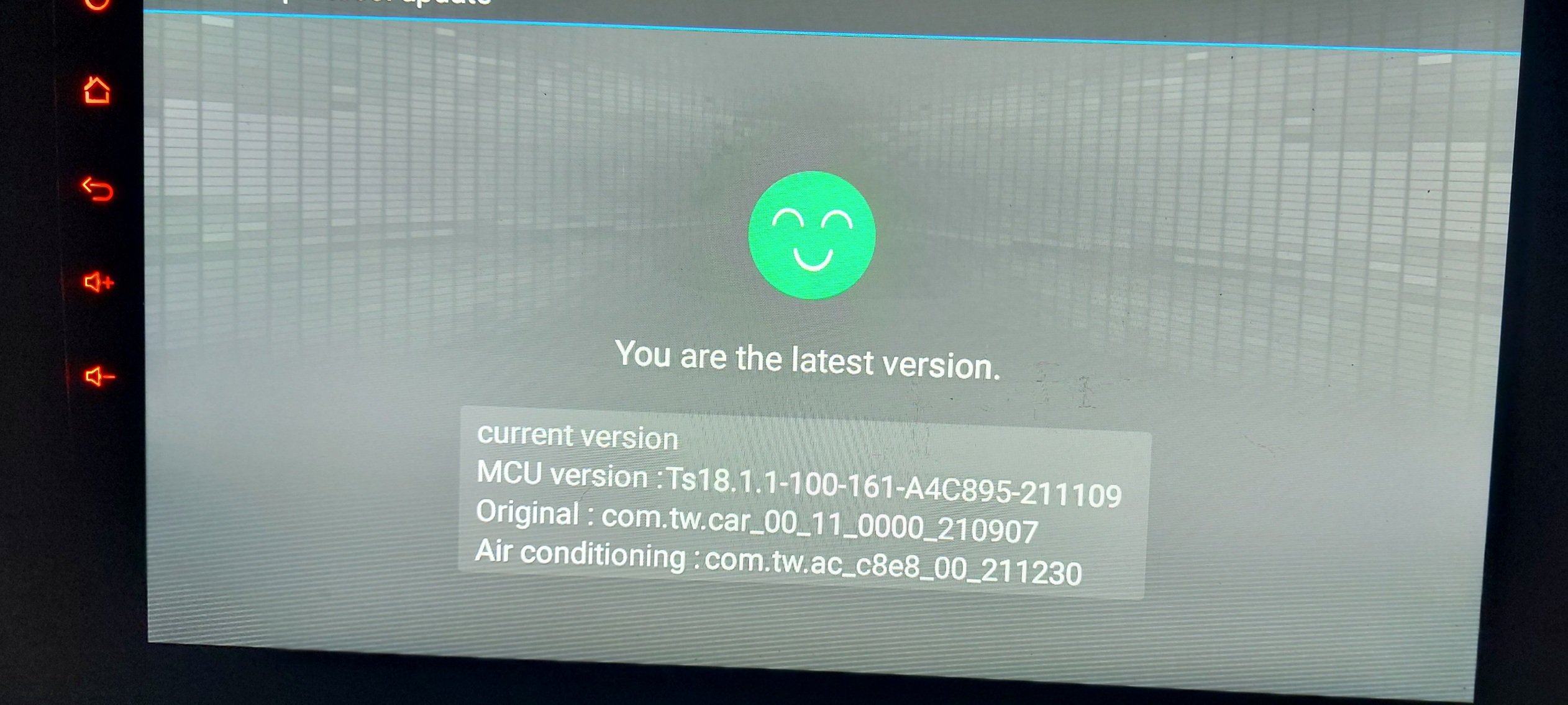
Does that red text message disappear when you do a hard restart of the head unit? It is definitely a canbus problem, check to make sure the white connector is connected to the canbus box is connected properly and also the 2 wire white connector that goes from the canbus box to the head unit is also connected properly. Last resort I would run a factory reset, then on 1st boot go and select the correct car canbus settings. Then hard restart then run both the detection updates.
-
-
-
When you select a canbus version it should install extra apps that are meant to be specific to that car version. Have a look at all the apps you have installed and you should see an app called car settings, in that app should be an option to change the language. What car do you have as you might need to keep trying all the VW canbus versions until you find one that works properly. Could you deactivate the engine drone from the factory unit or is it something that needs to be done by VCDS, obdeleven etc. Have you rand the both the detection updates? Go to the head unit normal settings then scroll down to about the click on detection update and run both the update options.
-
-
-
-
-
Haven't installed tlink yet so no idea if it works. Which version did you install out of the 2 versions I uploaded? Also did you activate it before you did the factory reset and does it work wirelessly for you as well? I did have play around with the gain settings but it didn't improve enough to decide to use the factory mic, I might take another look at it sometime in the future though. I only tried the FM whilst driving round town this afternoon so will see if it is any better on a longer drive with less poor spots.
-
My quadlock assembly arrived yesterday so spent today wiring in the power supply for the USB and all works so now have use of the factory USB port Also wired in the factory microphone which does work but doesn't seem to work as well as the inbuilt microphone on the head unit according to my son who had to endure me phoning him over and over to check which was better so going to leave factory microphone disconnected. Also fitted the double Fakra to FM aerial lead but hasn't really made much of a a difference to the FM reception.
-
-
-
-
-
My TTS works fine in Google maps but doesn't work in Waze. In Waze the music volume goes lower when Waze is trying to announce something but get no voice but in Google Maps the music volume stays the same and no matter what settings I choose it makes no difference. My FM reception is not that great either but as I use DAB or online radio it is not too much of an issue but I have already ordered a double Fakra for the antenna and it should be here in the next few days so will be interesting to see if it makes any difference. Not had any problems with crashes yet so that is a good thing.
-
-
Sorted this afternoon. I knew I had done it before but in a different menu then I tried a different password to get into the factory settings which I have have normally been using 123456 but tried 8888 this time and it opens up a slightly different menu and one of the options is the doors.