wagster
Members
-
Joined
-
Last visited
Everything posted by wagster
-
-
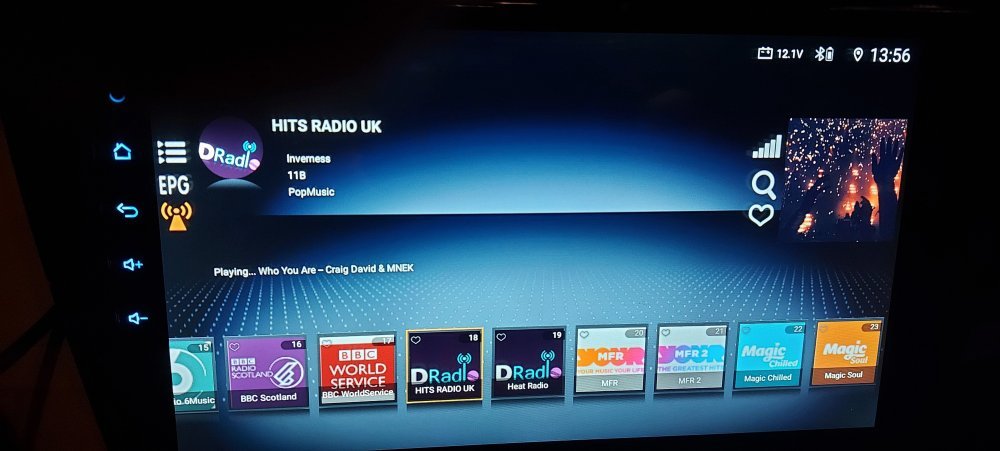
Se for me if I am just listening to the standard FM radio it isn't an issue as like you said it is only for a split second but if I am using the DAB it takes longer as it goes back through initializing the DAB dongle again so takes longer and can be really annoying when the stop/start is kicking in and out when in slow start stop traffic 🤔
-
-
I will take a look at it tomorrow. I have mine set to auto launch using the Agama auto start. Just out of interest do you have start/stop in your car and does the head unit turnoff any sound when the car engine starts on start/stop or when you start the car on ignition as mine does, it is not like the head unit is turning itself off and then restarting it just basically mutes any music, videos etc.
-
-
-
https://a.aliexpress.com/_m0DmeIi There are 4 options, pre-wired, build your own male end, build your own female end, build your own male and female ends. I went for the build your own both ends so that I have all the correct size pins to be able to add to existing harness as it works out cheaper easier that trying to identify and buy the pins I really need.
-
-
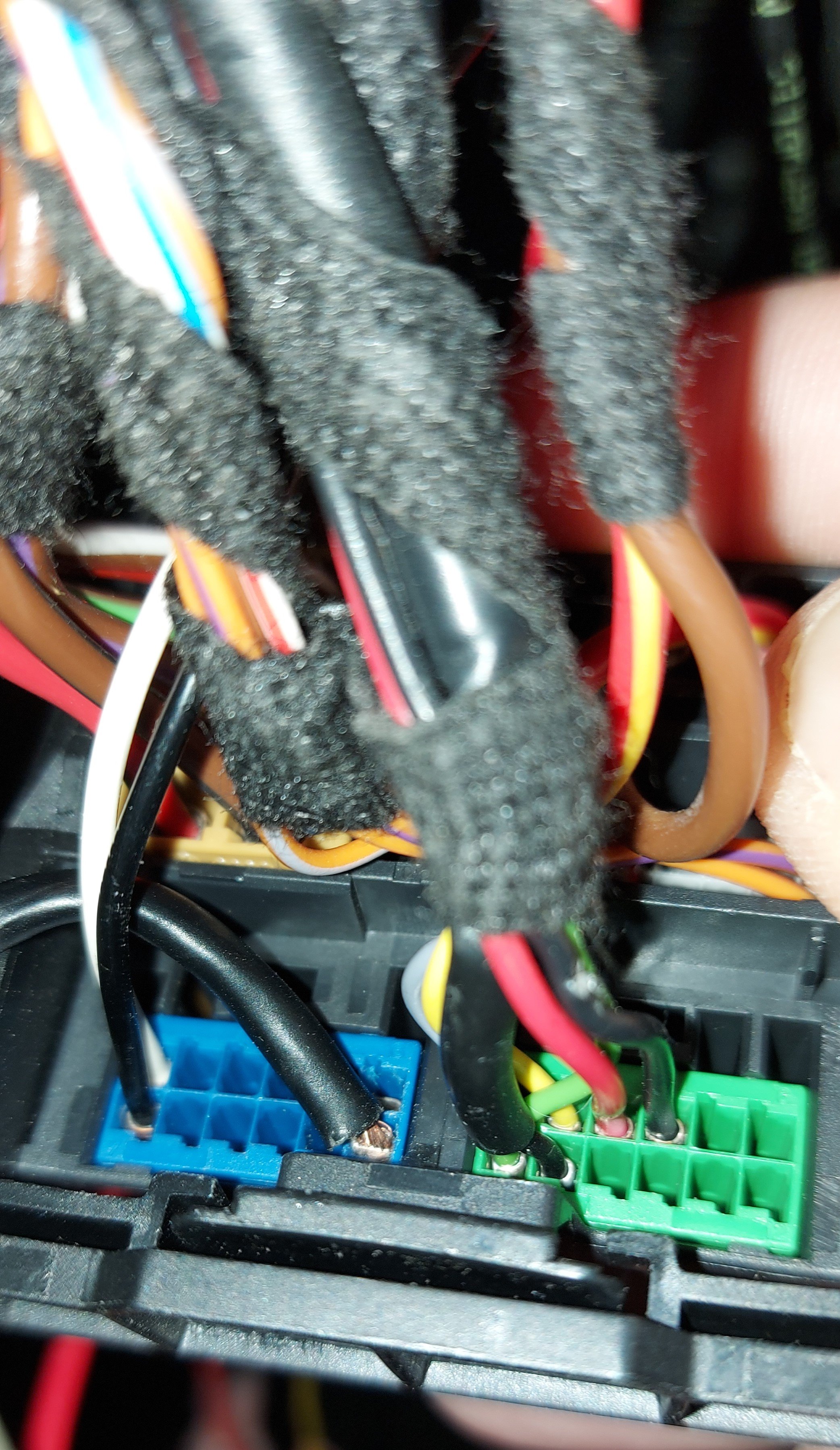
I think it will depend on how / where your mic is connected to how easy it might be, I only picked up on the possibility of doing mine from this thread I can already see what I assume are the 2 mic wires connected to the Quadlock on the blue ISO connector in my car, so hopefully I should be able to get it to work.
-
Yes I understand what you are trying to say and won't be be problem(I am an electrical engineer by trade). I put in a dispute with Aliexpress over everything as wasn't getting anywhere with the seller and they have found in my favour and just had a partial refund back into my bank today for £75 so happy days. Anyway I have just ordered a full quadlock connector kit so I can pay around with rewiring the usb and will also have a look at wiring in the factory mic.
-
-
-
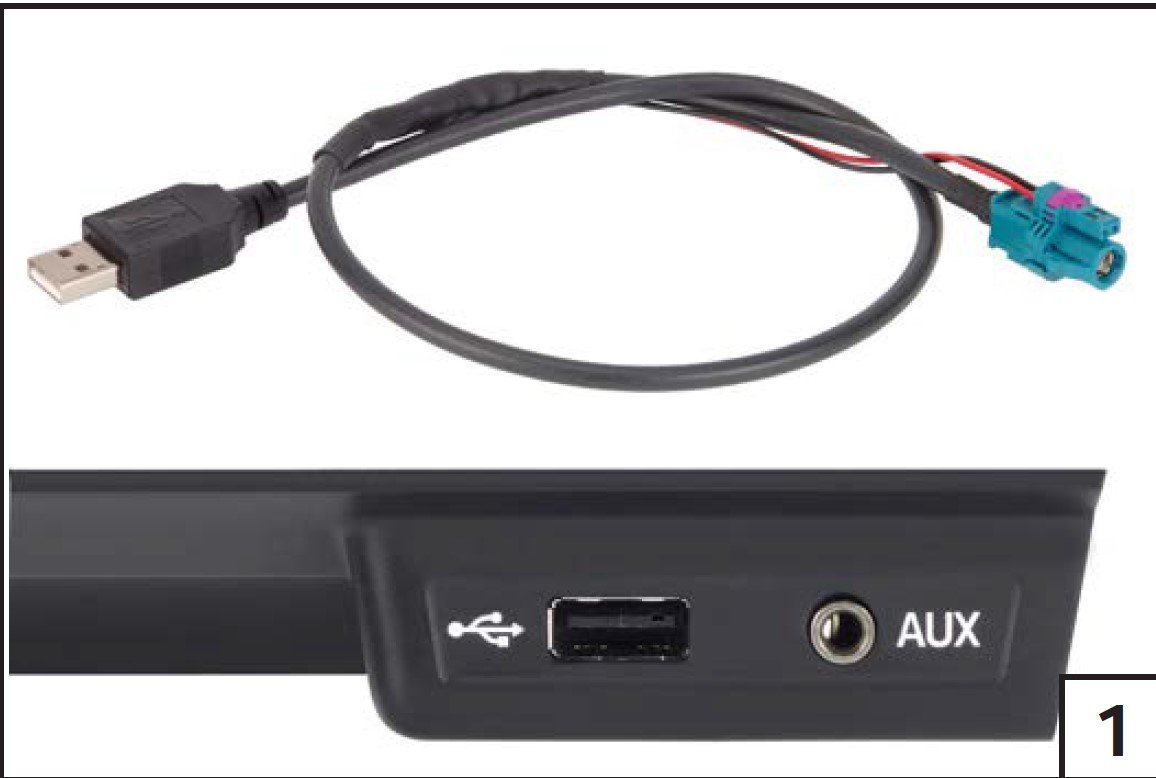
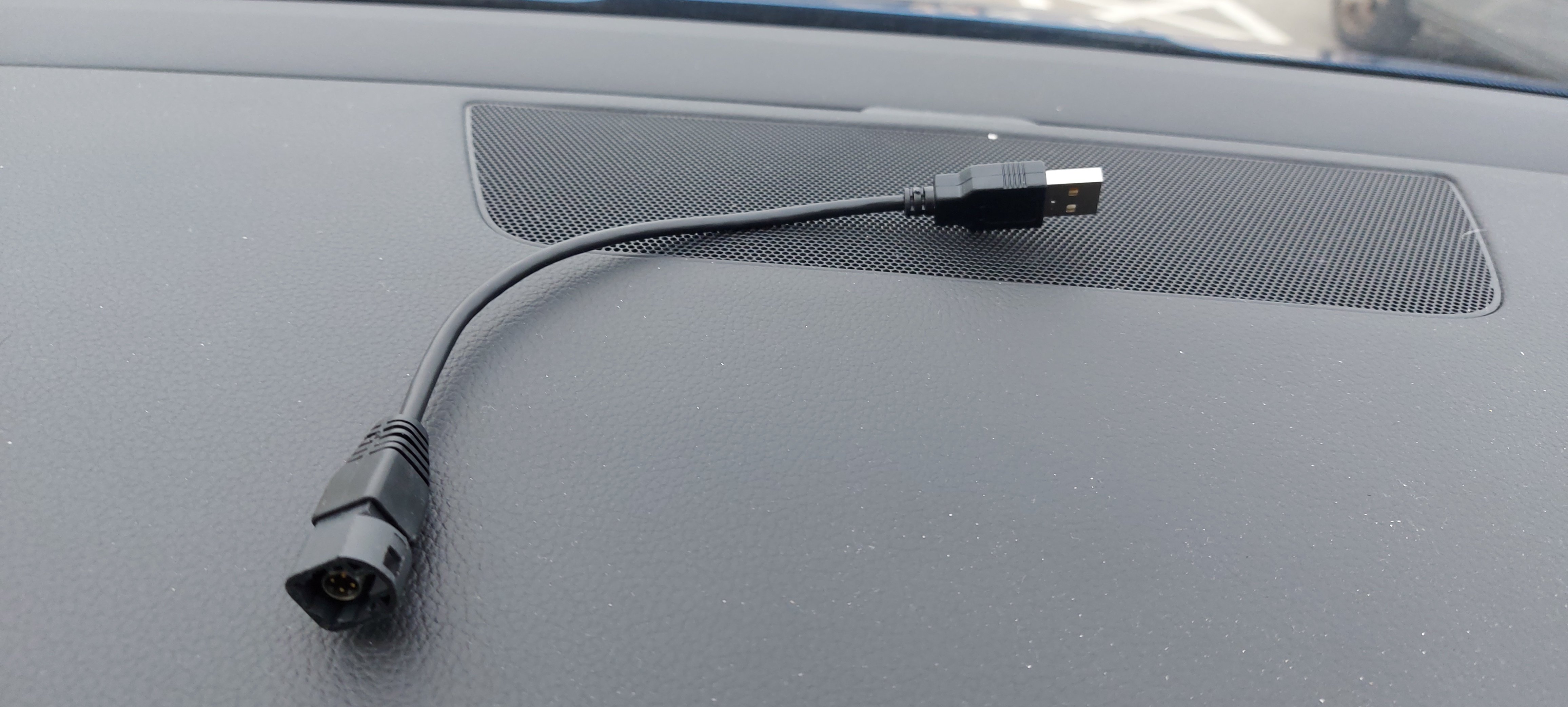
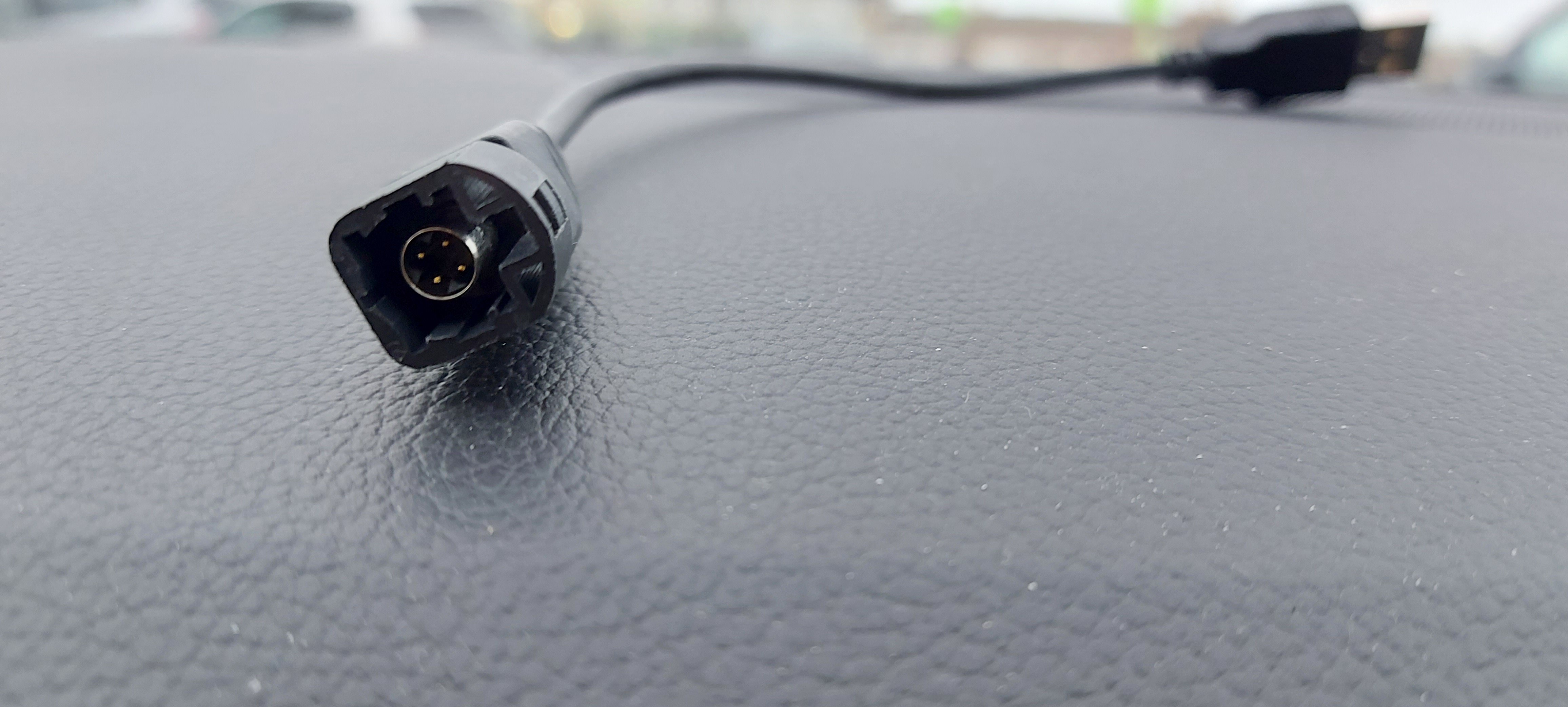
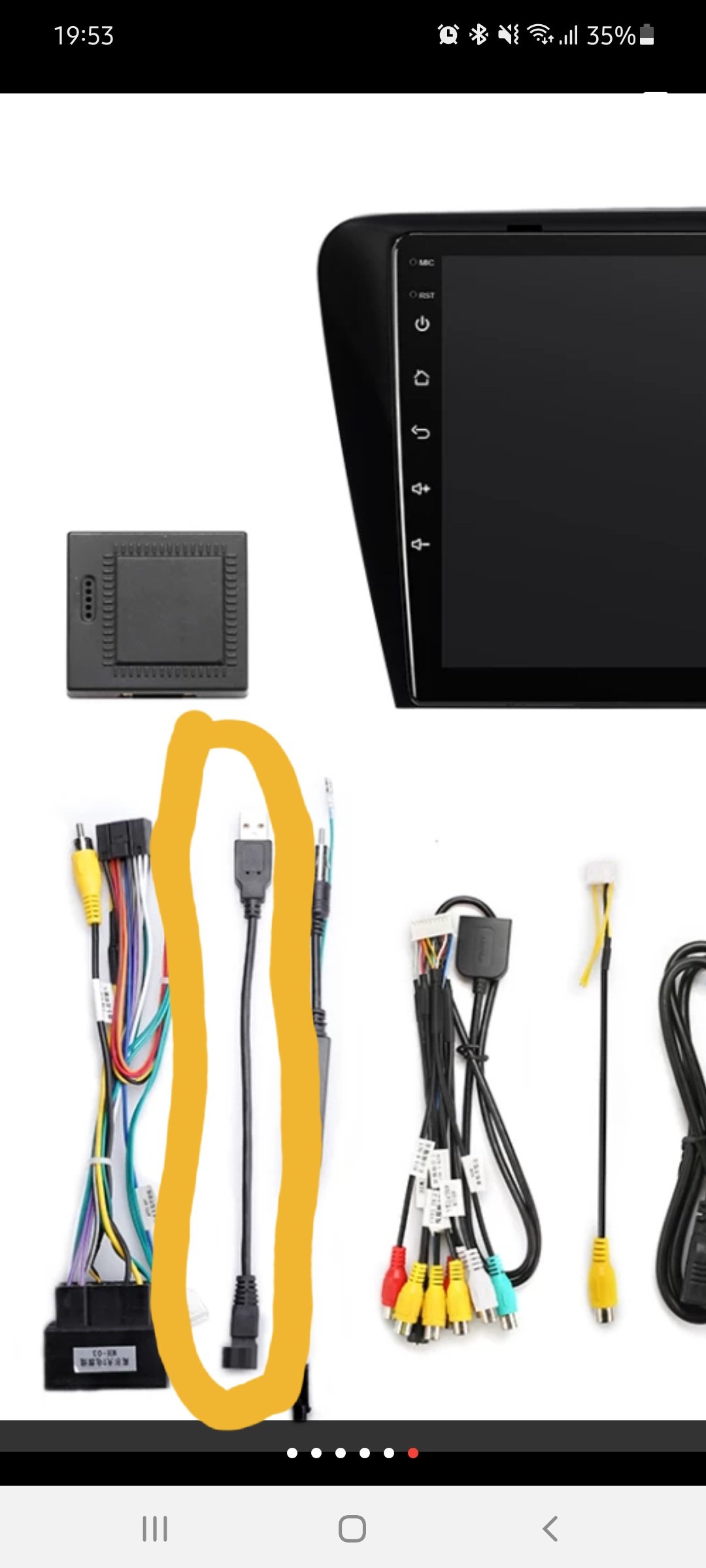
I think a lot of what to do with it is what version stereo system in the car and also what what prepped for upgrade availability like Smartlink, Carplay, Android auto etc. My car is a 2015 but MY16 Octavia with Amundsen MIB2 Sat Nav no cd but 2 SD slots and Smartlink ready. I got bored of waiting for the seller to respond to my queries so after 3 days of no replies I decided to open a dispute and straight away the seller responded. The best thing is the only answer he gave to all my questions was where I asked him what that Fakra to USB lead was for and where is it meant to be connected and he responded "this is for oem factory usb cable friend" which contradicts where he said the other day "our usb cable cannot support original USB" so go figure!!!
-
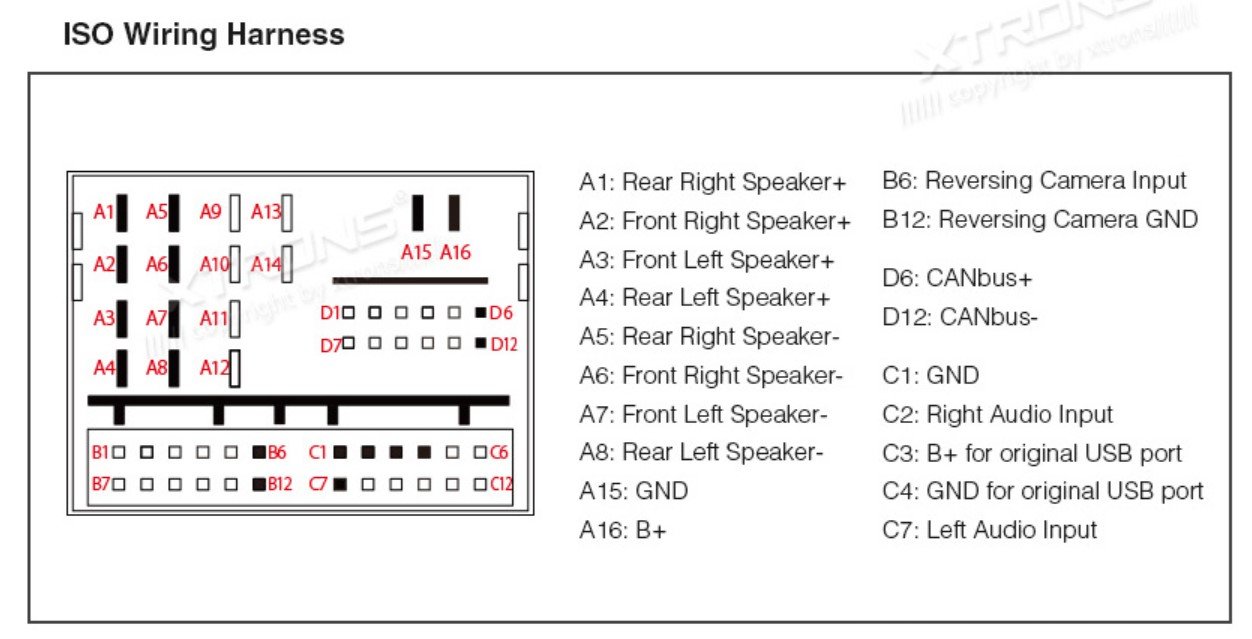
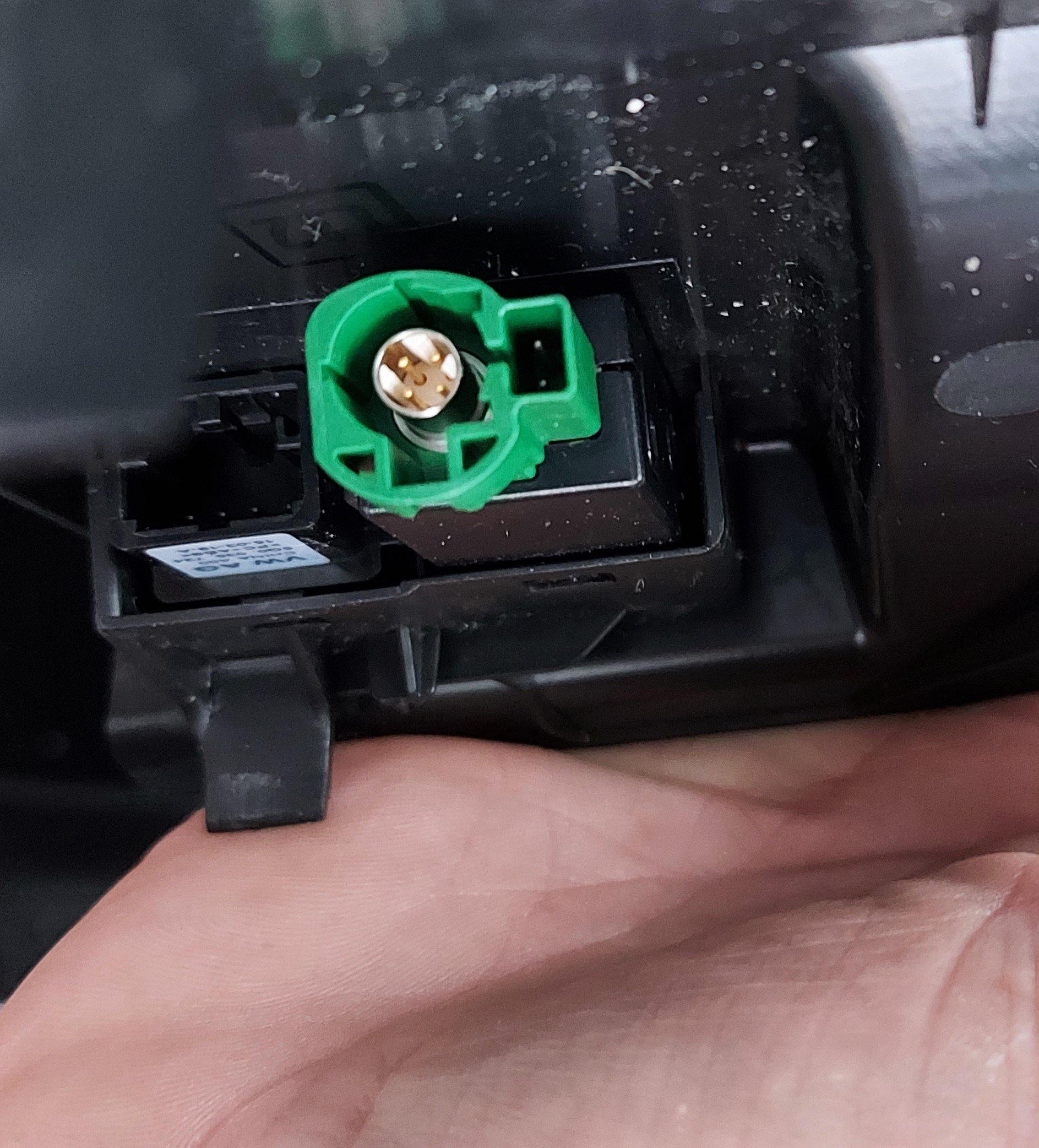
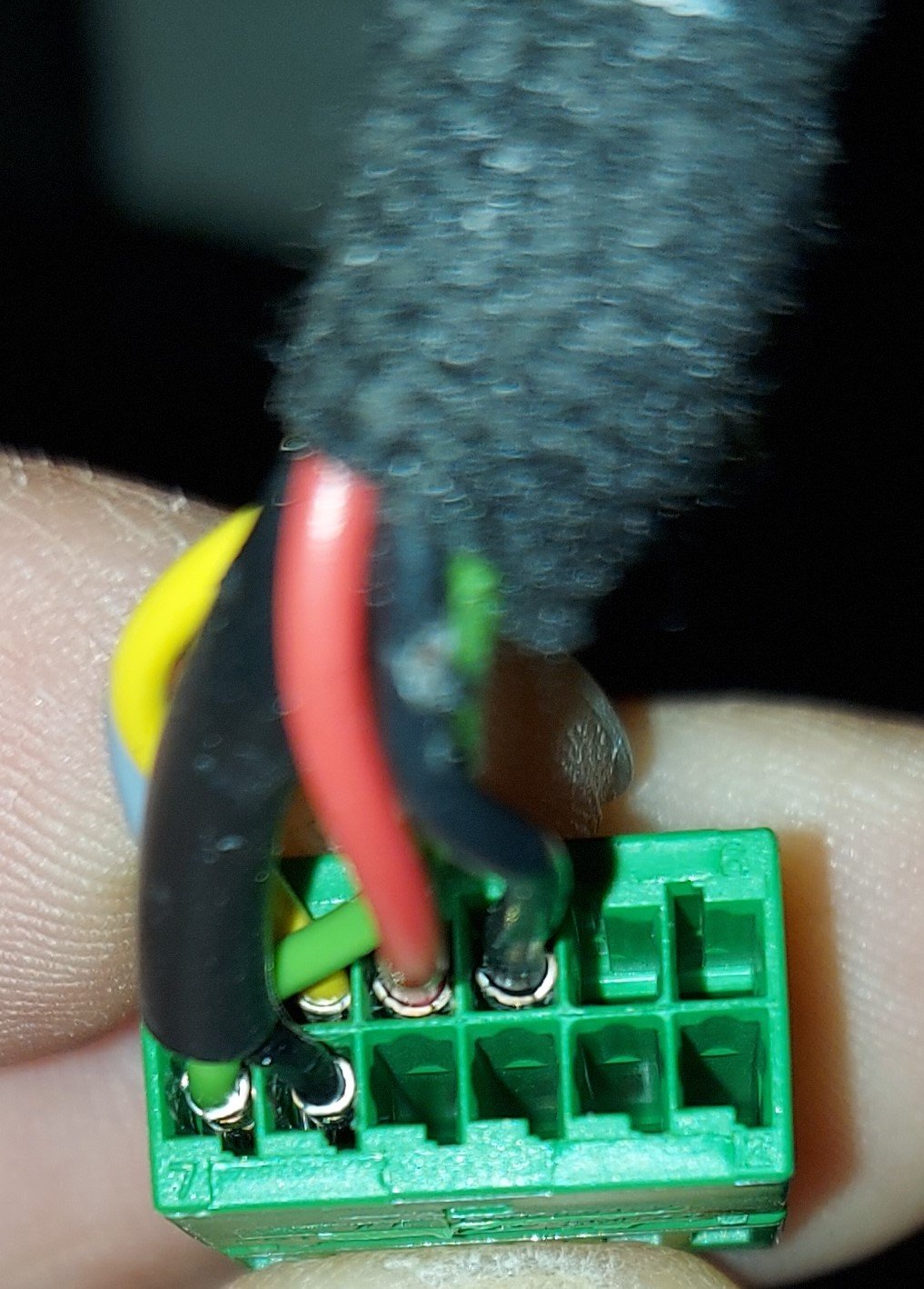
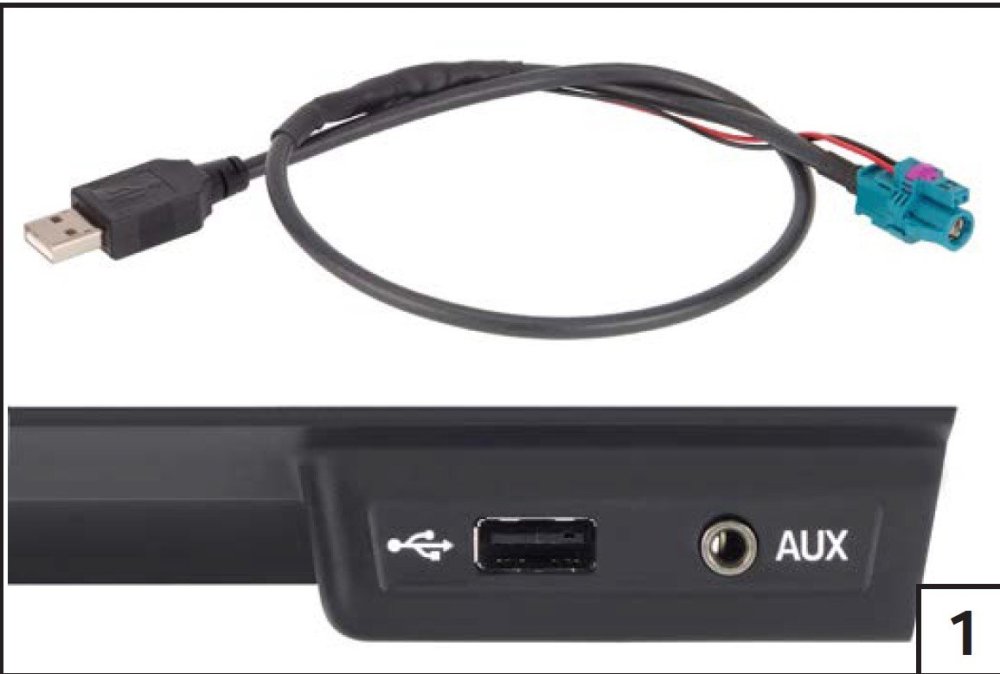
Just to add, it looks like the only way i am going to get mine to work is either use the correct cable as shown in the picture which i found in an Alpine radio installation manual but i cannot seem to be able to find anywhere where i can buy that that type of USB to Fakra or i will have to add in a 5volts and ground to the ISO harness that came with the android unit to match up with the correct pins on the green ISO in the quadlock.
-
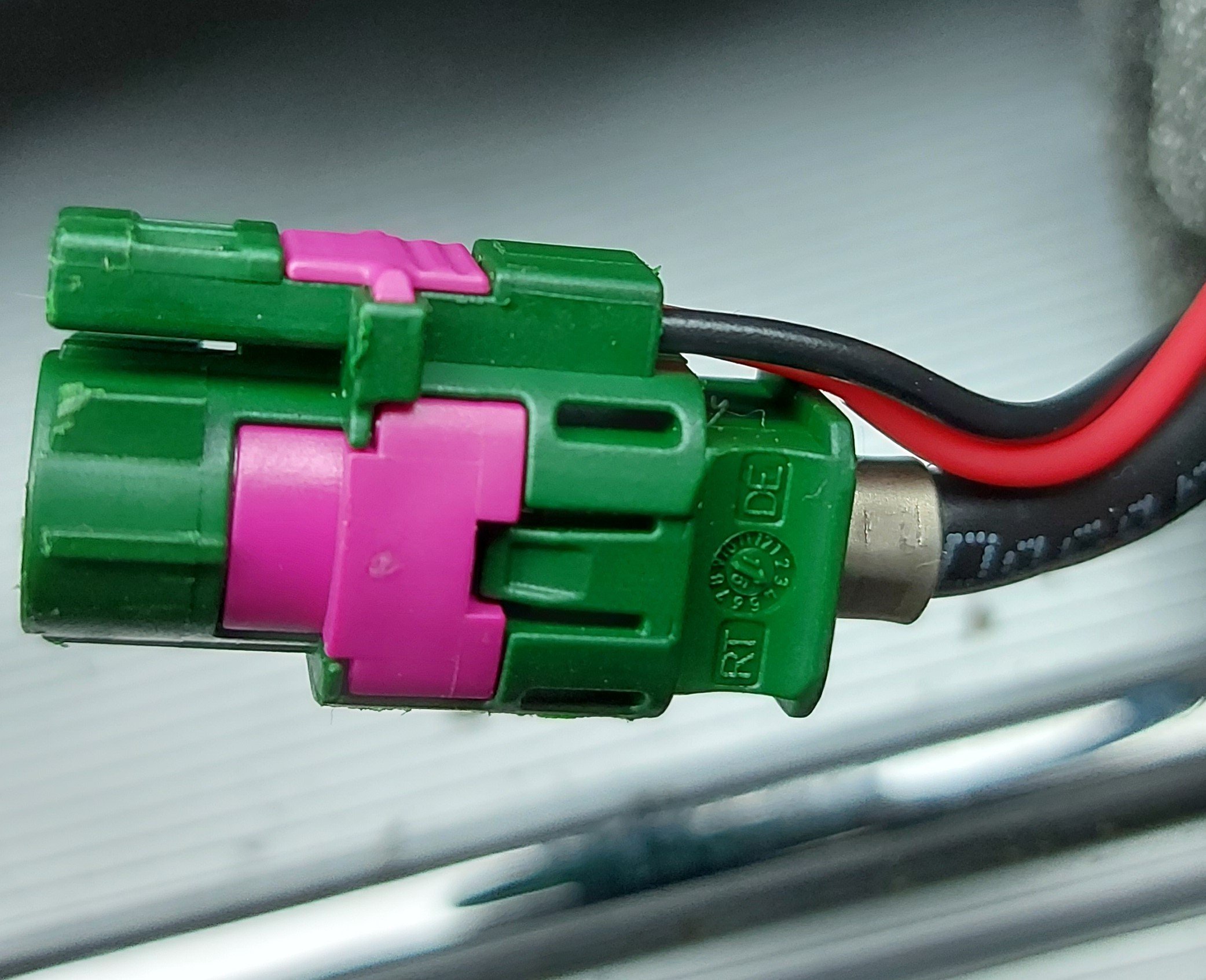
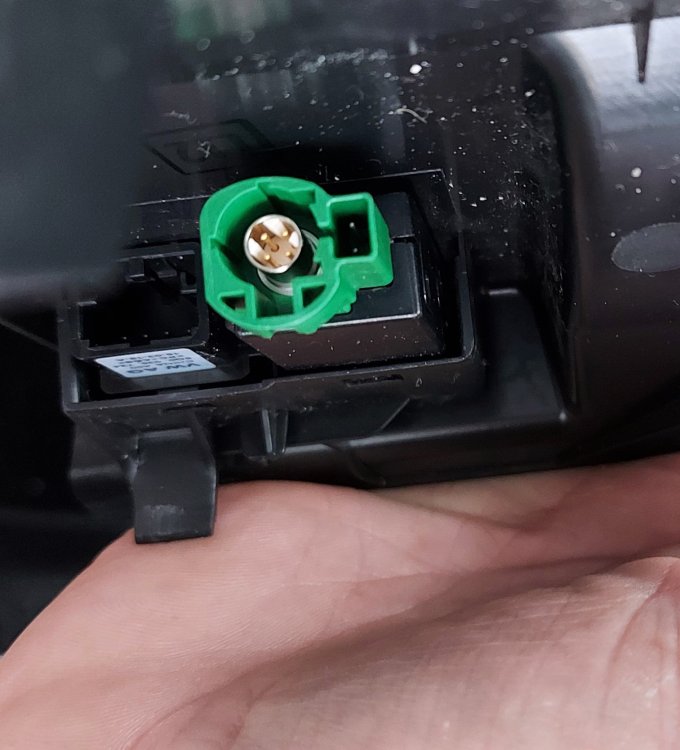
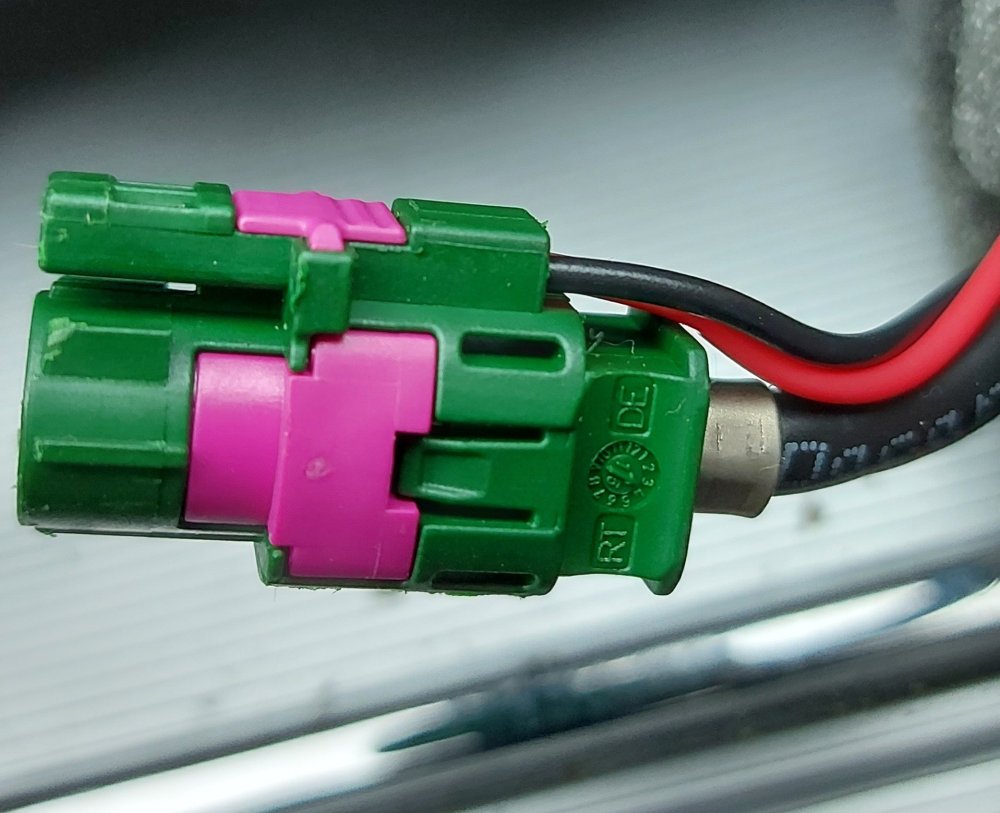
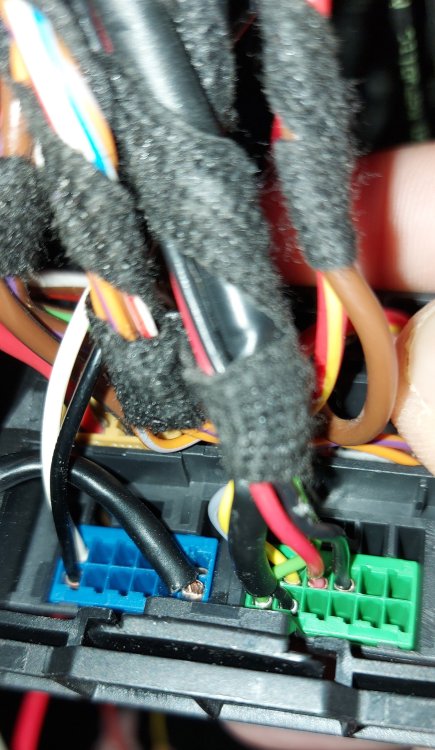
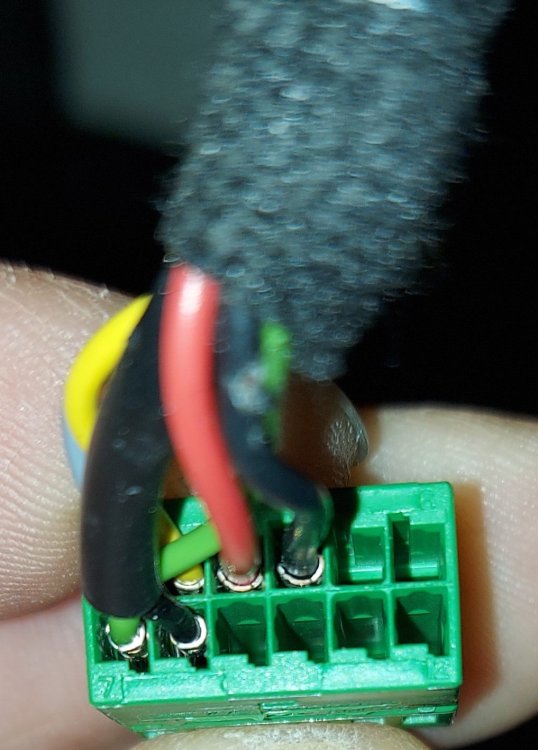
I think it will depend on which version of USB & AUX connection you already have fitted. I have just took mine out and i have the type that has the 5volts on the outside and the 4 data signals on the inside, the lead that carries the data signals goes to the yellow Fakra that originally connects to the unit in the glove box, the 5volts is taken from the green iso connector from the unit in the glove box. If you have USB & AUX connection that doesn't have the 5volts on the outside then hopefully the sellers supplied cable should work.
-
-
-
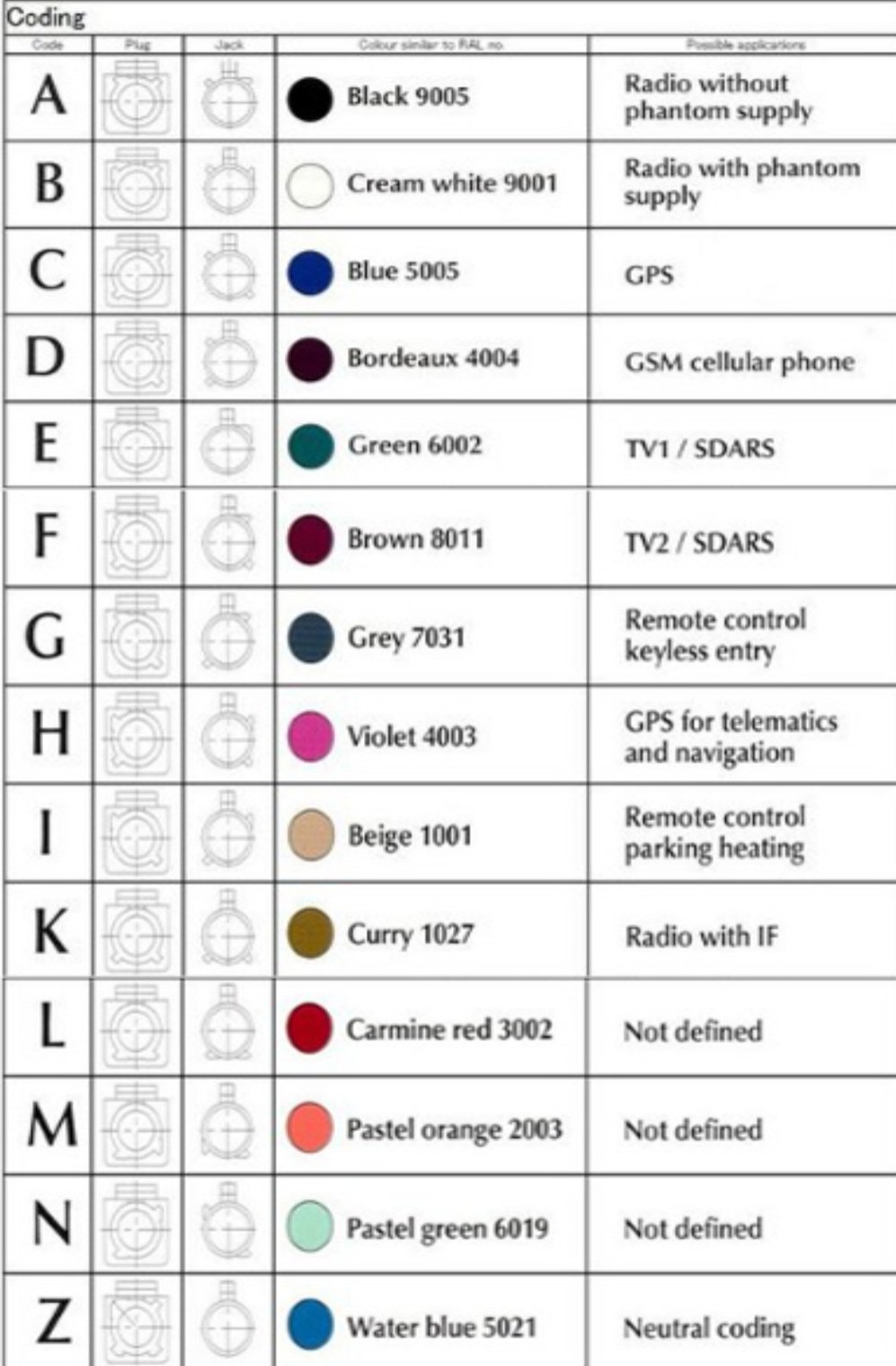
Yes that one will work. I have ordered this one https://www.ebay.co.uk/itm/Fakra-C-to-SMA-Male-GPS-Adapter-Plug-Extension-Cable-15cm-RG316-Pigtail-VW-BENZ-/183965696809?mkcid=16&mkevt=1&_trksid=p2349624.m46890.l49286&mkrid=710-127635-2958-0 Paid a little bit more but wanted quicker delivery.
-
-
-
-
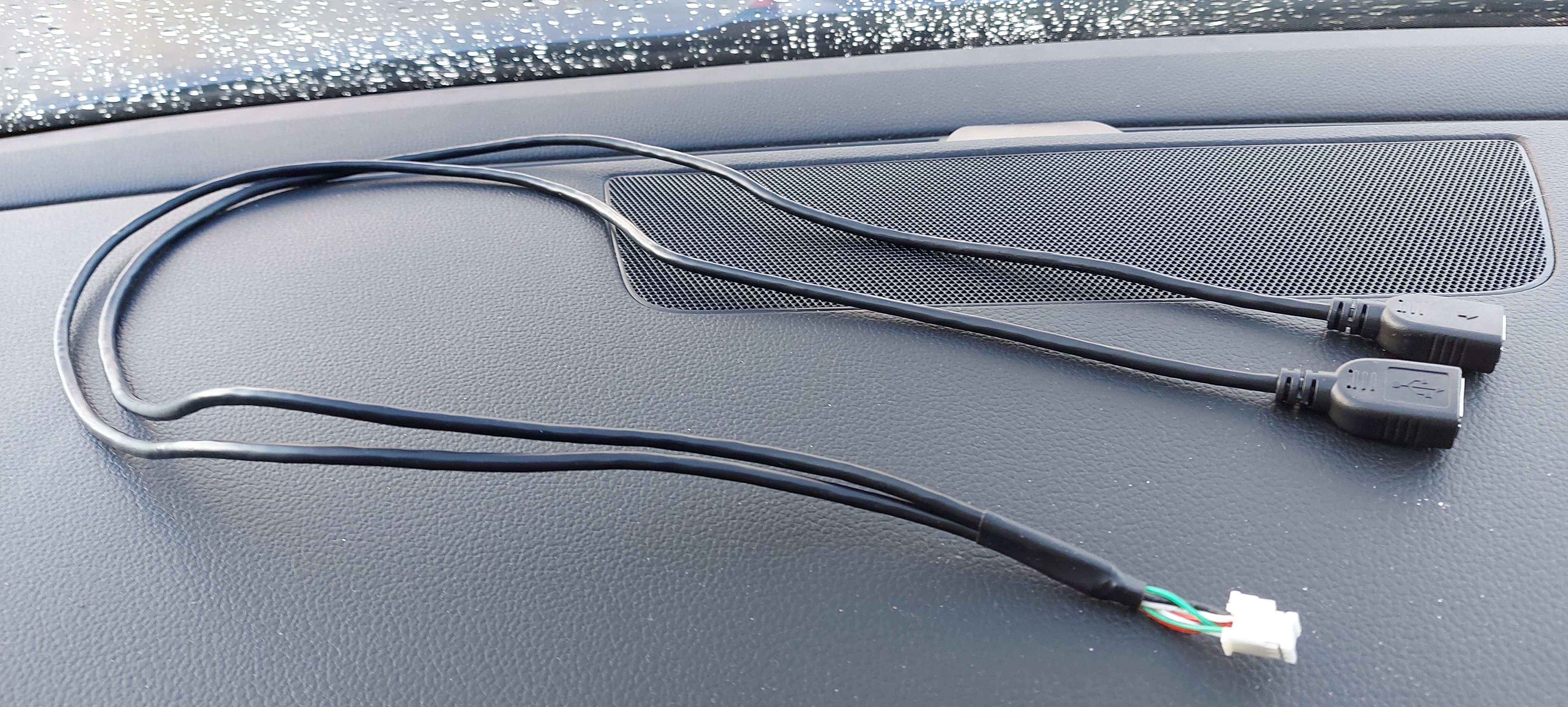
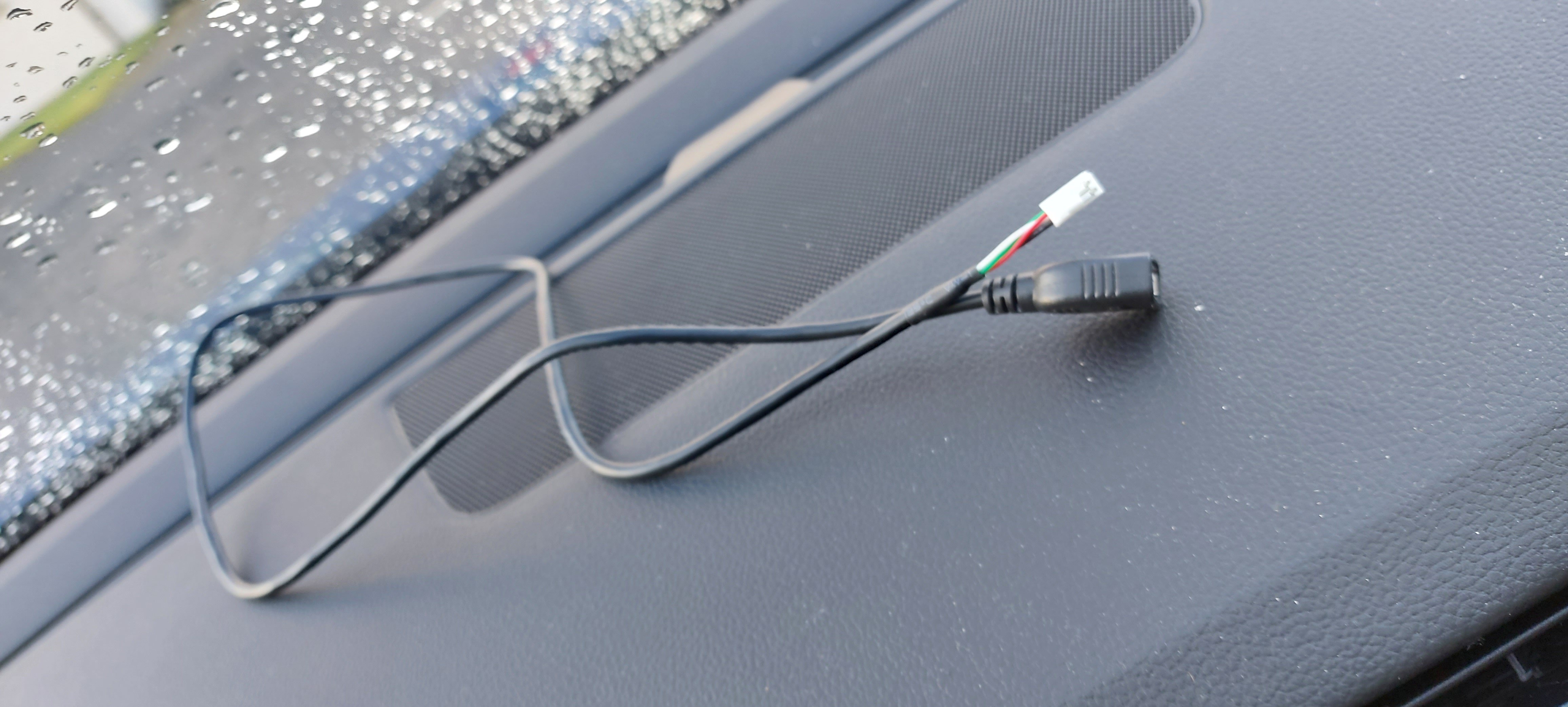
Yes I have the 6pin white connector which has twin USB female and the 4 pin white with 1x USB female connected to the head unit. At the moment one of the twin USB outputs doesn't work so waiting on the seller to give me a response on that. As the same as you I thought the black fakra male to USB male lead was used to connect to the yellow fakra connector that I disconnected from the unit in the glove box and then connected to the single USB lead which would allow use of the original USB and Aux but it doesn't work and now the seller is saying it won't.
-
-
-