wagster
Members
-
Joined
-
Last visited
Everything posted by wagster
-
-
-
-
-
Ok so after trying mine and losing the panel keys I ended up doing it a different way. I have made a video which will hopefully help you sort it. You need to press on the touchscreen with all fingers for about 10 seconds and you might need to try it a few times to get it to work as sometimes it opens one of the apps on the main screen first. https://youtu.be/3QhRFUteyPg
-
-
What made you decide to factory reset? Not sure why you would lose the side panels control but I know there is an option to have the control panel lights off, on with vehicle lights or permanently on. I am thinking about factory reset now i have a better understanding of the unit but will make sure I run a backup 1st.
-
-
I guess that is the same problem I have with the split double USB, you should find though that the one that didn't work with the DAB dongle will actually just charge, try plugging a mobile phone into it and the phone should show charging. My phone does show charging but at a low voltage.
-
-
-
-
-
You mean it was searching for radio channels or searching for the dongle? Have you confirmed that the usb is working properly by plugging in a USB drive and seeing that it is showing in the file manager or playing a music file from the USB drive? Are you using the factory dab aerial or the one supplied with the dongle? Good to know that you are not having the sound cutout problem, I have a funny feeling that mine is doing it due to my battery voltage dropping to 9volts when starting the car so something I might look into if I can be bothered.
-
-
-
-
-
-
-
-
-
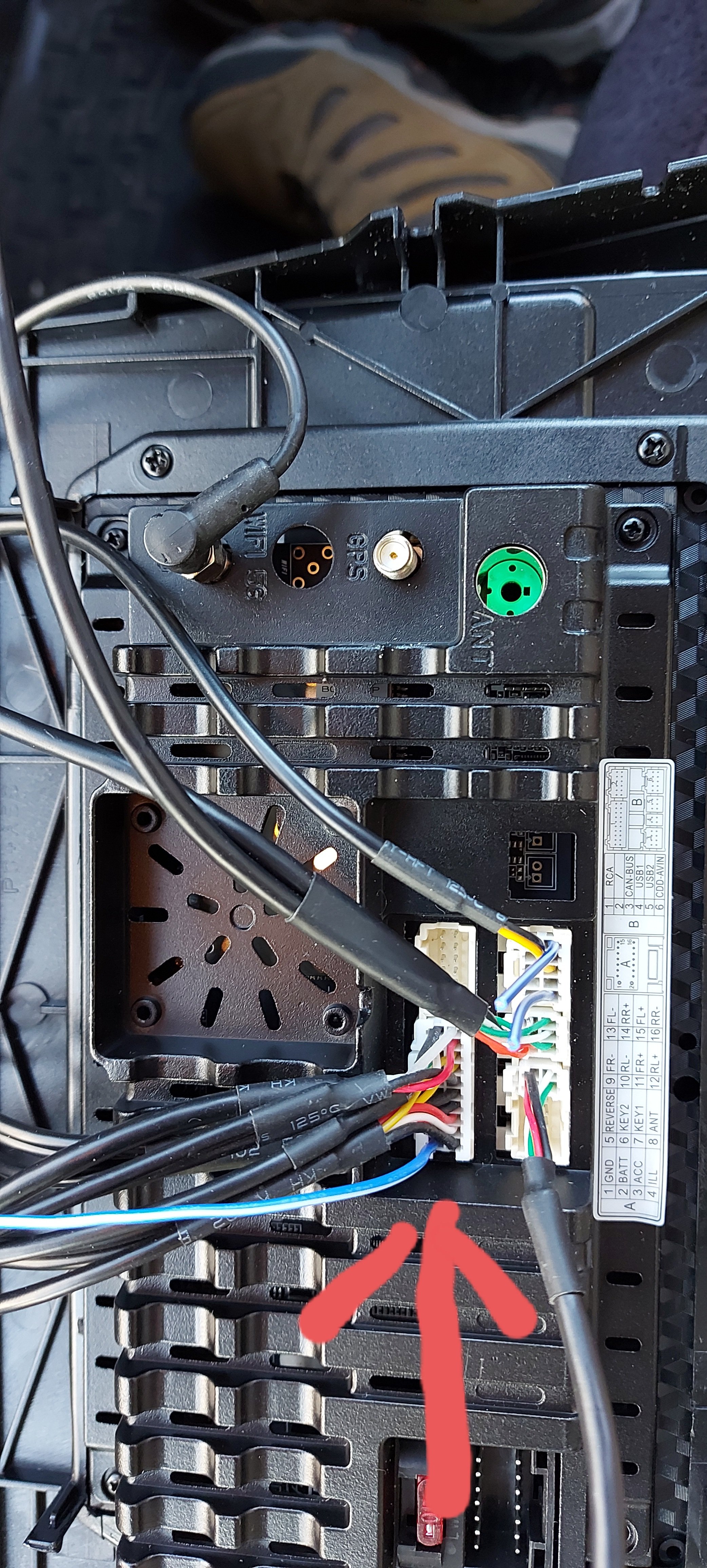
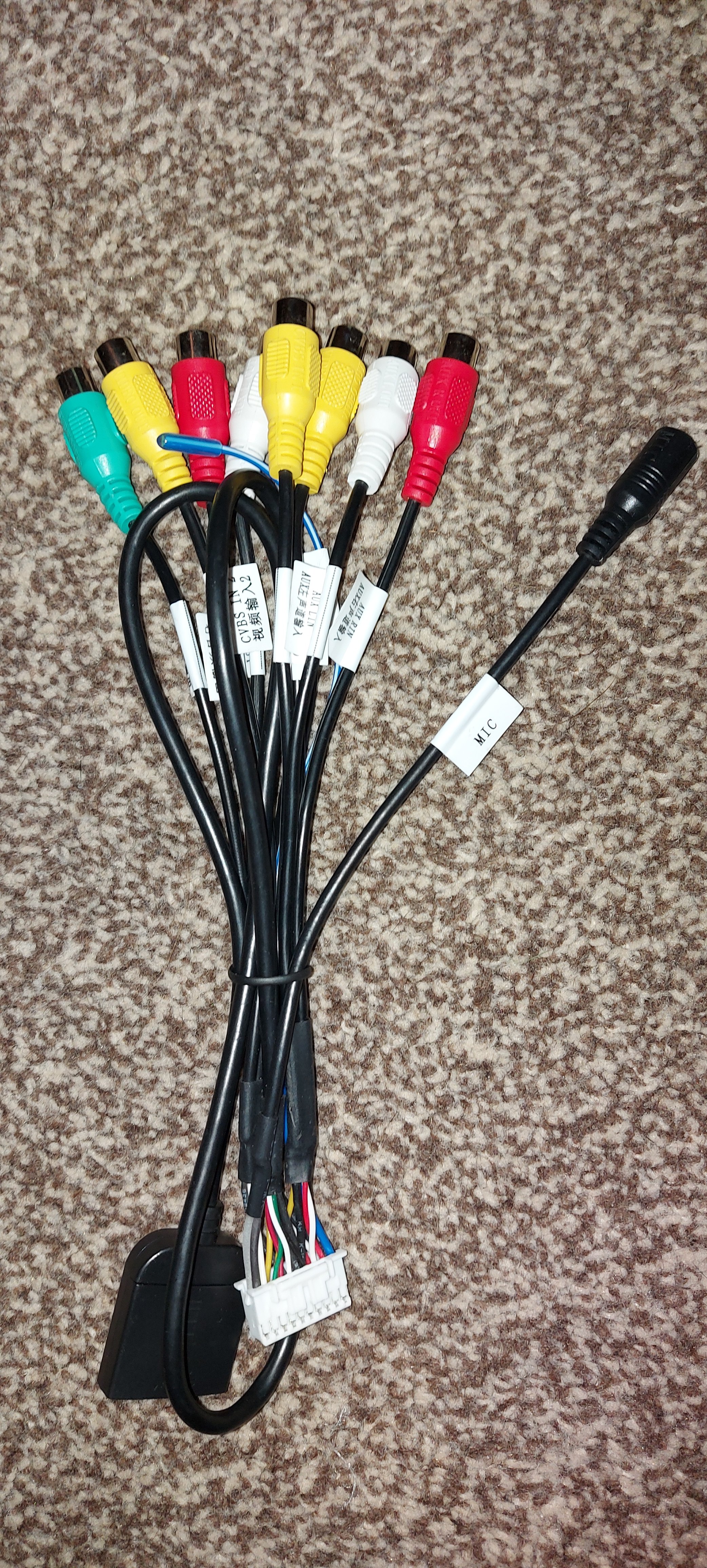
The 5v and ground cables are wired from the quadlock connector to the factory usb on the 2 pins on the external of the factory usb connector, the unit in the glovebox supplies the 5v and ground when the quadlock is connected to the unit in the glovebox but as you know by fitting a new head unit results in the unit in the glovebox not being connected in any way so, the only way to get the 5v and ground to the correct pins on the factory usb using the existing factory wiring is to rewire the iso harness that comes with the new head unit to add the 5v and ground to the corresponding pins on the iso harness to mate with Quadlock connector. My plan will be once I get the full quadlock spare parts is to use the 4cpin JCT to female usb cable that was supplied with the new head unit, strip back the JCT end and cut the 5v and ground cable, connect the cut 5v and ground cable from the JCT connector and wire that into the 2 corresponding pins on the iso harness to match up with the existing pins on the quadlock connector which will supply the 5v and ground directly to the factory USB and leaving the 2 data signal cables as they are. I will then connect the Fakra to USB male lead to the yellow Fakra connector and then connect the female USB to it where it only has the 2 data signals still wired. This should hopefully then provide power and data to the factory USB. Hope that all makes sense.
-
Or take the plunge and change to an Android head unit like I have just done
-
I was playing around with the Agama launcher today and ended up uninstalling and re-installing it. When the pop up notfification asked for just once or always I clicked on always and ended up having the same problem as you have, I never had the problem before. I managed to sort it in the end by going into Themes in the Apps folder then setting the original launcher as default. Restarted the head unit then went into Apps then Themes and then set the default launcher as Agama and it then stopped asking for running once or always.