wagster
Members
-
Joined
-
Last visited
Everything posted by wagster
-
-
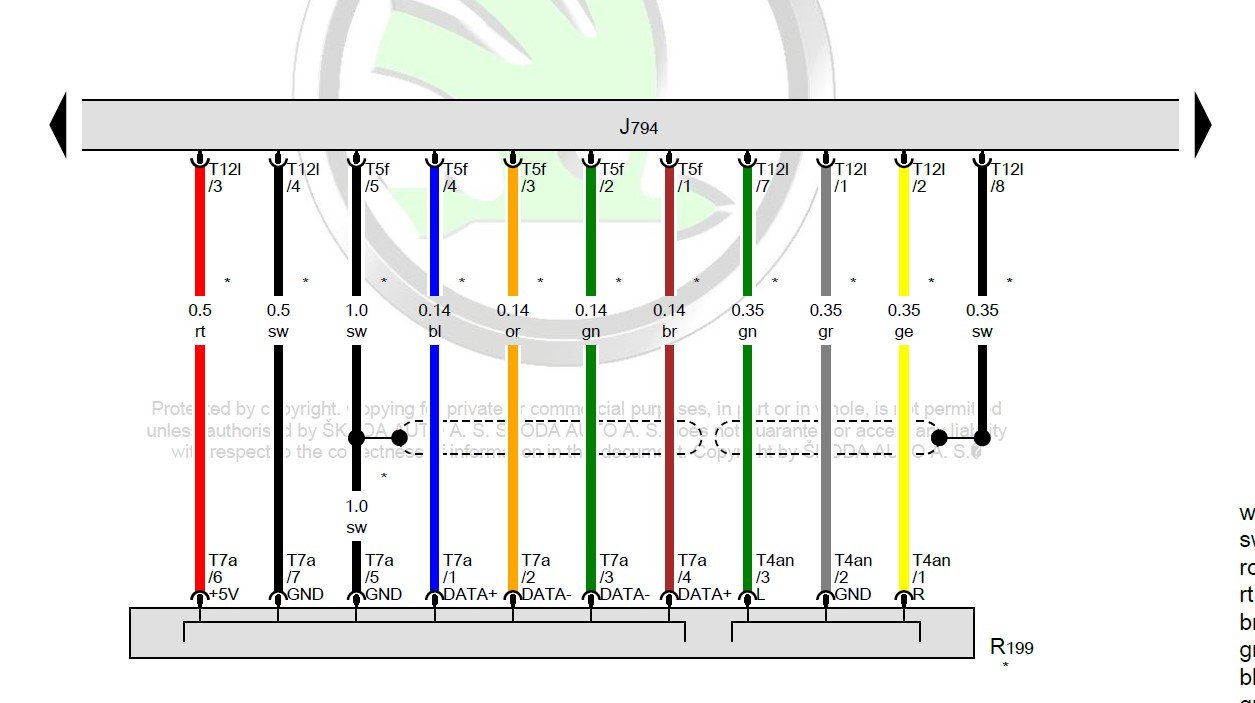
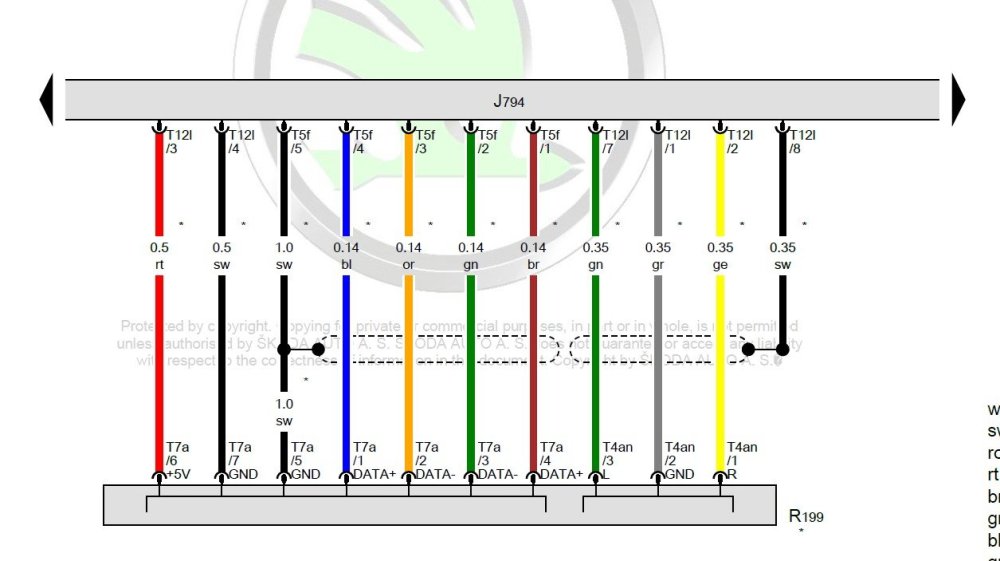
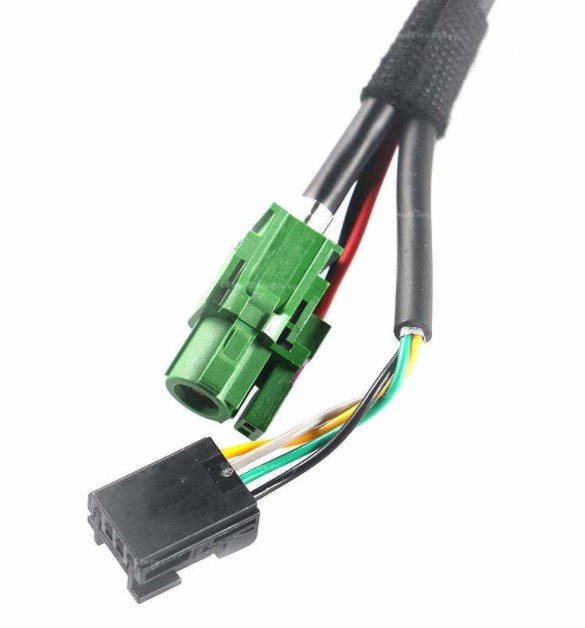
I would probably say that it would not work as looking at the wiring diagrams it looks like the yellow connector in the glovebox is for the USB but that connector only carries the data signals, the 5volts is taken from the ISO harness. The green connector that plugs into the factory USB looks like the 5volts from the ISO harness is on the outside of the connector and the inner is just for the data signals so the AliExpress one found won't work with the OEM USB in my opinion, it looks like they are getting you to also fit their USB port to make it work. Another way if i can be bothered looking into it at some point would be to add in the 5 volts to the sellers ISO harness so that the OEM USB gets power and then the connector that they included that i already have connected to the yellow connector should then work through the USB back to the head unit.
-
-
-
-
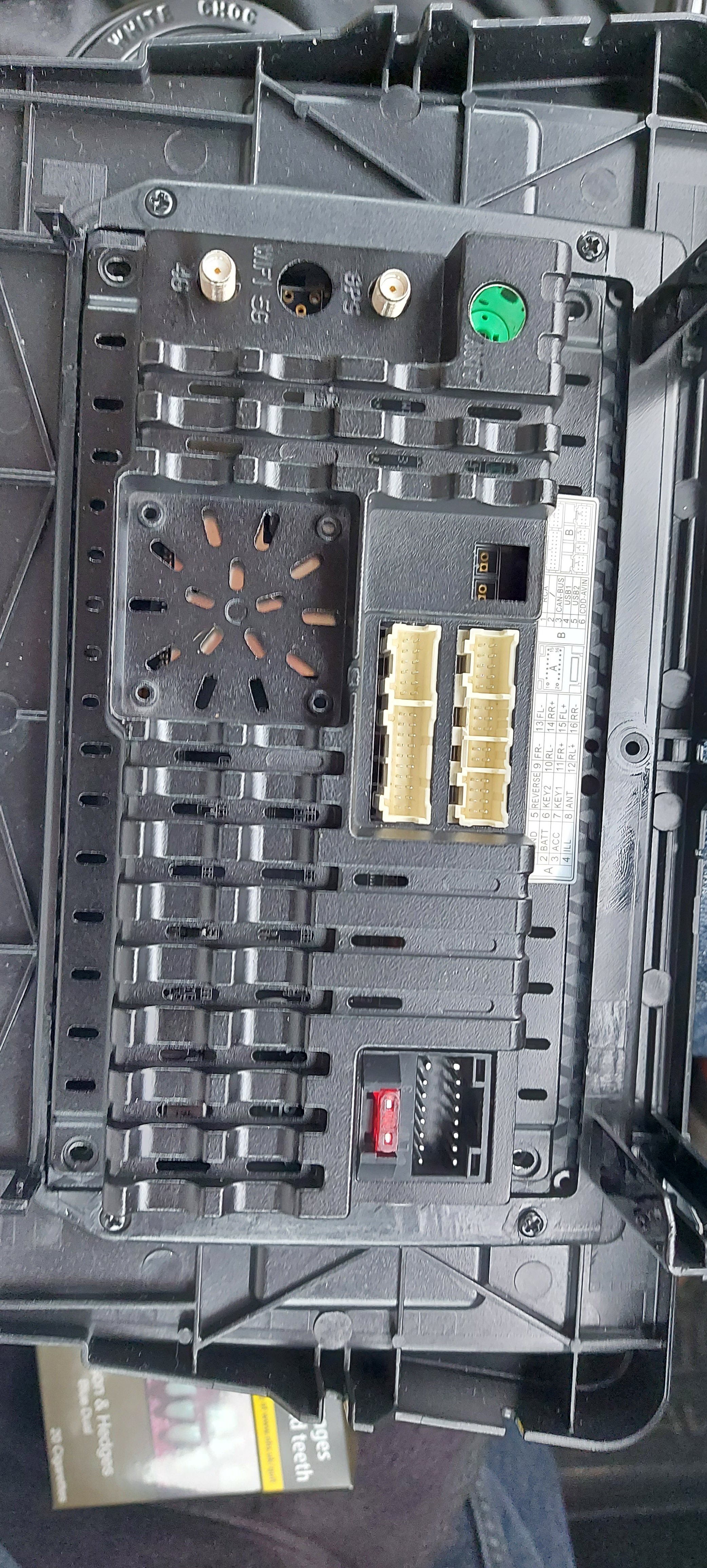
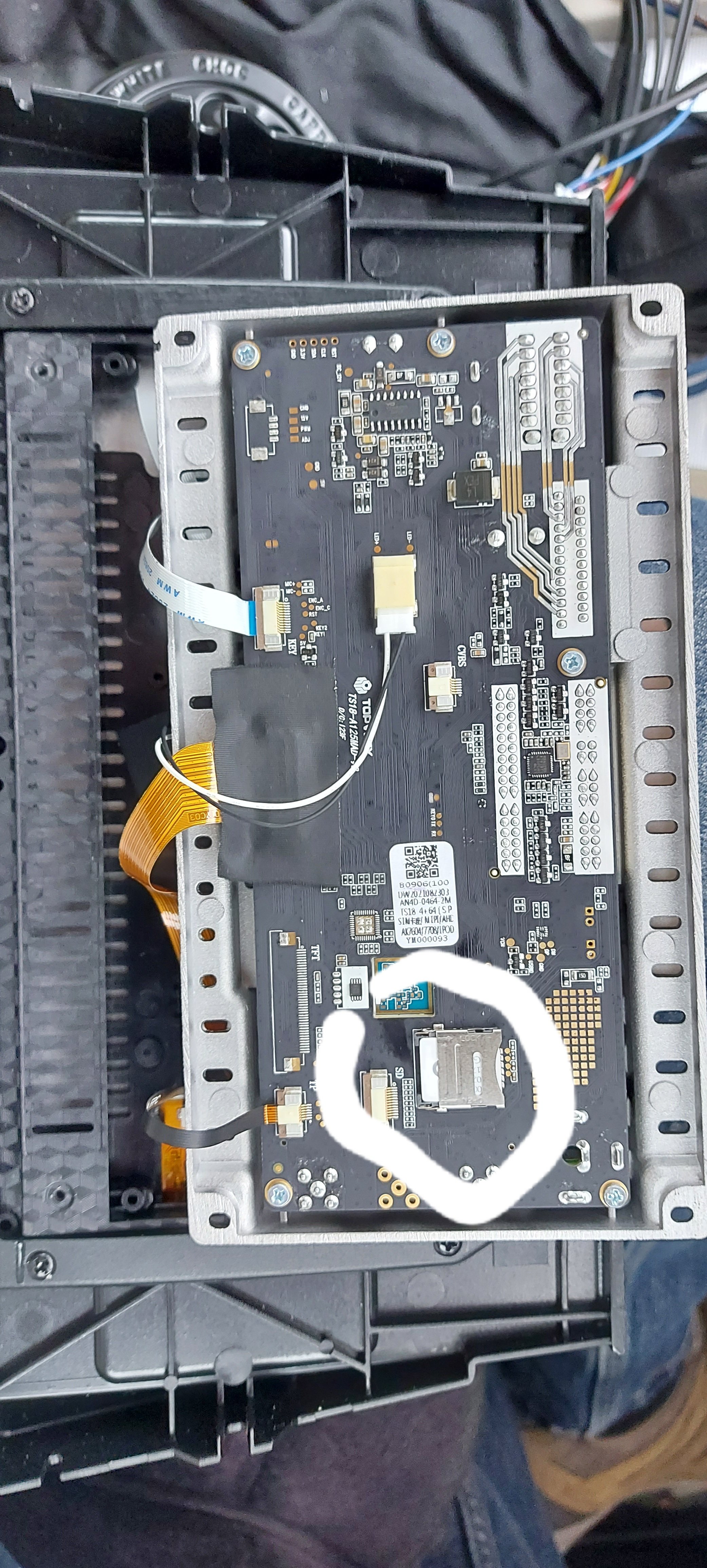
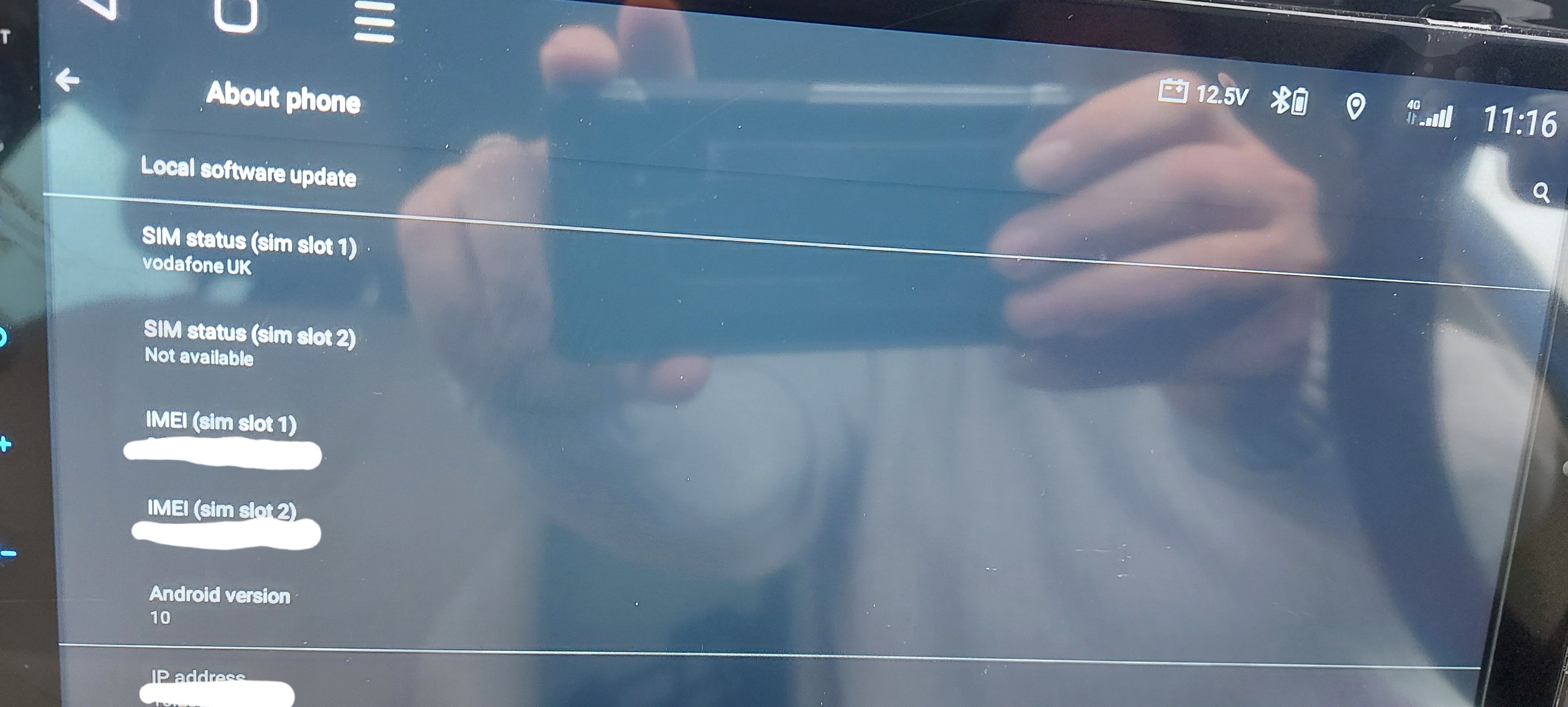
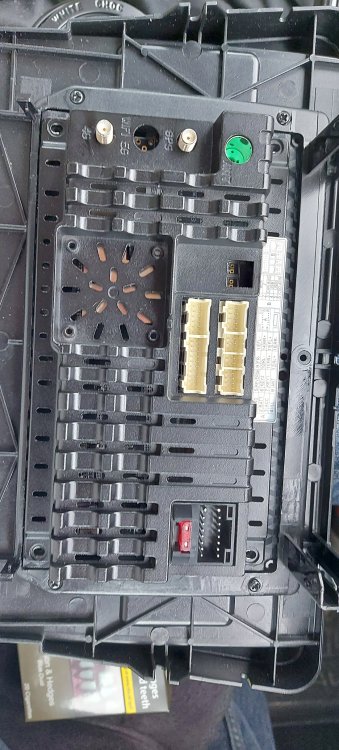
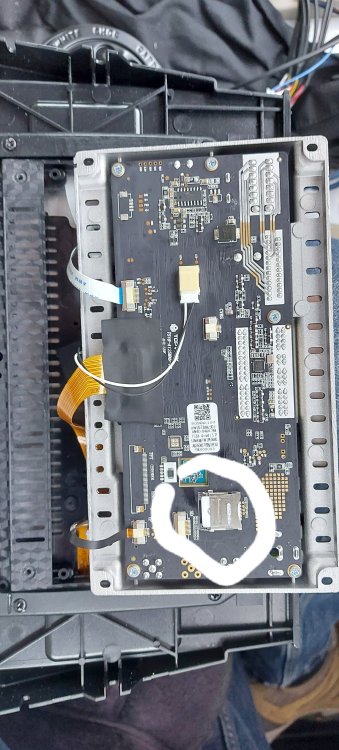
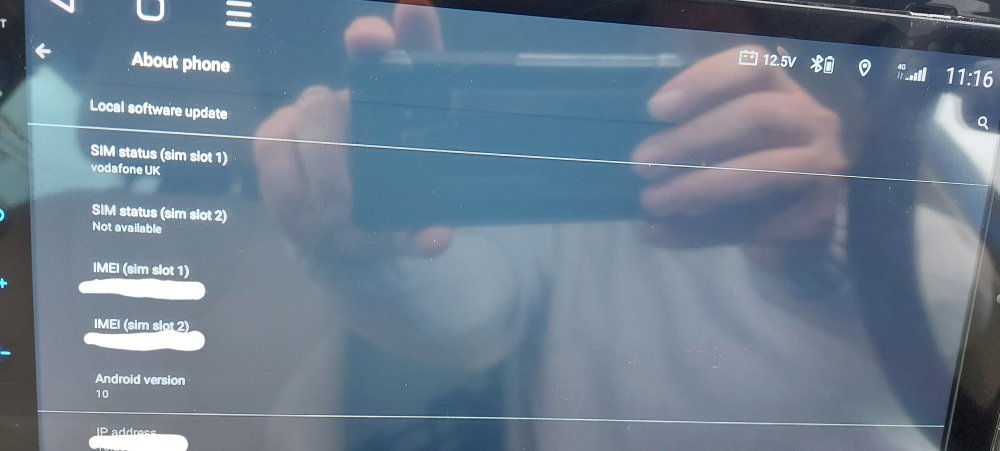
Yes I thought it was weird as well but apparently some mobile carriers might not be supported. Anyway I have sorted it now. The head unit shows 2 sim slots in the settings but the only visible place to put a sim card is with the sim dongle they supply. Looking at some other units and they show a 2nd slot on the back of the unit but looking at mine I couldn't see one. I decided to take the back off the unit and there was the 2nd sim slot. I put the Vodafone sim in and it works but will not work in the sim dongle. Basically sim slot 1 is directly fitted to the board and sim slot 2 is the sim dongle.
-
Yes i activated the new sim in a spare phone 1st before trying on the head unit, it works fine in all my phones just not in the head unit. One of the suggestions i found was to make sure the sim pin lock is off and mine is. I am trying to rule out that: 1. The head unit is compatible using a Vodafone UK sim 2. With it being a pay as you go Vodafone sim, is that the reason as my contract EE sim works fine.
-
just a quick question to anyone that has these head units, have you tried the 4g sim card dongle to see if it is working? I was in the shops today and saw that Vodafone UK had a offer on for pay as you go sim card of £10 for 25GB data so i thought as a cheap decent data allowance i would but it and test it out for a month on the car instead of hot spotting my phone. Anyway, for the life of me i could not get the head unit to pick up the sim card and all it would tell me in the settings was "sim disabled". After some googling i was no where near any closer to getting it to work, so i decided to try my contract EE sim out of my phone instead, restarted the head unit and 4g worked straight away. Swap back to the Vodafone sim and then nothing so asking to see if certain sim cards or networks are causing a problem.
-
-
At the moment I have the dongle plugged into the USB lead that came with the unit. I cannot get the factory USB port to work with what they supplied and also the twin USB they supplied isn't working properly, one lead doesn't work at all and the other one it intermittent so I have asked the seller to see what they say. I haven't put the glovebox and panels back together yet so everything is just hanging down on the passenger side.
-
I haven't done anything with the mic at the moment, just using the what I assume is the inbuilt mic in the head unit as I I assume the factory fitted one isn't linked into the system. My son said he could hear me fine so will see how it goes and look at fitting a new mic later on if I need to.
-
-
-
-
-
Dongle https://a.aliexpress.com/_mrSQqam 4GB/64GB head unit https://a.aliexpress.com/_mr4bwNk Fakra connector, I didn't need to buy a splitter type but want sure at the time and will buy just a straight online one for the GPS https://a.aliexpress.com/_m0BPDQ2 I pay in US dollars on Aliexpress as I get a better exchange rate using my Starling account. If I had paid in British pounds it would have cost £206.03 but with my Starling account it only cost £192.15 for it all and all arrived in 2 weeks from China. Yes mate.
-
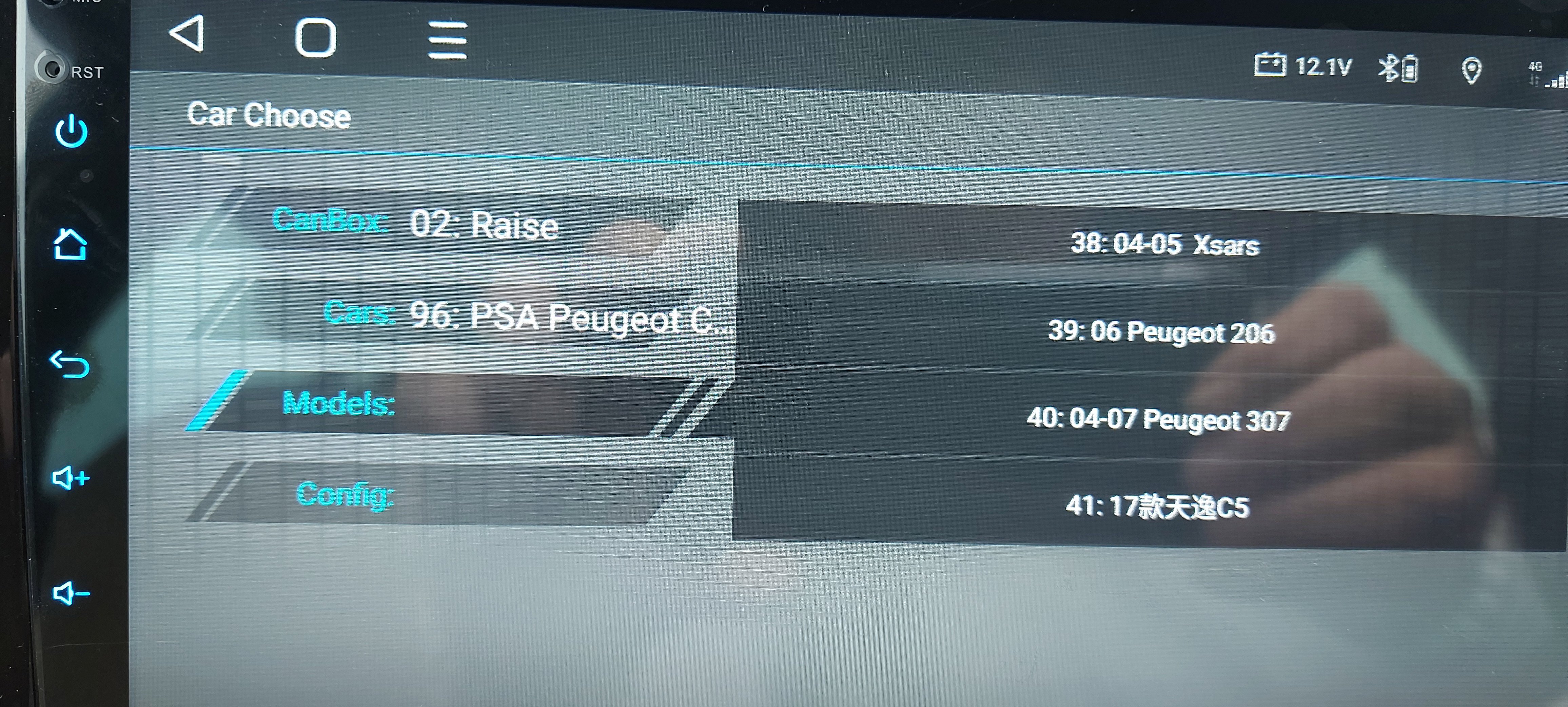
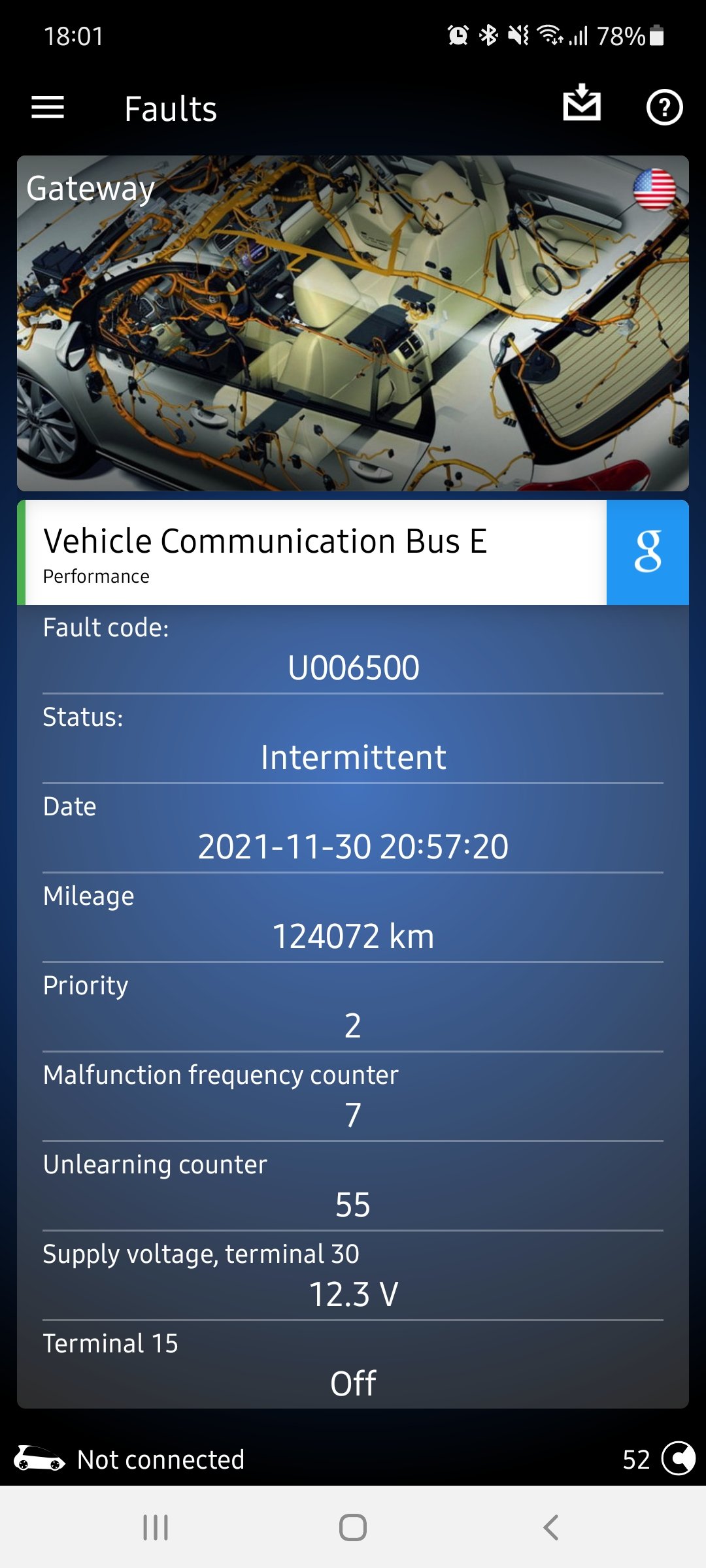
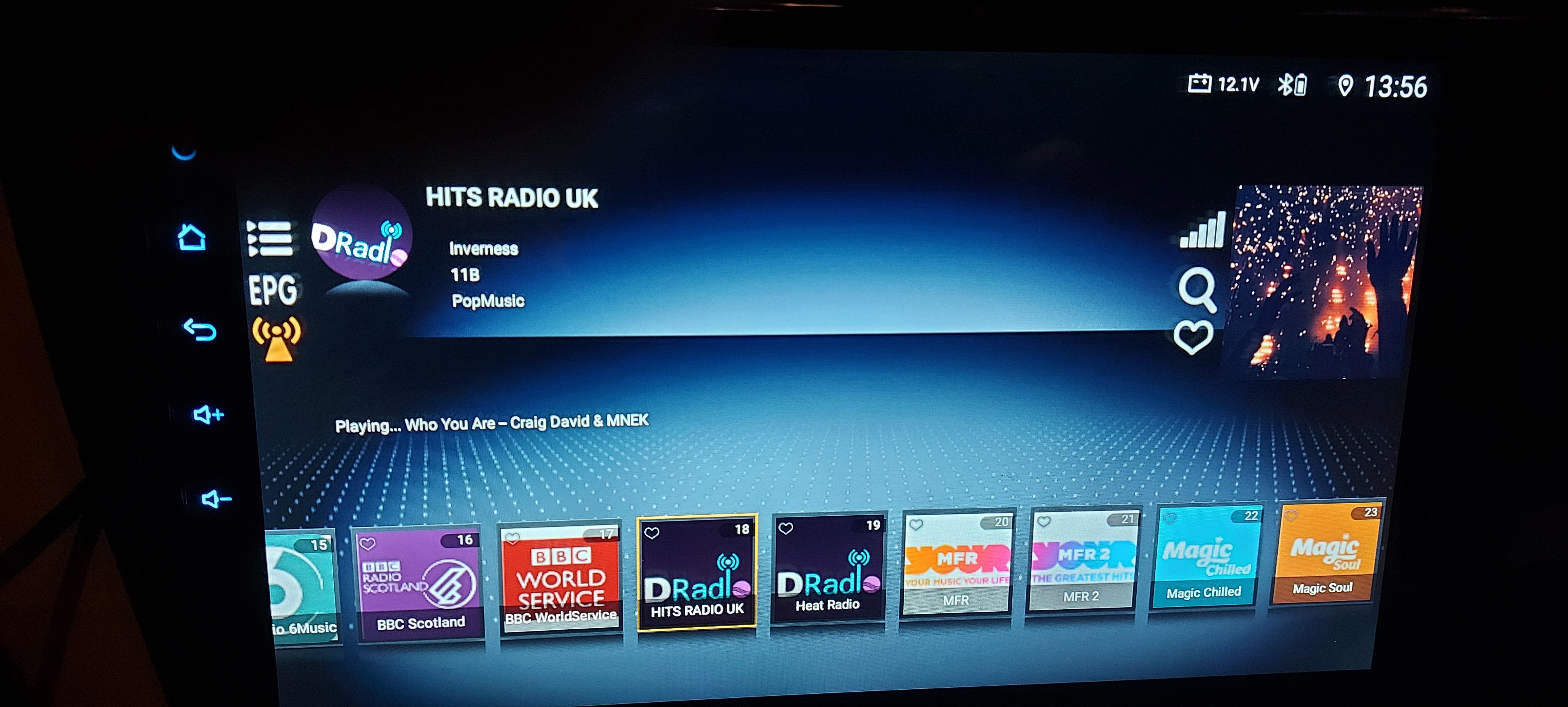
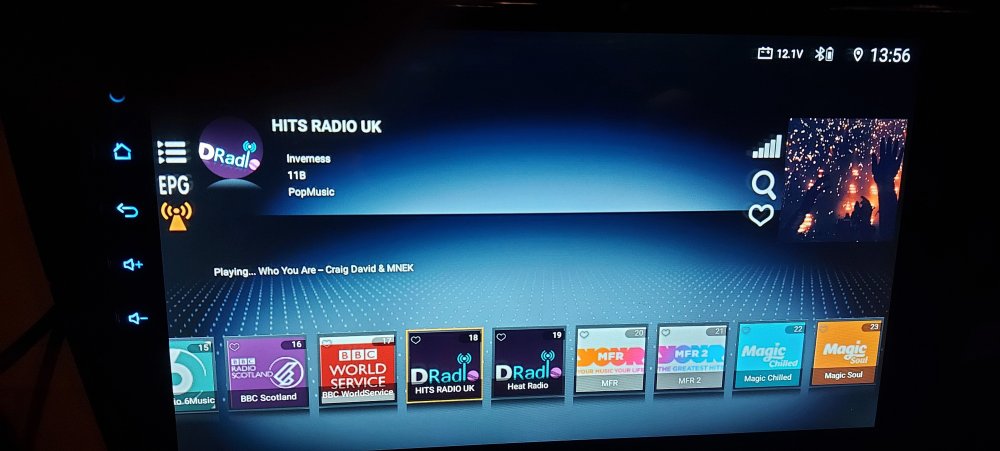
Yes once I had the right canbus settings I could then see all the car information and change the dot matrix language back to English. Tested the DAB dongle tonight with it connected directly to the factory fitted antenna and it works fine showing a full signal so going to need to order another connector lead to connect the GPS back up.
-
-
-
IOk got it installed up to a point as was getting a bit cold and started raining so will have another go tomorrow. The adaptor lead I bought to use for the factory fitted DAB I am using to connect to the factory fitted GPS to the head unit and works fine so might have to buy another adaptor lead if it also works for DAB when I get the dongle. Was hoping the factory fitted USB was going to work but a quick check and don't think it is so will investigate later. I had previously fitted an aftermarket rear boot handle reverse camera so all I had to do was unplug it from the back of the MIB2 in the glove box and plug it into the head unit, just glad I had left enough extra cable when I orginally installed it so it reached no problem and works as it should when I engage reverse. Not sure what I have done but after finishing off for the evening I had to start the car as I was getting a low battery reading and for some reason my drivers dot display is now in German!! I am getting a stop start error but that might be due to the low battery warning. Nothing is happening when I press the drive mode button. Cannot figure out how to make a phone call either as I cannot find the phone app but will look it that. Only tested FM radio and that works fine but was expecting to see radio station names but only getting frequencies.
-
-
It just needs a 12volt power supply so where you take it from is up to you but if it was me I would probably look at taking it off the ignition feed to the head unit so it is only powered up when the head unit is on.
-
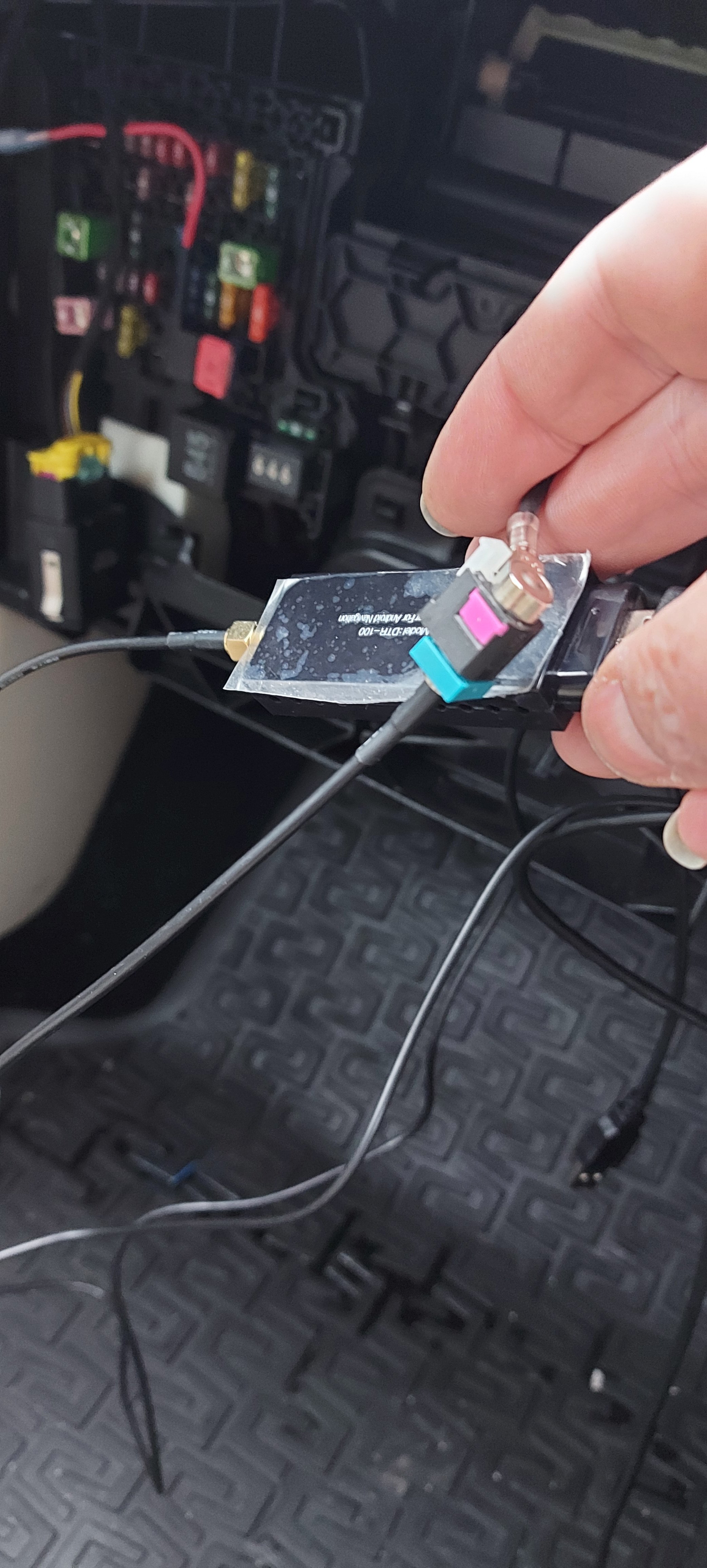
That contraption is for use on vehicles that only have the standard FM/AM antenna fitted without DAB. As for enhancing the stick on DAB you also have i would probable say it wouldn't really help but without trying it is hard to say. If you want to wait a few weeks, i have ordered my head unit, DAB dongle and the Fakra splitter to try and use the existing DAB connection so will be able to tell you if that way works instead of having to install a stick on DAB antenna.
-
What you might be able to do which is different to what i am going to try as i already have DAB factory fitted is maybe something like this. https://www.amazon.co.uk/LEADSIGN-Splitter-Booster-Converter-Amplifier-FAKRA-Port/dp/B08V1HXFQV/ref=pd_sbs_1/262-5909730-0858113?pd_rd_w=bgIkH&pf_rd_p=b3232d54-1e37-435b-b370-81046eef630a&pf_rd_r=NSF7D007YDFRDMWA1ZW3&pd_rd_r=6845ad7a-55a5-4218-b31f-7582a2edb5f5&pd_rd_wg=6kkNJ&pd_rd_i=B08V1HXFQV&psc=1
-
After doing some digging it looks like it is a active DAB system, more information the link below but basically it seems the MIB2 unit kicks out 8.75volts to the antenna amplifier so not having the existing DAB connected to the MIB would throw up errors unless I changed the coding to tell it DAB isn't activated or installed. It seems that most of the USB DAB dongles kick out 5volts to the antenna anyway so it might still work. https://forum.obdeleven.com/thread/7557/antenne-problem-coding-hardware-fault