DanHague
Finding my way
-
Joined
-
Last visited
Everything posted by DanHague
-
Yeah. On the whole I actually love the car, but it does have some annyoing quirks like this!
-
Hi Phil, We have a two similar issues: The warning light for the sensors on cold/damp mornings is usually a legitimate issue, I have found: the part of the windscreen in front of the sensor (at the position of the rearview mirrror) can get covered by frost/snow/dew, blocking the camera in the 'sensor box' behind. Cleaning the windscreen generally seems to help The tailgate lid closing when loading: I have the same issue and in my case it seems to be that the 'foot sensor' that allows you to open/close the tailgate by moving your foot under the rear bumper is too sensitive and already activates the tailgate when you just get close to the bumper. Annoying, as I have got the tailgate closing on my head a few times! I have yet to try cleaning that sensor to see if things improve. Hope it helps, Daniel
-
Yeah, same issue with the emergency braking - last week the car thought I was about to hit a pedestrian (I was not) and that emergency braking is VIOLENT! I had the same issue with my previous Superb Mk3. I think that would be my one and only gripe with this car: the warning systems sometimes intervene 'for nothing' and actually create a dangerous situation - like last week, the braking was sudden and violent and I felt lucky the var behind me did not rear-end me. I estimate this happens about 1x per month.
-
Hi Rob, for me the warnings popped up once at start and 2x during a drive. The car+battery were brand new, so I do not think it was battery related. Yes, same issue with fog/ice over the sensor, but that is a 'genuine' error, because the sensor is actually blocked and cleaning the windscreen area over the sensor solves the problem.
-
Hi Rob, I picked mine up in early December 2024 and the car now has 12k kms on it. In summary: I am super happy with the car and after a teething issue in the first weeks it has given me no issues, only joy. The teething issue: I initially had the 'assist systems' warnings, did a 'hard reset' myself by disconnecting the battery and took the car back to the dealership for a check. They told ne they did a reset, but honestly I am not sure they actually did much. In the weeks after, the warning popped up 2 or 3 times. Each time, stopping the car, switching the ignition on and off cleared the problem. The last time I had the error message was January 2025, since then, plain sailing. I use the car a couple of times per week for commutes and it has been on a family ski-trip to Austria and several longer drives also. As said, nothing but joy from this car. Hope this helps!
-
Hi, for what is is worth: I received my Superb from the dealership in early December 2024. In the first weeks, it had a series of the error messages like you experienced. Took it back for servicing in late December. They then 'reset' it - think that was just the fuse-removal you have also mentioned. Since then, no issues worth mentioning. My sense from this forum is that the earlier 2024 models have the persistent issue. So maybe an option to switch for a late 2024 or 2025 model? Whatever you decide, hope it works for you. Sounds like all of this has been super frustrating and taken a lot of time and back-and-forth with the dealer + Skoda.
-
Yes, in my case the reset process was 'disconnect the battery, wait 20 mins, reconnect the battery' :-)
-
Yes, then it is likely a 'true' error.
-
No, as far as I know this is all quite obscure. Going back over posts on this forum, it appears that the dealer software updates don't change the software version you see on your display. That software version seems 'locked' to the car and related to the production date, is my guess. Having said this, I was getting all the assist errors just after the car was delivered by the dealer (early December). They then did a reset -not sure what that was- and since then no errors. So the reset seems to have done the job.
-
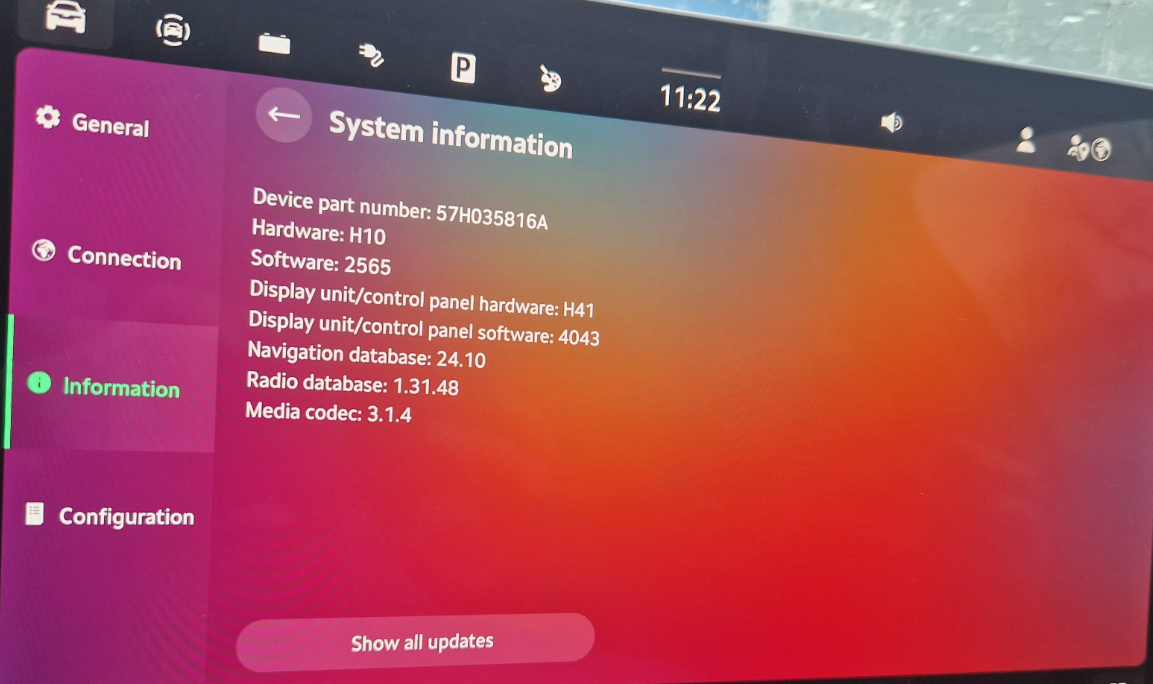
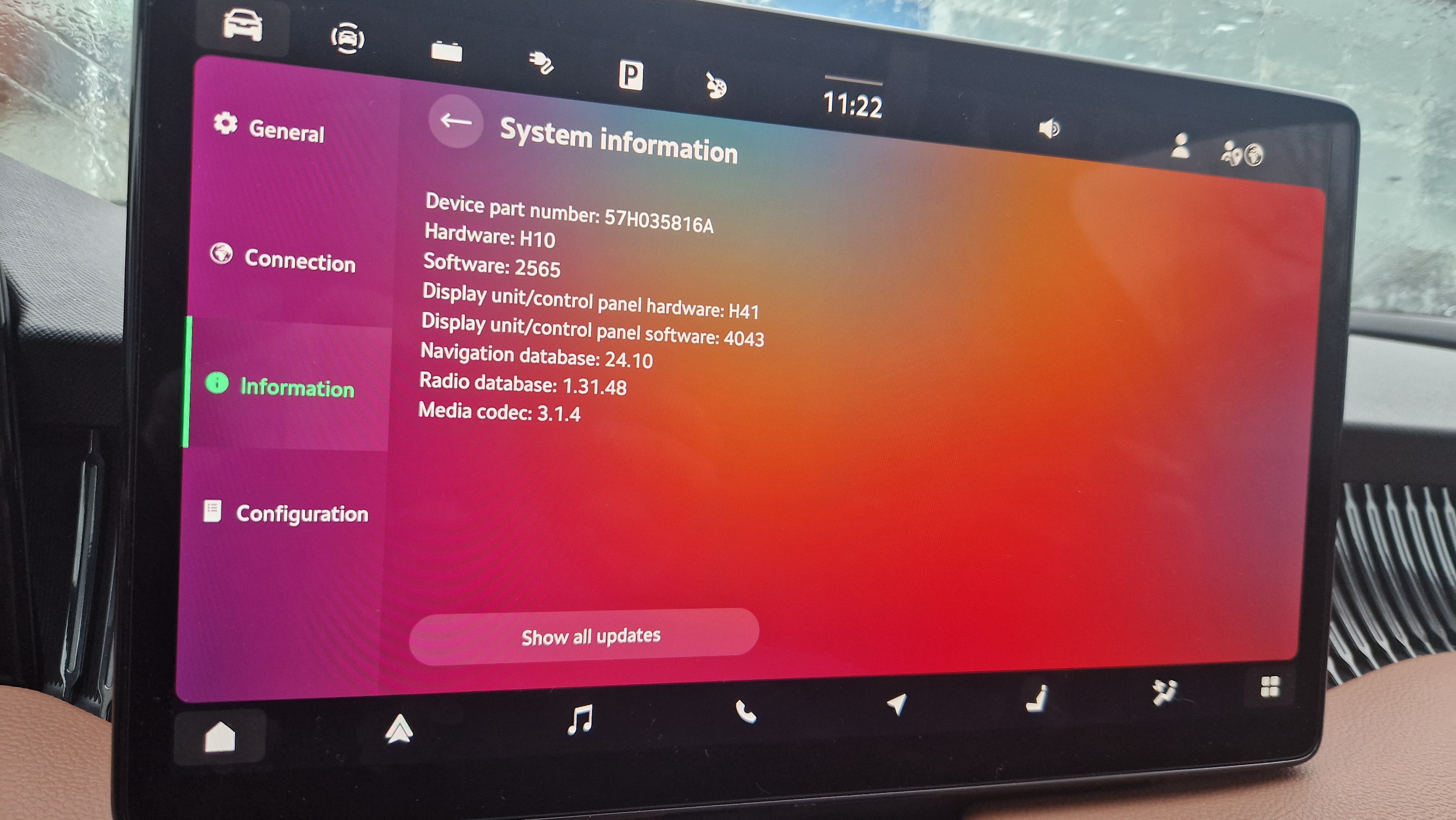
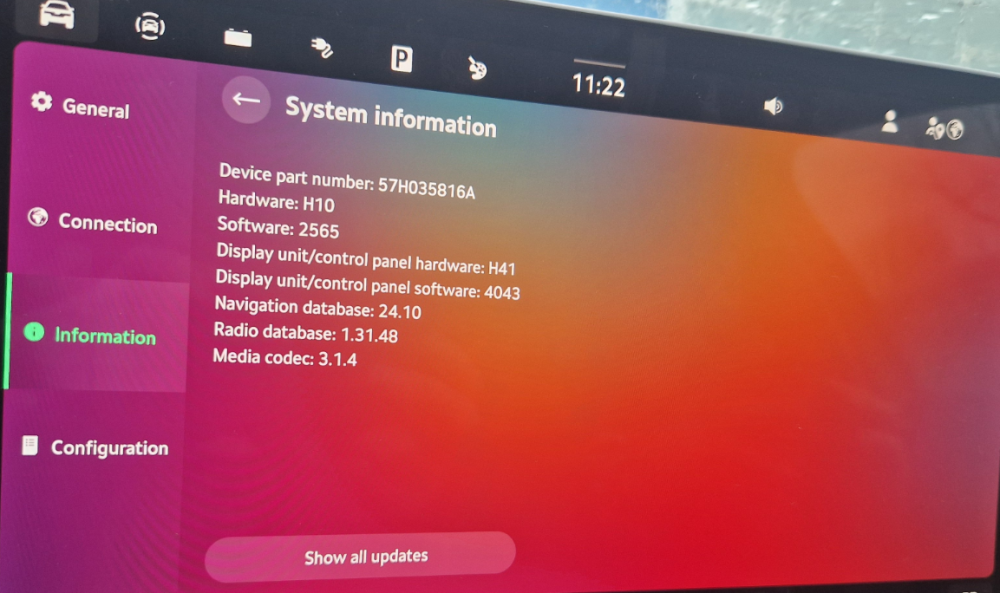
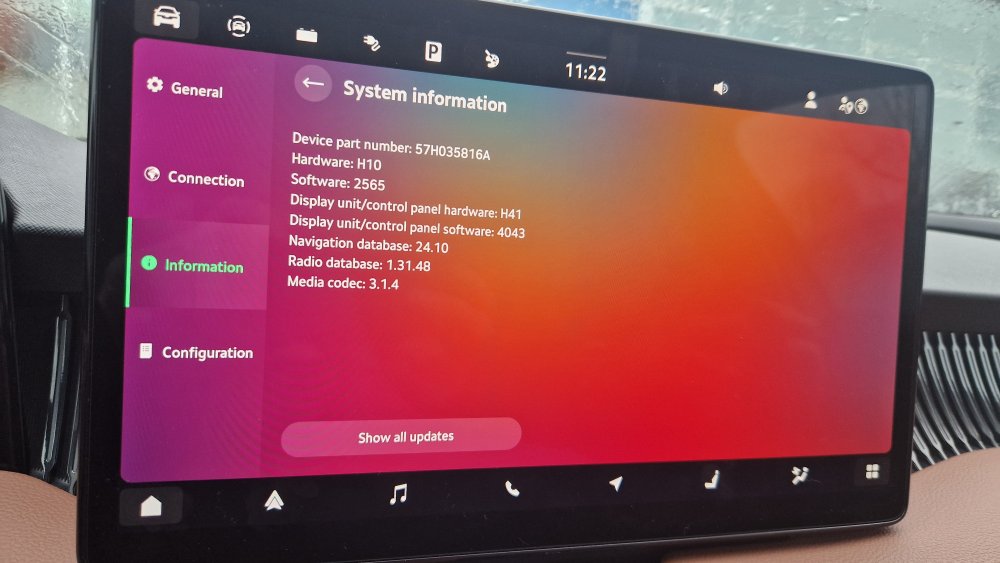
If the error is 'front sensor obscured', it was probably a genuine error: I've had it the past weeks a few times when it has been cold and there is frost blocking the sensor windows. For me, the error went away when I cleaned the sensor area at the top of the windscreen and on the front grille (radar box cover/grille camera). Hope it helps. (Outside these genuine error messages, I have not had the assist errors in the last ~3 months - software appears stable since my dealer did an update mid December. The update did not change the software version though - same as others are reporting. I am on 'still' on 2565).
-
Pretty much the same here. After a slew of assist-function warnings in week 1, now 2 months in witth 4k Kms on the odometer and nothing untoward. An occasional error warning when I switch on that clears immediately and the emergency brake triggered twice without cause. Very happy with the car.
-
On my left-hand-drive Superb IV PHEV the battery is behind a panel in the boot on the left. Very similar to the photo above of the Kodiaq. Just unclip the panel and you can access the battery. (I have one time disconnected the battery to force a 'system-reset' when I was getting all the assistance system warning messages. Since I did that, the warning messages have not returned.)
-
Thanks, this is also how it worked in my previous Superb MK3
-
There are two little slots in the phonebox. They could provide cold air, but I am not seeing that happening.
-
Do you also notice that the central storage units between the front seats DOES get cooled (also in winter when the heating is on, it is cold inside that box) bit that the phonebox indeed appears not to get cooled?
-
Same here: updated December 24. Had one more issue the next day with the warning light and 'calibration error' popup window on the infotainment screen that required a restart of the engine. Since then, only one or two warnings that clear after a minute. Car has now done 2000km since the update, driving it 5 days/week.
-
I am on software 2565 and use a Samsung Galaxy S22. The car now has driven 2000km and I run Android Auto for nav + music. Charging is generally ok, the phone usually keeps it charge. One or two trips the phone got really hot and lost charge (started at ~80% and was at ~30% battery after the trip). Somewhat related: what I have found with Android Auto, across many (hire) cars as well as this one: if you have your route/map pre-downloaded in Google maps (using the 'offline maps' function), Google maps has a lot less work to do and the phone gets a lot less hot.
-
I have found setting it to manual charge and then driving in 'S' mode, will maintain the charge and very slowly charge the battery - but at the cost of higher petrol consumption than in 'D' mode. The charging is so slow though (about 5 kms of charge per hour), I don't consider this a useful feature.
-
Hmm, strange indeed. Sorry, don't know what is causing that.
-
Short update: - Had the car into to the dealership on December 24, they did not do the software update, but checked the error log. - On December 25, was playing with the user settings while driving, specifically the 'automatically assign key to driver' setting. All the assist system warnings came up, with the beeps and bells. And the calibration error page stuck over the infotainment screen, which would not clear. - Switched off the engine while waiting at a traffic light. When restarting the engine, the messages had cleared and the popup screen was gone, except an orange warning triangle on the dashboard showing me there was something wrong with park assist. - When restarting the car later that day, no more error messages. - Now, 5 days and about 400km later, the error messages have not reappeared.
-
Thanks for your update! On the problem you are having: just to be sure you have checked the obvious: in the dashboard, you should be able to choose the range since refuel/start/long by first clicking the left/right scroll wheel (to activate the menu you want to change) and then turning that wheel until you get the data you want to display. You are saying you CAN select the data, but you CANNOT select the 'since start' data?
-
Thanks! So latest software looks to be 2630.
-
Thanks for sharing. Agree that it is a bit of a curious-to-see-what-will-happen-every-time-I-hit-Start situation. Oh well, overall I find it a fantastic car and am loving it. We'll see what I have to say in a few months! Merry Xmas!
-
So
-
An update: When the initial issue of the multiple 'assist system' errors took place (odometer around 900km of driving), booked an appointment with the dealership and disconnected the battery for 20 minutes Battery disconnect cleared the errors and they did not return, odometer now at around 1300km. One error persisted: engine management, but that cleared by itself this morning Now at the dealership and what they have to say about it: "We get this a lot with new cars. A reset usually clears it and the errors do not return. As your car is new, it should come with the newest software installed; we'll have done that before handing it over to you 2 weeks ago. We can see in our records that it is not due a recall." The dealership is now doing a readout to check the error logs and do a reset if needed. So, fingers crossed that this is resolved now. What I have asked the dealership is the specific software version the car should be after the update, which I believe to be 2565 My car was on 2565 when I received it from the dealership new, 2 weeks ago, which would confirm the dealership had done the update before handing it over to me. But that also would show that the software update is not the fix for the 'assist system' errors, as my car displayed these errors despite being on the latest software. Can anyone confirm a pre/post update version for the software they are on?