CormacVrs
Finding my way
-
Joined
-
Last visited
Everything posted by CormacVrs
-
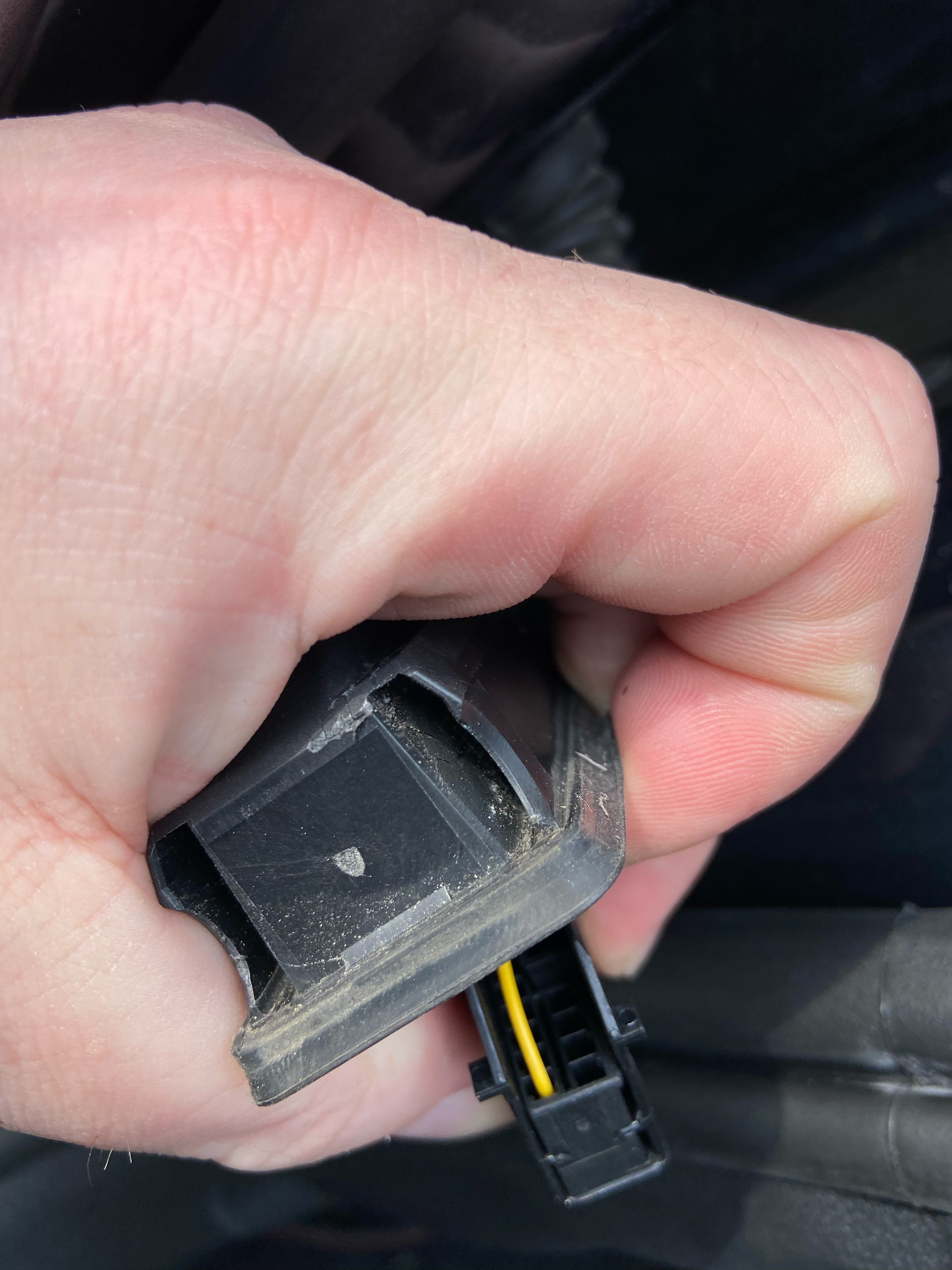
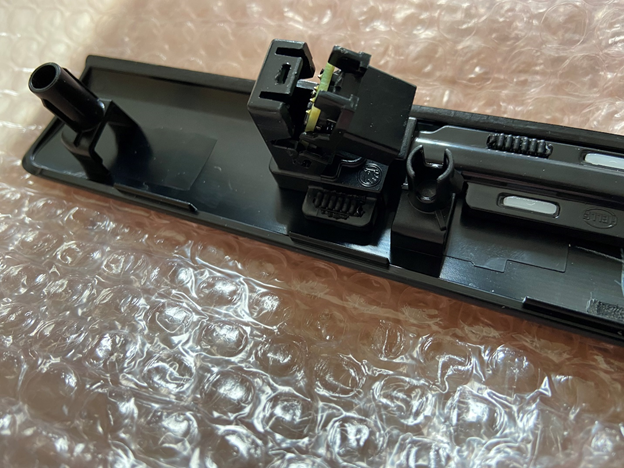
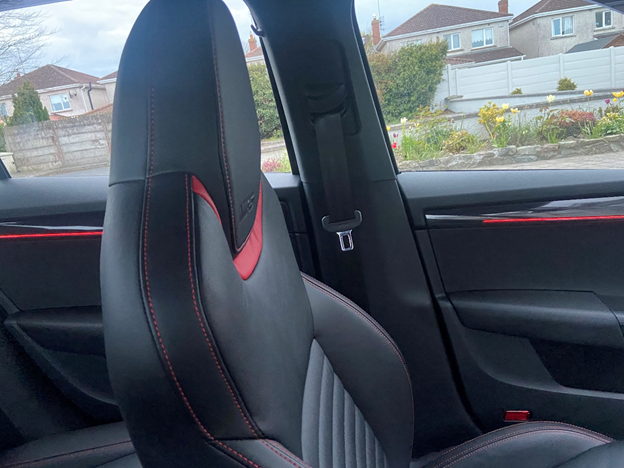
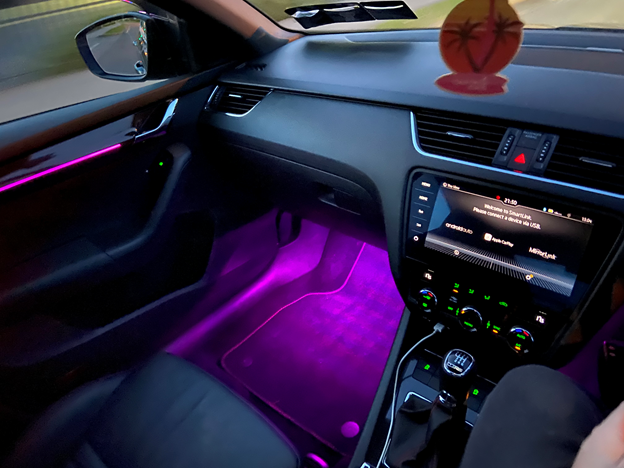
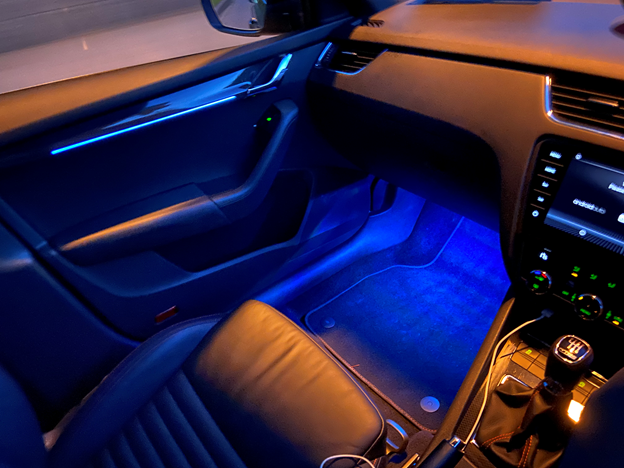
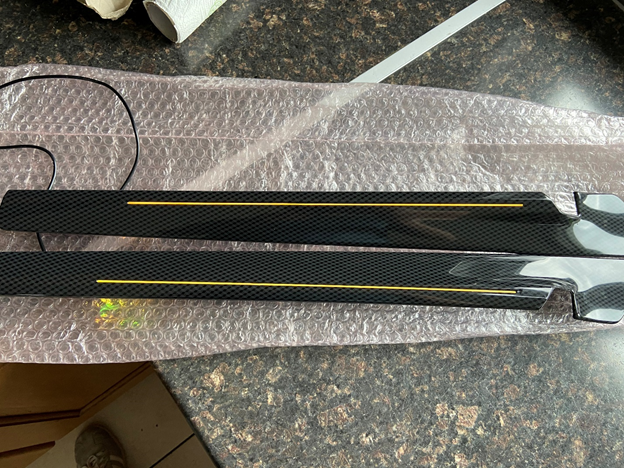
Hi Was mad keen to upgrade to ambient lighting on my pre face vrs but found out you needed to upgrade the BCM so decided to buy the original door trim and a set of RGB Led's controlled by an app on your phone. Its a compromise but i'm sure once the novelty has worn off they will be staying on the same colour. Happy with the results. Ill get better pics up shortly. If there's any interest i might do a full how to guide. Cormac
-
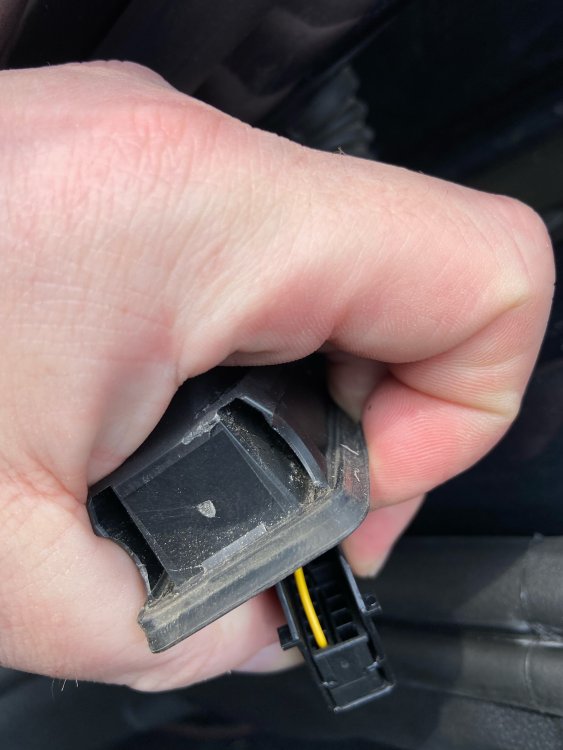
Hi Anyone know the part Numbers for the pins in the door plug and socket, I’m looking to run a cable another cable into each door. Cheers
-
I don’t think you can make it work but I stand to be corrected on that. I’d find out what head unit you have and buy a bigger screen that fits, I’ve done it and it’s well worth doing
-
It looks like the head unit in your car is an MIB 1 and the new screen is MIB 2, the resolution is different between the two
-
I've replaced mine with LED's and selected 'LED Lichtmodul' and gives no errors
-
That’s great info, wanted to ask before I started hacking. Cheers
-
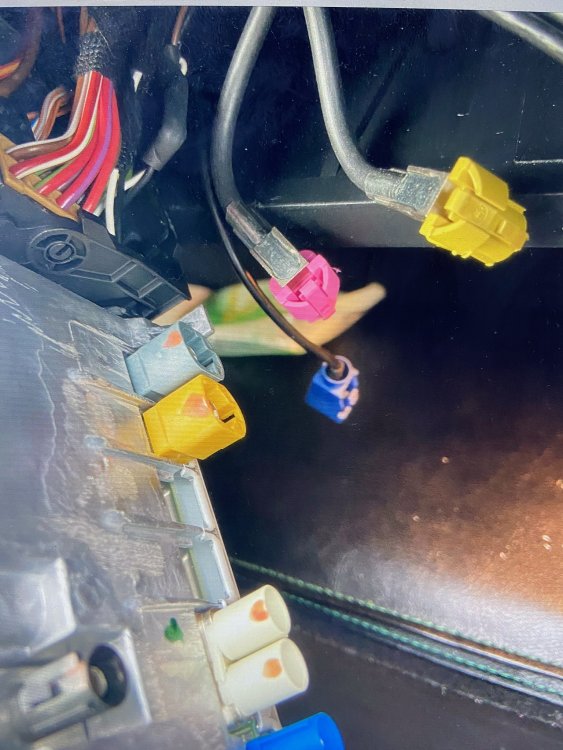
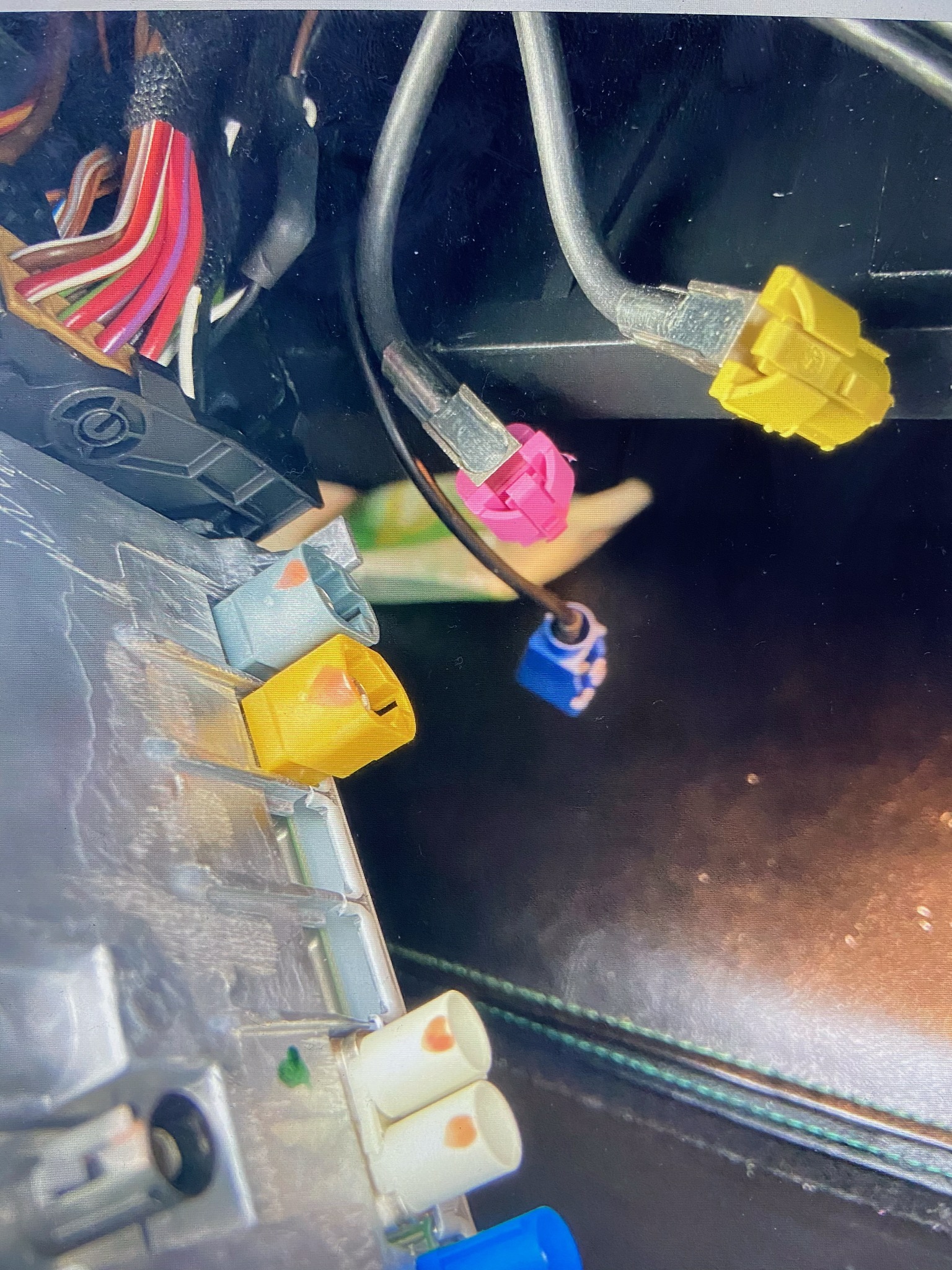
Hi, I’m replacing my old head unit (5Q0035840A) with a Columbus min 2.5 (565035021C) and need help with two connections at the back of the head. The pink and yellow plugs on the original wiring won’t connect to the yellow and grey ports on the unit. Do I need to buy adapters or new cable to the screen? Thanks in advance Cormac