Emird
Finding my way
-
Joined
-
Last visited
-
Hello, yes of course that is very clear. Thank you very much for helping me understand that the problem is with the cable. I returned the cable and am looking for a new one.
-
Ok. Thanks
-
With this cable and this version of VCDS 24.7 I successfully changed the settings for TSR. I am from Bosnia and Herzegovina and fusion mode does not work here.
-
I'll do a full scan and attach a picture. I just don't have my laptop with me right now, so I'll do a full scan as soon as I get home.
-
no it is not the original cable. it is clone. could that be the problem? it opens other modules. when i enter the security code it accepts it properly.
-
Ok. Thanks for info. Do you know why it's all zeros?
-
The adaptation button is not active. I can't click it at all.
-
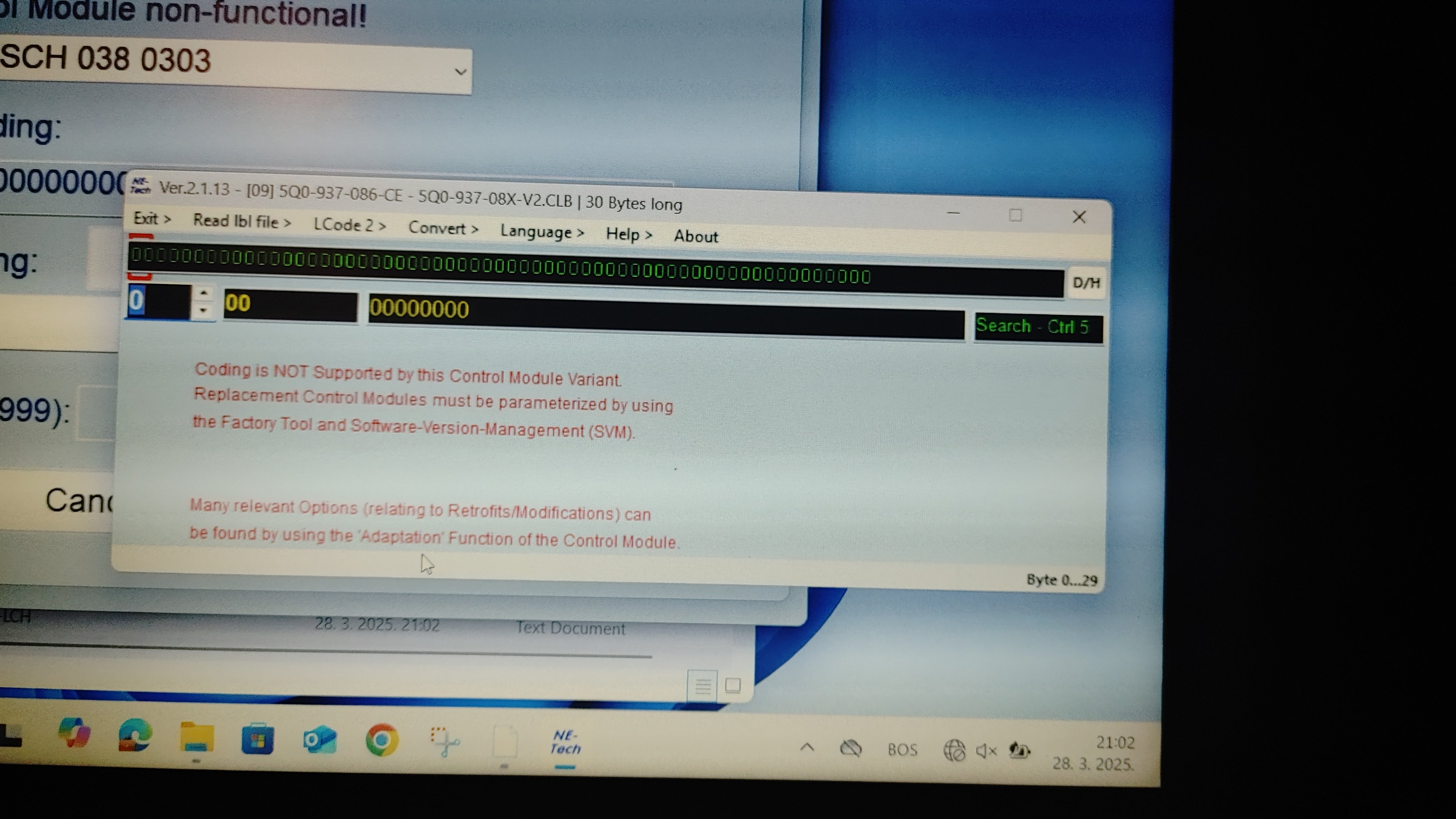
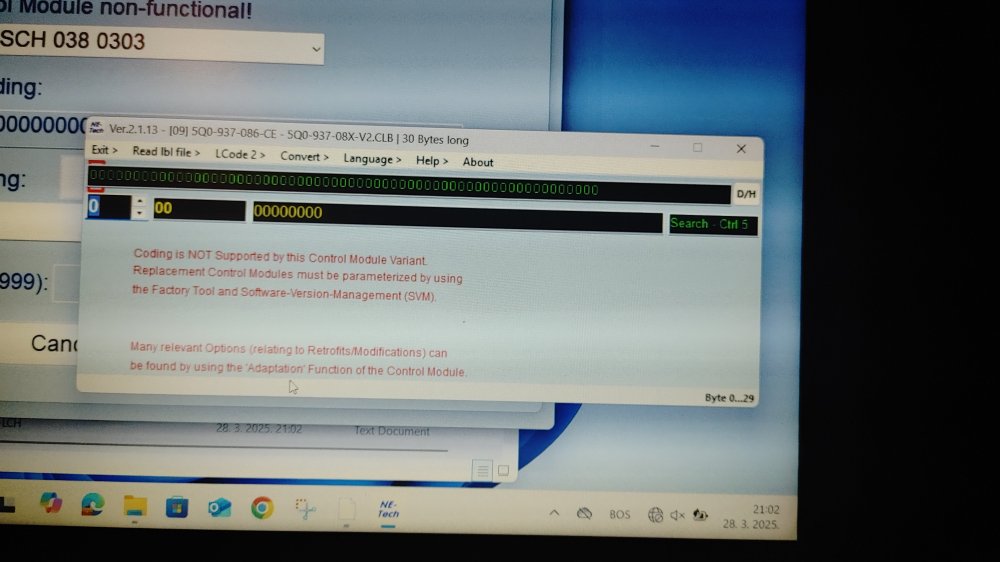
Hi, thanks for the info. But I have a problem that I can't access the 09 module and adaptation. It shows me an error like the one on the sliva that I posted in the first post. Do you know why it throws this?
-
Hello, I would like to activate the high beam assist. I have a Kodiaq 2019 with LED headlights. Does anyone know if it can be activated and how? I wanted to try with the codes available on the forums but when I try to access the 09 module I get the message as in the picture. Has anyone else had this happen? Do you have any tips on how to access the 09 module and its adaptation?
-
-
thanks a lot for the reply. I recently bought a Scout 2015 2.0 TDI 135 KW with 6 speed DSG transmission and I have the option / button to select driving modes but there is no "off road" only Normal, Sprt, Eco and individual. I read somewhere that I may have a special button for off road, but probably this car does not have "off road" mode. Emir
-
HI, can you post the picture of the 'off road button'? I have scout 2015 but I am not sure what button is for off road. thanks