Papalaxeroux
Finding my way
-
Joined
-
Last visited
-
This has been very useful, many thanks. I've just bought a mint Octavia 2.0 TDI 4x4 Combi Mk2 (2013). It has the underbody shields and the "bad road" suspension, though I'm not certain whether the shocks have been replaced. It was owned by a German bank near Rottweil from new and maintained to perfection until December 2025, when they traded it in. I bought it from the dealer and am now registering it in France, where I live. There are a few areas that standard servicing never touches, so I'm working through a survey of what needs doing. One thing I can't pin down: does anyone know what the centre-hub-to-top-of-wheel-arch measurement should be for this suspension? It sits higher than the standard setup and lower than the Scout, but I can't find the figure it's supposed to be.
-
Replying to my own post incase anyone else needs it, the brown wire is an earth. All up and running, working fine and thanks to all who helped me. I saved a bunch of cash which is always nice.
-
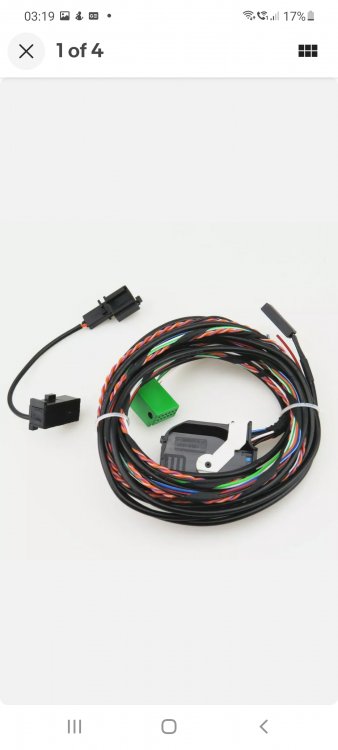
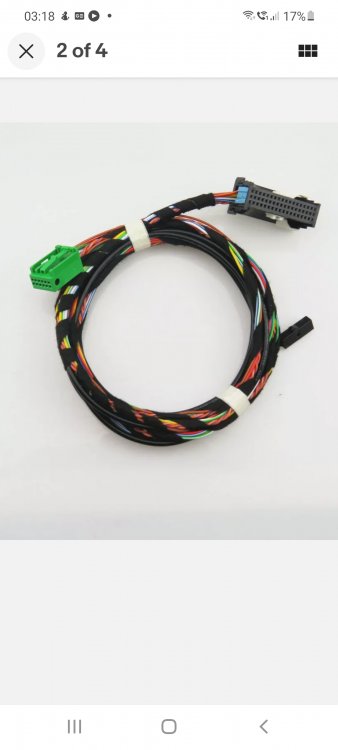
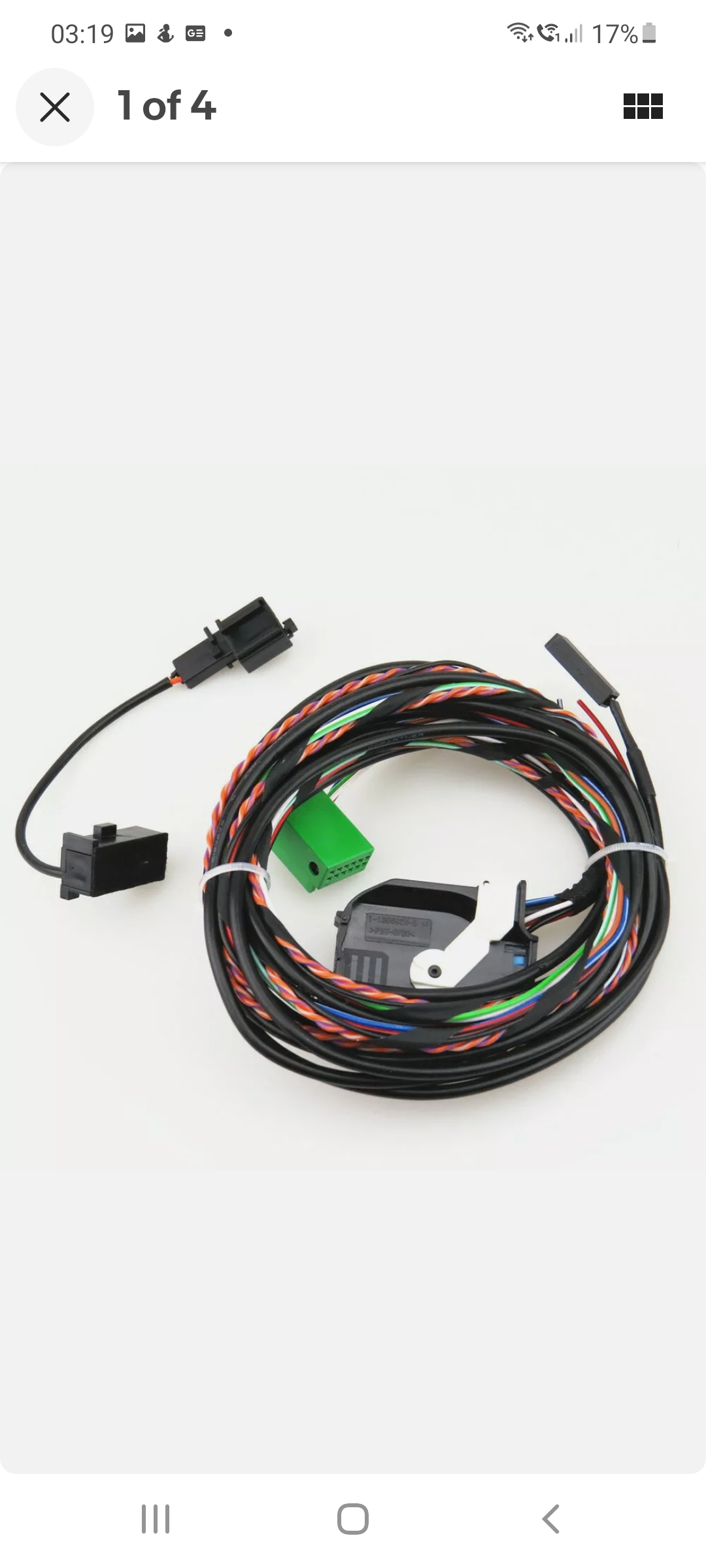
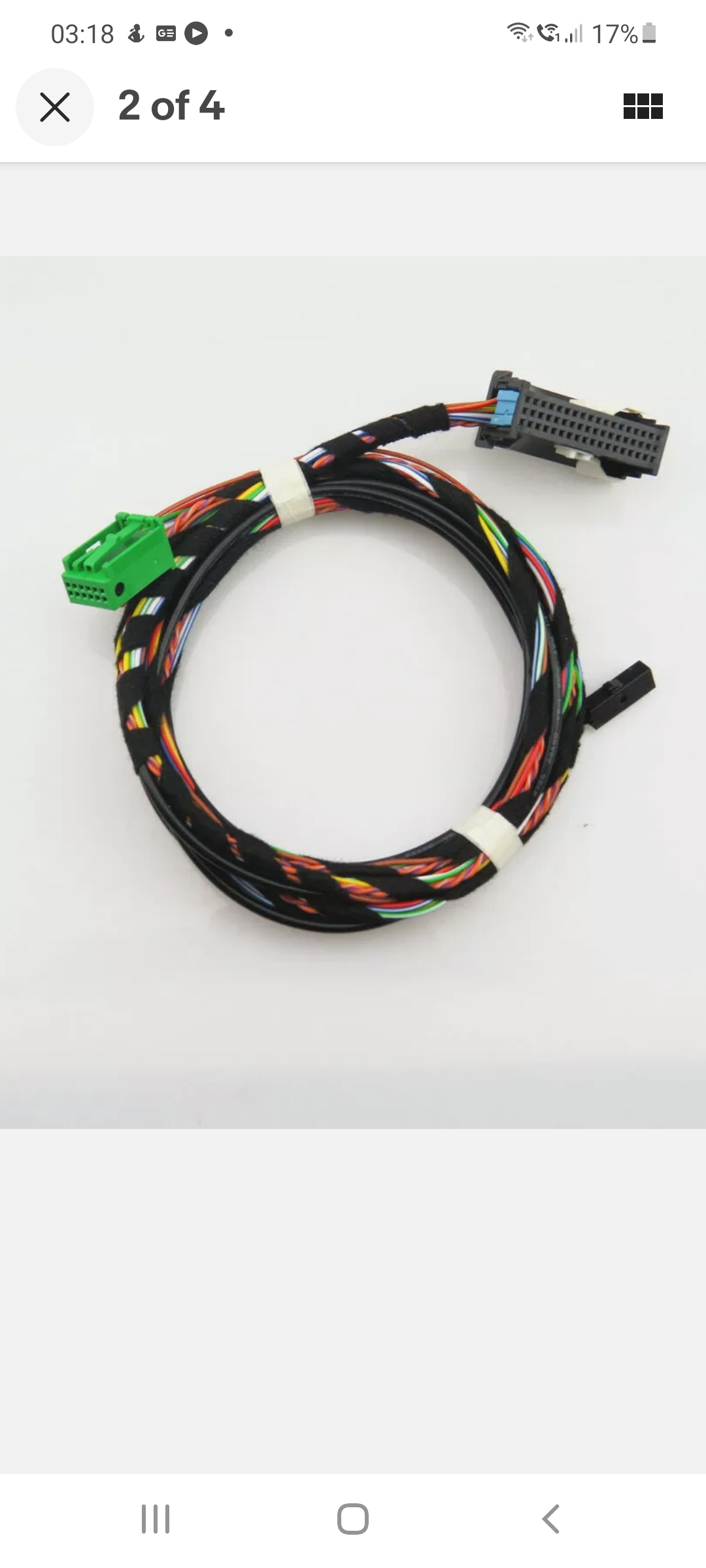
Hi Eddie, very kind of you to assist, the Bluetooth unit is a 5K0035730D is it any good? The green connector went in OK and I soldered the can wires into the twisted pair coming out of the quad connector, that went OK. I picked up a permanent live from the radio supply, again all good. My only unknown now is the brown wire, I have been told its an earth, but also after second power, can you advise on that one please? Thanks for your help.
-
Hi folks, I have recently upgraded from a Bolero to a columbus unit in my 2011 Octavia Estate Greenline. I have fitted the unit and a new Bluetooth controller, I'm using loom of part number 1K8035730D. This loom has a green block which connects directly into the head unit via the original connection block. There's also a microphone cable that runs up to a position in the interior light switch unit. I am left with a twisted pair (can + & can -), a red and a brown wire. Can anyone help me with where to solder in the twisted pair and the two spare wires which I know are power related, but I need to verify exactly what they are. Thanks for your help folks.