
Agustnr
Members
-
Joined
-
Last visited
Everything posted by Agustnr
-
Thanks, I'll check it out
-
Thanks, tried it and it doesn't work So I'm guessing this means I bought a stolen unit... Ah well at least it was only £30 "Hello, Hope you are well. We apologise but we are temporarily not offering Skoda codes at the moment. It will be available soon and we will let you know. Best regards!"
-
Apart from the AFS module. I am seeing that pre fl obviously has a control unit for the xenon range control, which also live(s/d) behind the radio/dash, I am just wondering if the wiring is basically the same, except the pre fl has 10 pin headlights regardless if xenon or halogen, although the pins may not be present but connector is still the same 10 pin connector. I just am curious if I can use this guide as a reference since a lot of the structure between fl and pre fl are the same, even if the outside design aspects may not be.
-
Held að xenon ljósin hjá þér eru bara orðnar of notaðar, miðað við næstum því 400þ km þá er ekki ólíklegt að þær eru orðnar veikar. Hann hjá www.audio.is selur xenon perur á minna en aðrir hér, myndi bara kaupa tvö stykki, ef það batnar ekki þá er sennilega linsan orðin slöpp.
-
Does anyone know if this is identical to pre facelift? Sorry for bumping
-
I am not too concerned with the £30 that I paid for it
-
Hello, So I may have stupidly bought a columbus radio off a guy who said he wasn't sure what the code was, he did tell me that the radio had an intermittent 3 second freezing which didn't really concern me. I've tried out a few places to get the code for the radio, and all of them refunded me with the same message "skoda server offline", does this suggest that the radio was stolen and is now flagged? Or is it really offline? I've tried contacting the people i paid to get the code from and they never responded back...
-
Hello So I just upgraded my cecm from a 3C0937049E (highline) to 3C0937049AJ (highline) and miraculously I've lost my front foglights. I do not have a VCDS, just a Carly adapter which does support coding but not at the same level as VCDS, however, am I wrong to think that this should not have happened? Or am I missing something. Has anyone else upgraded their cecm and had this occur? Please note I do live in Iceland not the UK, the forum in Iceland is nowhere near as good as this one.
-
If any help my vin code is TMBBE61Z772070958
-
Hello, I am thinking to upgrade my BCM, so what I currently have is 3C0-937-049-E 21 byte BCM and it's missing some functions I wish it had, my question is this, can I upgrade to another 30 byte BCM with no problems? Is it pretty much plug and play situation or is it more complicated than that?
-
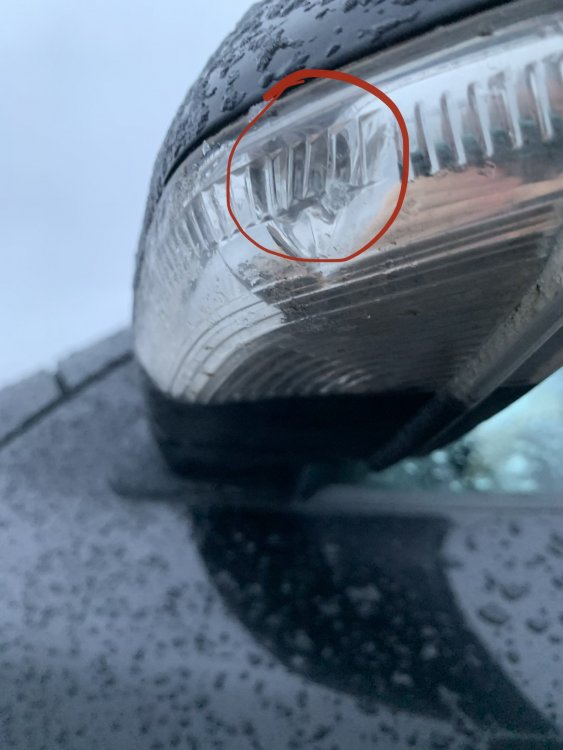
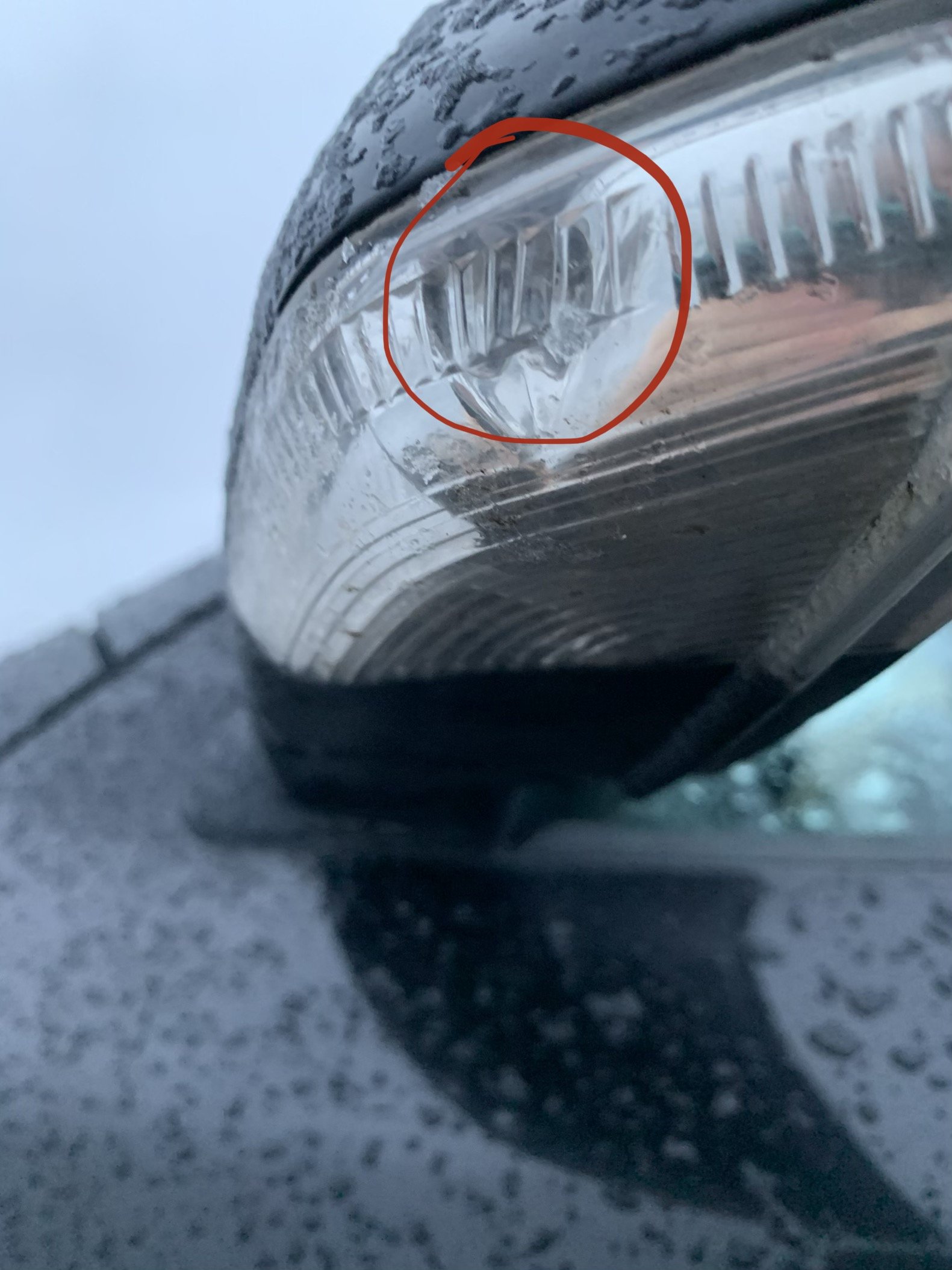
Hello, So I am a bit confused because my car has wing mirror lights that light up when I unlock the car and when I open either the passenger door or the driver door, but it doesn't seem to blink, and to be totally honest I am not sure if it's meant to so maybe you guys can enlighten me if it should before I start taking it apart? The light is on the other side of that little separator on the left side of the red circle which turns on with the unlock and opening of door.