LukasK
Finding my way
-
Joined
-
Last visited
-
are you describing this sound? https://youtu.be/wvynDD57Xio?t=26
-
i have the same issue and according to skoda technician, it should have Single mass flywheel on manual gearbox. do you hear this noise? https://youtu.be/wvynDD57Xio?t=27
-
wow, is really became that bad after brexit?
-
Vega wheels everywhere IMHO nicest original wheels on superb. does anyone have Vega R18 from octavia on superb?
-
i personally really like 1.4tsi engine, but take this engine only if you dont mind having manual transmission. If you want DSG and have budget for it, take 2.0TSI (stronger version), which is amazing to drive and have reliable DSG type.
-
Not OP, but for me, main reason was that 1.4TSI/1.5TSI is bundled with problematic dry clutch instead of much more reliable wet-clutch, which is present in 2.0TSI, etc...
-
I tested Kamiq 1.5 TSI today and it does not have this issue. I have seen this problem only on Superbs or Kodiaqs so far...
-
Does anyone has this problem on their 1.4/1.5TSI engines with manual transmition? It drives me nuts, its not just a sound, but if i press clutch too slowly, the whole car stutters.
-
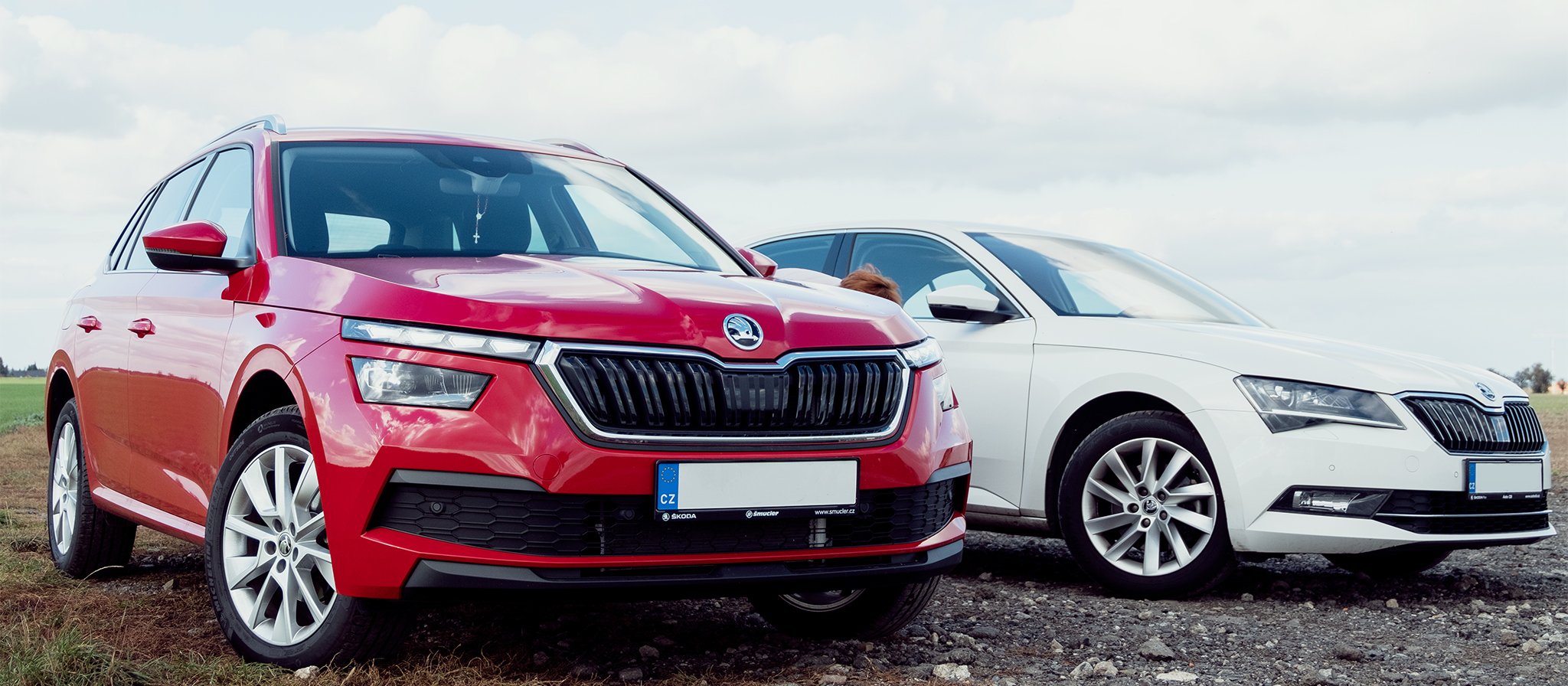
My Superb and my mom's Kamiq, little family photo
-
It was one year ago, hopefully this gonna be fixed some day
-
Yes, i showed this issue on my superb 1.4 tsi to my skoda technician near Prague and they didnt consider that normal, but according to skoda, its normal behaviour... I already adapted my driving to almost eliminate this rattle/stutter, but it certainly makes driving less enjoyable.
-
My 1.4 TSI does rattle at specific RPM range as well (usually around 3500RPM)
-
I just noticed most of cars showed here having vega wheels probably nicest looking wheels imho for superb
-
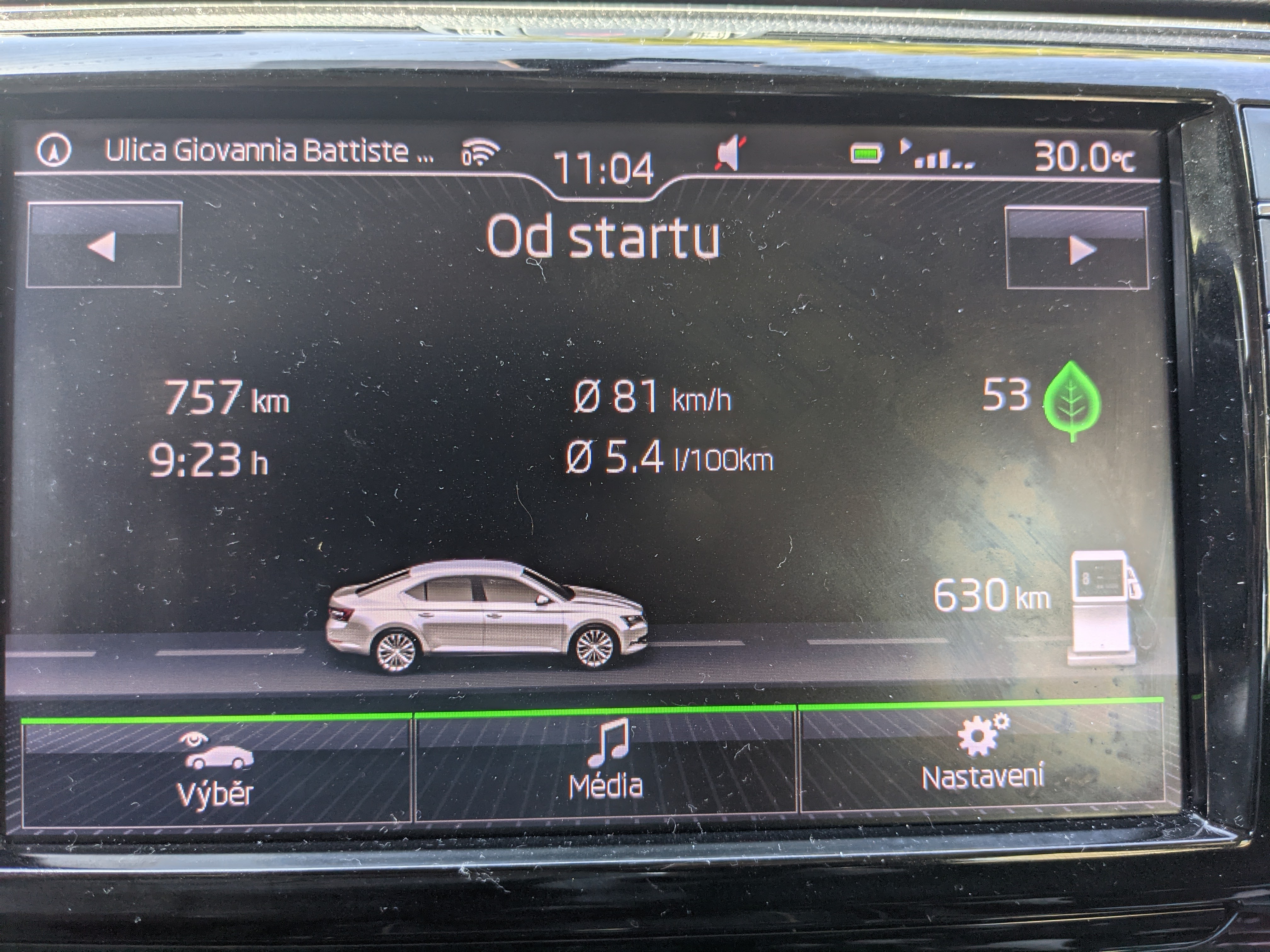
From Czech Republic to Croatia with 1.4 tsi 110kw, very pleasant suprise
-
I recently bought GoodYear EfficientGrip Performance 2 with SoundComfort technology and it really helps with tyre noise, wind noise is now biggest factor of noise.