



Skip to content

Billywizzo

Members
  • Joined

  • Last visited

Everything posted by Billywizzo

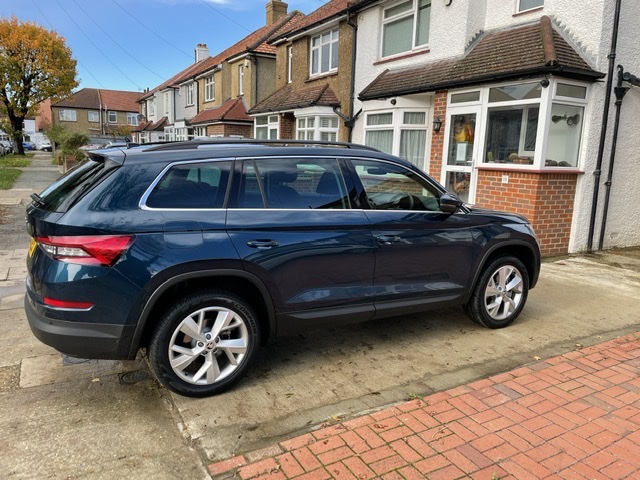
  1. I have just got my new Kodiaq. The clock was 24h when I picked it up from the dealers. I setup a user profile, where it asks your country and the clock changed to 12h with no option to change to 24h in any options I could find. Then I was playing with the info system and some how came across the user profile personalization options and there is an option for 24h, so clock reading 24h now. Please dont ask how I found it as I tried to find it again with no luck. So it can be changed.

Important Information

Welcome to BRISKODA. Please note the following important links Terms of Use. We have a comprehensive Privacy Policy. We have placed cookies on your device to help make this website better. You can adjust your cookie settings, otherwise we'll assume you're okay to continue.

Account

Navigation

Configure browser push notifications

Chrome (Android)
  1. Tap the lock icon next to the address bar.
  2. Tap Permissions → Notifications.
  3. Adjust your preference.
Chrome (Desktop)
  1. Click the padlock icon in the address bar.
  2. Select Site settings.
  3. Find Notifications and adjust your preference.