GlitchGolder
Members
-
Joined
-
Last visited
Everything posted by GlitchGolder
-
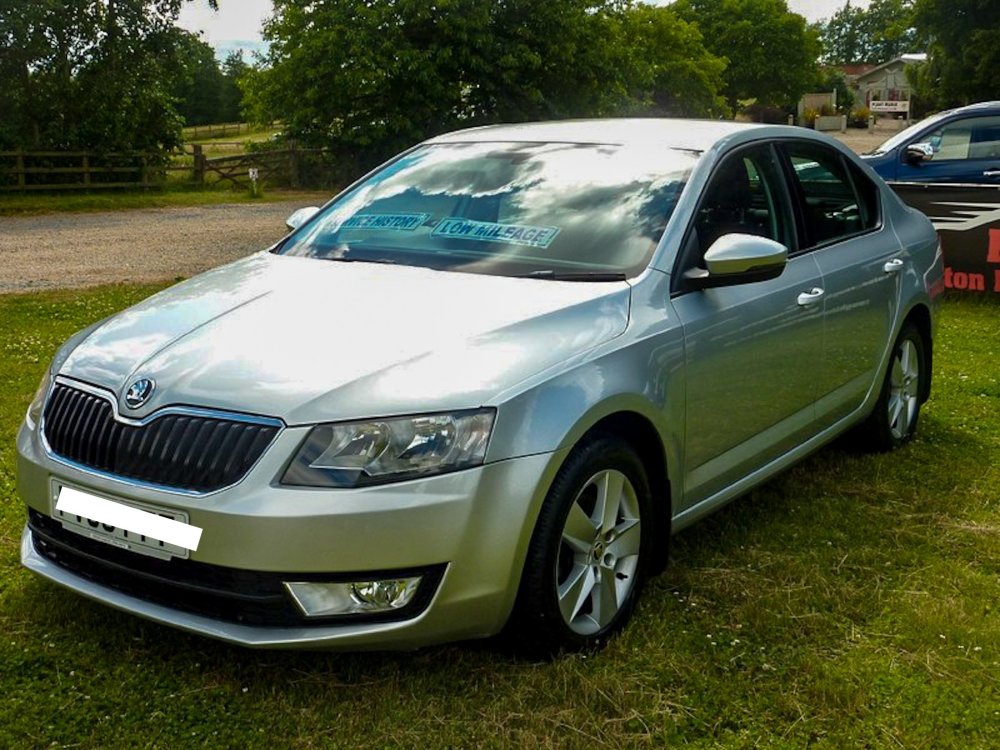
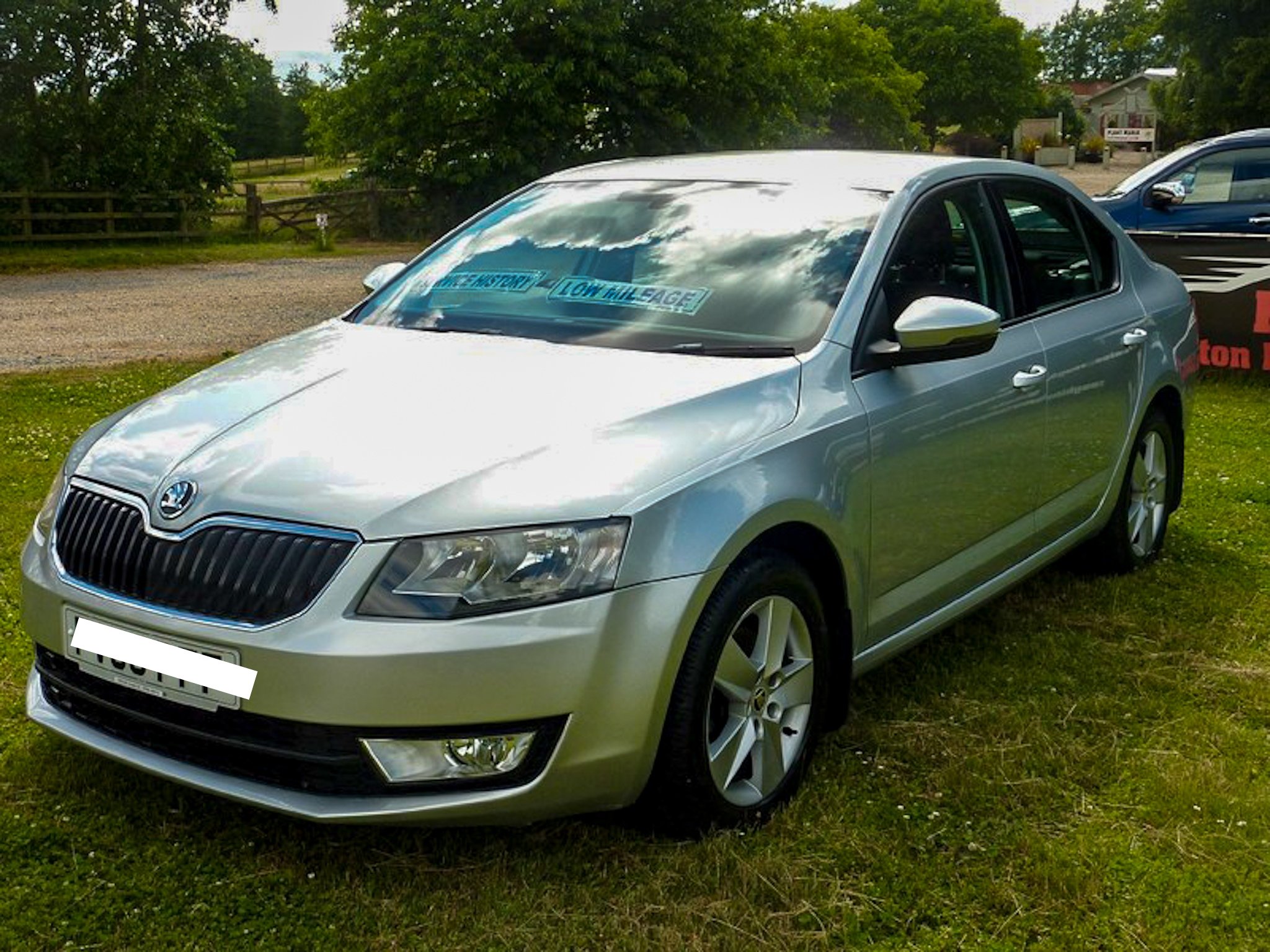
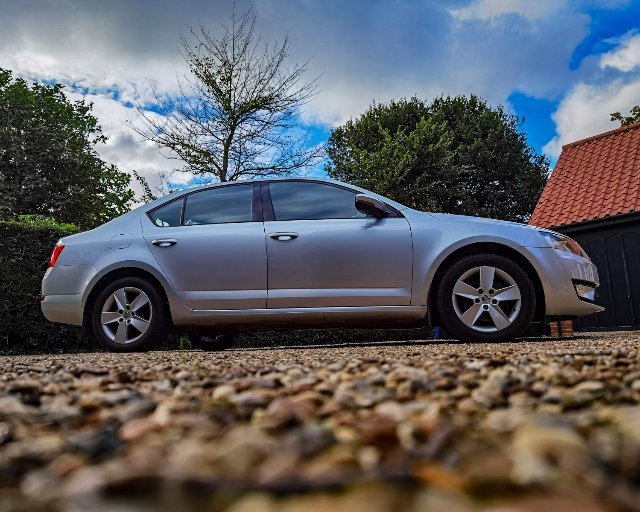
I am hoping someone will be able to help me with this 🤞 My car: Skoda Octavia Mkiii 1.6TDi SE 63 Plate I have bought myself a Skoda SD Card with the code beginning 5L0 which I know is for the Mib2 Amunsden. I have the Mib1 Amunsden (with the cd tray above the sd slots) and I am under the impression that as long as I put the correct files on the SD card this should still work? I have input my VIM into the skoda portal and downloaded the files onto the SD card for maps. I put the whole extracted folder onto the card and the navigation screen still displays the "input valid medium blah blah blah...", what am I doing wrong? 😅. I unlock that card whilst in the laptop and lock it when putting it into the car. If anyone can talk me through what files I should be putting on the card this might be the solution 📁🤔😁.
-
Hello, My name is James and I am new to Skoda's and new to this forum 👋. I just recently bought a 63 Plate Skoda Octavia Mkiii 1.6TDi SE and am wanting to learn all I can about this car and Skoda's to get the most out of my car. I have always loved driving and cars but my main passion is music and fronting a band called No Story Goes. Looking forward to picking your brains and hopefully one day being a brain to pick!