Skip to content

337

Members
  • Joined

  • Last visited

Everything posted by 337

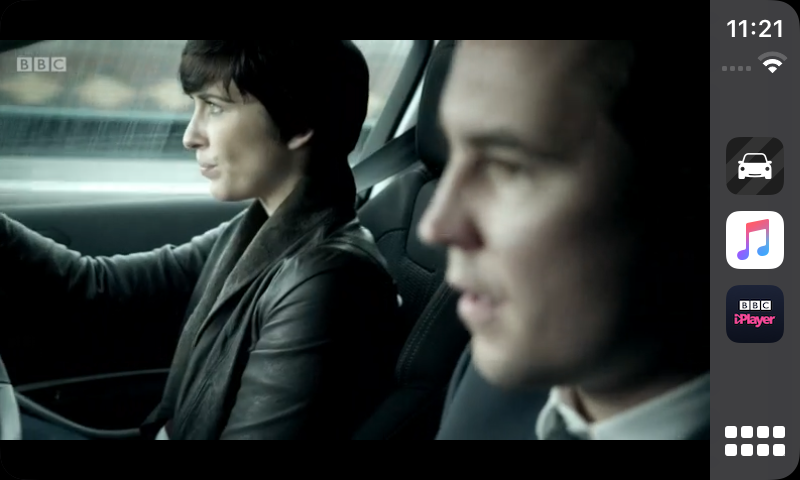
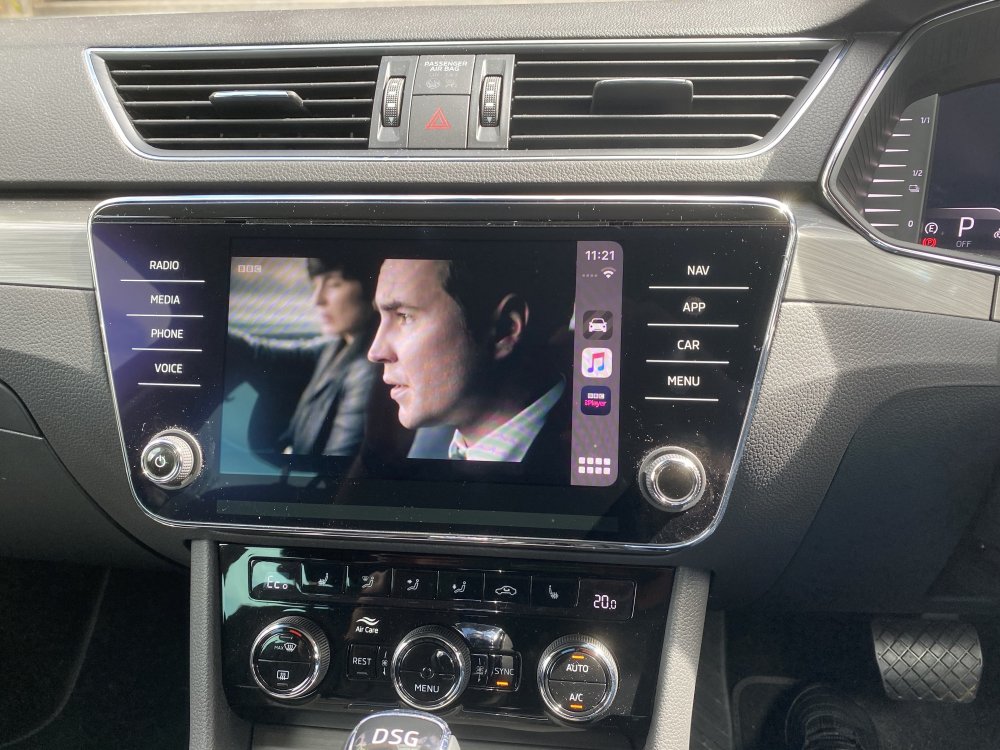
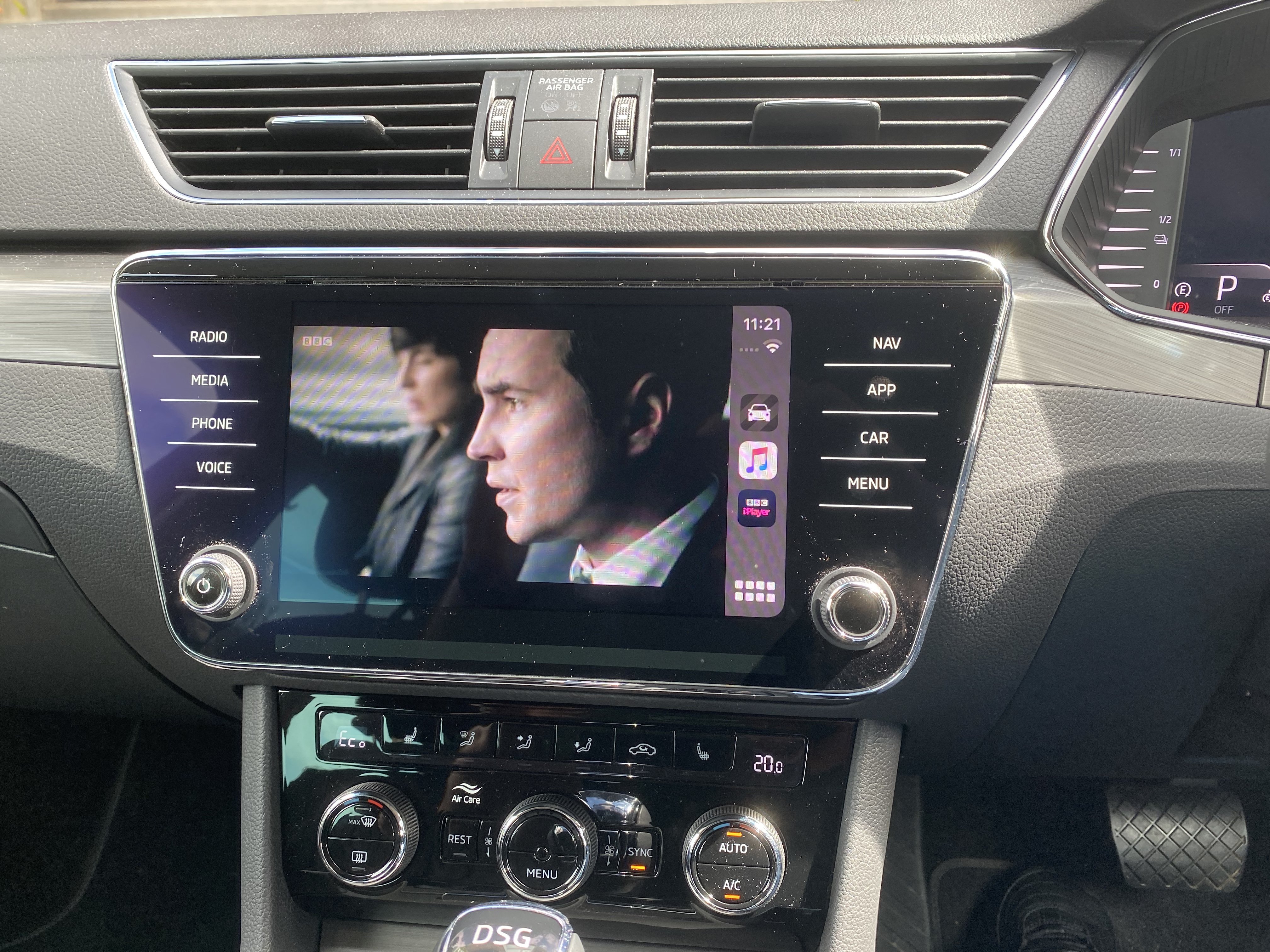
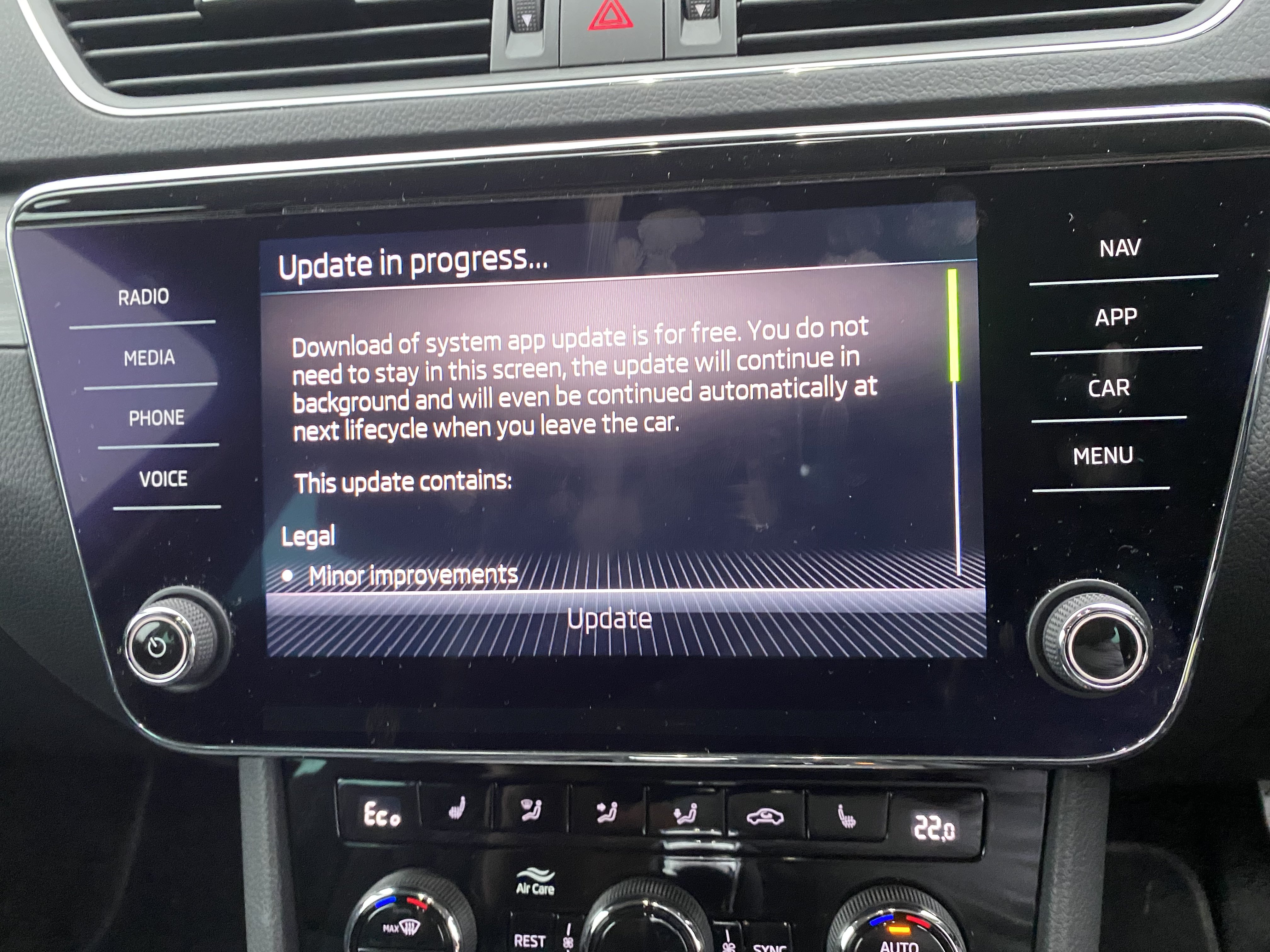
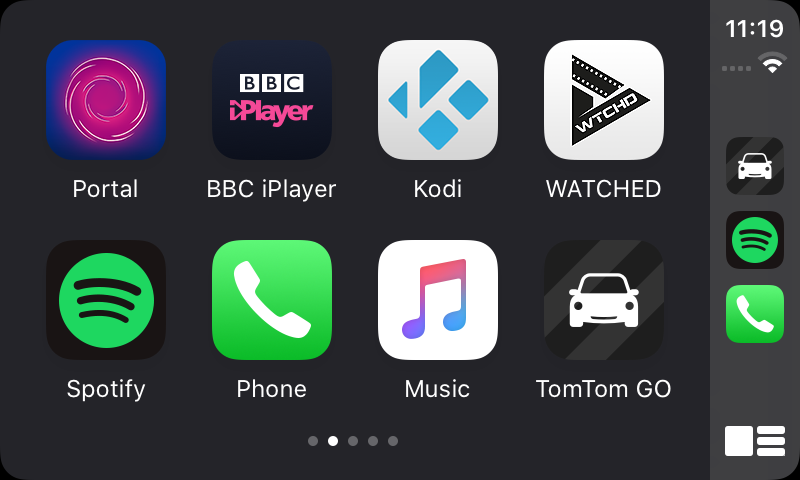
  1. Alternative Hi Guys.. Bit of a curveball but here's a potential solution (It certainly works for me!) Requirements. Carplay enabled MIB Jailbroken iPhone. There's a Cydia app called 'CarBridge' It enables anything (For the most part) that's displayed on the phone screen to be visible on Carplay. It even allows you to 'publish' apps so they become icons on your carplay dash. Only real limitations are apps that have DRM (Netflix, Disney+ Sky Go etc).. These just display a black screen There are plenty that do work flawlessly (BBC iplayer, Youtube, Kodi!) See screenshots below
  2. Did yours come with TSR but not ALA?
  3. Ahhhhh the sound of silence! Thanks Defiant
  4. Even though I’ve got extremely good at quickly getting out the car whilst our son sleeps in the back.. I could really do with this! can you share where the module / coding info please?
  5. You need to do a full scan and clear any errors flagged in the modification process
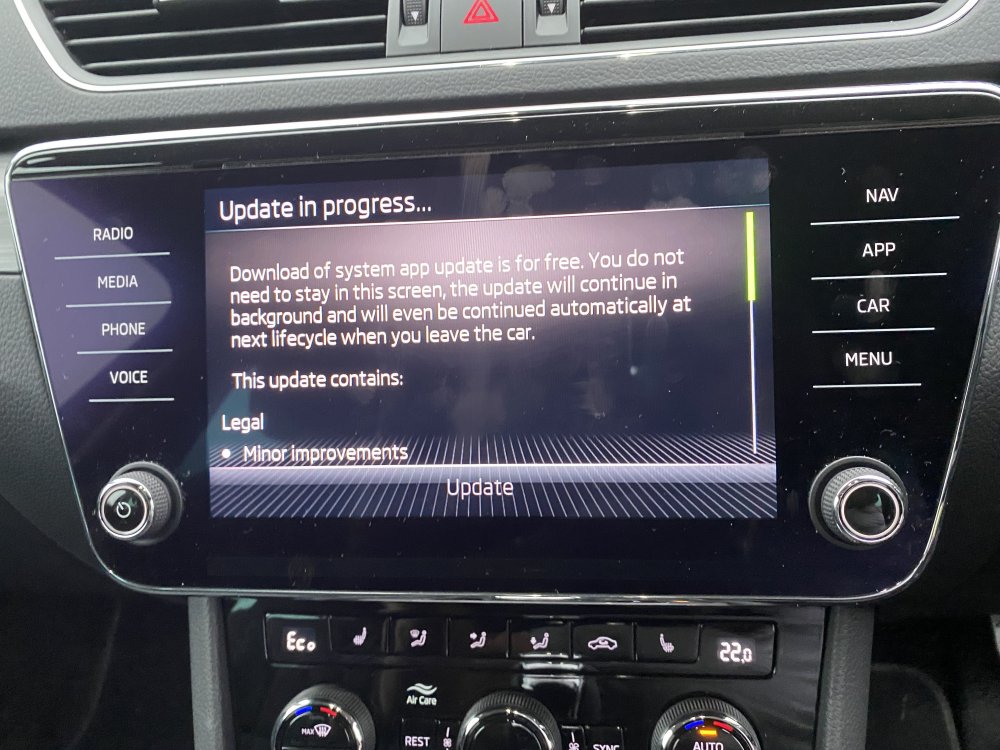
  6. FYI.. After leaving it all day, It didn't finish, now it doesn't report an available update.
  7. I've had two already.. only done 6k miles. The first time was a complete flat, and as I have an iV.. no spare. Had to wait 4 hours to be "recovered".. Whilst waiting, purchased a spacesaver.
  8. EDIT: Also left it plugged into the charger so it wouldn’t auto turn off the ign.
  9. Interesting.. I have absolutely zilch in the way of a mobile signal at the house. I’ve connected it to the home WiFi, might try and just leave it on all day.. see if it pulls something through
  10. Has anyone managed to figure out how to update the maps when there are no SD card slots available?
  11. They’re combining the ‘Skoda Connect’ and ‘My Skoda’ apps. So I’m guessing development is focused on that.. hopefully fixing the bug in the process
  12. Yeah me too. I feel it started after an update a couple of months ago, as previously it worked perfectly.
  13. Extra jealous now! as I learn it’s not possible on my car due to the lack of an SD card slot 😢
  14. Unfortunately (For Me!) As my vehicle is a MY2021 and Skoda have kindly decided that I don't need an SD card slot or a CD Player for that matter.. I can't do this update as it requires mounting the SD to read the files from
  15. I might take the plunge then, once i fully understand the instructions from Digital-Eliteboard.
  16. Do the gauges actaully work though?.. I enabled the accleration function in VC on and SEL iV.. it doesn't give any readings
  17. I'd be interested in this also!
  18. I’m afraid I can’t comment on the Traffic Jam Assistance as I don’t have TSR on mine (Not an OBD11 job to code) Did you do the additional 2 steps I mentioned in the PM? adding those enabled the ‘Lane Assist’ checkbox on my VC (Accessed via the assists button on the steering wheel)
  19. Stephen The process we’ve discussed adds Active Lane Assist and Active Lane Guidance. You get both the warnings and the steering corrections All (Once coded) selectable/de-selectable from the MMI. Plus you have the ability to turn off the system from the VC.
  20. Has anyone seen this before.. found on another site. It's pretty much eveything you can do VCDS wise on the MQB platform https://onedrive.live.com/view.aspx...t=file,docx&app=Word&authkey=!ACw9SCZllyg95KU In german, but easily translated. Very useful!
  21. I have a MY2021 SEL iV with the Amundsen head unit.. Haven't done much navigating as of late, but i've noticed the few post codes i've entered, it displays a long/lat coordinate as opposed to the street name.. is this normal?
  22. There shouldn’t be, I activated this on my previous lease car and it was never an issue. However if you’re nervous about the issue, you could always revert the settings when you take the vehicle in for service.
  23. I've found the solution should anyone have the same problem. I added STG17: Lane Retention Assistant BAP Distance STGA5: Lane_assistant_off_text
  24. I’ve got the lane assist menus on the MMI but not on VC.. should I? Is there an additional coding/adaptation required to add ALA to the assists menu in VC?
  25. Following some advice in addition to this, namely clearing the errors reported by the control units during the setup process.. I now have fully functional ALA. Thank you

Important Information

Welcome to BRISKODA. Please note the following important links Terms of Use. We have a comprehensive Privacy Policy. We have placed cookies on your device to help make this website better. You can adjust your cookie settings, otherwise we'll assume you're okay to continue.

Account

Navigation

Configure browser push notifications

Chrome (Android)
  1. Tap the lock icon next to the address bar.
  2. Tap Permissions → Notifications.
  3. Adjust your preference.
Chrome (Desktop)
  1. Click the padlock icon in the address bar.
  2. Select Site settings.
  3. Find Notifications and adjust your preference.