akopczyk
New here
-
Joined
-
Last visited
Everything posted by akopczyk
-
Hi, mine got it too (getting the update right now). The description of this issue is: "On many ŠKODA models from a certain period of production, due to a software error in the engine control unit there may be occasional signs of a reduction in power."
-
Hi @Amarton I am just doing the retrofit from Bolero to Columbus, I see that there is GPS connection already in the roof aerial, so I guess it is for Telematics. I see in the electric diagram that you either connect Telematics or infotainment unit to the aerial, but could not find how they both can coexist. Were you able to solve the problem, I would love to go the original way.
-
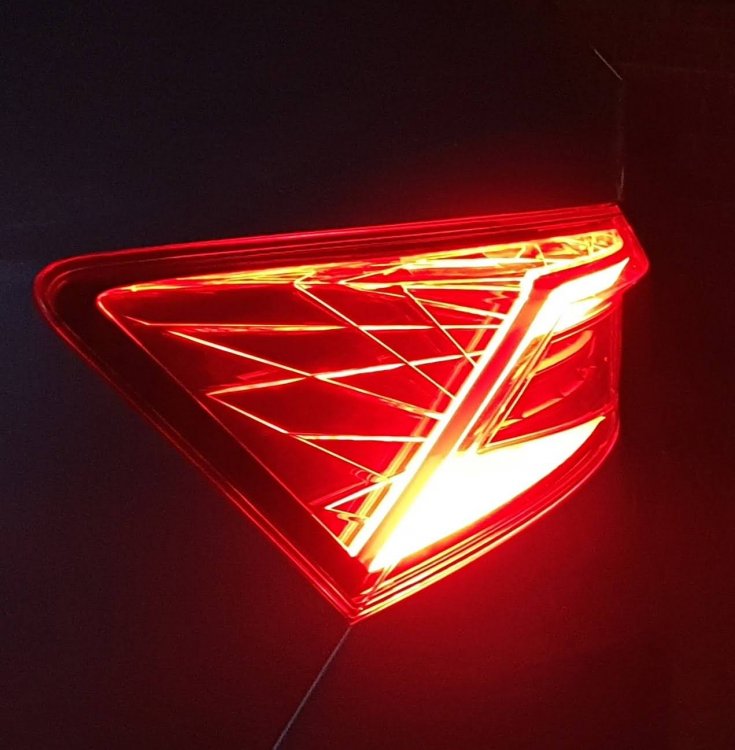
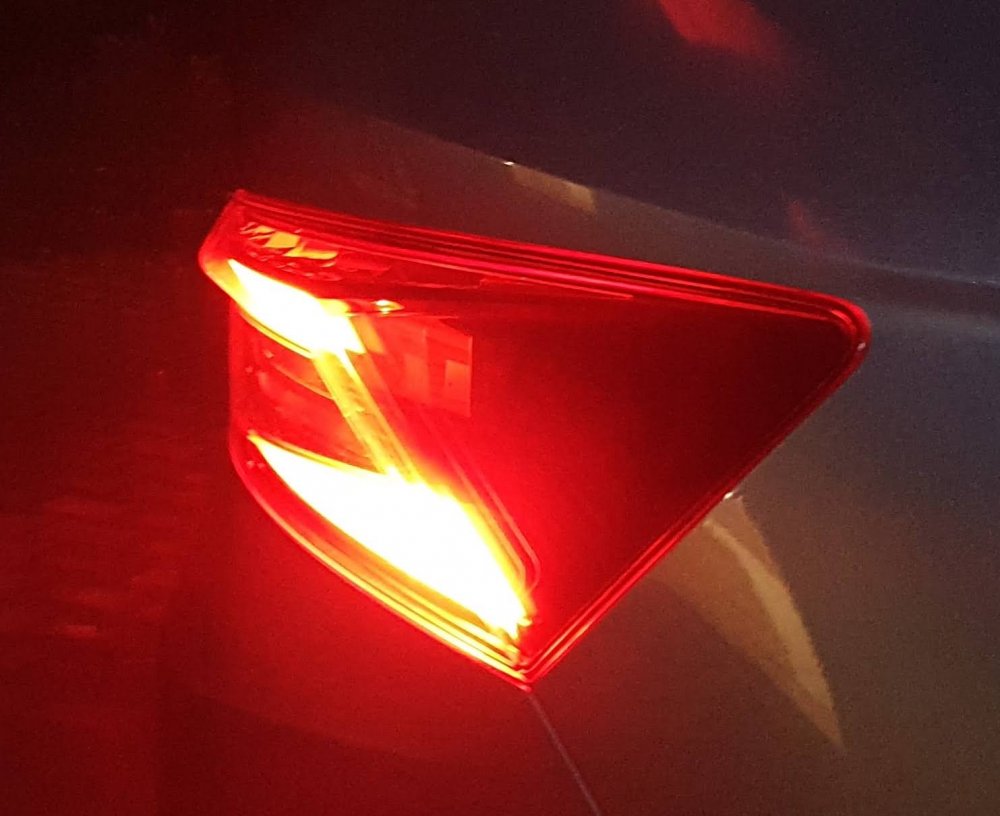
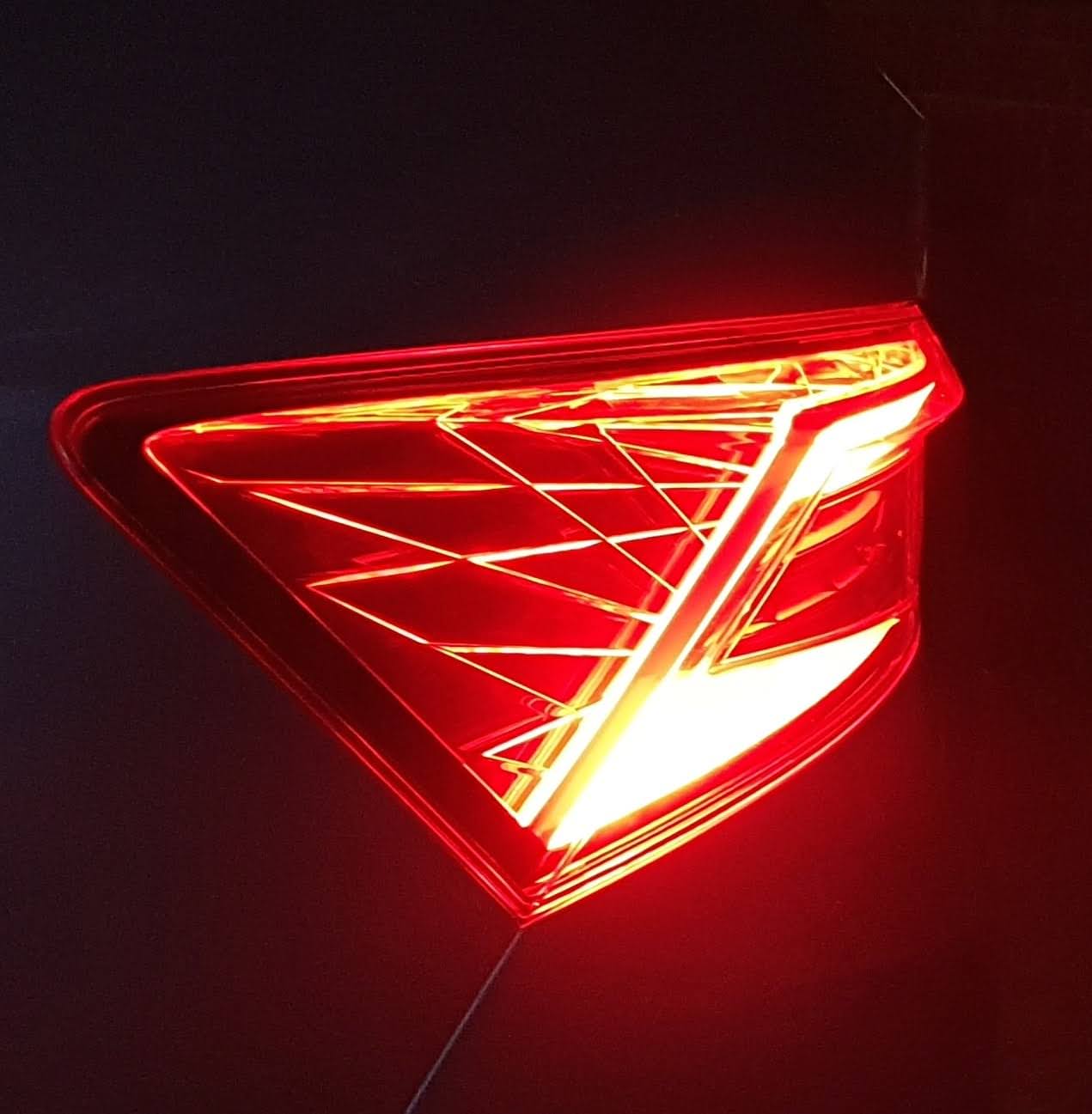
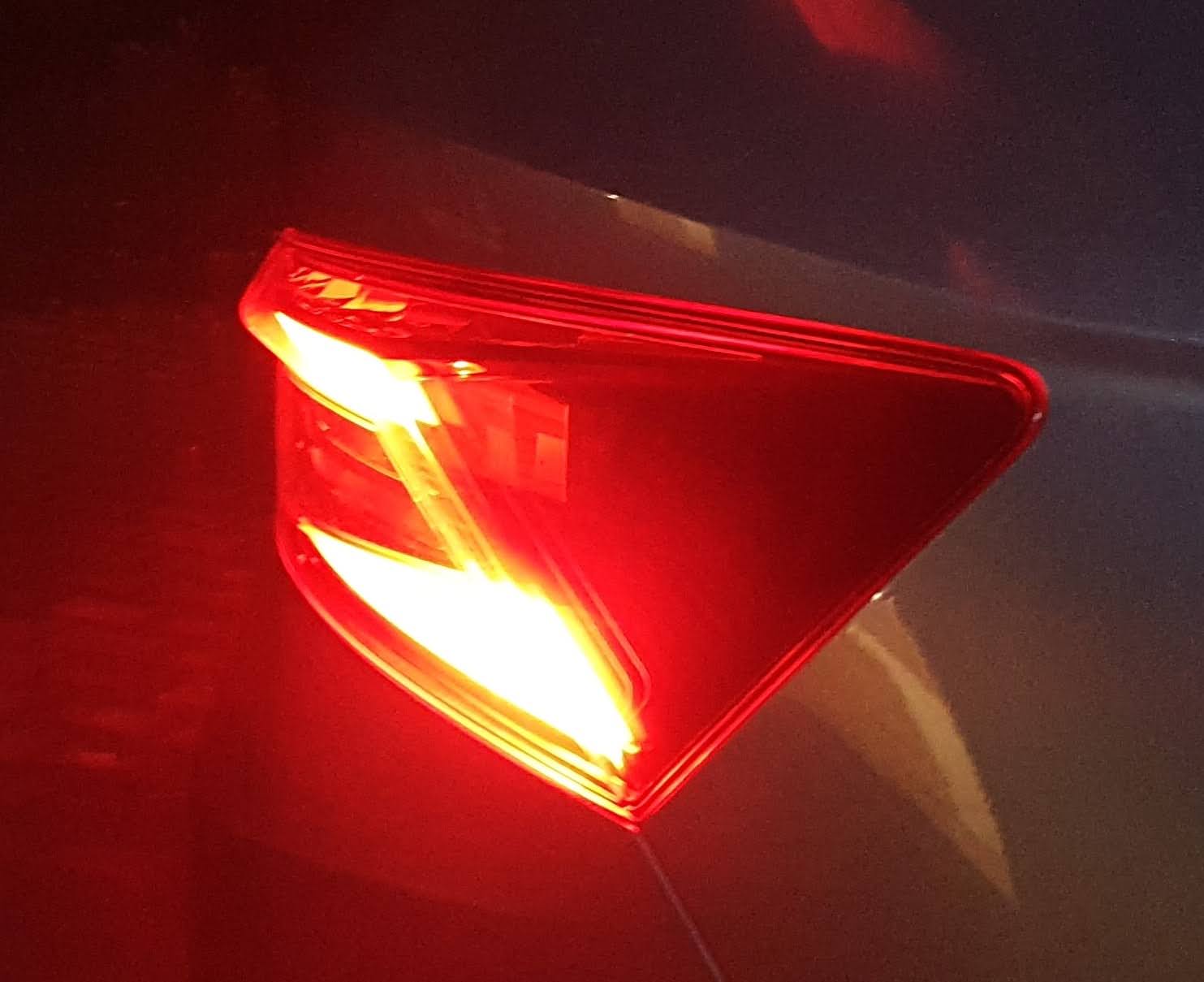
A refresh, as I am currently upgrading (retrofit) from LED to Full LED (high) taillights. Here is what I have found out: 1. The regular LEDs have LED taillight, LED reveres and LED fog light on the inner cluster (left inner cluster for left hand drive, the right inner is just a dummy closure, no LEDs included, for UK it is opposite). 1. Full/High LEDs are a bit brighter and the inner lights also have taillight extended, reverse on both inner lights, but the fog light stays only on one inner light (EU version at least). They also have this extra cross lines on sides, which illuminate. The regular LEDs have sides 'flat' and they do not reflect a light. I have some pictures from this upgrade (not finished yet) and will upload motre soon.