propag
Finding my way
-
Joined
-
Last visited
-
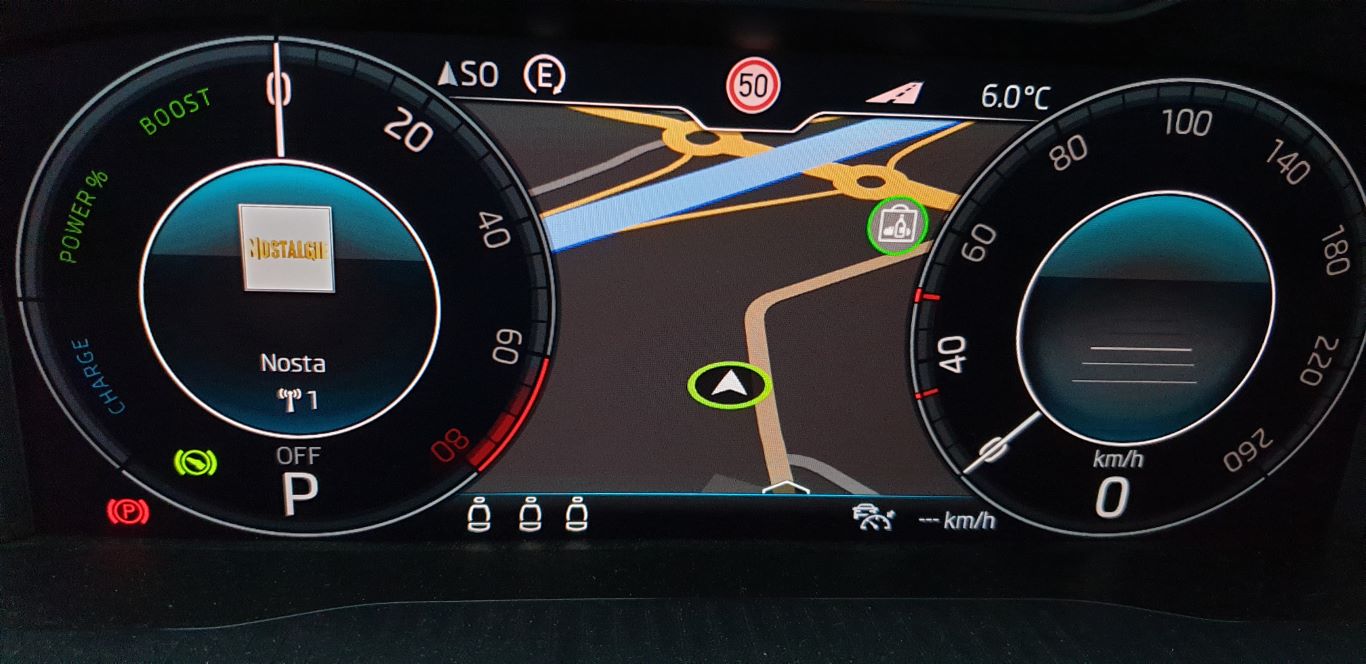
Hello, The graphic look is different in my superb IV sportline... yours is better! more sport! Do you think it's possible to modify it? Thanks
-
Hello everyone, Can you confirm that it's useless on my MIB 3?
-
Thank you for your feedback, It is well connected. I'm going to wait for the gurus to come here.
-
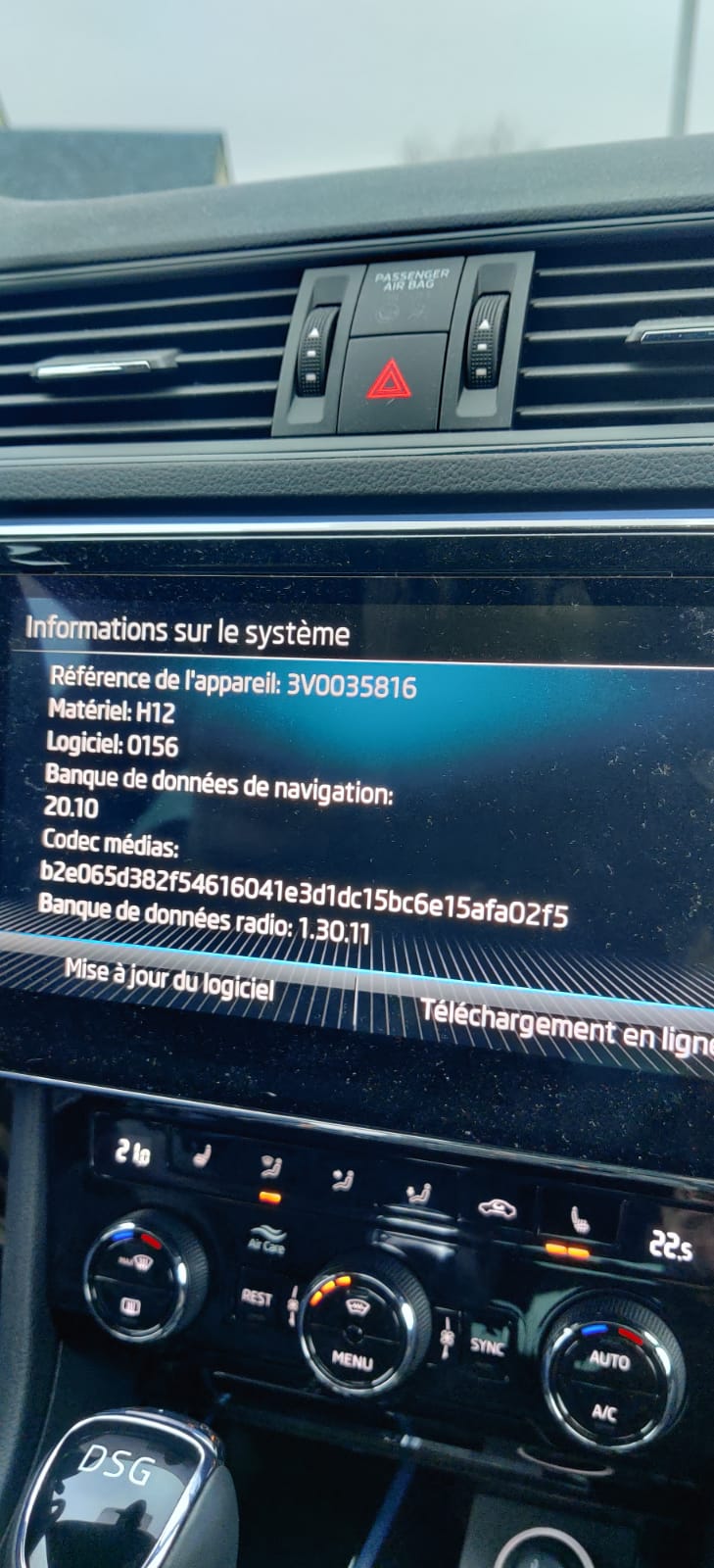
Hello everyone, I'm new on the forum and it's my first skoda... Here is my MIB 3 software I am in Belgium. Do you think there is a more recent version and is there a way to include speed cameras? Thank you
-
Hello everyone, I would like to replace my front emblem by this one with the Metal (Quartz) Grey (F7Y) background on kopacek.com in the superb III section. Do you think it will fit my new model IV (July2020)? http://www.kopacek.com/images/Plasty/o3-znk-int-f7y.jpg If so, how do you remove it without damaging the car? Thanks
-
Hello, will it also work for my superb IV PHEV sportline (July 2020) equipped with a columbus? Thanks
-
-
Hello, I have a superb IV since July 20, do you think there is already an update available for my columbus? I don't know which version of the columbus it is in my car...
-
-
Hello, My name is ludovic but I chose "propag" as my nickname. I'm from Belgium in the French speaking part of the country and I've been owning a Superb combi IV sportline PHEV for 6 months. I'm very satisfied with it and it's my first skoda! Before I had a bmw 318d touring. Thanks