xerces8
Members
-
Joined
-
Last visited
Everything posted by xerces8
-
No, I always carry the key and phone in different pockets (one left, other right). I also have the "unlock on approach" option disabled. I turned it on for a test and it did unlock the car each time I came close to it with the key. Then I disabled it. It seems the car mistakenly unlocks on approach every now and then even if the option is turned off.
-
I tried again: approached the car with key in my pocket. Nothing happened.
-
For me it only happens only every tenth time. Otherwise I have to touch the handle to unlock. What is the name of this option, in which menu?
-
It opens the foldable mirrors, unlocks ( I hear the click sound of the locks) and blinks the lights. I will check next time if the doors are really unlocked, but I am 99% they are (otherwise either I could not open them, or would hear another click when it really unlocks).
-
For the record: it happened again today
-
Hi, can you please link those threads? I have 1500 km on my 1.5TSI and never in my life so much trouble with shifting. I put it into a gear, release the clutch and it makes a loud gear grinding sound and the car does not move. As if not pushed far enough. Happened just today again (first gear or reverse, during parking). Usually this happens with 1st, 3rd and reverse. Once happened with 6th gear. You say it "fixes itself" after 1 or 2 thousand km?
-
No, it was sunny both times.
-
It happened two times that car unlocked when I approached it. The keys were in my pocket. Is that normal? I came to about 1-2 m distance and it unlocked (the lock sound and the lights blink).
-
Hi! I have a model with Analogue instrument cluster and today I noticed that I can not switch between the modes (Driving data -> Assist systems -> Navigation -> Audio -> Telephone -> Vehicle ). It was stuck on Driving data. There I could cycle between the various data (trip, speed, average speed, consumption, oil temp, etc). But the left and right buttons on the wheel did nothing. This worked before. The only difference was that I was running Carplay (a navigation app from the iPhone was running), while usually I don't do that. I either have the radio or the driving data on the big screen (the central one). Turning the engine off and on again fixed it. Is this yet another software bug? (I'll post my version later). Also: when I did this, I was parked, with the (automatic) parking brake engaged and the gearbox in neutral. Yet, the engine was running for like 5 minutes, instead being turned of by Start/Stop. AC was off. Not even the crossed out symbol for START/STOP was shown. Is this normal?
-
This is probably the reason. I'll pay more attention next time. But it still feels as bad design. Maybe the locking should happen after the user releases the handle. That way, it he wants to open the door, it would open, and if he touched the small indent (and release it immediately, like I do) then it would lock.
-
I have a few months old Octavia 1.5 TSI with Bolero "radio". I noticed it only offers FM and DAB, but no AM. According to the manual it supports AM. So where is it? In the settings menu I can choose between: - FM only - FM+DAB In the main screen I can not change the band. The drop down menu only has one item, either "FM" ot "FM/DAB" (depending on what I select in settings). I also see no web radio or podcasts. I don't have a data package, but even if I connect the car to a WLAN (hotspot on my phone), they do not appear. Why conditions are missing? Regards, David
-
I have full KESSY but often this happens: - I'm standing next to the car - the doors are unlocked - I want to open the door but the moment I touch the handle, it locks Then I try again and it unlocks and opens. (by "try again" I mean "I release the handle and then grab it again") Is this some fault? Or am I holding it wrong?
-
It seems it does not have any adverse effect on daytime functionality. I also noticed it is quite bad with movements in the picture. Like other cars driving by. They appear with double edges or so (hard to describe). As if the frame rate were low. Quite different than in the mentioned Yaris.
-
I have the TOP LED rear package, so it is probably LED. I'll check. Although it is not really an illumination problem. With the above workarounds the picture if quite OK.
-
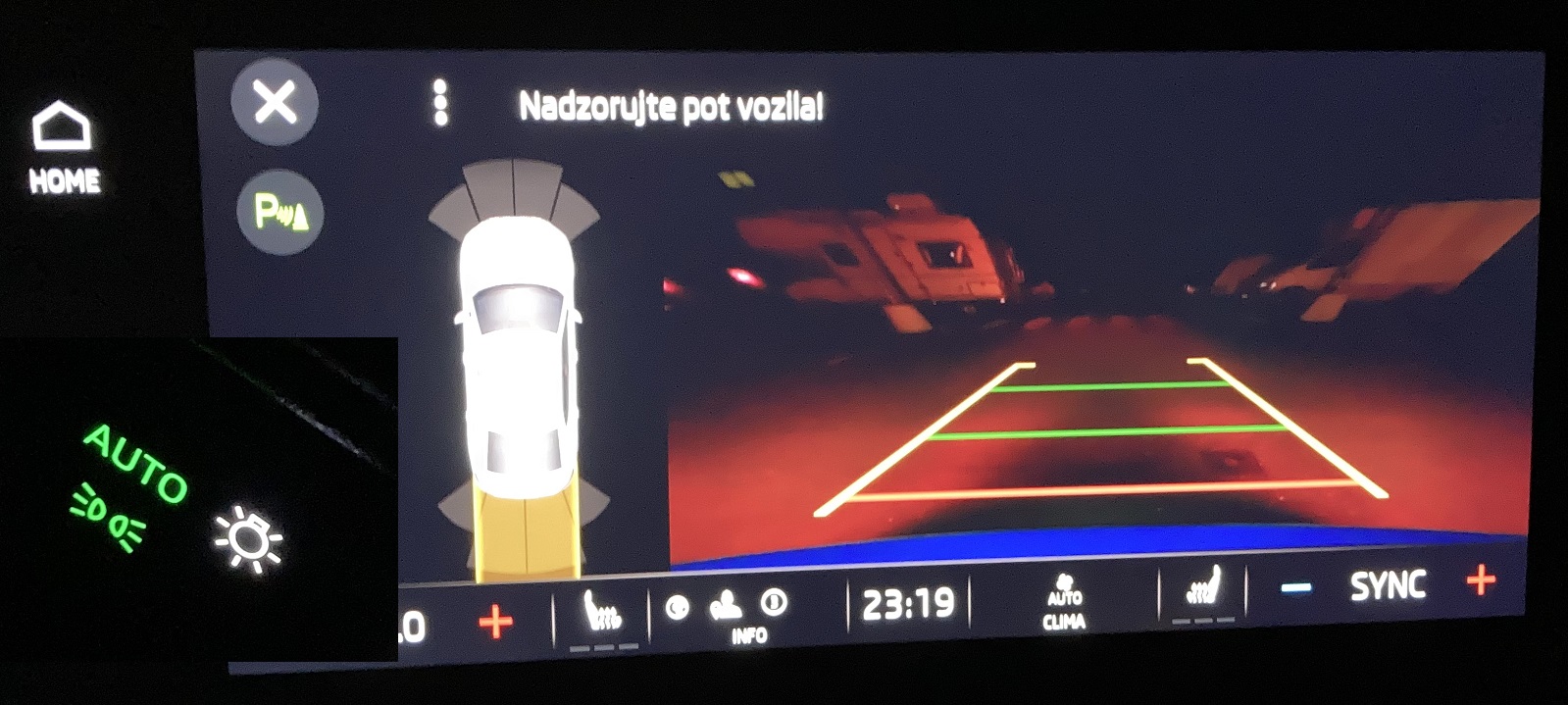
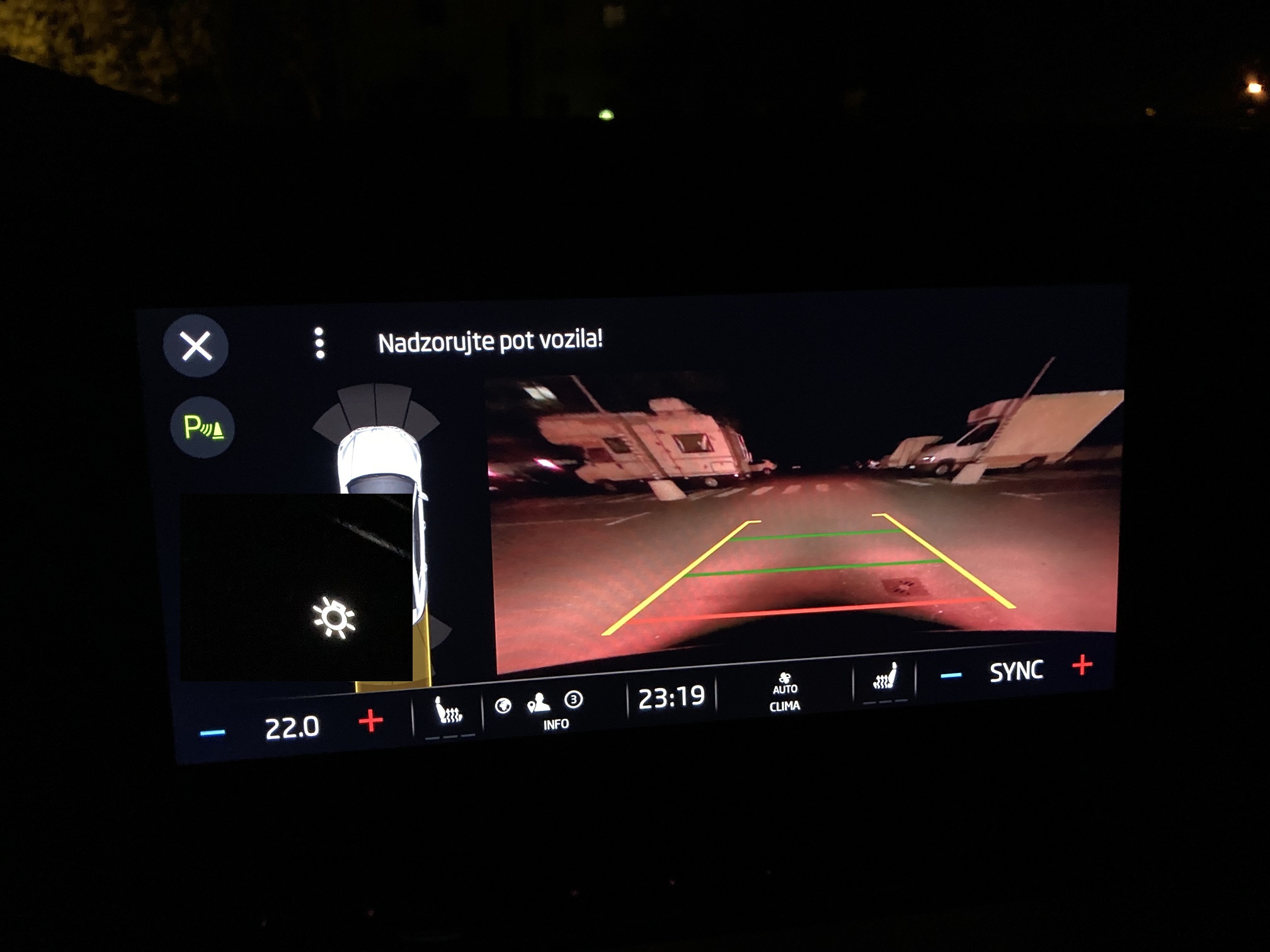
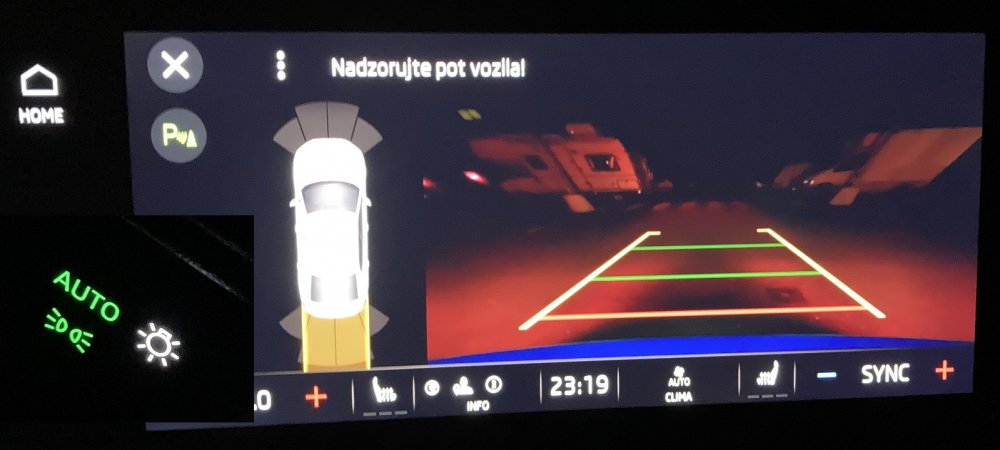
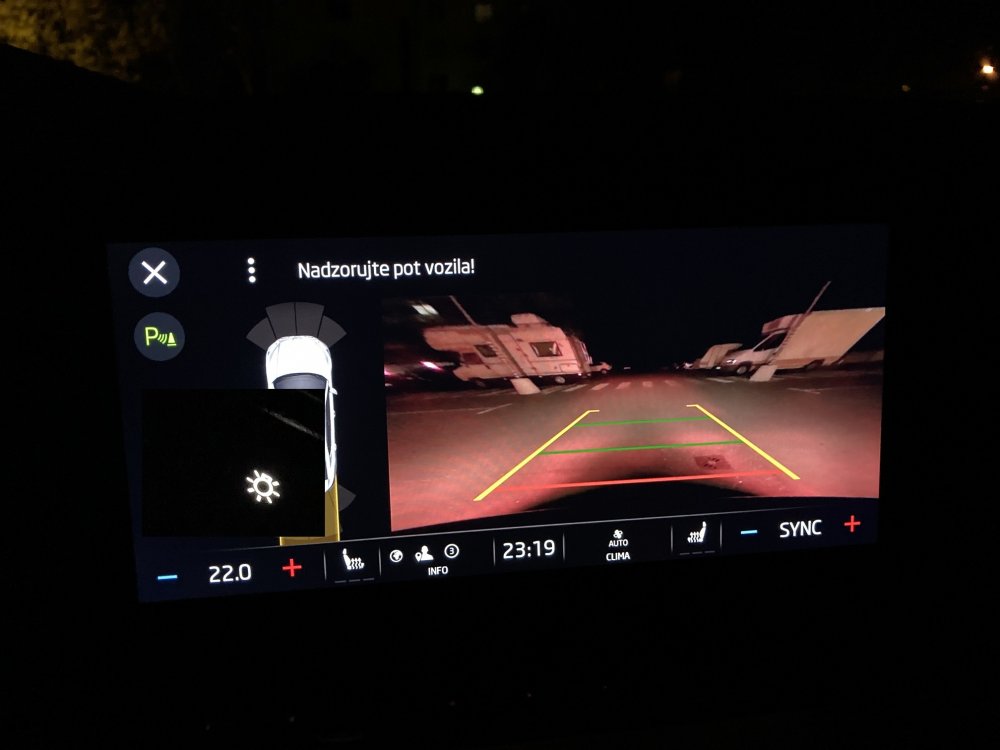
Additional note (I can not edit the first message?): the two photos are taken with different ISO value (I used the phone, it has automatic settings). The first one is brightened up, you can see if you compare the car icon. In other words: the first image is in reality much darker than here.
-
I noticed the rear camera image is very dark at night. It is mostly black with reddish shadows, almost nothing can be recognized. Other cars in same condition have good image (like a Toyota Yaris). The car is brand new. I would expect one year into production such issues to be resolved. Anyone know if there is some update or other remedy? According to other Octavia owner, the problem is that the rear light blinb the camera and it turns the image dark to compensate. Ruining the picture at the same time. Until then I discovered two workaround: - in the rear camera menu crank the brightness to the max (the other owner suggested this; this makes the picture usable but not perfect; not sure how it affects daytime performance, will test it today) - turn off the lights (in my car I push the light button to go from AUTO to ON --> position lights only --> OFF) apparently it is really the other car light interfering, because so the picture is more or less perfect Great car, but there some details like this that ruin the overall impression. (attached photo of default image and after turning the lights off; the difference should be obvious)
-
I just tested the front USB-C port with a phone and the Amperes Lite app (it gives good estimates with most chargers) and it is about 17W, while the phone supports 18W (USB-PD standard). So it has at least 18W (the current itself is not informative, as the voltage also changes).
-
Anyone knows how much amps the USB-C ports give? Are the (optional) ports at the back the same as the front? I did not find this information in the manual.