sdolenec
Members
-
Joined
-
Last visited
Everything posted by sdolenec
-
It is strange that on same spot other car brands do not have any problem with AA disconnect.. So maybe some stupid setting in Škoda car for WiFi or BT?
-
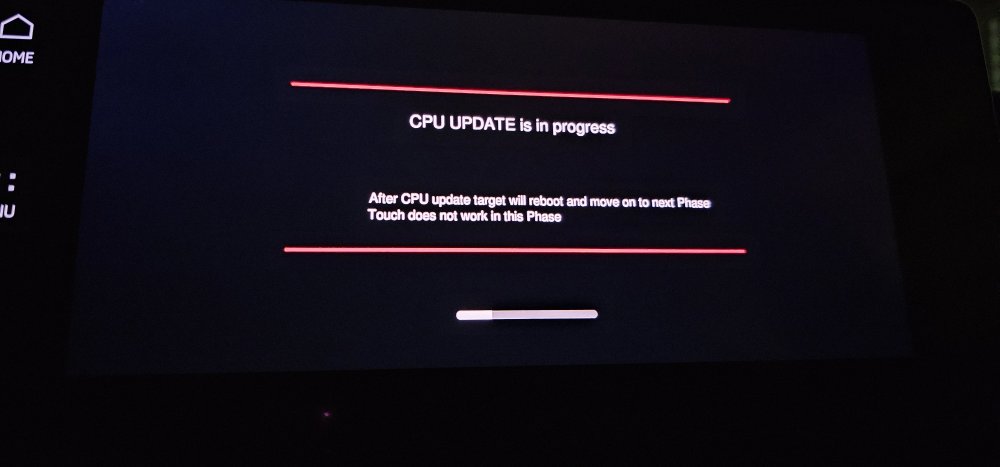
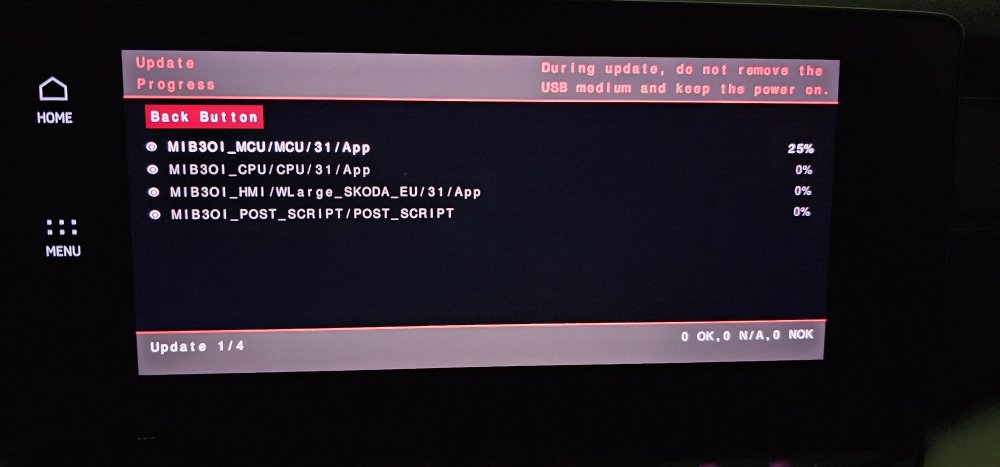
So update is fine and safe to do it.. at own risk as every time..
-
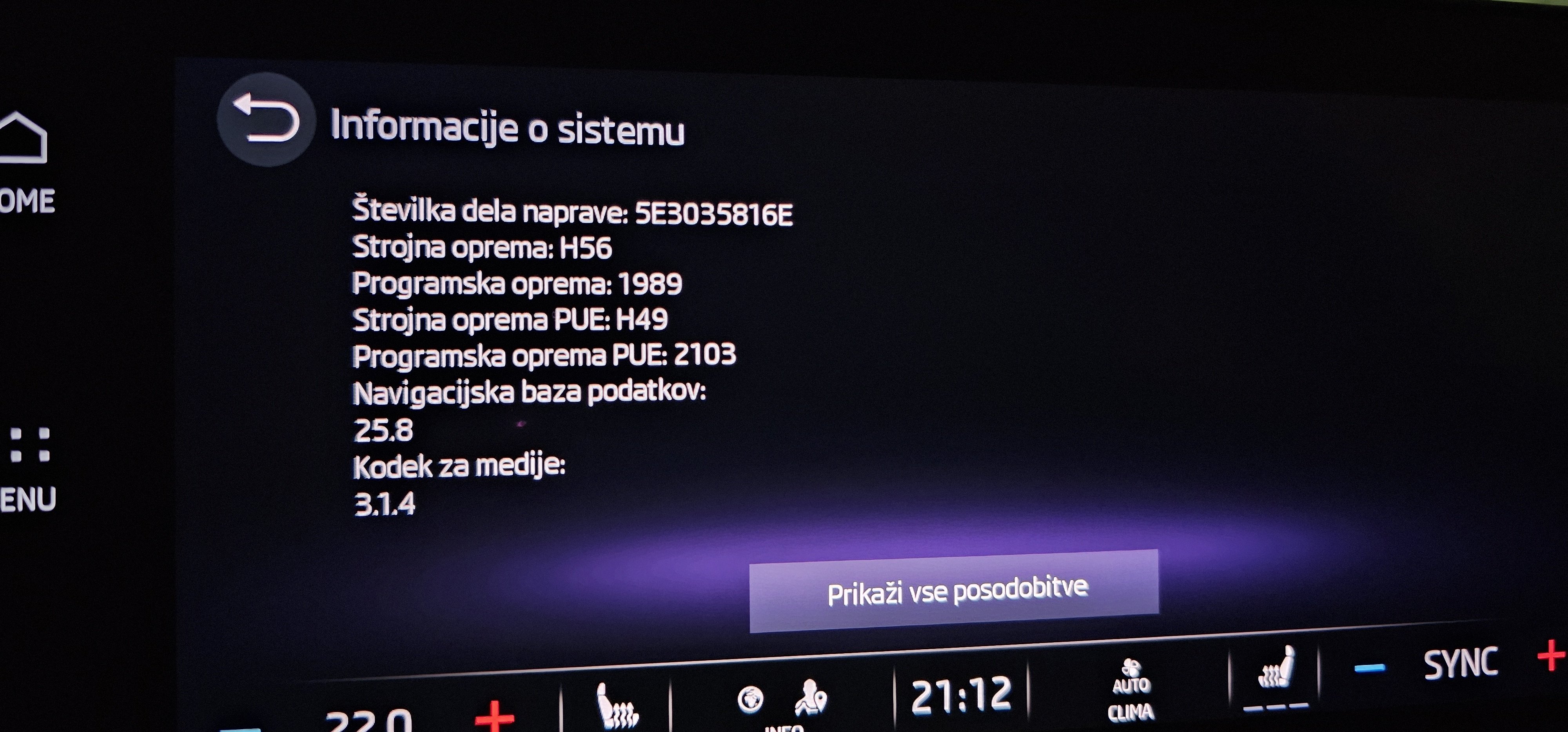
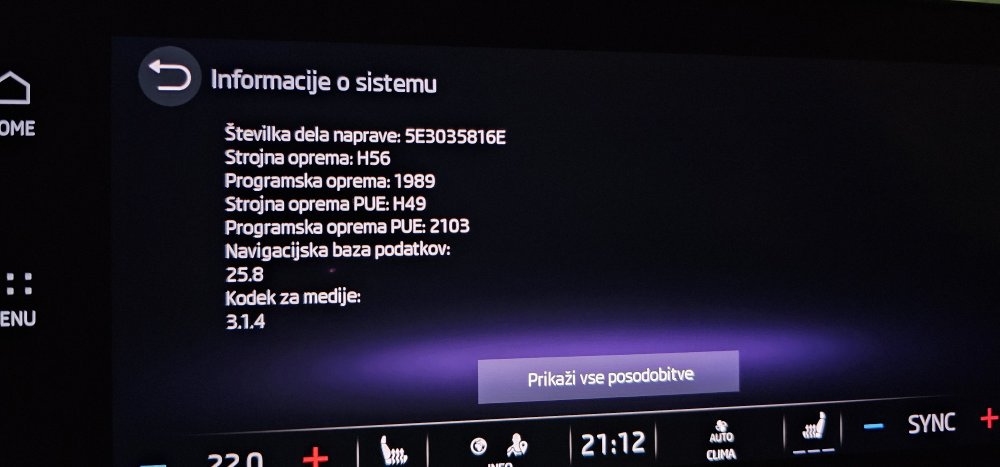
I have exact same problem.. it's not the phone as other car on same spots work fine for AA via WiFi.. Using same s23 Ultra phone.. 1989 do not resolve this.. and yes.. FW is stable and PDC etc... activate much faster.. Why AA drops every time on same spots is mistery for me.. Maybe has anybody any idea..
-
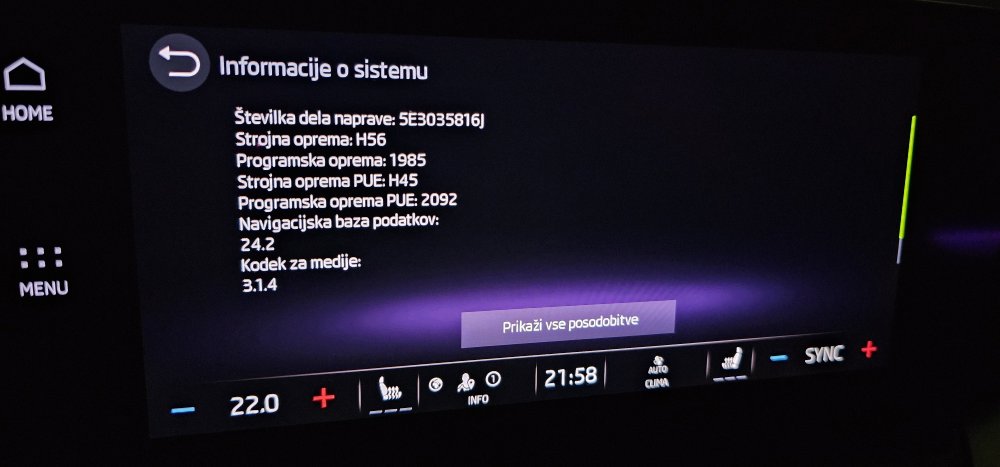
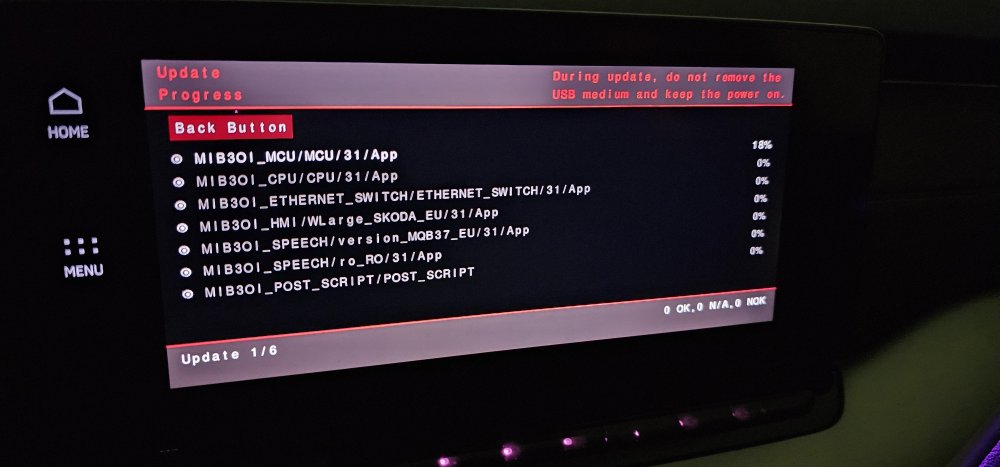
No problem as usual..
-
No problem.. all fine
-
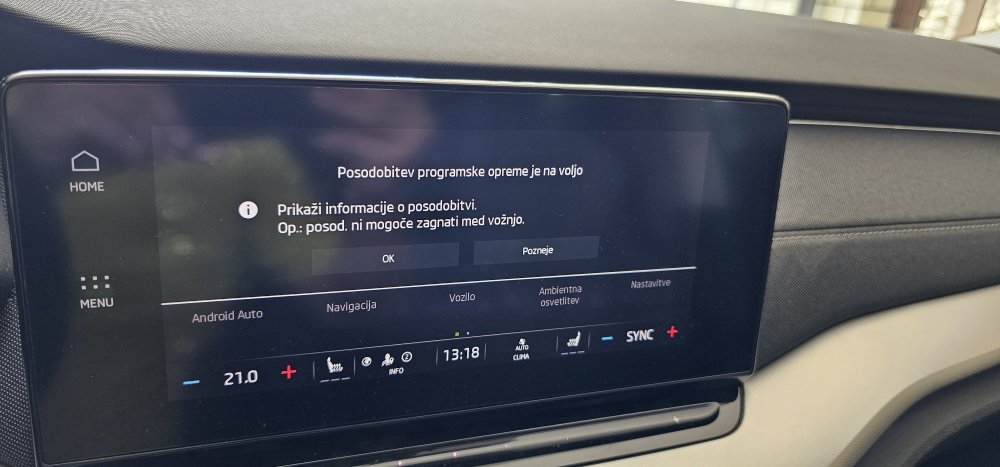
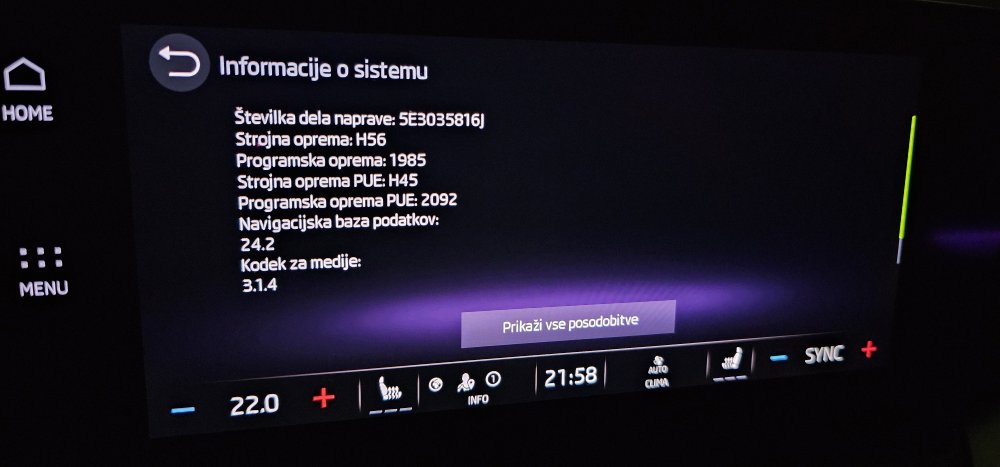
I saw also Downloading it... today will udpate it...
-
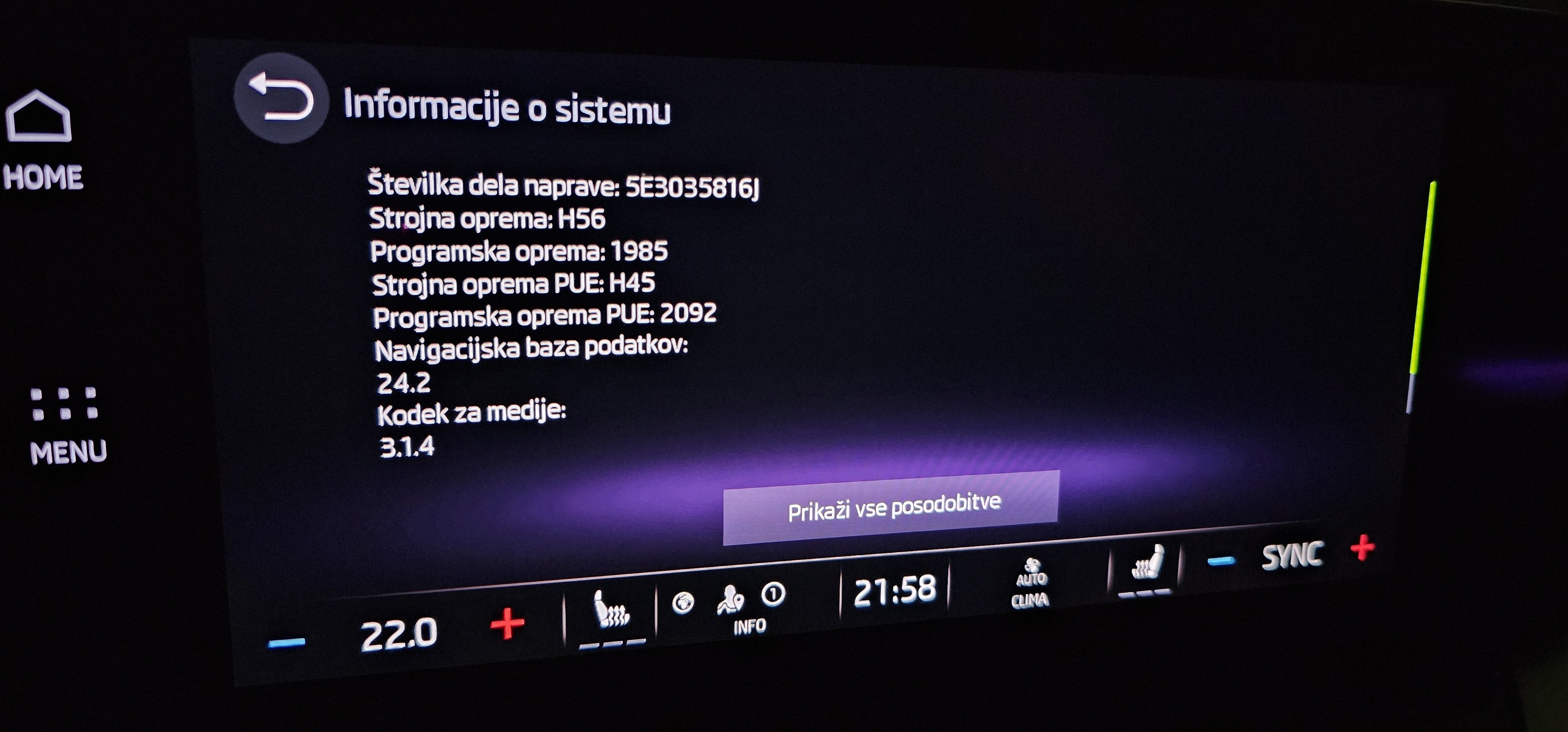
Any download link for 1985? Maybe to open new topic..
-
I will prepeare link for download.. In the end of the week.. when it will rain and snow 😄
-
Probably the day after you sell it 😁
-
Never received system OS update via OTA in 3 years.. allways manual update.. in other words.. if new update is ON why then nobody receive new system OS update via OTA, only small fixes..?
-
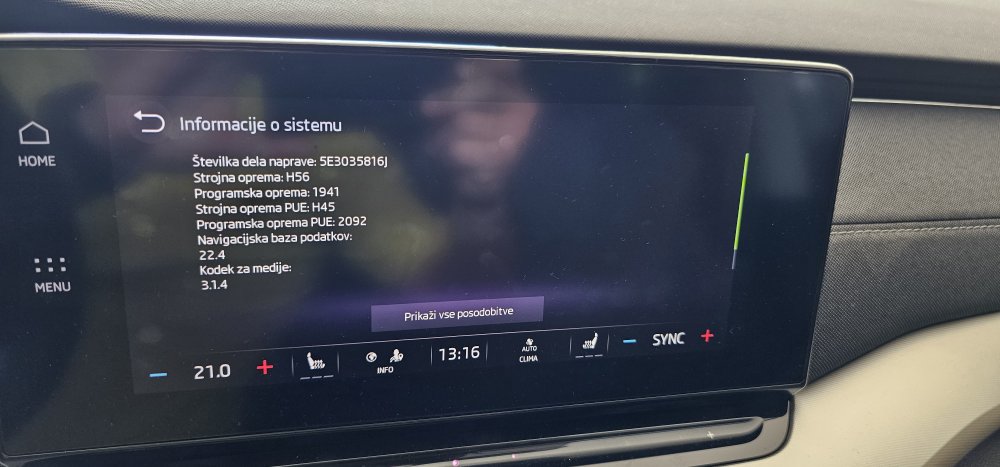
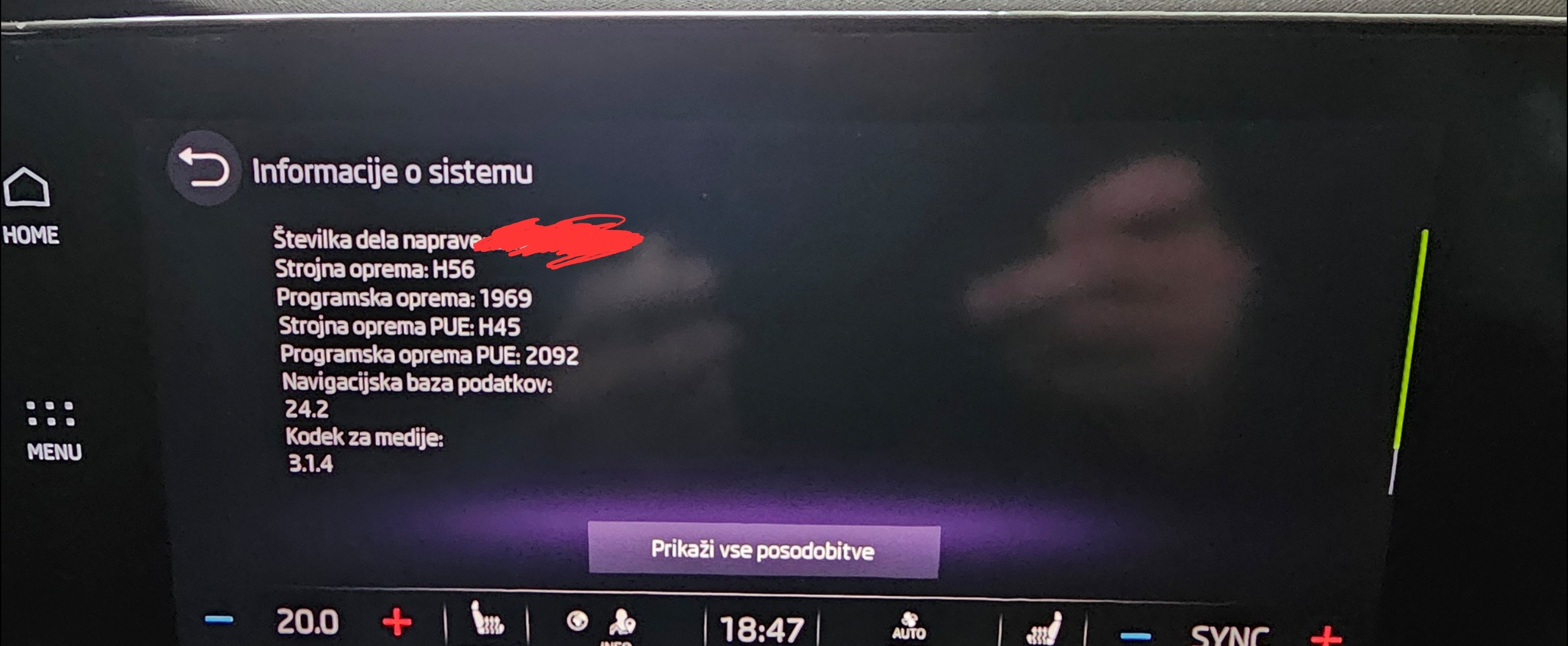
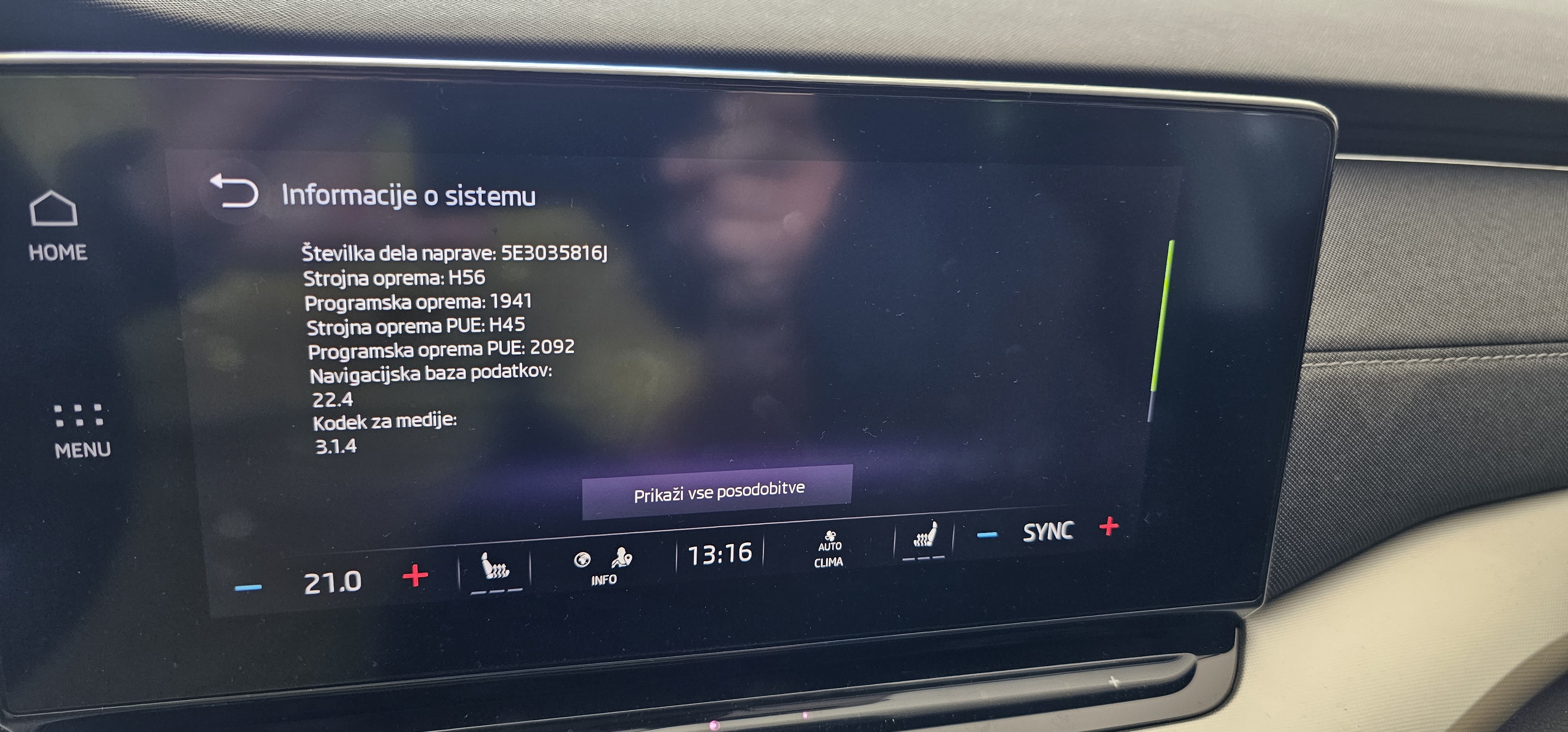
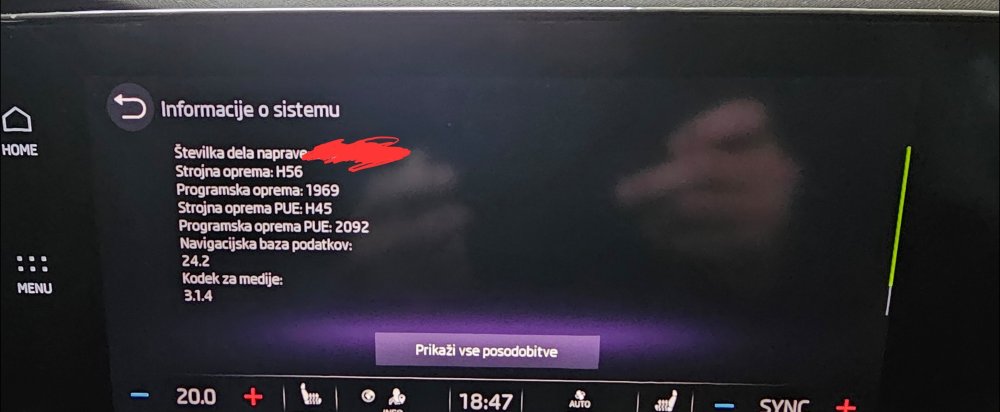
A much faster.. almost instant.. 1941 is dinosaur regarding speed compare to 1969..
-
Never had that kind problem ever.. As I understand working of car infortaiment OS this can not be the Skoda or any other VAG group problem but problem only on the phone on which AA is running.. Infortaiment do not control how graphics rendering is working and if apps is running correctly under AA which is completly other independent OS. Infortaiment only supply audio/video passthrue to itself.. all other is guilty of AA..
-
Didn't mean that you need to buy it.. I meant that I bought it / only that..
-
Don't know for any "Andoid Auto media app bug " ... using Galaxy S23 Ultra.. allways using Android Auto.. So.. how to test if this is resolved?
-
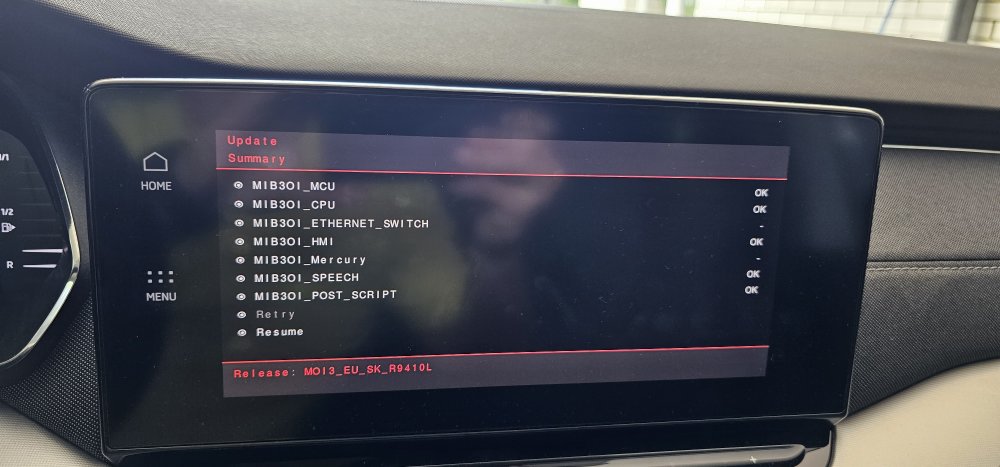
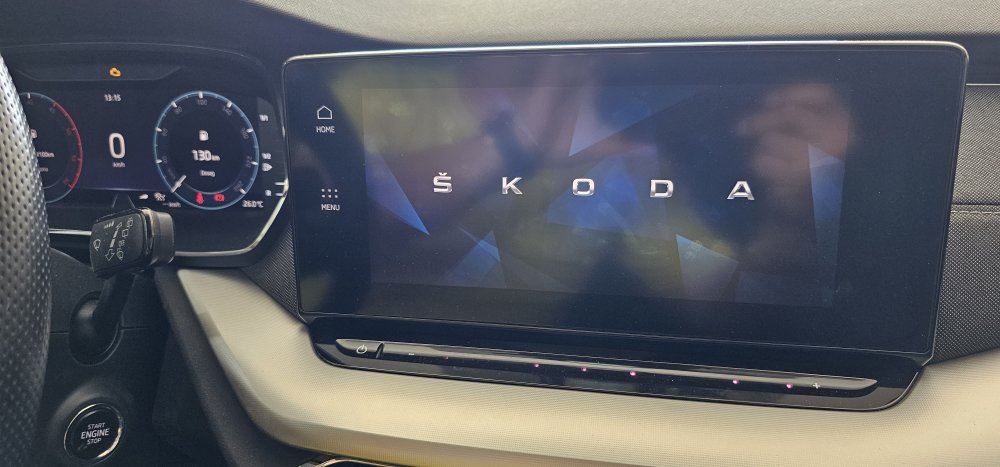
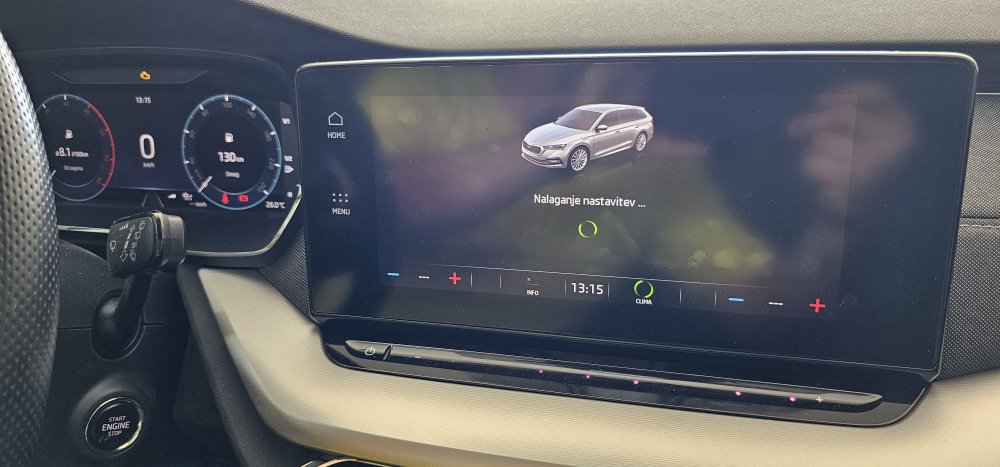
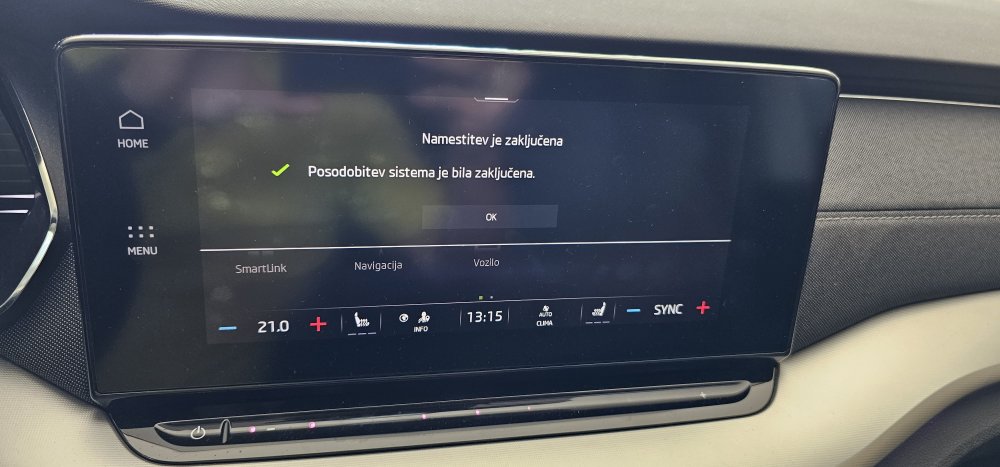
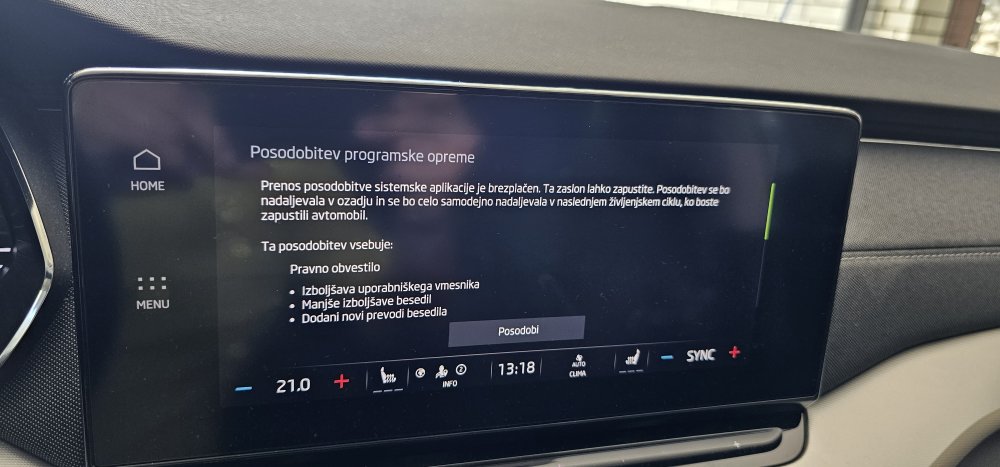
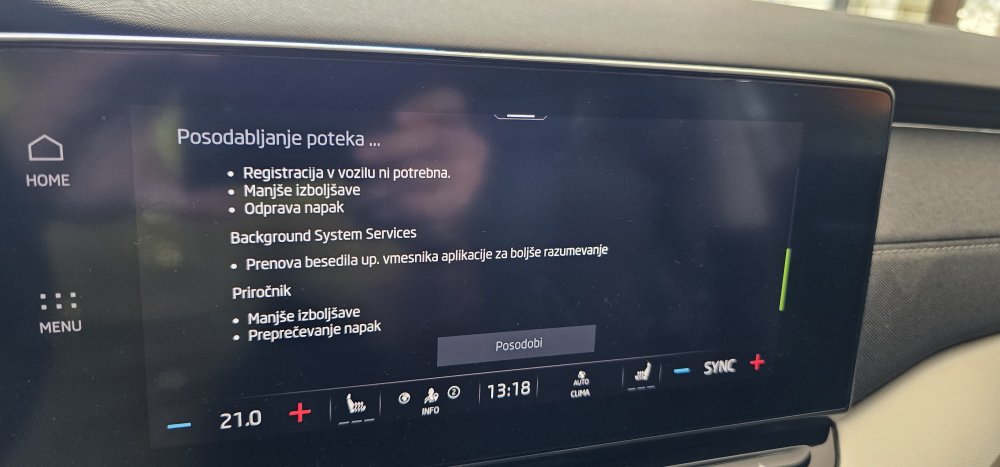
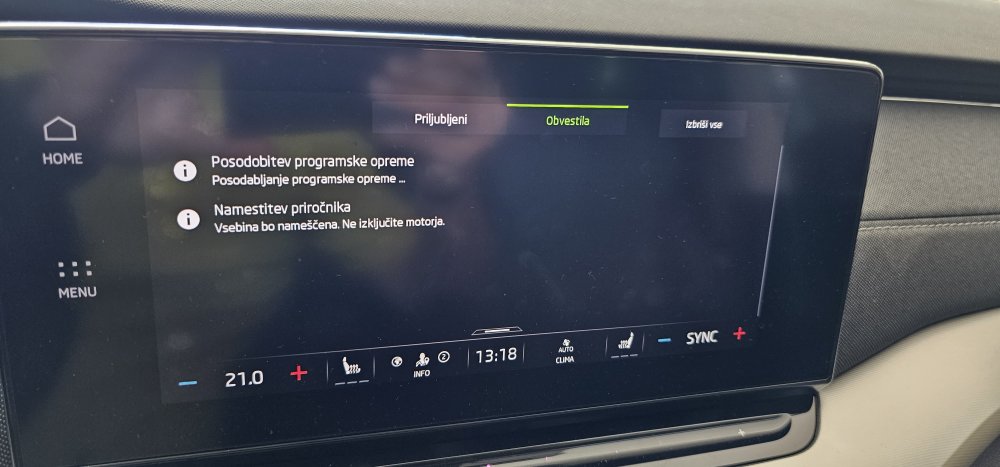
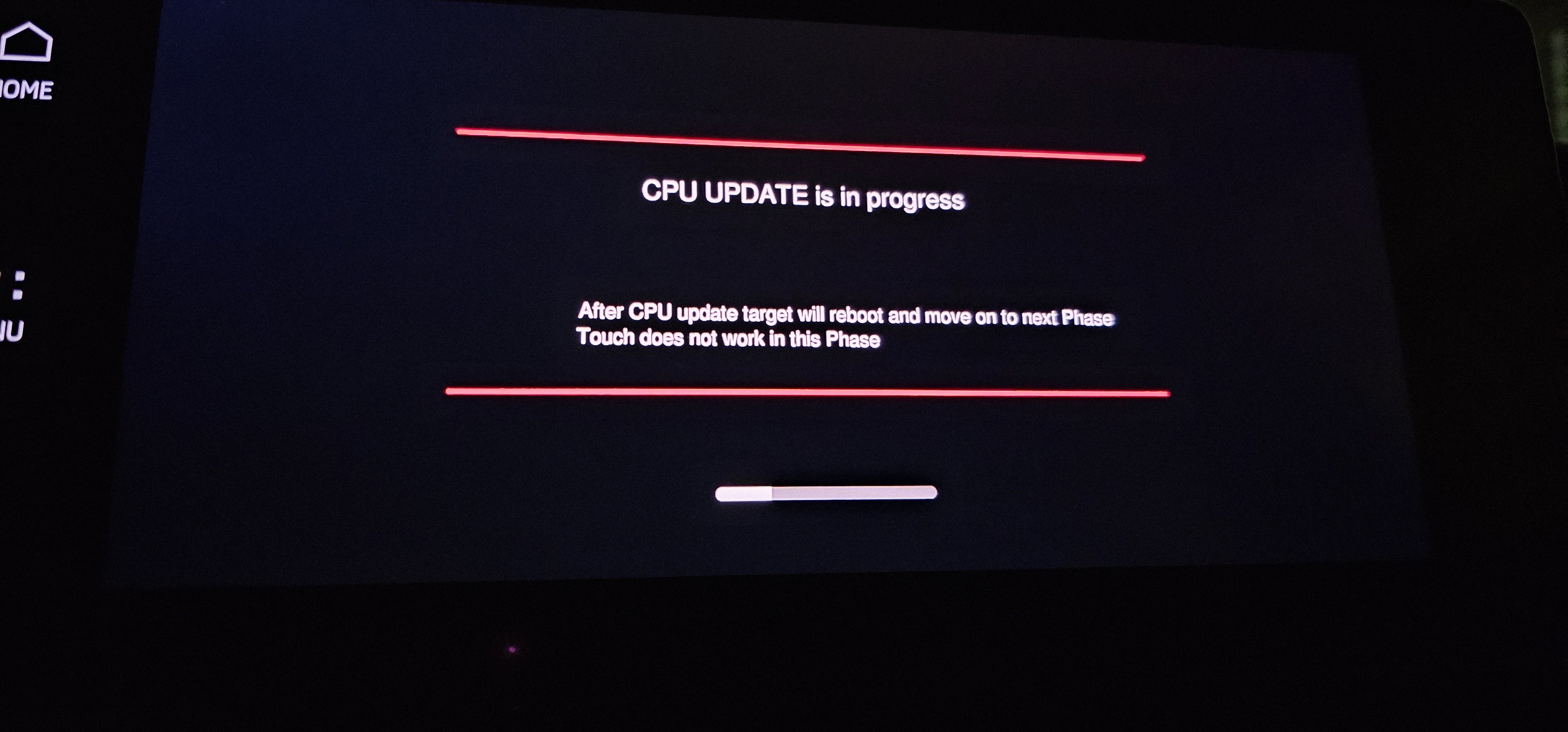
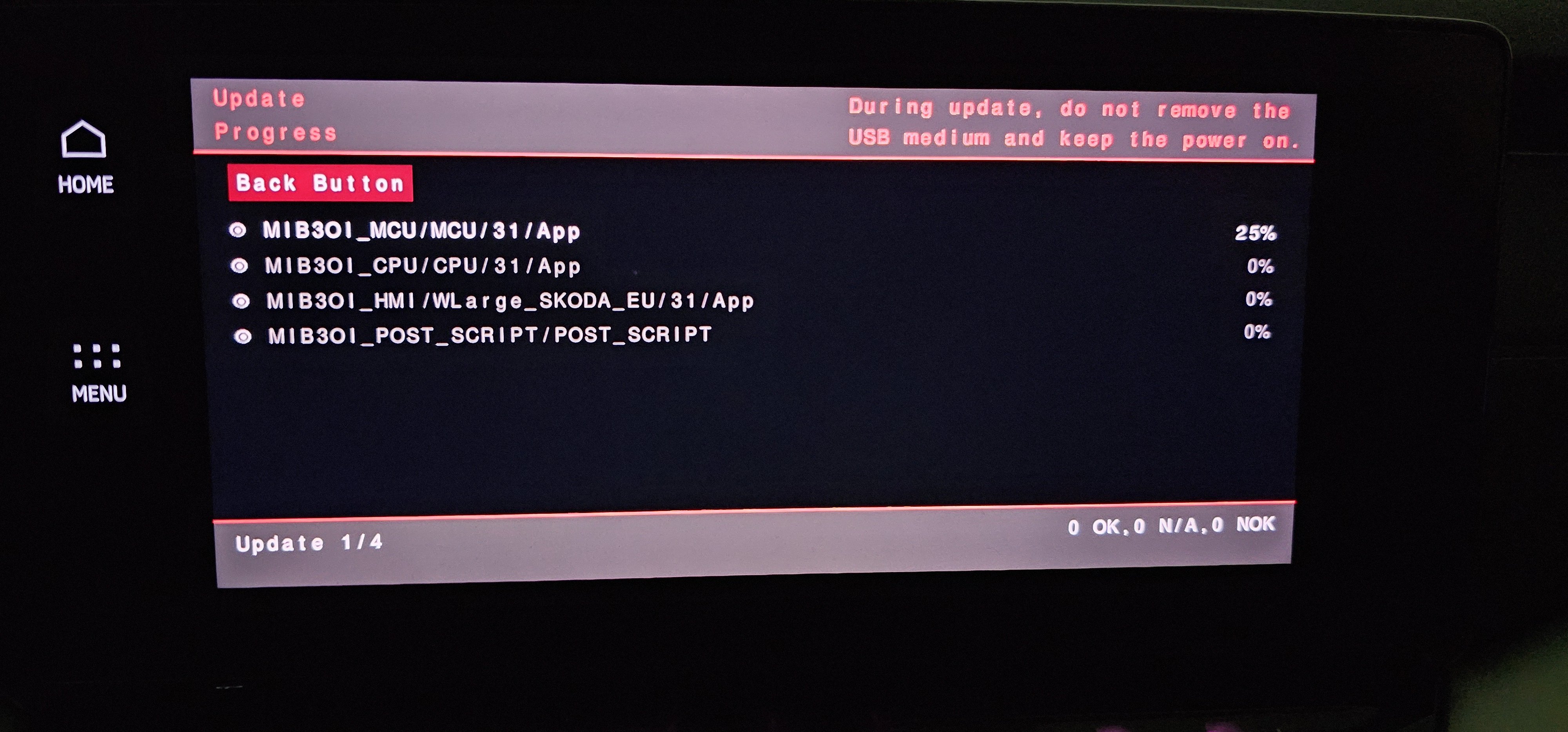
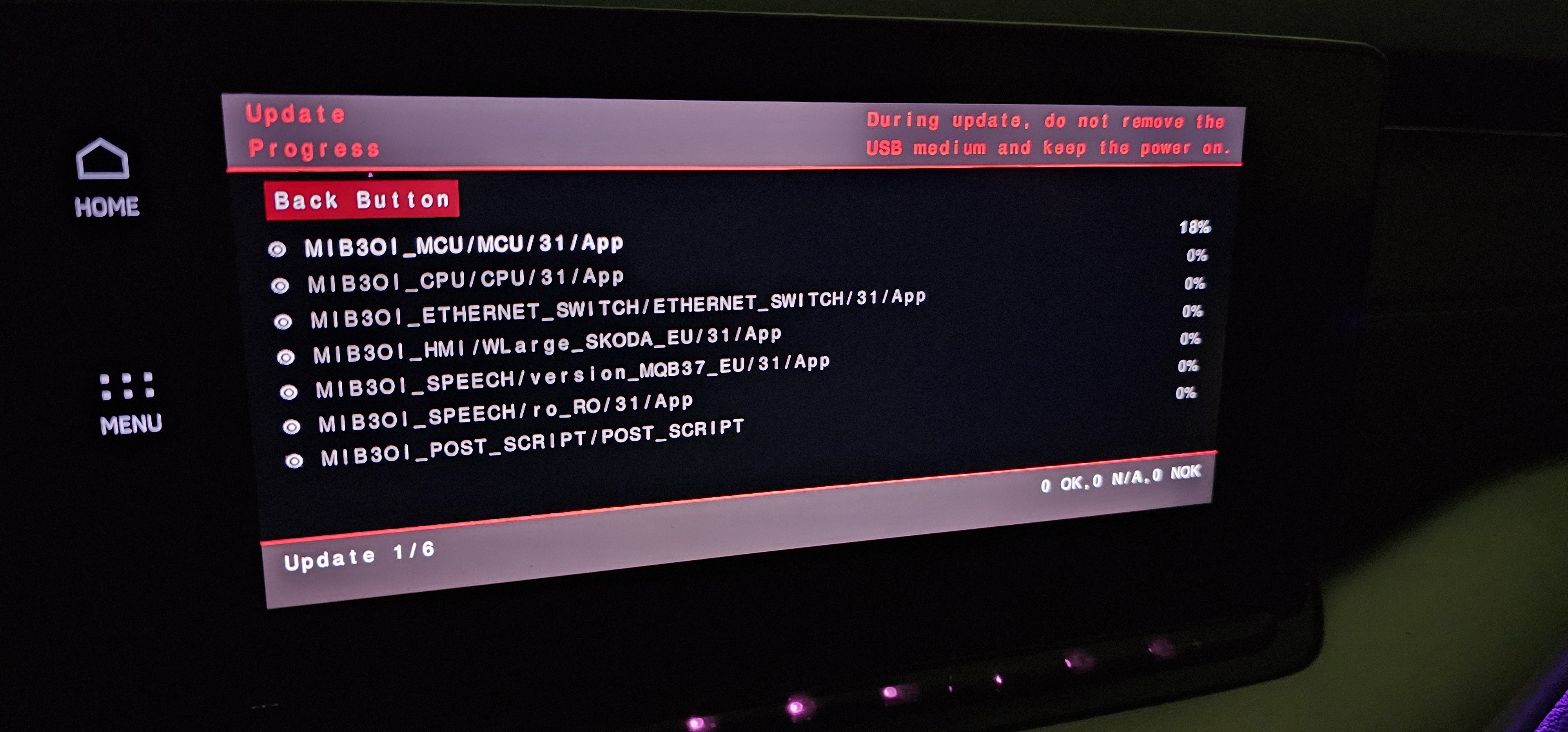
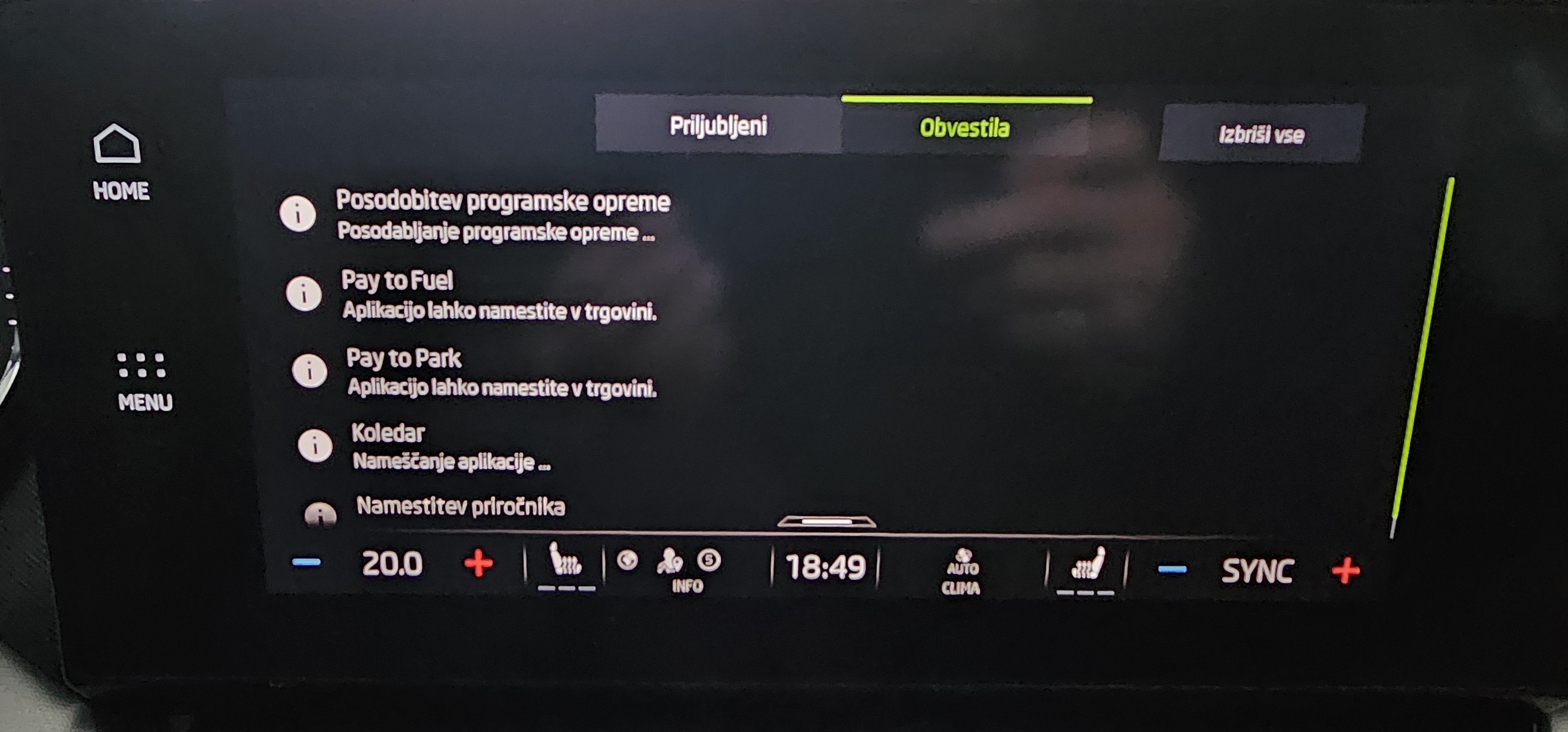
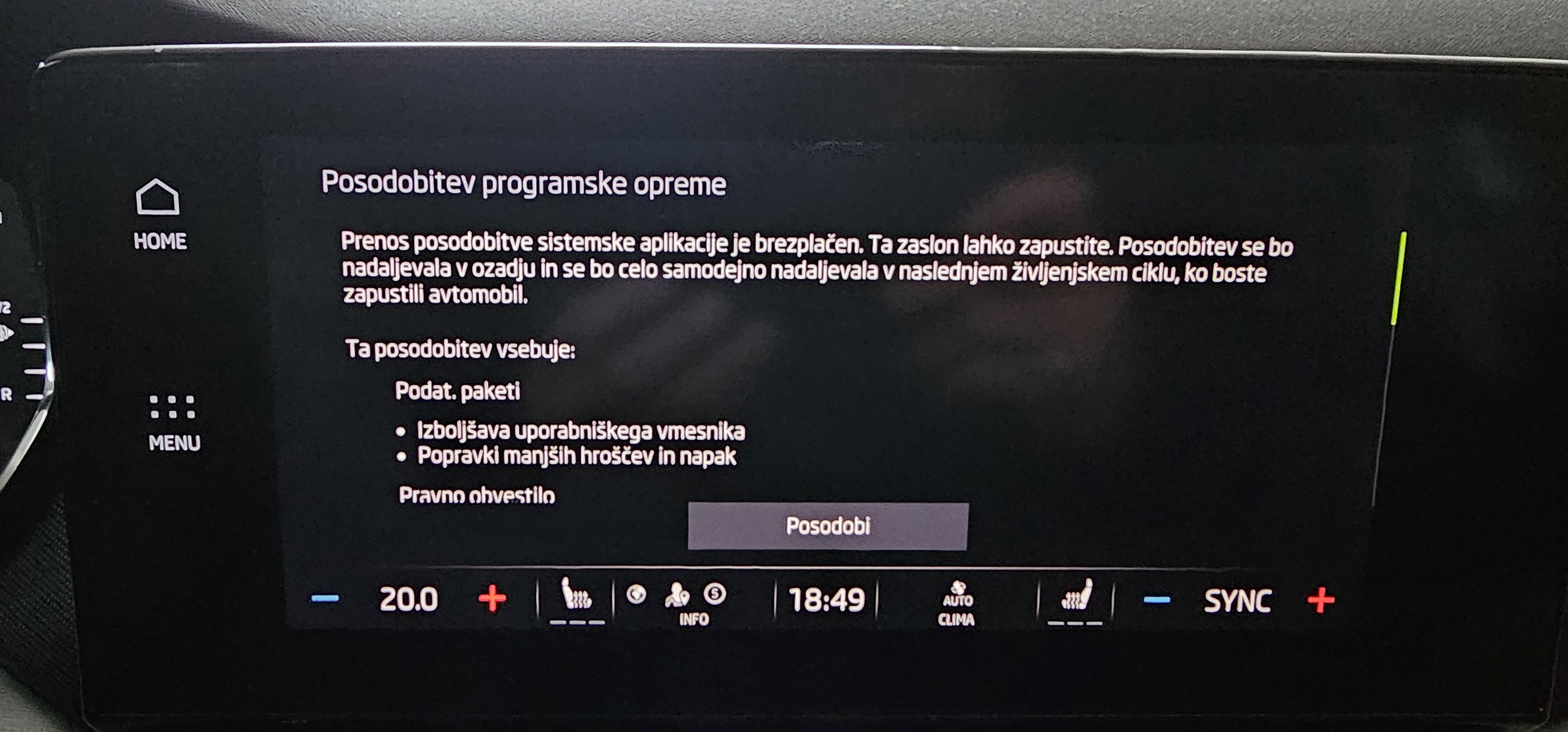
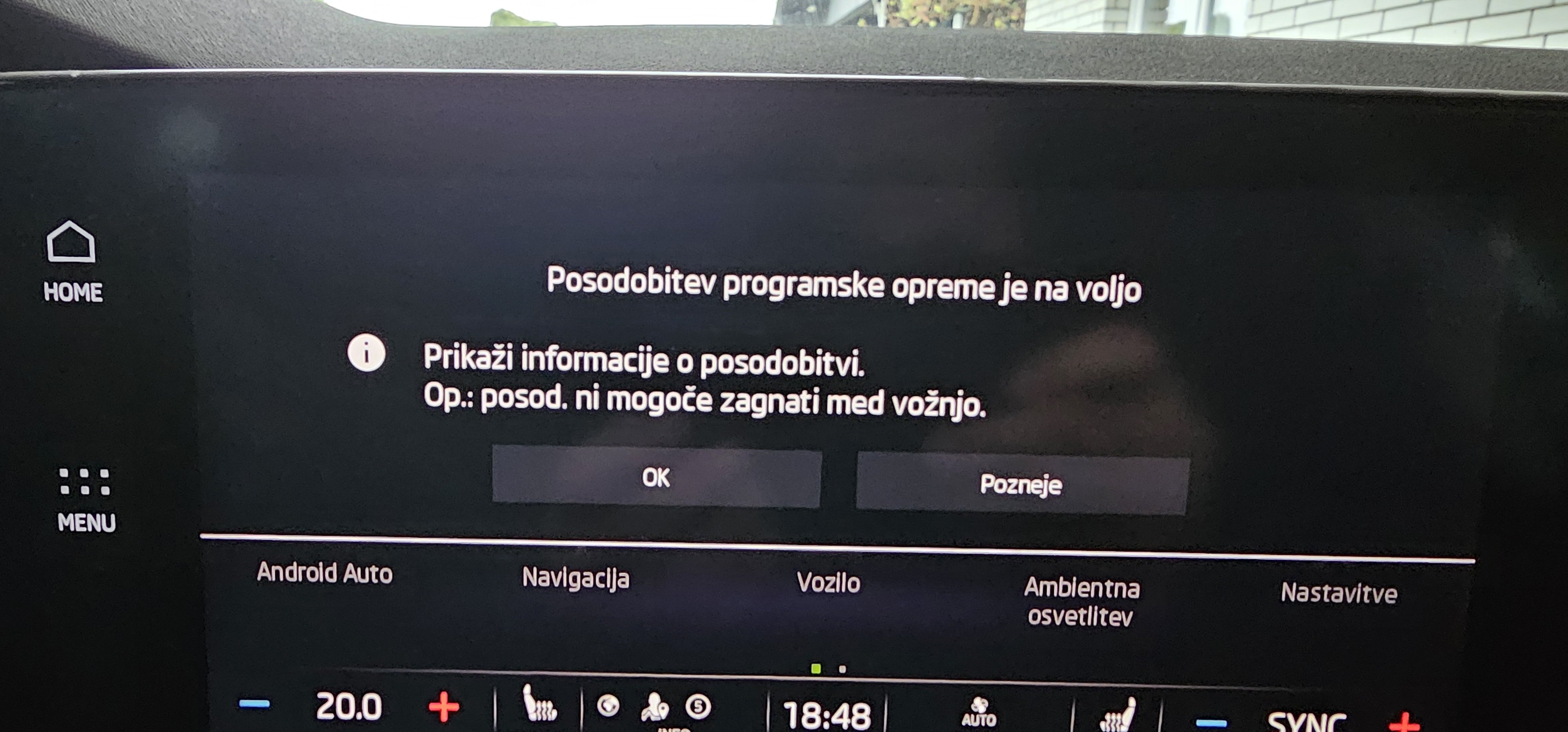
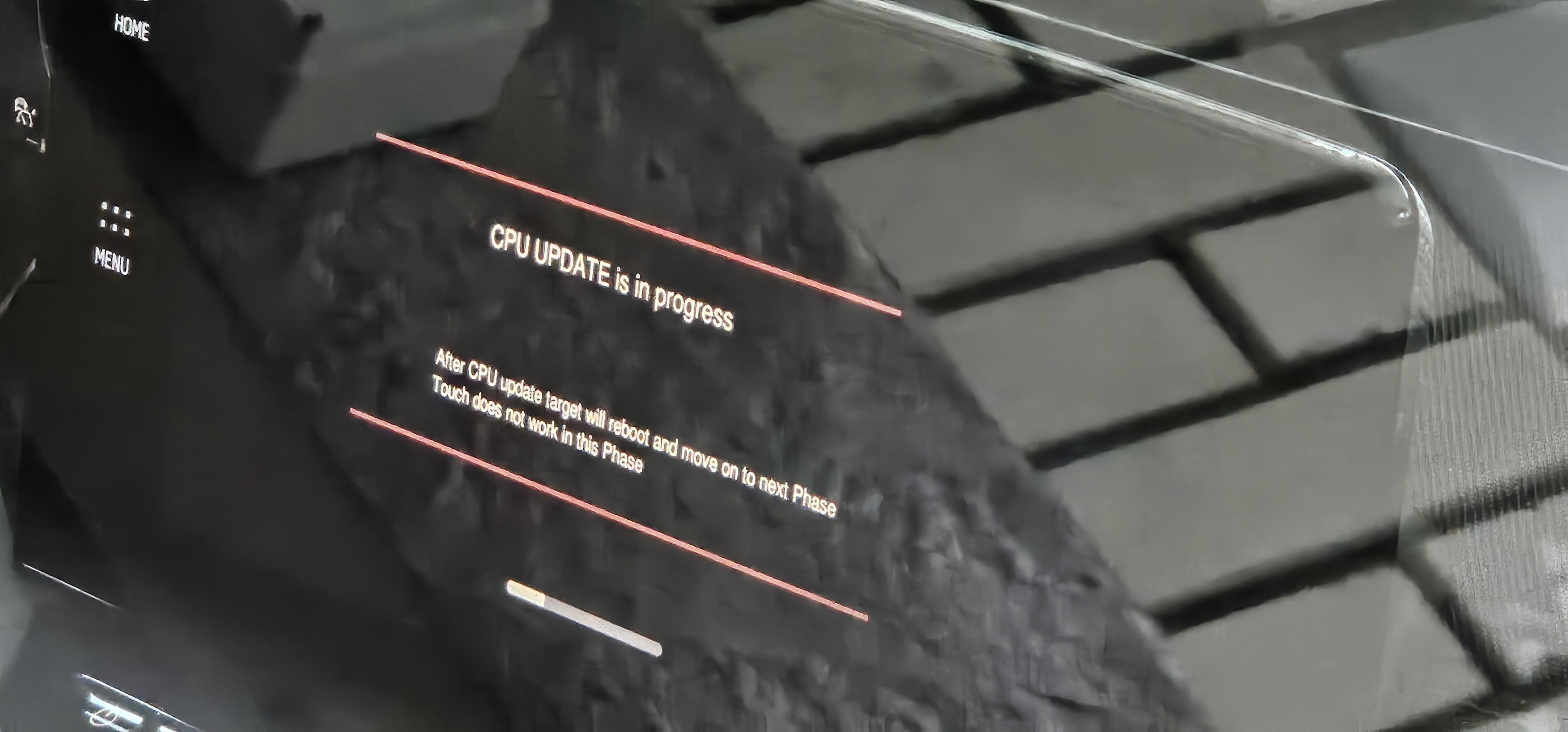
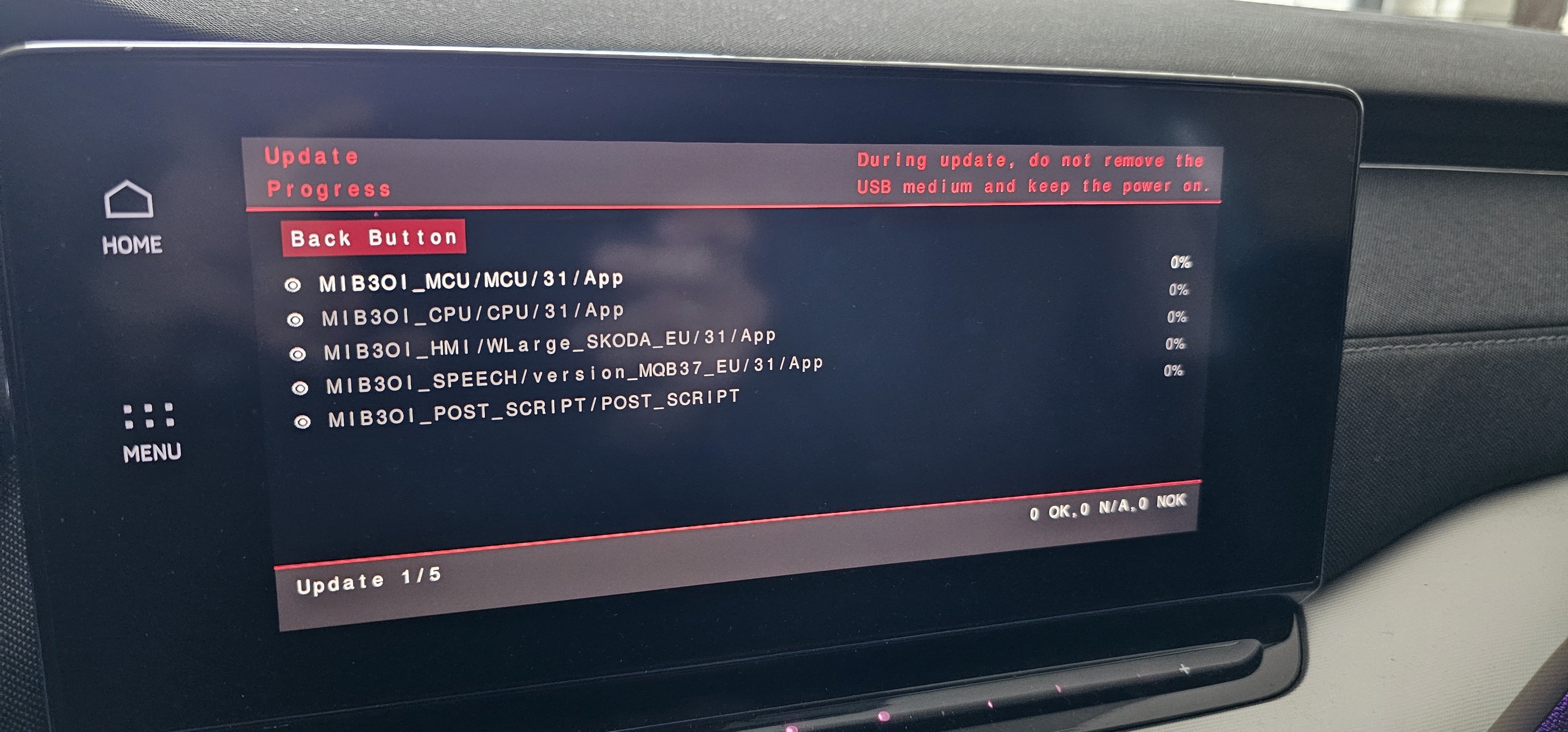
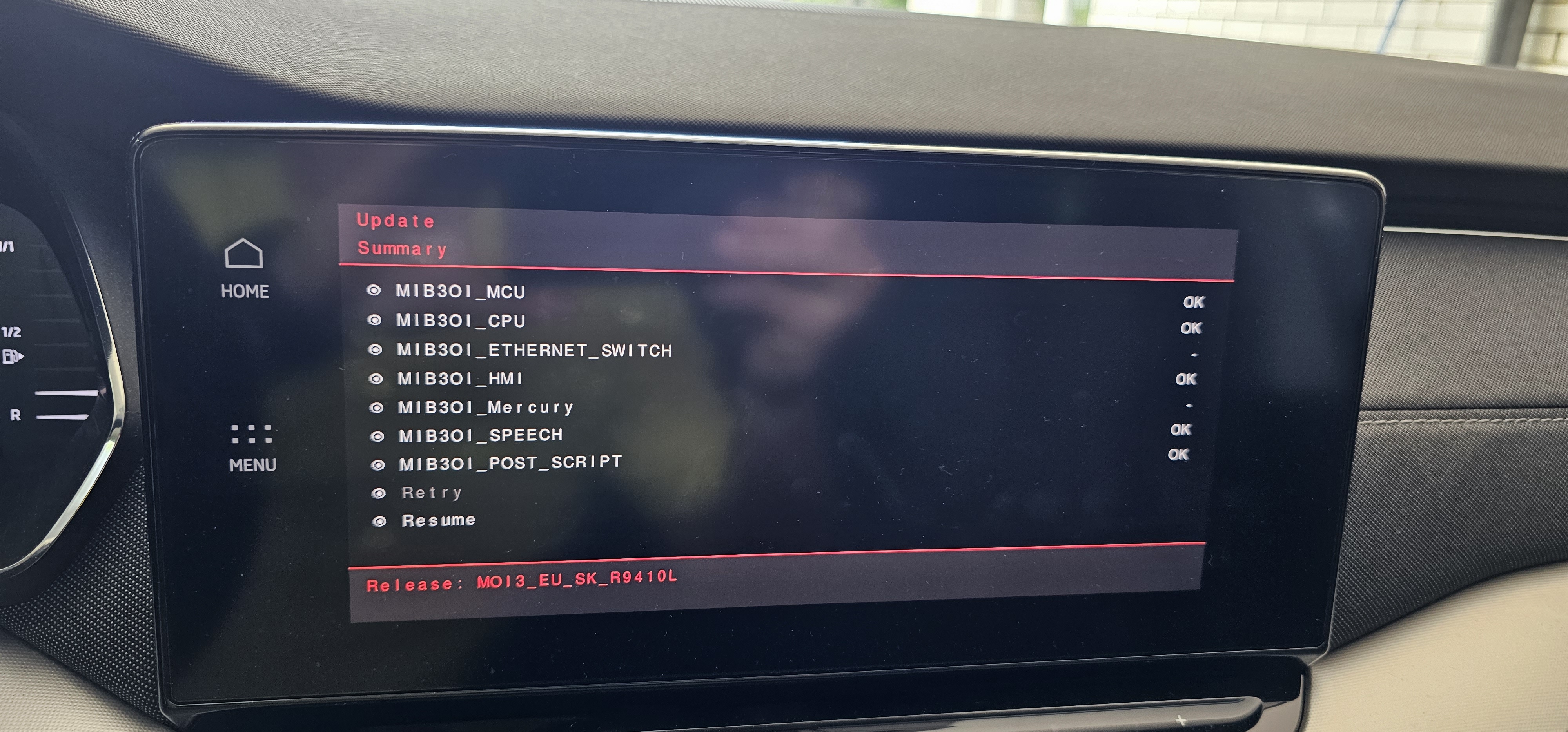
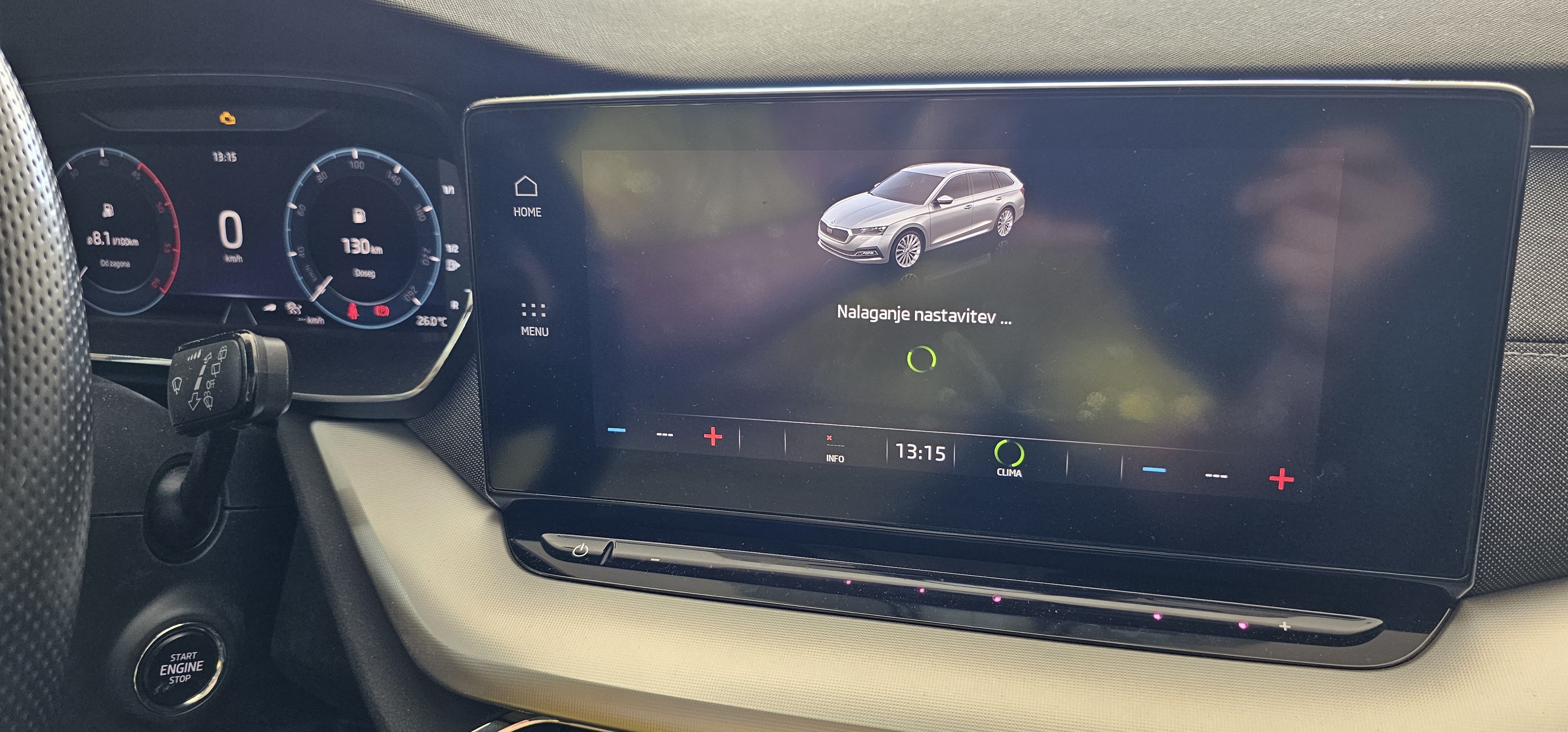
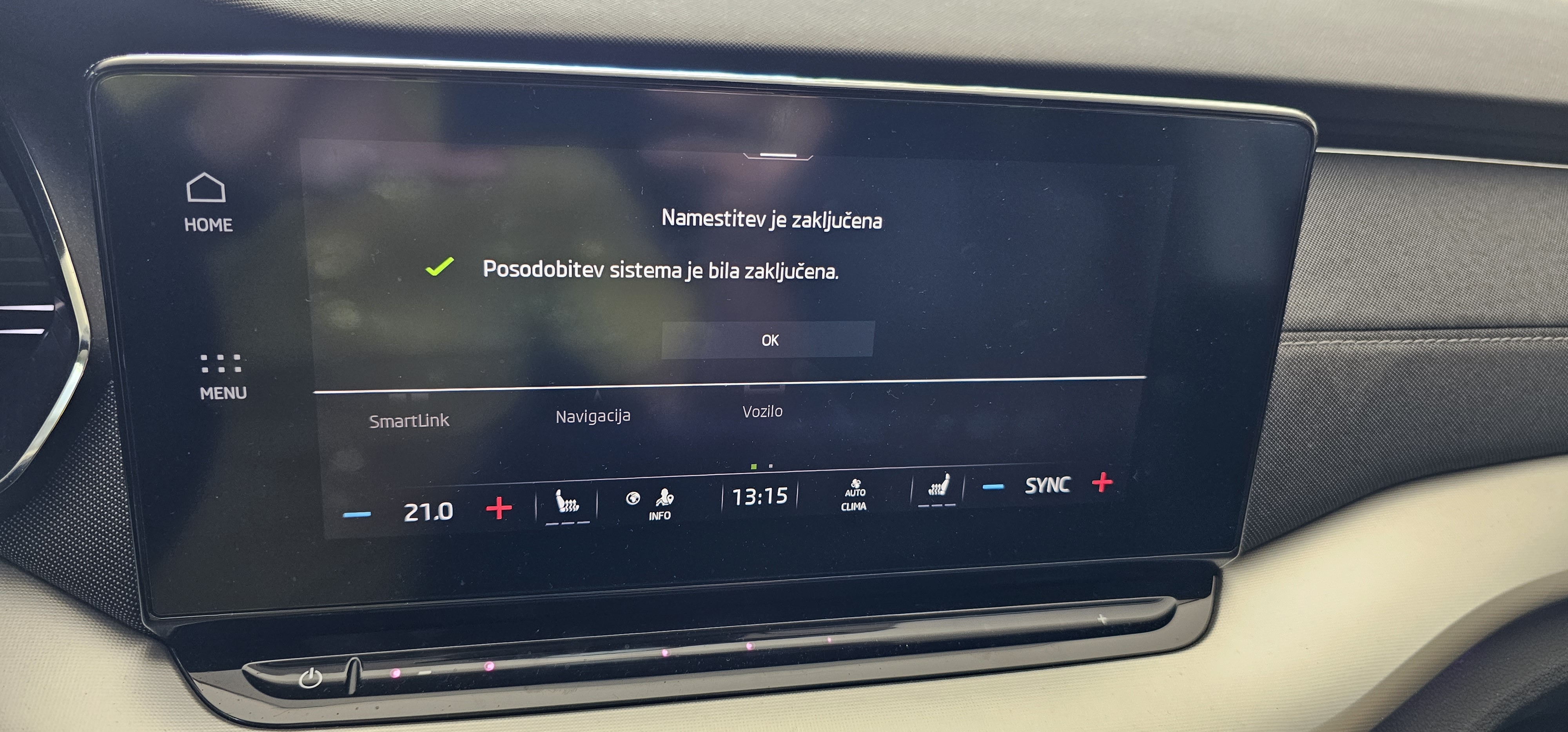
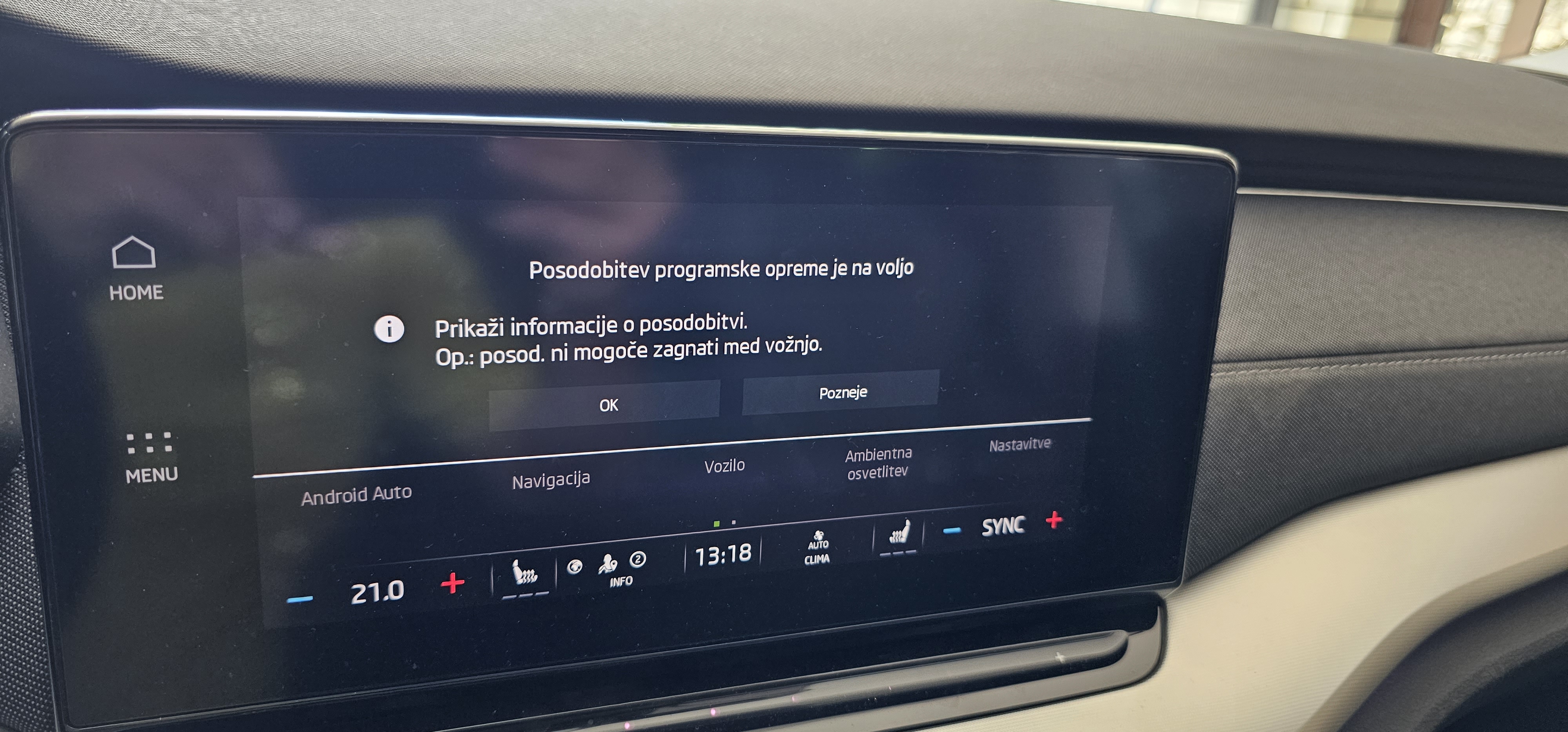
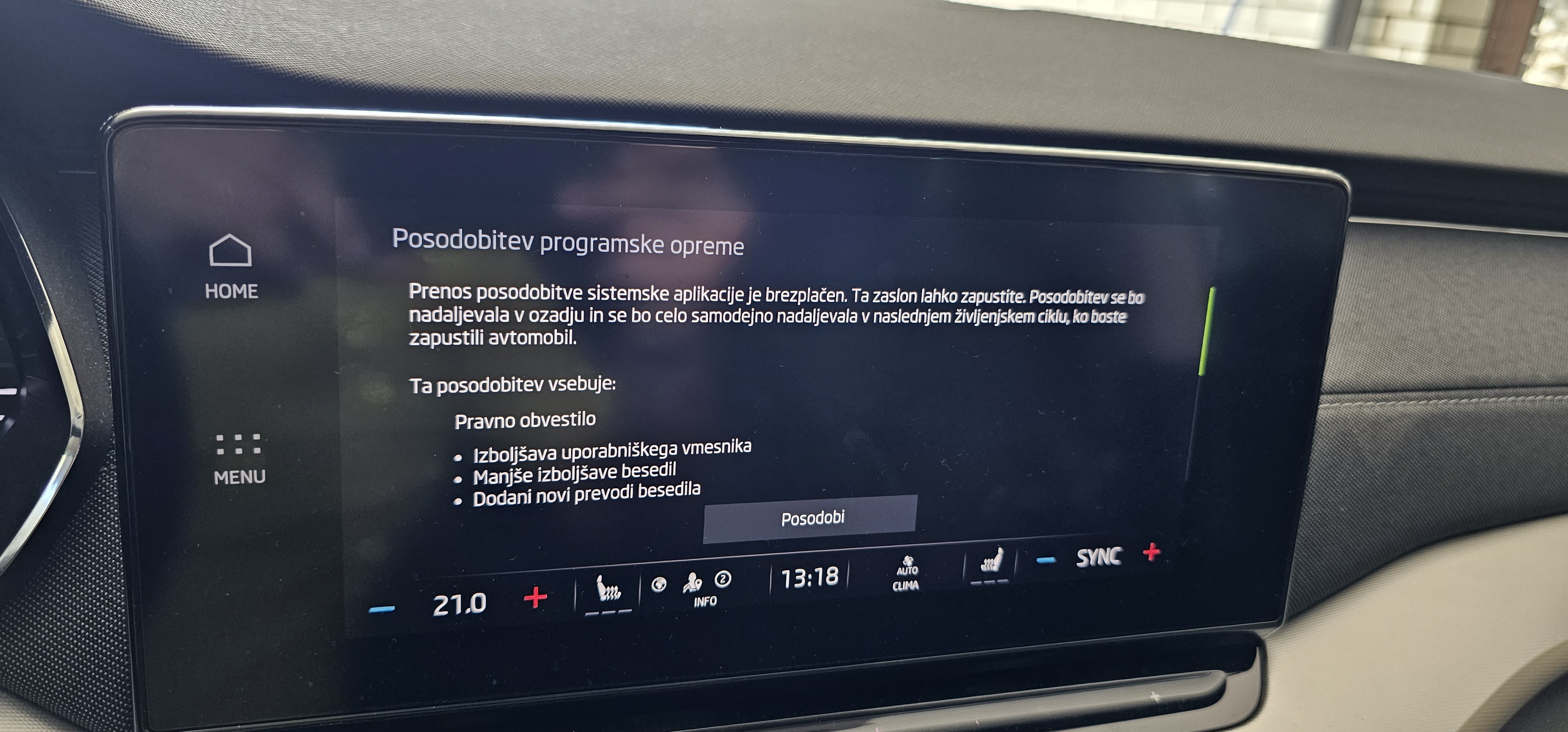
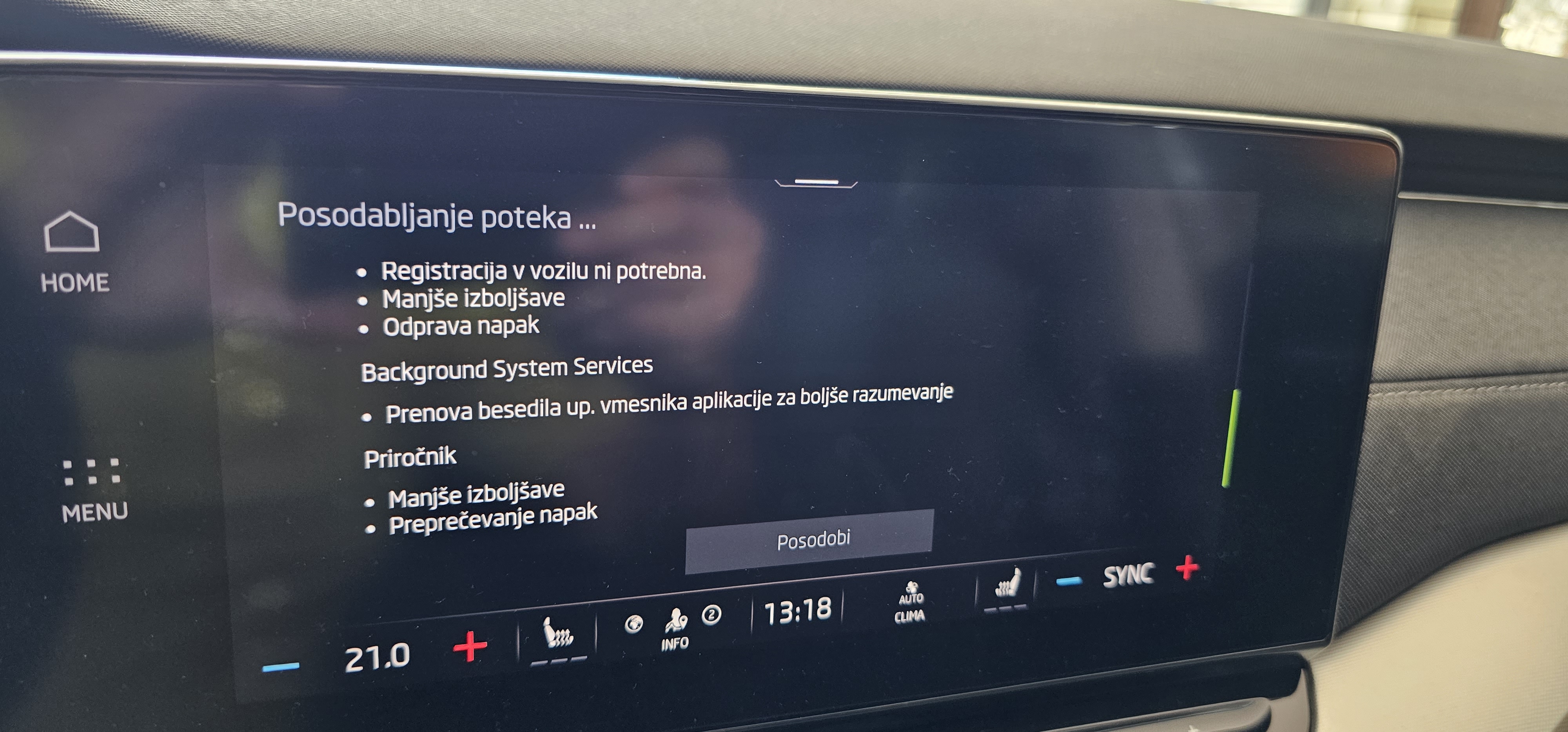
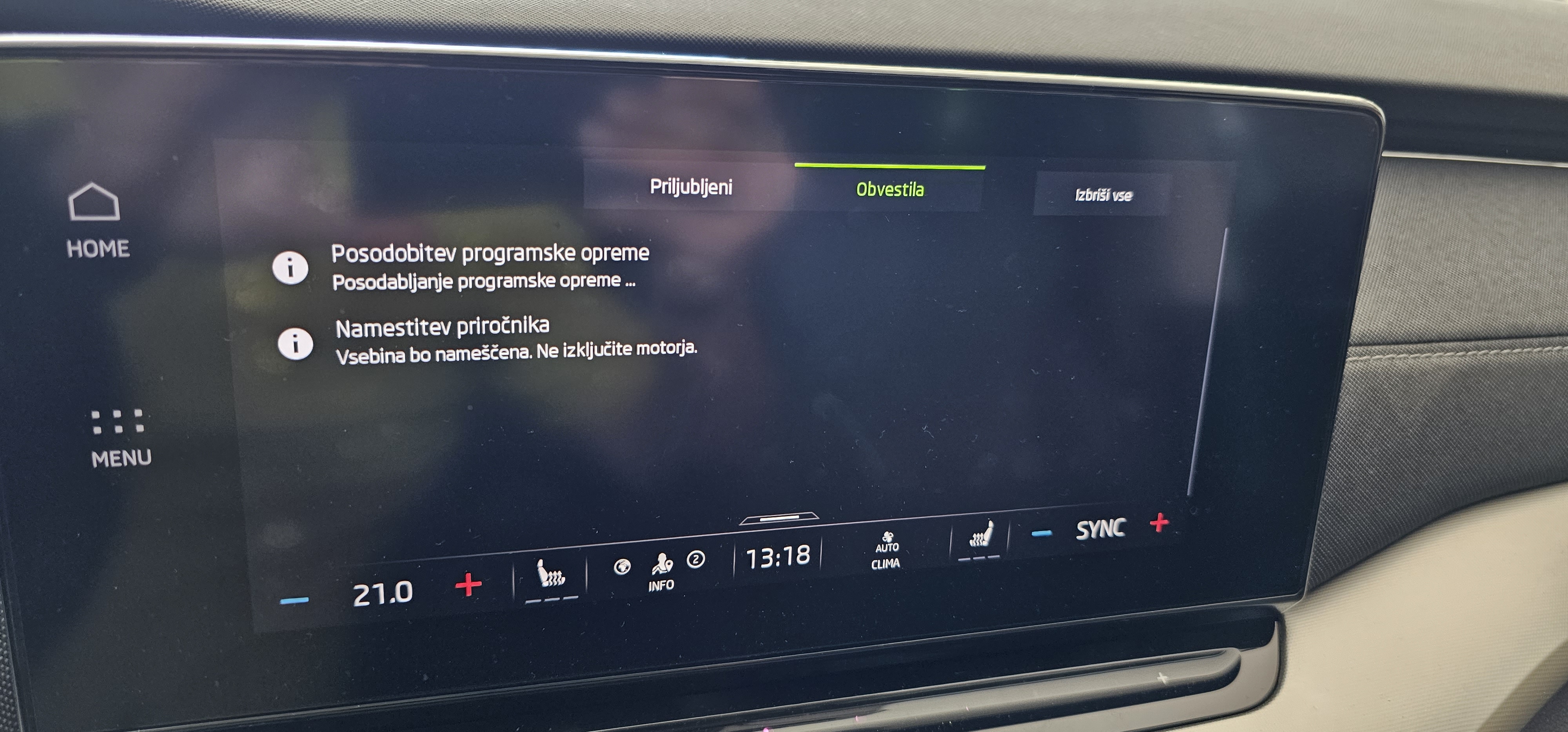
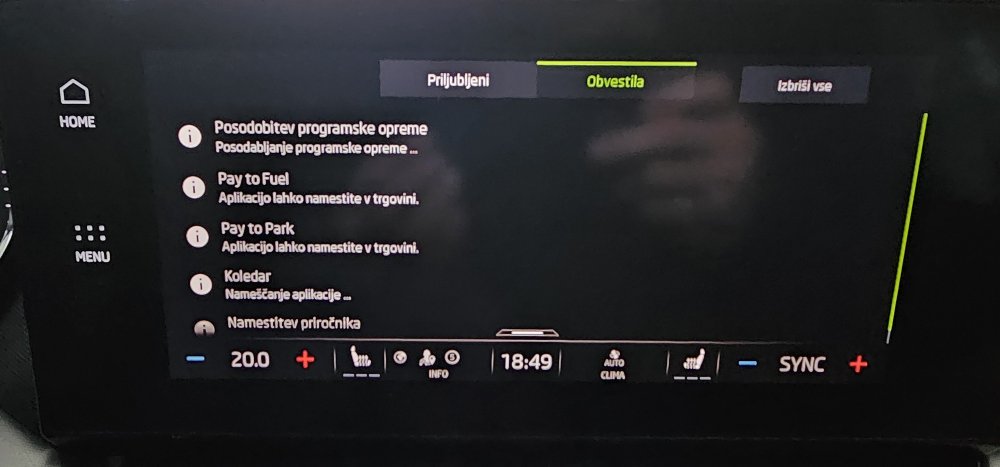
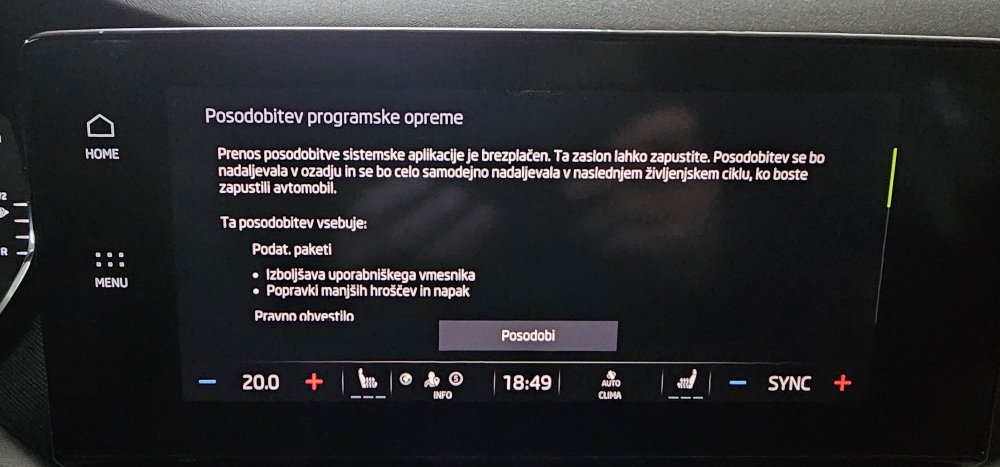
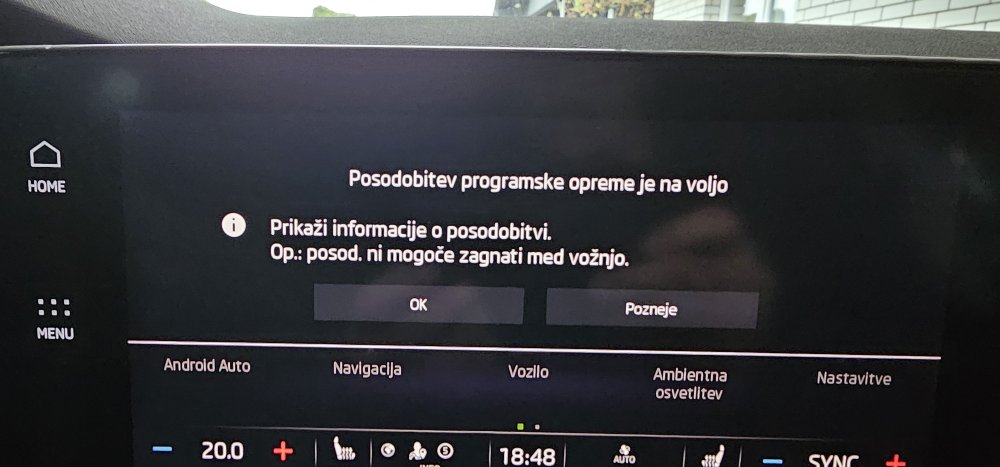
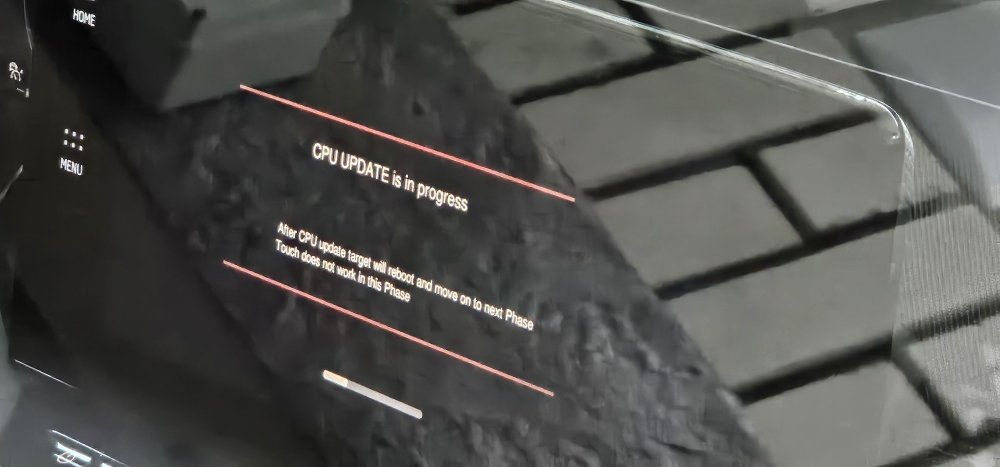
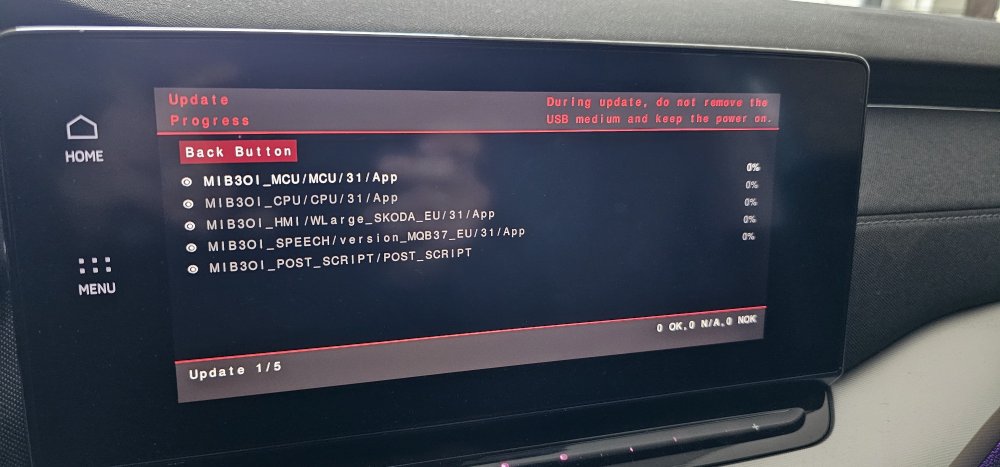
Bought it.. Before install I change Climate to OFF and Auto Start-Stop to OFF.. Then all went smoth.. it takes about 25min.. After update my phone connect and give hotspot to my car and minor updates were automatically found - almost instant.. PS. Infortaiment is compared to 1941 super smooth and fast..
-
Everything went great.. Running 1969..
-
Probably not. My goal was to play video on looong trips for kids.. so never played to hide other inf. buttons..
-
Everybody need to implement there UI as based OS is plain Linux. Skoda just seems to be last in line.. nothing else.. But it will be interesting if UI will be faster.. the only glitch for me is swaping between back camera and back to Android Auto.. other things are enough fast..
-
My humbe opinion... Škoda or beter VAG group IT department is a big joke... Their service is laggy, comparing to Tesla opening car door which takes more than 20-30 seconds is a joke, comparing to 3-4 seconds on Tesla... Their service can't even produce 99% of server uptime...
-
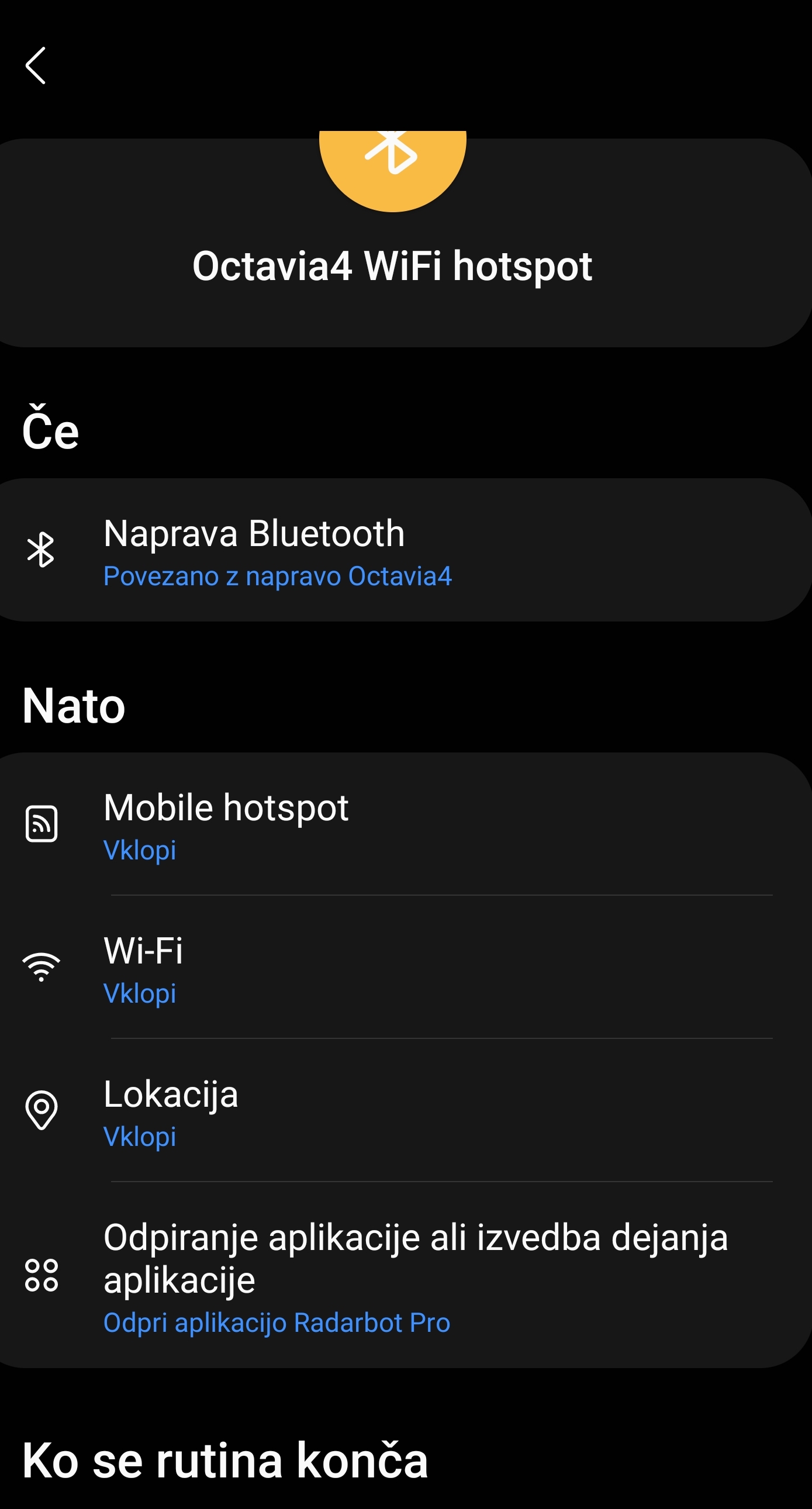
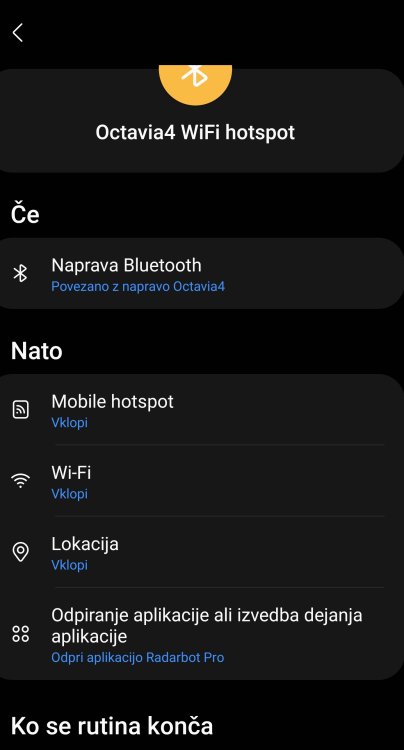
Had 3 OTA updates since 1941 manual installation. No problem at all.. But guys.. your problem can be also related to the other not updated units in car which are not related to the infortaiment system.. My dealer updated all other units about 8 months ago when I had problem that car drain accu. because infortaiment started at night by itself and because lights was powered on by itself.. At that time I get new accu and they updated all SW and they show me that one unit was causing problem and that it was SW related bug.. After that time the only problem was restarting infortaiment some times, which completly stopped with 1941 update. Regarding poor mobile signal.. using Samsung routine and when phone connects to car bluetooth phone make hotspot for car which then auto connect to it and have internet.. so updates can be downloaded only when I'm in car and driving.. PS. This way you do not need to pay for mobile data for car..
-
For me after 1941 all is OK.. had 3 OTA update since and all is working fine..
-
😆
-
Withouth login data no-go..
-
Overal now infortaiment is much much faster than on 1896, no restart for now 🤞 and all custom MOD settings stayed untoched (video on move, VR screen, etc)..
-
And another pictures..