Joco776
Members
-
Joined
-
Last visited
Everything posted by Joco776
-
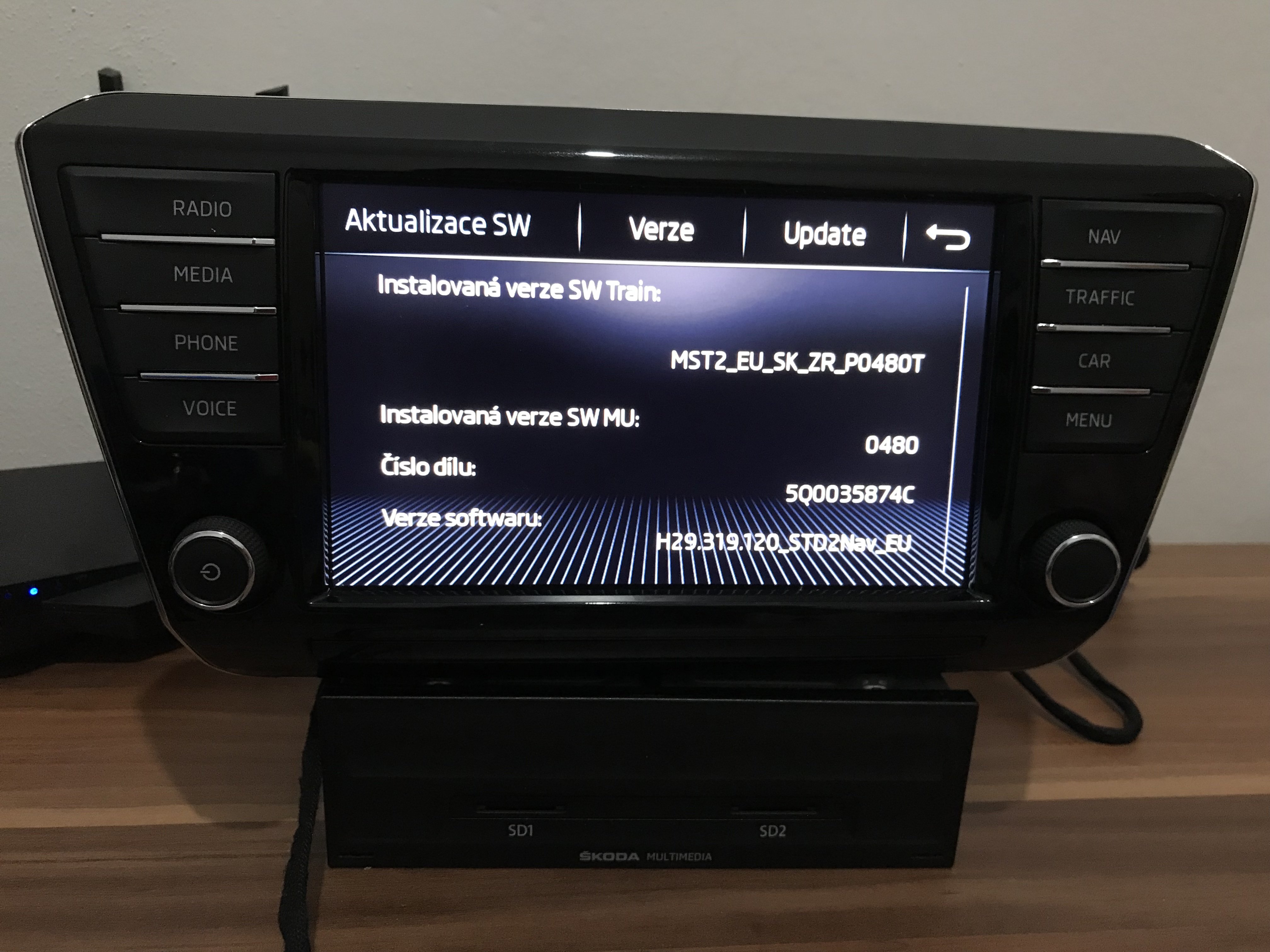
@mpg_cloud @Cairus If you need to update to version 0480 and activate CarPlay, send me a message.
-
@adamarchie you have it in your message
-
@ThomBrink můžu vám ten problém vyřešit.
-
Start the car (or turn on the ignition). Hold down the radio on/off button (volume control) for approximately 10 to 15 seconds. The screen will go completely blank, the Škoda logo will appear in the middle and the system will completely restart. After starting, check if the navigation has appeared.
-
-
-
I wrote to you
-
I can do a software conversation for you. Write to me.
-
Yes, the factory option is ideal. But customers choose for themselves. I install what everyone wants. Activating and removing component protection and customization are not a problem. Circumstances are different everywhere, and not everyone can afford the original option of displaying the image from a mobile device on the display.
-
-
This is for MIB1 and you don't need to buy a new unit and a new LCD display. https://www.aliexpress.com/item/1005008187378755.html?pdp_ext_f=%7B%22sku_id%22%3A%2212000044167794818%22%7D&sourceType=1&spm=a2g0o.wish-manage-home.0.0 https://autoabc.shop/products/wireless-carplay-android-auto-for-vw-mibi-mib2 Assembly is simple.
-
@AlexeM I can do it for you.
-
@harsh249 If you want an update, I can do it. Write to me.
-
Converting from G11 to G13 is easy, but you need to replace the display with an all-glass one, because you are currently using a mib2 system with G11 and after updating to G13 the graphics are different from mib2.5.
-
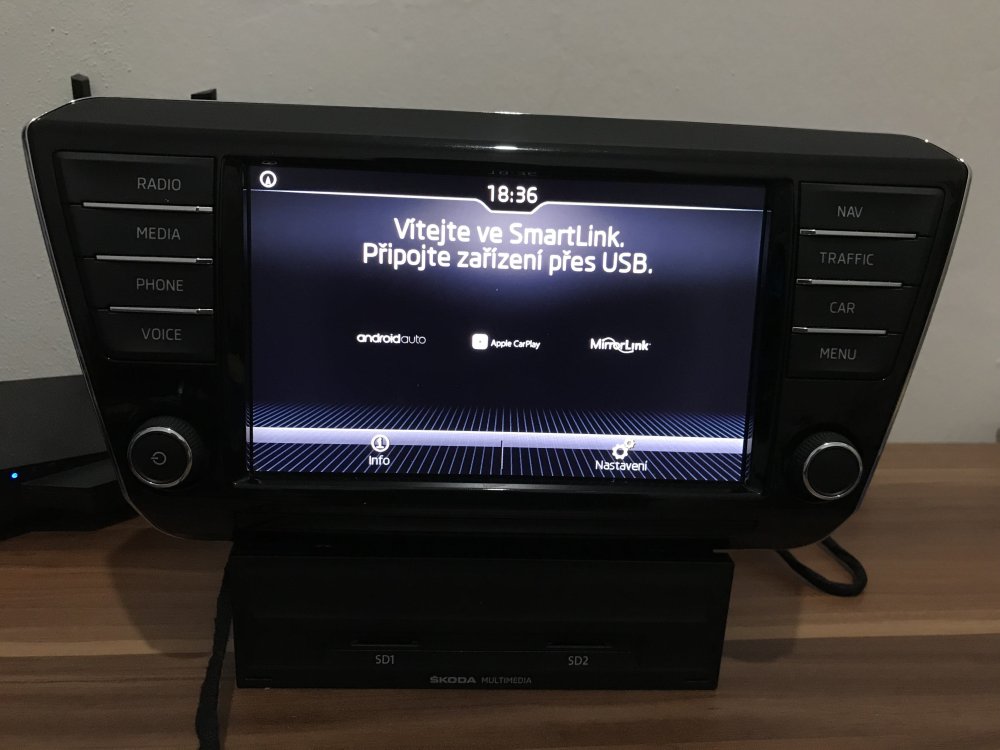
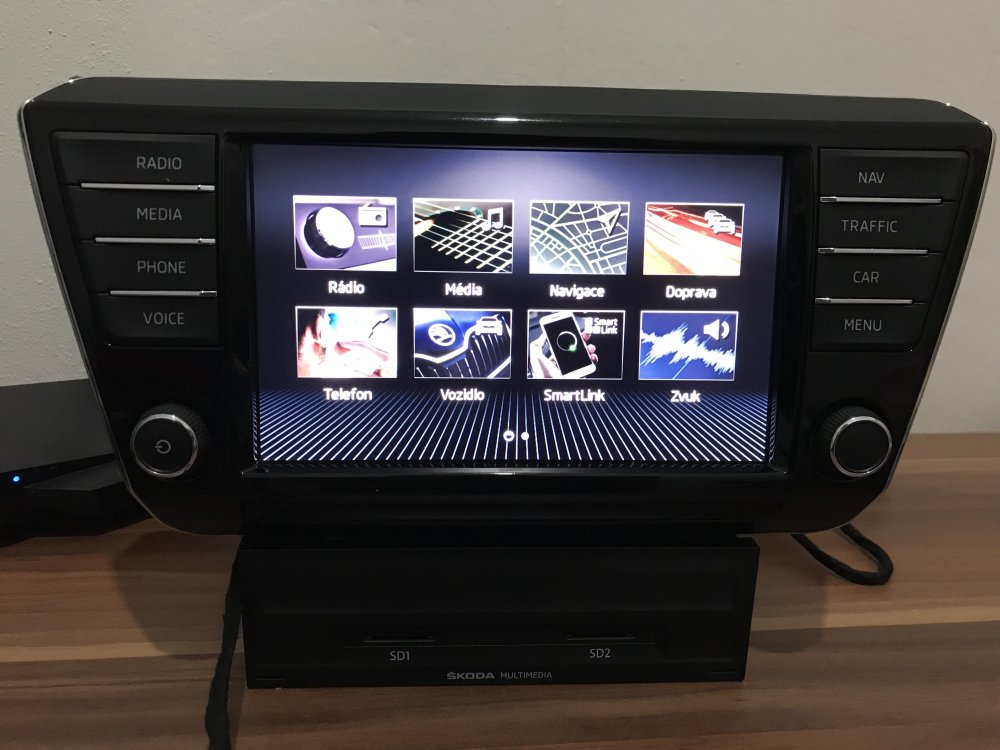
@Hobgoblinrunner Hello. If you want, we can update the unit to version 0480 and activate CarPlay.
-
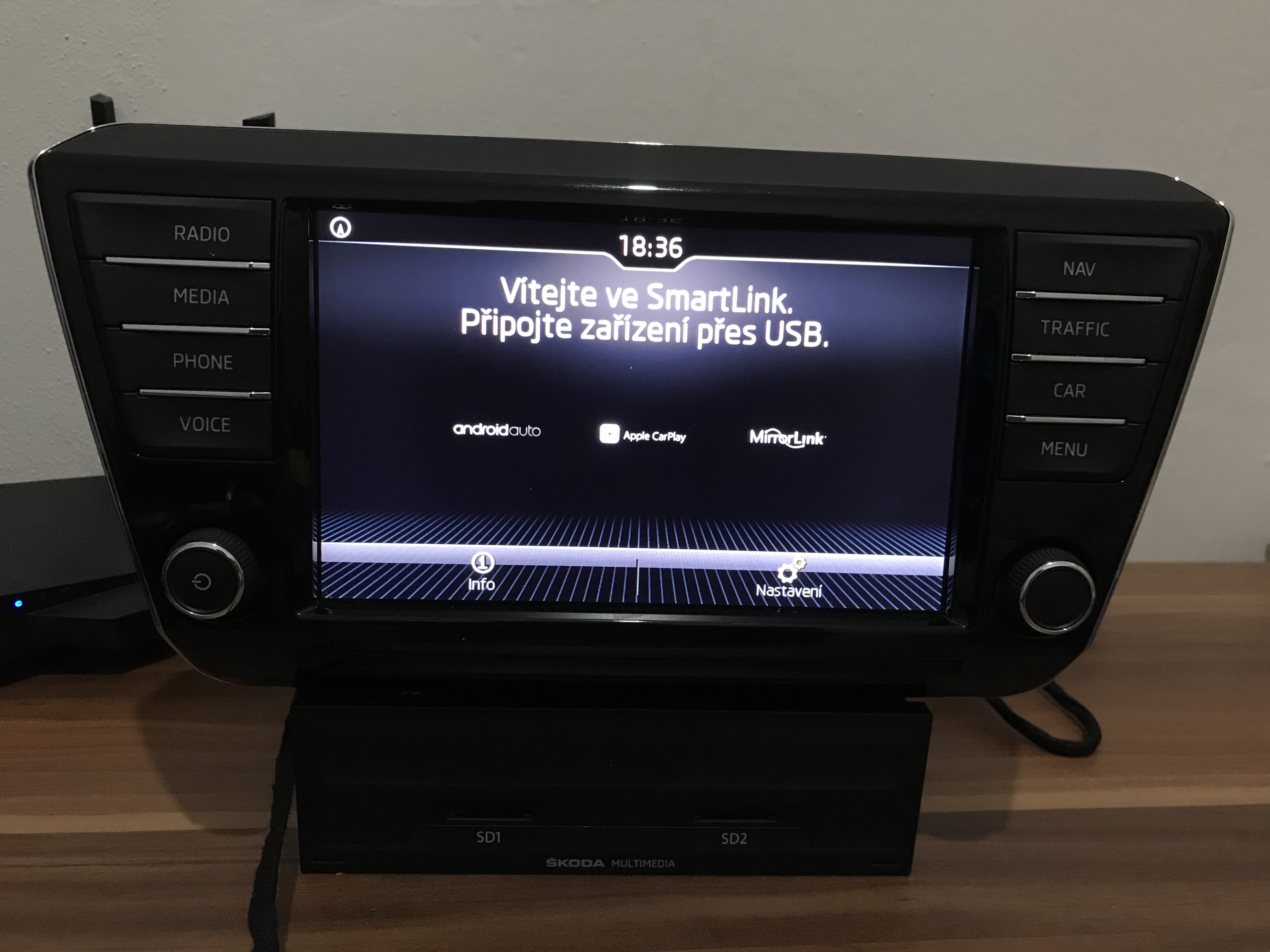
If you mean SmartLink, then yes, it is possible.
-
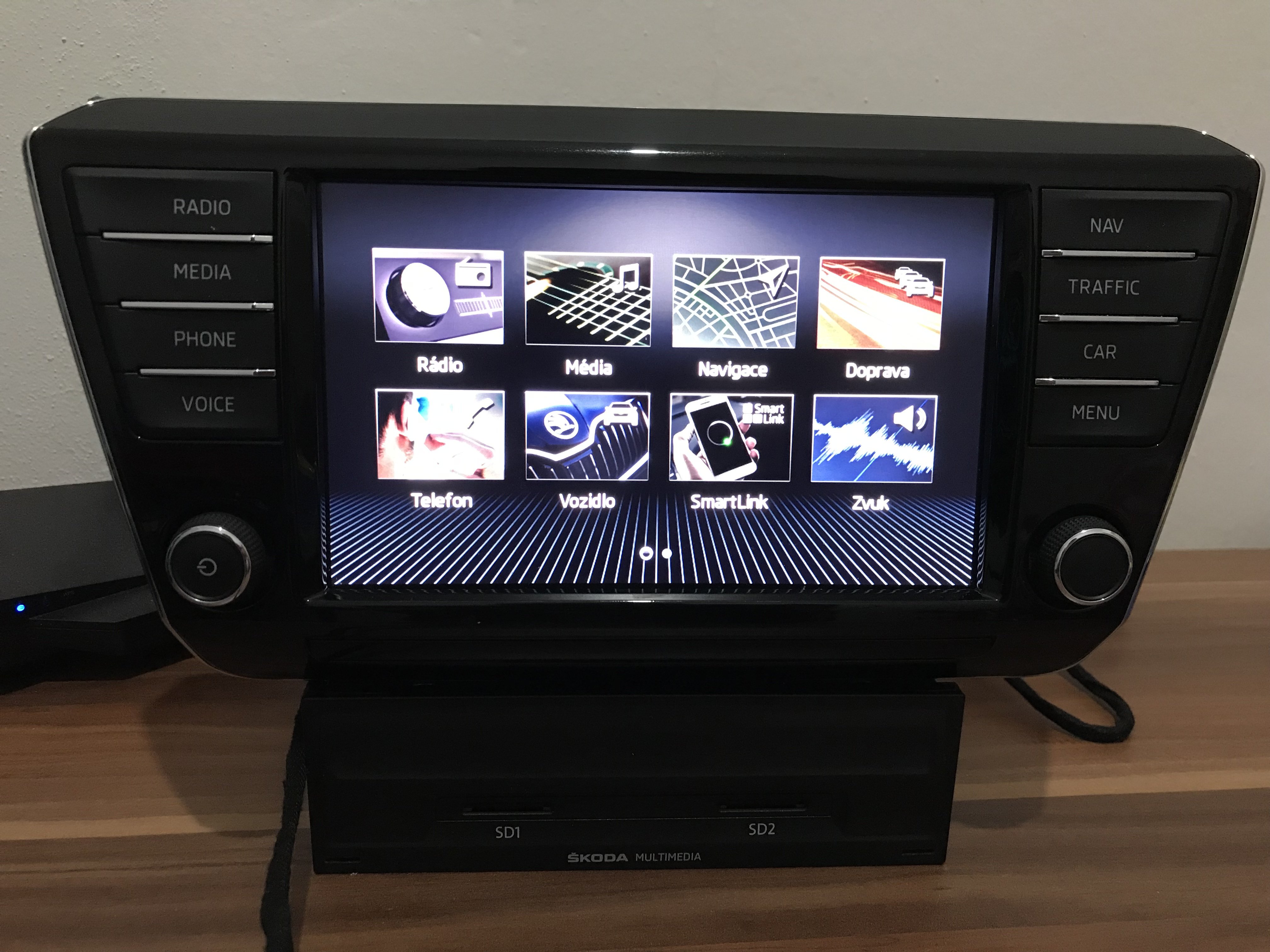
@em00 Hello. There are two options to update your unit. Update to version 0253 and unlock SmartLink. Or update to version 0480 and activate SmartLink and all hidden features. Version 0480 is colorful and has a tiled menu. Feel free to write to me.
-
@konker Write to me
-
@SalvaS , @b007lal Write to me, we can update your units to 0480 and activate Carplay.
-
@yusuffff Now you can write
-
@Jetmech I sent you a message and you didn't respond. @91880 , @yusuffff If you want, I can update your units to version 0480, upload all the license codes, and activate them. If interested, write me a pm.
-
@amibe96 What unit does it have? Send the part number.
-
@VBGSKO Smartlink will only work via cable as this unit cannot do that. MIB3 only.
-
@Jetmech Hi. If you want to update to version 0480, I can do it for you and activate SmartLink. With the new software, the entire infotainment graphics will change and you will be able to switch from the classic menu to the square one. The system is also faster than the old version.
-
@Strebord Hello, I can update your device to a higher version 0480 and activate Apple CarPlay. @KR15PY I can also update your device to a higher version 0480 and activate the performance monitor. This version will change all infotainment graphics to color and include a tiled menu. Navigation will work better, with better touch response and a faster and more stable system.