




Joco776
Members
-
Joined
-
Last visited
Everything posted by Joco776
-
-
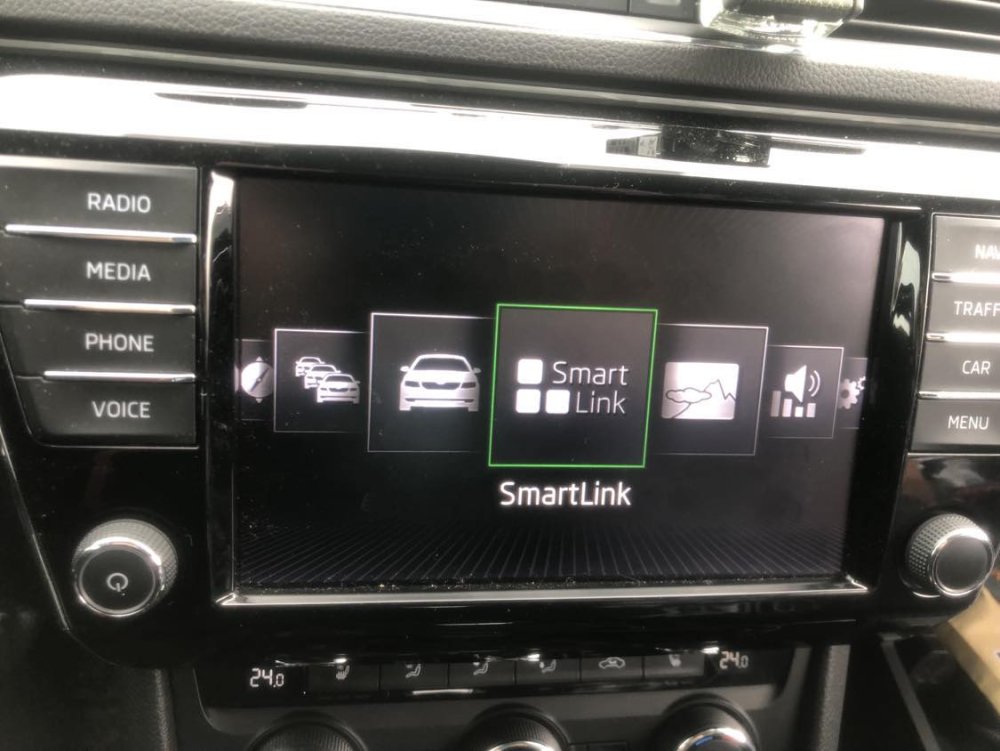
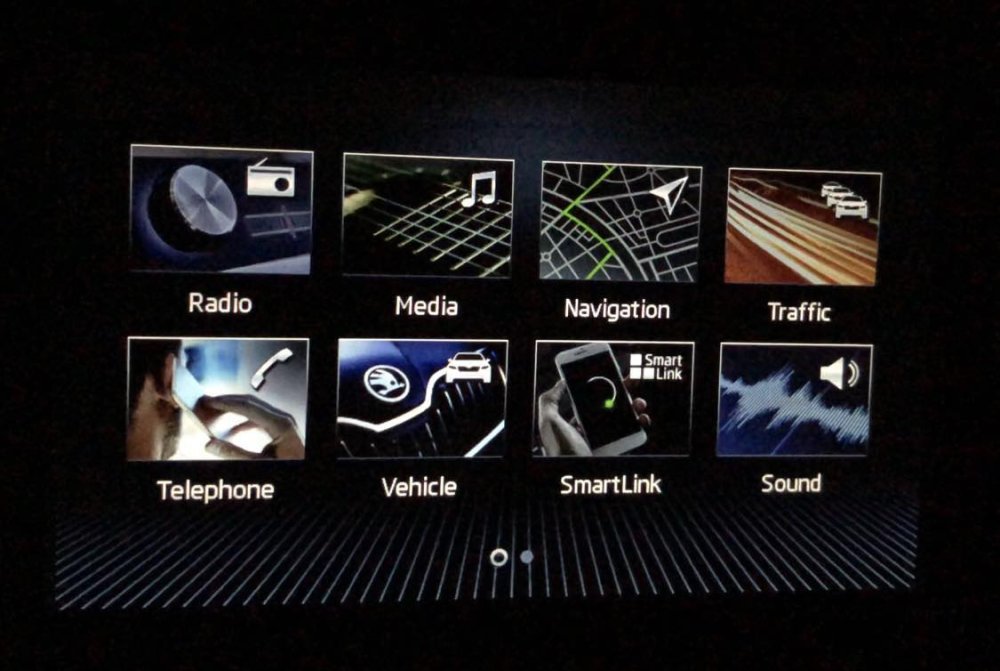
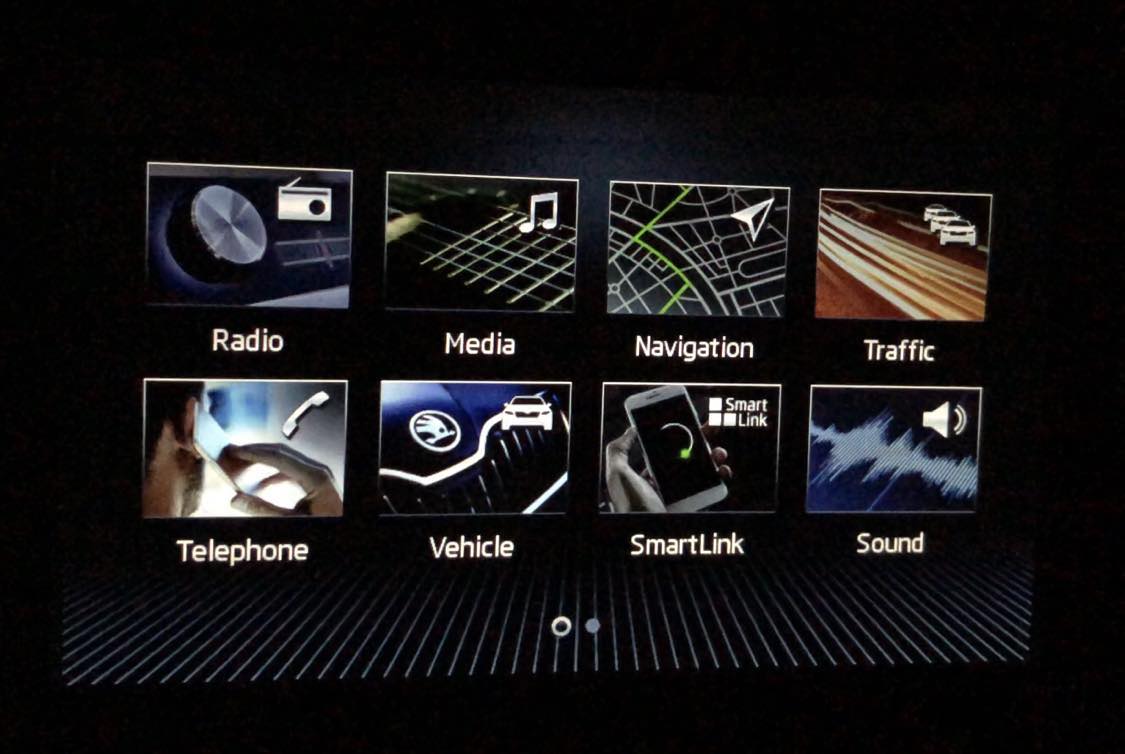
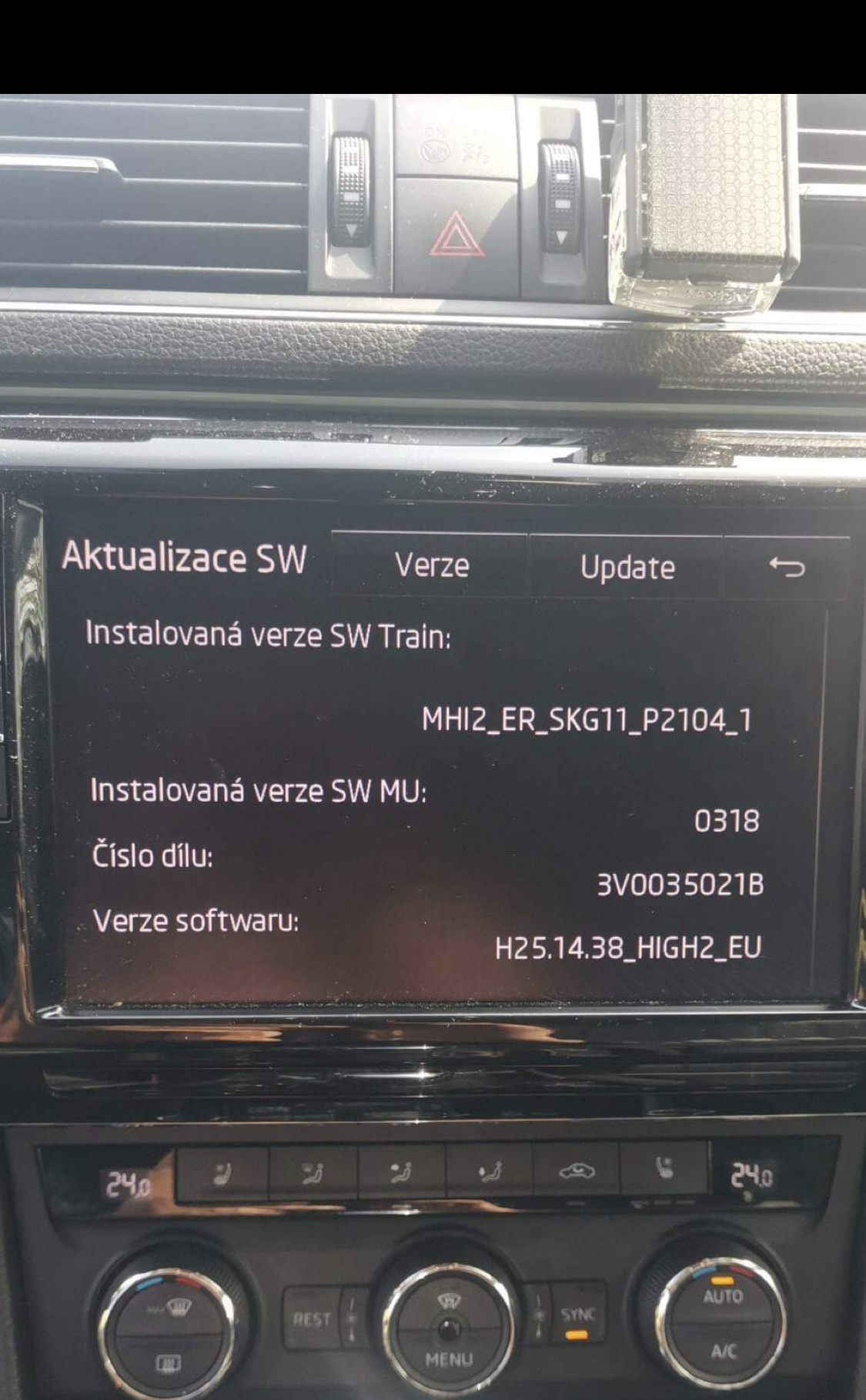
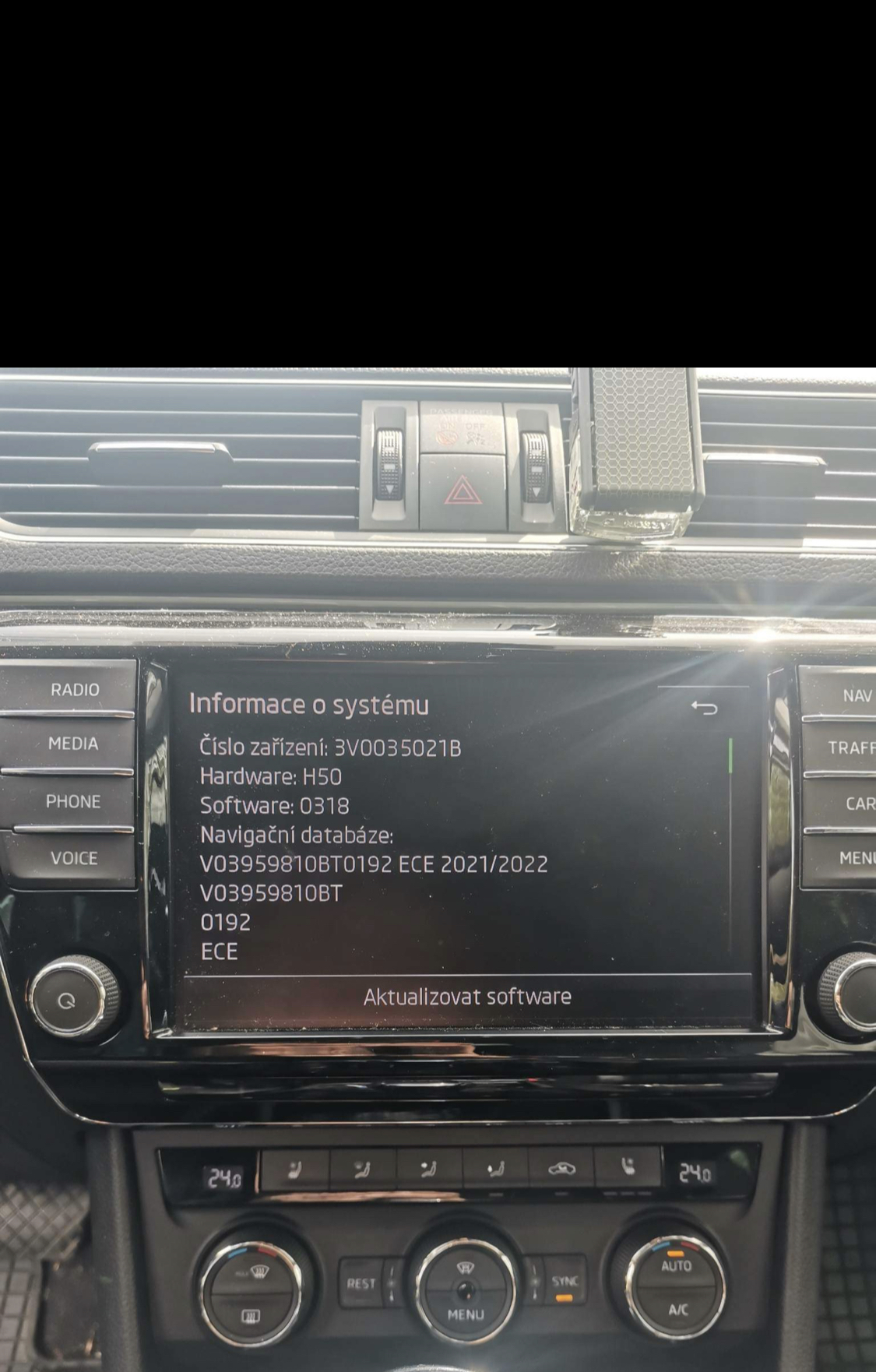
Hello, I installed the current version on my columbus MHI2_ER_SKG11_K3343_1433 and I expected to be able to display the new menu. Is there any way to do it?
-
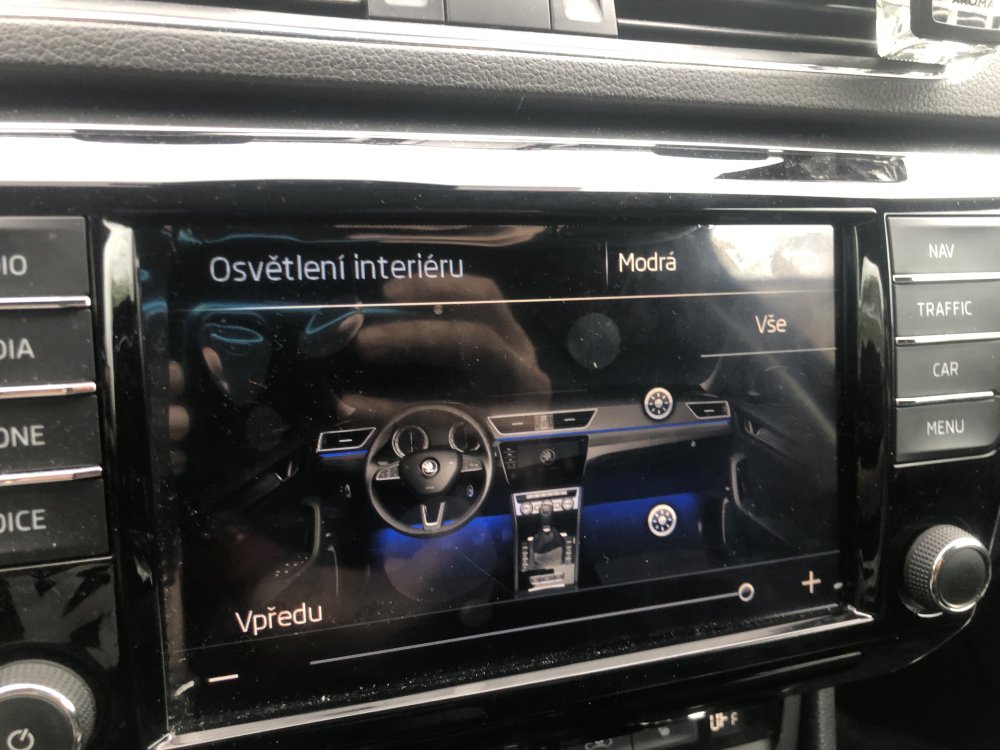
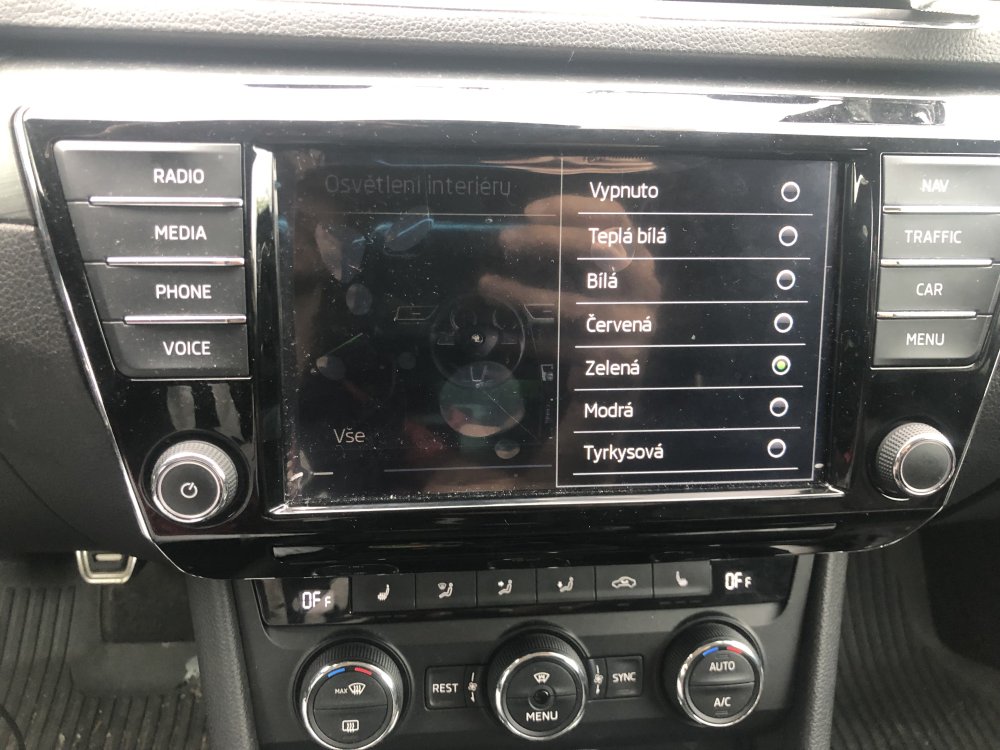
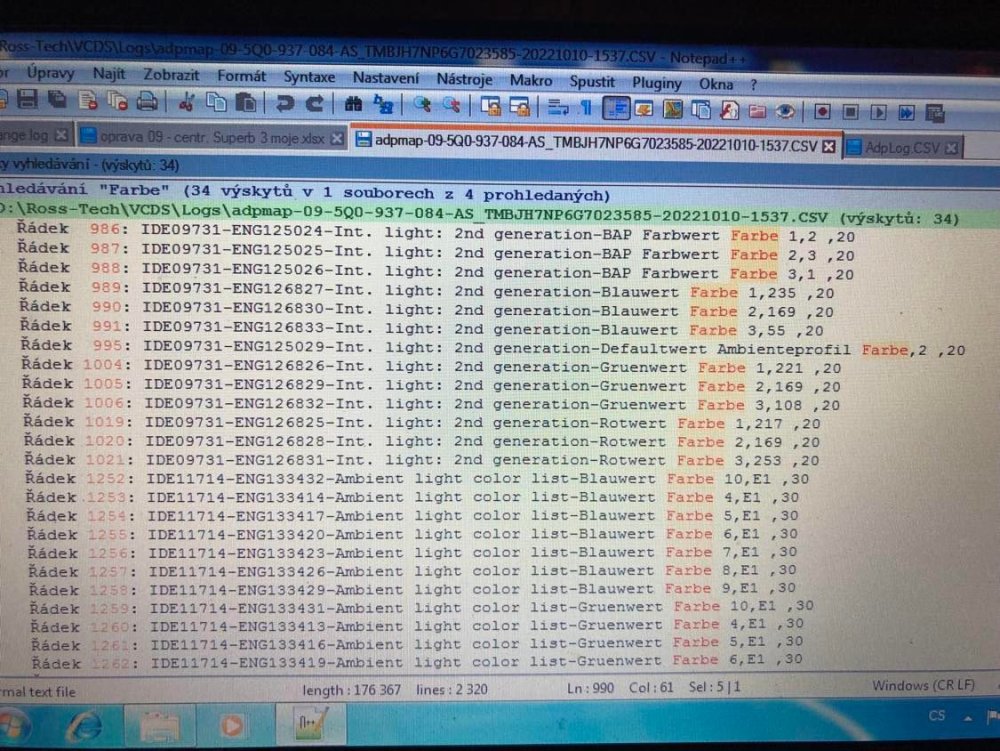
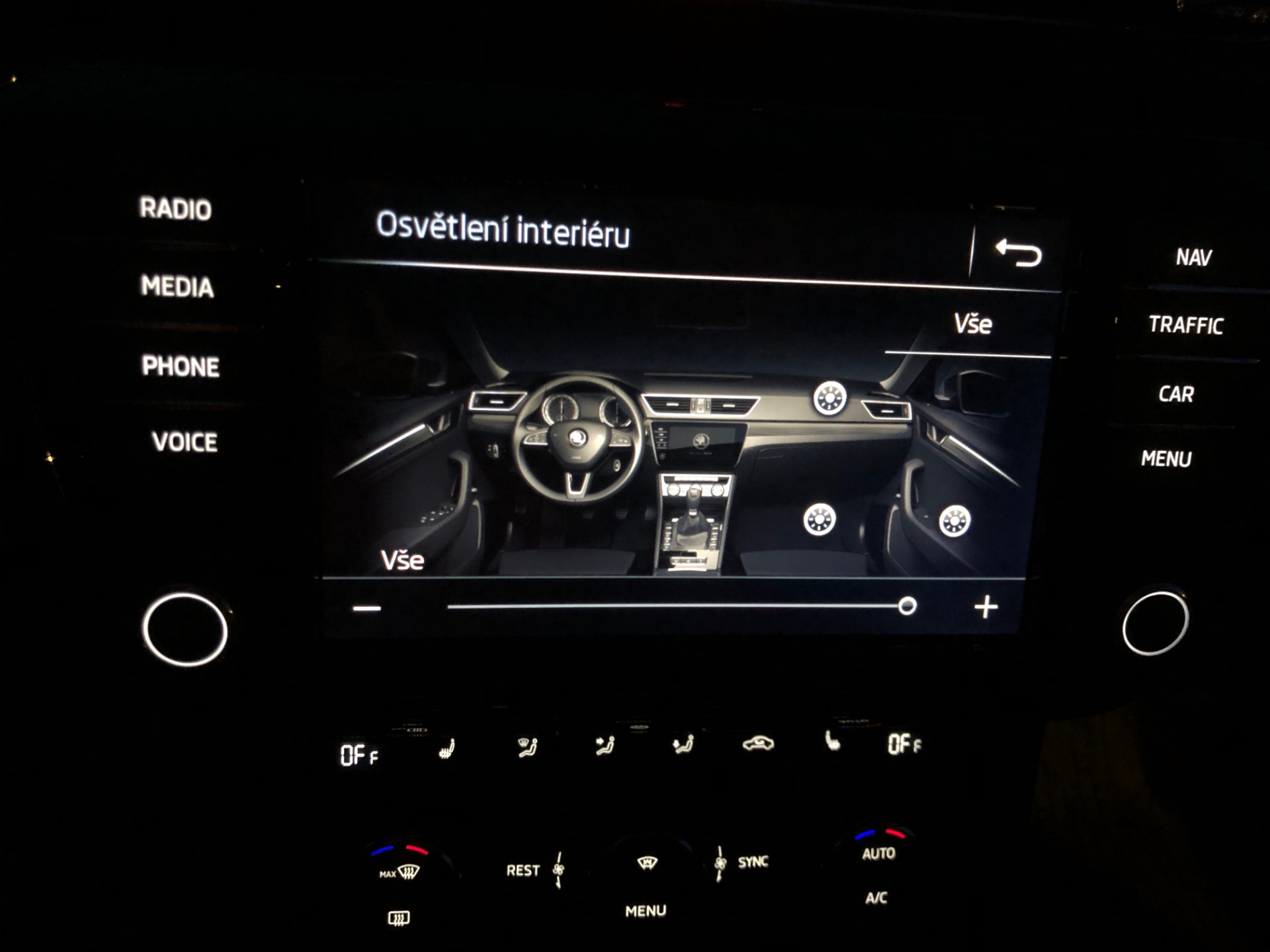
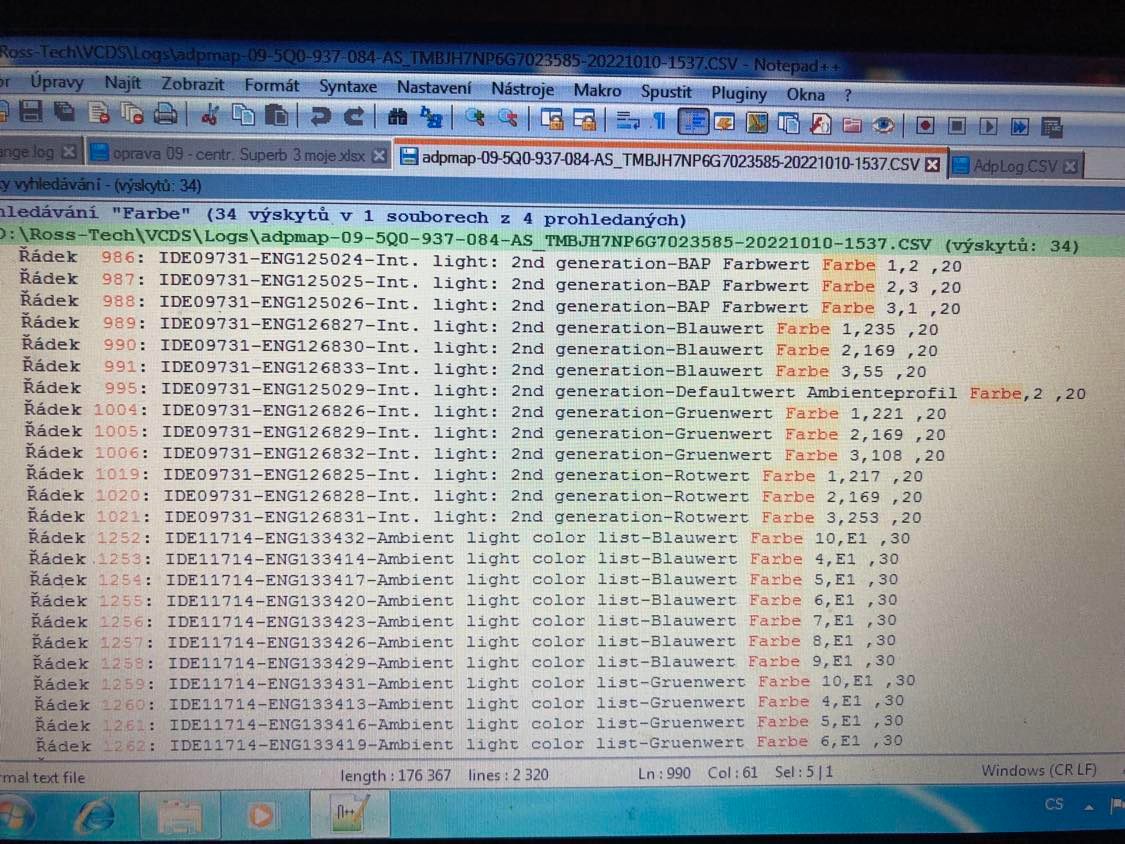
Hello, So I made progress today and finally got the paint on the door trim. I managed to activate it, but with the error that it is not possible to select another color, the program only lights up in red, but only when the door is opened. Brightness adjustment already works on infotaiment. Somehow I managed to block all the rear lights of the vehicle, neither the blinkers nor the lights work, day or night . I am attaching the details of my 09 unit. adpmap-09-5Q0-937-084-AS.CSV adpmap-09-5Q0-937-084-AS.txt
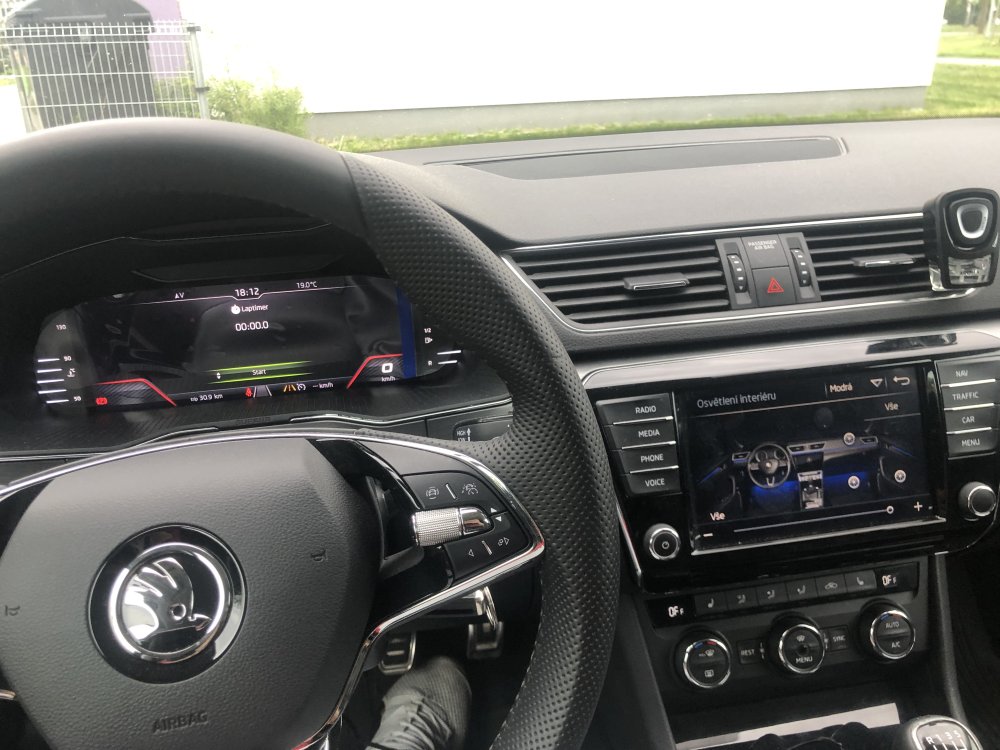
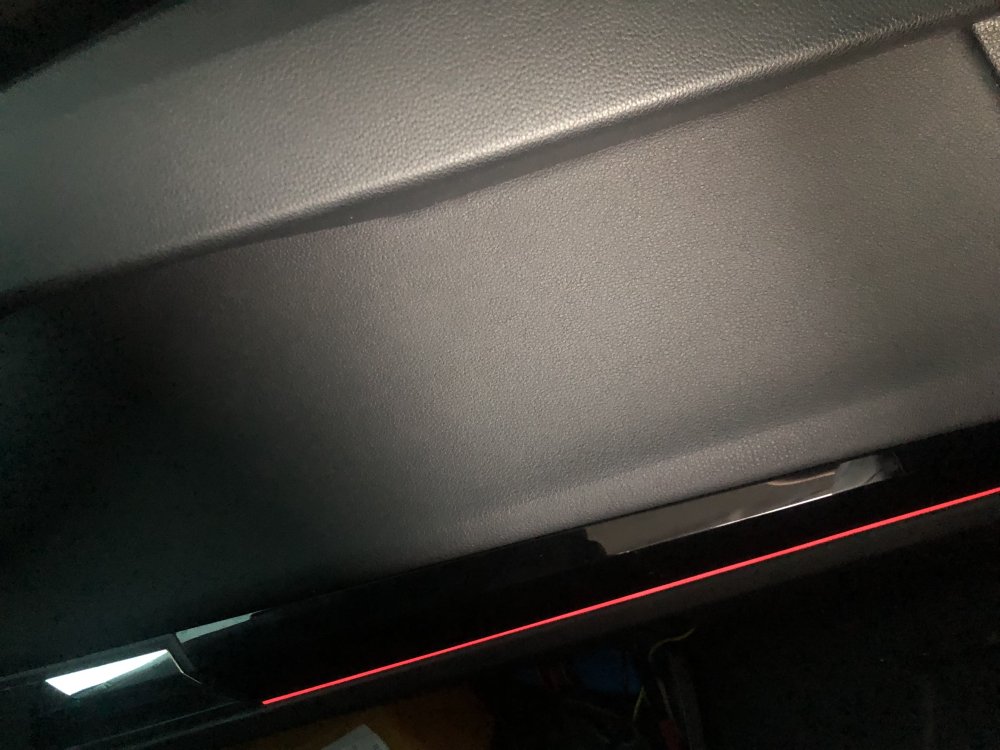
-
-
-
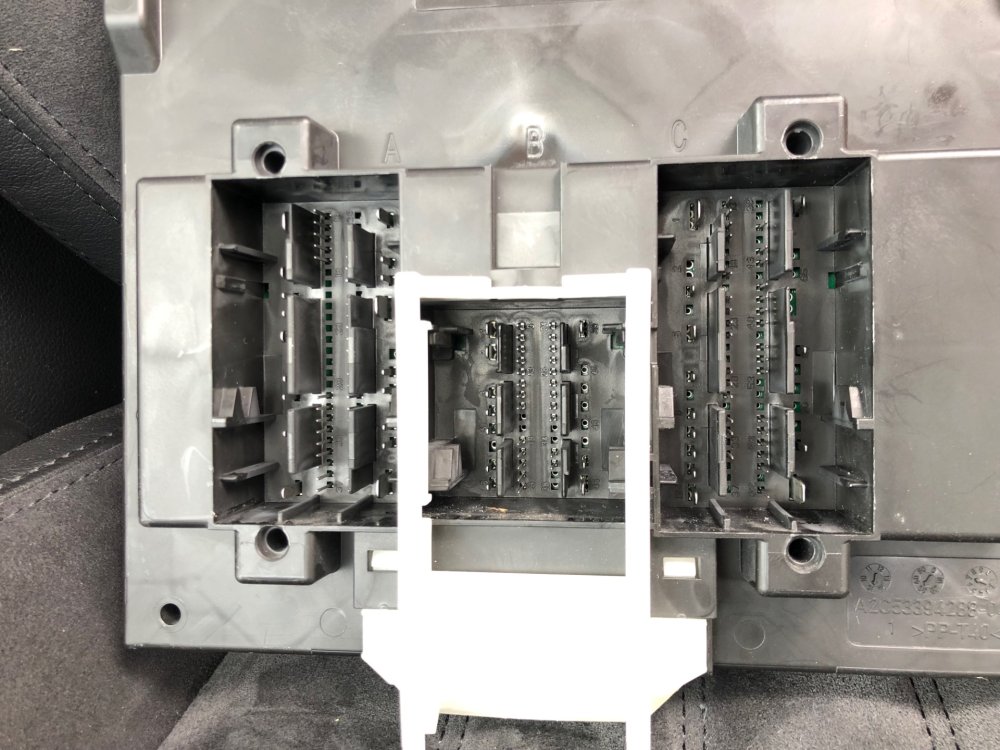
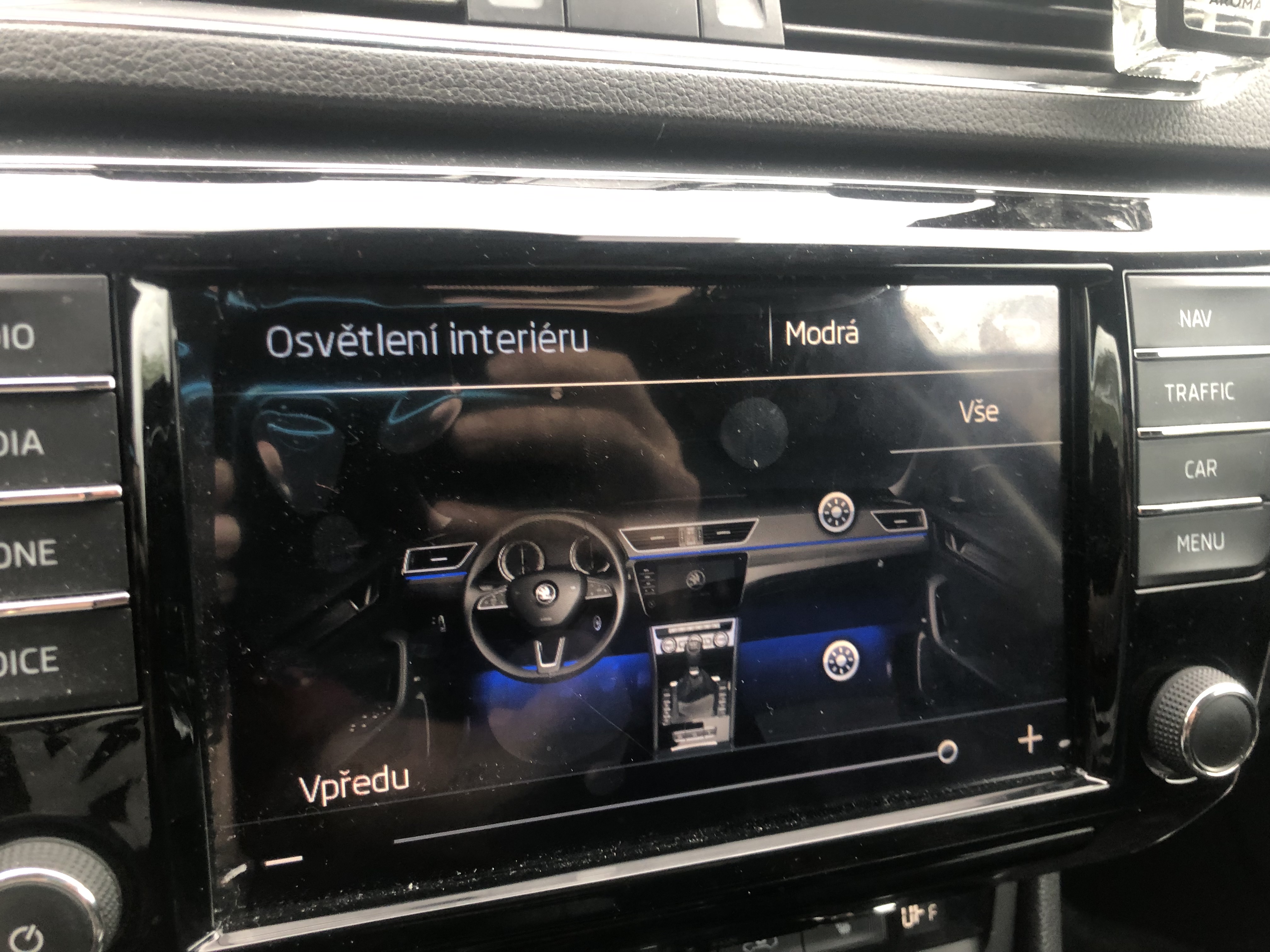
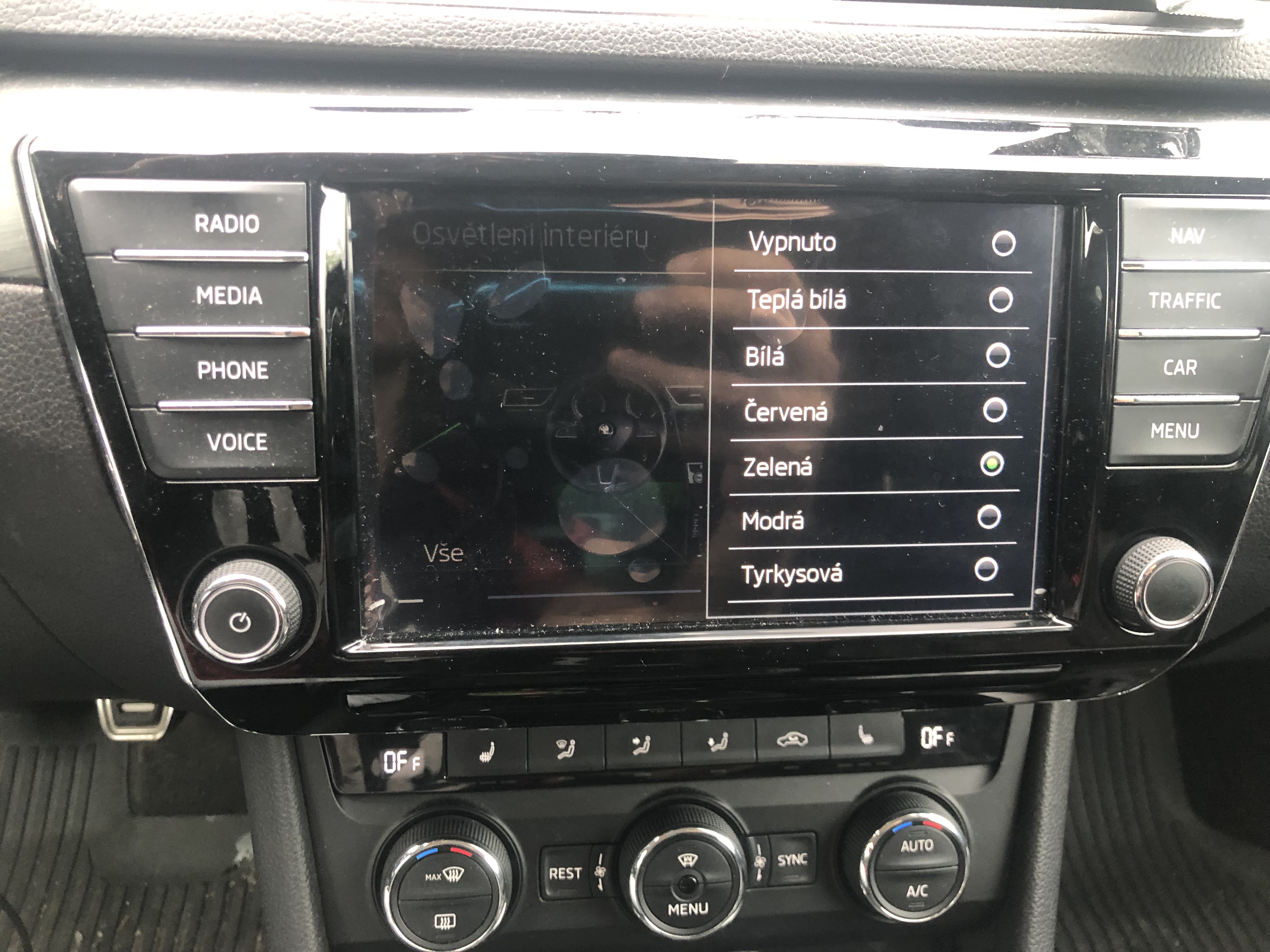
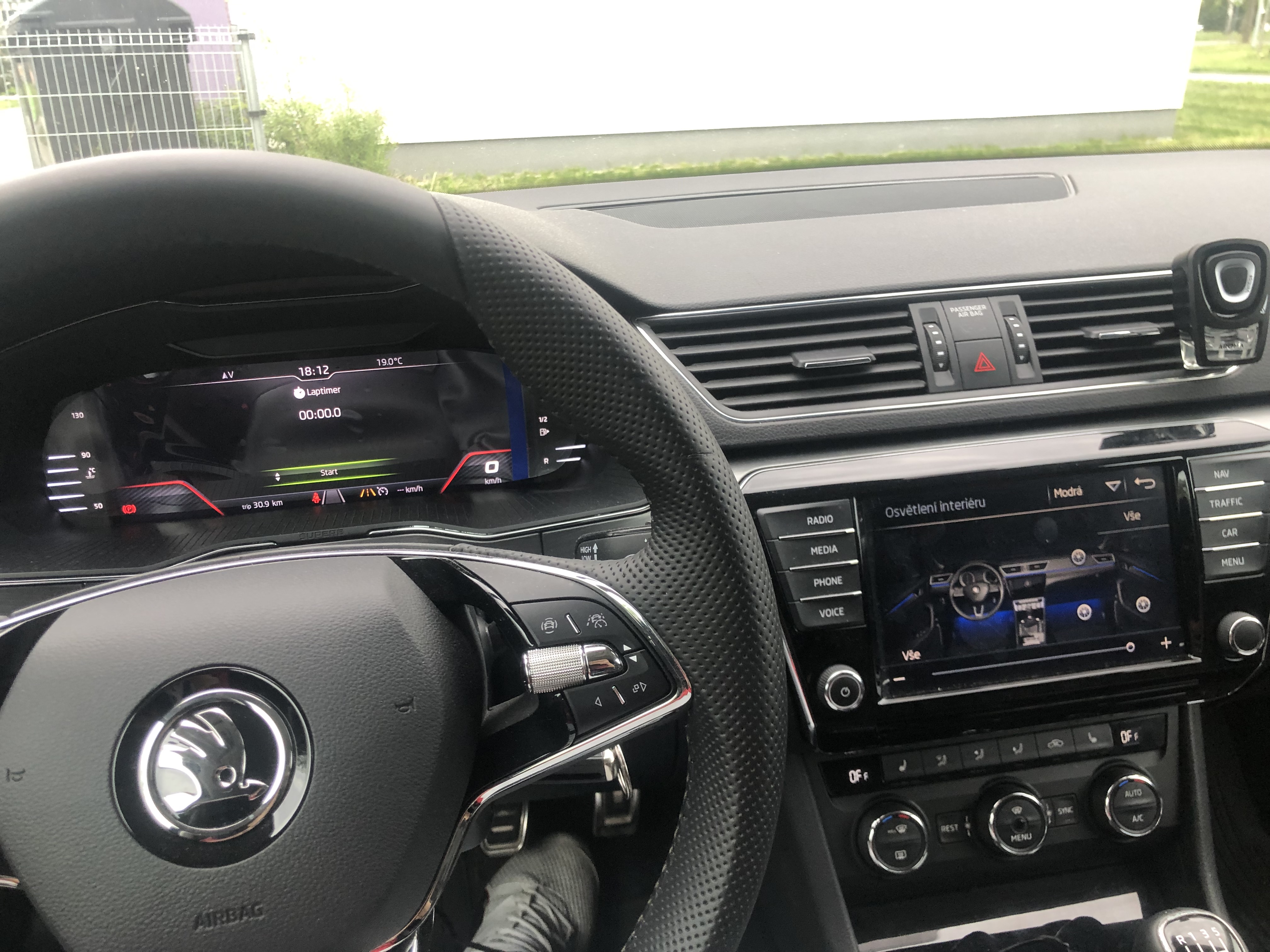
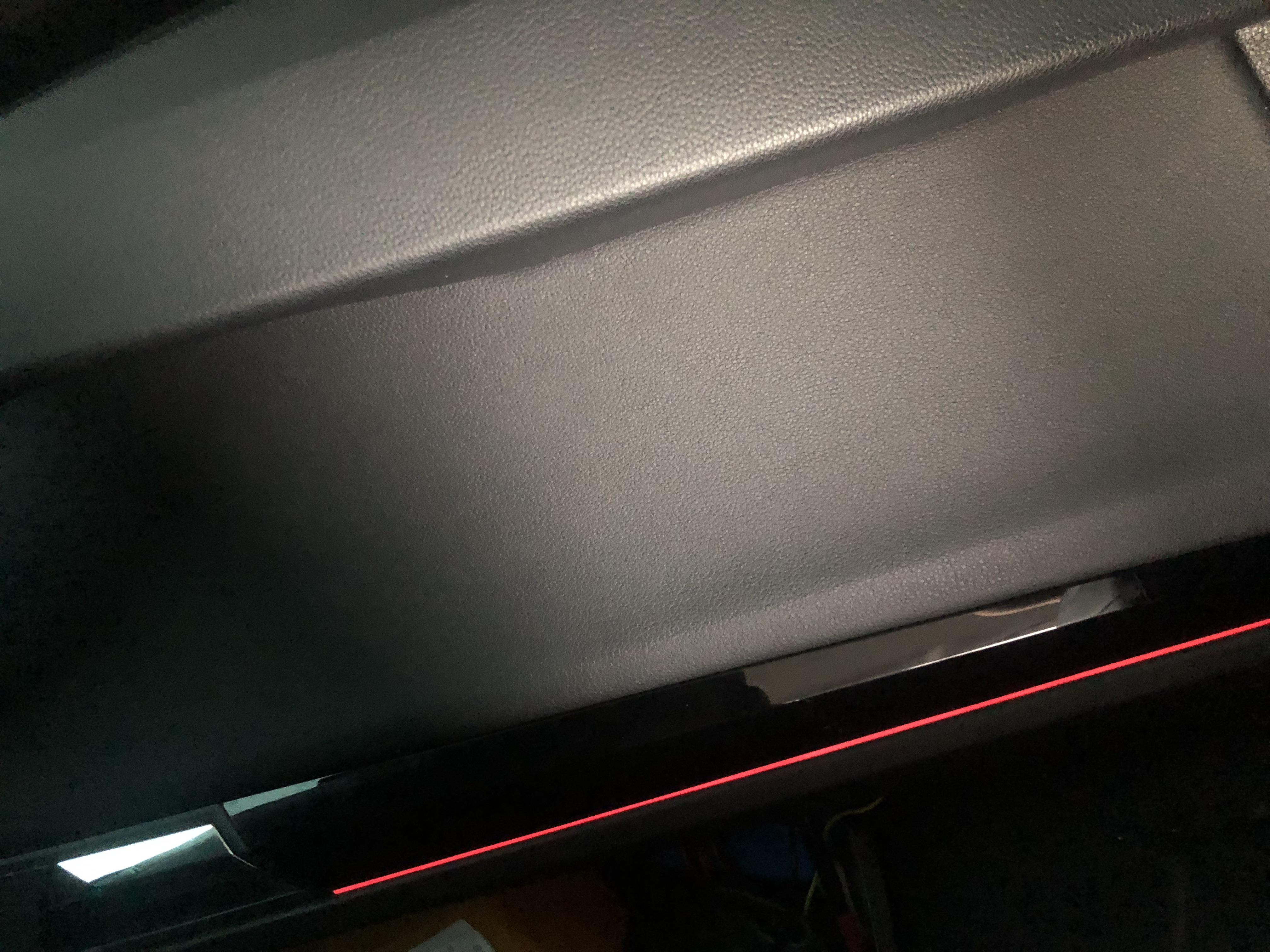
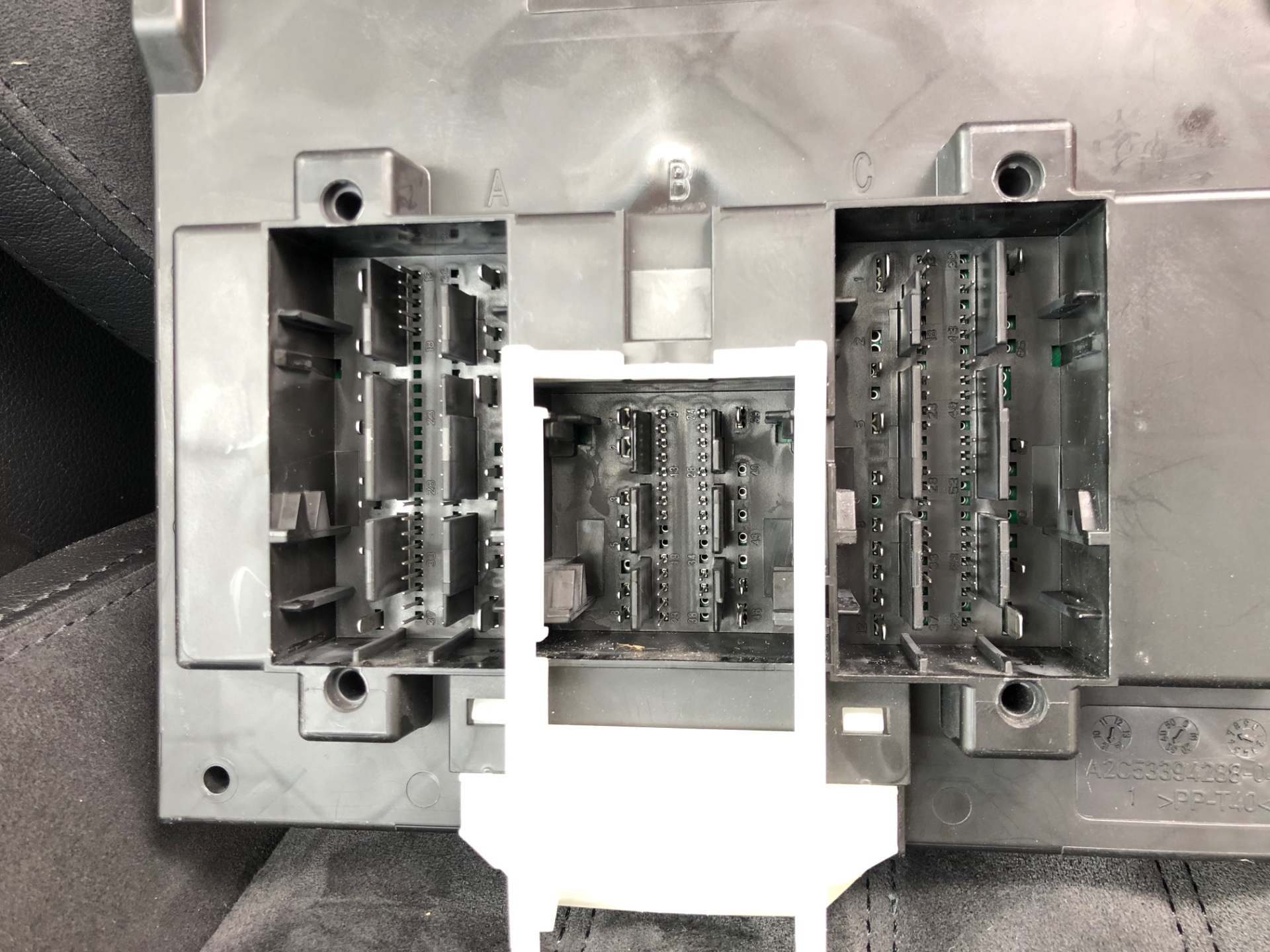
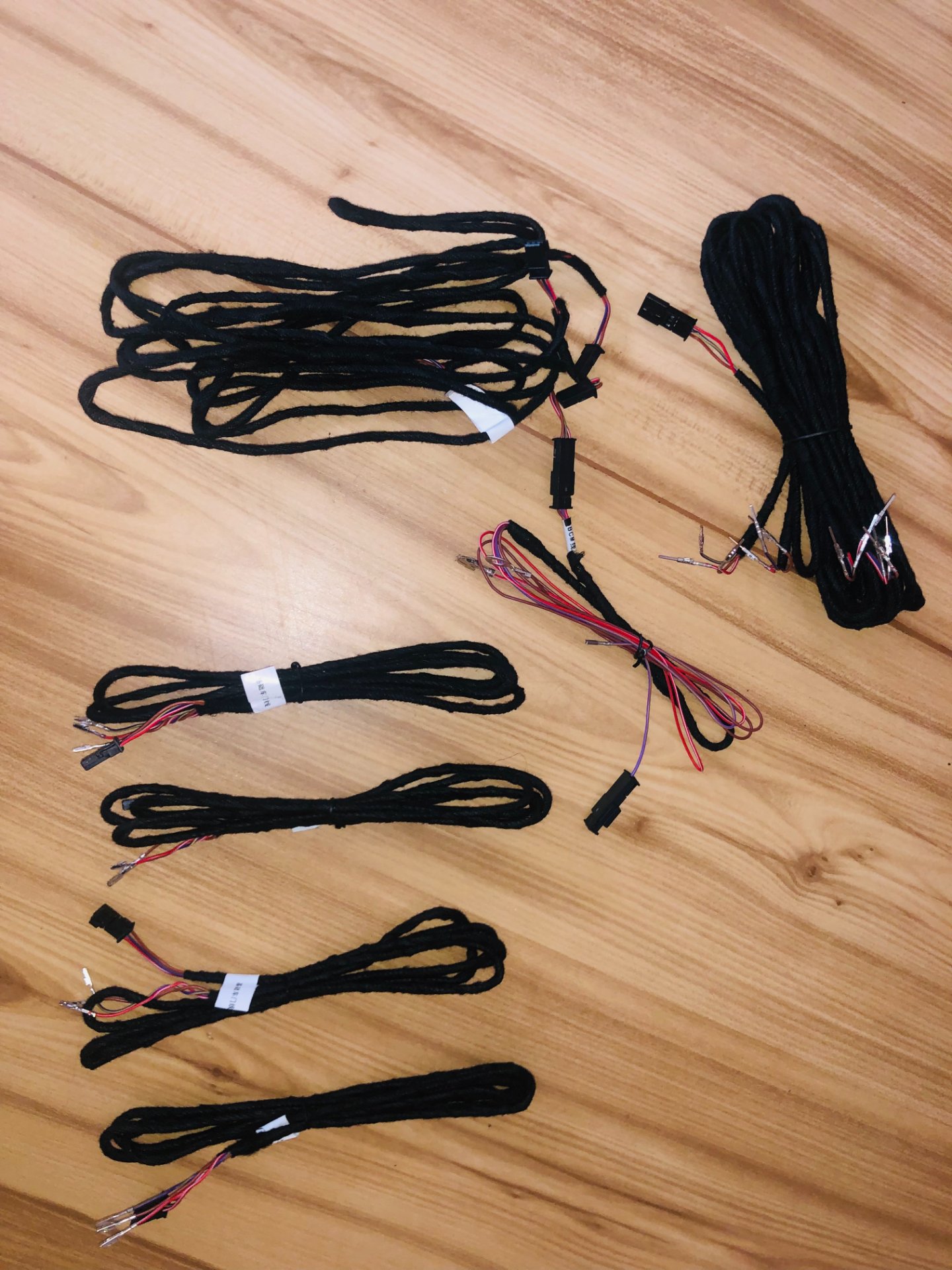
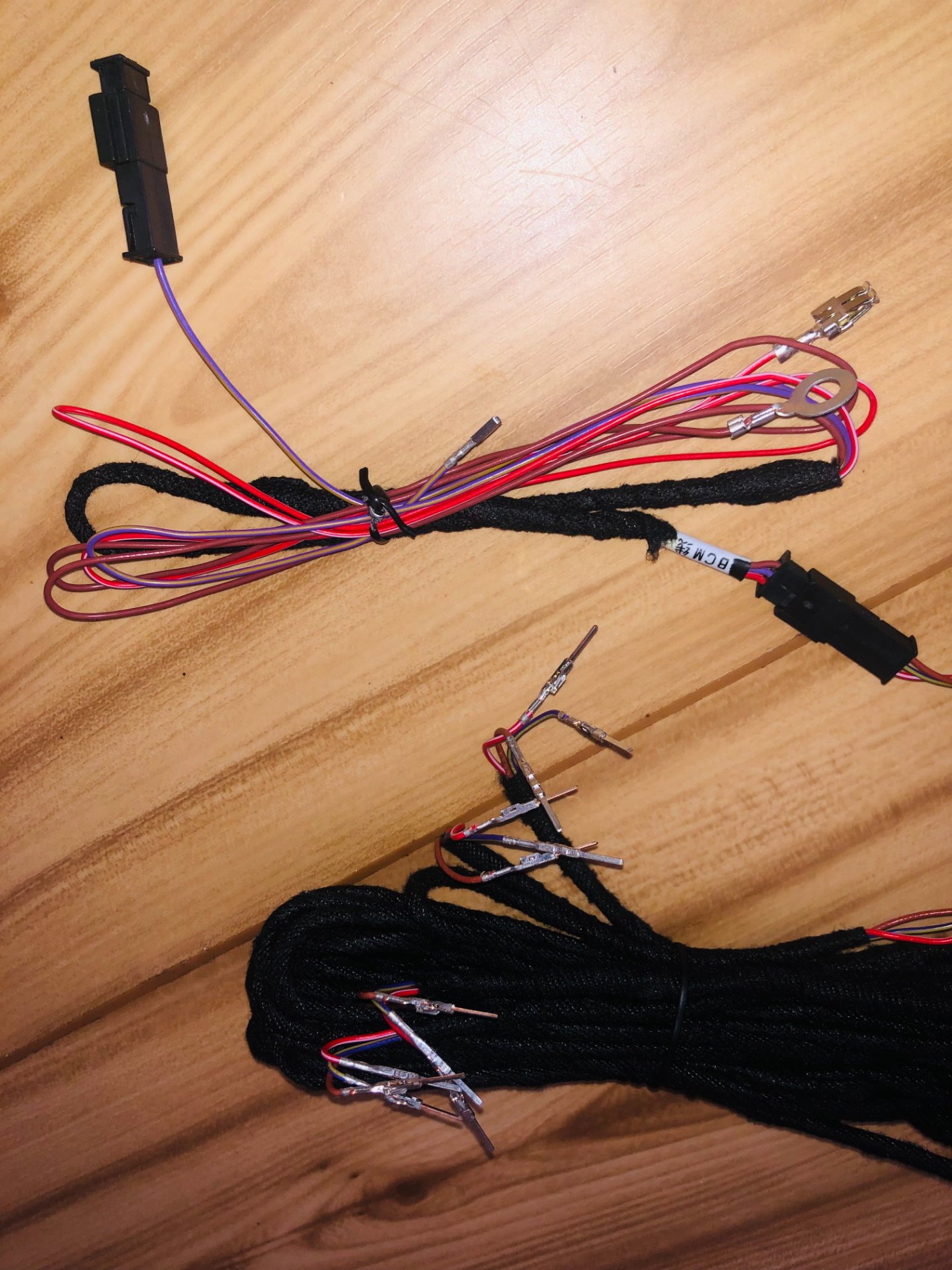
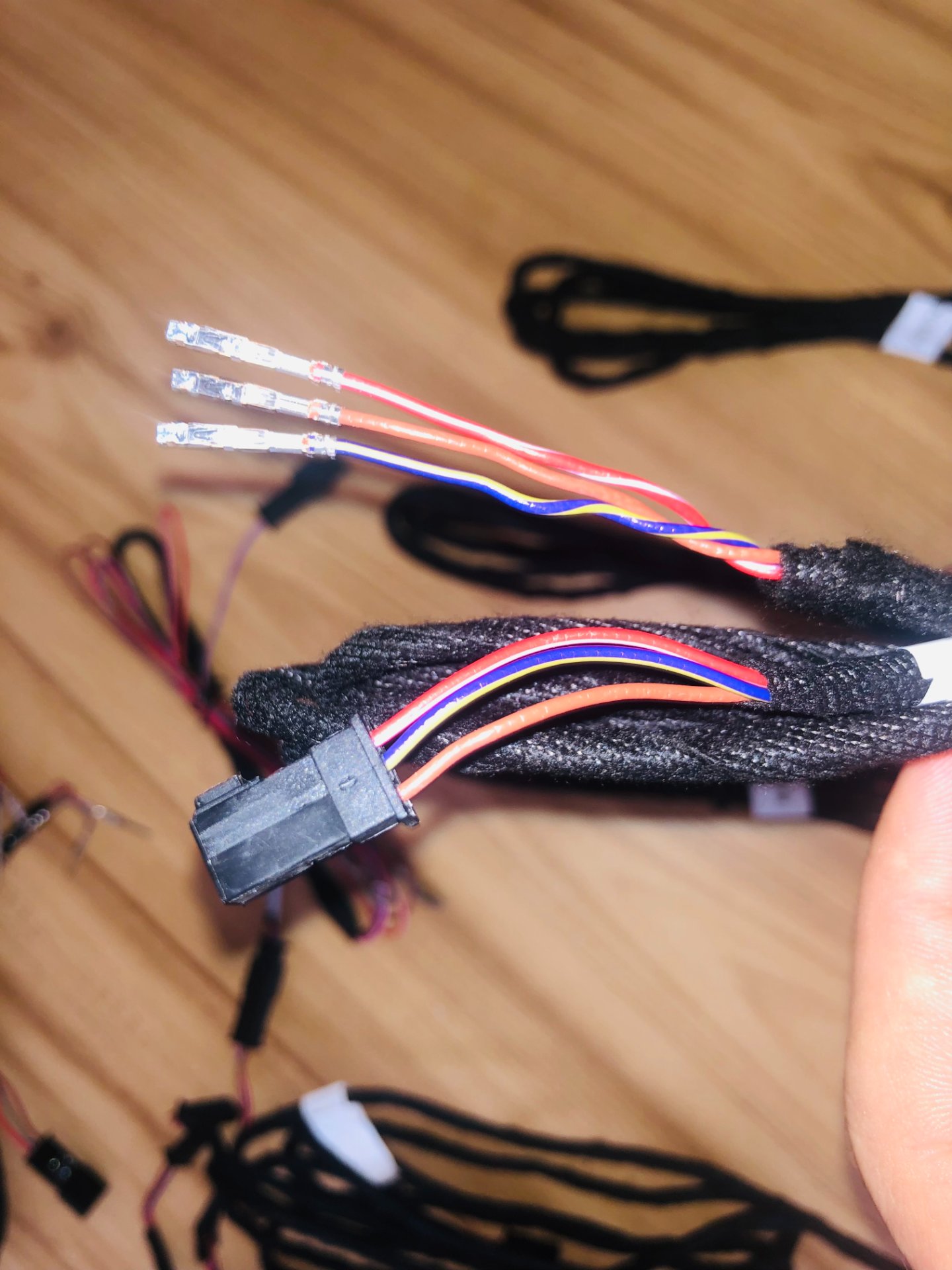
Hi group, I'm finishing up the ambient door and dash lighting on my Superb 2016, so far I've run the wire to the BCM purple yellow to C 29, white red to the fuse box to position 14 (because I already have the SC8 position filled with something) and the brown wire I put on the frame of the car on a bolt. I measured the cables and the electricity in it is already: In red and white it is 14.48v. In violet yellow is 13.93v. I would need your help with coding. Enable color selection in the main unit. I tried to code from this guide and it doesn't work, I just get suns without color. https://www.glaskugelservice.de/codierung/ambientbeleuchtung
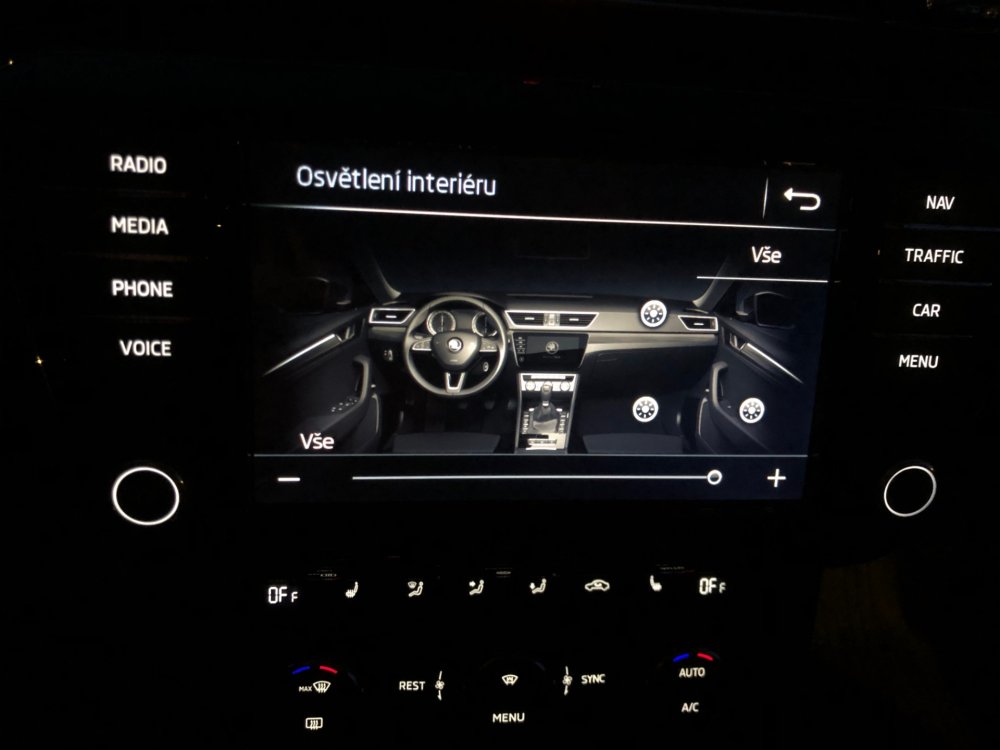
-
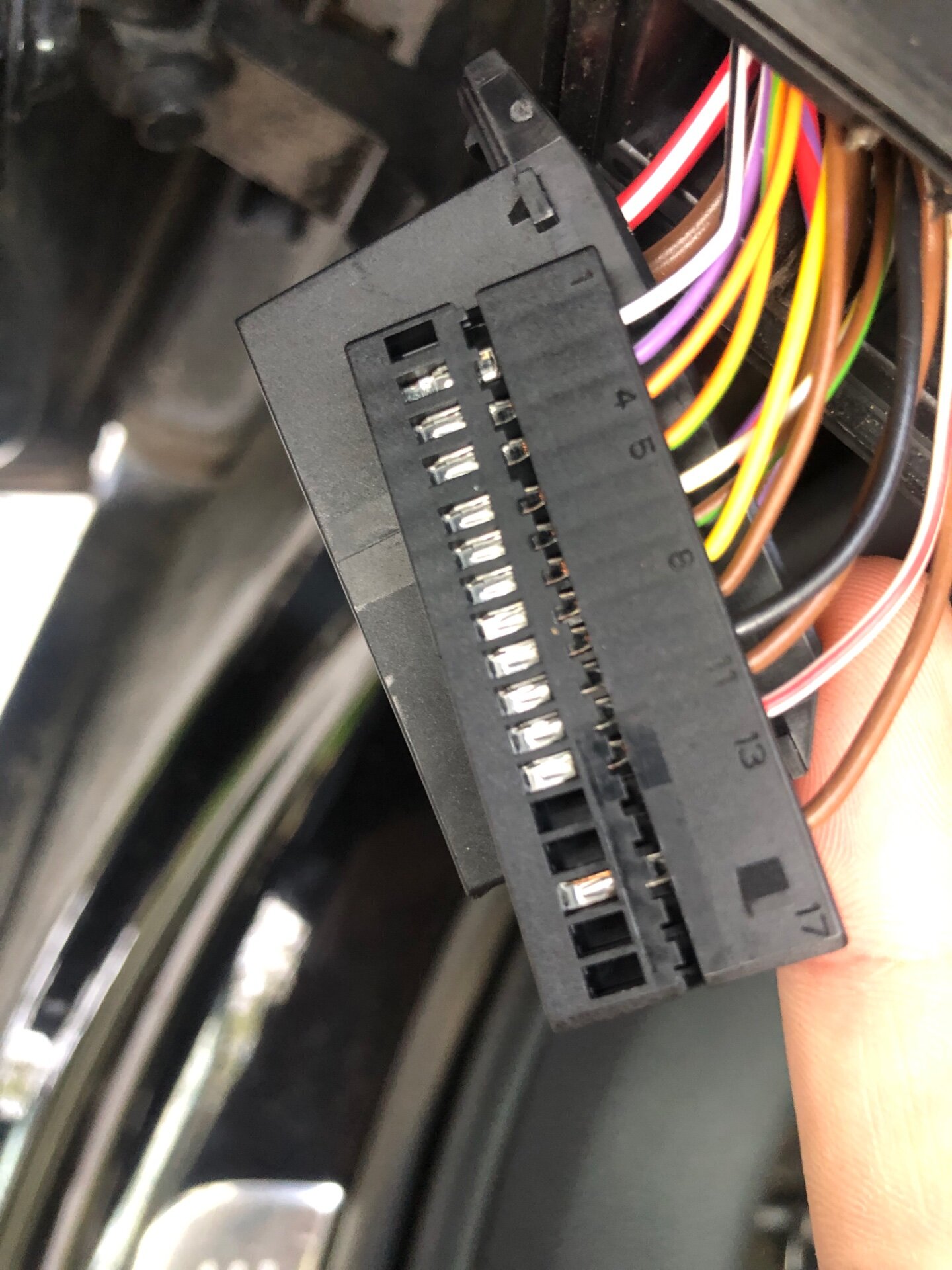
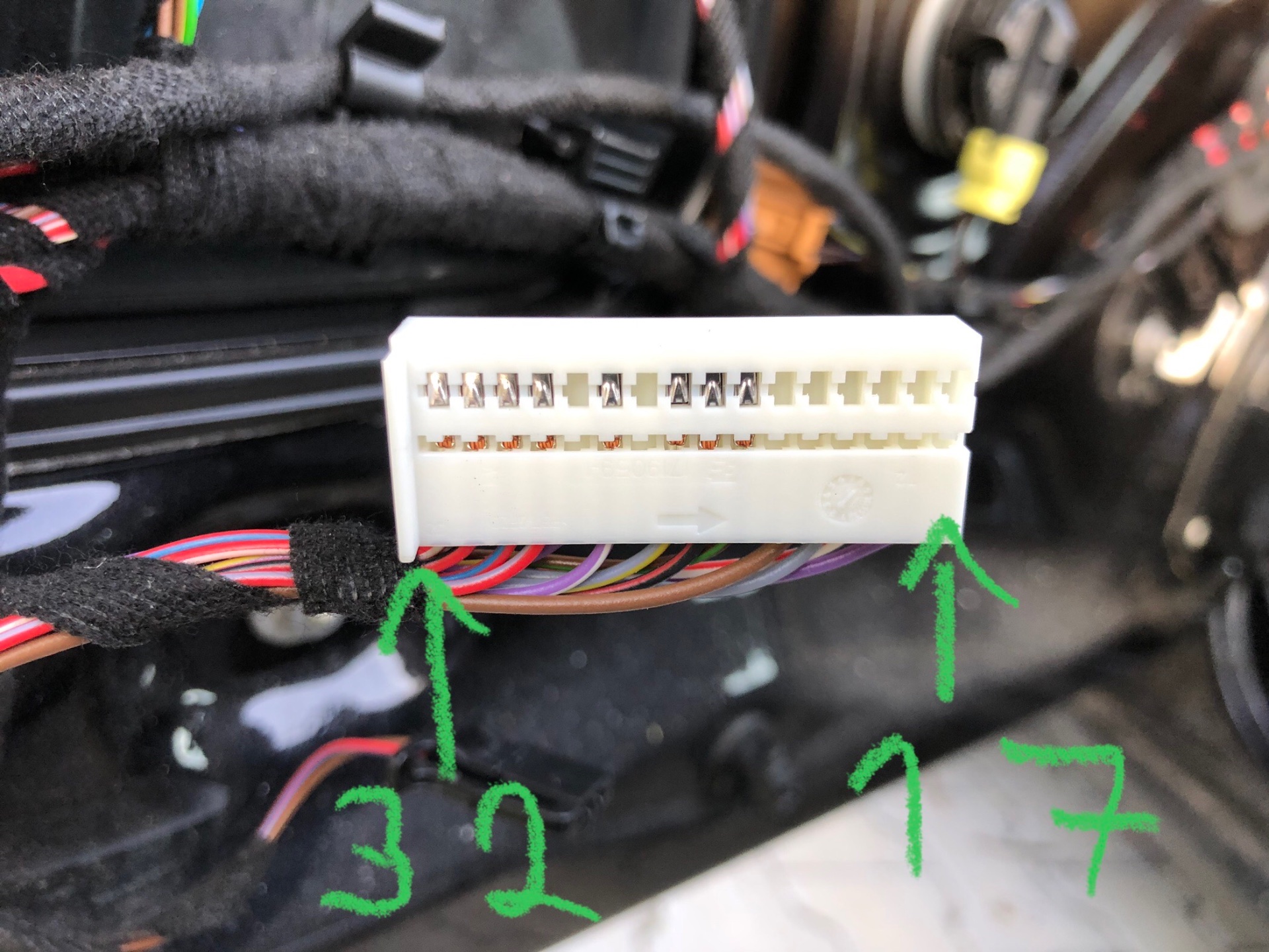
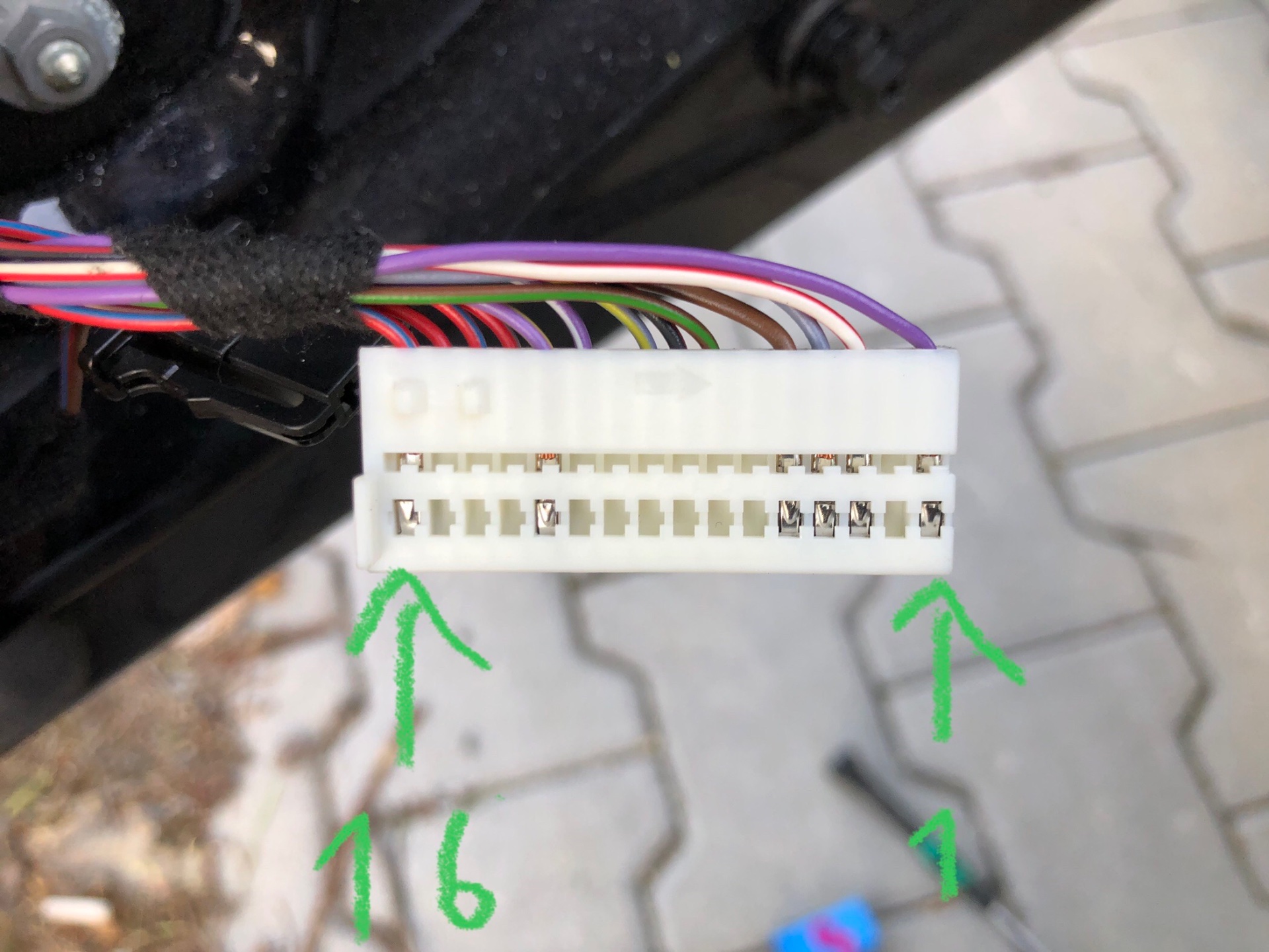
@SashaGrace Hello Sasha and company, Please, I have a split car and I would like advice on where to connect the 3 wires. 1 - connect the red wire to position No. 8 and put a 7.5A fuse there 2 - On BMC to pin 29 connector C violet yellow 3 - I will put the brown one to the fuse box on the screw What I don't know 4 - to which pin and to which connector should I connect the red and white wire in the RJ door or in the inter-door harness 5 - to which pin and to which connector should I connect the purple-yellow wire in the RJ door or in the door harness 6 - I have the brown wire of the frame mounted in the door, I'll just connect it I am adding a few photos.
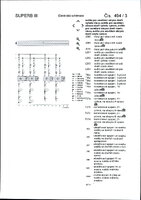
.thumb.png.37987a70e941c9145aee064eb0d2f3ff.png)
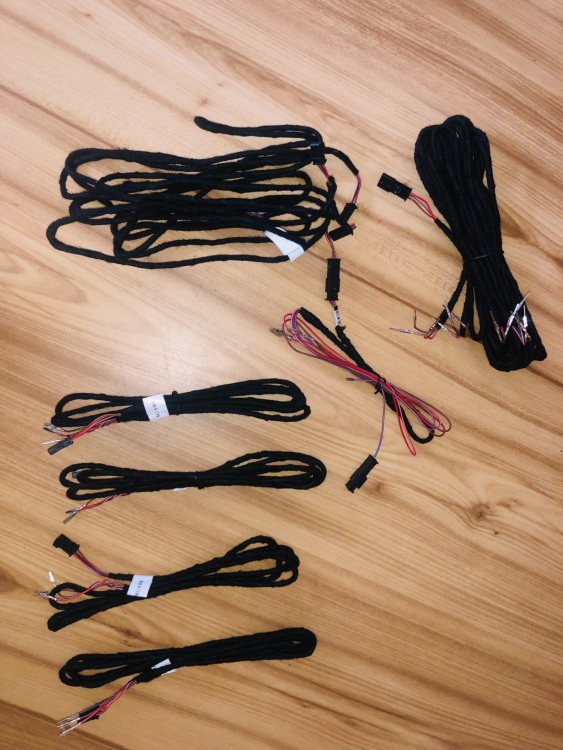
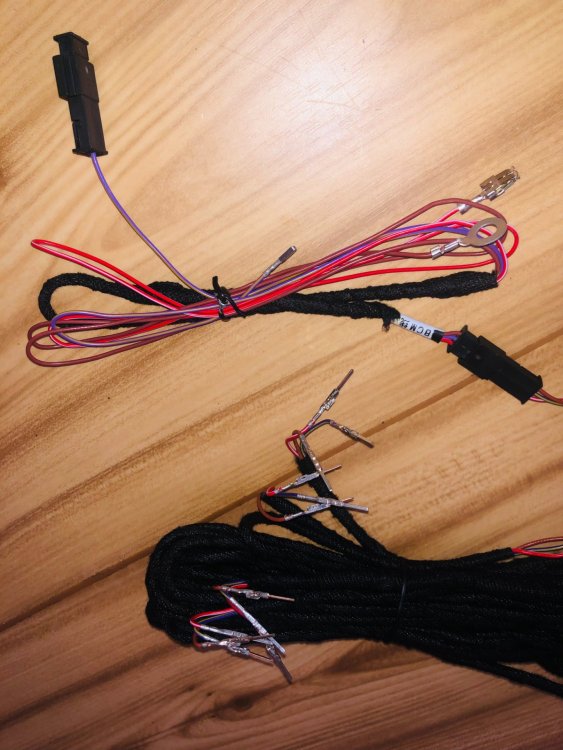
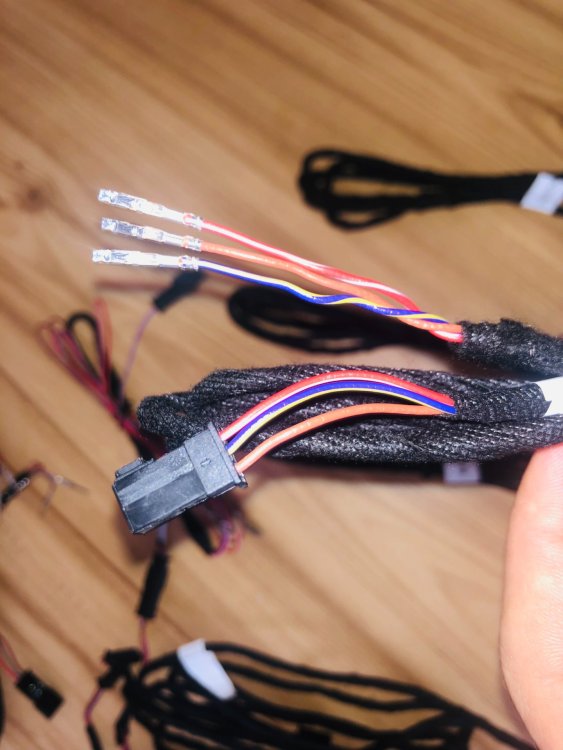
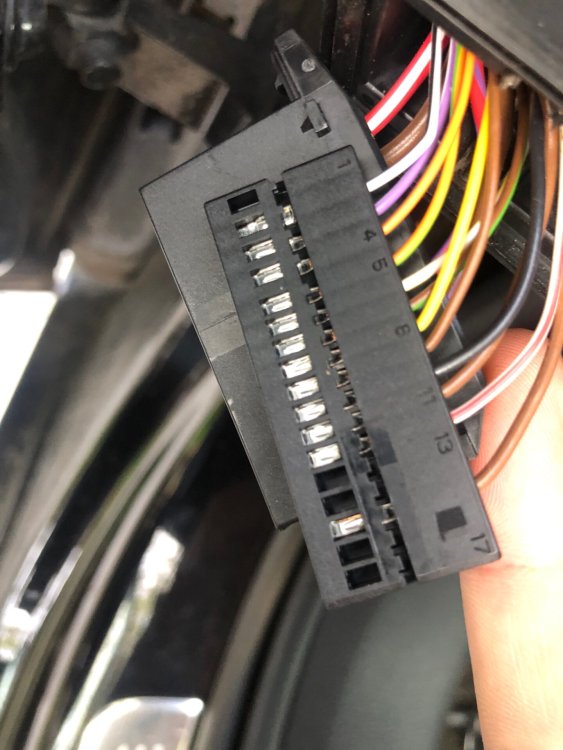
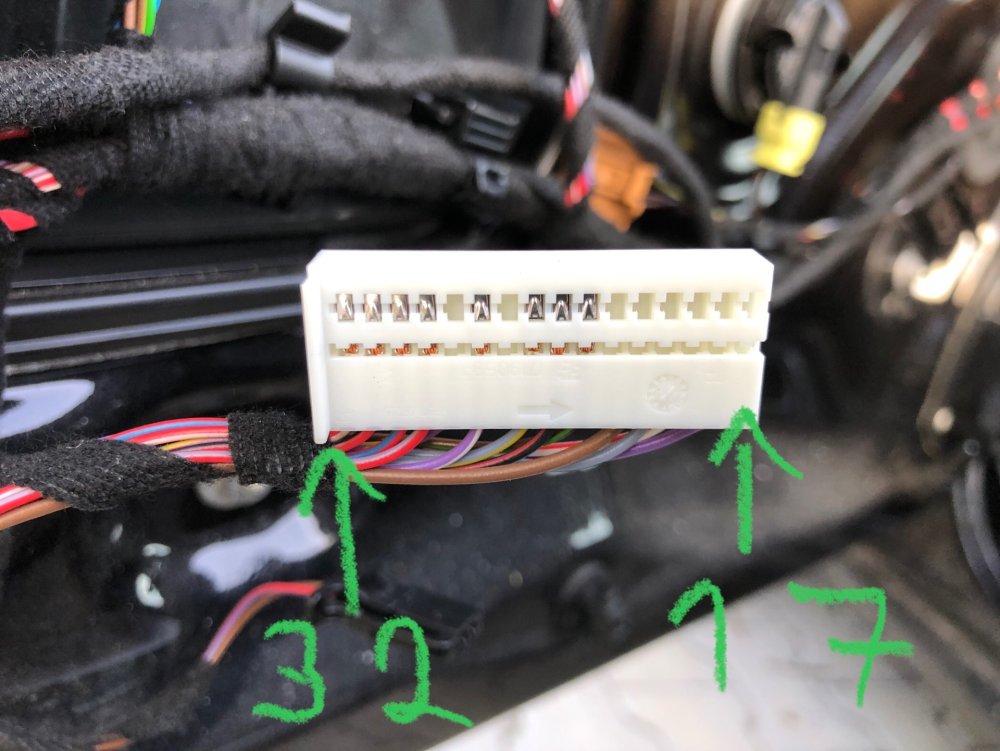
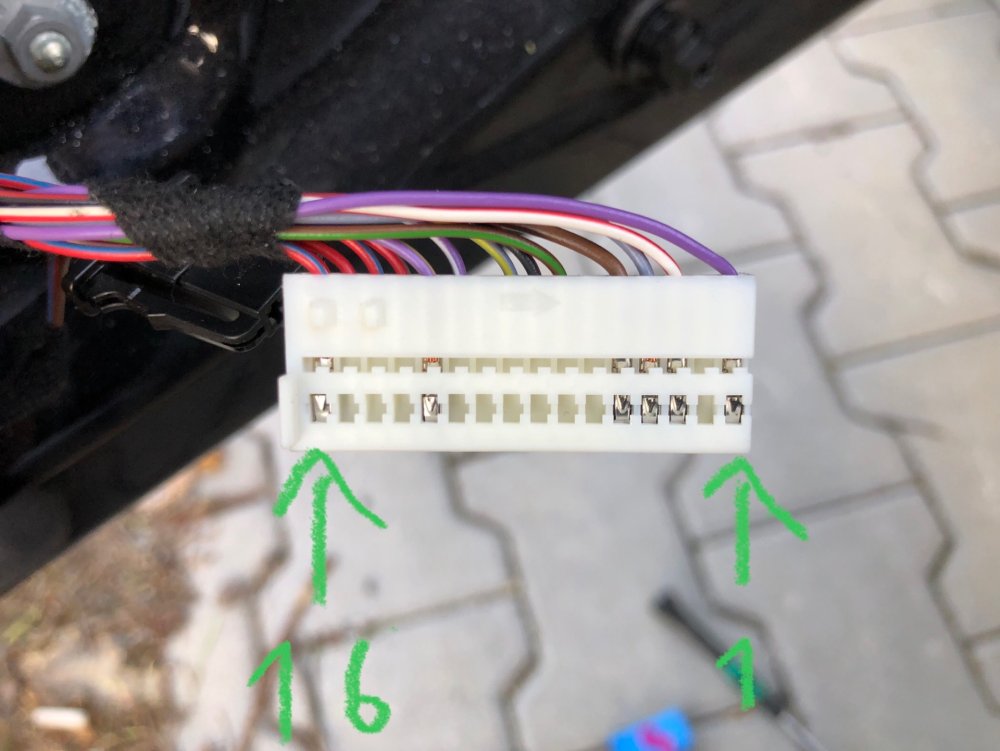
-
I would like to ask you to send an update. Thank you.
-
I read that BOSE may not work after the update and it must be parameterized using VCP or ODIS. What is the truth?
-
Hi is there any update for this unit? Thank you in advance .
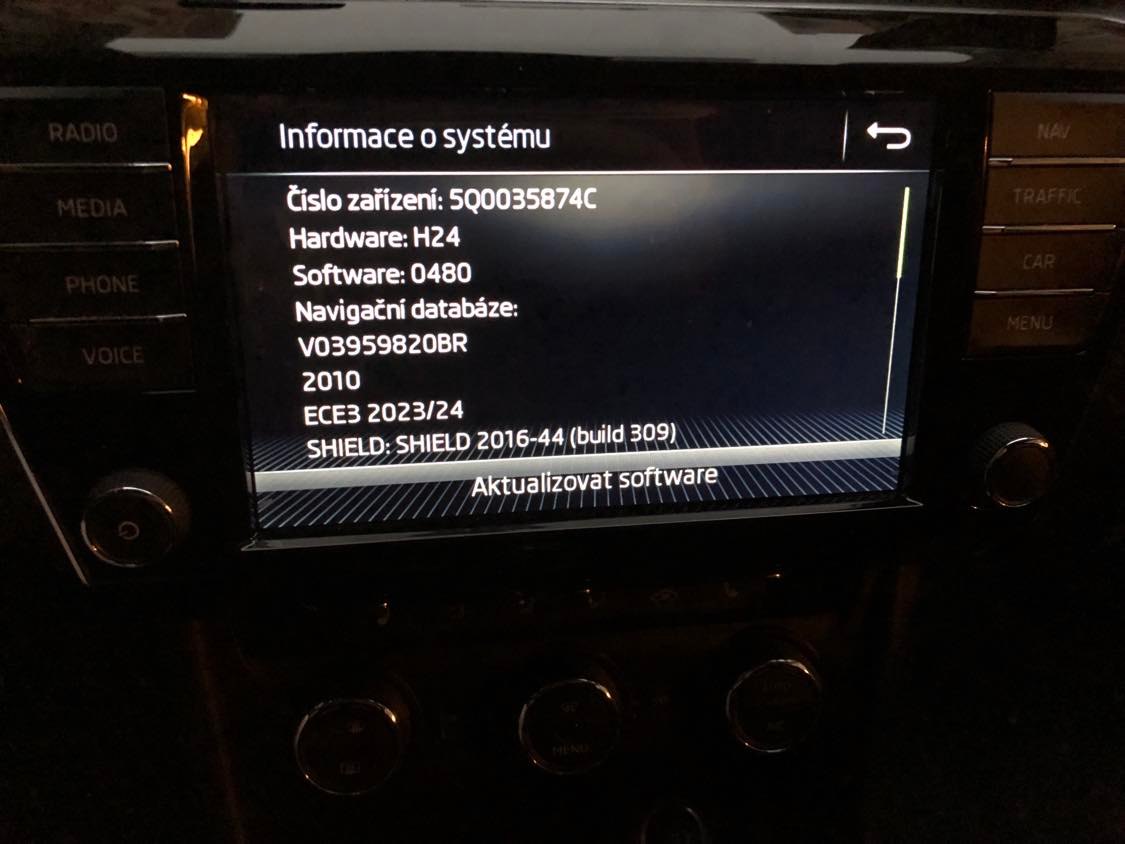
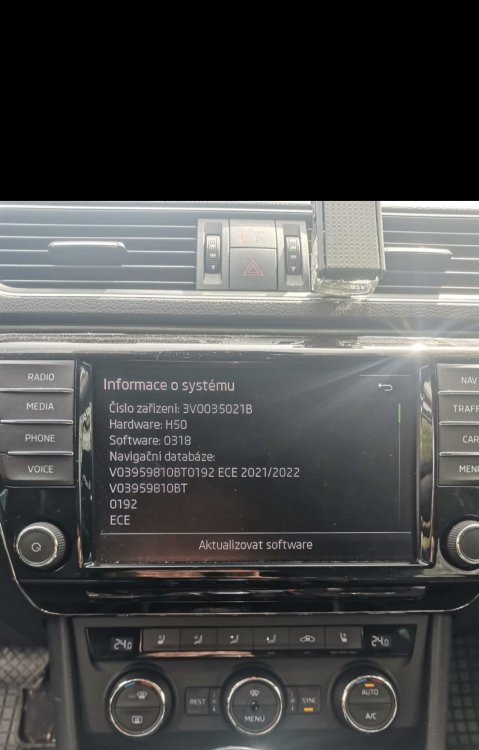 the first loading was long, but when I get into the vehicle, the map starts up immediatelycan they be adjusted in the map to amundsen speeds? Because I got used to pACC and there are roads where the map shows 50, the vehicle starts at 90.yes i modified the unit to support the virtual cockpit so i converted it from 0253 to 0480 and unlocked a few things. The only problem it has is that the sounds of the left-right and right-left speakers have been swapped, both in the front and in the back. But this does not affect the functionality.
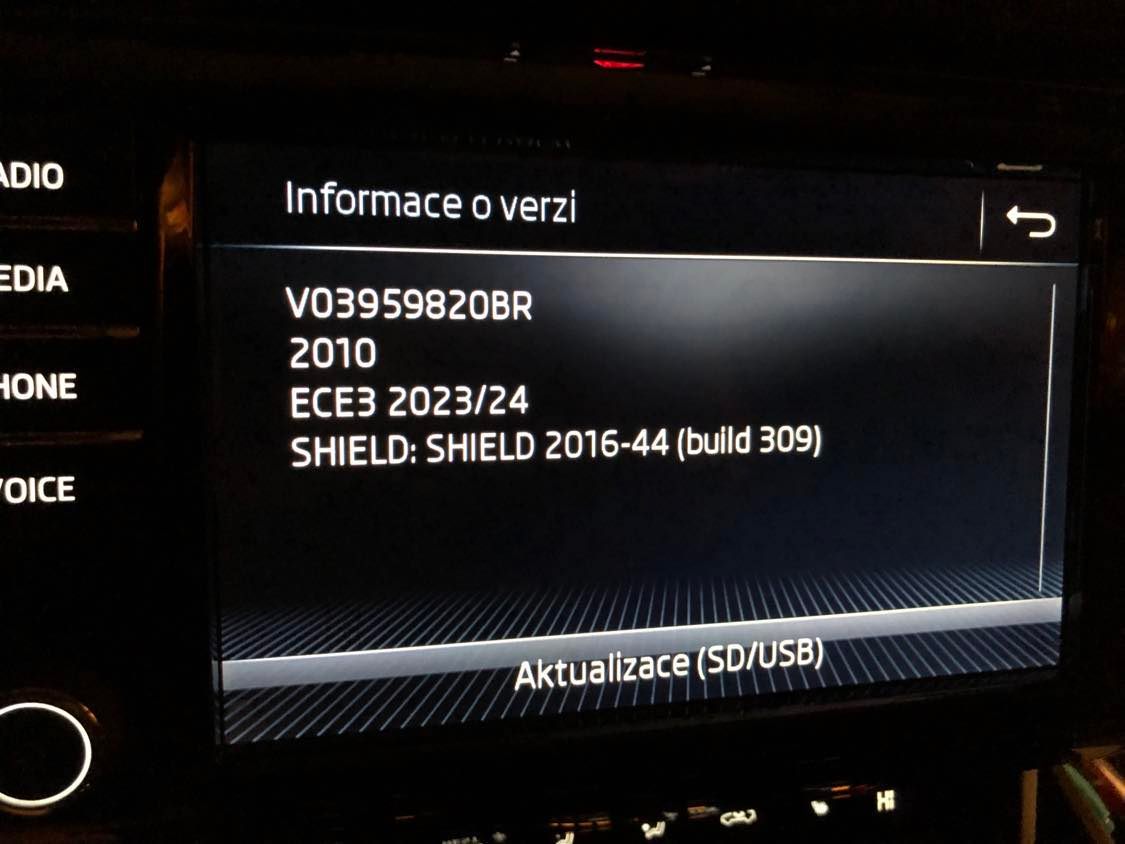
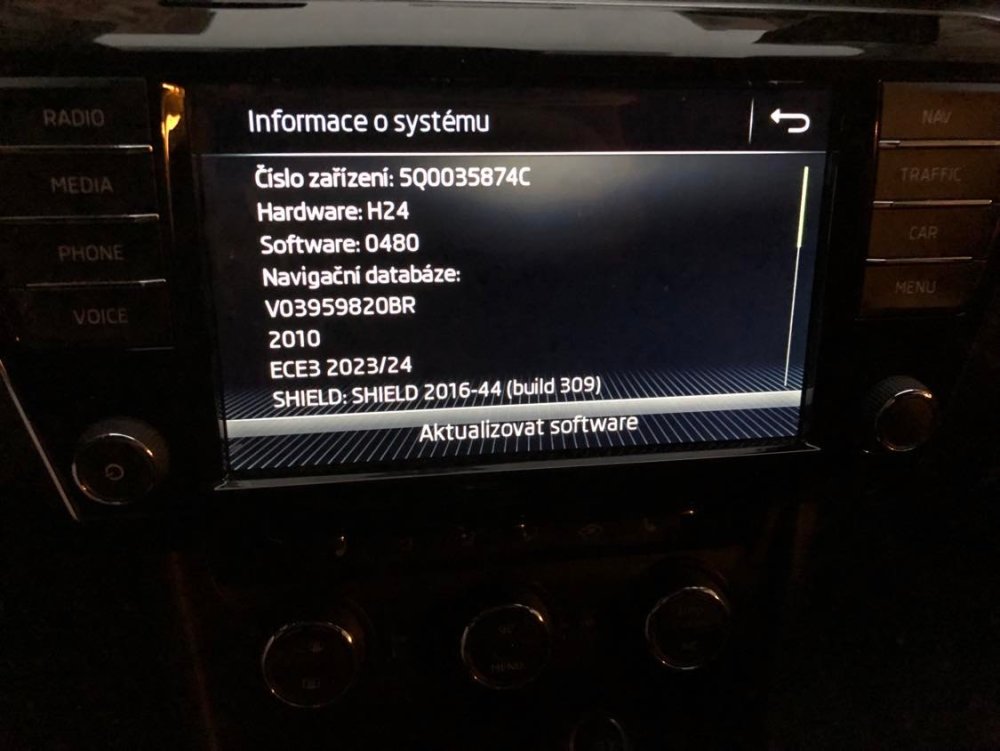 @Tell So today I managed to run the maps from the 64gb USB stick, I downloaded the whole map # ECE AS(A1) 2023/24 15.3 Gb VW portal: https://vw-maps-cdn.lighthouselabs.eu/vw-maps/DiscoverMedia2_EU-AS_2010_V17.7z And I downloaded to a 16GB memory card and both work # ECE 3 2023/24 5.4 Gb VW portal: https://vw-maps-cdn.lighthouselabs.eu/vw-maps/DiscoverMedia2_EU3_2010_V17.7z Thanks for the advice bro. 329093415_9145838088761447_4458729154356824444_n.mp4
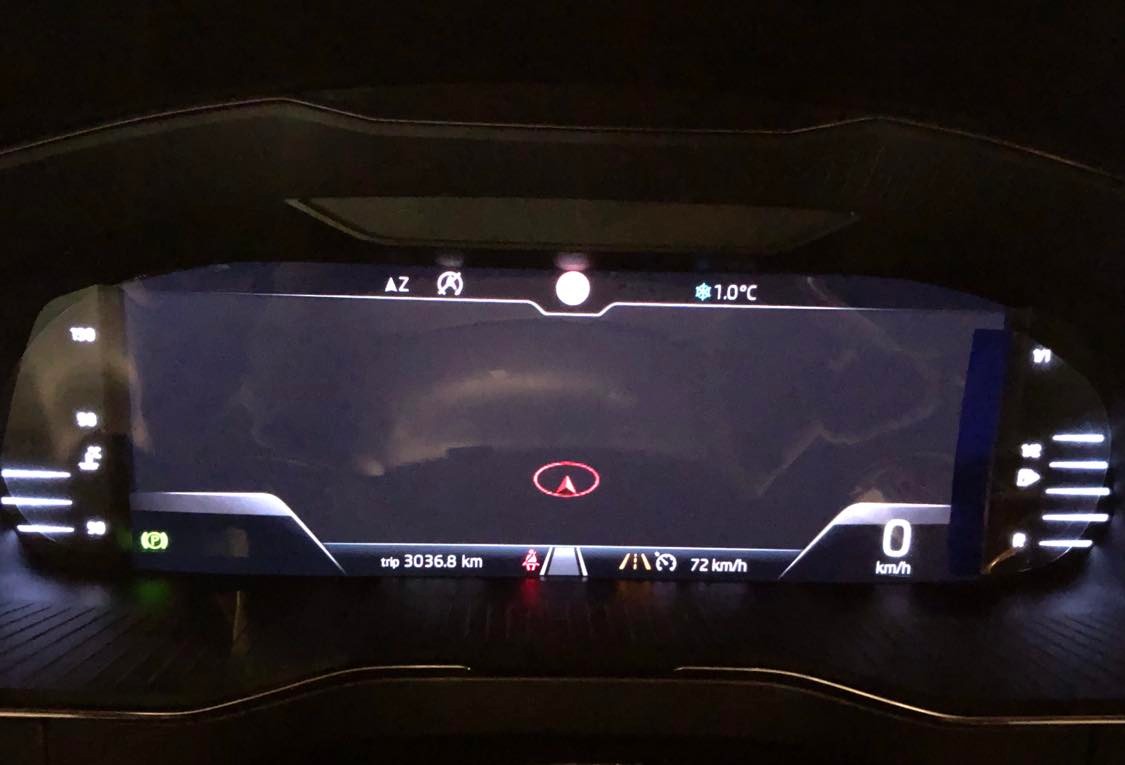
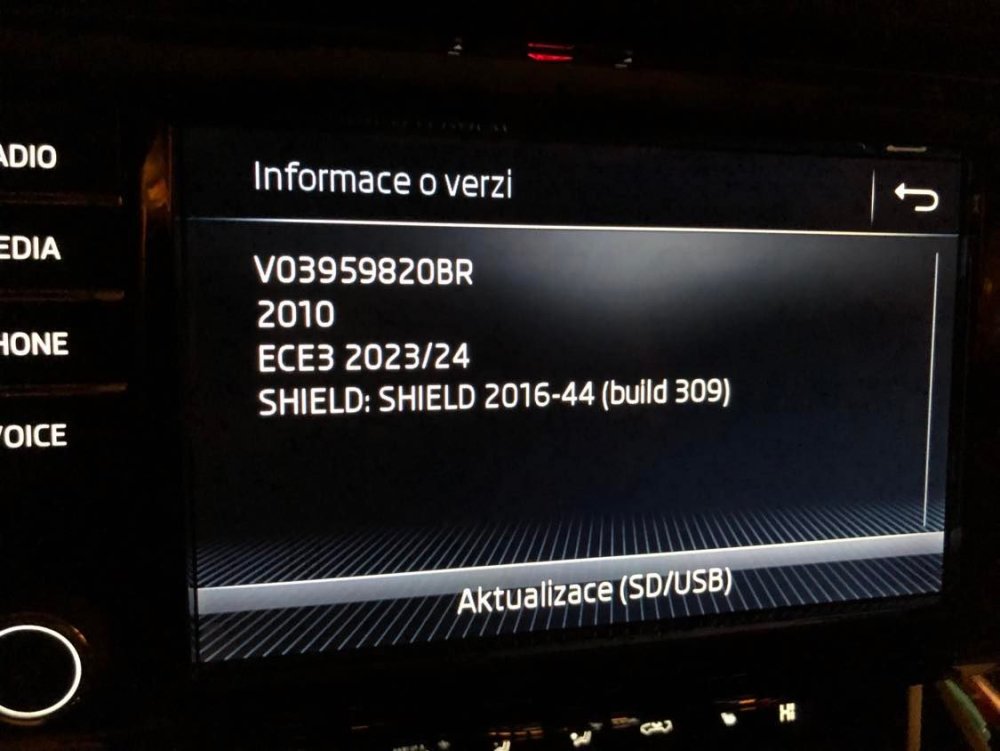 yes, I have an old card, I have 16gb. Or I'll try to download the whole map and put it on an ordinary SD card. I have the CID card check unlocked.I'll download another map and let you know if it works tomorrow afternoon. # ECE 1 2023/24 6.9 Gb VW portal: https://vw-maps-cdn.lighthouselabs.eu/vw-maps/DiscoverMedia2_EU1_2010_V17.7zI tried to zoom out and zoom in, nothing, just a black screen. I photographed it outside, where maps from Škoda always work for me. At the same time, it normally reads that there are navigation files on the SD card. The vehicle tells me that the traffic signs are out of range and the ACC doesn't even know the speed, only what it reads through the camera.Hi, I can't display the maps on the amundsen mib2, I downloaded this . can you help me with that please. # ECE 5 2023/24 8.7 Gb VW portal: https://vw-maps-cdn.lighthouselabs.eu/vw-maps/DiscoverMedia2_EU-DL2_2010_V17.7z
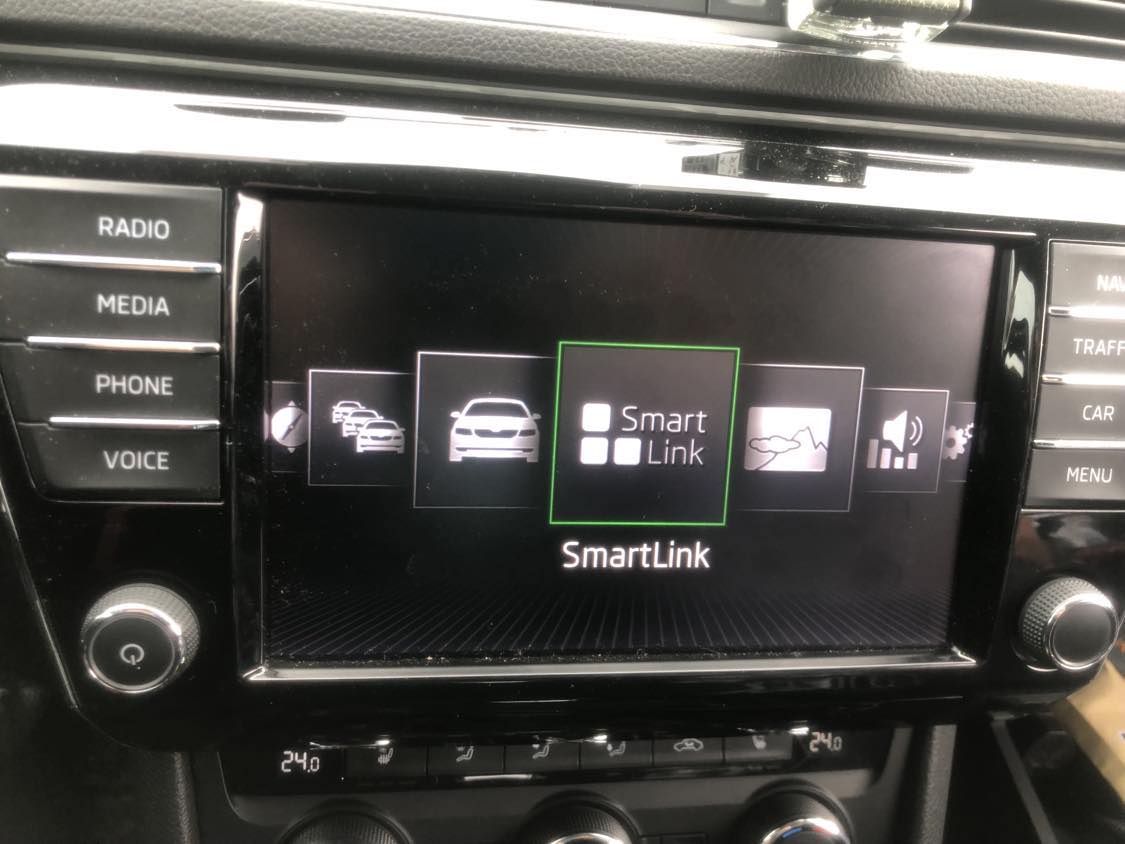
 Hi, I'm about to equip my car with ambient lighting, can you tell me what options I have with this unit? I updated my amundsen from 0253 to 0480 because I was giving VC. Thank you.
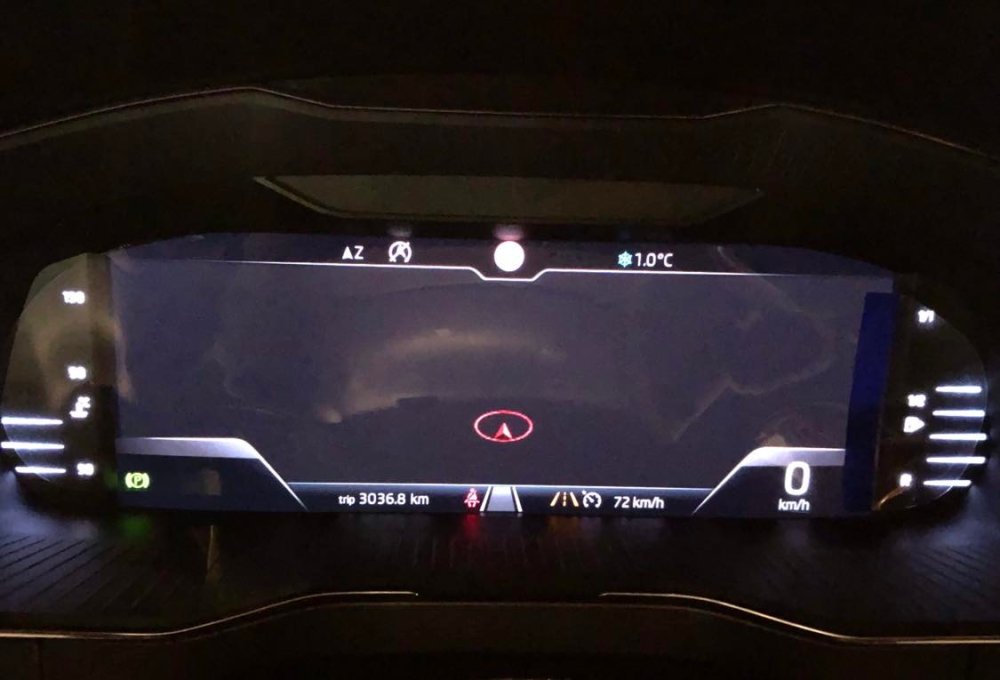
 Mám Amudsena Mib 2 ,který je aktualizovaný na sw0480.A je na ni vzadu i zástrčka na most optický kabel,který jsem již propojil z jednotky do cockpitu.Ale jak jsem se díval tak nesvítí ve vnitř to červený světlo v tom kabelu asi proto že není povolen v kódování.HELLO FRIENDS, I have Superb 3 year 2016, 3V0920790 which I did Retrofit, but unfortunately for me my AID does not show the map. I found the coding procedure, but my vehicle does not have these items in the VCDS menu. Can you tell me what to do to get the map on the virtual cockpit? Go to Module 17, Coding, Long Coding Helper, Byte 2, Bit 3-6 and change it to 50 Model: Variant A (stock setting is 10 Model: Variant 2): OPTIONAL: If you'd like needle sweep and lap timer, tick the boxes for Bit 0 and Bit 3 in Byte 1: Go to Byte 12 and check the box for Bit 2 - Alternative Dimming Function active: Open module 5F and open Long Coding Helper; go to Byte 22 and uncheck Bit 0 - Instrument Cluster Graphics [STANDARD]: OPTIONAL: If you don't use the AM band on your radio and you'd like to be able to toggle between FM and Satellite only, tick the box for Bit 3 in Byte 14: Go to Adaptations in module 5F and change the following channels to the settings below: Dashboard_Display_Configuration-ability_switch_nav_maps ---> On (enables touch screen switcher) Dashboard_Display_Configuration-call_picture ---> On Dashboard_Display_Configuration-fastlist_most ---> On Dashboard_Display_Configuration-navigation_map_compression_mode ---> H264 Dashboard_Display_Configuration-navigation_map_transmission_mode ---> MOST_streamingXIR, you will learn something here https://www.drive2.ru/l/573969809784439237/XIR, I put first 0253 then 0478 and finally the latest 0480.That would also interest me😃


.png.ced98dd13640a62d26565f470b401ccd.png)

Important Information
Welcome to BRISKODA. Please note the following important links Terms of Use. We have a comprehensive Privacy Policy. We have placed cookies on your device to help make this website better. You can adjust your cookie settings, otherwise we'll assume you're okay to continue.