alexxutzu
Finding my way
-
Joined
-
Last visited
-
Does anyone with Octavia and Swing (with smartlink+ WIFI) was able to connect with S23 Ultra? For me it dosen't work with cable and I want to activate Wireless option on Swing option but I want to know if it's working with S23 Ultra.
-
Anyone with any news about this problem?
-
Had the same problem with Swing but I will try to fix it by myself.
-
Hello. How do you make that screen to appear on Swing unit? I also have Swing (romania) but I dont't have that screen. Thanks!
-
After 6000 km with my 1.0 TSI Octavia, no problems and everything works fine. Ordered in April 2021 and delivered in January 2022.
-
Today I got the answer from Skoda Factory. They said the battery must be disconnected for 1 hour, reconnected, delete all values send some values to them and that should resolve this issue. The car must be at dealer for 1 day to do all these things, including the final answer (about values) from Skoda Factory.
-
Thank you but I was to the Skoda dealer and they told me that they send a video to Skoda factory about this problem and waiting for a answer. Mondey or Tuesday I will get a call about Skoda reply for my problem. Also they told me is not a big problem and my battery will not be drain by this issue.
-
Yes, they fix it last time when I was in service but only for 2 weeks, after that, the issue was back again. I will go again in 2 days to see if they can do something.
-
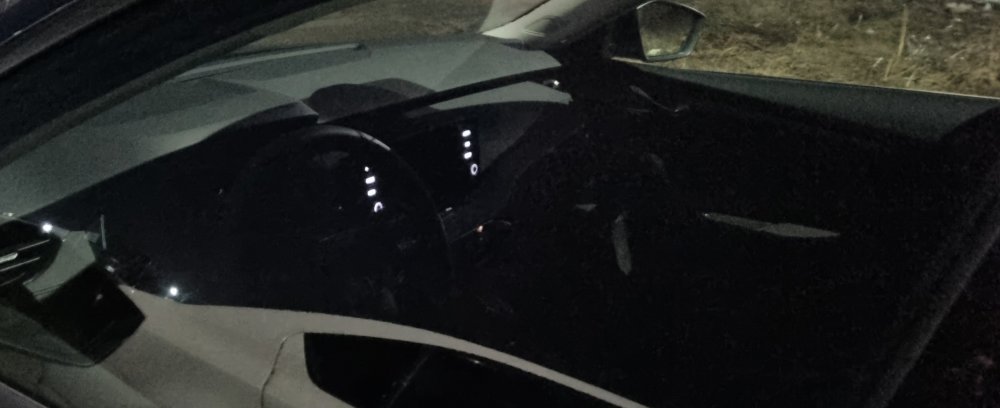
Hello everyone, I have a problem with my Infotainment lights on my O4. After I lock the car, the Virtual Cockpit lights stays on for about ~30 sec. and after that, infotainment buttons lights are turning on and stays like this until I press one more time on the button to lock the car again. If I lock the car from start by pushing the lock button on my key by 2 times, this "error" dosen't appear. Anyone else having the same issue?
-
Is there any chance to make Swing from Octavia 4 compatible with Android Wireless?
-
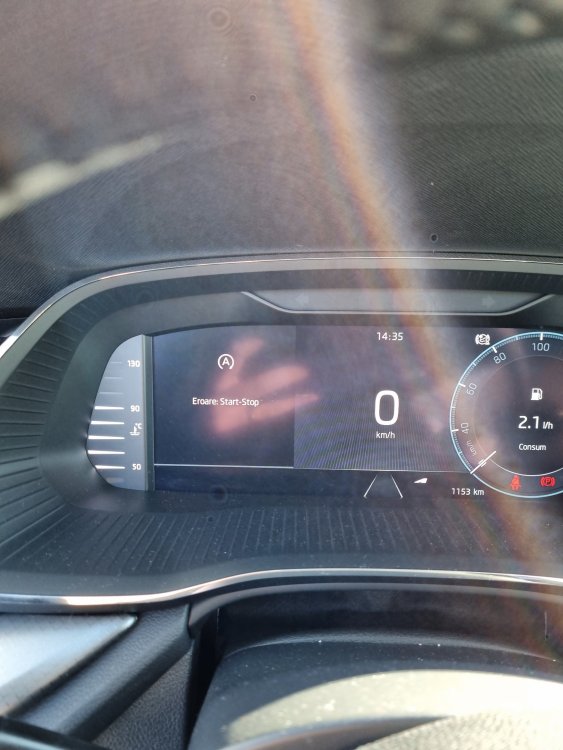
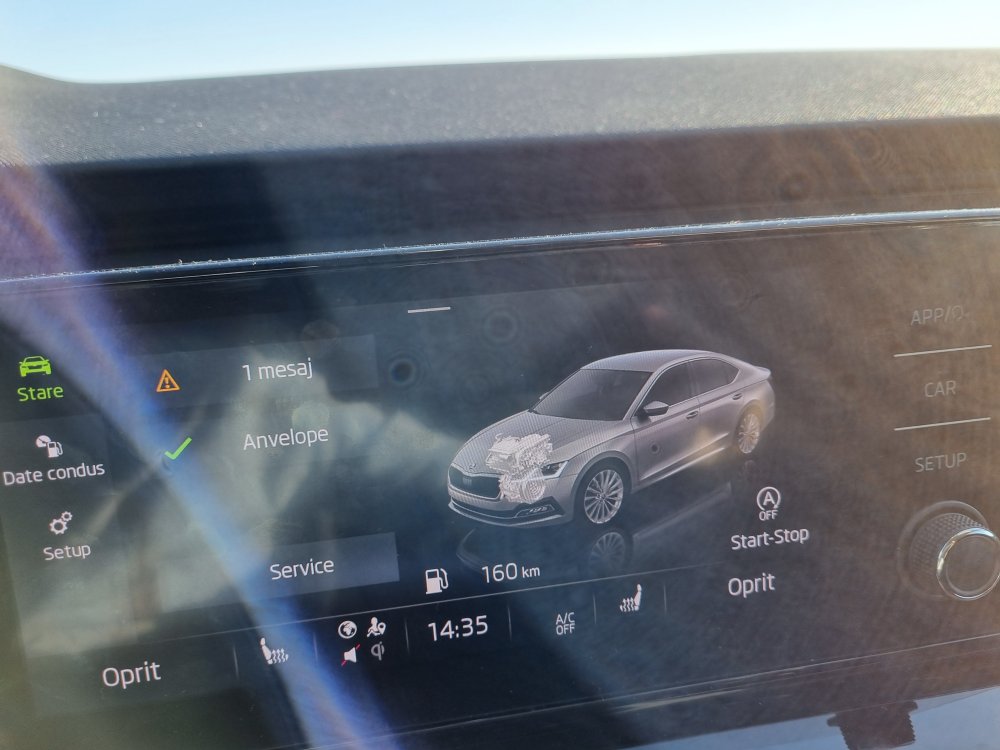
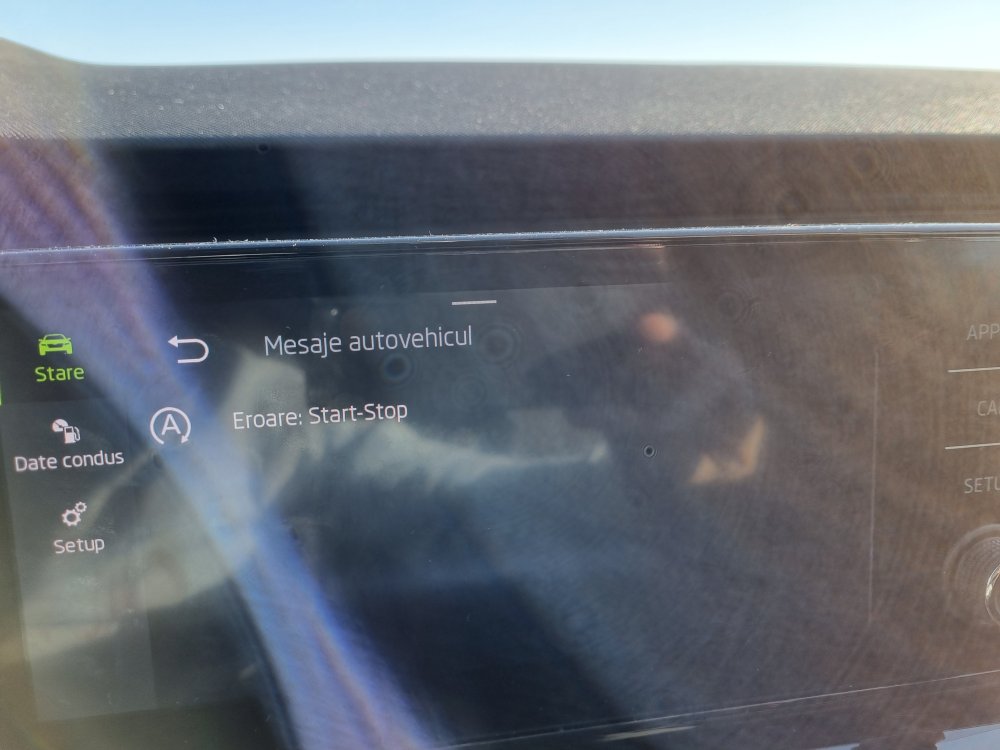
Charging battery....I've drive aprox 100km and nothing....same issue. If I stop in ignition mode Start Stop, there is now error when I start the car. Otherwise, error is still there.
-
The dealer told me today about the Start Stop error, to close the door and put my seatbelt and after that to try and start the car. The error should not be there anymore if I put my seatbelt before start the engine. I will try this. The car stayed yesterday aprox. 2 hours with ignition on and maybe from here can be something with battery.
-
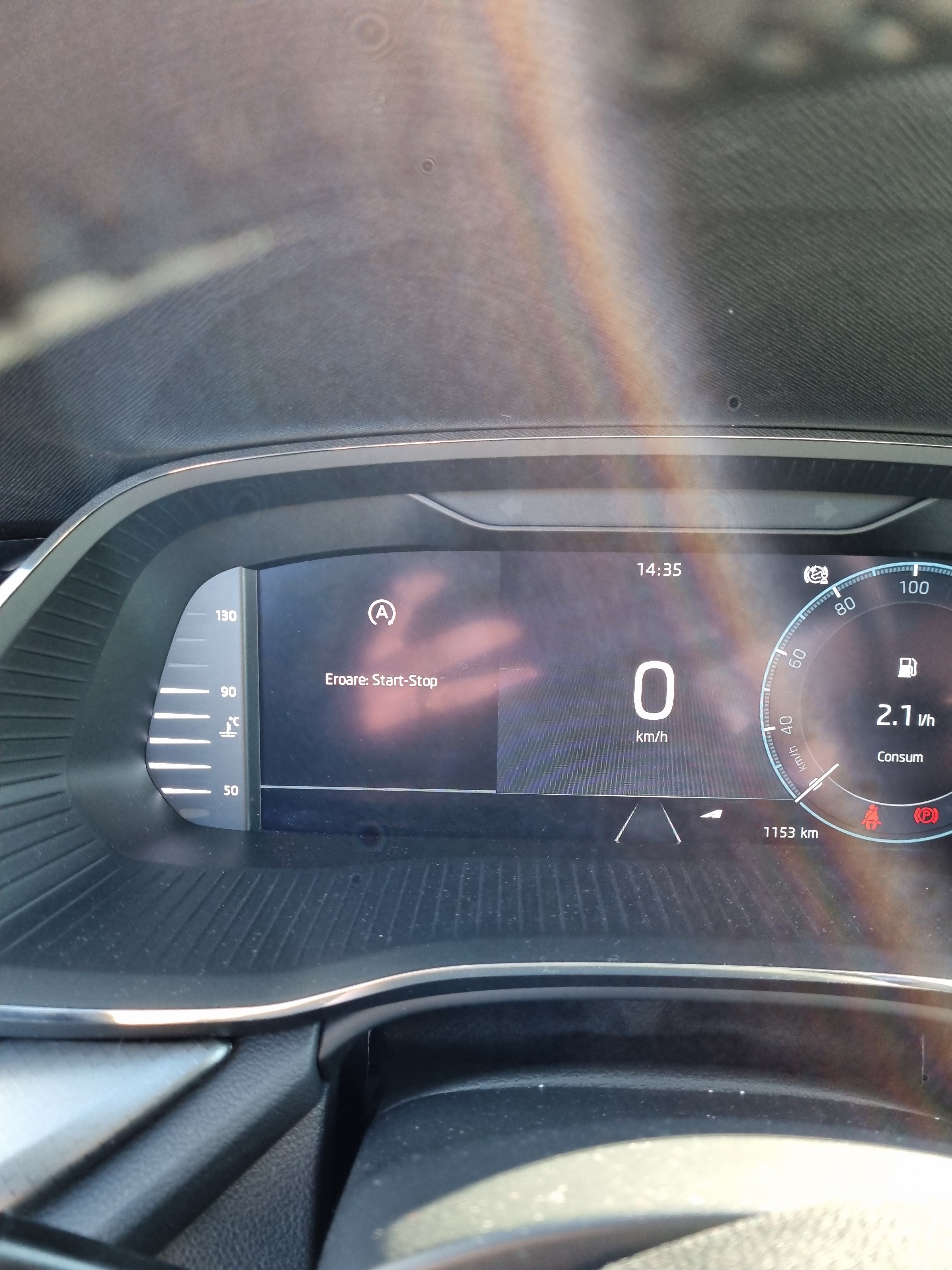
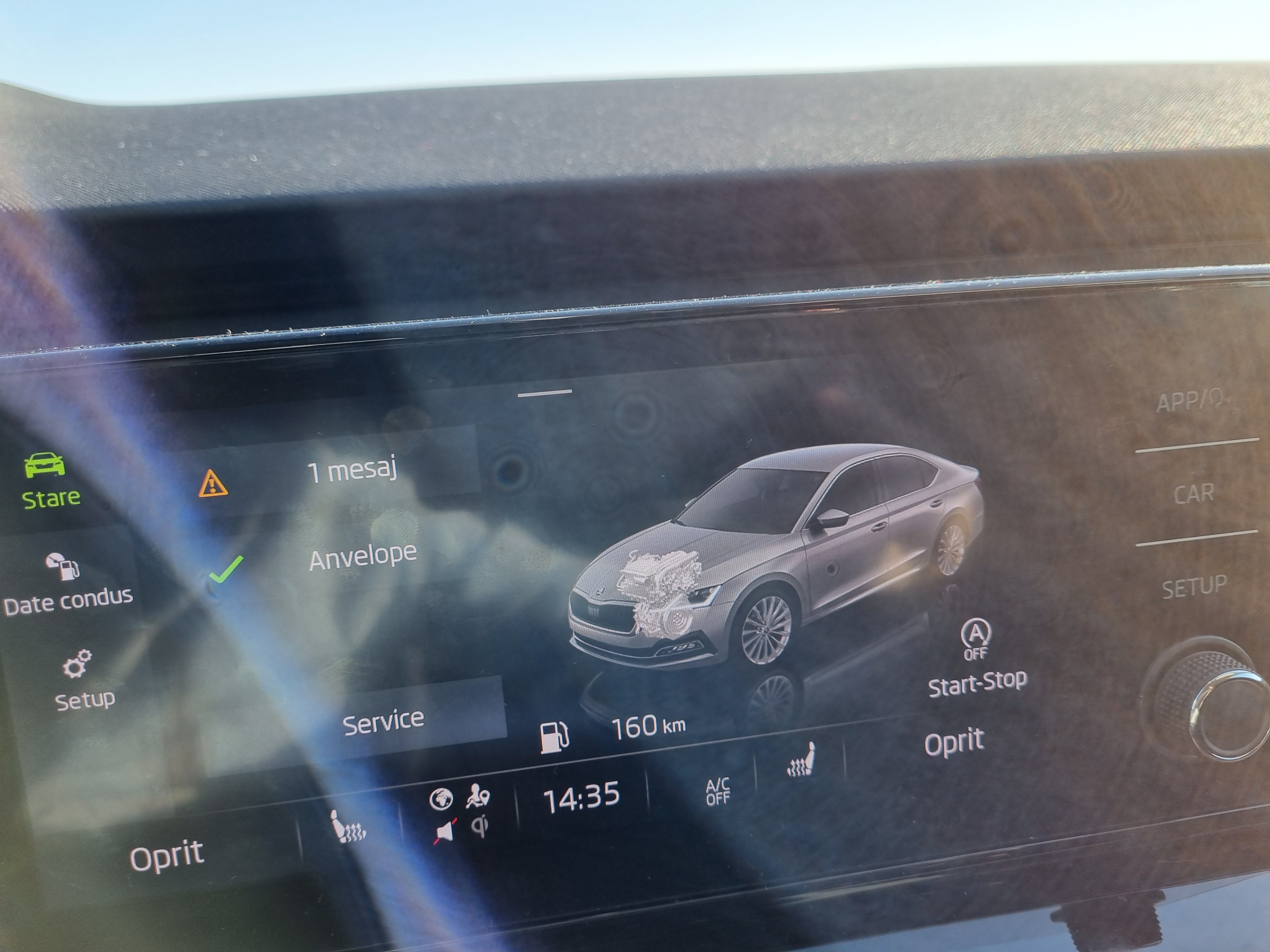
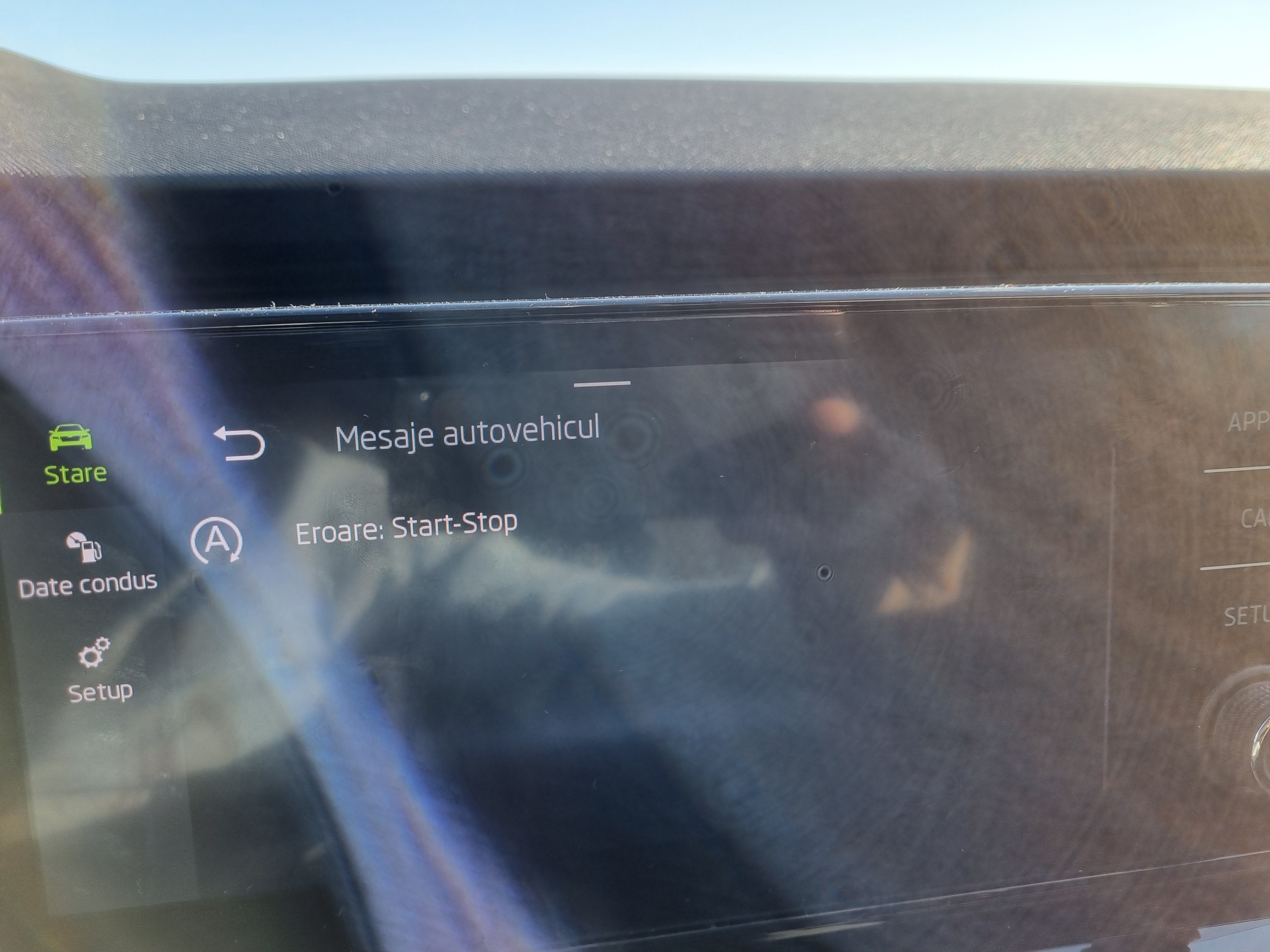
Hello, Just got my car now 2 days a go (Octavia 1.0 Ambition) and I already have some problems. 1. When I start the car, I get on Virtual Cockpit the message "Error Start Stop" and on infotainment "The Start Stop is not available at the moment". 2. To start the engine, I must keep the button pressed until the engine starts. In first 2 days I only pressed once the button and the car engine starts directly but now, I must keep it pressed or press once to start ignition and keep pressed the button for a second time until the engine starts. Can you give me any advice please?
-
Also my car ordered in April is finished and is awaiting shipping.
-
When did you put the order? I'm waiting from April.