Toolie
Members
-
Joined
-
Last visited
Everything posted by Toolie
-
I am hoping it is, as in the file name is 202225 - which I take to be 2022 week 25 (in July) and therefore 22.7
-
Mine has also updated from 21.7 to 21.11 after 3 half an hour trips. I am hoping it will update to 22.7 over time.
-
I think you should use the left or right buttons (on right side of steering wheel) to get 'Driving Data' displayed. Then scroll until you get the digital speedometer (not sure what it is called on the display).
-
Re my post of 24th May. That file from the update portal has not loaded, despite the USB stick being plugged in for almost a month. Today, I thought I would download it again in case there was an error that is preventing it from uploading. There is a later update available - file OI_P73_EU_202225 - ECE 2022/2023 Valid since CW (calendar week) 25/2022. As there is only 3 weeks between the validity dates, I am hoping the 22/2022 one had an error and the 25/2022 one uploads. Has anyone uploaded either file successfully?
-
CJJE and others Absolutely correct. AA has stopped working, stand alone, on my phone, but continues to work when connected by cable to the infotainment unit.
-
Thanks john999boy.
-
P-J Thanks for getting the post back on track and providing clarity. Waze looks good. How do you select Waze to run via AA - Google maps is my only in phone navigation app, so it connects via AA by default.
-
CJJE I think that is for when phones are used in a holder on the dashboard or windscreen etc - Driving Assistant will let you run navigation on your phone screen. I am querying what Google navigation system can be wired to the Infotainment unit.
-
john999boy That's good news. What I am wondering is - if the phone version is not working, then what is there that can be wired to the Infotainment unit? Dazm I think, by 'soon', they mean in weeks or months.
-
I got the above message in the AA app on my phone screen, today. AA was not connected to the Infotainment unit (MIB3) at the time. I have read that Google Assistant driving mode is an option for those who don't have an AA enabled vehicle - but cannot find anything about an option for those of us with an AA enabled vehicle. I gave up trying to get AA wirelessly and now it seems as if the wired version won't work soon. Can anyone throw any light on the matter.
-
FYI I have just noticed on the Update Portal that there is a map update for my MY2021 model. It is ECE 2022/2023 - file name OI_P73_EU_202222. I assume this will update my maps to 22.6 (i.e week No. 22) - so bang up to date.
-
That is the benefit of having Skoda Connect - free for the first year - annual fee after that. My vehicle is 18 months old - I did not renew Connect. My dealer recently updated the software to 0276 - in response to the SOS drop out issue. The update portal has map update version 21.7 for my VIN. I do not know if it is possible to get the 22.1 for the 0276 software.
-
mistac Do you have Connect services? If you do, you might get software and map updates automatically. If you have had the car from new then I suggest there is a problem with automatic updates. My dealer recently updated the software from 0270 to 0276 - this was in response to me reporting that the SOS service dropped out on a few occassions. I have read that dealers only perform software updates in response to issues reported by vehicle owners. Re the map update - yes, copy/paste the files to your USB stick, put it in your vehicle, leave it there and activate Navigation when driving (even if you don't need it for route guidance). The update files you have will take you to 21.7 - as they did for me (see previous posts). I have heard of a 22.1 update but can't find out how to update it manually. On another thread I read that somone had that update performed automatically.
-
I have just started the download and cancelled it because I can see that is has the same folder/file name as before. Does anyone have any ideas how to download the '22.1' version.
-
VRT24 Good point. Yes, that is the download I am using - I assume it relates to week 25 of 2021 - which would be 21.7 . On the portal, the download is 'ECE 2022' - which I assumed would be the 22.1 update that I have read that other members have downloaded and installed. Could it be that there are different "ECE 2022" downloads depending on your vehicle VIN. I will download the current update and see if it has a different folder/file name.
-
VRT24 So, you are at the same software level (0276) as I am, and the same navigation level (21.7). I am still waiting for my navigation to update to the latest, which I think is 22.1.
-
I read on another Map Update post that Navigation needs to be running in order for the update to progress. So I thought I would give it a try before going to the dealership for advice. I have only tried it on a round trip of 45 miles and although the navigation database has not changed, I can see on the Media screens that the USB-C stick is connected and I can see the various navigation files. I will keep Navigation running and see if the database changes. I don't recall any instruction on the portal that Navigation has to be running for the update to take place.
-
I have only formatted the disk as per portal instruction. Is there a technical reason why FAT32 might make a difference?
-
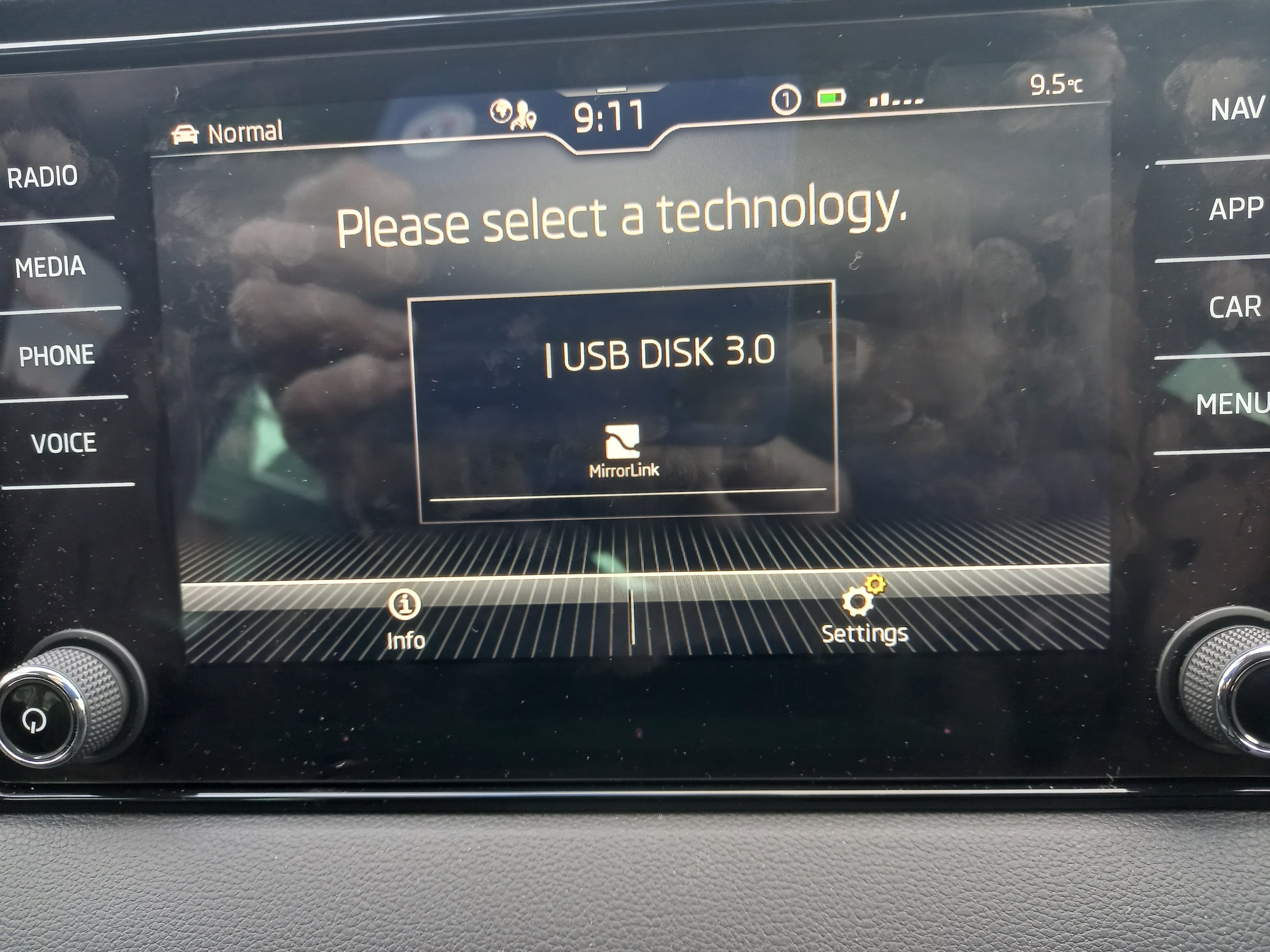
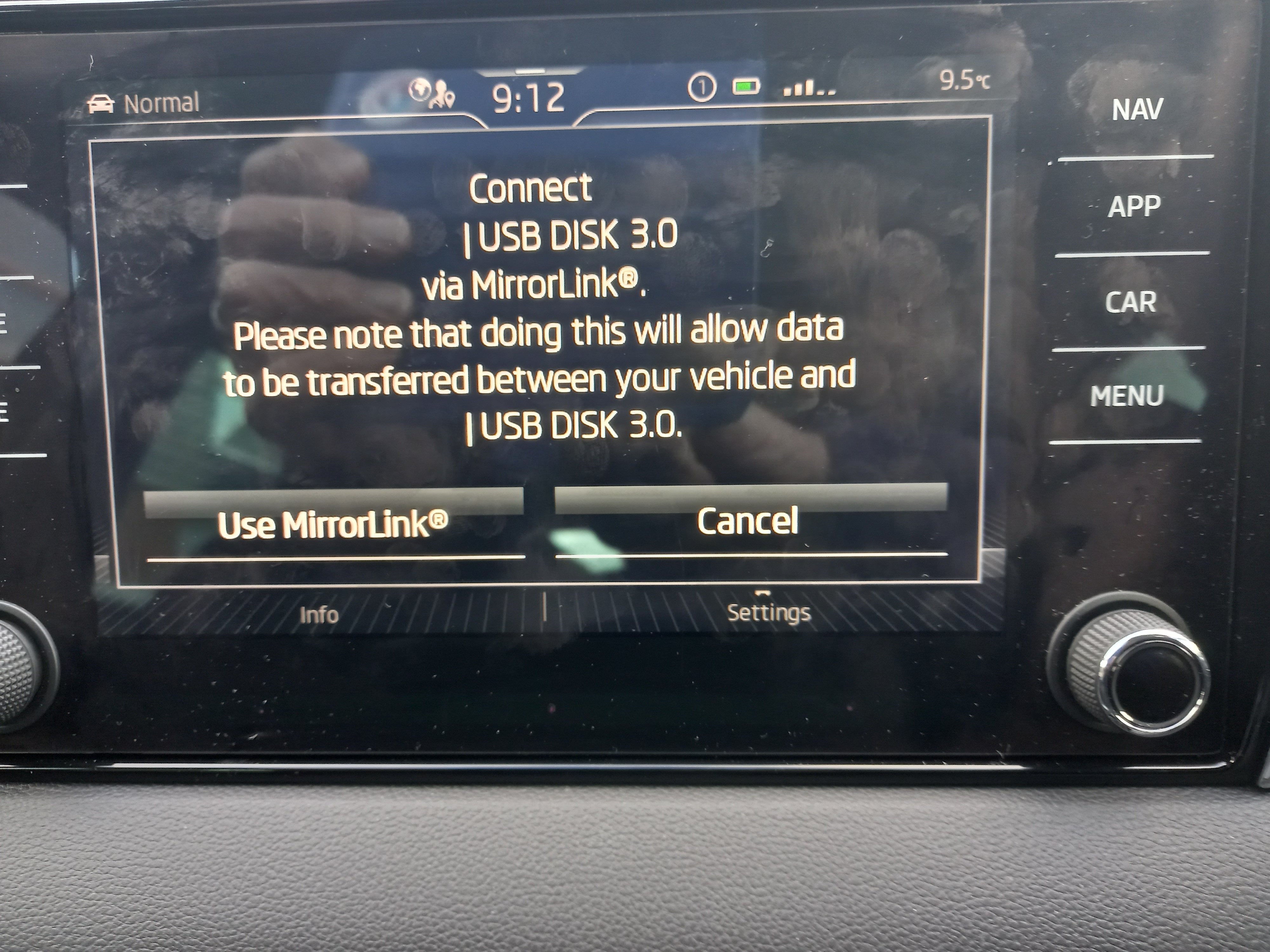
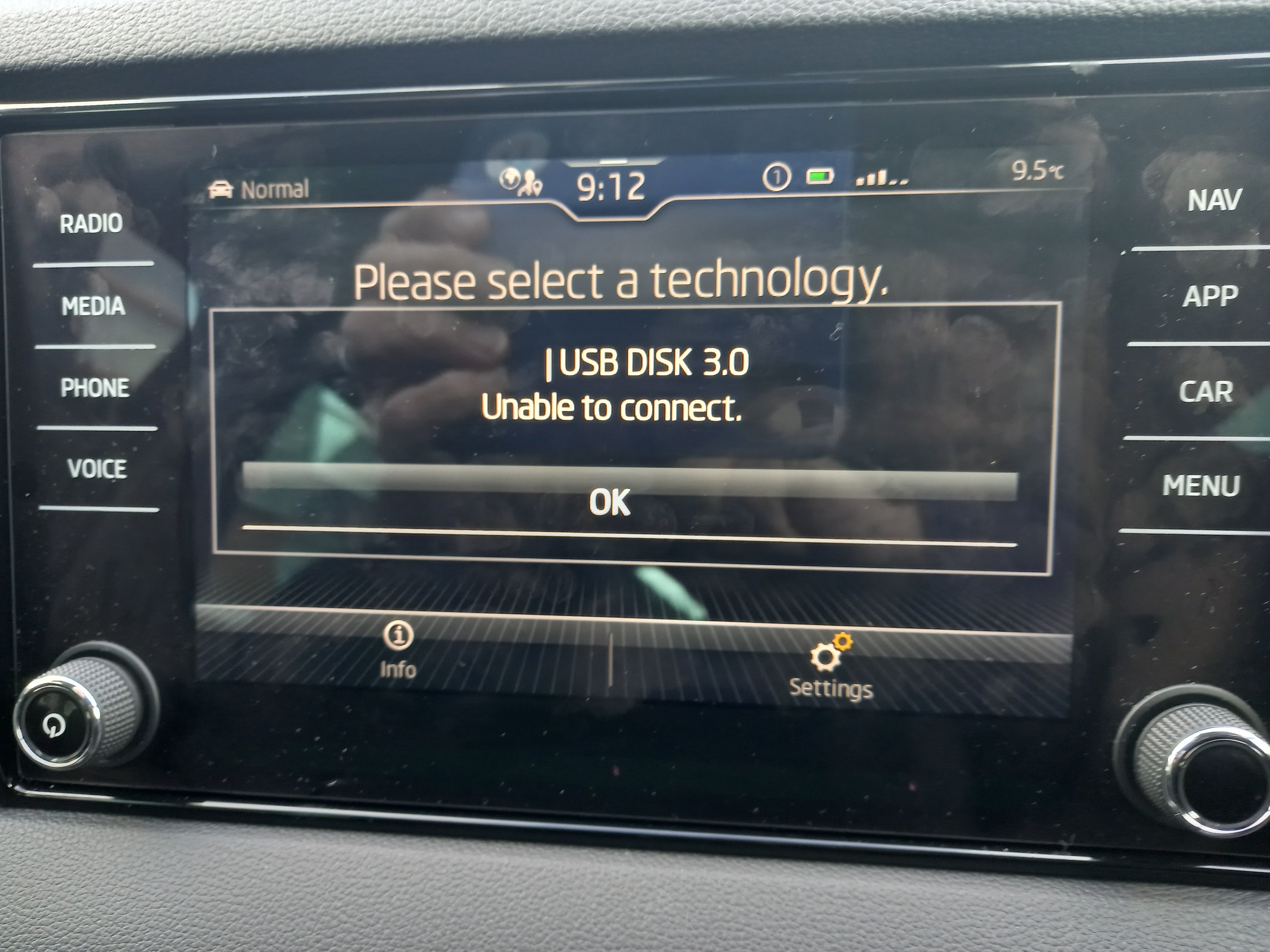
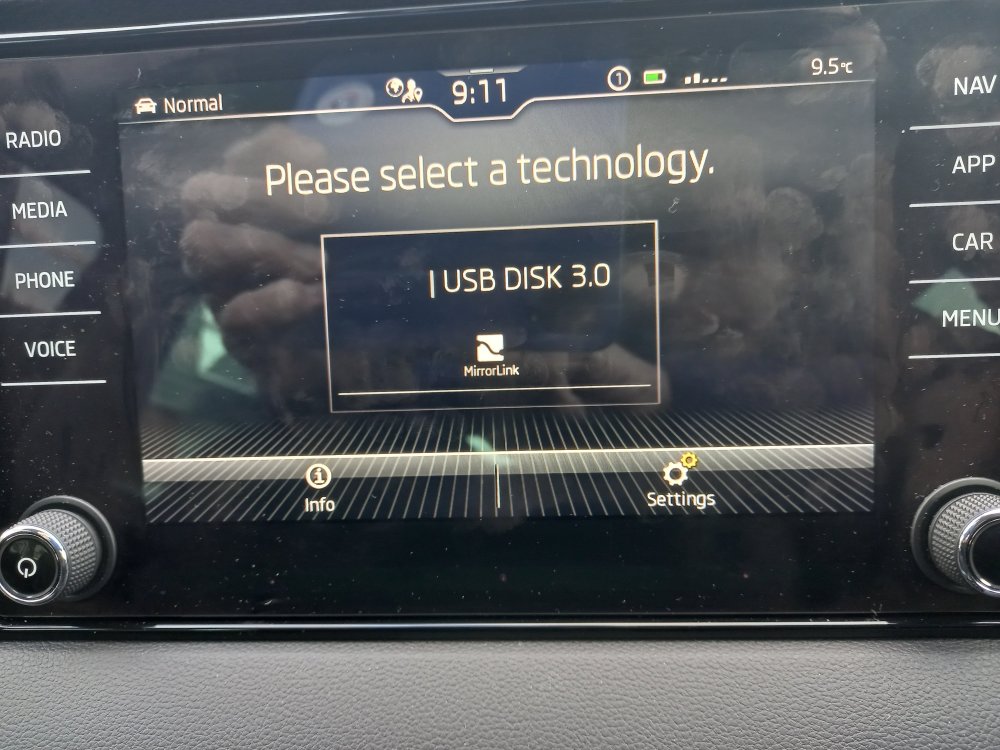
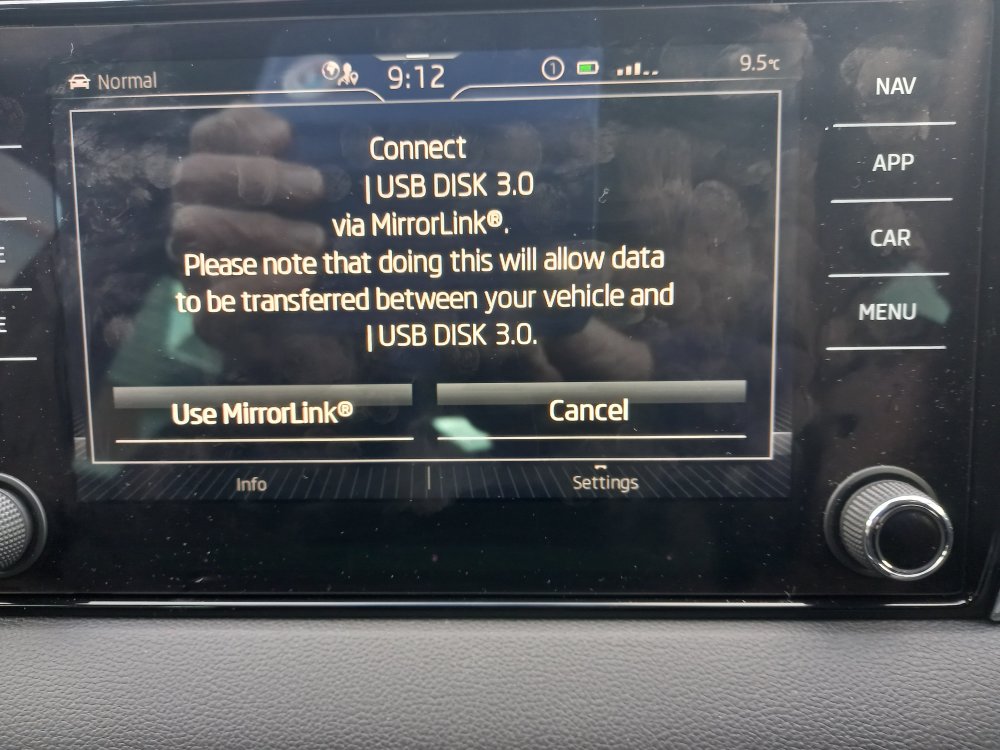
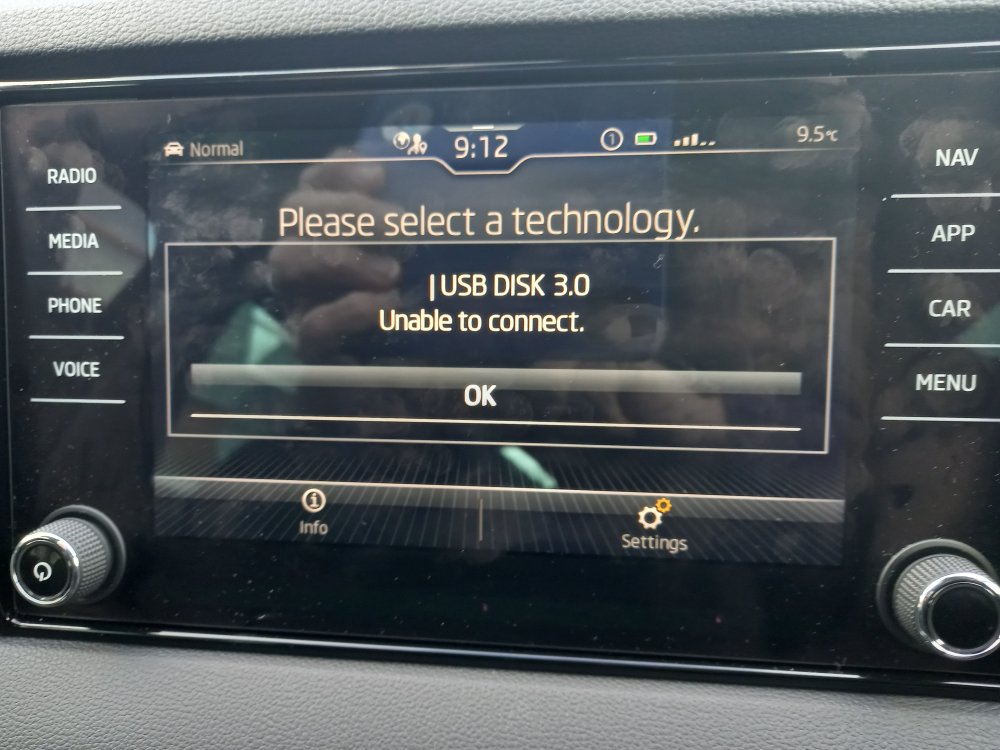
I have been updating the navigation maps using the download file on the portal. My USB-C stick has been plugged in for several weeks and so far the maps have been updated from 19.11 to 21.7, which has been the case for more than a week. It is stuck on 21.7. The car was serviced a few days ago and the software was updated to 0276 and it had an infotainment update too. I don't know when the map update stuck on 21.7, but I can see that the memory stick is not being connected to - see images. I have rebooted the infotainment, reformatted disk and reloaded files.
-
+1 for the USB phone charger option. It can be used in the front or the back - and if you or your passengers have USB-A ,USB-C or other versions, they can be interchanged rather than commiting to a particular version.
-
I fitted mine myself. They do reduce the amount of dirt on lower part of front doors and on rear bumper.
-
If you search the 'USB playlist posts' you will find that you can get playlists to resume. I followed advice given by P- J and it works.
-
I know this does not answer your question, but have you calculated the cost per mile for E10 and for the Shell V Power? I got my Karoq at the same time that E10 hit the forecourts and have only used that fuel. I would be interested in your costs before trying a premium fuel.
-
CJJE I have used cuise control, particularly when in a speed restricted zone, although speed limiter is probably more appropriate - I have not learnt the faff to engage it. When speed limiter is active, and if for some reason there is a need to accelerate in an emergency, is there an intuitive way to dissengage it very quickly?
-
You could try your local alloy wheel repair specialist. They may have colours that appeal to you.