GarySN
Members
-
Joined
-
Last visited
Everything posted by GarySN
-
Thanks for the info. According to OBD, "OBDeleven can automatically detect that the control unit is locked by SFD protection when the modifications are being tried to perform for Long coding, Adaptations, or One-Click Apps. In this situation, if you try to modify it for the first time, the application will direct you to authorize the SFD unlock procedure where you will be asked to update your personal data*." I did not receive any such messages throughout, and was able to make all the specified modifications, they just didn't work.
-
Sorry to resurrect this thread again, but I've been trying to use my newly purchased OBDEleven Pro Pack to enable Traffic Sign Recognition. Having watched this video, I attempted to apply the same changes, but both OBD and modules look a little different for me. 'Traffic sign recognition 0x21' (no underscores) is found under 'Vehicle function list BAP' 'Menu display road sign identification' is found under 'Vehicle menu operation' When long coding, none of the bits are labelled. On updating controller 17, byte 5, bit 2, I get the same 'Dynamic Road Sign Display Error' in the dash, so same coding seems to apply Finally, on locating controller 5F, byte 24, bit 6, it was already unchecked, despite the fact that I have the display of Nav traffic signs activated. This makes me wonder if the coding should be different for my model, which is a 2020 iV L&K? The end result is that no traffic signs are displayed and I when I select the Road Signs in the dash, I get the 'Road Sign Display Error' message. I'll revert everything to as it was found, but If anybody can offer a fix in the meantime (@SashaGrace?), I'd be grateful.
-
No. If it works, which is about 20% of the time in my experience, you receive a notification that a new destination has been received. You then get the option to save it and/or navigate to it.
-
Wondered what that was!
-
Just a quick update/conclusion on the subject... I was able to take a closer look at the Infotainment system during the Christmas break, and I think things have moved on since some of the online videos were made. I’ve found all the features that were previously categorised under a Skoda Connect app, such as Parking Spaces and Petrol Stations, within the Navigation app. The only item that remains rather hit and miss is the route import function, but I can live with that. Having said that, it seems to be more reliable when sent from the online portal rather than the Skoda Connect App.
-
Thanks @Gax. Funny enough I have managed to send a destination to the car in the same way you have described, but it's very hit'n'miss. I received one notification that a new destination was available the day after I'd driven there! As you say, I can search from the car just as easily, but it's frustrating to read the infotainment should work a certain way when it clearly does not. I suppose it helps that Apple Carplay to replace the missing functionality, but that's not really the point.
-
Thanks a lot. At least I know it’s not me. Will have a chat with the dealer about the missing icon.
-
Hi @Dorro Could you please show a picture of your Skoda Connect icon so I can see where it should be located?
-
Thanks for all your help, but as I said in post one, I can see no Skoda Connect icon in the menus. Should I be looking elsewhere?
-
These are the screens I do not have. How do you get to those?
-
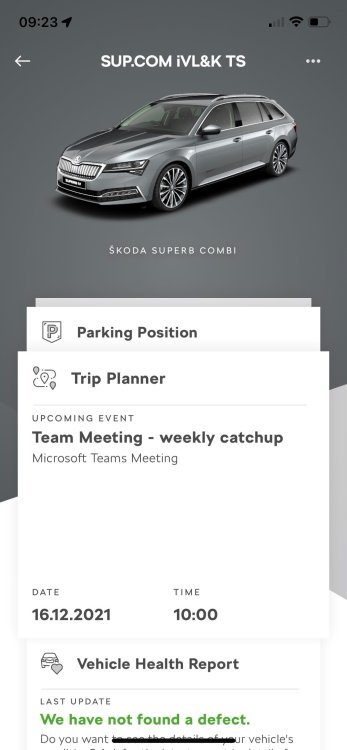
Yep, I'm all connected, and can send a route from the iPhone app. I just can't see the option in the car to import the route that's been sent.
-
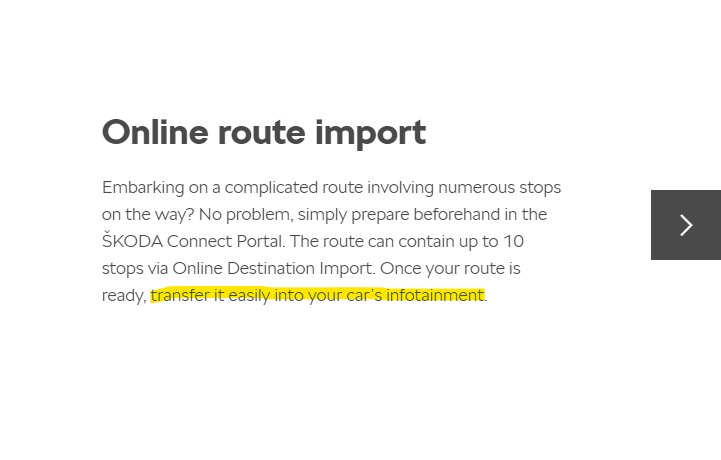
To add to the above, I thought maybe the option was not available in the UK, but this is from the UK portal website:
-
Thanks, but that appears to be the procedure for connecting the car to the net. The car already has an eSim, so is connected. I see traffic and roadworks alerts in Navigation, so I am receiving these services. I can activate the heating and get stats from the car on my phone from inside the house. What I am not able to find is the portal as described in this video (viewing starts from the point the portal is shown):
-
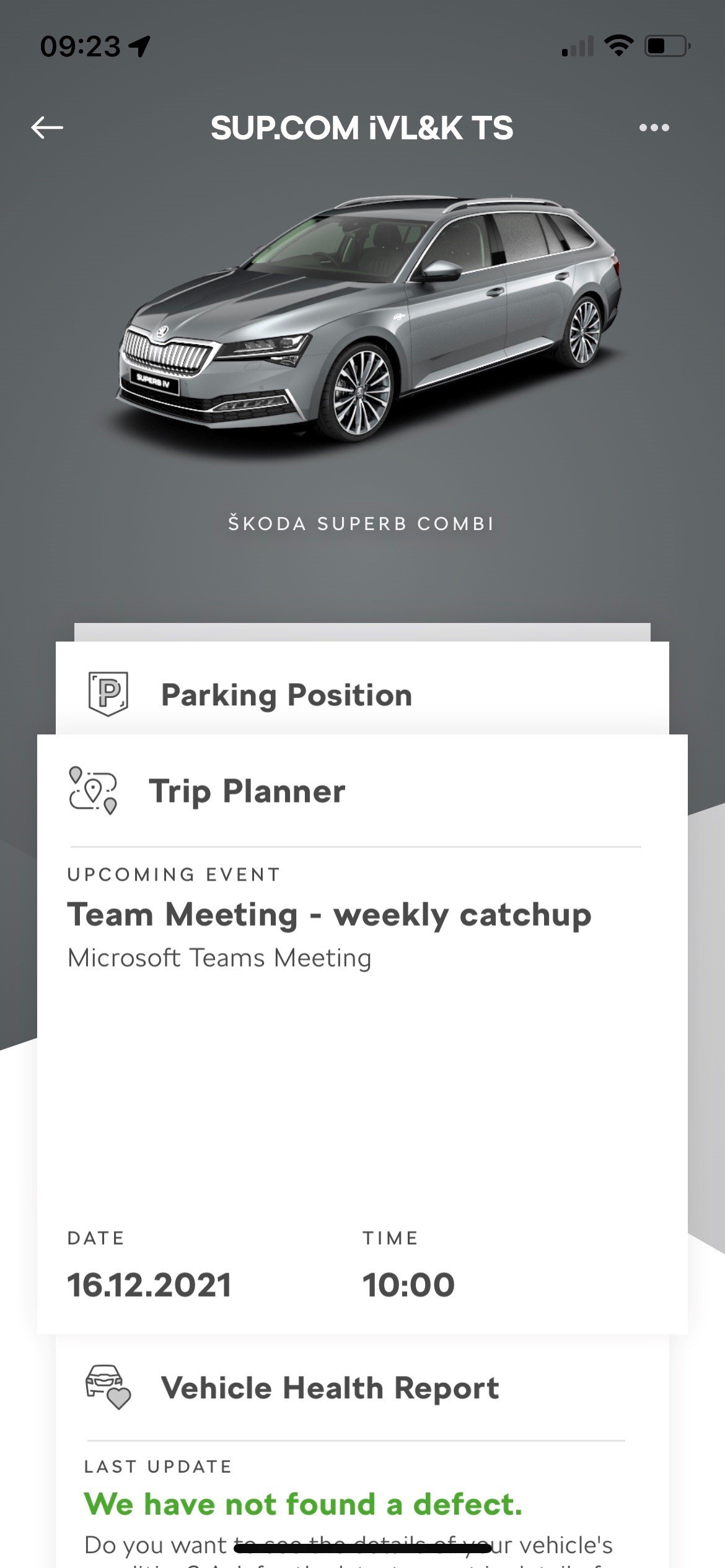
Hi all After two weeks I'm loving my one-year-old Superb IV L&K, but can't for the life of me work out how to view any of the Skoda Connect Services. I've registered the Connect app and the car, and am greeted by my username when I turn on the ignition. The on-air logo shows white at the top of the screen, but I can see no Skoda Connect icon in the menus, and I can't find any way of downloading a journey planned in advance using the app. What am I doing wrong?
-
Brilliant. Thanks for such a comprehensive response.
-
Hi there I've had my year-old iV for two weeks, and am still getting to grips with the multitude of settings. How do you set the charging limit?