GarySN
Members
-
Joined
-
Last visited
Everything posted by GarySN
-
Can anyone explain this entry in the workshop manual? Am I safe to say the torque setting for the spark plugs is 28Nm? I don't know what the rest of the text is referring to. It doesn't appear anywhere else in the manual.

-
I've earmarked all I need to change the plugs on my iV's 1.4 engine. The only thing I'm unsure of is that in the workshop manual it states I should coat the base of the ignition coils with silicone paste. Apart from the price, is there anything exceptional about VW OEM silicone grease? If I want to buy non-OEM, is there anything I should be looking out for?
-
-
Indeed
-
Do you have more detail on how to do this?
-
You don't need a dedicated charger - I don't have one. I just plug into a regular 3-pin plug. A full charge takes about 5 hours, as opposed to (I beleive) 3.5 for a dedicated charger. Like robinrottier above, most of my mileage is local, and therefore fully electric. My electricity provider is OVO, who have a Charge Anytime app that monitors how much the car is using and discounts the rate to 7p per kWH. I believe Octopus have a similar app.
-
Just had a call from my dealer, who is carrying out an oil service on my Superb iV. It's done about 21000 miles, mostly on electric power. They want £116 to replace the spark plugs (they're 'due' for replacement) . Is this a particularly tricky job? Are the spark plugs particularly expensive, bearing in mind this is a 1.4 litre engine? I'd be happy to do it myself, but wondering if I've missed something. They've also advised that the tyre sealant needs replacing as it has expired - a cost of £61. Again, this sounds like something I could source myself, or am I missing something?
-
Shouldn't they line up with the headrest when not in use, rather than sticking up vertically?
-
I had the same problem, which was fixed by a software update applied by the dealer. The reason your phone apps are affected too is that CarPlay takes its GPS data from the car to preserve battery life.
-
I'm not sure this is true on a 2020 model. My iV has an eSim built in, and I can choose to pay for certain over-the-air services such as traffic, weather, news(!) etc without the need for any form of data package. I used these for a few months, as I had 6-months' complimentary subs when I bought the car. I chose not to renew, as I'm more than happy with Carplay. The only thing I pay for is the basic Skoda Connect package, which enables things like turning on the heating using the app. There is no data charge asssociatd with this. As far as I'm aware the purpose of a data package would be to use the car as a wifi hotspot.
-
As far as I remember, the battery warranty is not transferable and only applies to the original owner. I was rather disappointed to read this once I'd collected my Approved Used iV.
-
Update on the original problem. I believe the OVO Charge Anytime app is the culprit. You set a time for the desired charge level to be acheived, then OVO decide when the charge is distributed, according to demand. If it attempts to charge in several bursts, it'll use up the number of over-the-air requests the car will accept. Why there is a lmit is beyond me, but I'm unaware of any channel through which to escalate the issue. Strike that - worked out it's from eManager settings.
-
I should proably know this after two years of ownership, but how do you do that?
-
If you don’t have TSR, the Home Screen displays speed limit information taken from the Navigation database. The message saying none are available is referring to that data.
-
Not sure on that one. I use the OVO Charge Anytime app, for which I set a time for the car to be ready, and OVO chooses when to charge based on grid load. I’ve only ever used the Skoda app to pre-heat the interior, but that has an option to only allow use if the car is plugged in, so battery is not depleted before I set off.
-
Funny enough, I've just tried it and it's worked. Definitely not the norm of late.
-
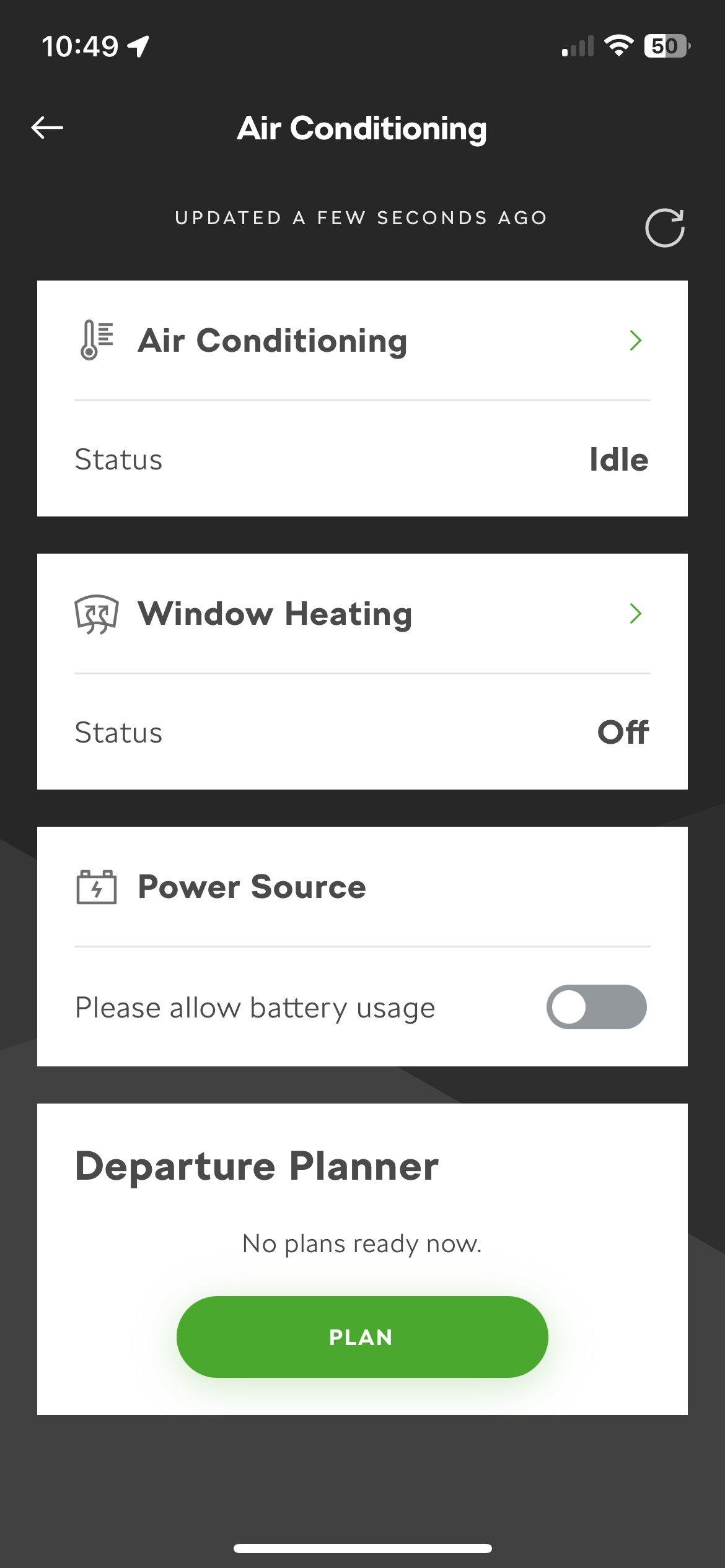
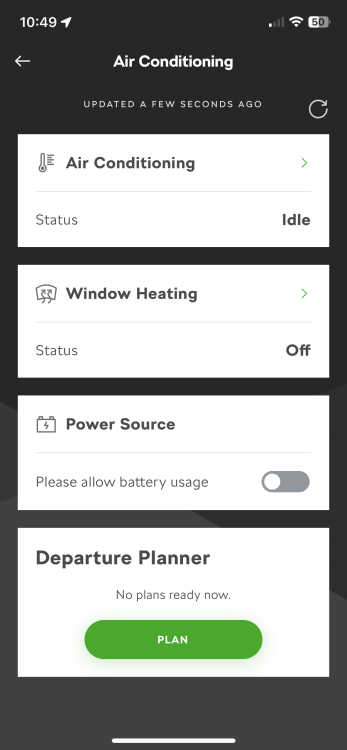
One of the things I love about the MySkoda App is that at this time of year I can (usually) set the car heating to come on about 15 minutes before I leave the house, so de-icing is easy and the car is comfortable from the off. On the last few occasions I've attempted to use it, I get a message saying, "You have exceeded the number of requests. This function will be available again after the next trip". This is when using it for the first time on any given day; no previous requests have been made. Has anybody else had the same problem? Is there a way to achieve the same from the car's controls without using the app?
-
Think the ad's expired (car sold?).
-
As I understand it, the app is granted access to my Skoda Connect account, so can control when the car draws from the granny cable. I had assumed the car could therefore tell the app how much it had consumed for any given session.
-
So the day-by-day usage on my account (for all electricity) is significantly lower than the Charge Anytime app is showing. This is quite a relief!
-
Thanks, that's the sort of knowledge I'm lacking. Will check actual usage on my account.
-
The car is capable of pre-heating, but I only ever use it when the car is plugged in. I don't think this power would register on the app, as it controls when the car is charging, thus tracking what to the apply the lower tariff to.
-
Definitely a figure for each charger by session…
-
Thanks for the info. Your explanation re chemical process makes sense. The charging time has always been quoted as about 5 hours, which is how long mine takes (using a 3-pin plug), so I assume all is in order. Just seems it’s costing me more than I’d realised.
-
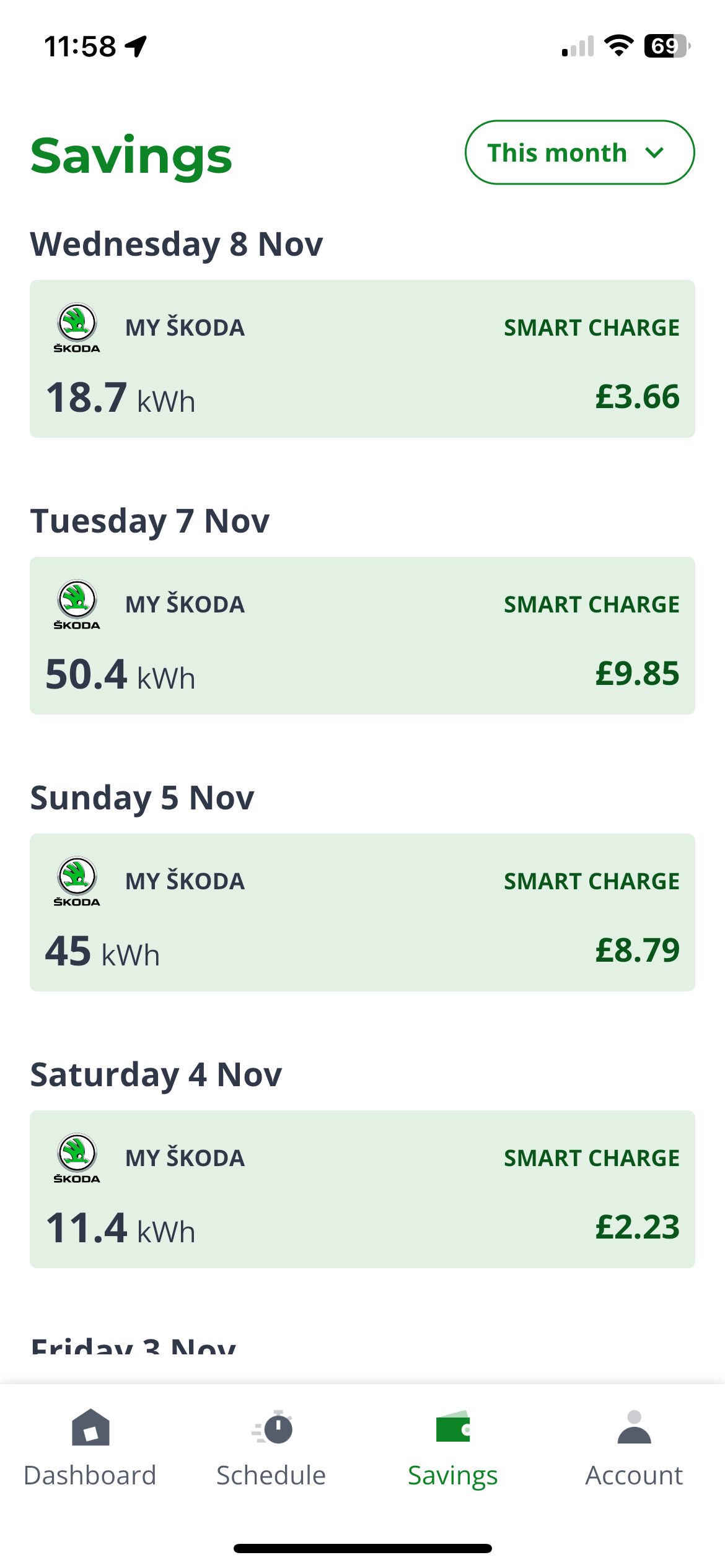
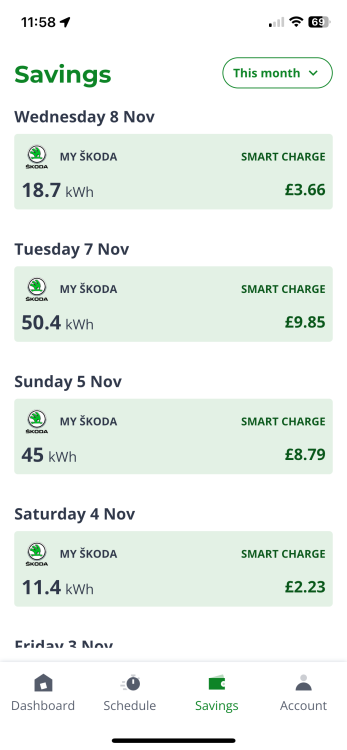
I’m confused. The battery capacity on the iV is 13kWh, yet when I charge it using the OVO Charge Anytime app, I see charging sessions well in excess of this, often to get the battery to 80% charge. The highest I’ve seen, for a full charge, is 78 kWh. I’m not complaining, as Charge Anytime credits my bill to apply a lower rate for all those kWhs, but I’m not sure what I’m missing. Surely a full charge should be 13kWh?