Skip to content

BooBoo124

Members
  • Joined

  • Last visited

  1. @Tell can't fill them using that method on the Audi. I rename the the STL.1vw file to vw_stl_db.sqlite then upload it via more incredible bash on the green screen
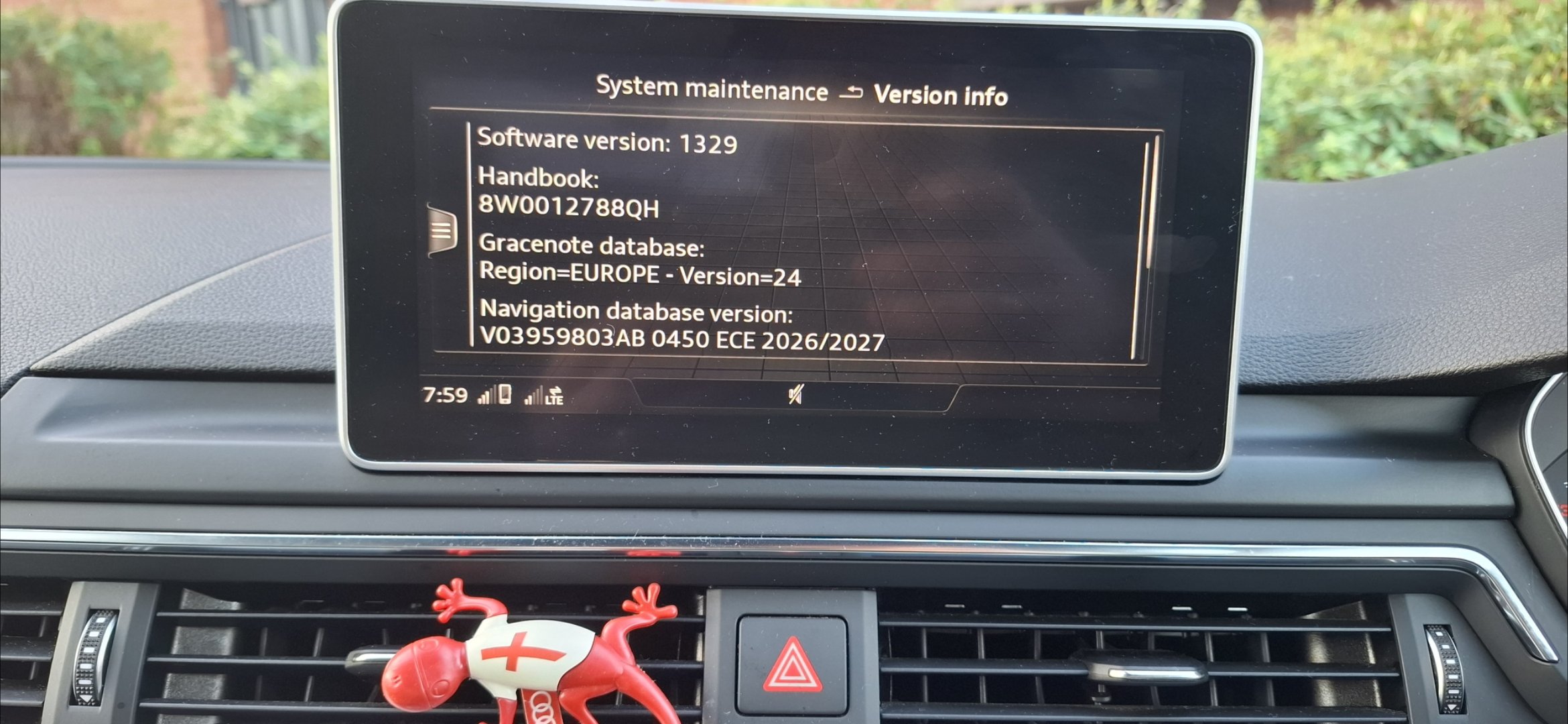
  2. A new data base for MIB2 v1.10.64 of 01.12.2025
  3. I use the 23000ee from more incredible bash. I bought shells home from the Maldives one of those still had a live crab in it
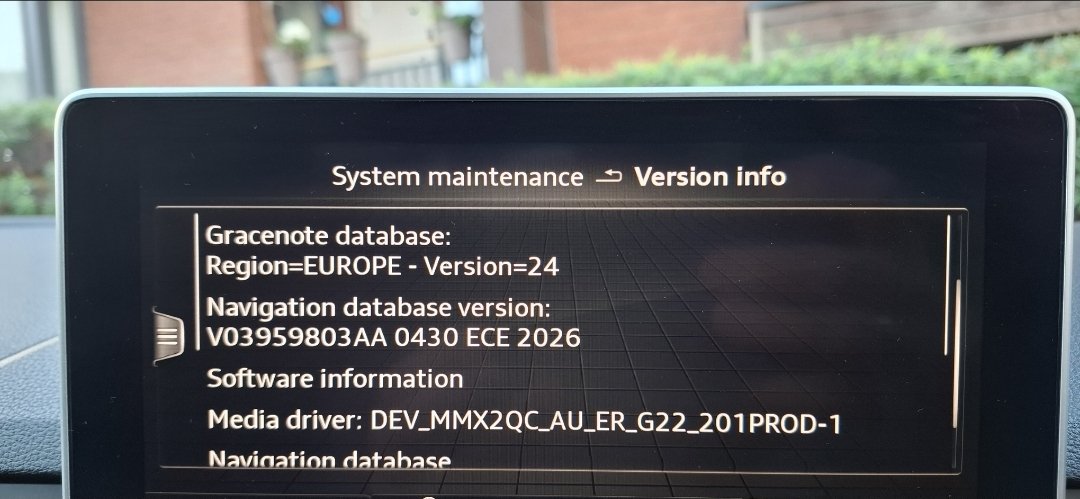
  4. Ive got Gracenote v24 was waiting for v25 as V24 was released Feb 2024. Thanks for the link though
  5. Id uploaded the wrong pic that why I edited the post. I can't find a newer Gracenote version sadly
  6. The Russian haven't updated their site yet. They must be busy doing other things 😕
  7. Updated my Audi mib2. I renamed the stl.1vw file found the the Common folder to VW_STL_DB.sqlite Then updated using More Incredible Bash
  8. Installed and working perfectly on my Audi A4 B9. I downloaded and unzipped on my phone and copied to usb, no issues Thanks
  9. Updated successfully using MIB and renaming the file to sqlite

Important Information

Welcome to BRISKODA. Please note the following important links Terms of Use. We have a comprehensive Privacy Policy. We have placed cookies on your device to help make this website better. You can adjust your cookie settings, otherwise we'll assume you're okay to continue.

Account

Navigation

Configure browser push notifications

Chrome (Android)
  1. Tap the lock icon next to the address bar.
  2. Tap Permissions → Notifications.
  3. Adjust your preference.
Chrome (Desktop)
  1. Click the padlock icon in the address bar.
  2. Select Site settings.
  3. Find Notifications and adjust your preference.