
Quadra840AV
Finding my way
-
Joined
-
Last visited
Everything posted by Quadra840AV
-
I know this was nine years ago but..... Can you tell me the name / year of those TT alloys? They look good 👍
-
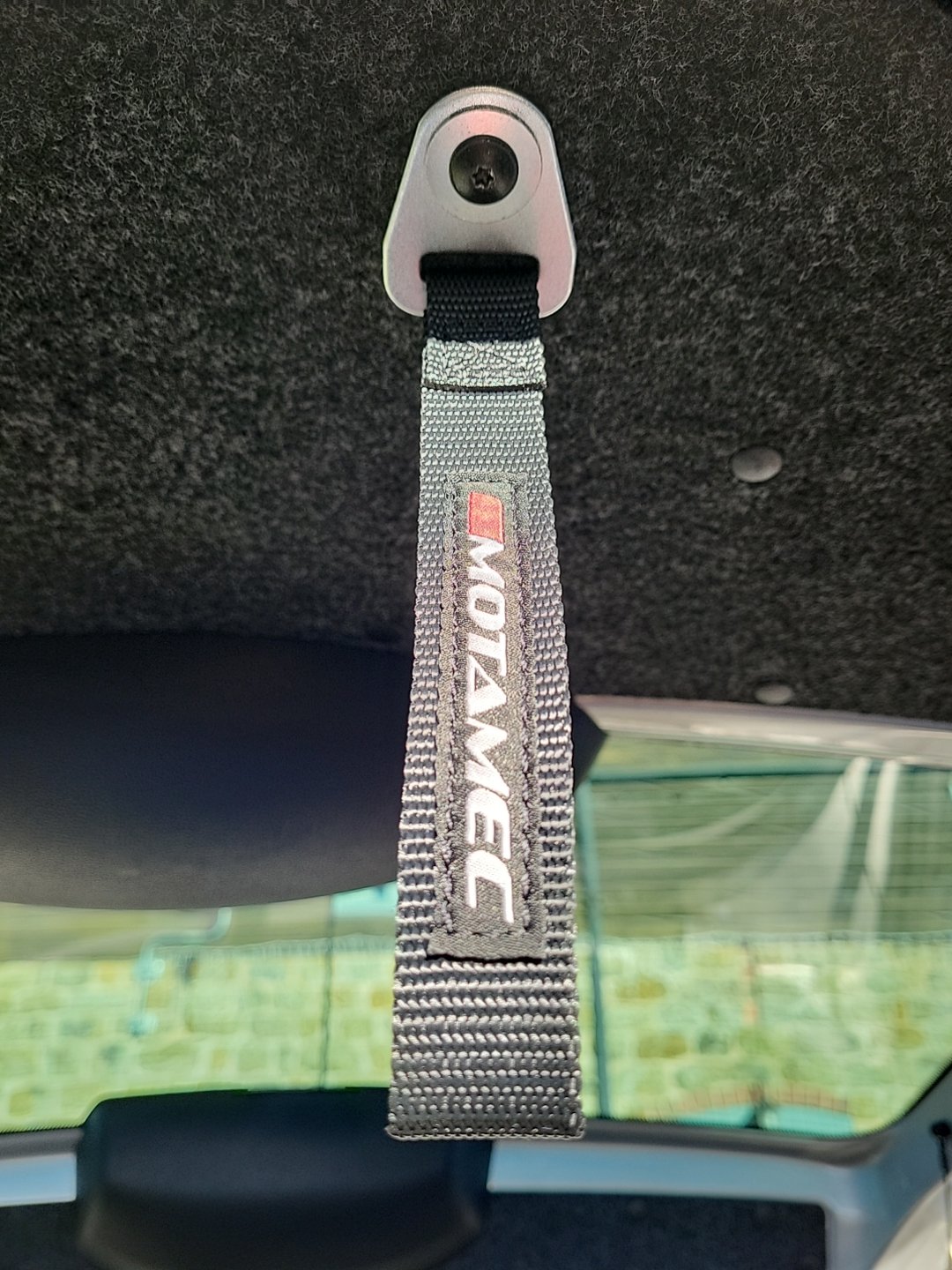
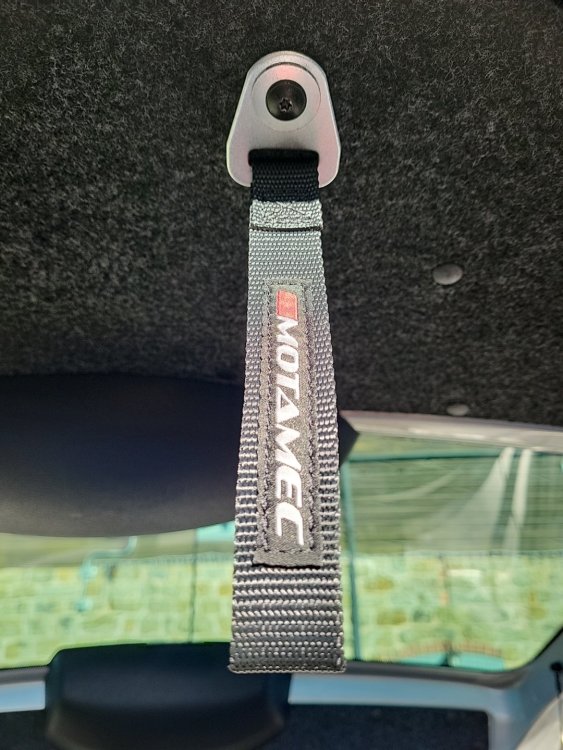
My Roomster arrived with a tired old bit of plastic that had been put on to make shutting the boot easier... I fitted a rally door pull instead. Looks better and is bound to add 5 BHP. 😀
-
Might pop the panel off on the passenger side airbag plastics and clean the plugs and contacts 🤔 Every time I clear the code it comes back the next day. Annoying. Very annoying.
-
Hello, After having my Roomster for a couple of weeks I now know of a few "features" that I need to fix. 1) The airbag light keeps coming on. 2) The rear parking sensors are evil. I bravely fired up my trusty old VCDS laptop hoping there would not be too many issues and got this. Chassis Type: 5J (5J - Skoda Roomster (2006 > 2010)) Scan: 01 02 03 08 09 15 16 17 19 25 37 44 46 55 56 76 77 VIN: ******************* Mileage: 205290km-127561miles ------------------------------------------------------------------------------- Address 08: Auto HVAC Labels: 6Q0-907-044.lbl Part No: 5J0 907 044 A Component: CLIMAtronic SK25 0608 Shop #: WSC 00000 000 00000 VCID: 285F4DA798F312D3A3-515A 1 Fault Found: 01271 - Positioning Motor for Temperature Flap (V68) 000 - - - Intermittent ------------------------------------------------------------------------------- Address 15: Airbags Labels: 6Q0-909-605-VW5.lbl Part No: 1C0 909 605 F Component: Q6 AIRBAG VW61 Q1Q2 0004 Coding: 20790 Shop #: WSC 28033 VCID: 275D4E9BC5ED1DABAA-515A 1 Fault Found: 01589 - Igniter for Head-Airbag; Passenger Side (N252) 32-10 - Resistance Too High - Intermittent ------------------------------------------------------------------------------- Address 76: Park Assist Labels: 5J0-919-283.lbl Part No: 5J0 919 283 Component: Einparkhilfe V003 Revision: 00012000 Serial number: 06110079420323 Coding: 0000120 Shop #: WSC 73430 790 00000 VCID: 6FED66BB7D9D05EB22-513C 3 Faults Found: 01546 - Sensor for Parking Aid; Rear Mid-Left (G204) 007 - Short to Ground - Intermittent 01547 - Sensor for Parking Aid; Rear Mid-Right (G205) 010 - Open or Short to Plus - Intermittent 01548 - Sensor for Parking Aid; Rear Right (G206) 010 - Open or Short to Plus - Intermittent ------------------------------------------------------------------------------- Hoping @Breezy_Pete is passing with some advice 😀 One thing I do know I'm quite taken by my grandpa-spec Roomster! Any advice welcomed . R.
-
Took the safe option and bought another Dance Unit from eBay that has a working screen. No swinging for me.
-
Hi, Did you sell these in the end ?
-
Not that I know of, but let's see what summer brings... Last event I went to was using my VCDS cable in a B&Q car park 😀
-
That's a big 'ol beast to park. I thought my Roomster was a good DadWagon but that T5 has me beat 😁
-
My nearest town is Ludlow. I'm out in the sticks.... So in the deep south😁
-
Nice to see more Salopians here. Welcome 😁 Enjoy the VRS 👍
-
Welcome! I bought my roomster Saturday morning but have been a lurker on these forums for a while now. Lots of information available and shockingly.... The members are nice 🥳 I'm sure I'll see you in the Roomster section as I have a few improvements planned. 👍
-
Hello all, My new to me 07 Roomster TDI is great but sadly the middle line of the Dance head unit had lost its pixels. I have been offered a Swing Head unit with code to replace it. Is this a direct swap and would the station info display still work between the Speedo and rev counter. Any help appreciated. Thanks 👍