dootzord
Finding my way
-
Joined
-
Last visited
-
Can't say I've seen a switch like that on mine. I'll have a search though, thanks.
-
Hi guys, This might be a dumb question so bear with me - but would my 2014 Octavia RS have a car alarm built in that I can enable (or test)? It has the red blinking light on the drivers door when locked, it has the little sensors above the centre console. Is it something that needs to be enabled? My car has been broken into via smashed window recently and nothing went off. I'm in Australia (if region plays into it). Thanks
-
I believe I am in the process of buying the same part: 06L121111P is what I have been told from Skoda - but the last letter is just the revision version, mine has had a 06L121111J previously. Not all come with a new replacement belt and seals, so worth checking
-
As first mentioned above, there's a coolant leak and likely corrosion. It often means the heater matrix is corroded which in turn damages the pump and thermostat.
-
It's confusing, My part number says 06L121111J, and now there are subsequent letters beyond 'J' in listings on ebay. I'll wait to hear from Skoda in the next couple of days about whether they will replace under goodwill or not (same pump and thermostat were replaced by them in 2019), but regardless I will chase down part numbers.
-
Thanks I've been scouring that thread already. Would be interesting to know if there is an updated part number for e new water pump that lasts more than 4 years without leaking to **** and dying. Currently using skoda-parts.com but if anyone has a better source for parts going (and would ship to Australia) then I'd love to hear it. Thanks
-
Hey guys, just to revive this thread as I am suspecting a heater core issue in my 2014 Octavia mk3 RS. coolant keeps leaking somewhere and alarm going off. On opening hood the coolant expansion tank is empty and then refills to full when cap taken off. corrossion brown stuff sometimes in the coolant tank. The passenger footwell is wet and it hasn’t been raining… am I right to think this is a clogged heater matrix? it has been to Skoda and they said water pump and thermostat need replacing ($2500 wtf). I suspect heater matrix is the cause though if this is the case. Can anyone advise me? Otherwise I’ll order a replacement Nissen and see if it continues to leak.
-
Have now solved via Autioinstall.text. Admin pls delete
-
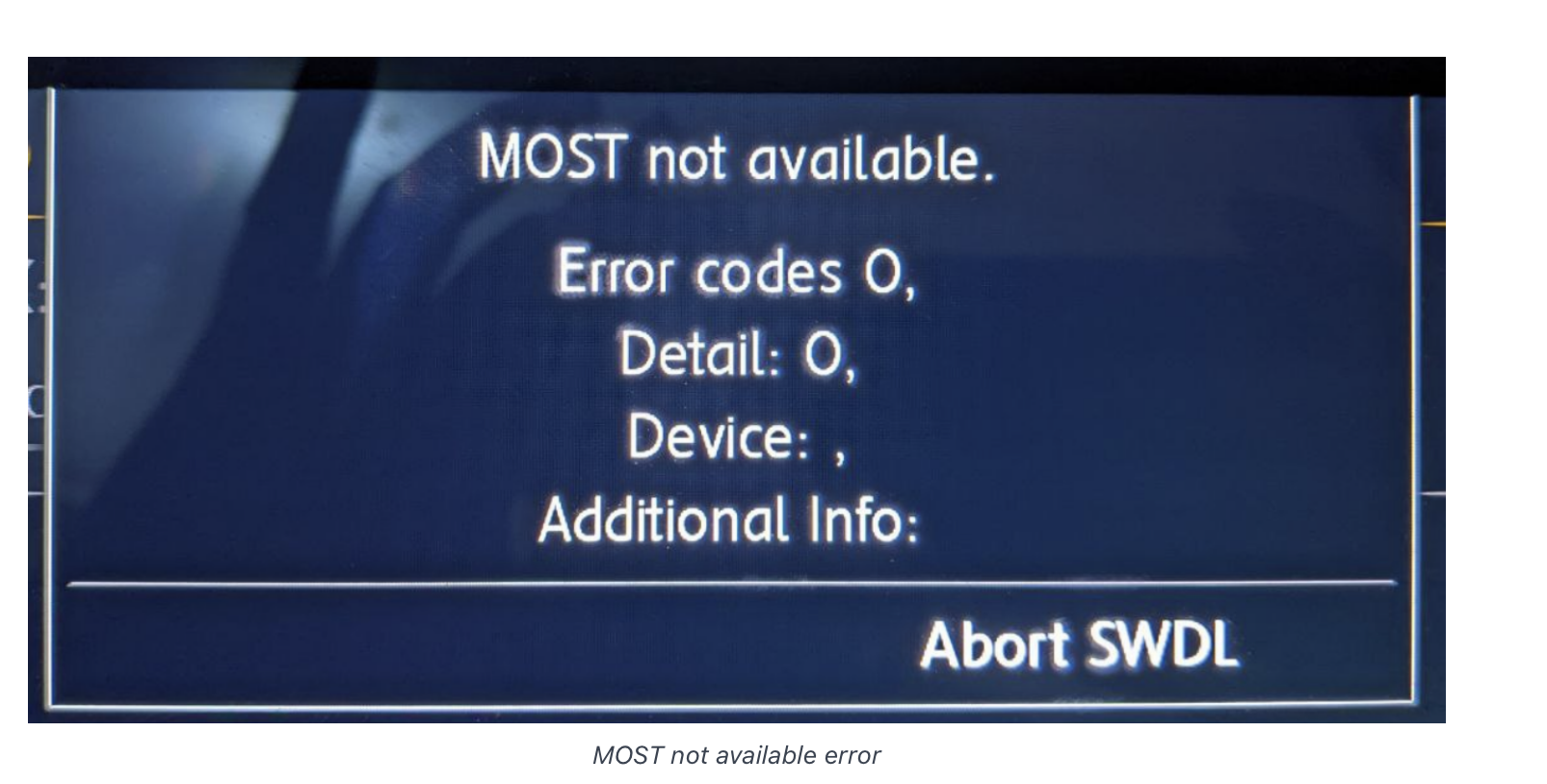
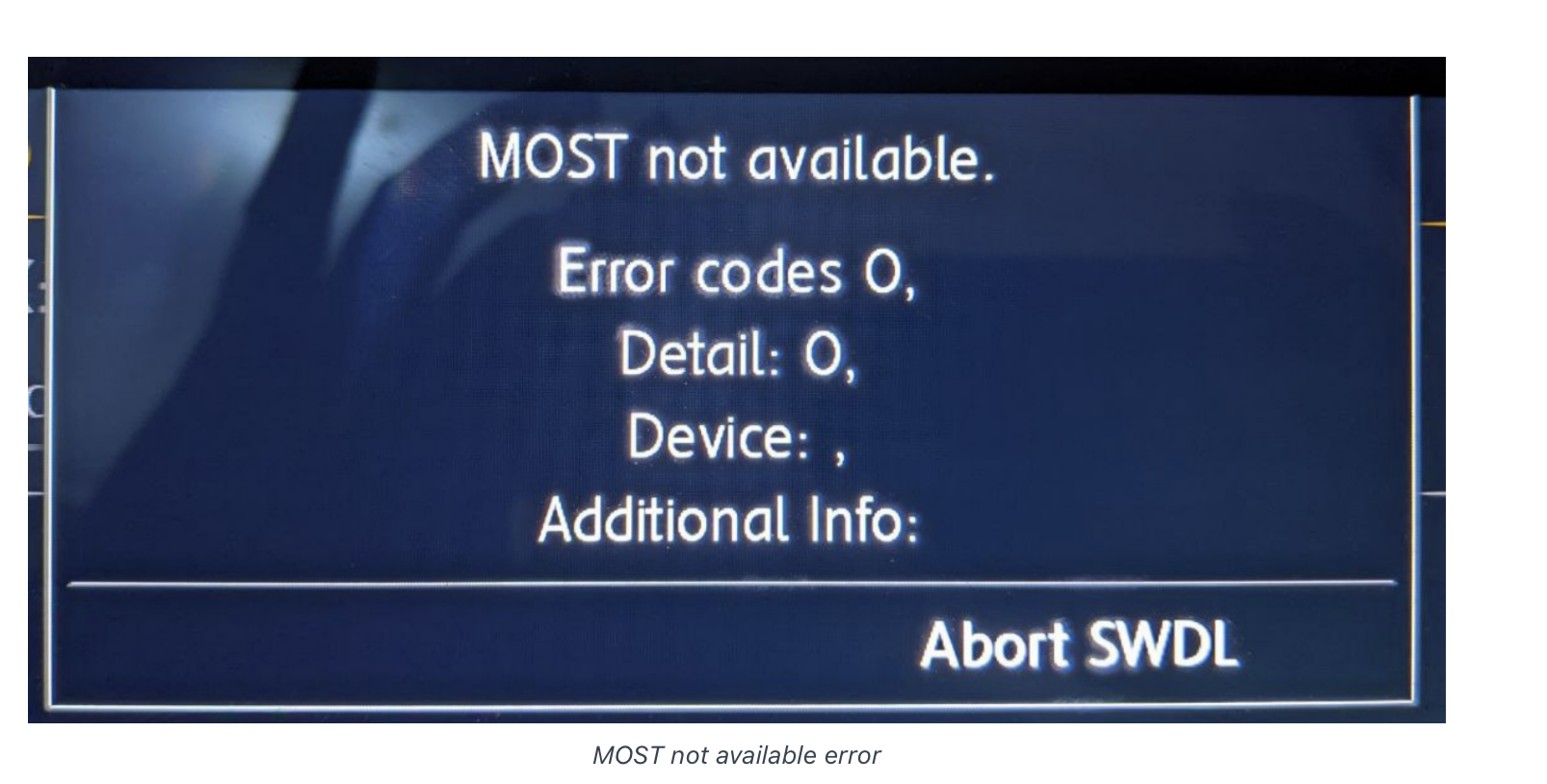
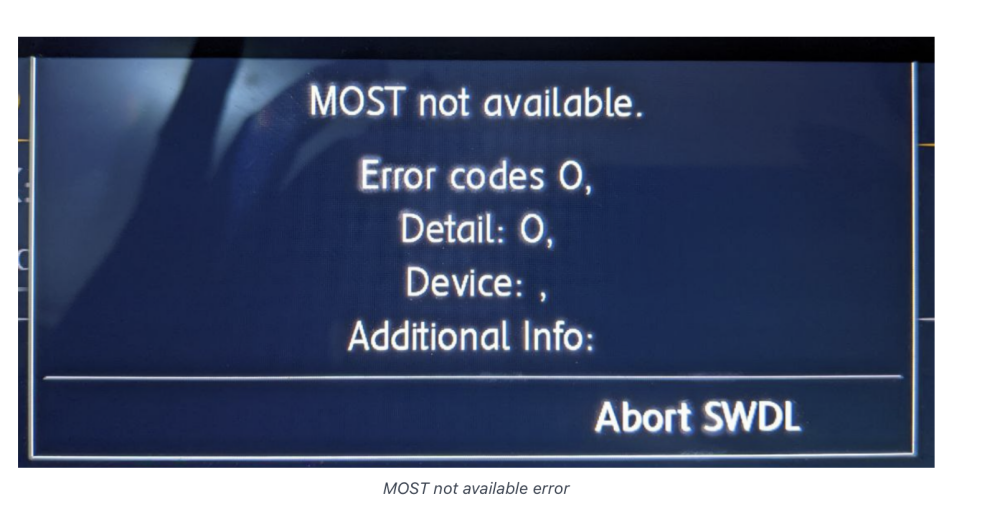
Hi guys, It has been a long process reaplacing my dead mib1 unit (RIP) in my 2014 Octavia RS. New MIB2 - 3VO 035 045 B was installed. I've just had an odd thing happen on firmware update on this new unit. Original FW: MHI2_ER_SKG11_P2104_1 Attempted FW update: MHI2_ER_SKG11_K3343 Error received and FW failed as I had this message: 'MOST not connected' as seen here: Then after it rebooted, it has rebooted to a very basic FW, with only radio available. The most problematic is that I cannot use any of the buttons, and I cannot access the hidden menus to do further installs of FW or M.I.B to patch/bypass the error. Any help would be appreciated. I hope I have not bricked the unit. A normal firmware update surely should not have done this.
-
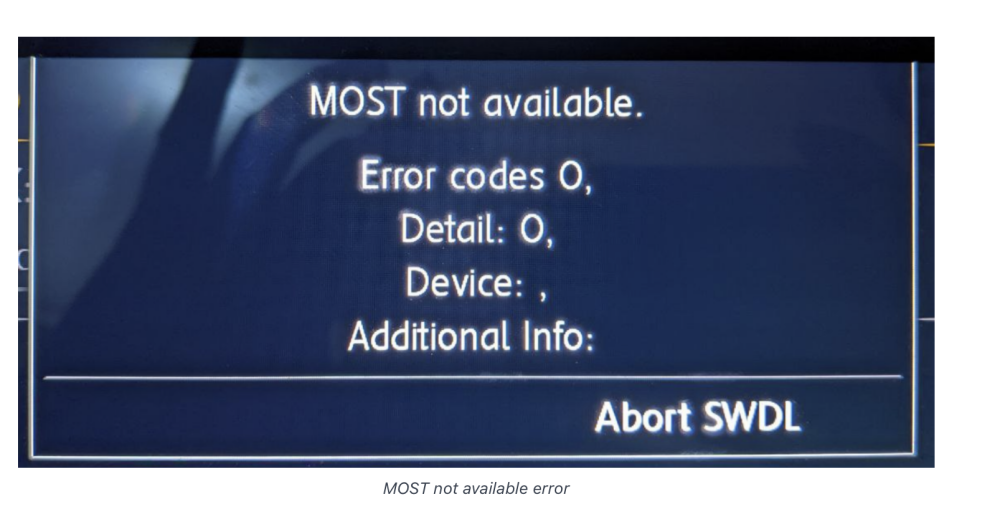
EDIT. doubled up post, wrong forum category. Admin pls delete this one as it should be in Octavia III. Hi guys, It has been a long process reaplacing my dead mib1 unit (RIP) in my 2014 Octavia RS. New MIB2 - 3VO 035 045 B was installed. I've just had an odd thing happen on firmware update on this new unit. Original FW: MHI2_ER_SKG11_P2104_1 Attempted FW update: MHI2_ER_SKG11_K3343 Error received and FW failed as I had this message: 'MOST not connected' as seen here: Then after it rebooted, it has rebooted to a very basic FW, with only radio available. The most problematic is that I cannot use any of the buttons, and I cannot access the hidden menus to do further installs of FW or M.I.B to patch/bypass the error. Any help would be appreciated. I hope I have not bricked the unit. A normal firmware update surely should not have done this.
-
Yes I did thanks. It seems with the non-nav units like this one I did not know the patching process is terribly difficult and must be rewired and hacked to install the patched software. WIthout it the unit has all features locked except radio.
-
Thanks Nicky it’s all connected and CP removed. Now just need to enable smartlink. If anyone can point me in the direction of the correct version of the patch I should be installing for that I’d appreciate it.
-
-
-
HI guys, I'm installing a 5Q0035840C in my mk3 Octavia today. Noticed the plastic connection on one of the plugs on the back is slightly different in this unit to the original 5E0035045B unit that needs replacing. I remember seeing somewhere on here about shaving down the plastic to connect it, but wanted to double check if this was fine to do? Are the connection pins the same regardles of the plastic housing around this or is there a reason for me to avoid this? Thanks.