





a1topdog
Members
-
Joined
-
Last visited
Everything posted by a1topdog
-
-
-
I'd love these but it's a 5.5hour journey each way 😭 Do you have any reliable shipping options?
-
-
-
-
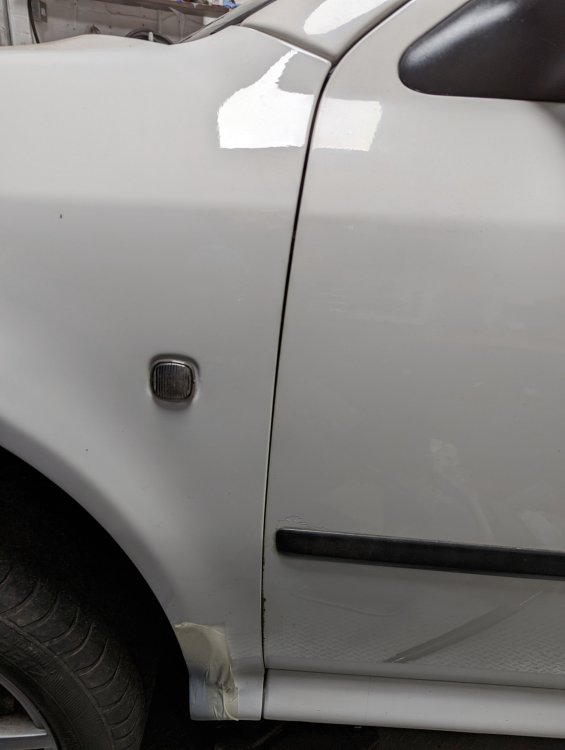
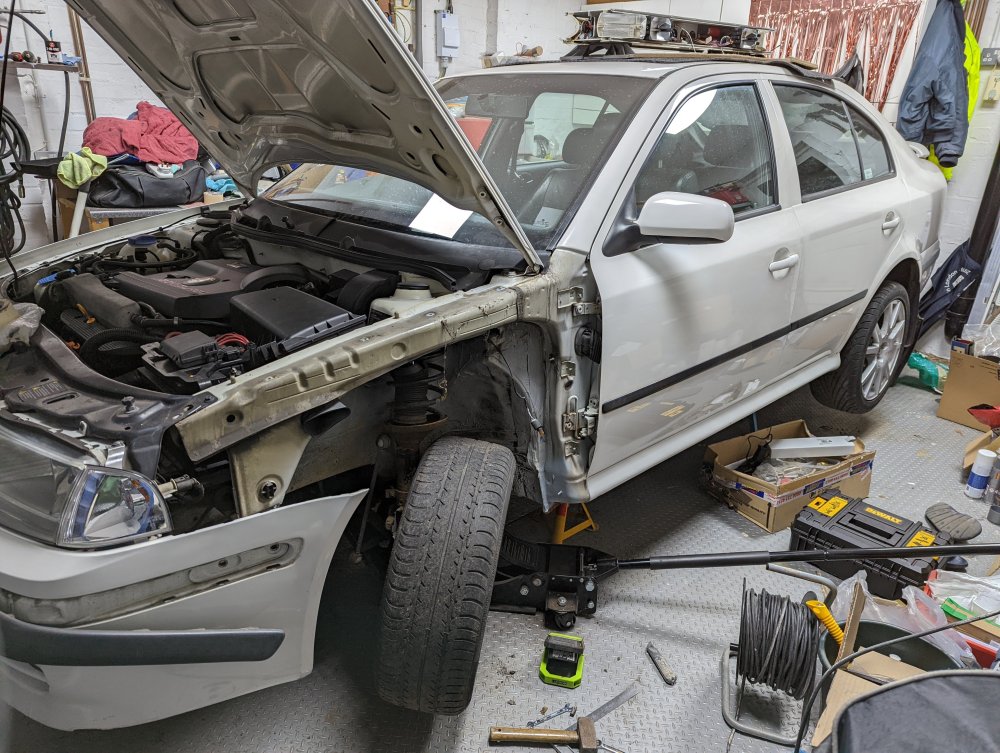
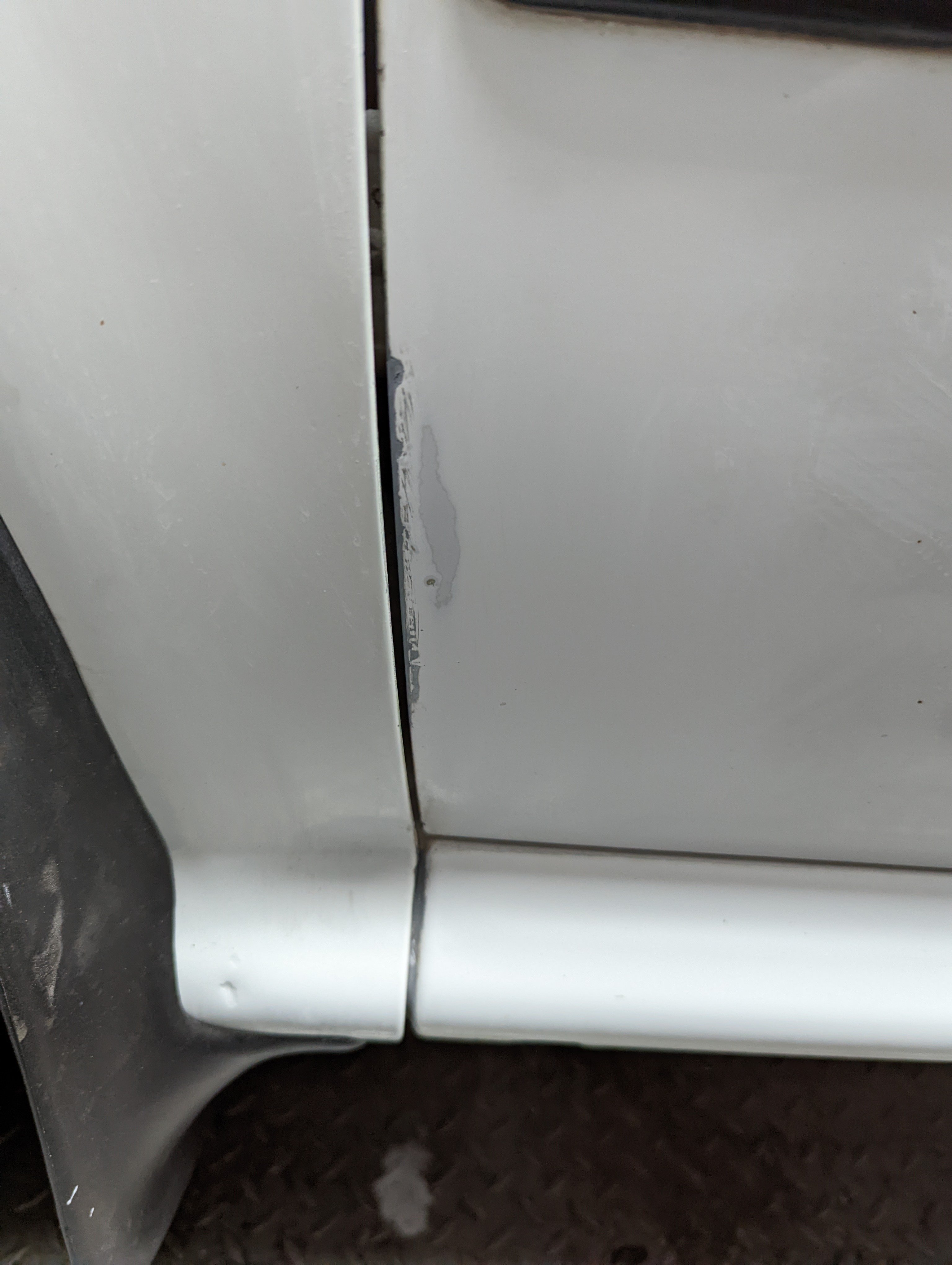
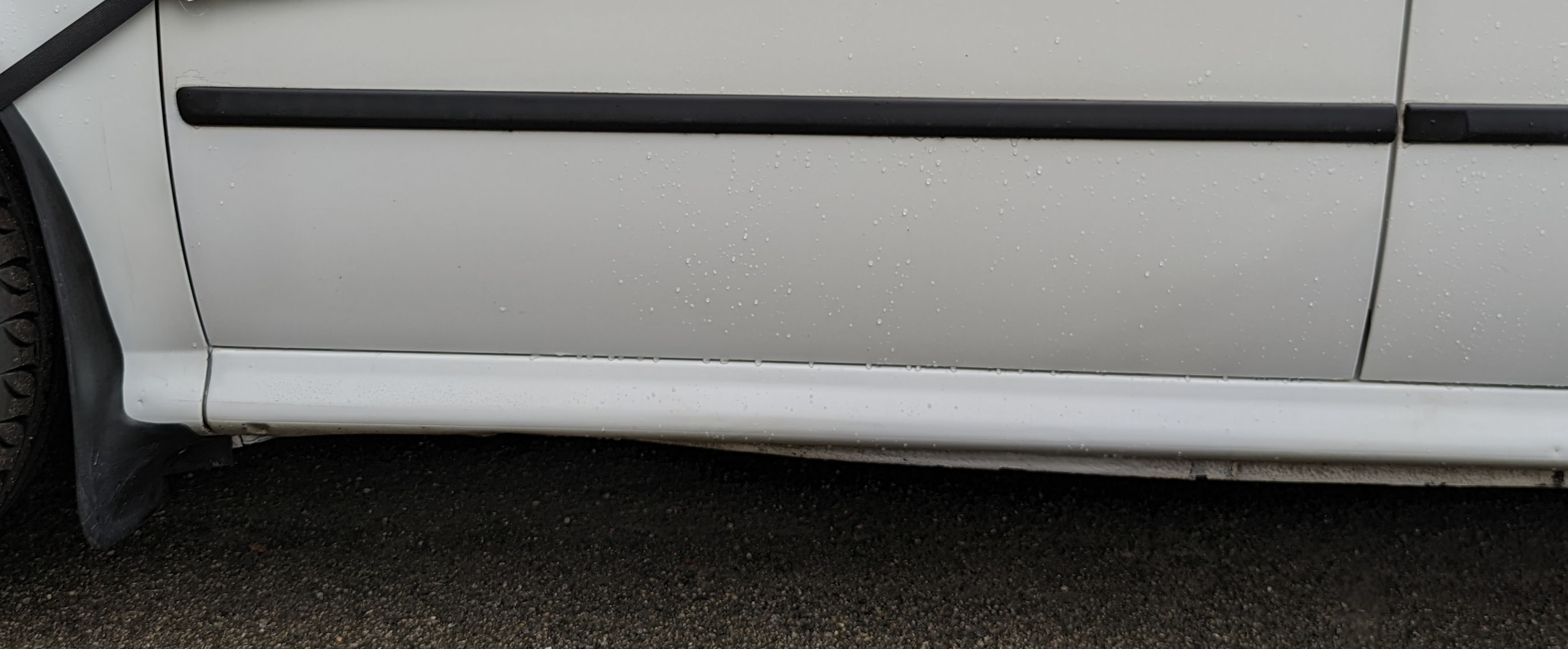
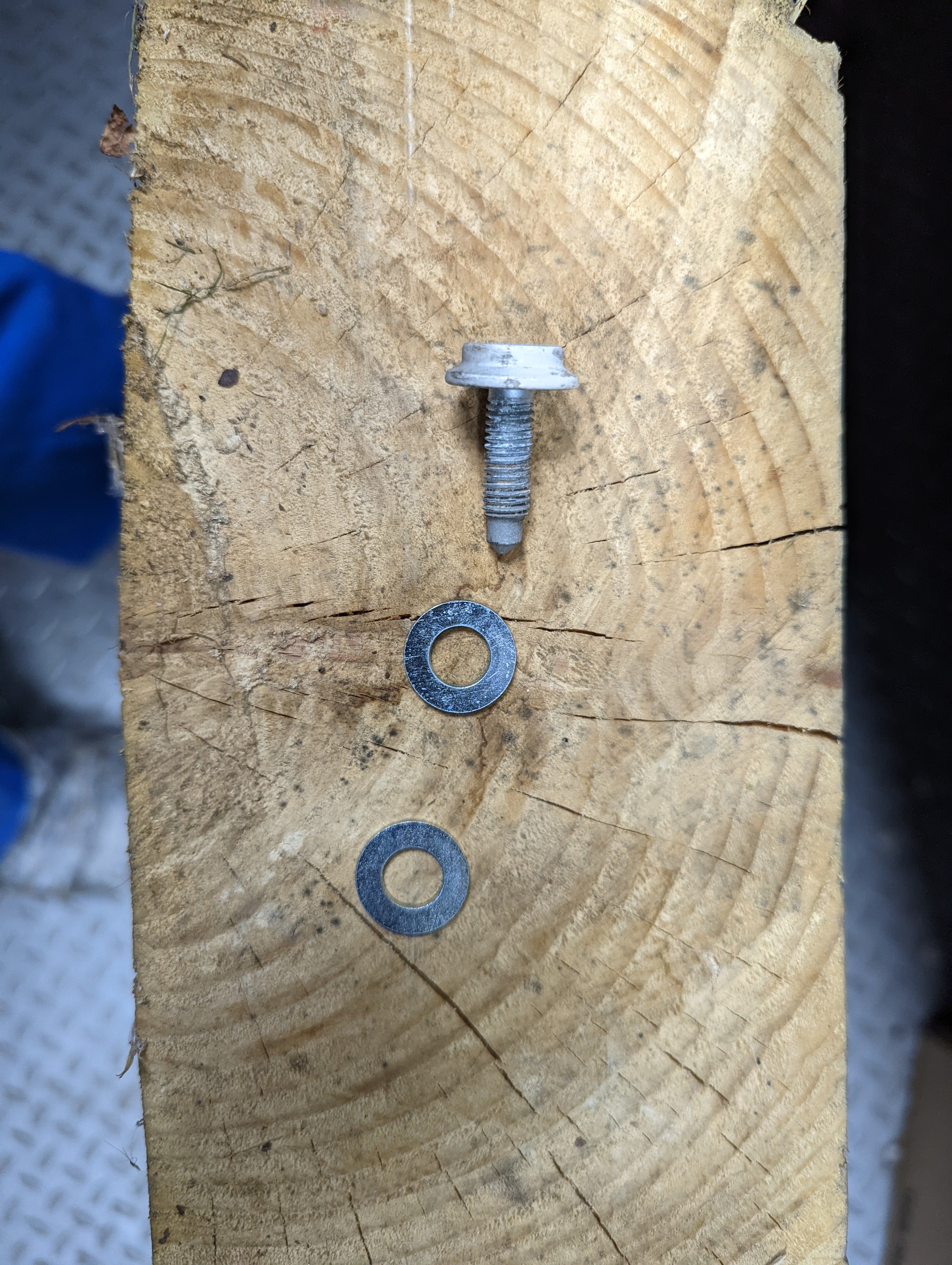
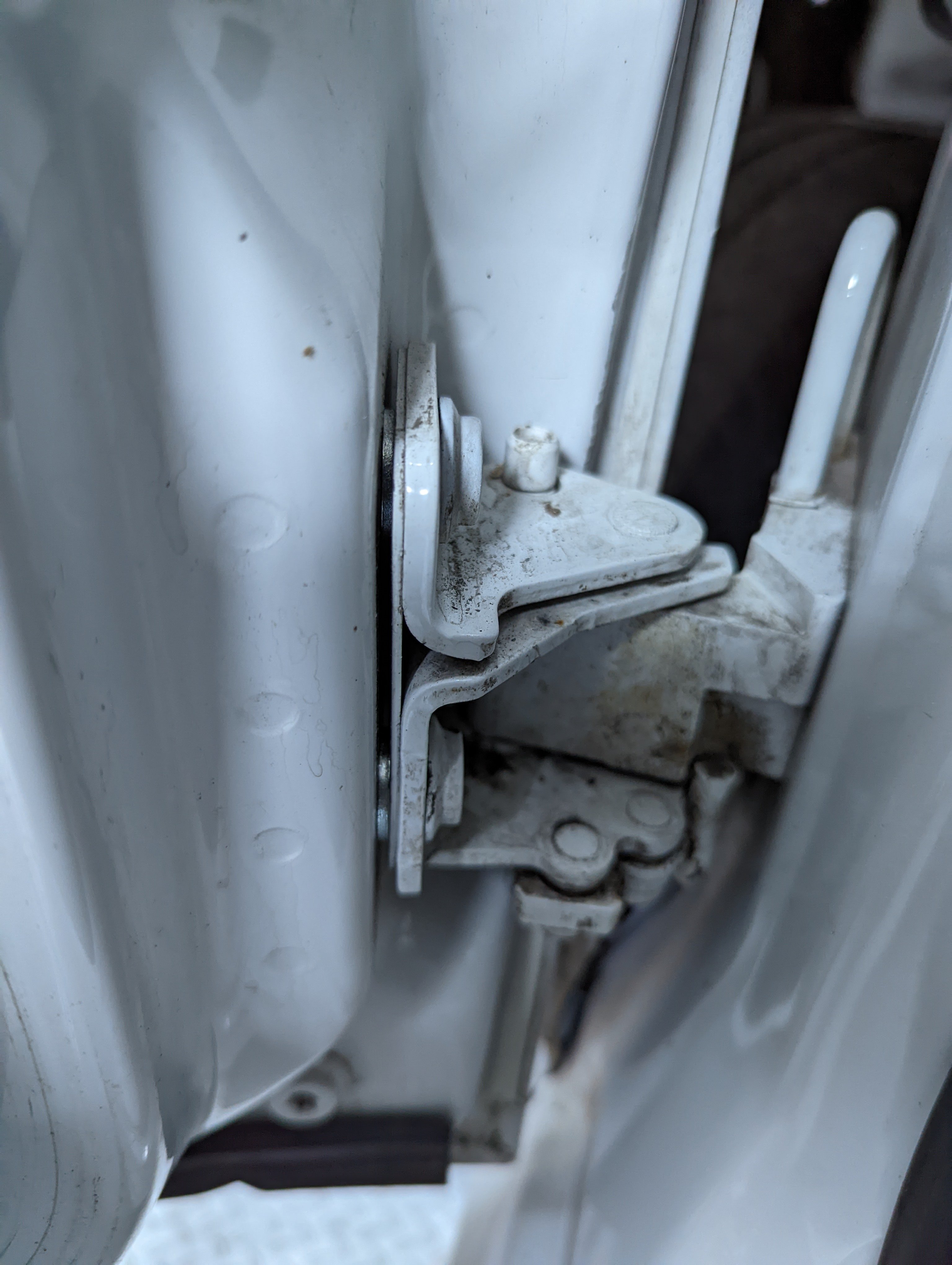
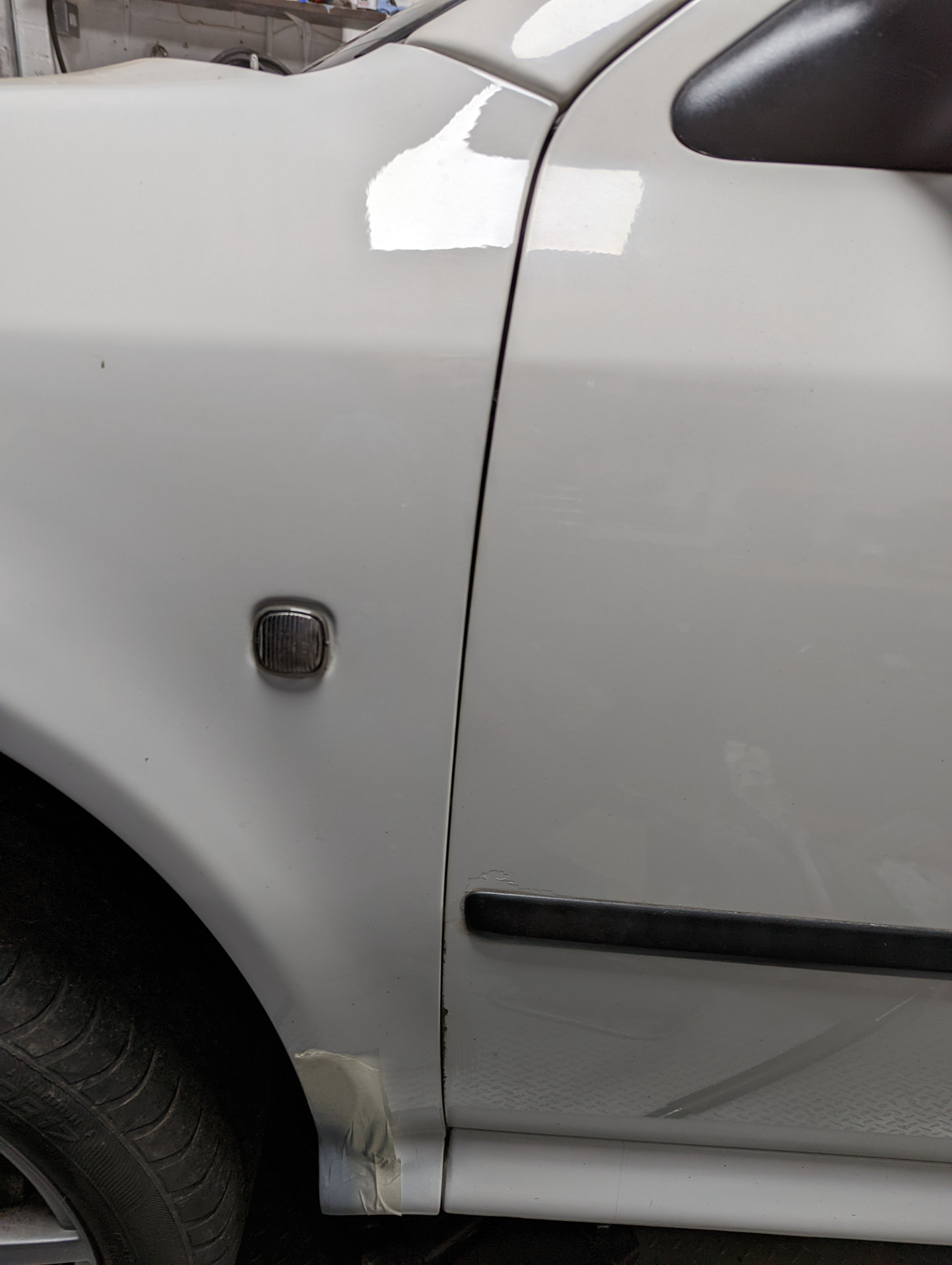
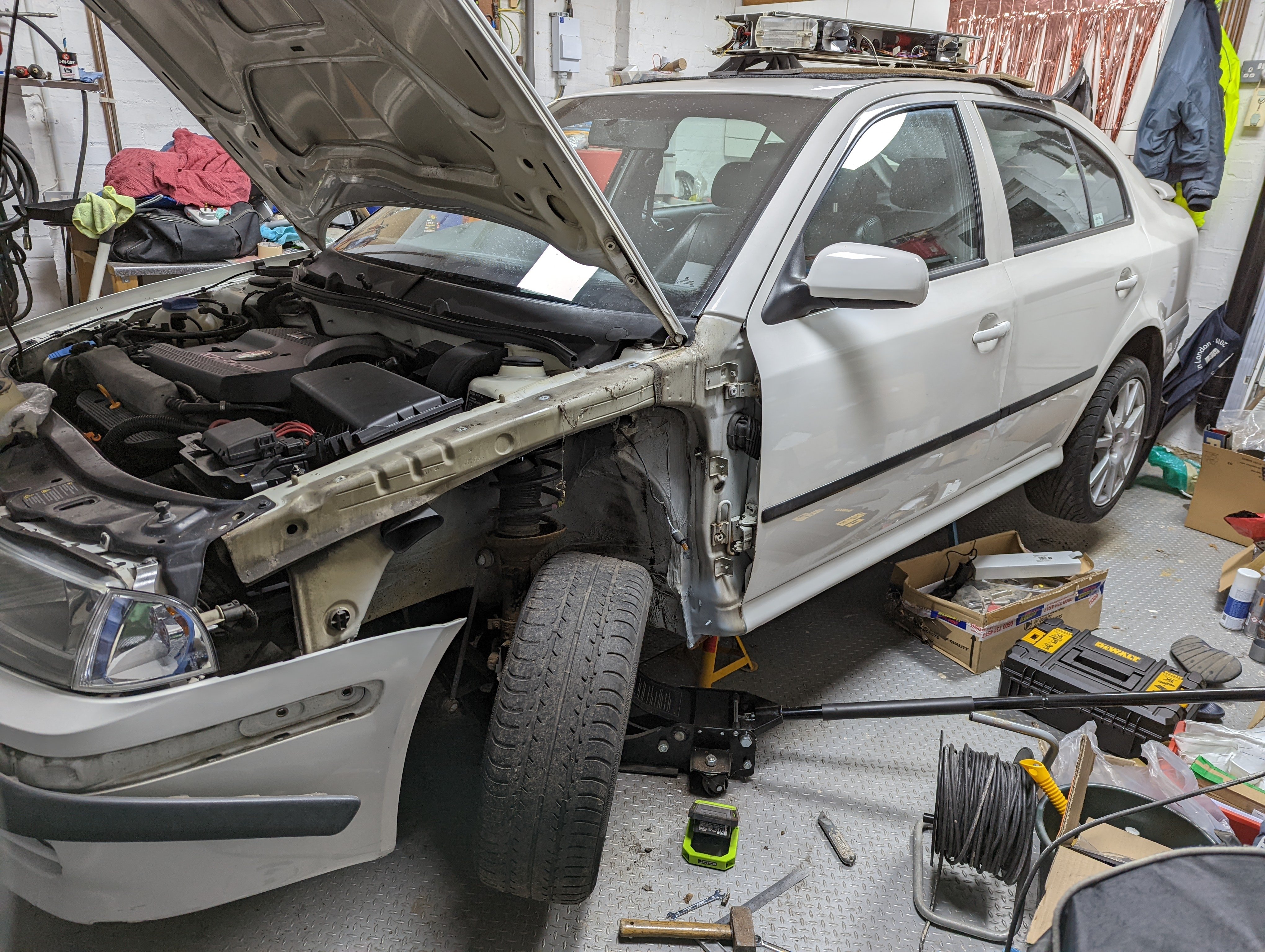
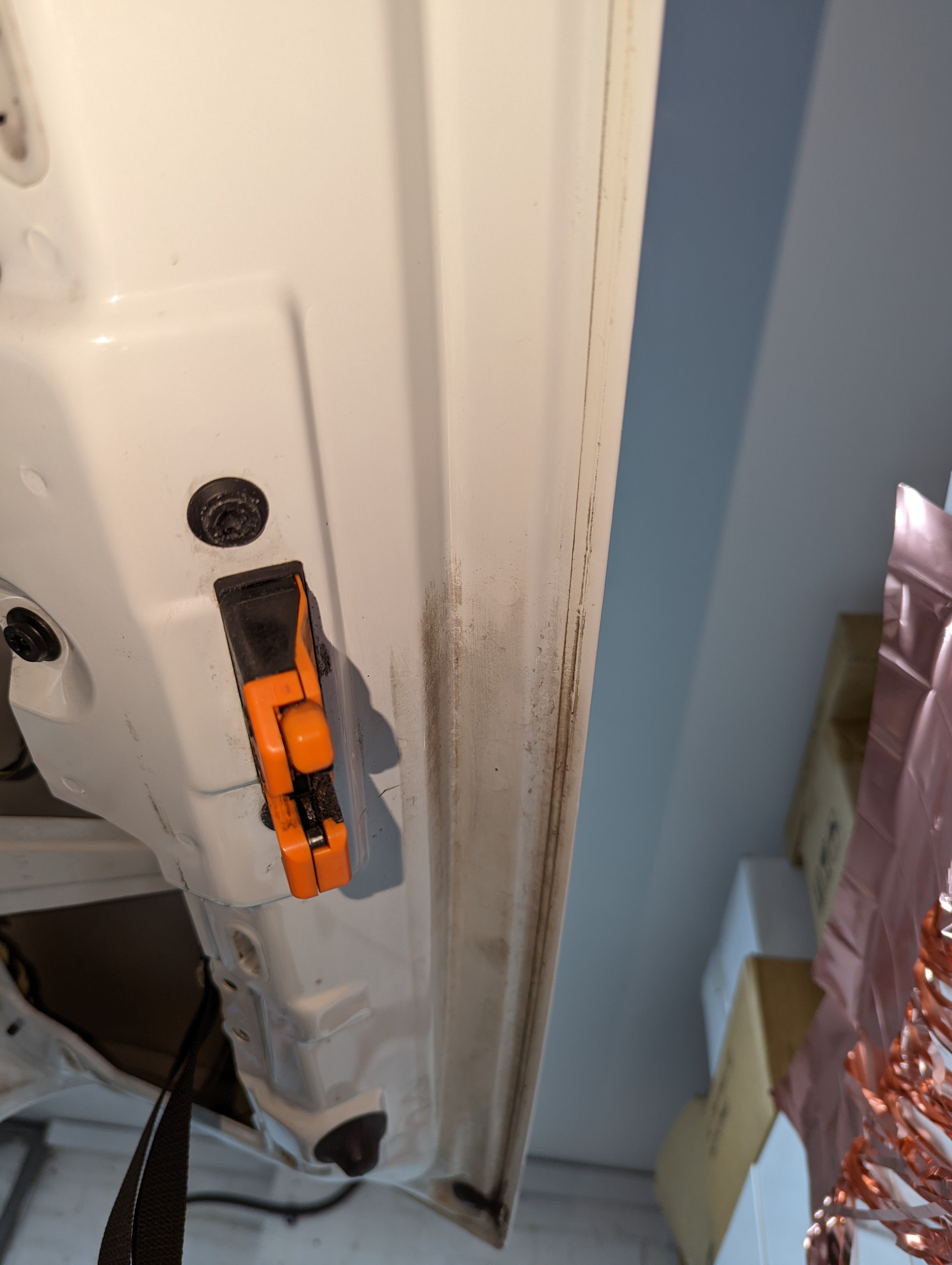
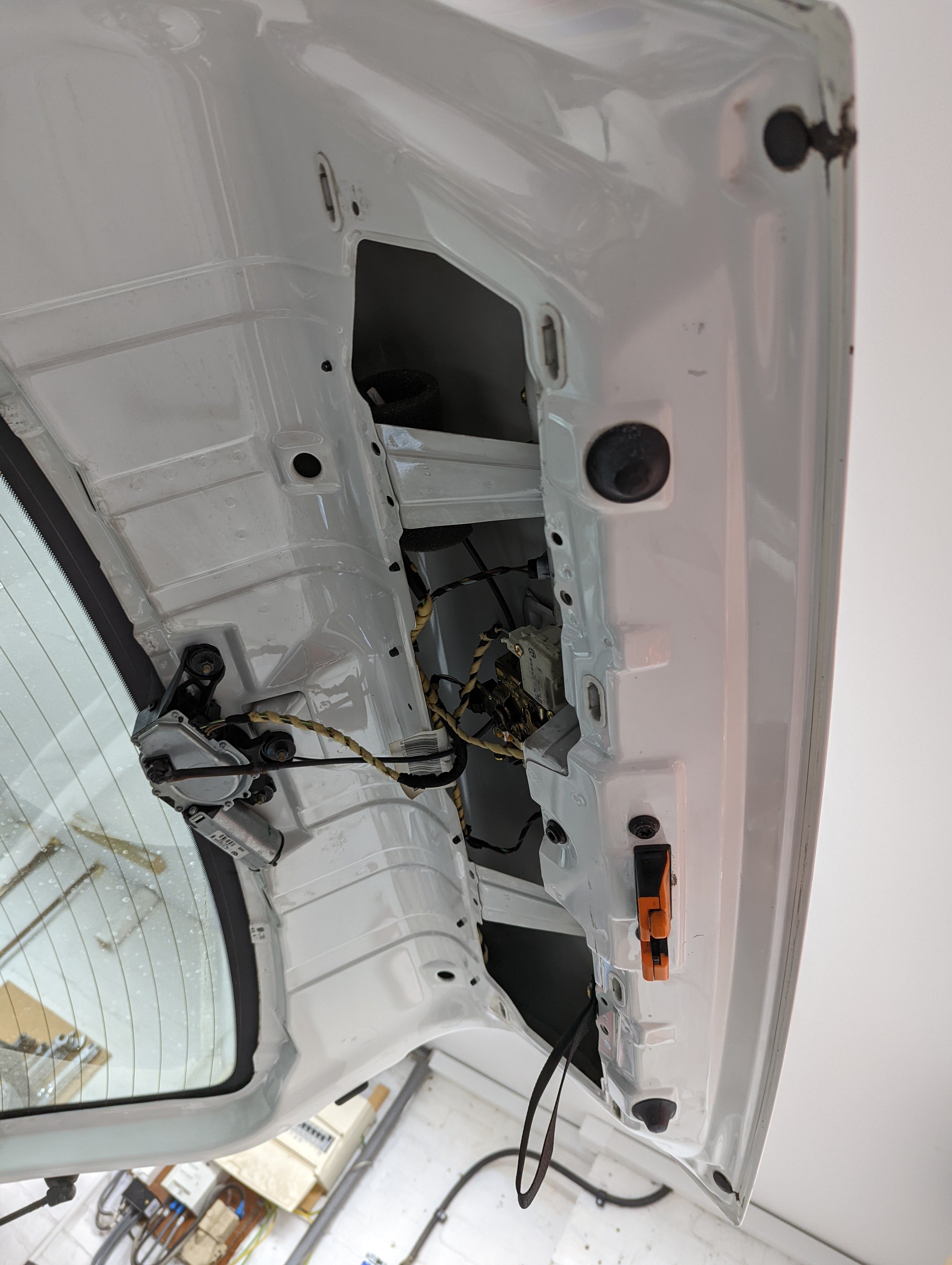
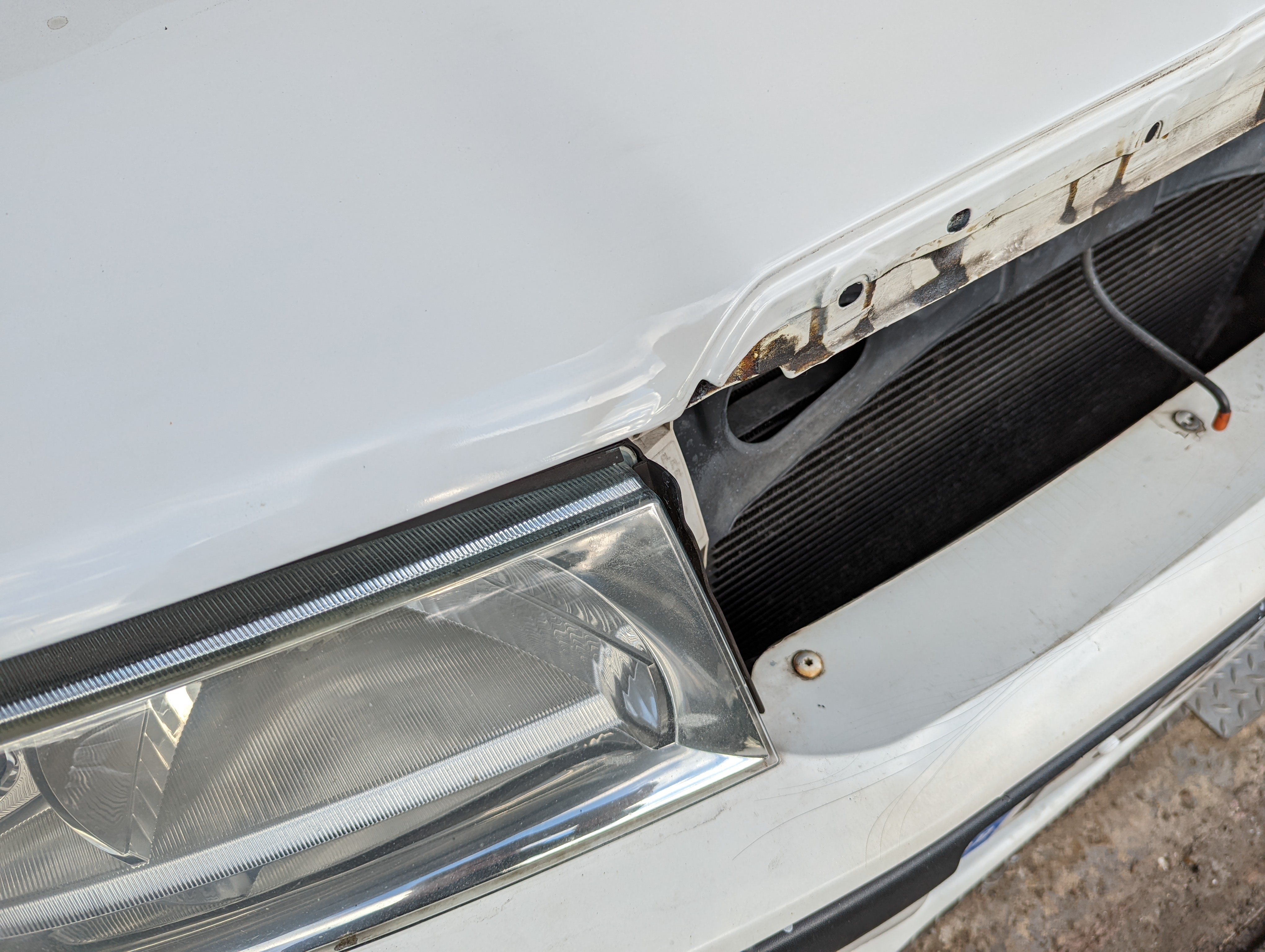
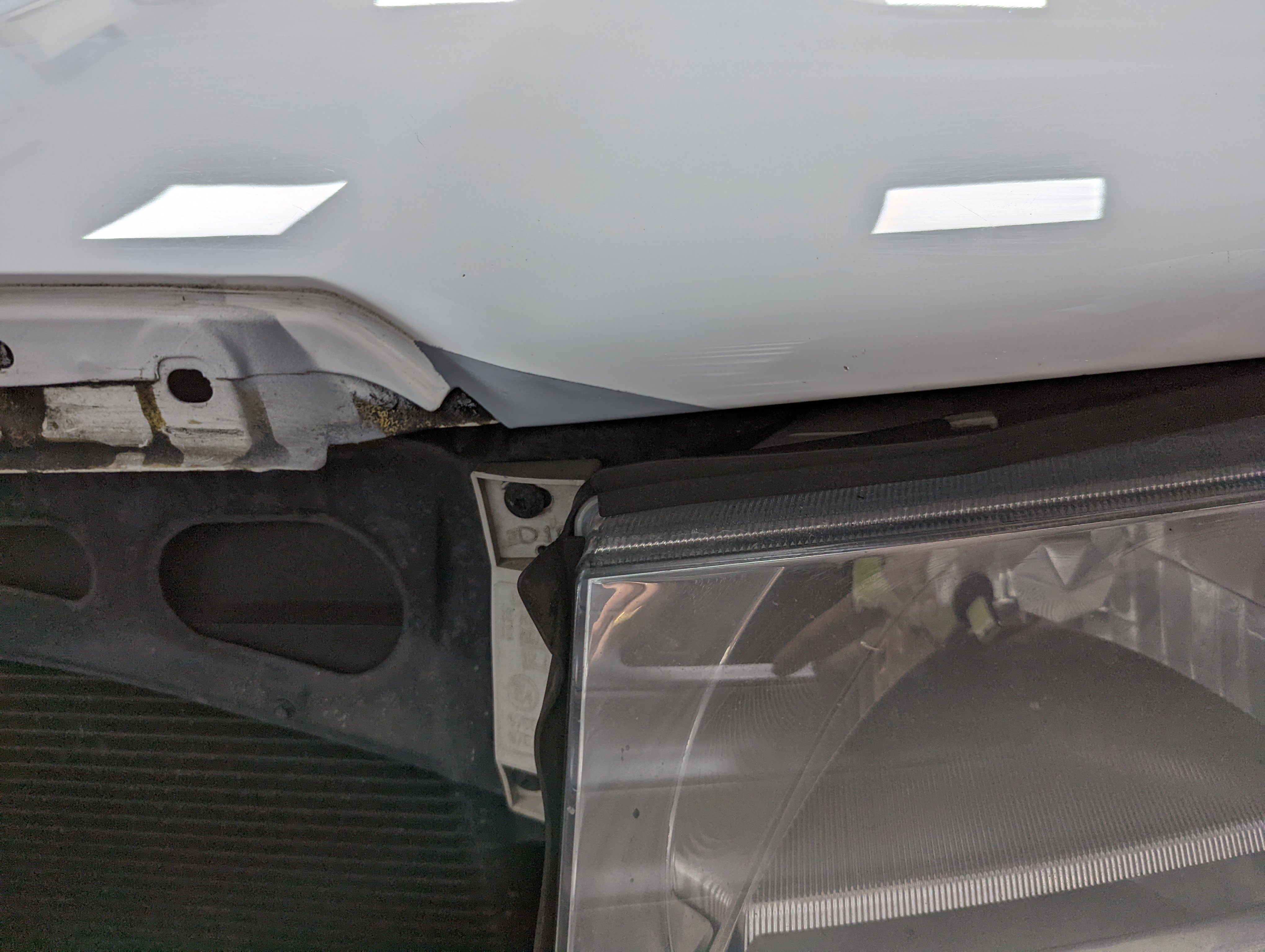
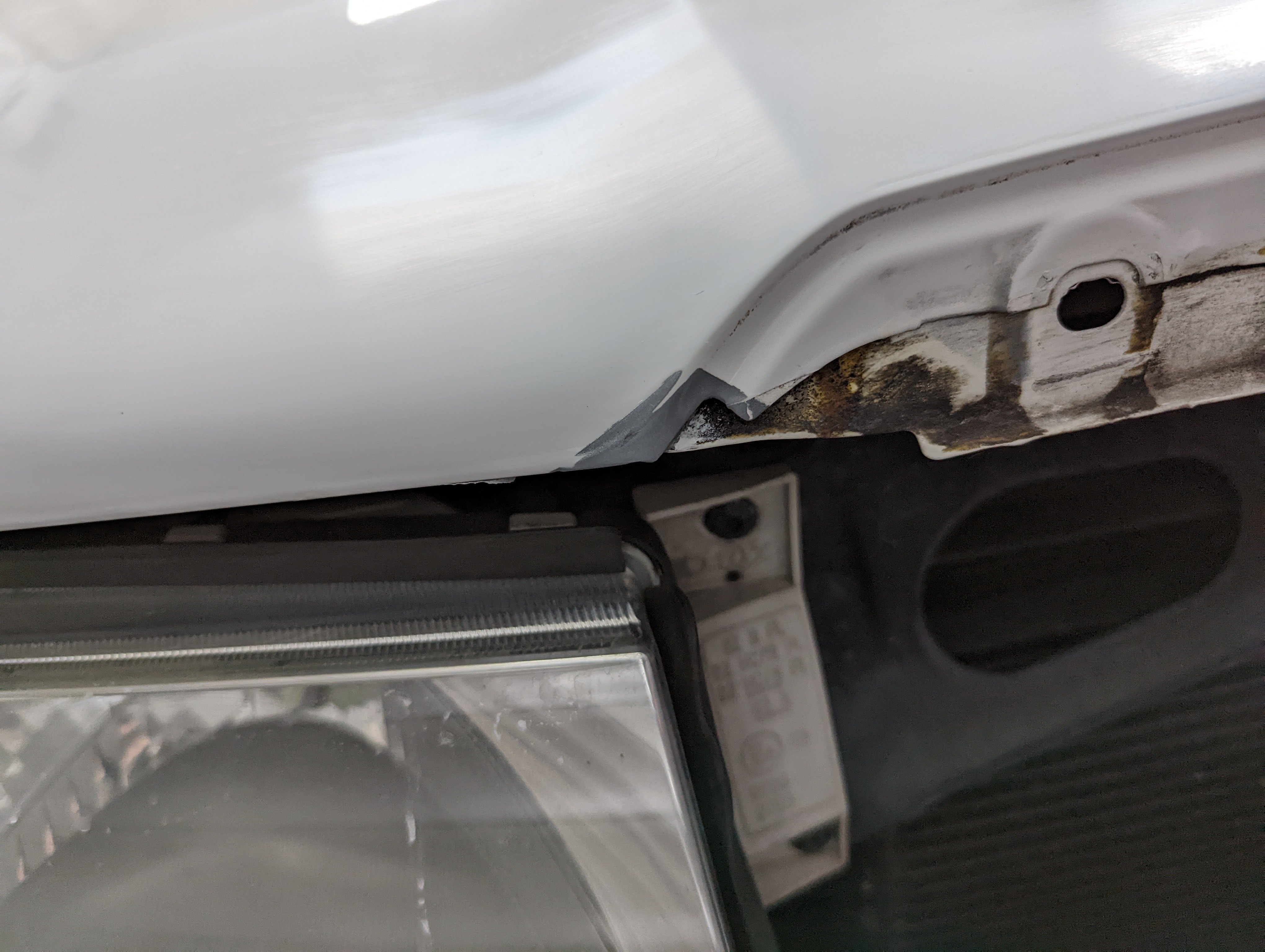
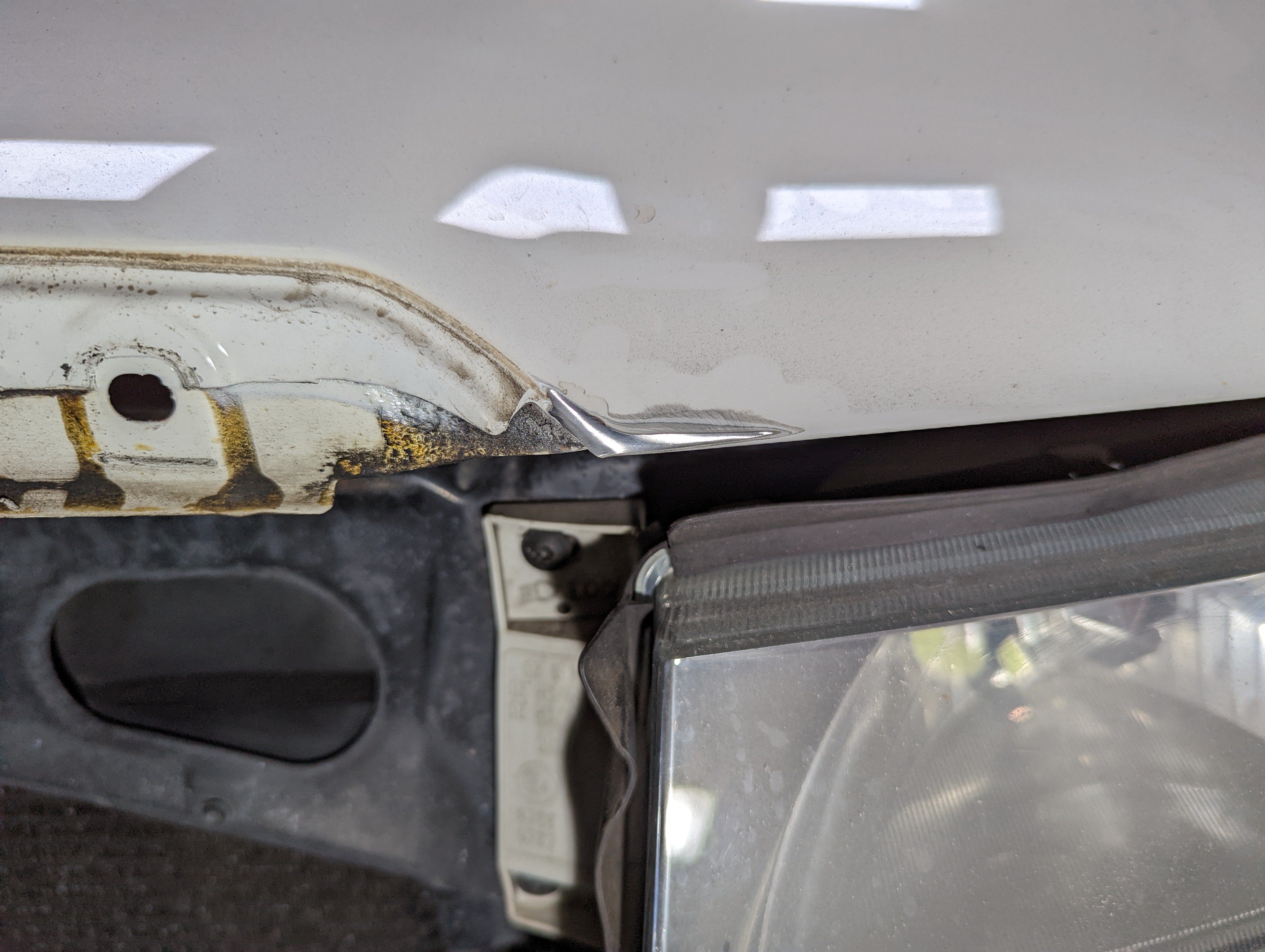
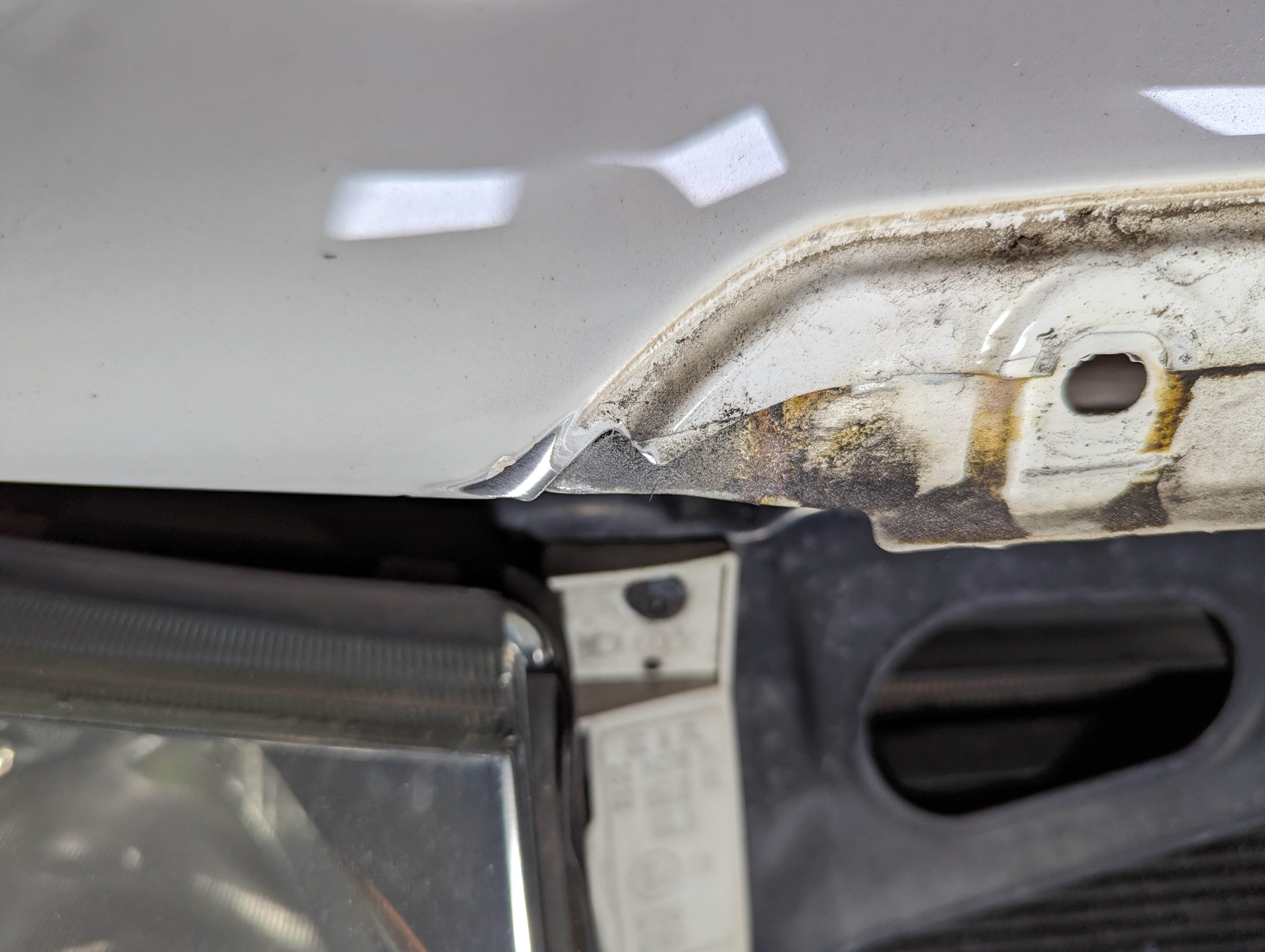
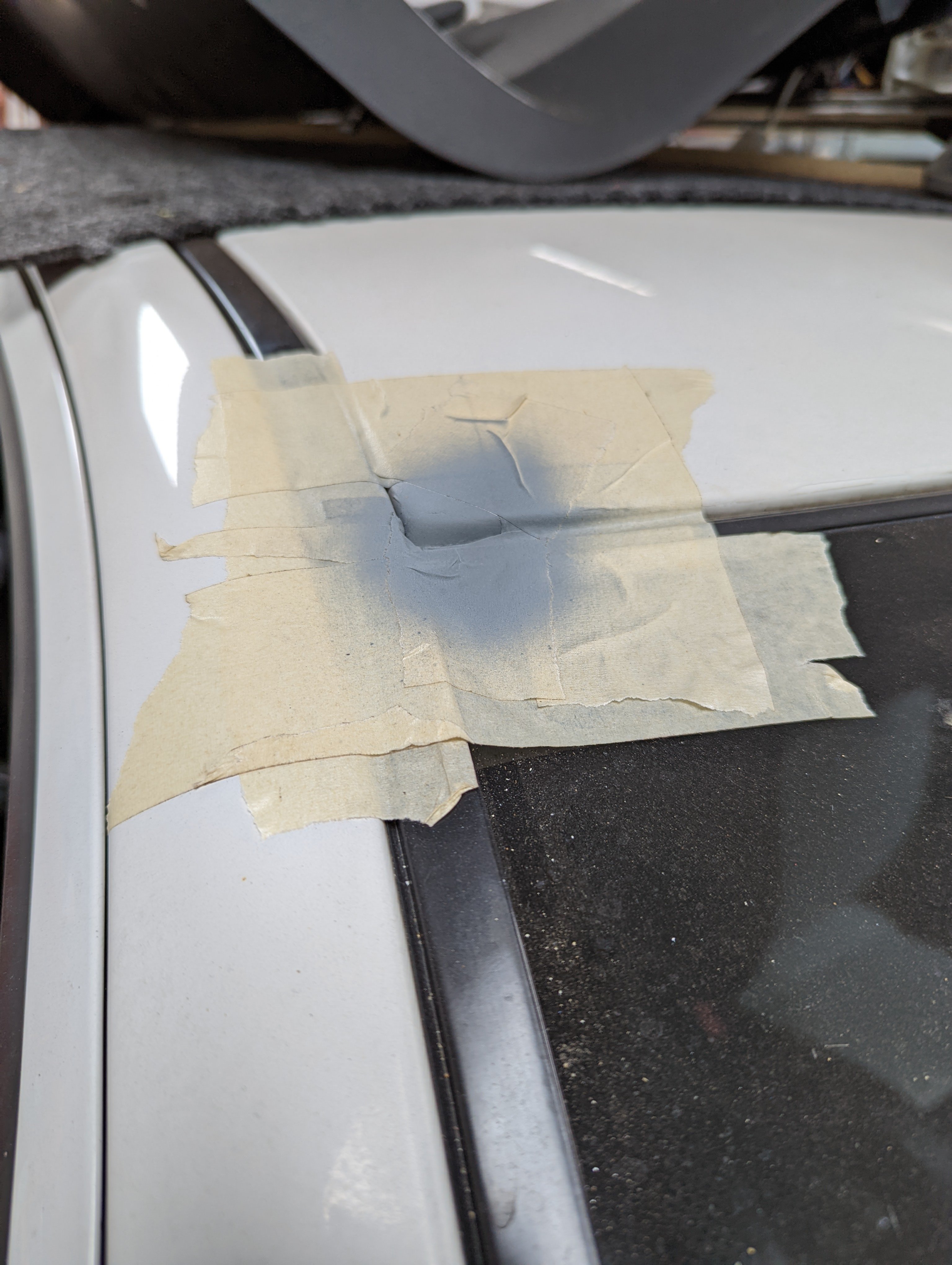
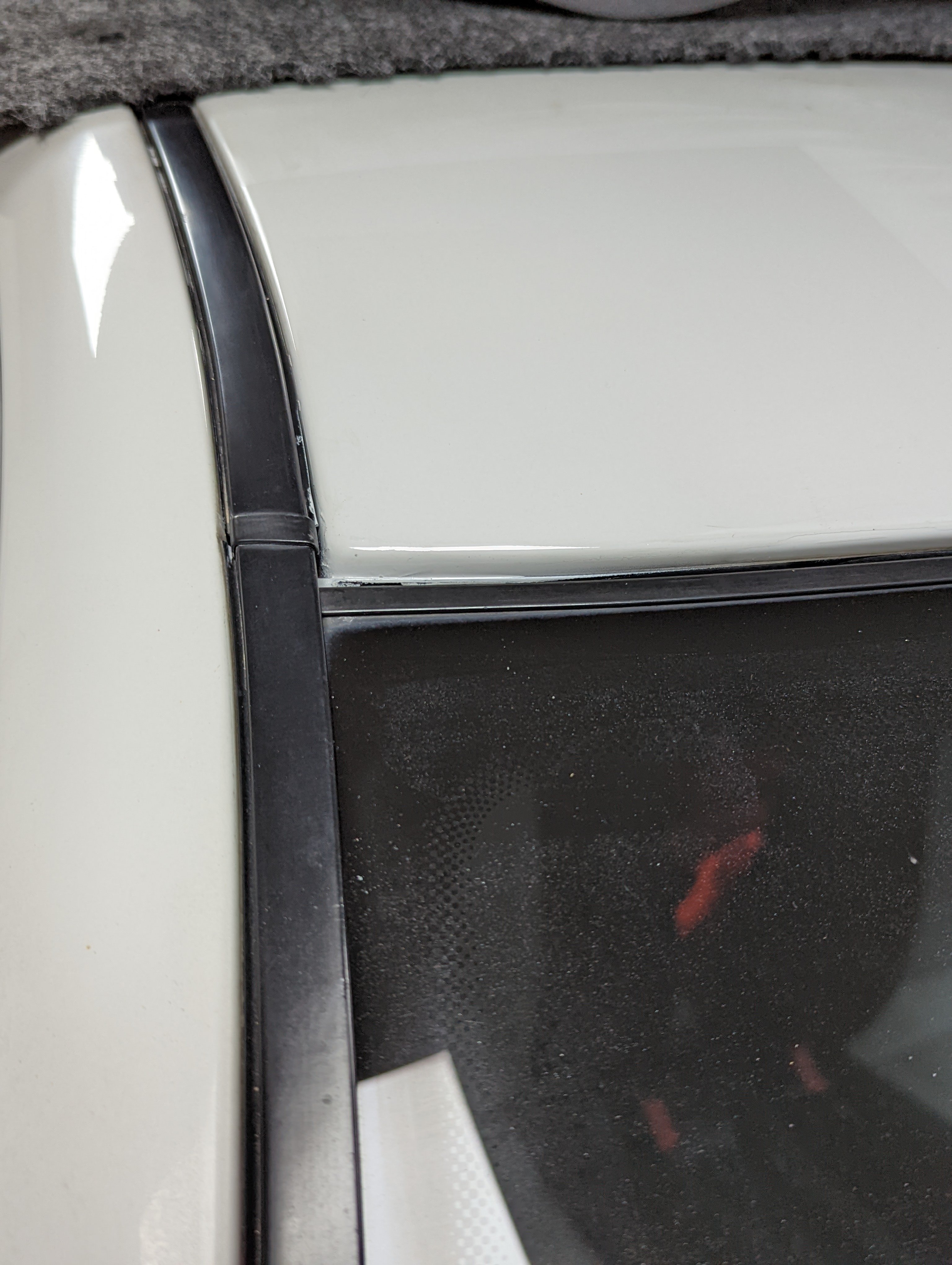
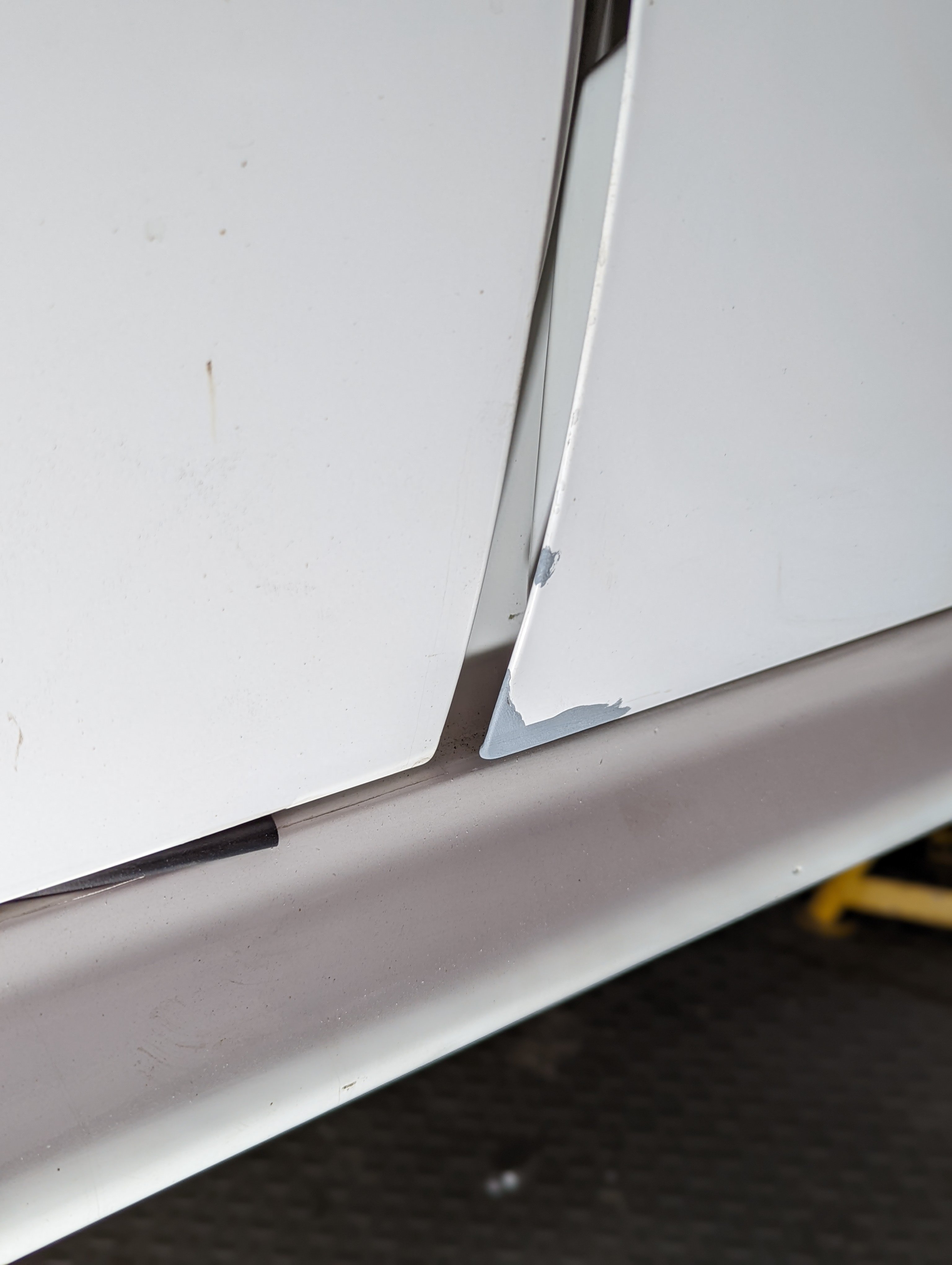
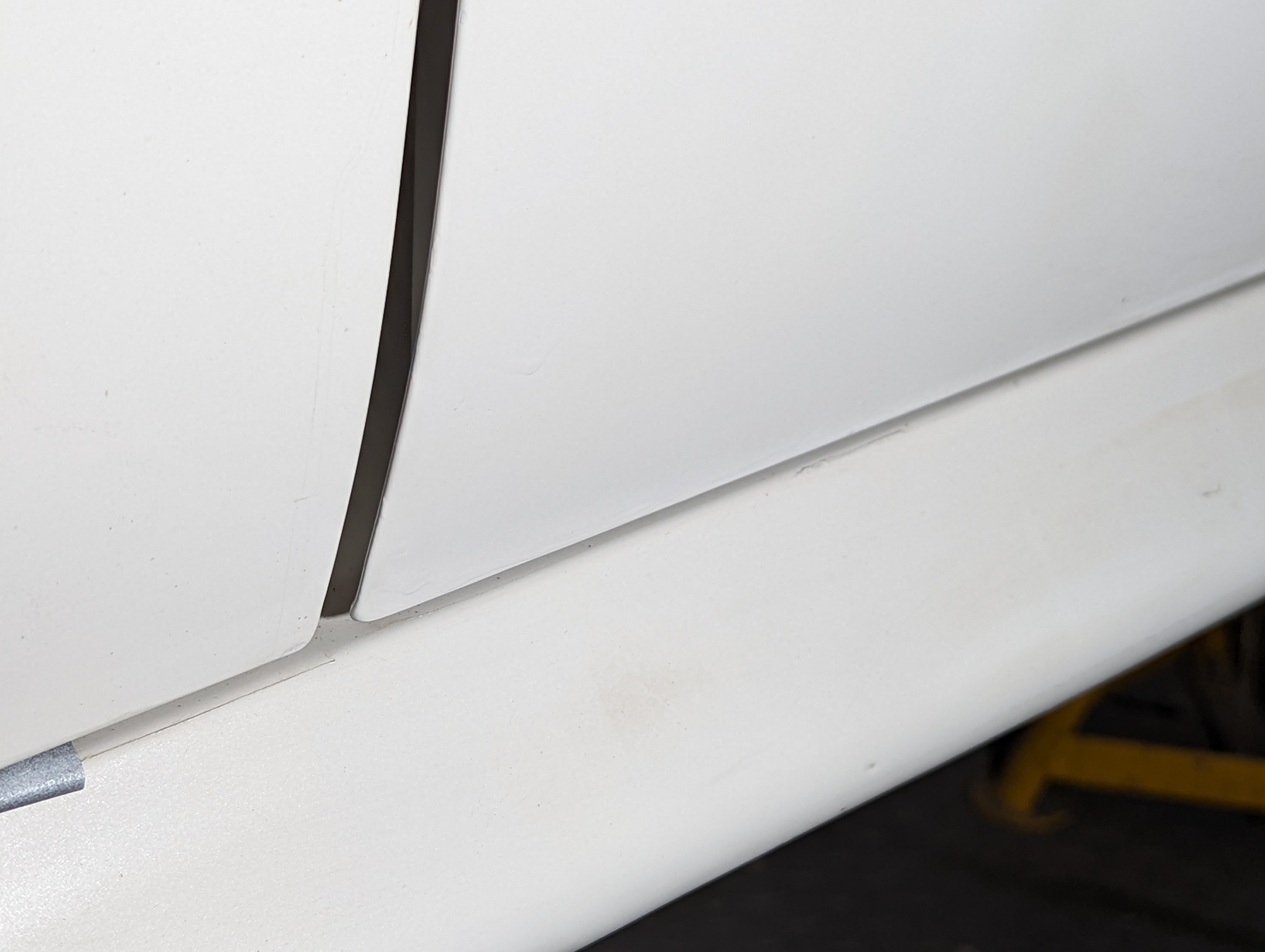
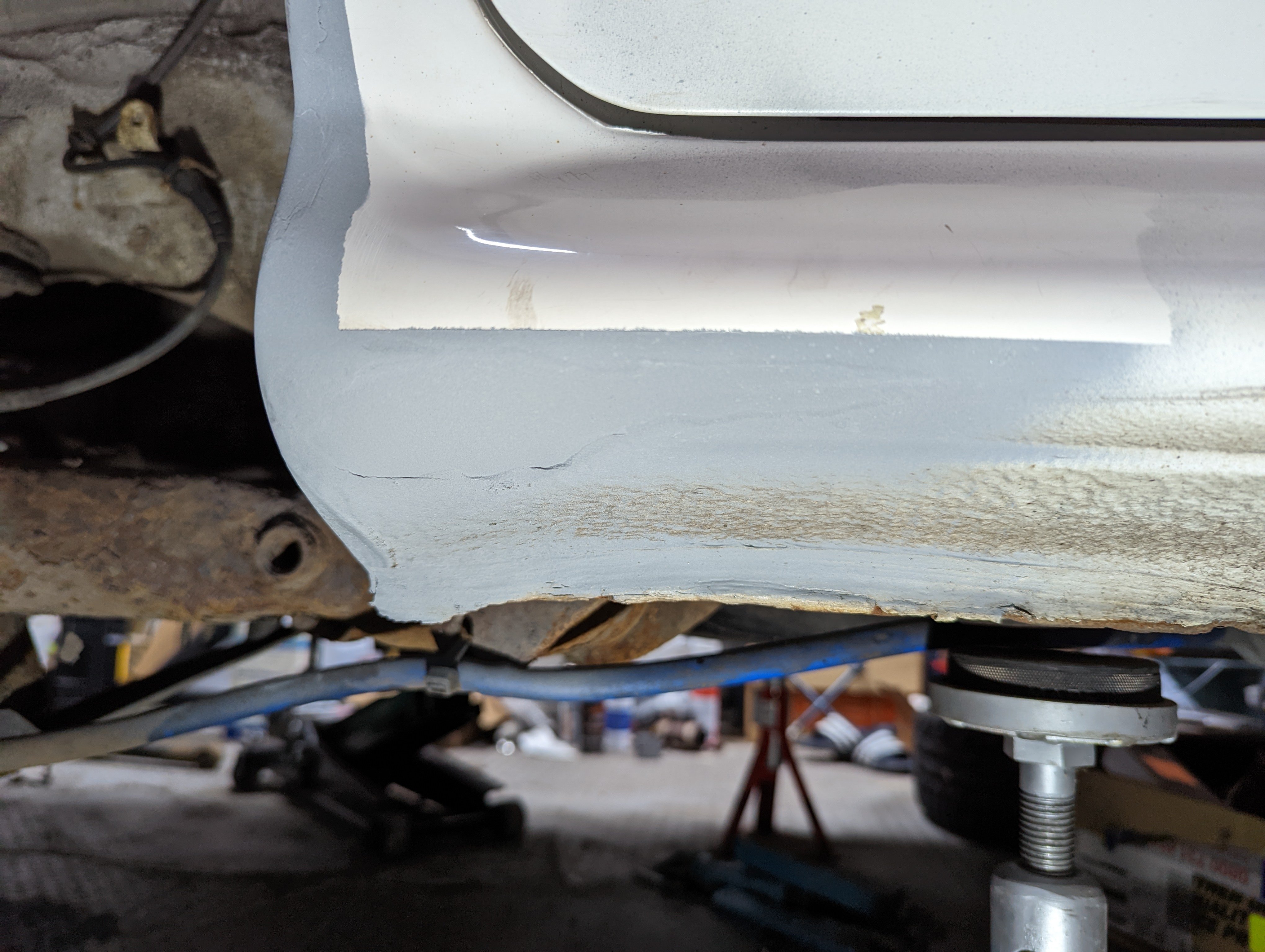
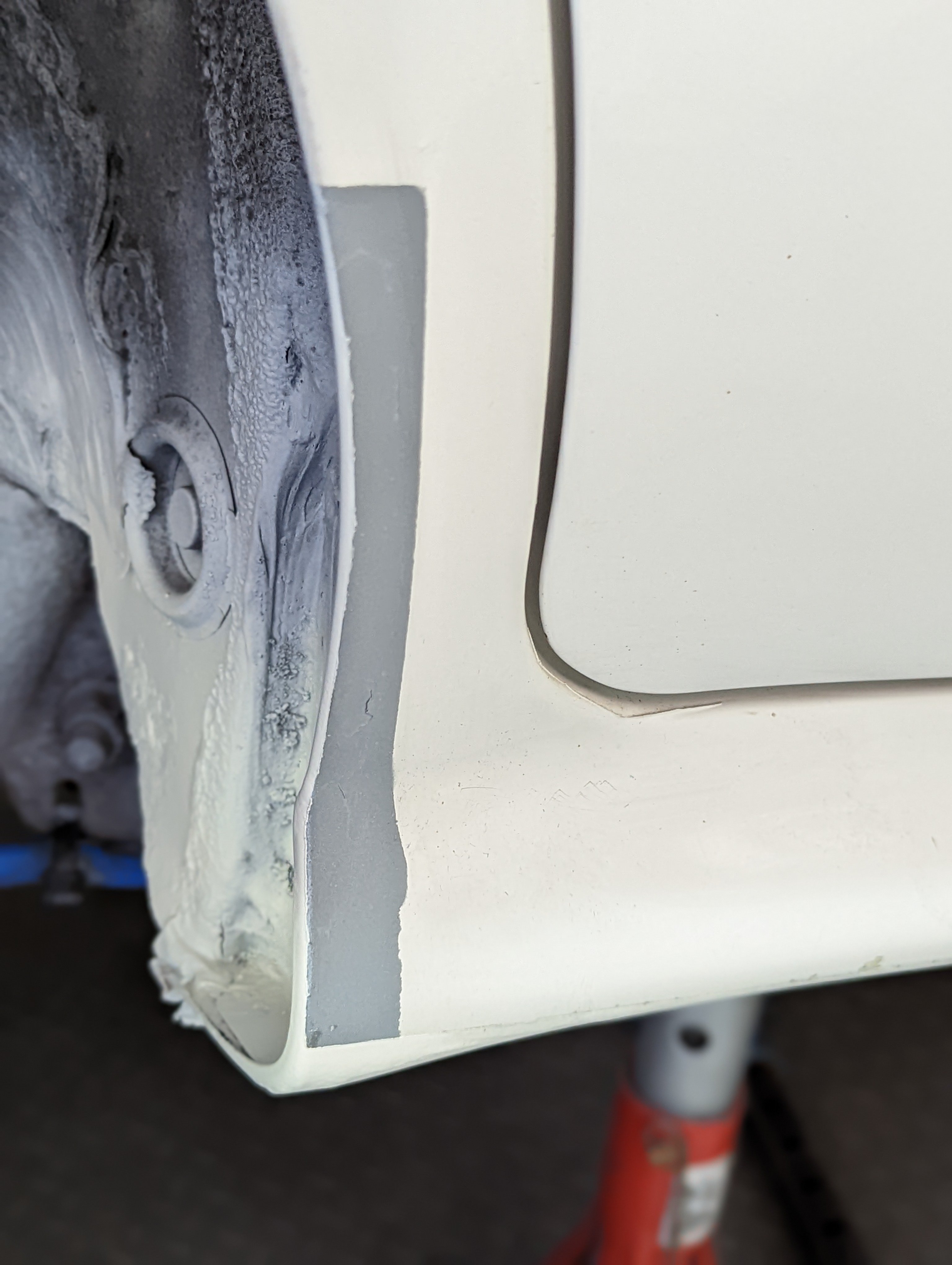
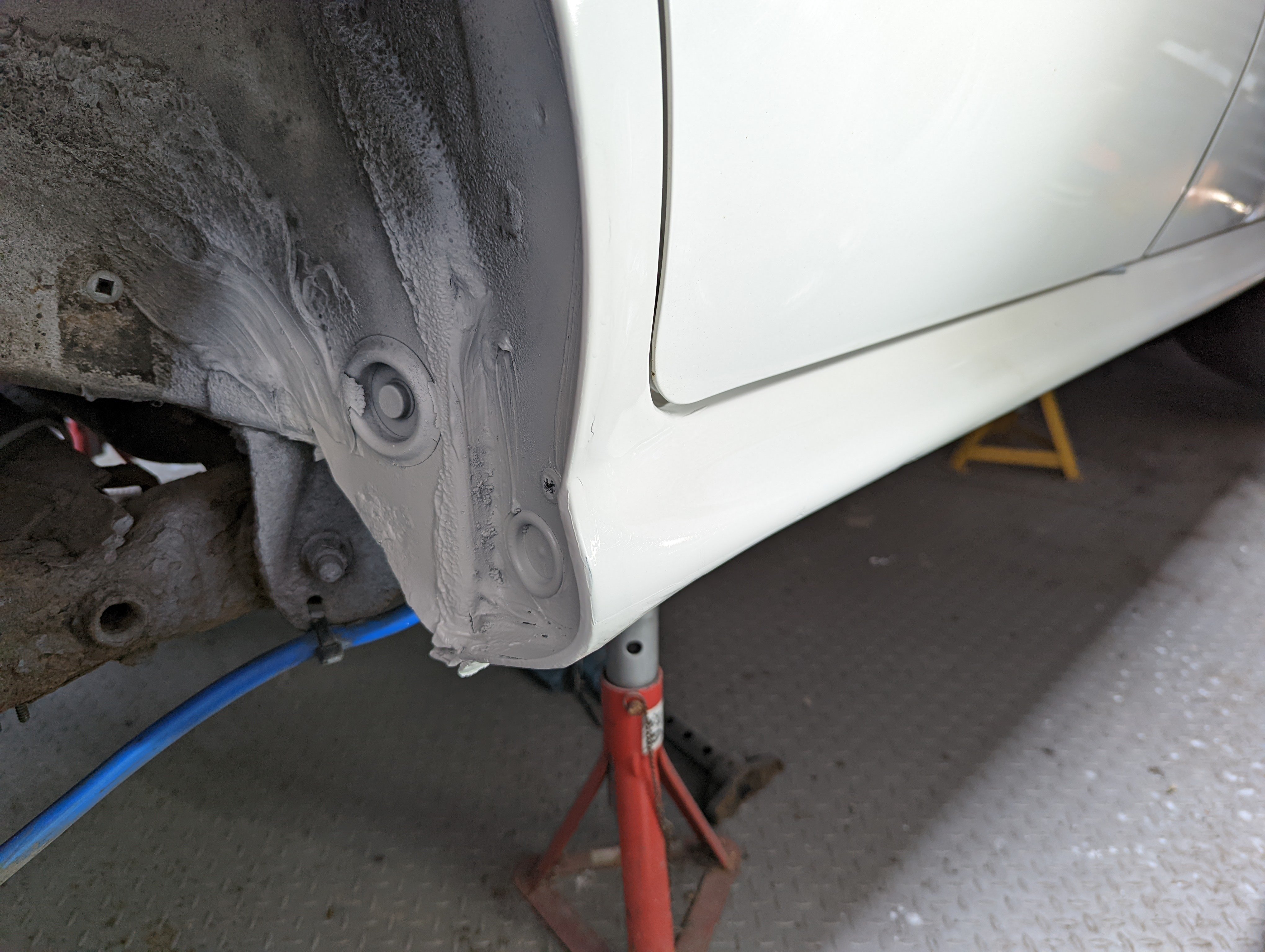
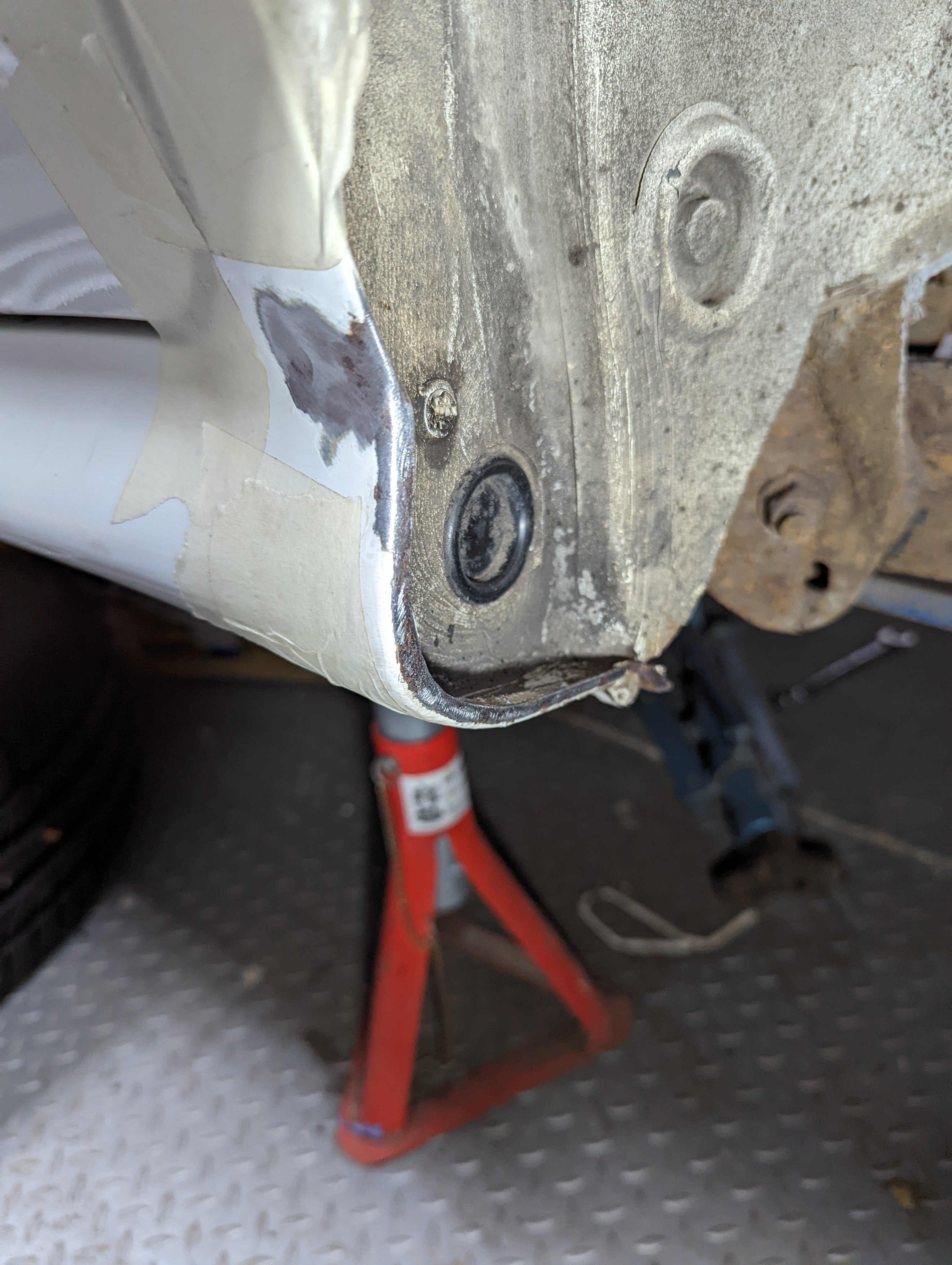
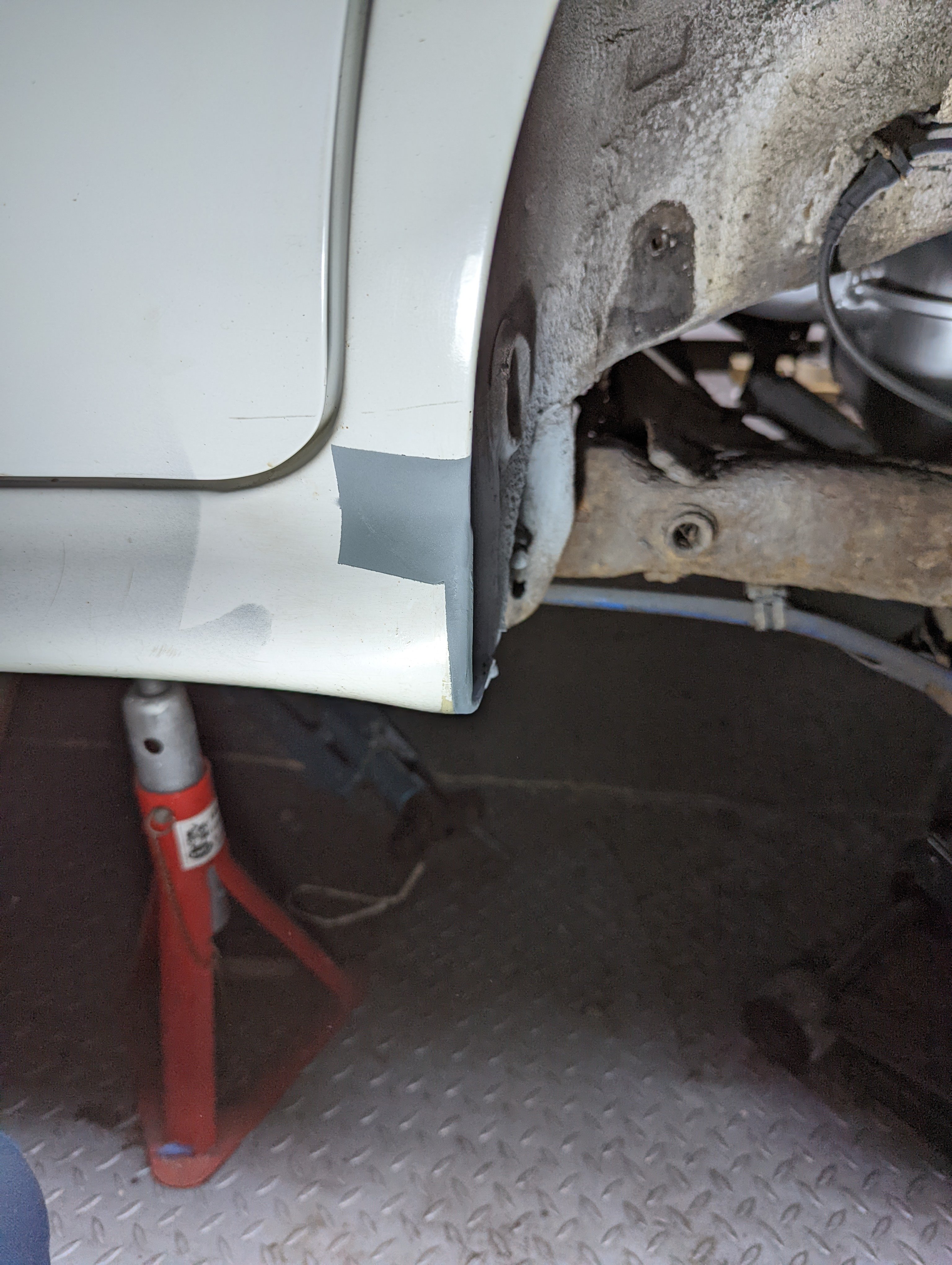
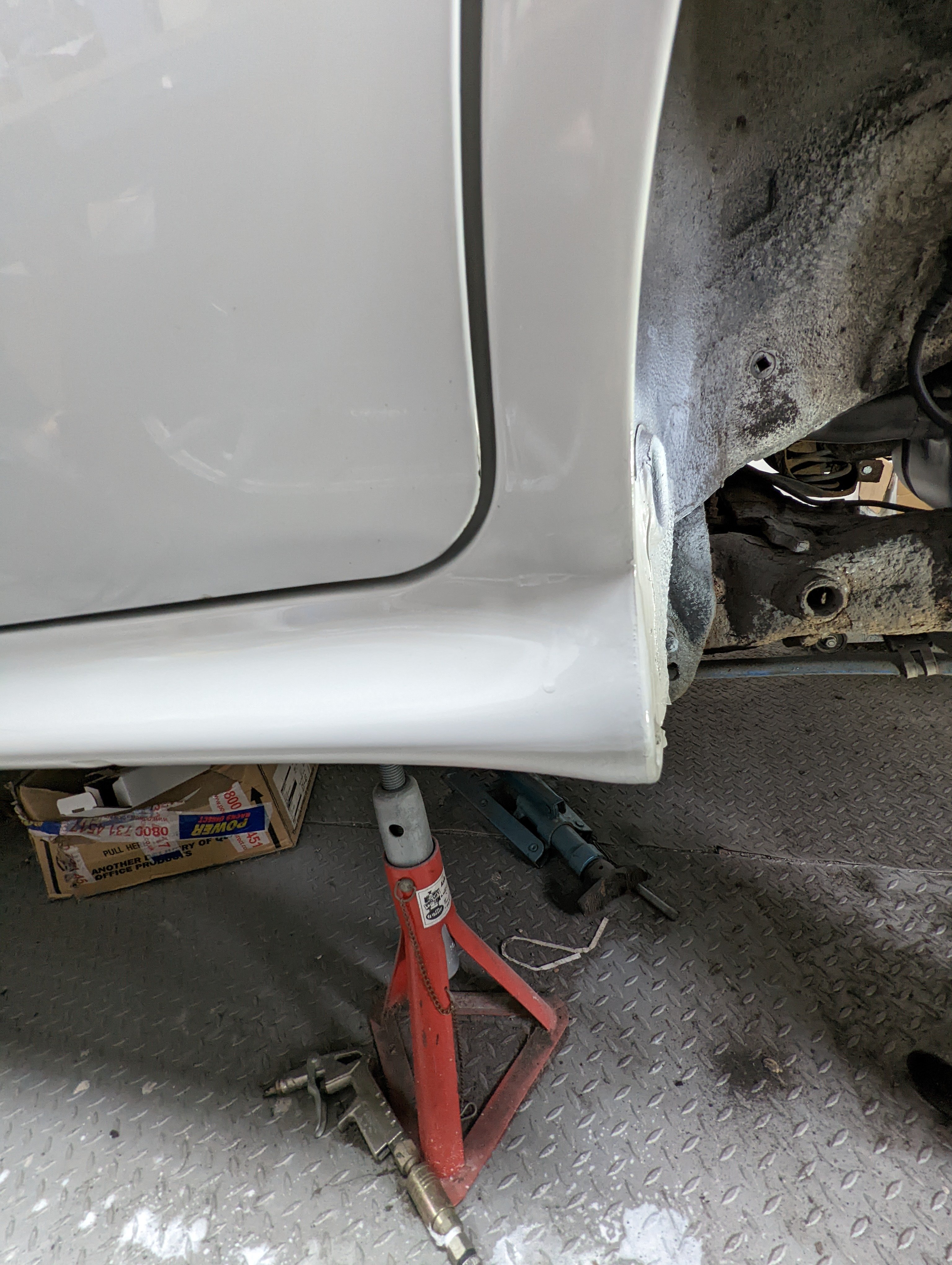
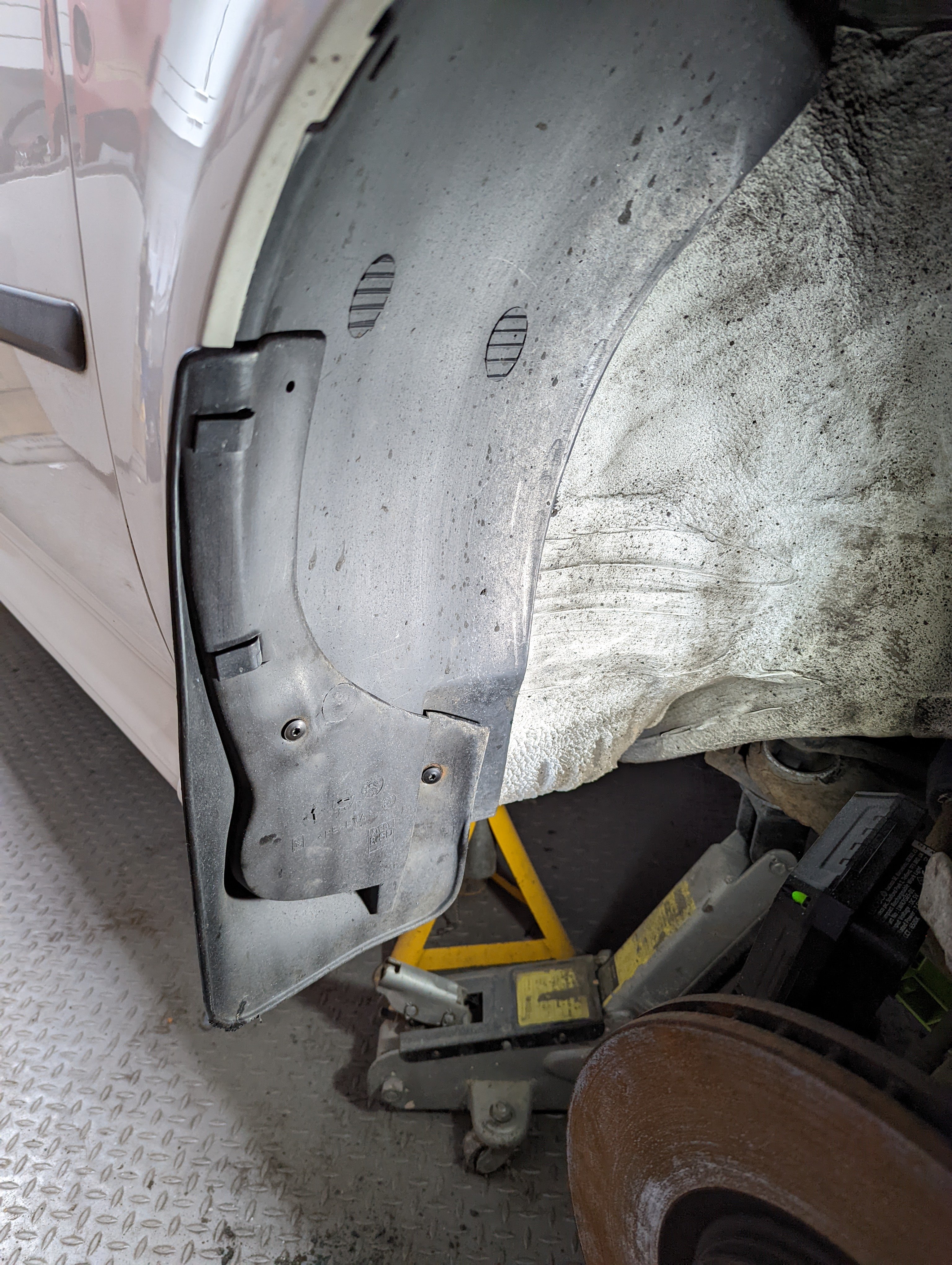
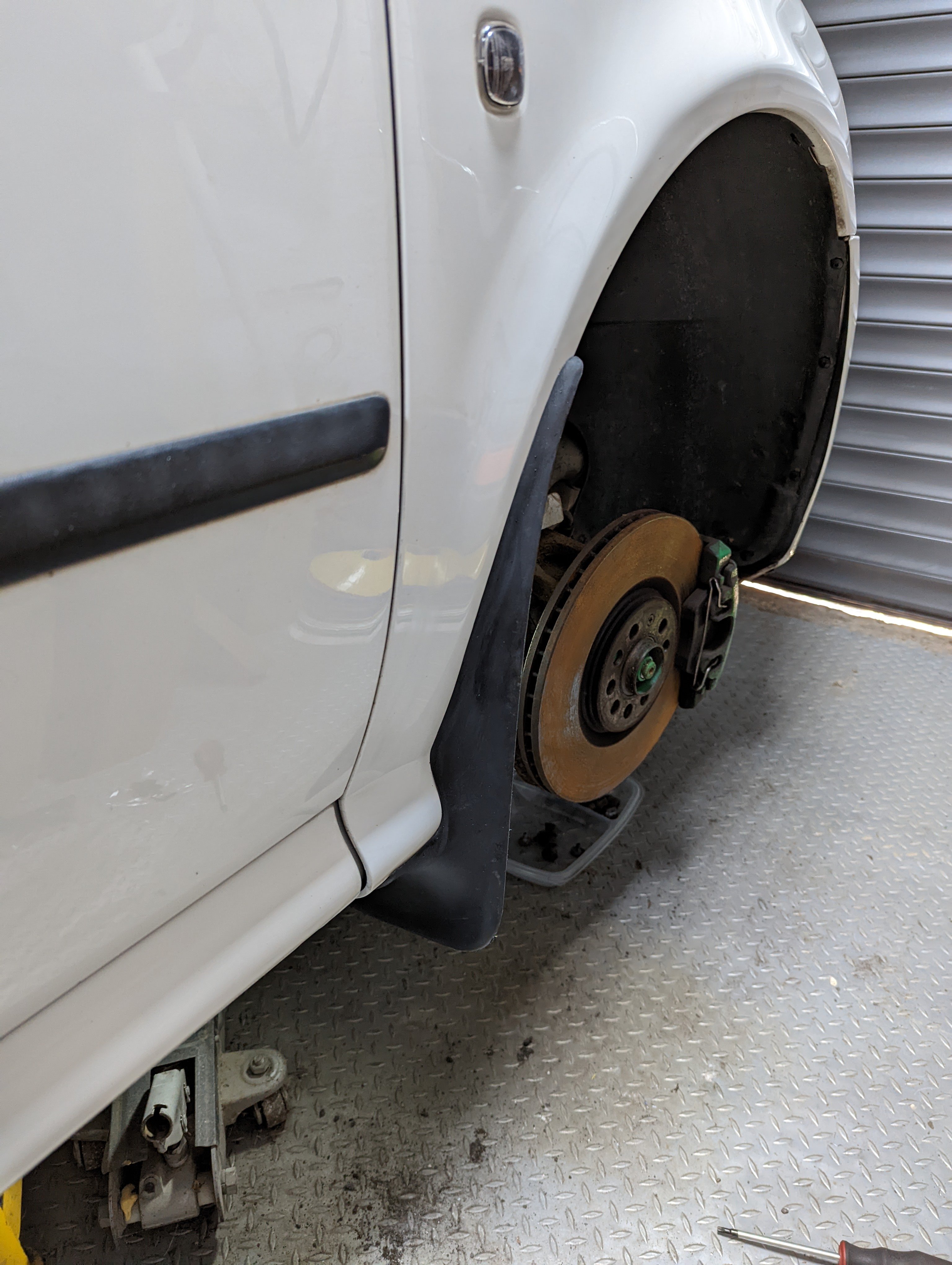
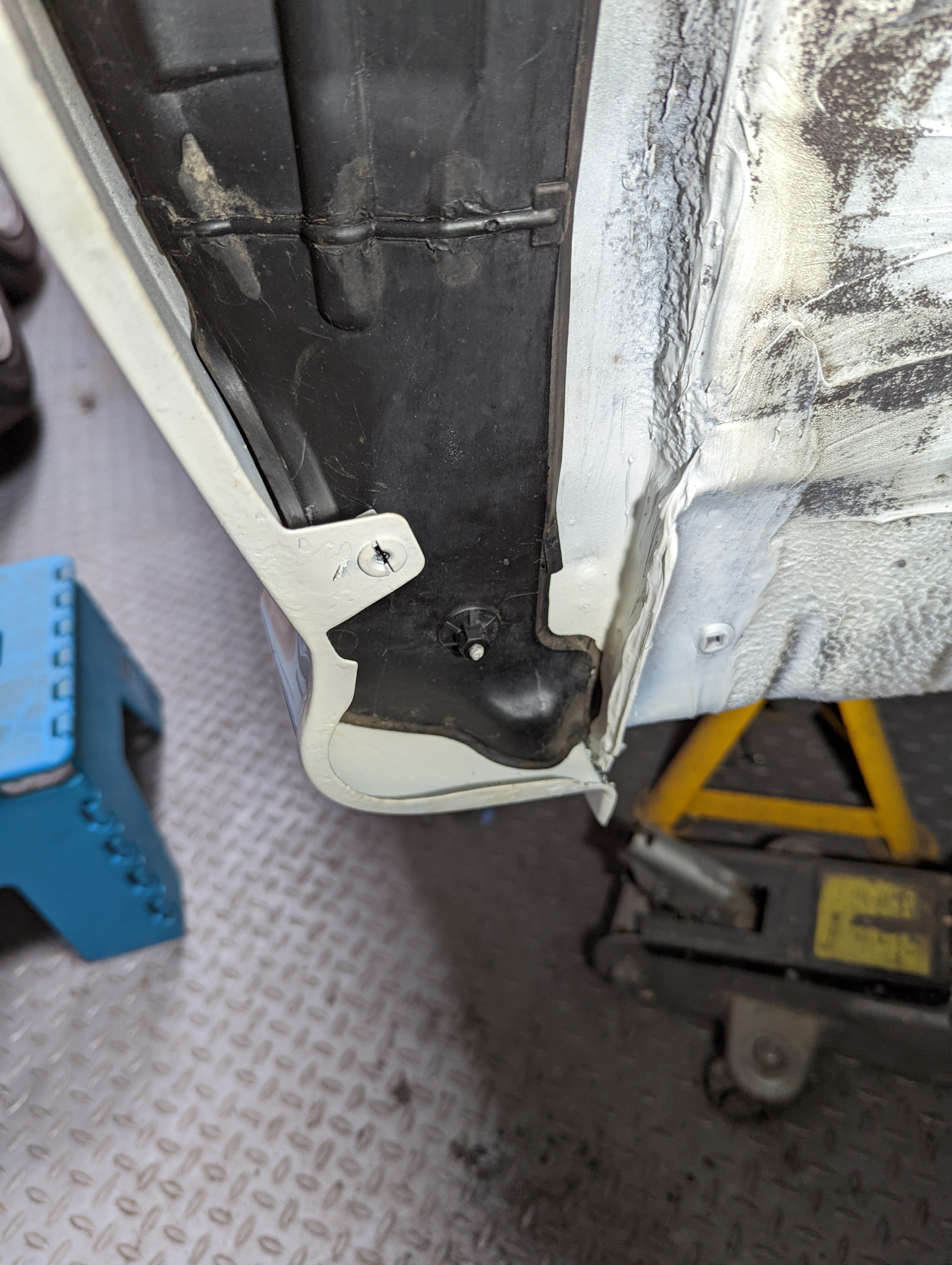
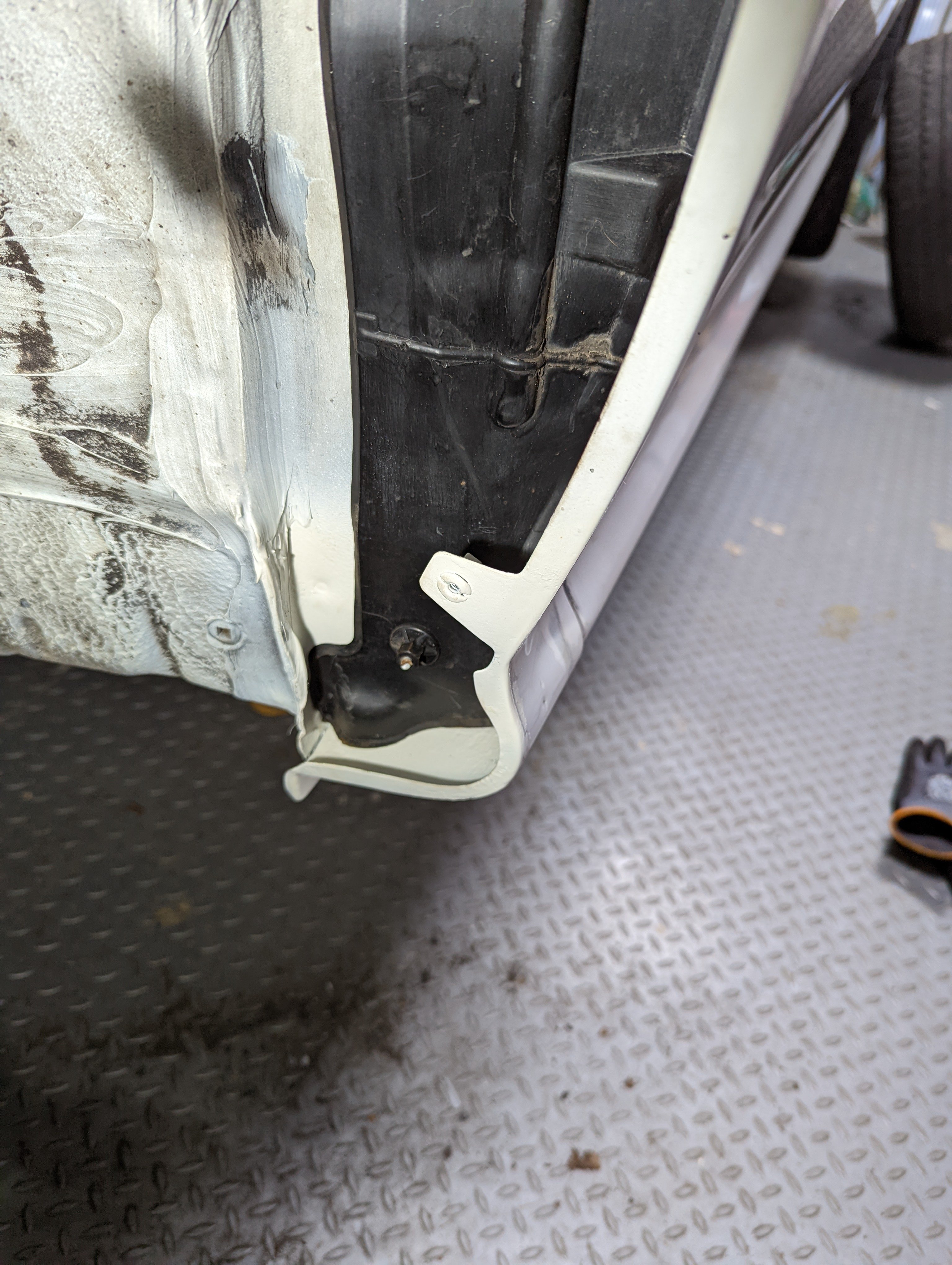
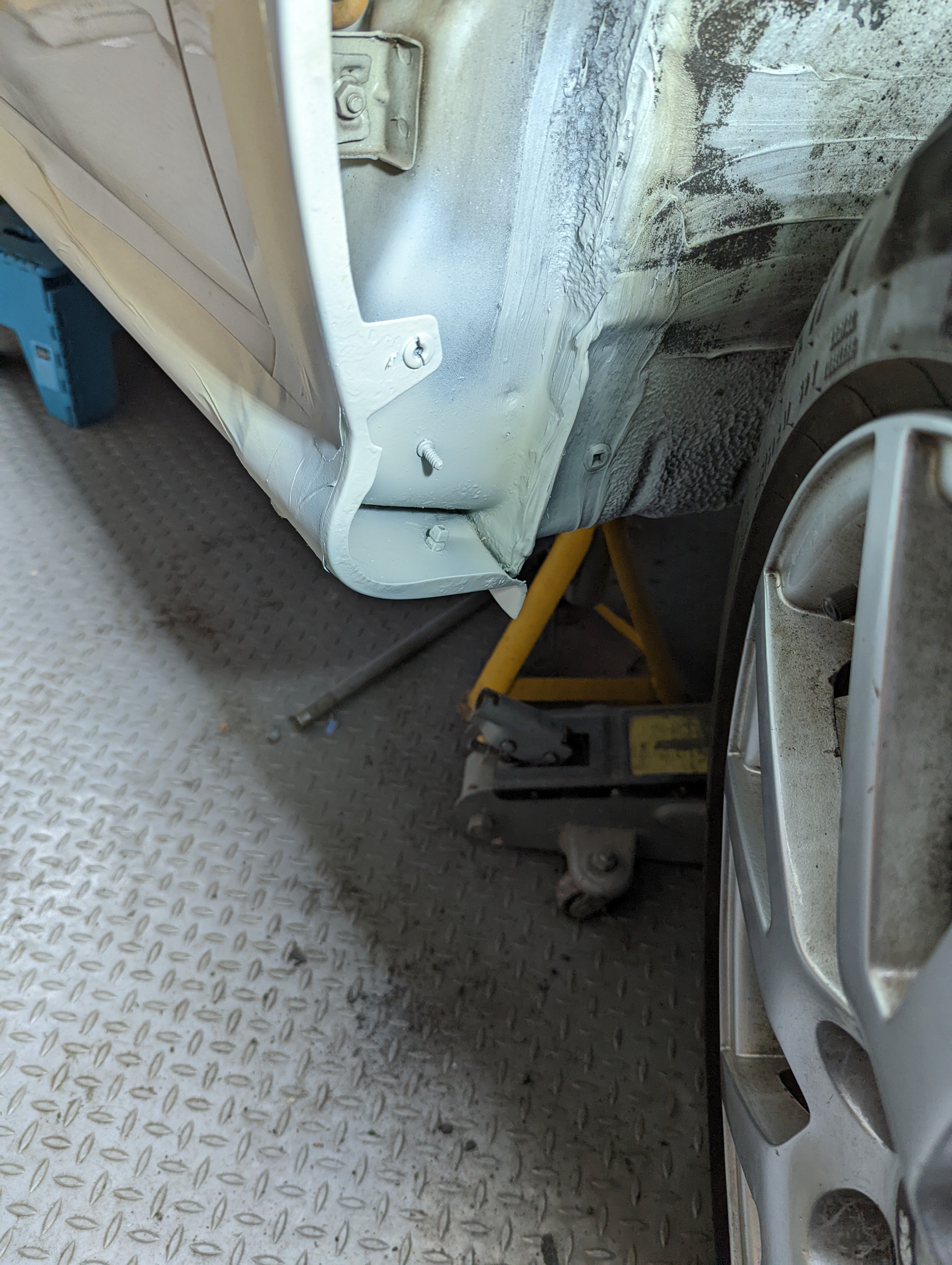
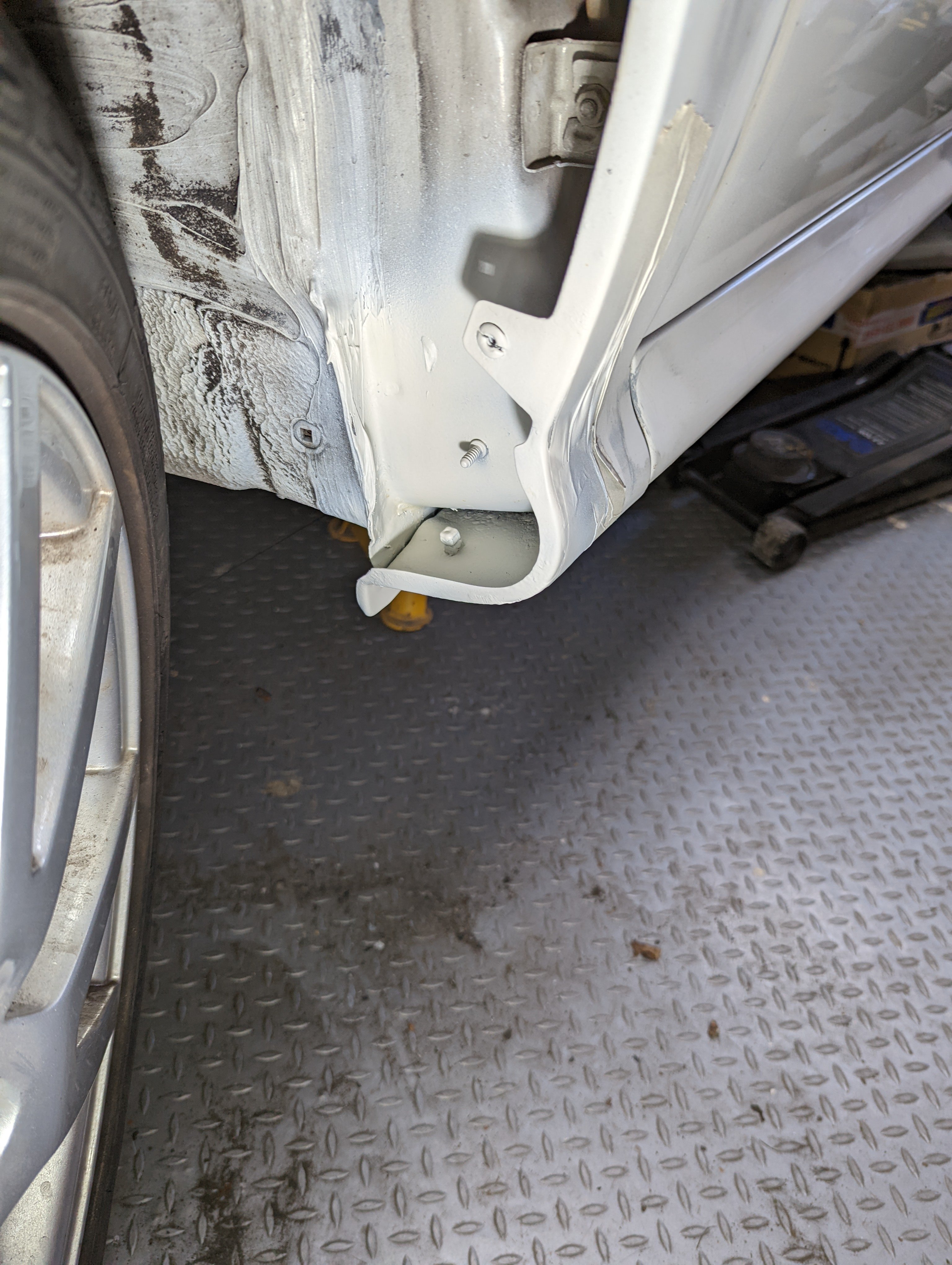
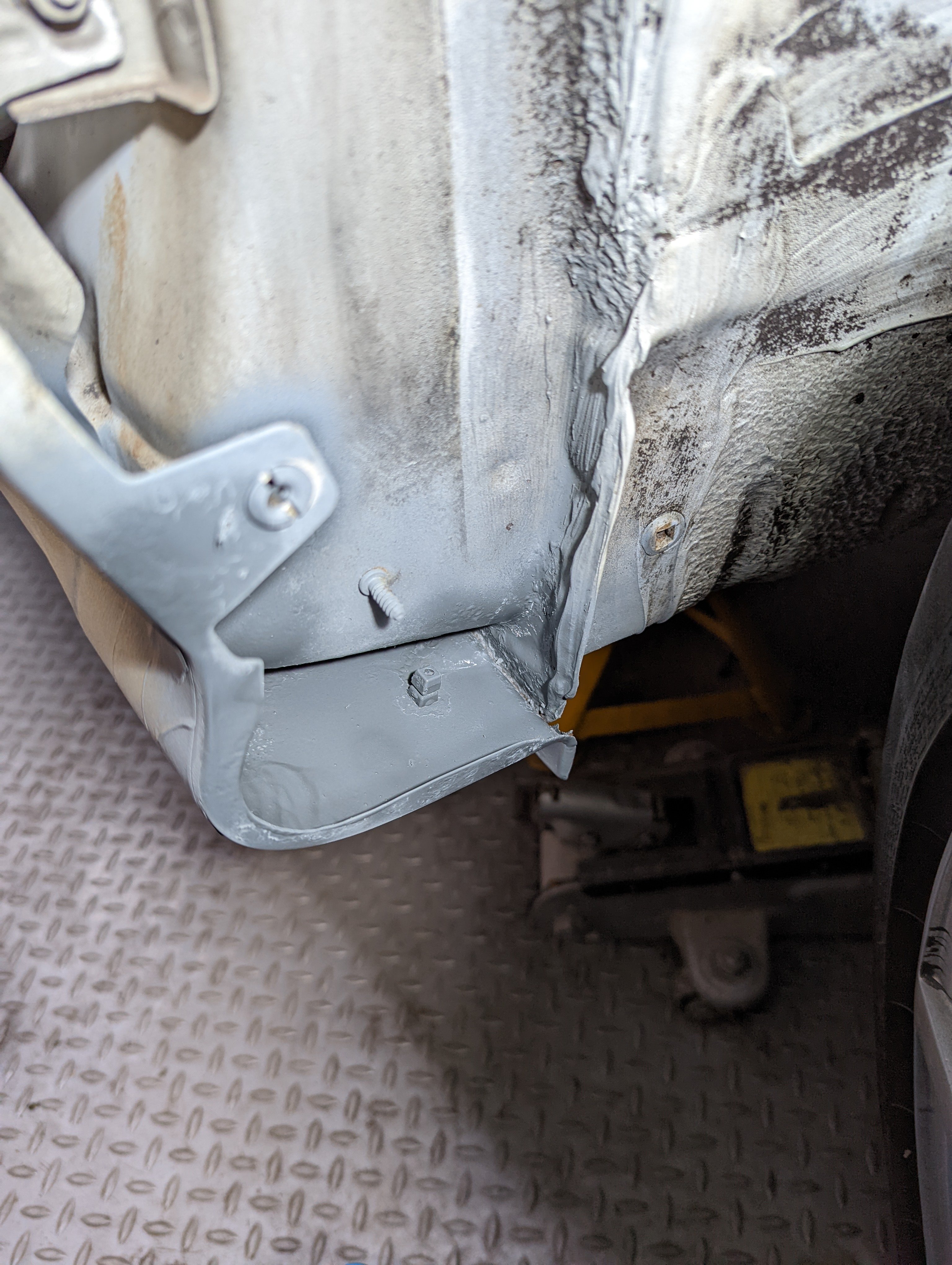
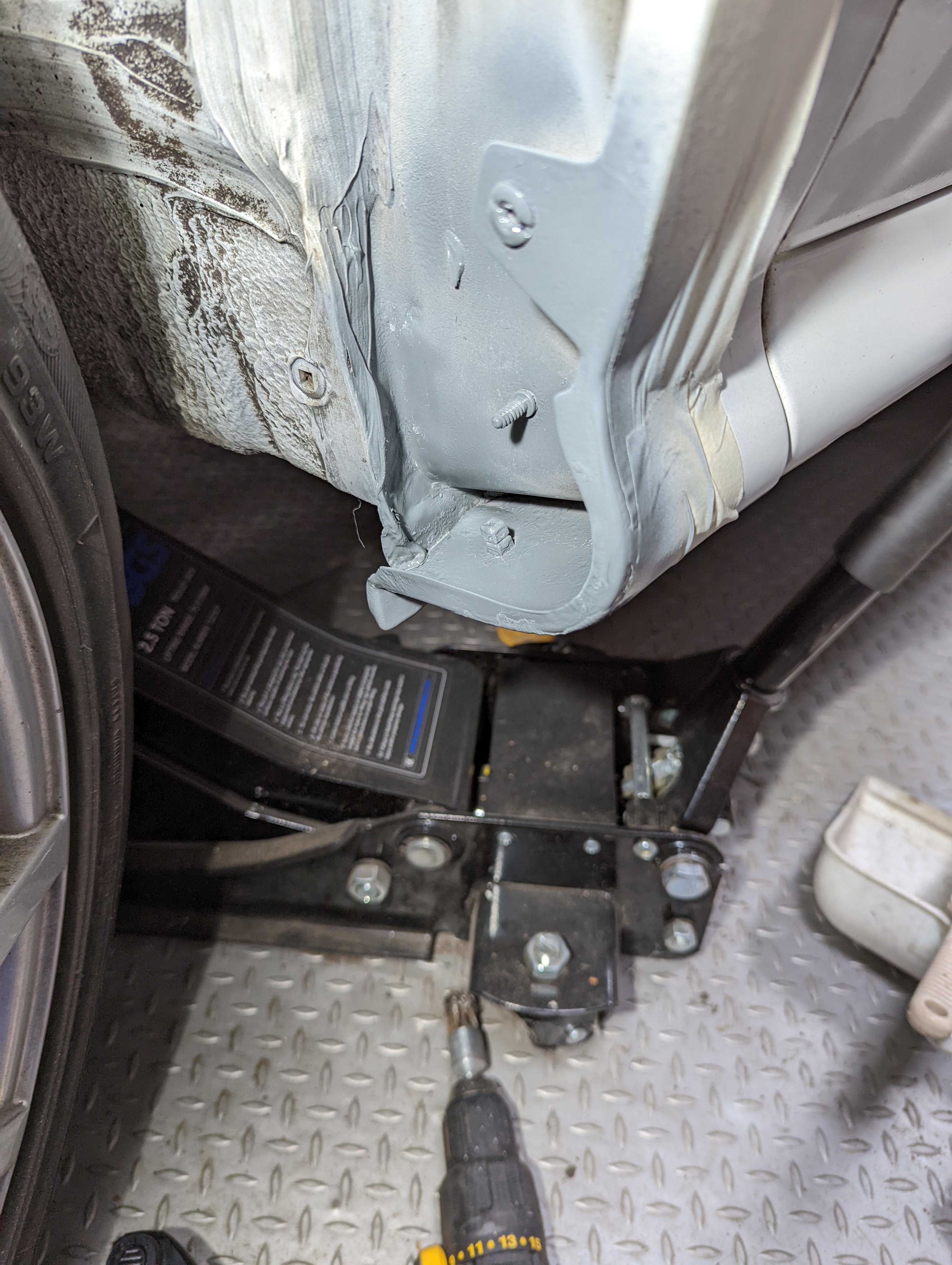
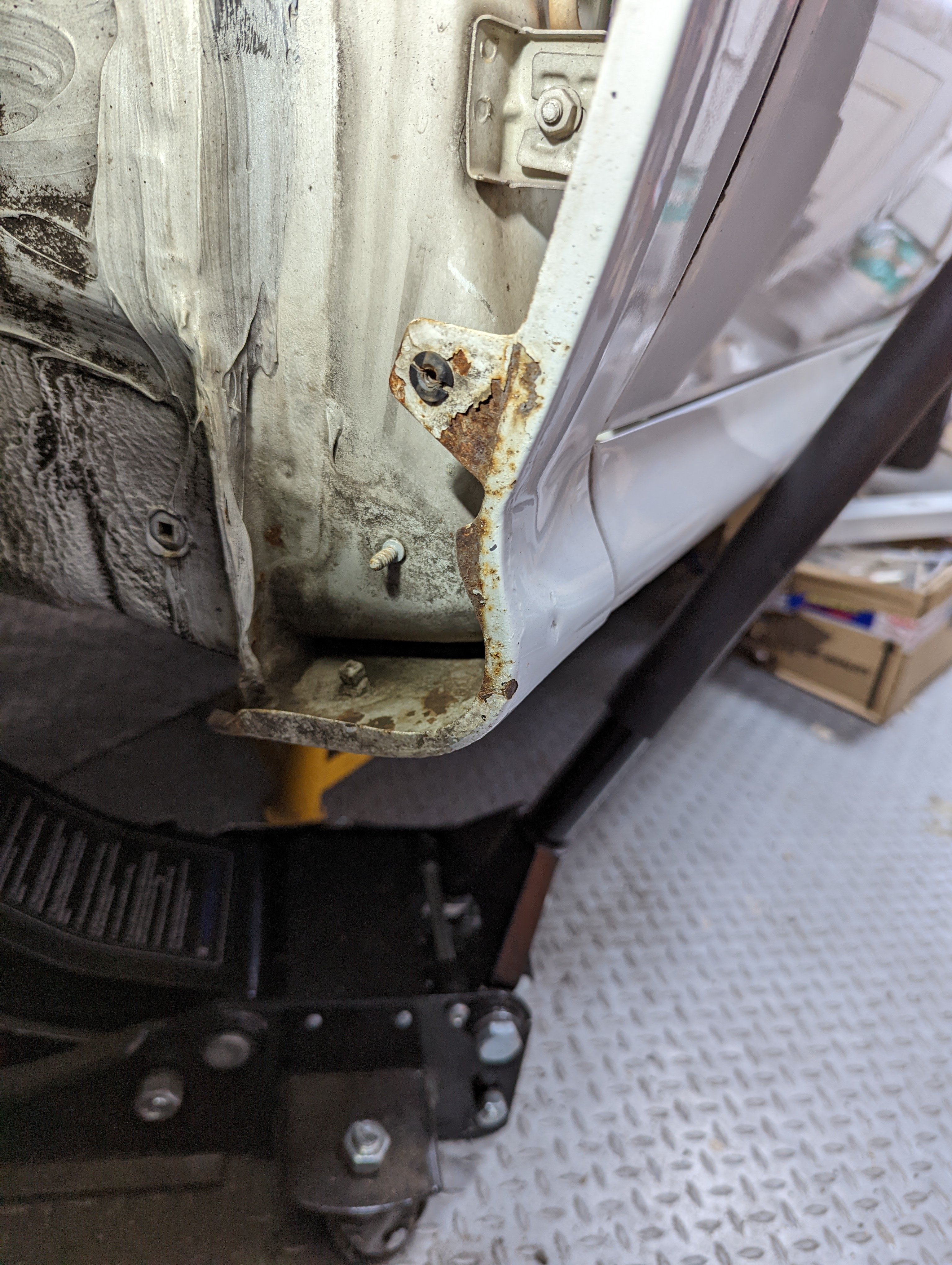
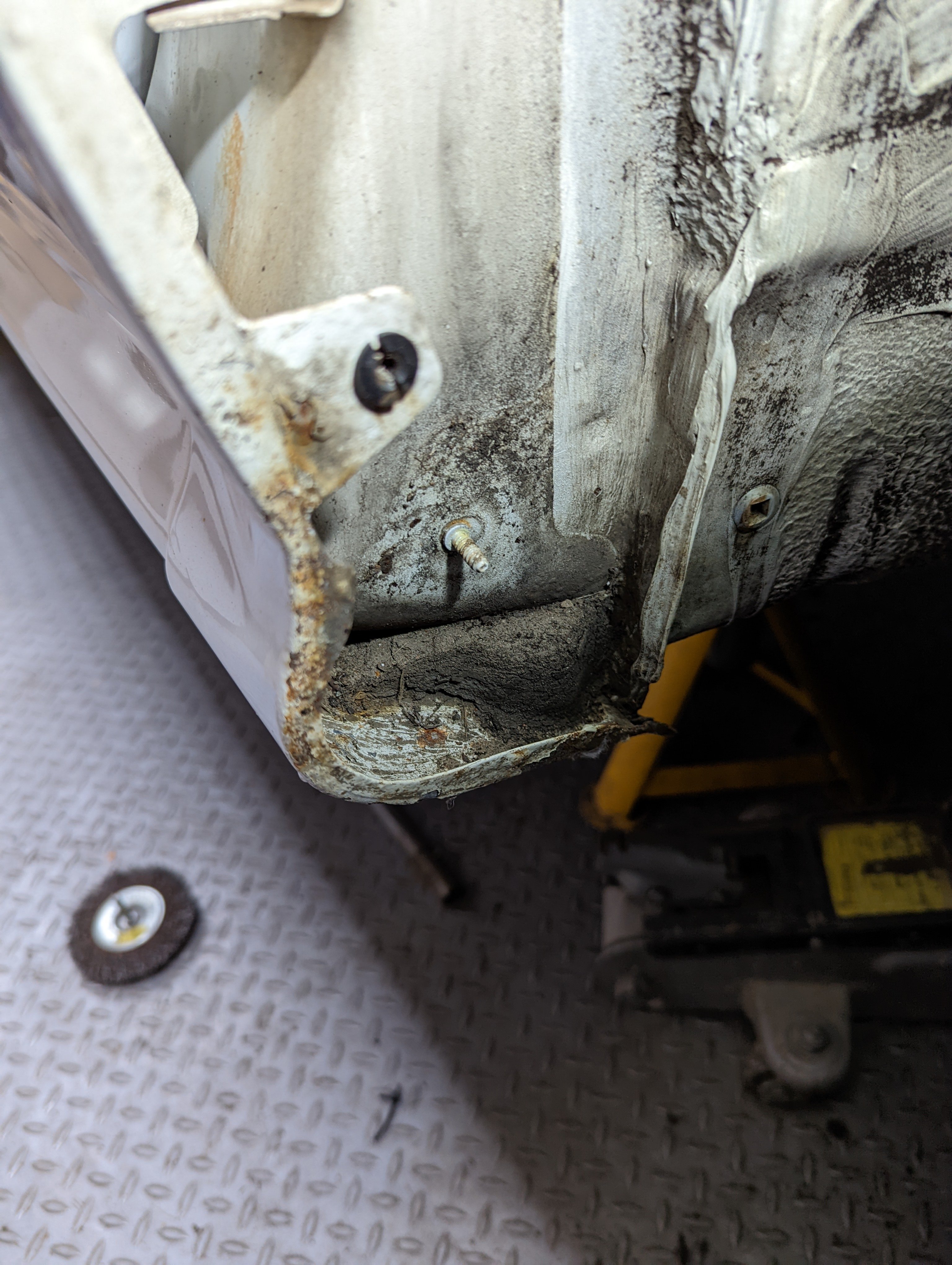
The passenger door was slightly out of alignment and was catching on the wing at the bottom of the door and had chipped off the door paint. You can see in this photo how the door gap is not even all the way down. I thought I'd adjust the door hinges on the A post. I removed the wing to make it easier to get the hinge bolts then realised one bolt was inside the A post. Having recently just refitted the interior I wasn't taking it apart again. A plan B was required.
-
-
-
-
-
-



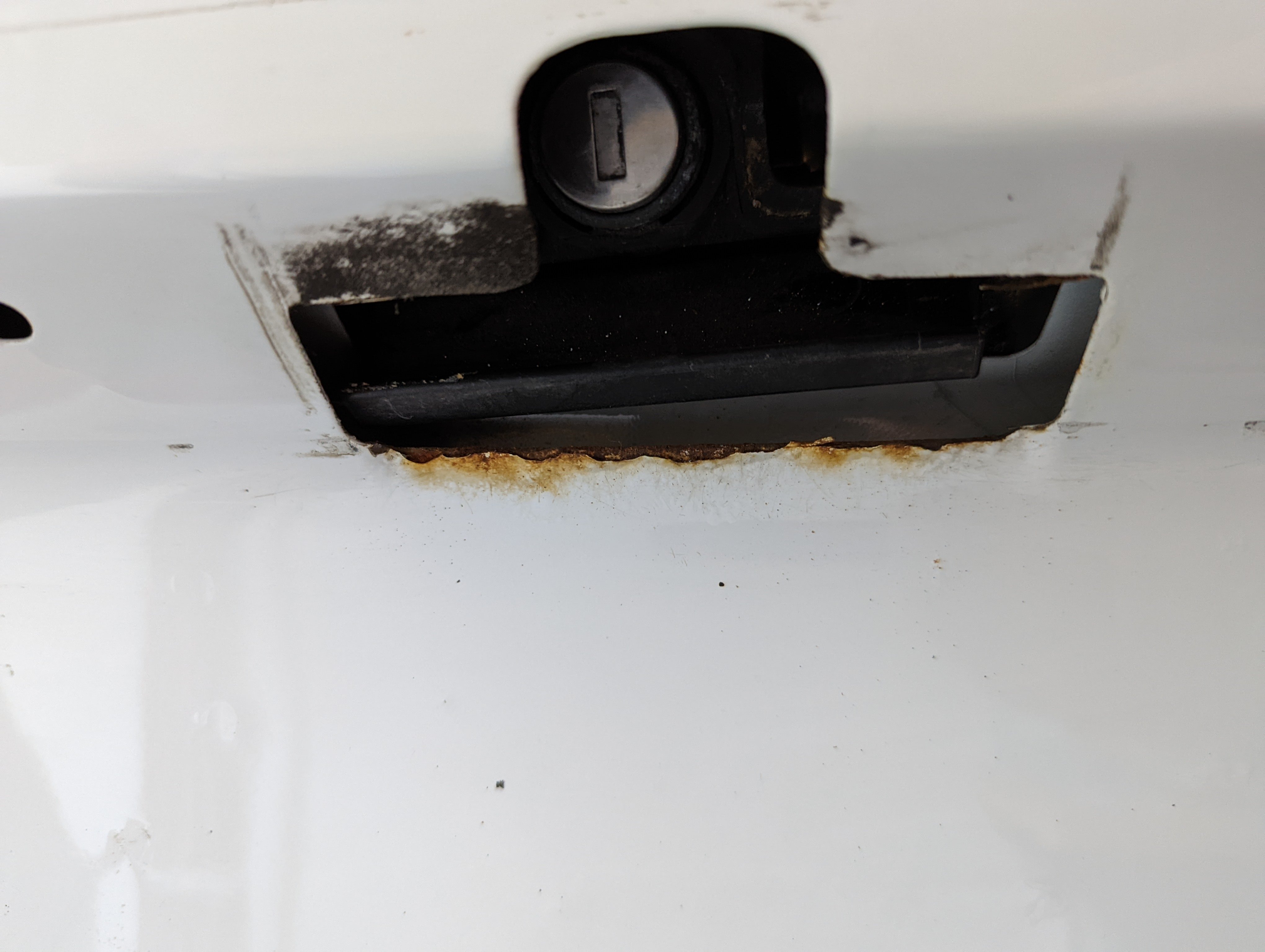
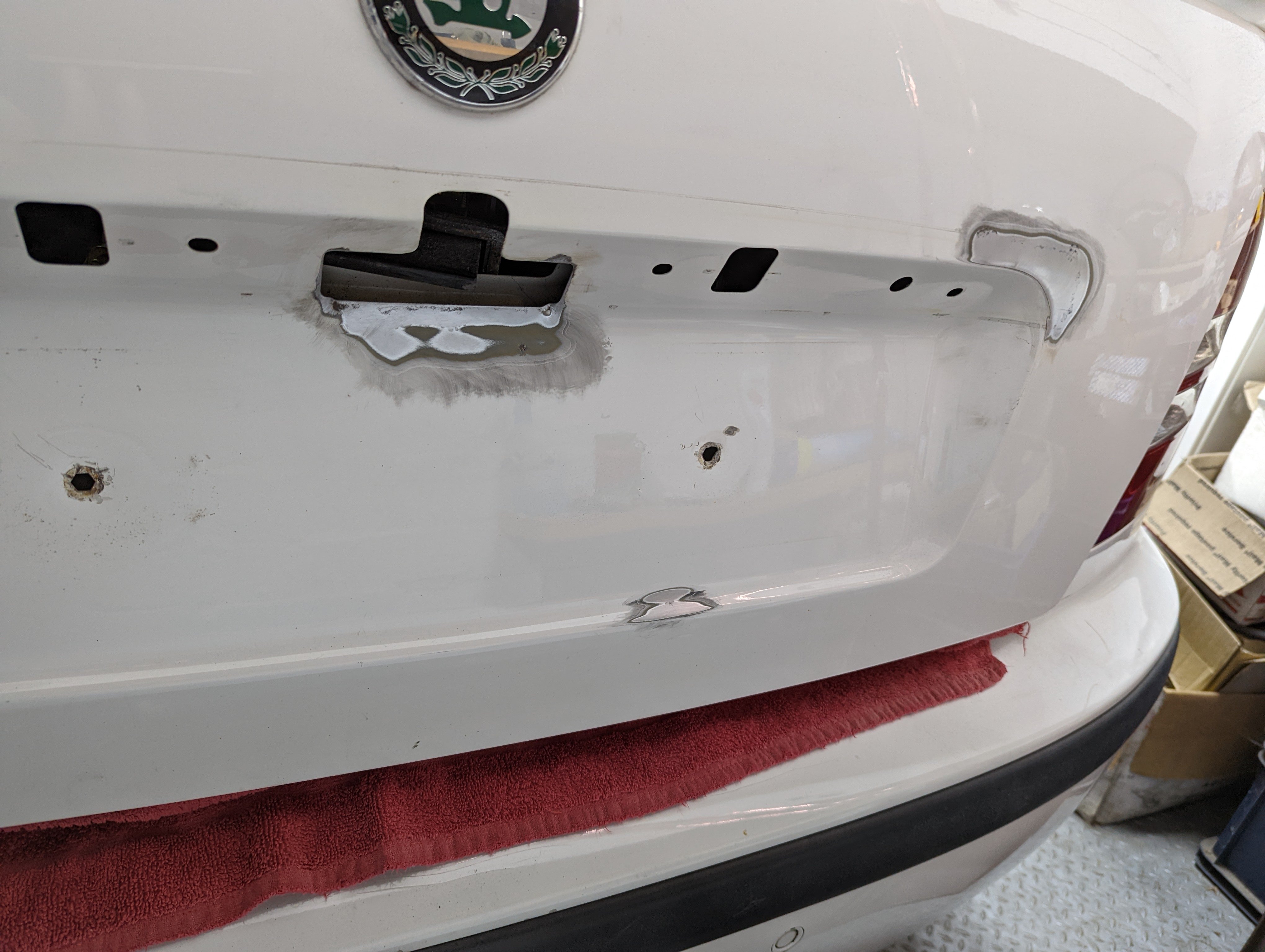
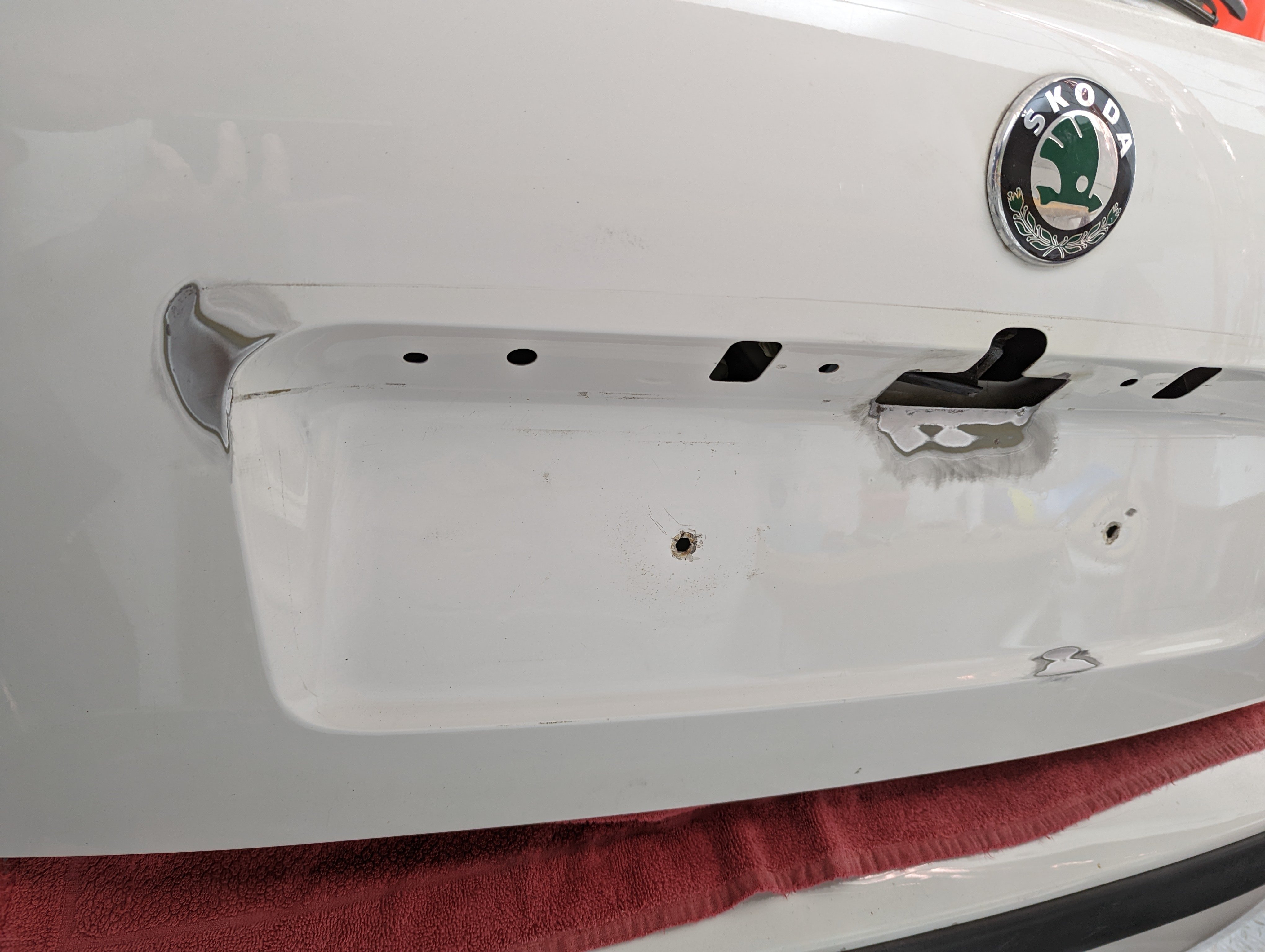
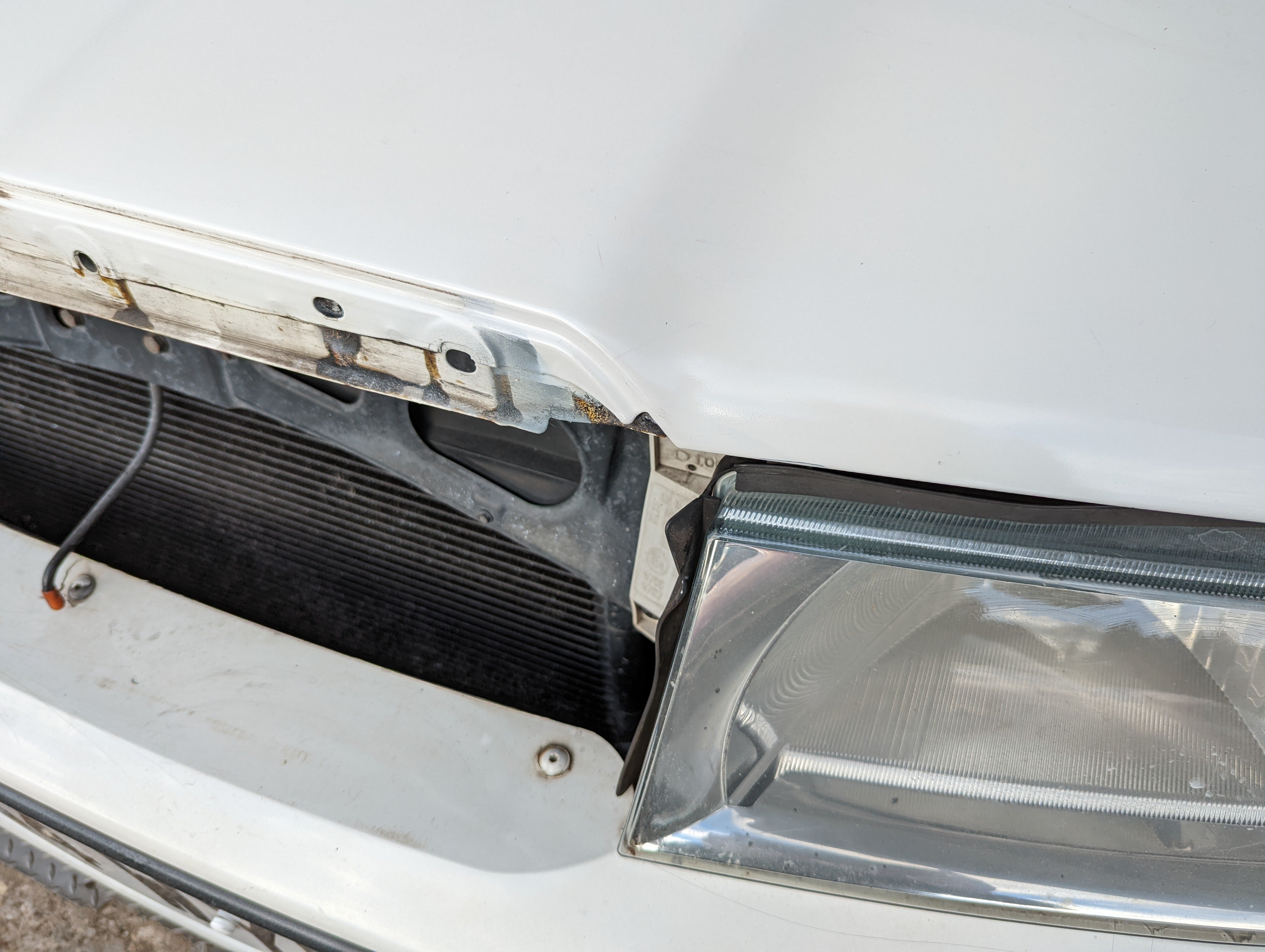
Important Information
Welcome to BRISKODA. Please note the following important links Terms of Use. We have a comprehensive Privacy Policy. We have placed cookies on your device to help make this website better. You can adjust your cookie settings, otherwise we'll assume you're okay to continue.
Account
Navigation
Configure browser push notifications
Chrome (Android)
- Tap the lock icon next to the address bar.
- Tap Permissions → Notifications.
- Adjust your preference.
Chrome (Desktop)
- Click the padlock icon in the address bar.
- Select Site settings.
- Find Notifications and adjust your preference.
Safari (iOS 16.4+)
- Ensure the site is installed via Add to Home Screen.
- Open Settings App → Notifications.
- Find your app name and adjust your preference.
Safari (macOS)
- Go to Safari → Preferences.
- Click the Websites tab.
- Select Notifications in the sidebar.
- Find this website and adjust your preference.
Edge (Android)
- Tap the lock icon next to the address bar.
- Tap Permissions.
- Find Notifications and adjust your preference.
Edge (Desktop)
- Click the padlock icon in the address bar.
- Click Permissions for this site.
- Find Notifications and adjust your preference.
Firefox (Android)
- Go to Settings → Site permissions.
- Tap Notifications.
- Find this site in the list and adjust your preference.
Firefox (Desktop)
- Open Firefox Settings.
- Search for Notifications.
- Find this site in the list and adjust your preference.