Skip to content

jacekben76

Finding my way
  • Joined

  • Last visited

Everything posted by jacekben76

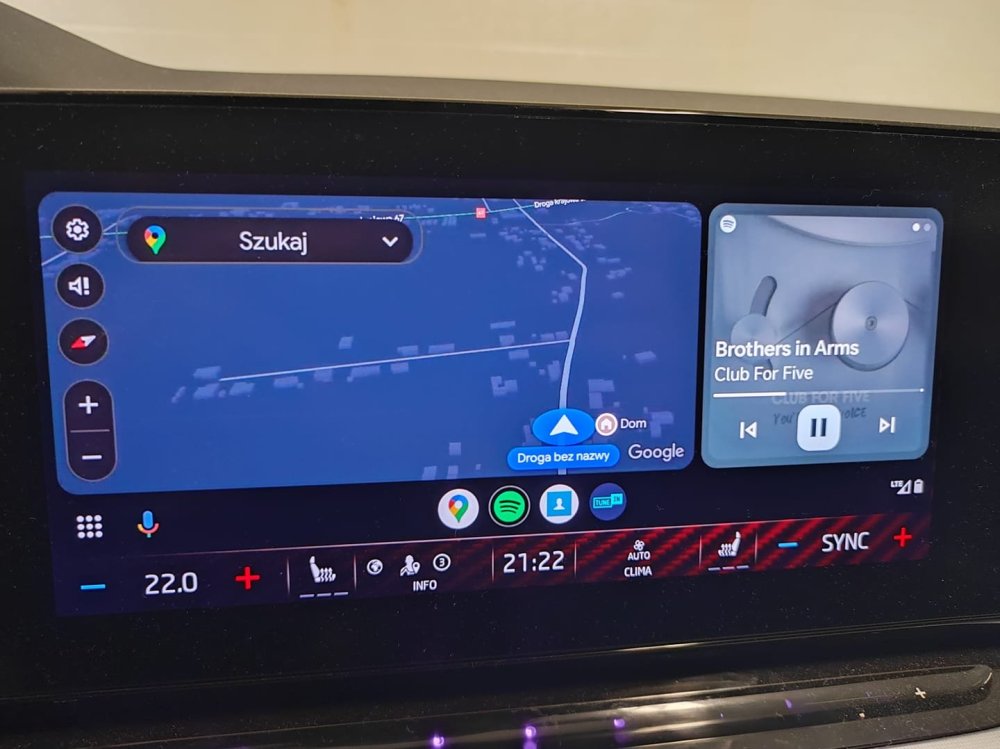
  1. Yes, I know, it's an AA option. But before installing this version it didn't work for me. Only when AA was added to the home screen as a widget, but then the screen was reduced.
  2. I only noticed the two above at the moment; I have no official info about changes/fixes in this version
  3. No, my Skoda is 2022. 👍
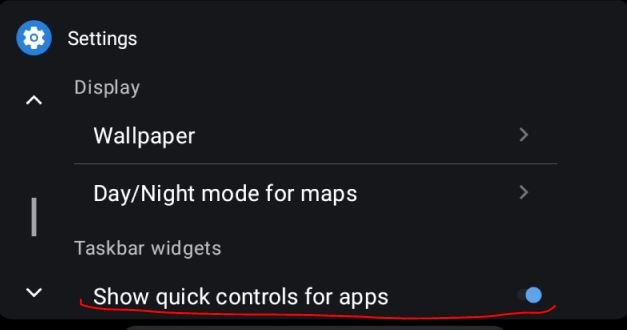
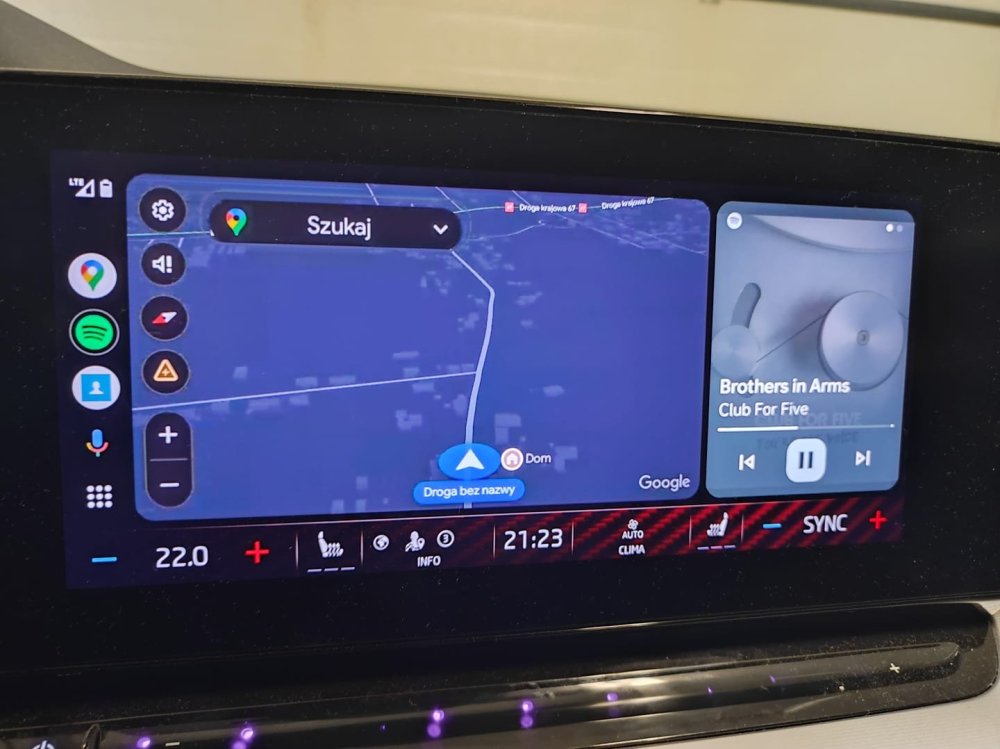
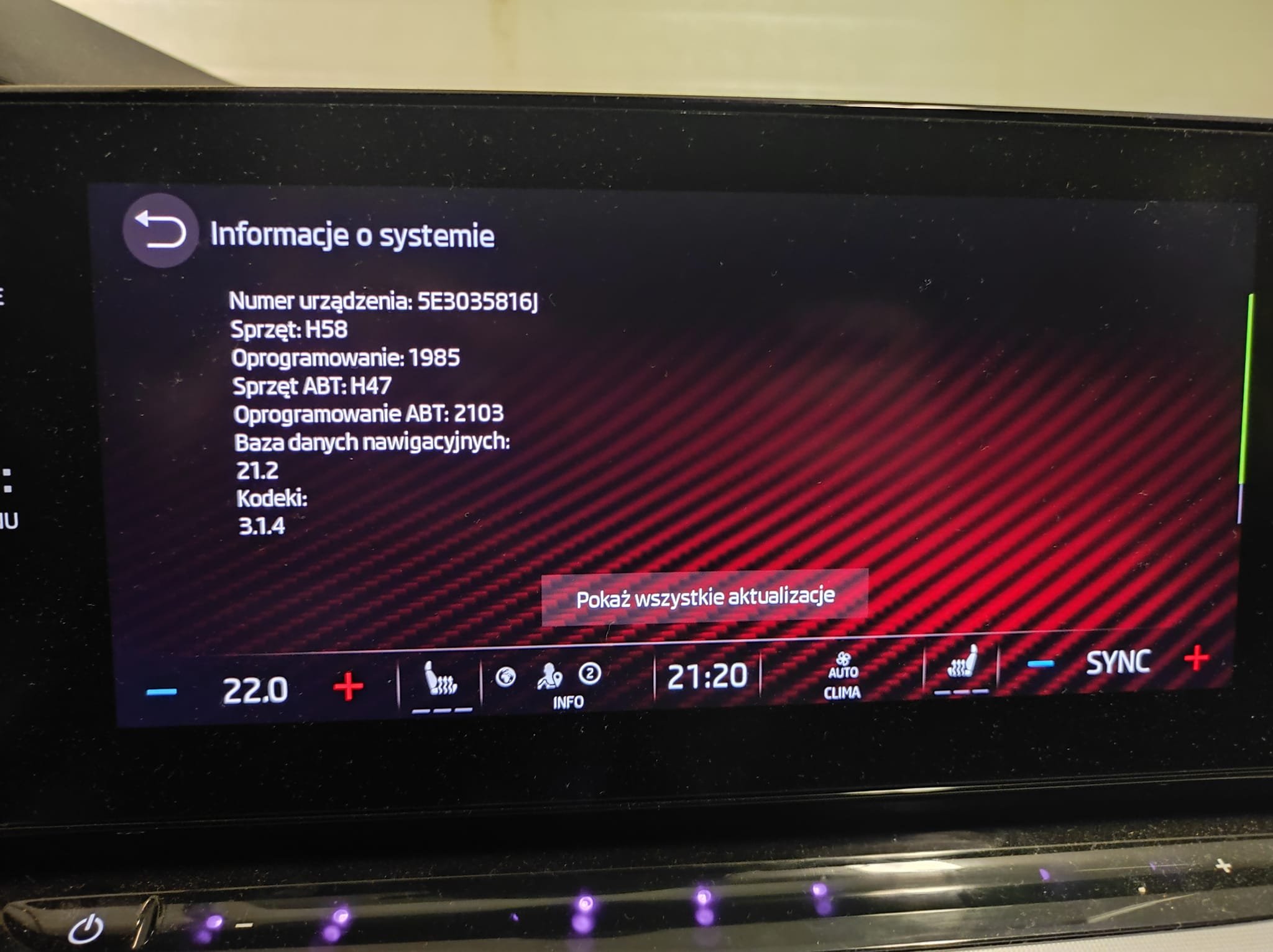
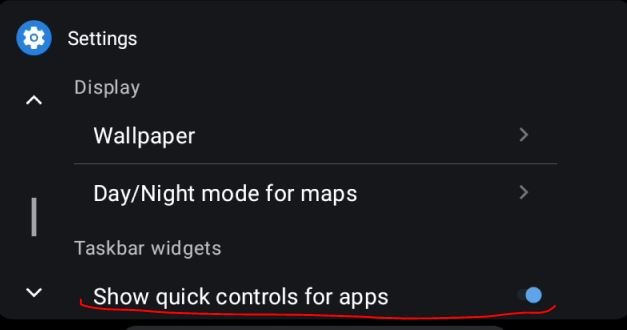
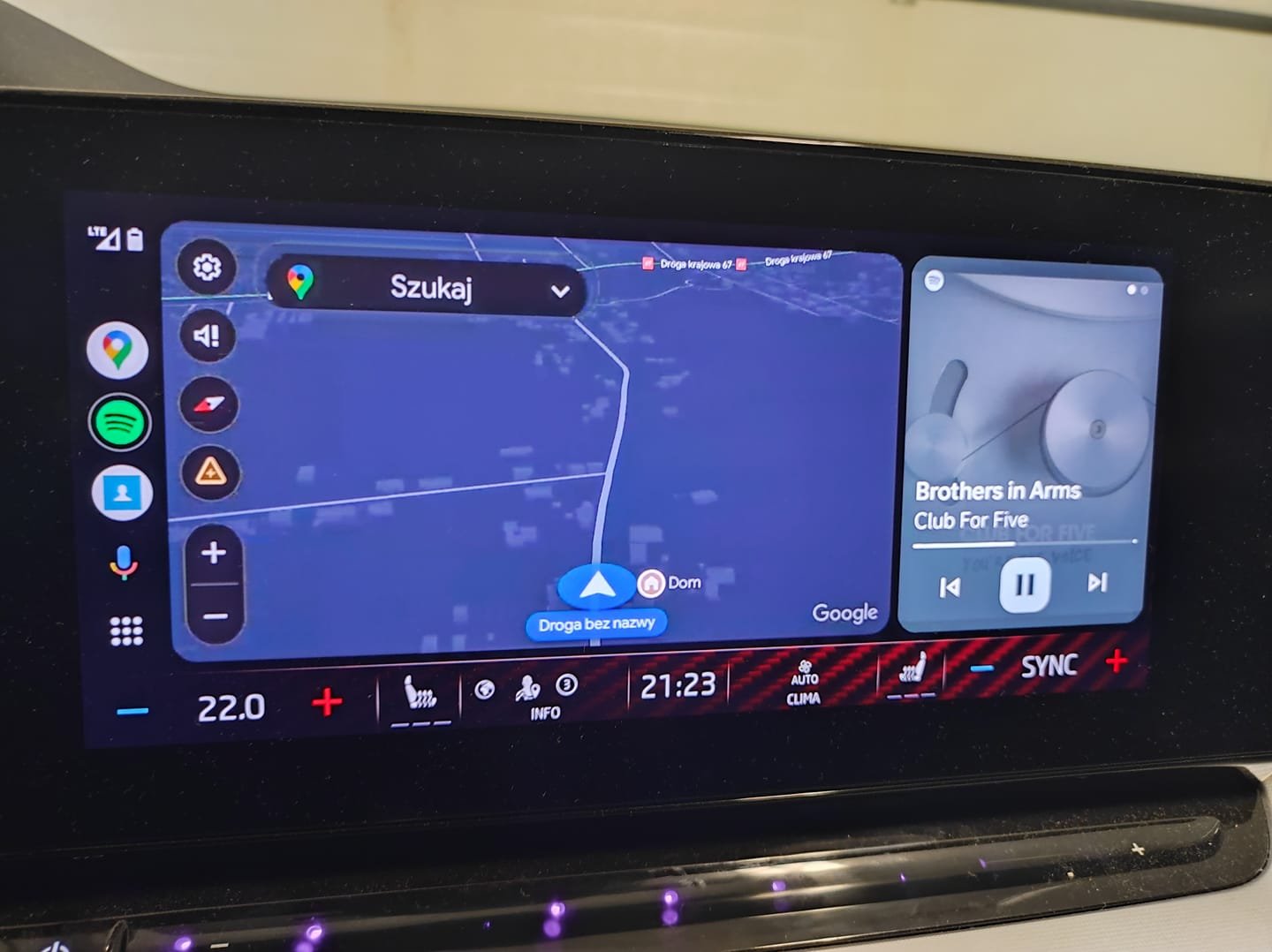
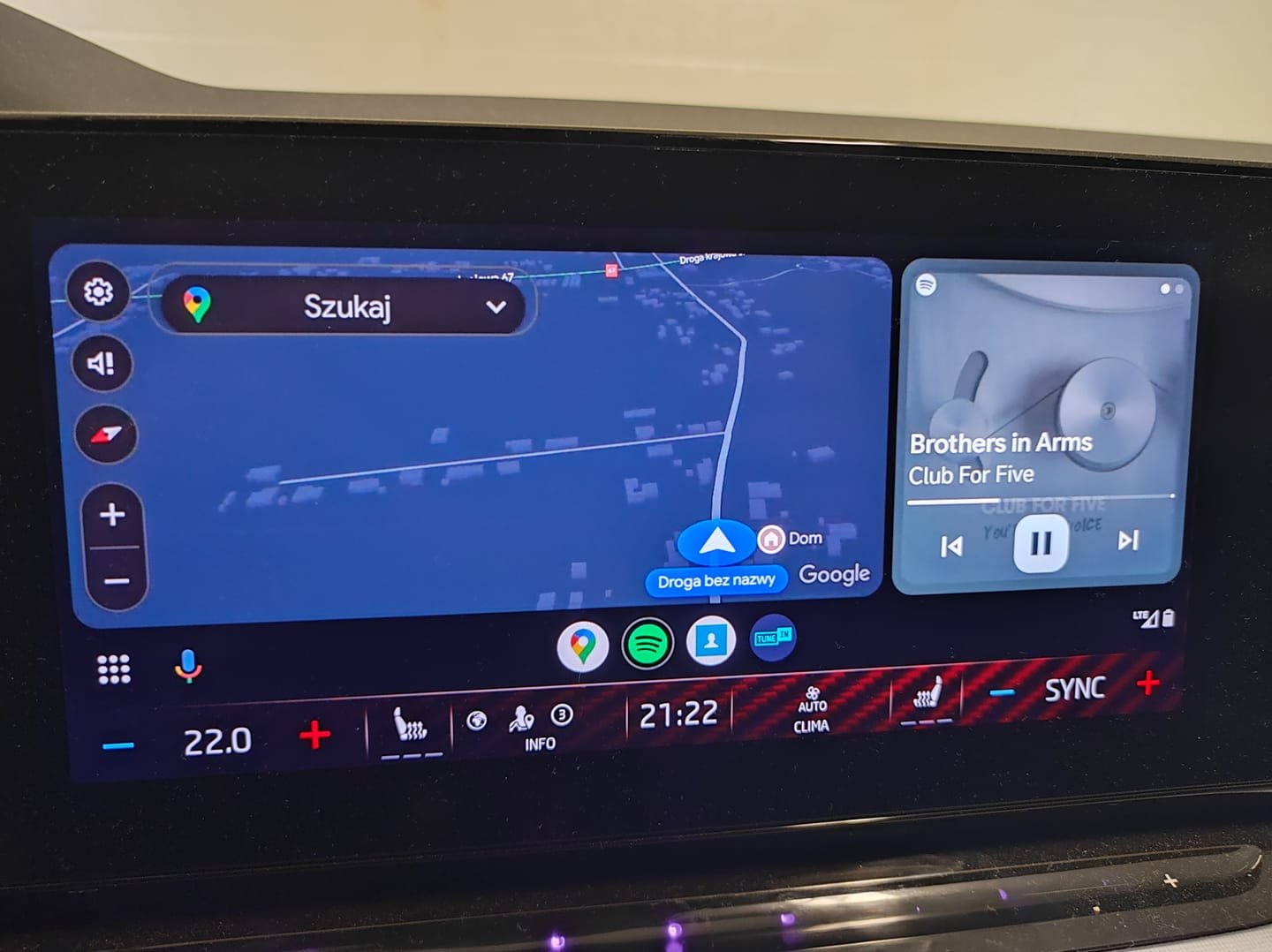
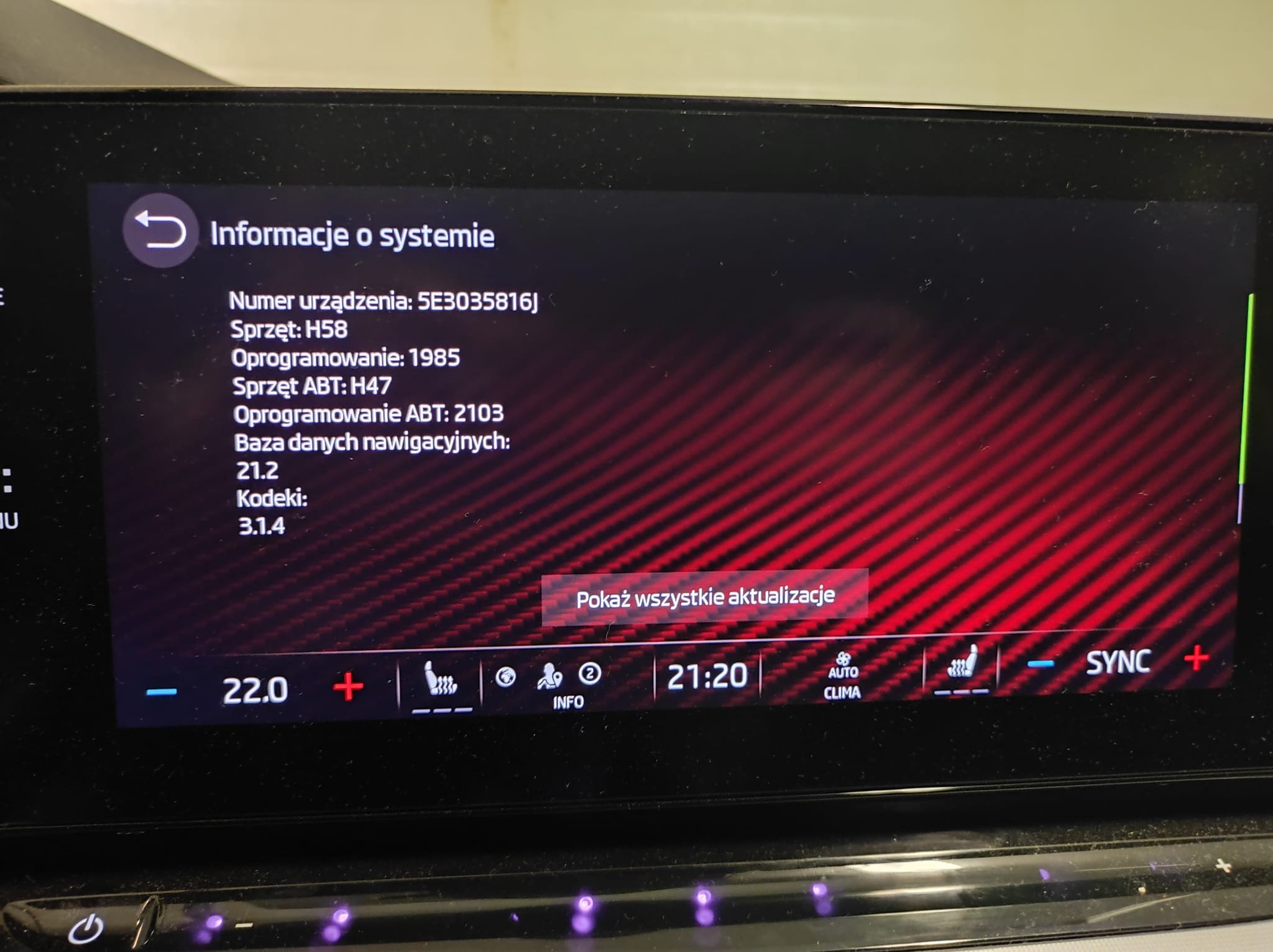
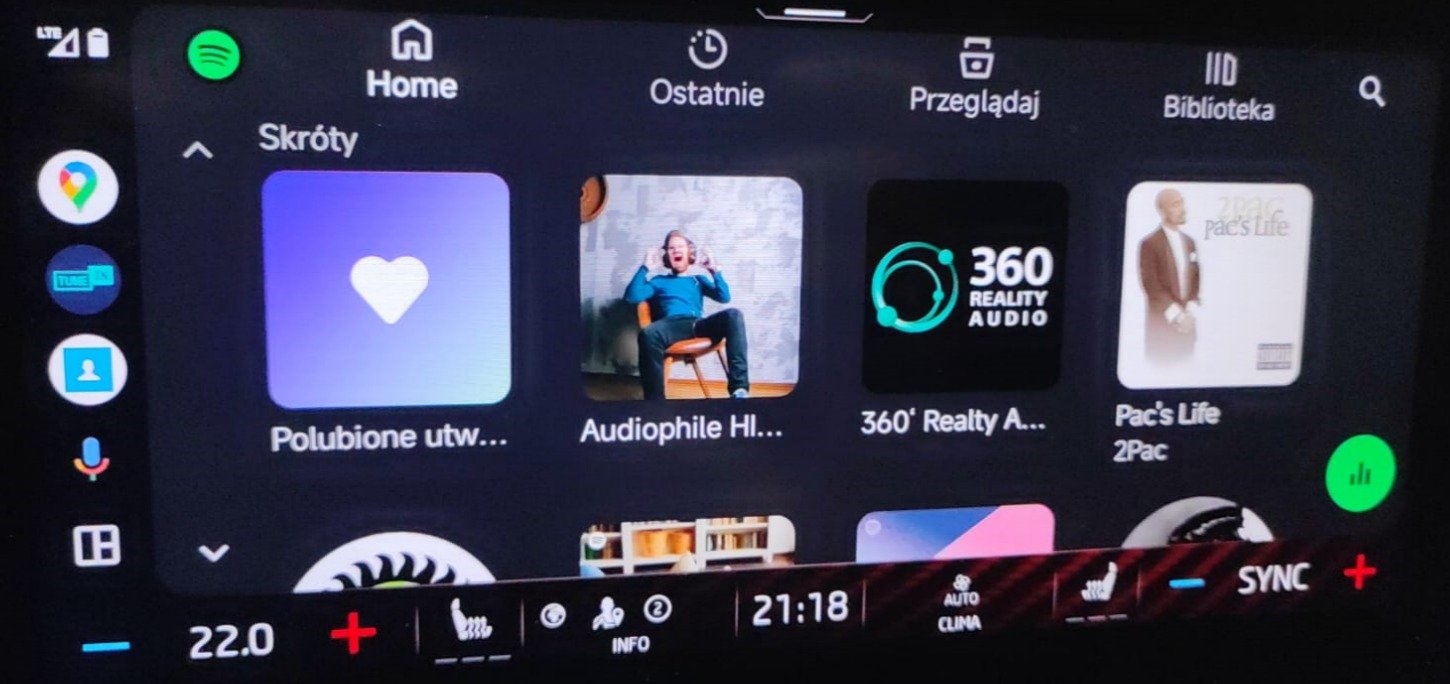
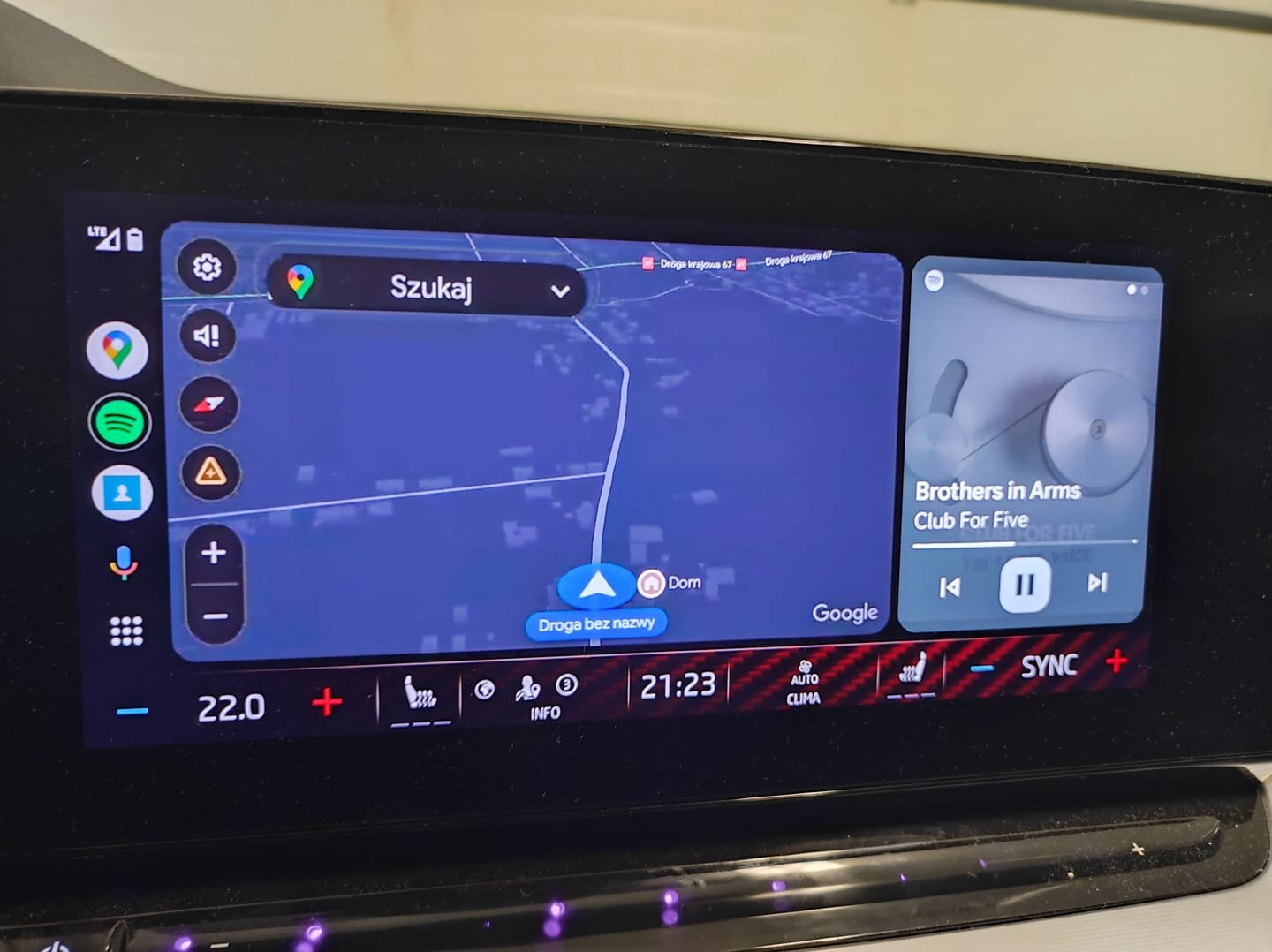
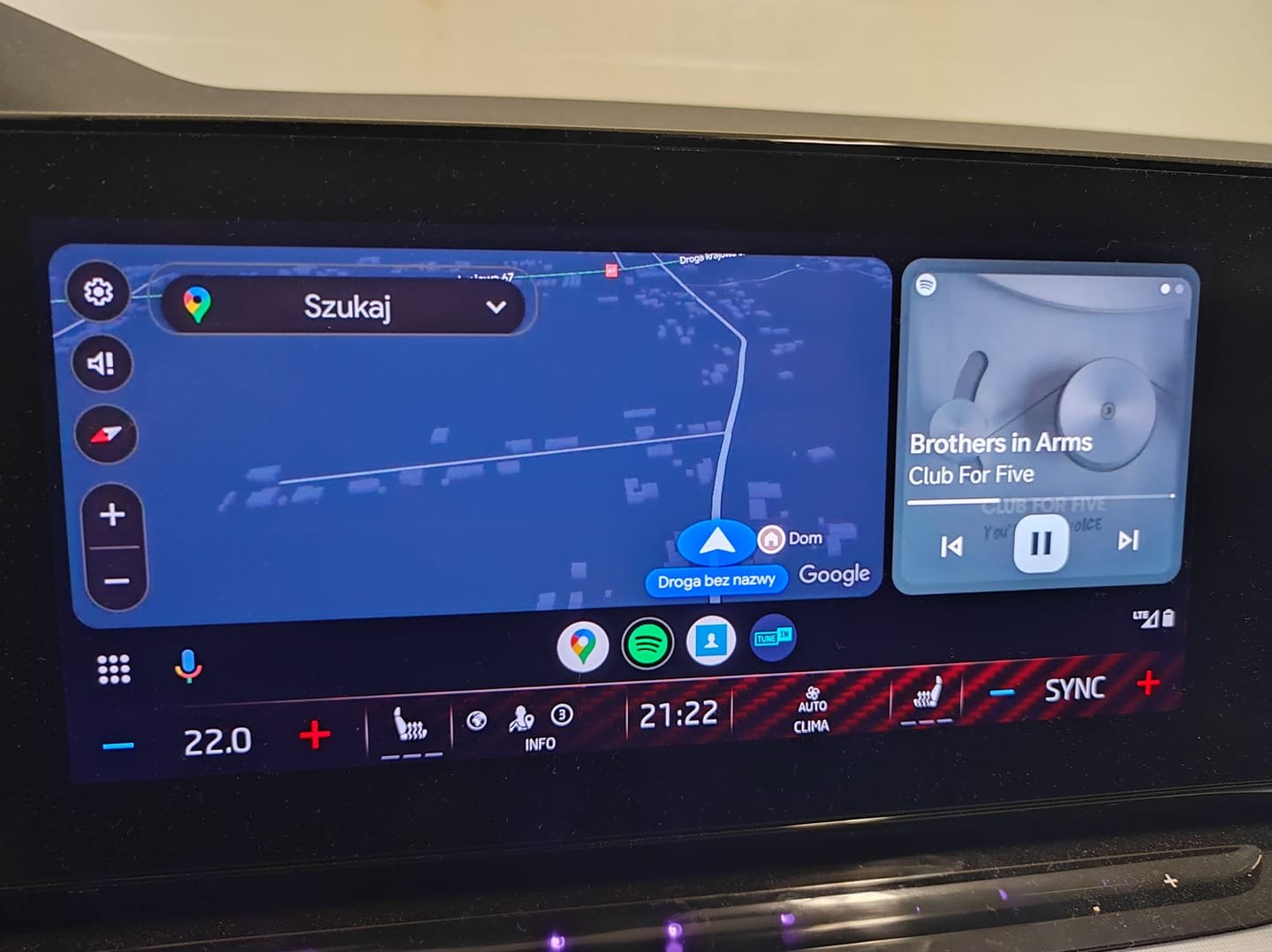
  4. 1985 works fine thanks to @Rainesh 👍 1. Spotify can be displayed in full screen] 2. "show quick controls for apps" works fine now for AA [AA not as widget]
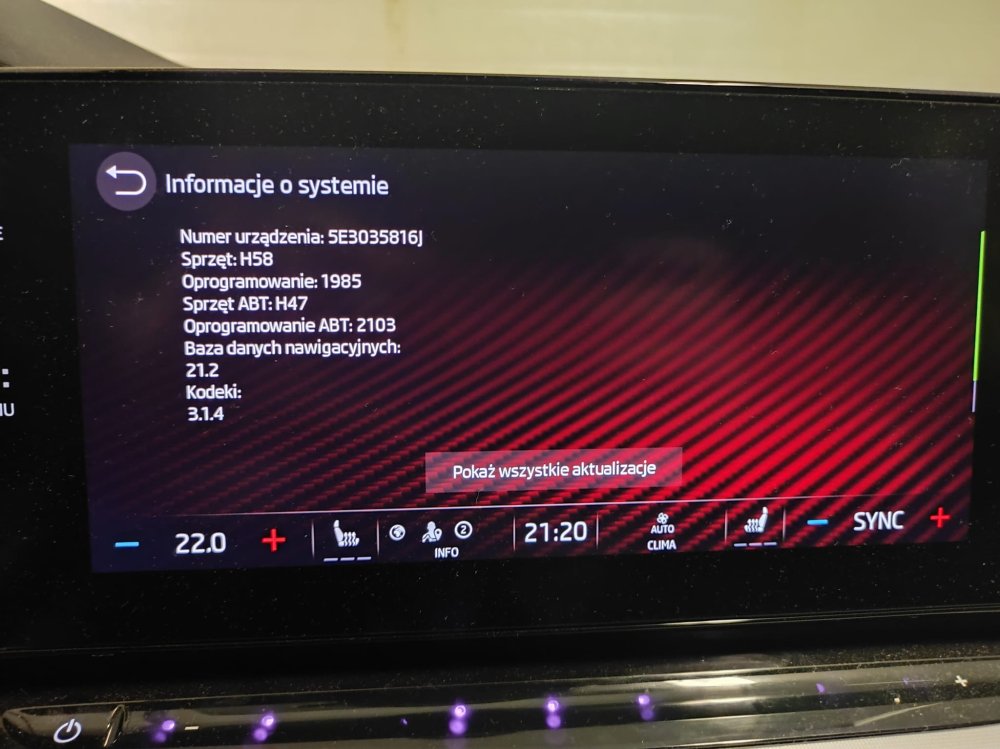
  5. 1985 works fine 1. Spotify can be displayed in full screen] 2. "show quick controls for apps" works fine now for AA [AA not as widget]
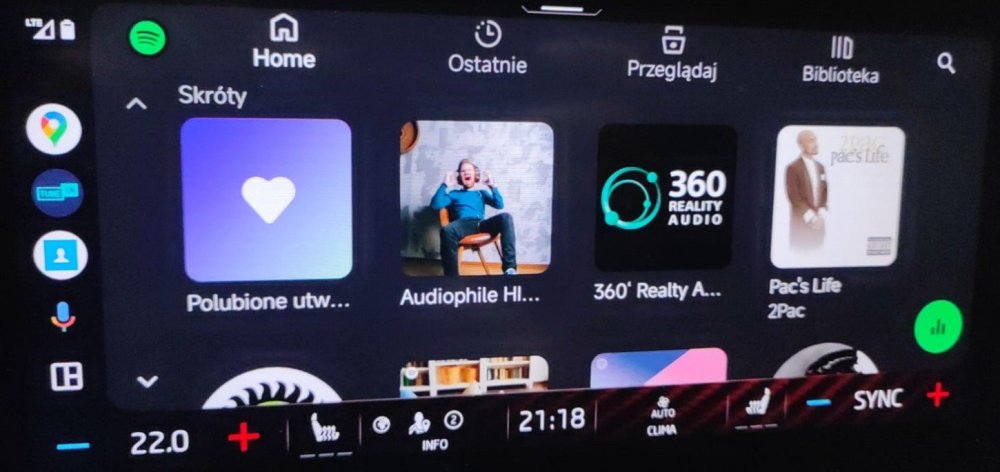
  6. unfortunately I don't know anything about the fixes in this version, photo found on the web
  7. Any of you have a 1985? edit: https://photos.app.goo.gl/LBJPb21WkcbY6CJy9

  8. Any of you have a 1985? edit: https://photos.app.goo.gl/LBJPb21WkcbY6CJy9

Important Information

Welcome to BRISKODA. Please note the following important links Terms of Use. We have a comprehensive Privacy Policy. We have placed cookies on your device to help make this website better. You can adjust your cookie settings, otherwise we'll assume you're okay to continue.

Account

Navigation

Configure browser push notifications

Chrome (Android)
  1. Tap the lock icon next to the address bar.
  2. Tap Permissions → Notifications.
  3. Adjust your preference.
Chrome (Desktop)
  1. Click the padlock icon in the address bar.
  2. Select Site settings.
  3. Find Notifications and adjust your preference.