




jacekben76
Finding my way
-
Joined
-
Last visited
Everything posted by jacekben76
-
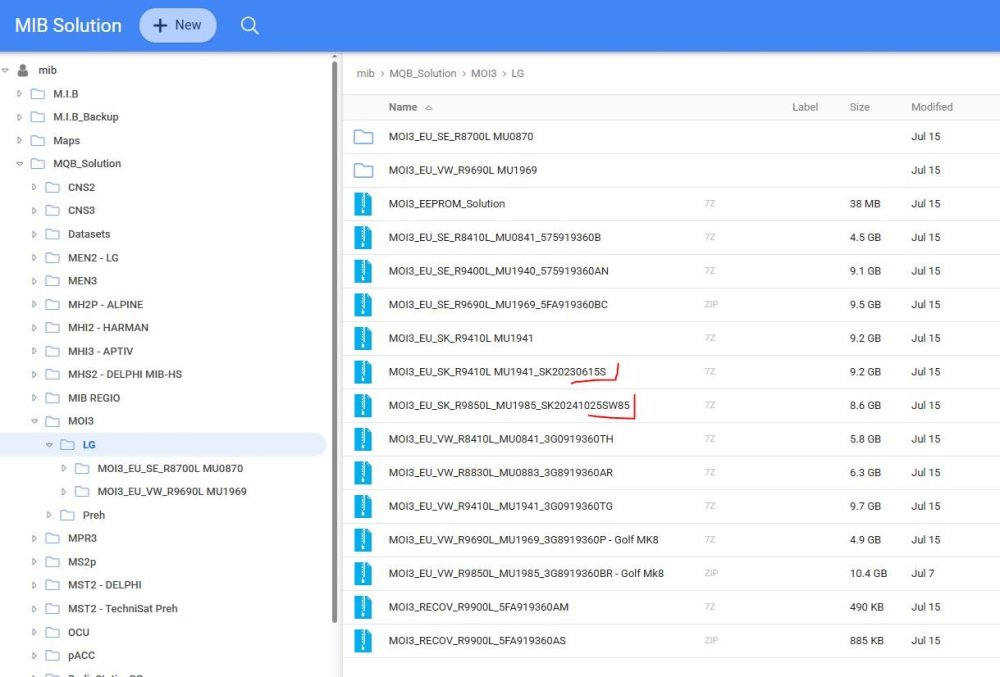
I don't know the source/content; I recommend downloading it from https://mibsolution.one/#/1 After installation, load 1985 or 1989 instead of 1969. PS. Check your inbox.
-
For this version, I do it in two steps: 1803->1941->1989. 1. Download both files, unzip them on your computer. 2. Copy the contents of 1941 to a flash drive (preferably a good, branded USB-C) to the root directory. 3. Insert the flash drive into the USB-C port. 4. Open/tilt the hood. 5. Start the engine (it's best not to drain the battery). 6. Hold down the Menu button until the tablet enters service mode. 7. Select "Update" and select the USB-C port where the flash drive is (it will be highlighted). 8. Select "Install." 9. Wait, wait, wait - 2-3 restarts and it's done. The whole process takes about 15-20 minutes. 10. After a while, an additional fix will probably be released via OTA. 11. Repeat the procedure with the 1989 file. 12. Enjoy the new software. ;) If you need more information or help, send me a private message.
-
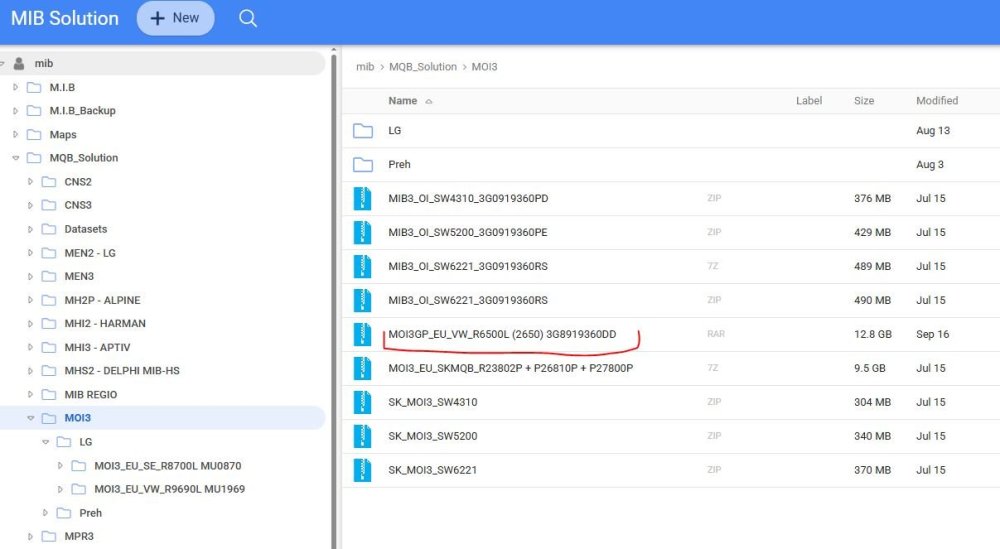
I don't know if I'm wrong, but this is probably the version for you?
-
we are looking ;) as I wrote above - so far I haven't noticed any differences
-
Have you noticed any visual changes? I haven't, so I assume it's an overall improvement in stability?
-
-
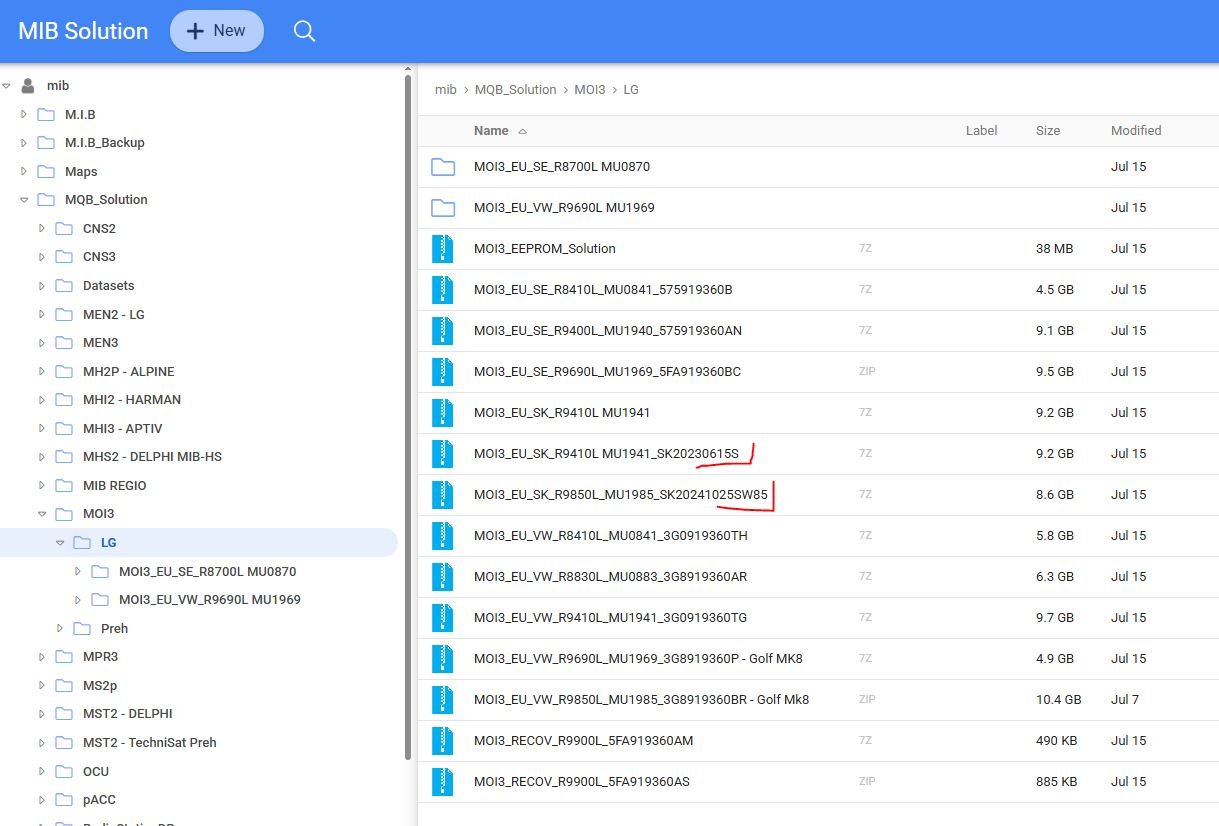
for peace of mind do it in two steps: 1941->1985.
-
feel free to update as soon as possible, the previous version you had was one of the oldest 😉👍
-
Hi! Does anyone still have and could share a link to SW 1896?Hi! Does anyone still have and could share a link to SW 1896?has anyone tried updating directly from 1806?1. sometimes adapters cause an error during the update; although it is rare, it does happen 2. often coding requires opening the hood of the car; maybe it's not required as someone wrote above, but I always do it; maybe it's to prevent the system from turning off?1. you need a good, branded USB-C pendrive (I do not recommend adapters) 2. format it in exFat 3. unzip the downloaded file on your computer and only then copy the contents (two folders) to the root directory of the pendrive 4. open/tilt the car hood 5. turn on the ignition (you can start the engine if there is a possibility of the battery being discharged) 6. insert the pendrive into the USB-C port 7. enter service mode by holding the MENU button for a few seconds 8. follow the messages 9. arm yourself with patience - if this is your first time, you can skip the coffee 10. 15-20 minutes of adrenaline and you're done! https://youtu.be/9Sd6mpX3D2cSpotify, Tidal, contacts etc. in fullscreen, some say it's smoother and faster



Important Information
Welcome to BRISKODA. Please note the following important links Terms of Use. We have a comprehensive Privacy Policy. We have placed cookies on your device to help make this website better. You can adjust your cookie settings, otherwise we'll assume you're okay to continue.