onyx84
Finding my way
-
Joined
-
Last visited
-
Thanks for replying. I read that topic, but that doesn't work with skoda superb.
-
-
Hello everyone. I'm slowly giving up. 1. The steering wheel with heating was replaced. Additionally, the slip ring 5Q0953569B was replaced. Of course, additional wiring. 2. Coding to get steering wheel heating in the menu. until now, everything was fine. Controls in the menu work correctly. The steering wheel heats up. 3. Now the problems... an error with the acc was displayed. When I returned to the old slip ring, the problem with the acc disappeared. Any ideas? Could the slip ring 5Q0953569B be incompatible with the acc? Am I missing some coding?
-
Hello everyone. I'm slowly giving up. 1. The steering wheel with heating was replaced. Additionally, the slip ring 5Q0953569B was replaced. Of course, additional wiring. 2. Coding to get steering wheel heating in the menu. until now, everything was fine. Controls in the menu work correctly. The steering wheel heats up. 3. Now the problems... an error with the acc was displayed. When I returned to the old slip ring, the problem with the acc disappeared. Any ideas? Could the slip ring 5Q0953569B be incompatible with the acc? Am I missing some coding?
-
Hello everyone. I'm slowly giving up. 1. The steering wheel with heating was replaced. Additionally, the slip ring 5Q0953569B was replaced. Of course, additional wiring. 2. Coding to get steering wheel heating in the menu. until now, everything was fine. Controls in the menu work correctly. The steering wheel heats up. 3. Now the problems... an error with the acc was displayed. When I returned to the old slip ring, the problem with the acc disappeared. Any ideas? Could the slip ring 5Q0953569B be incompatible with the acc? Am I missing some coding?
-
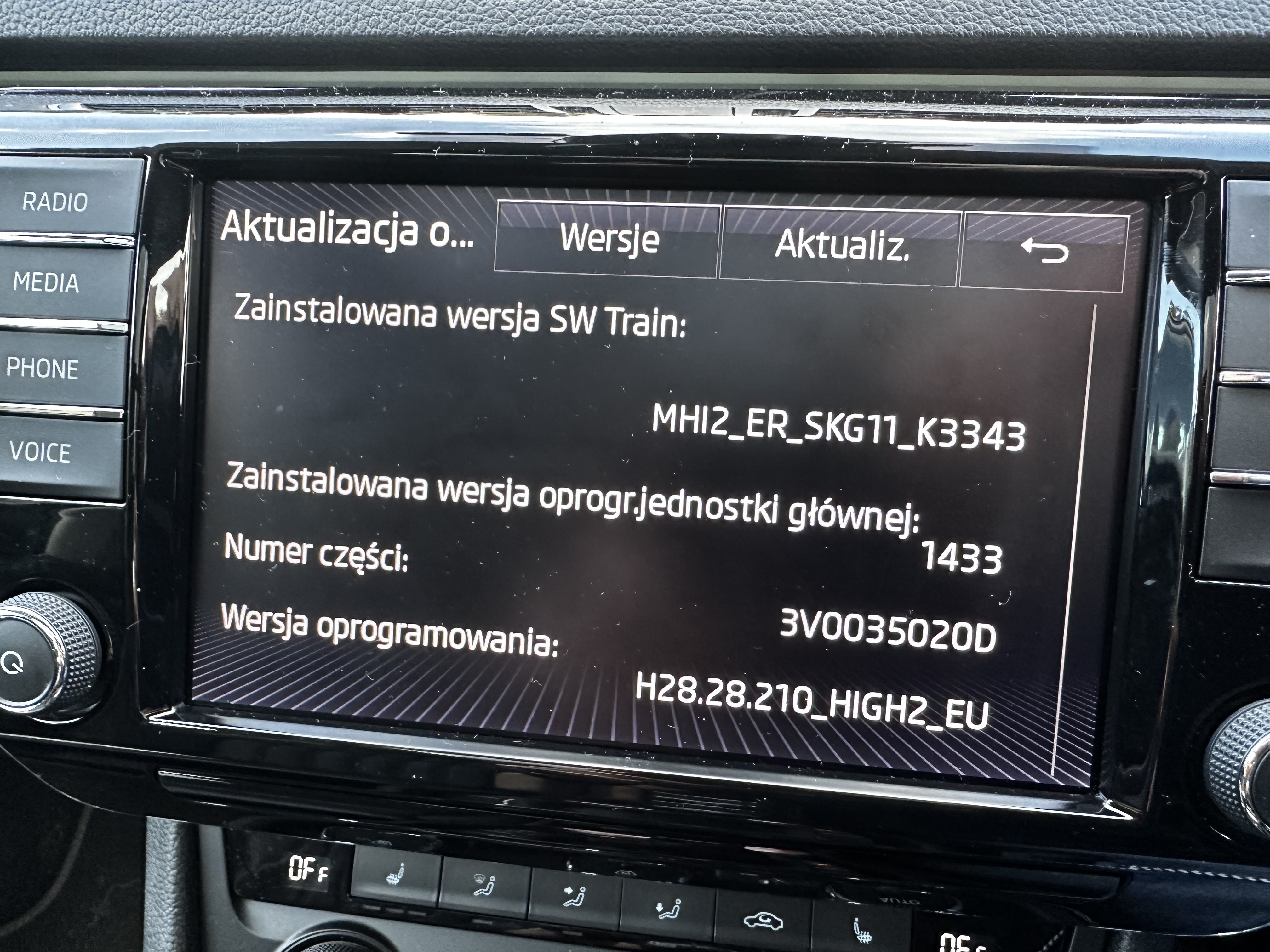
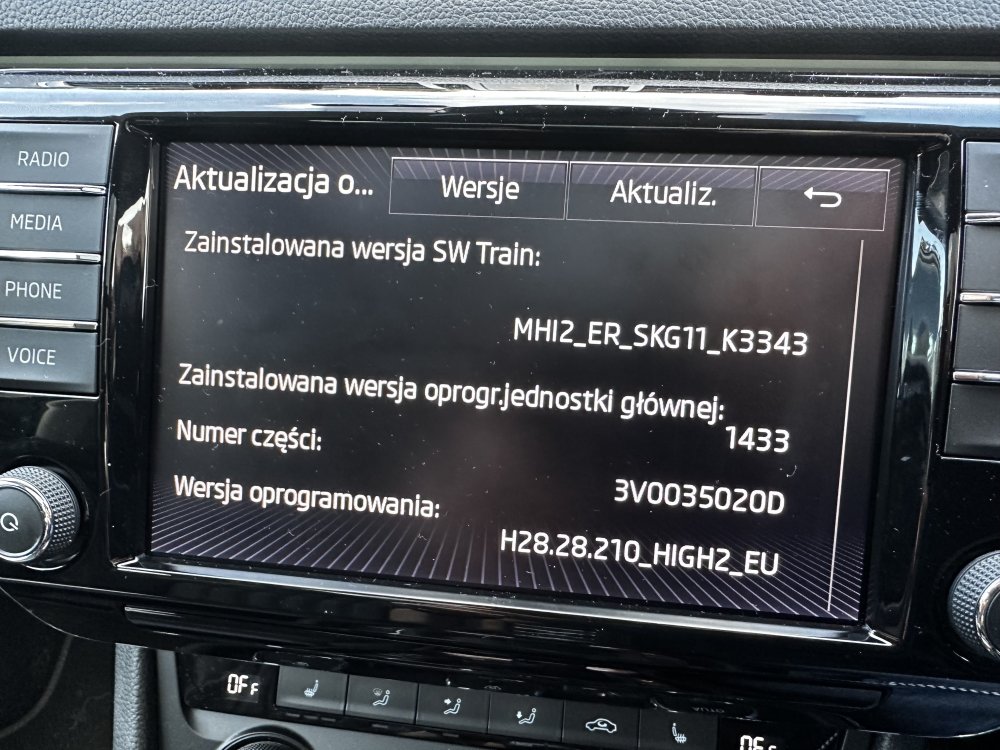
mib2 columbus 8”
-
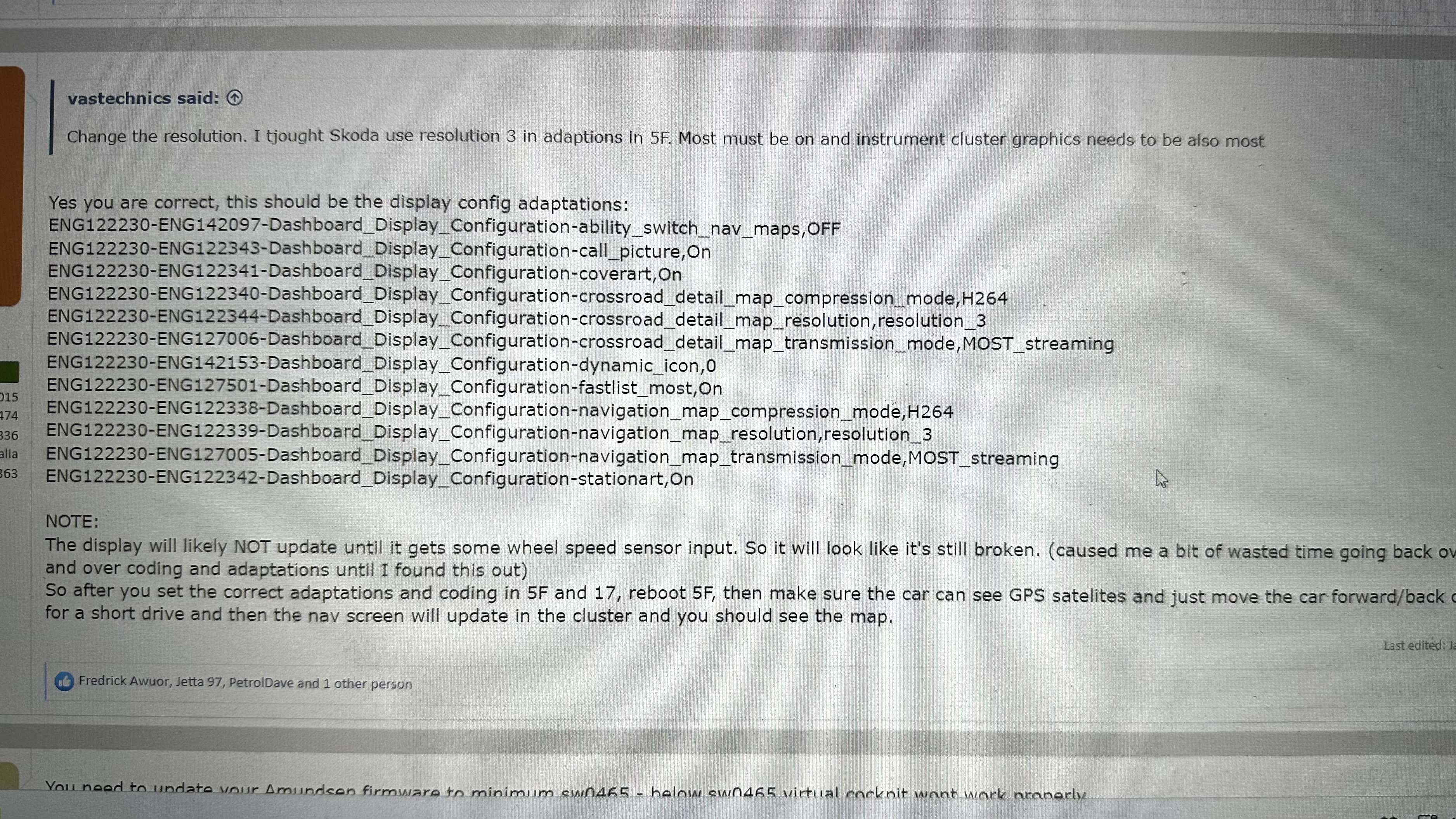
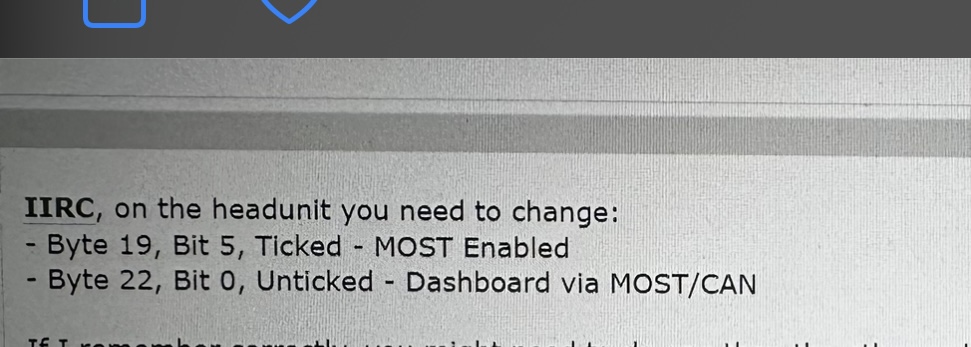
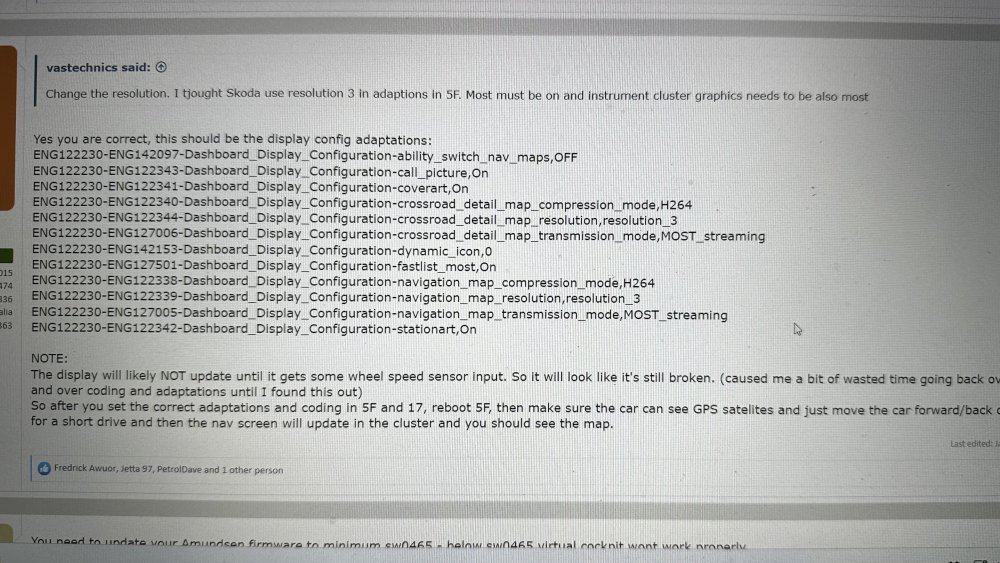
Have the same problem - no maps on vc My vc no maps