
darkmatterink
Finding my way
-
Joined
-
Last visited
Everything posted by darkmatterink
-
-
Sorry you had to go through this. But can you please tell me where you got the illuminated ones and how did you wire it?
-
Hello guys.. I came across this post on a VW forum where some successfully updated but had to do an extra step using a OBD tool to fix software management error in control unit 5F Did anyone here have to do it? Here's the link to it https://www.vwvortex.com/threads/how-to-update-infotainment.9535048/post-116196522
-
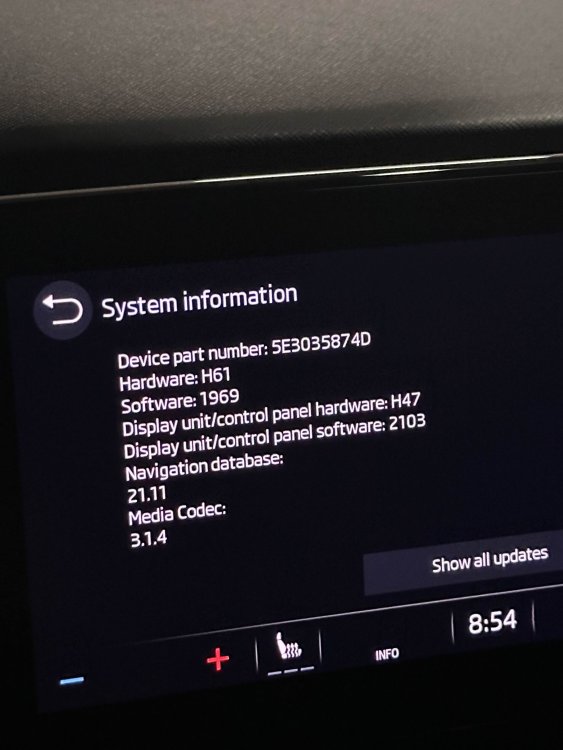
I too had this issue after 1941. layout got reset. I did a factory reset and started fresh. have not had the issue since. Also I just updated to 1969.. will test it out and revert. Others are enjoying the update as of now,
-
Thank you. I have successfully updated. All is okay for now.
-
So there is no need for a battery charger in this case?
-
It will probably have the 4th gen EA888 engine with a bigger turbo. As I recall they have moved away from the IHI turbo. So there may be mechanical differences.
-
Great. I was all happy that my car is up to date 😂. But the rest of the car works as it’s supposed to. So I really shouldn’t worry about having the latest software for all modules, unless new features were introduced. Then I’ll be missing out. The problem is, in my region, I don’t get OTA updates, nor does the car have internet connectivity. So there is no way to really see what modules need updating
-
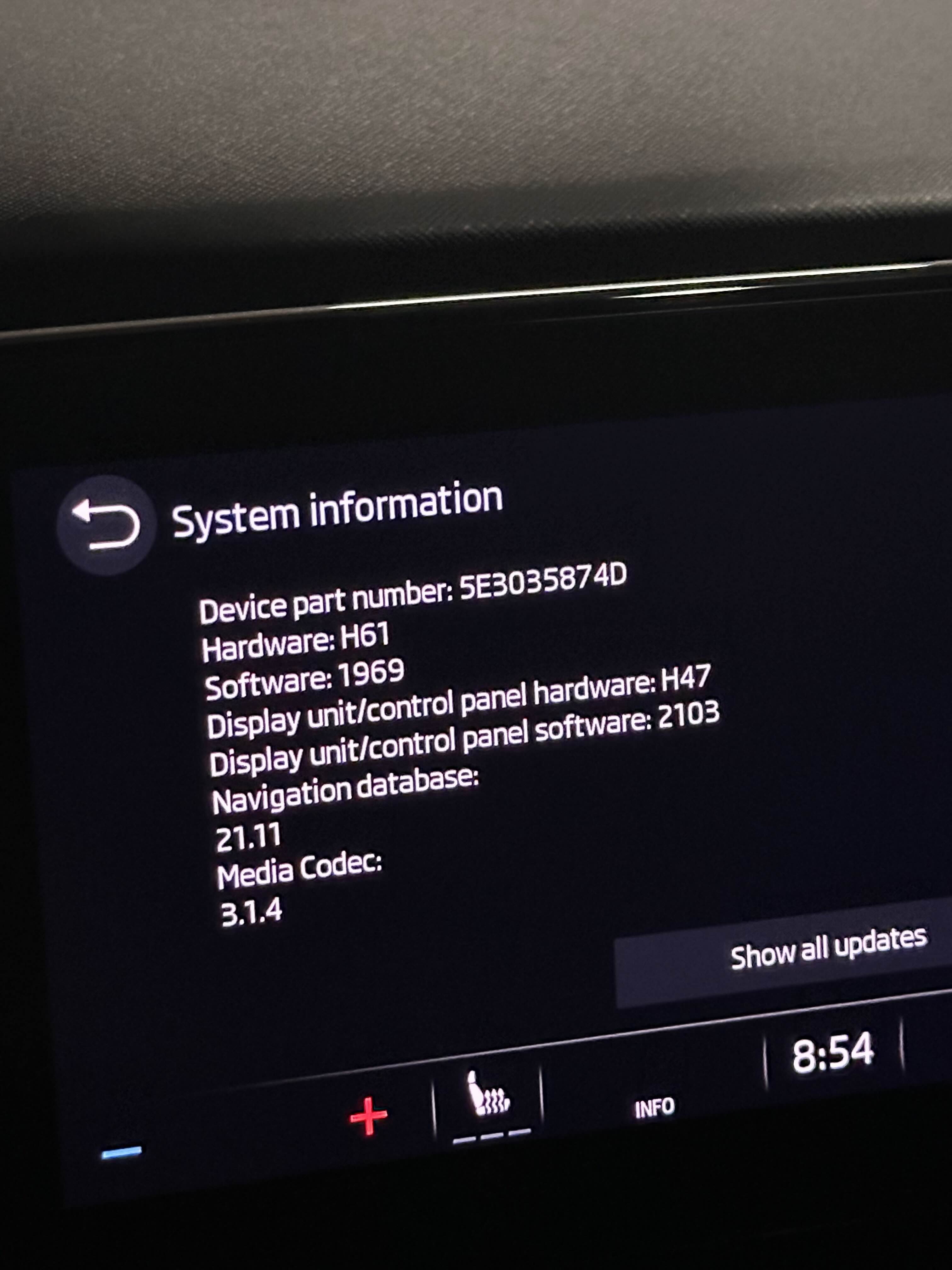
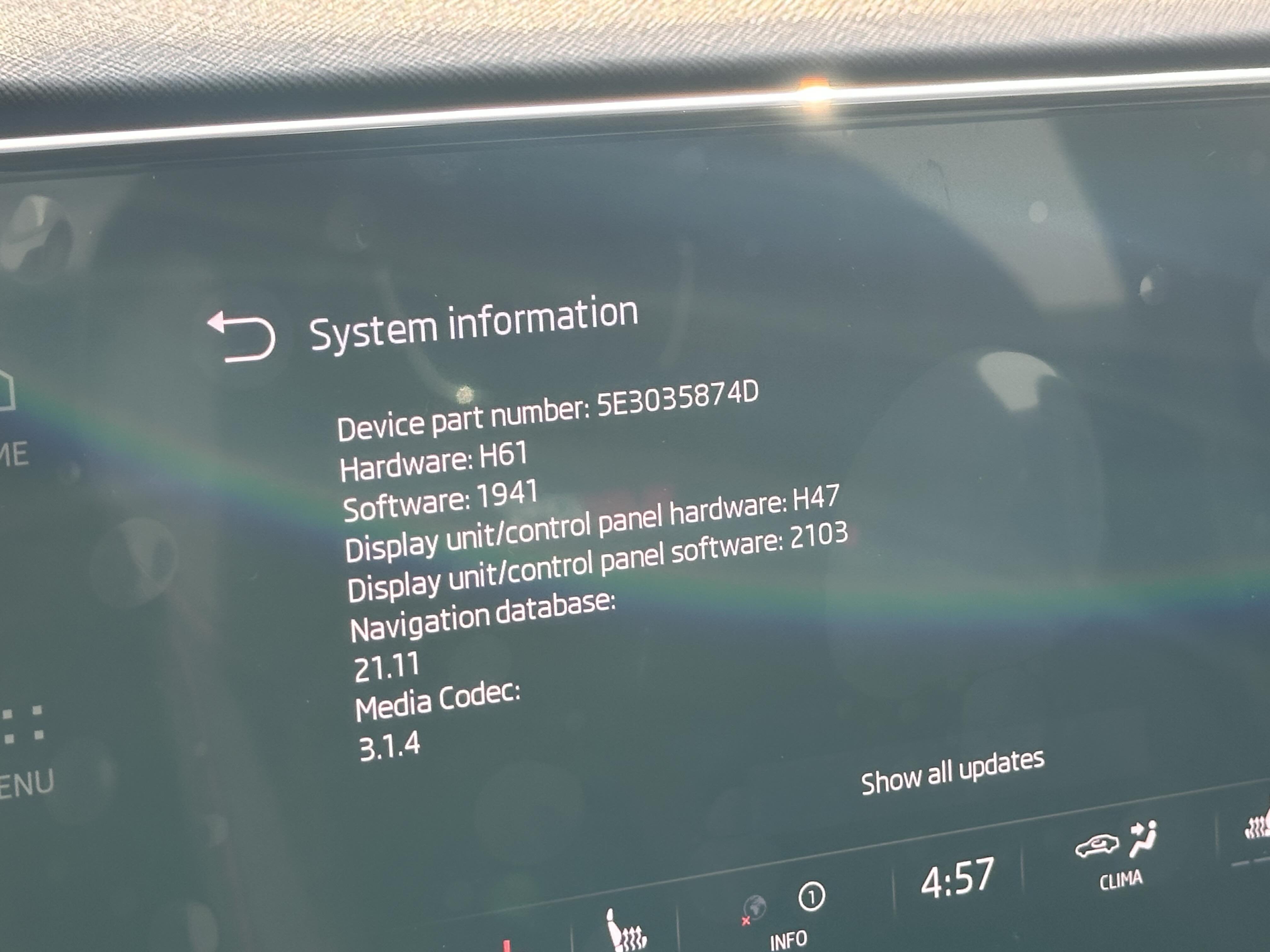
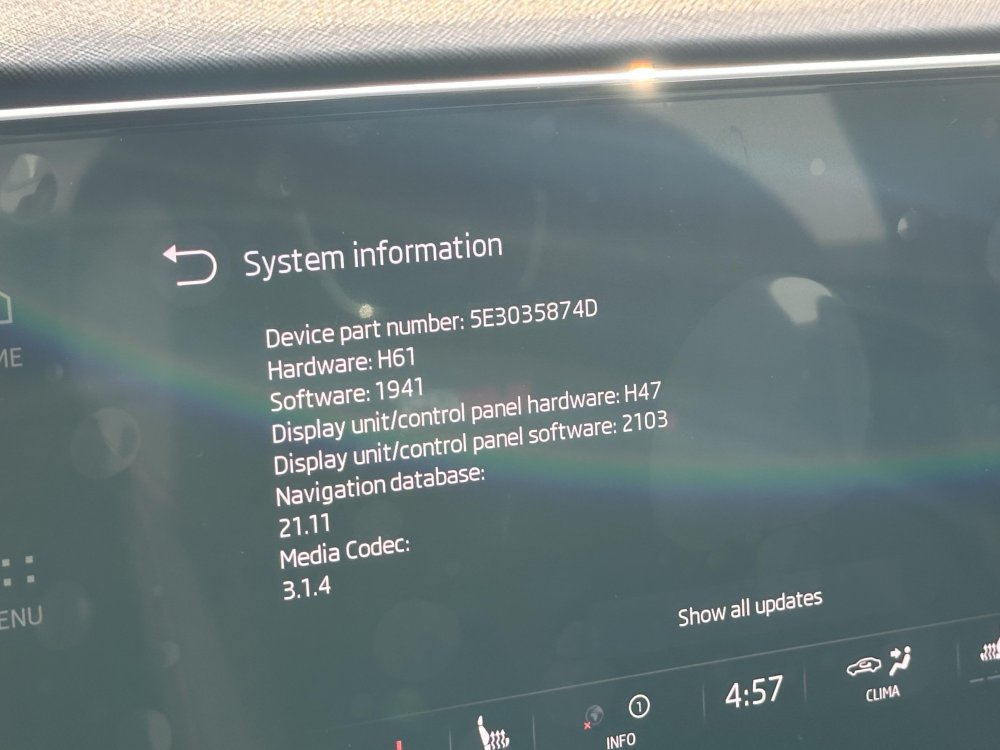
Sorry, how are telematics and infotainment updates different? I assumed the updates are all under one package...? How do I know if my telematics are up to date? I recently got my software updated via the dealership to version 1941... Attached is system info..
-
Hey, I had a similar issue with a genuine iPhone cable. Unplugging and replugging it a couple of times solved it, and I haven't had the problem ever since. Lol, I know it's a weird fix, but hey, it works
-
Hey guys, I've got the Columbus infotainment system. You can see the altitude by going to the home page. Add the 2X3 navigation widget and you'll get a compass. When you swipe, it will display coordinates and altitude.
-
I checked if there’s a UAE specific portal. There isn’t any. It’s just tied to vin. I guess you’re right. Maybe they haven’t updated it here. There are only a handful of Škoda cars here 🥲
-
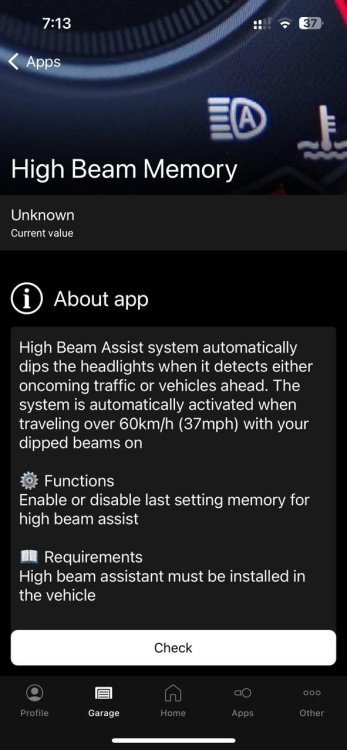
I remember seeing it as a one click app. Maybe you can try that way?
-
Hi @Markeknows, I followed your instructions and sought some help from @RobL50 to update my maps. However, it simply did not work. I plugged the USB in for an hour, but there was no activity. I bought my car in 2023, and the map version currently installed is 21.11. Unfortunately, the dealer in my region is not very helpful when it comes to software support; they claim their system does not show any map updates available. Another thing I found very strange is that when I went to look for FEC codes, there were none! Both supported codes and installed codes were blank. I don't know if this has something to do with not being able to update the maps. I went searching for the codes because I read somewhere that maps need to match the unit's region and FEC/SWaP code... So now I am confused.
-
Wow. Can you please share how to activate this mod via obd11
-
hahah wow. I just realised.
-
Awesome. thank you. I will try it tonight and report back.
-
How do you update maps yourself? In my region, we dont get OTA updates. I tried to download the maps files from the skoda update portal but there was no sign that it was getting updated. IF you have done it, can you please explain what i am doing wrong?
-
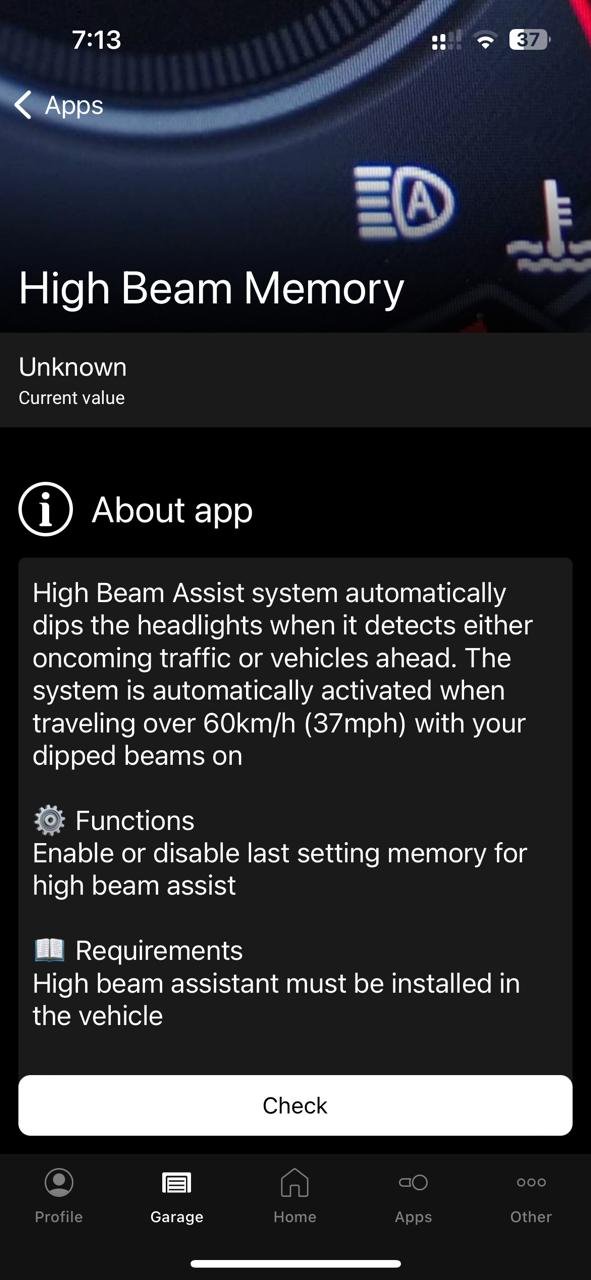
What is "headlight assistant always on"?
-
Glad you got it to work. I purchased my car in 2023. It came with 2021 maps. The dealership is not helpful. In my region, we don't have eSIM and internet connectivity, so no OTA updates. When I did a VIN check, it did show an update, but the dealership says there is no update on their system. It's some BS. I would like to try your method. Should the USB be type C, or can I use a dongle? What format did you have your USB in?
-
@RobL50 Glad you got it to work. I purchased my car in 2023. It came with 2021 maps. The dealership is not helpful. In my region, we don't have eSIM and internet connectivity, so no OTA updates. When I did a VIN check, it did show an update, but the dealership says there is no update on their system. It's some BS. I would like to try your method. Should the USB be type C, or can I use a dongle? What format did you have your USB in?
-
Hi @ParkKatt Did you manage to install the USB ports ? I have been researching about it and I'd appreciate it if you can share any info on it! Thanks