




ReSeTe
Finding my way
-
Joined
-
Last visited
-
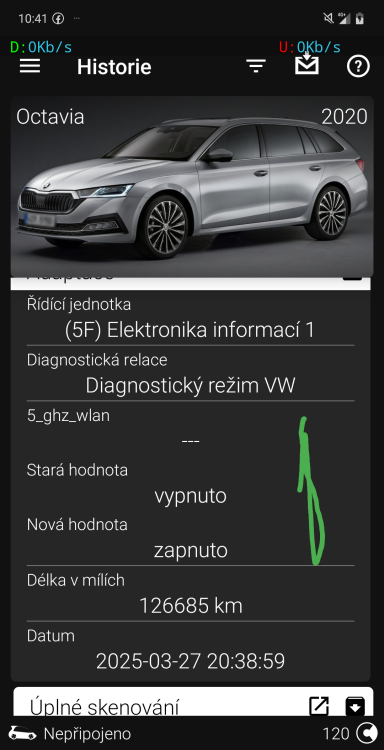
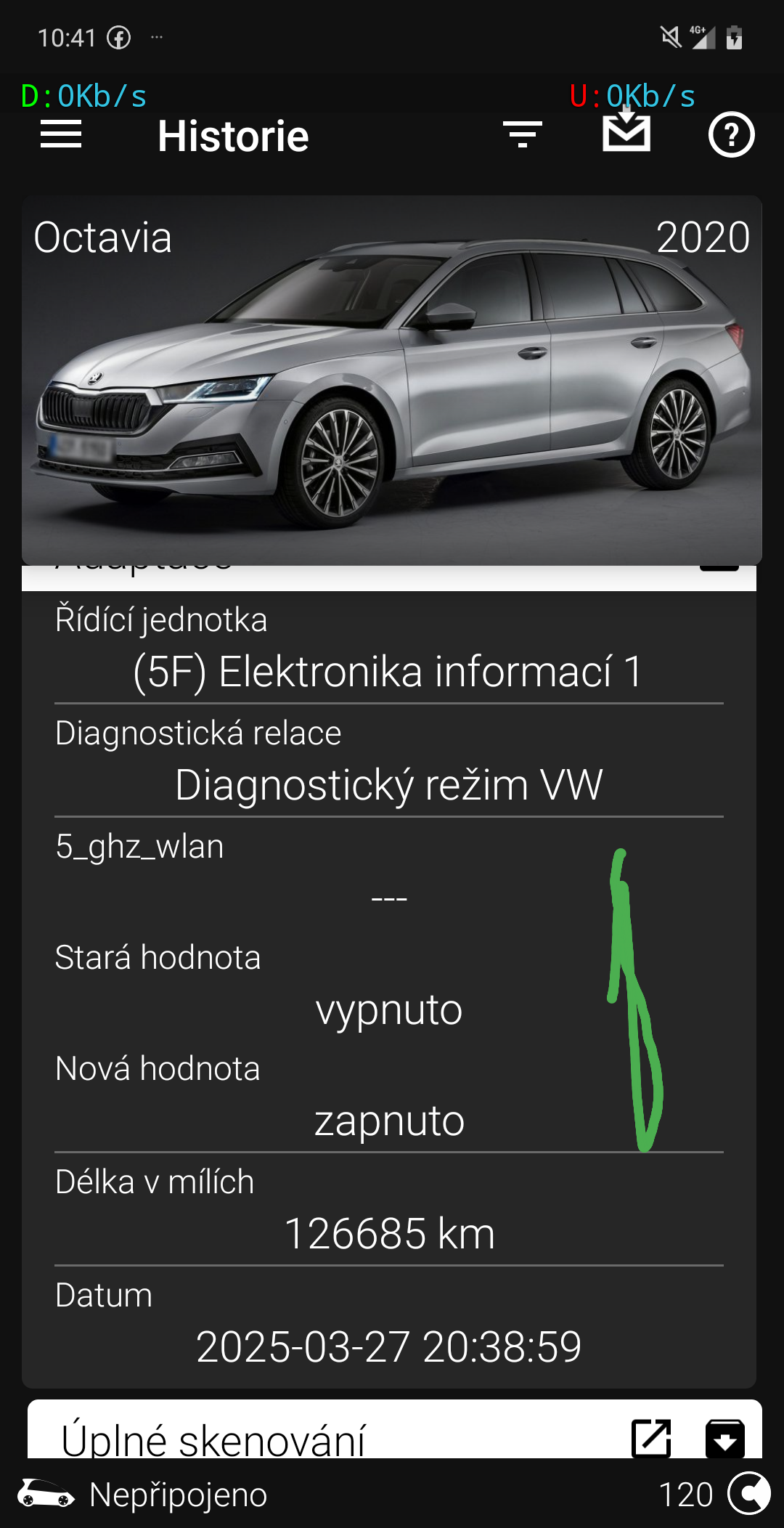
This option helped to activate wifi for android car wirelessly
-
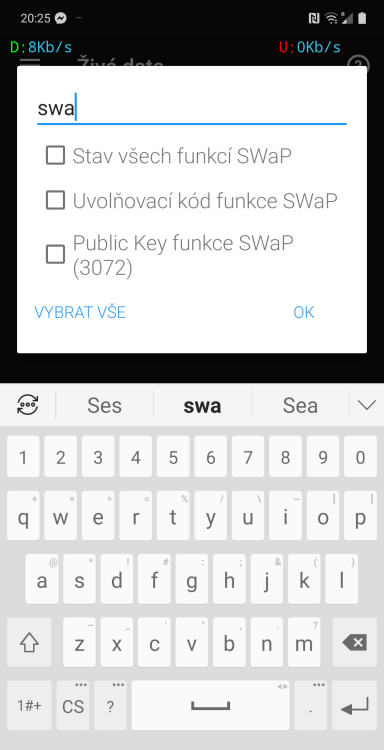
Unit 19/ live data/
-
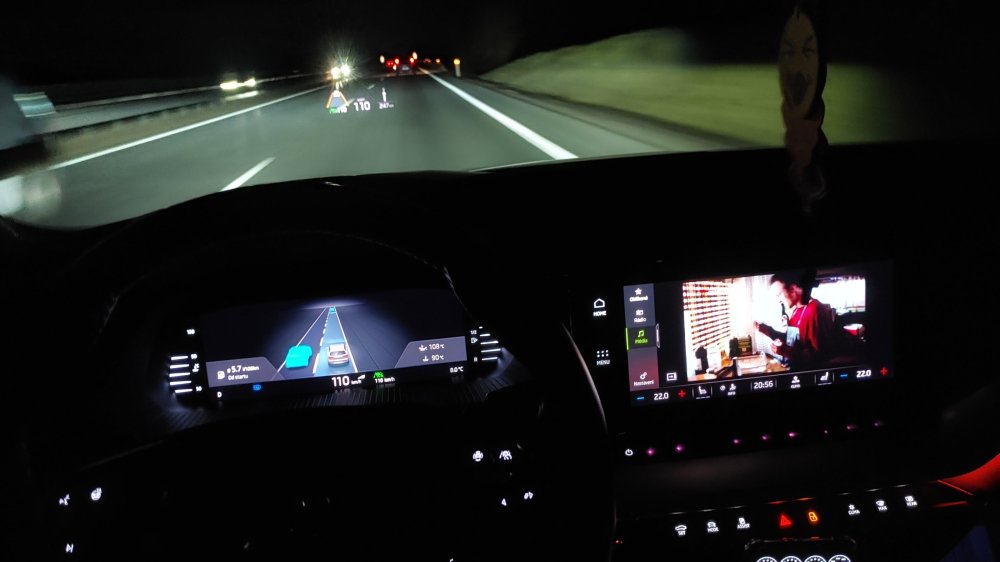
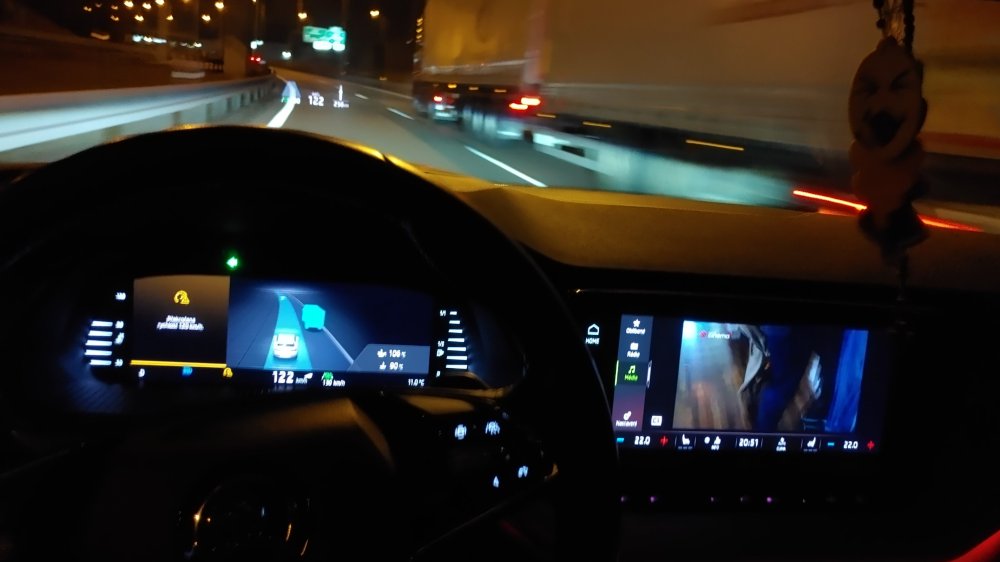
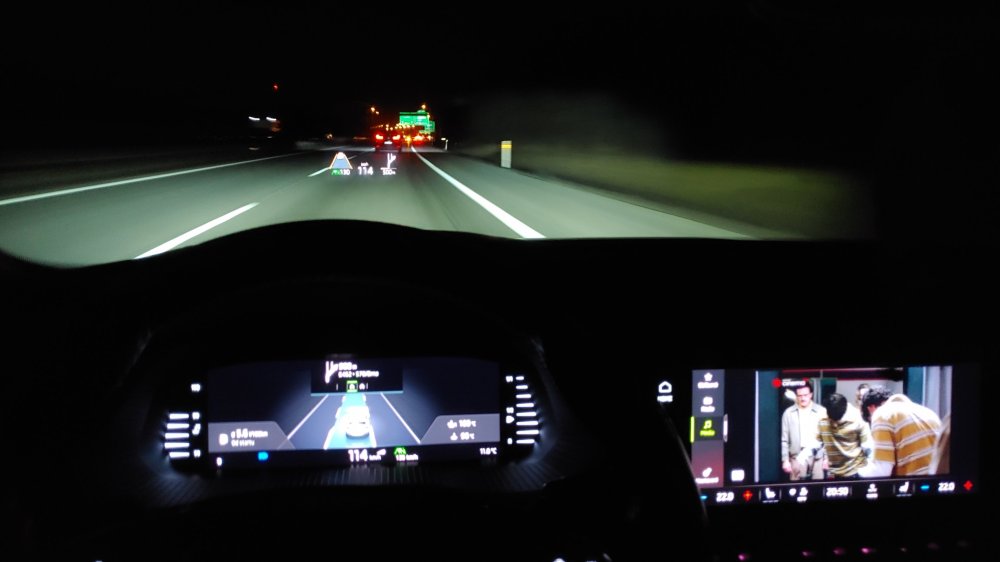
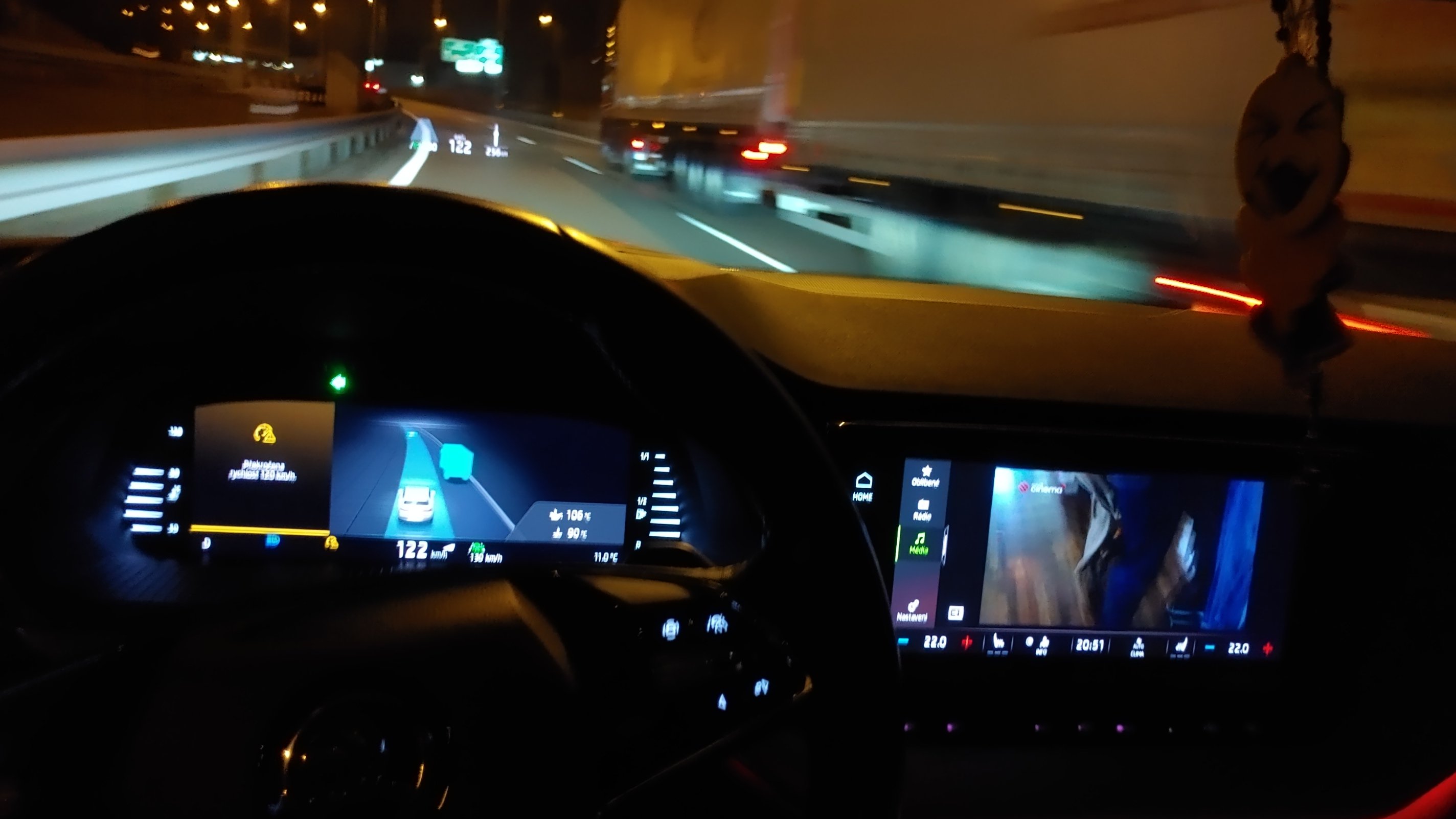
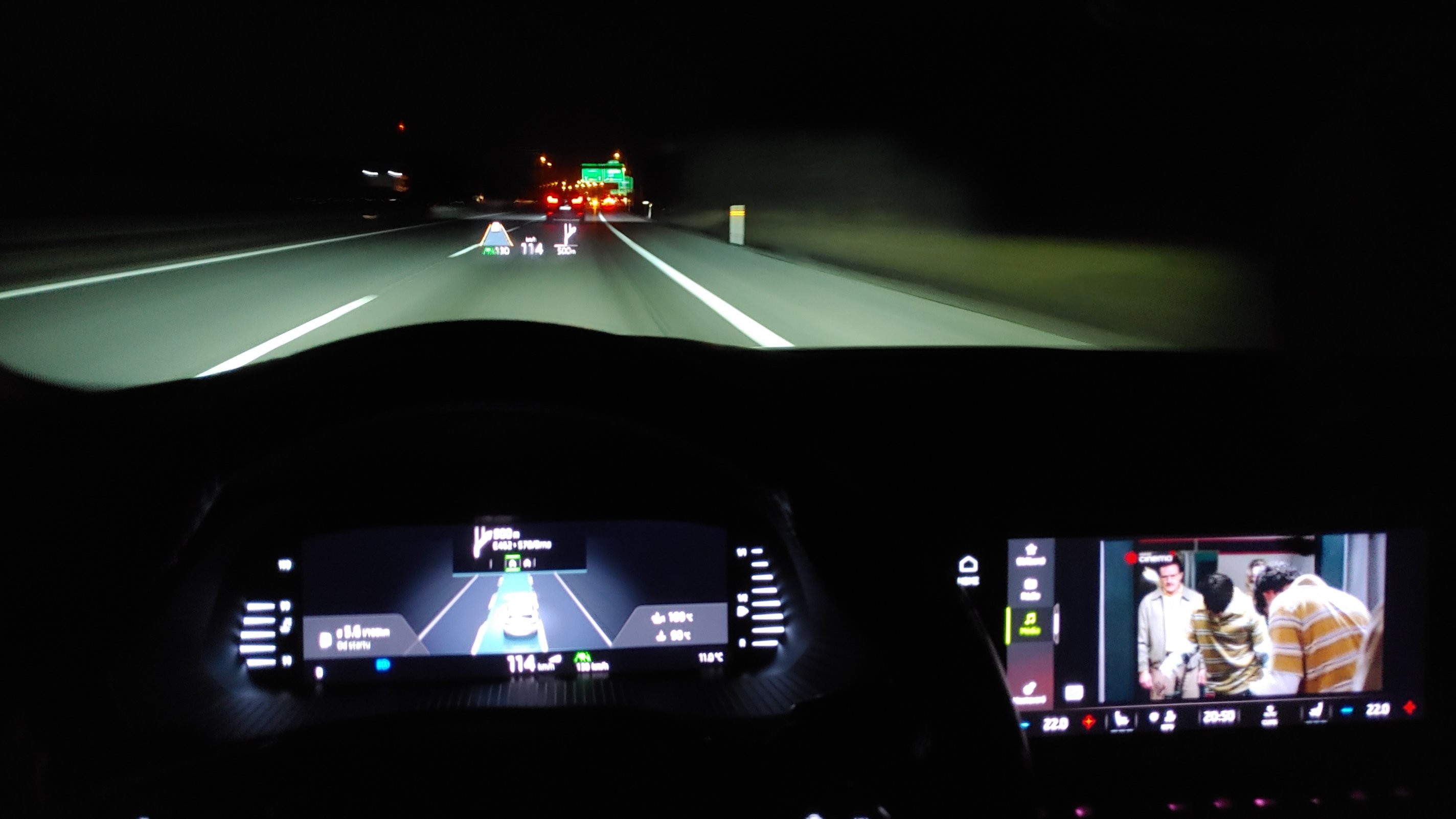
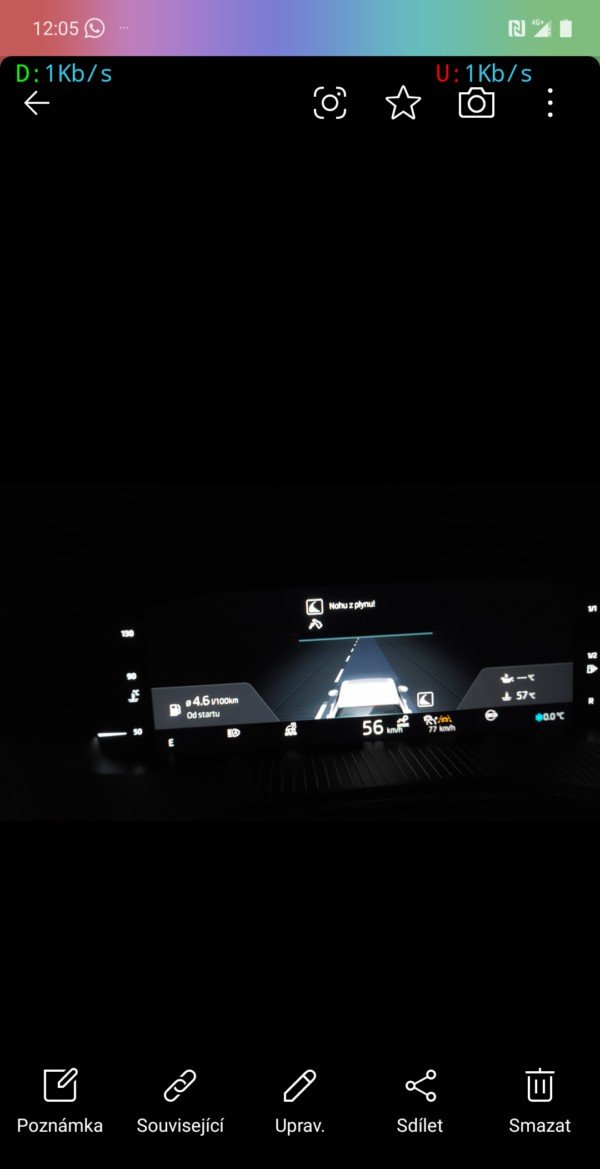
I have a travel assist button on the steering wheel. I coded it according to the instructions and it works, but it only adjusts the speed to the vehicle in front. It does not adjust the speed before an intersection, according to the restrictions on the map sign, or before a roundabout. If I turn off travel assist or I do not have ACC on, it shows the restrictions, shows the roundabout, and the intersection with the instruction to take your foot off the gas, but when ACC or Travell are functional, it does not adjust any speed except for the car in front.
-
Hi. Thank you for your answer. I assumed that if the code is in the control unit and has at least the penultimate two 1s, i.e. Configuration normal/Functionality available/, then the function is available because for example I have the full 30 colors of ambient lighting, but according to the code I only have the two 1s. So there is nothing I can do with TSR and pACC if it is not available on the e-shop for my fault? Drive profile 10001200: 1/0/1/1/1/1/1 normal 10001300: 1/0/1/1/1/1/1 sport 10001500: 1/0/1/1/1/1/1 eco 10001700: 1/0/1/1/1/1/1 indiv 10001100: 0/0/0/0/1/1/0 comfort 10001400: 0/0/0/0/1/1/0 offroad 10001600: 0/0/0/0/1/1/0 race phev 10001800: 0/0/0/0/1/1/0 range/phev 10001900: 0/0/0/0/1/1/0 phev ii 10001A00: 0/0/0/0/1/1/0 phev iii 10001B00: 0/0/0/0/1/1/0 phev i v _____ Infotaiment 00070900: 1/0/1/1/1/1/1 hotspot 00040100: 1/0/1/1/1/1/1 ready 4nav 00070500: 1/0/1/1/1/1/1 sds spech 00070B00: 1/0/1/1/1/1/1 andro aut 00070A00: 1/0/1/1/1/1/1 carplay 00060300: 1/0/1/1/1/1/1 mirorlin k 00070400: 0/0/0/0/1/1/0 intercoml 00070600: 0/0/0/0/1/1/0 zadni sedad ______ Driver assist 10000100: 0/0/0/0/1/1/0 crui con t 10000300: 1/0/1/1/1/1/1 fatigue det e 10010100: 1/0/1/1/1/1/1 ACC StoGo 10010200: 0/0/0/0/1/1/0 pACC basi 10010300: 0/0/0/0/1/1/0 pACC speed 10010400: 1/0/1/1/1/1/1 awv Pedes 10010500: 1/0/1/1/1/1/1 awv cyclist 10010600: 0/0/0/0/1/1/0 awv assist1 10010700: 0/0/0/0/1/1/0 awv Assist2 10010800: 0/0/0/0/1/1/0 awv re traffi 10010900: 0/0/0/0/1/1/0 awv inassist 10010A00: 1/0/1/1/1/1/1 aww eva a s 100E1600: 1/0/1/1/1/1/1 Object de t 100E0F00: 0/0/0/0/1/1/0 VZE TSR full mode 10020800: 1/0/1/1/1/1/1 high bea m ______ Ambient light 10020E00: 0/0/0/0/1/1/0 ambi ext 10020F00: 0/0/0/0/1/1/0 ambi za Assorted 00071C00: 1/0/1/1/1/1/1 unkw 00060100: 0/0/0/0/1/1/0 car dat TSR: 00040100 Ready4NAV RoW 100E0F00Verkehrszeichenerkennung (VZE) Plný režim 10010100 ACC: ACChigh StopAndGo 10010200 prediktivníACC:
-
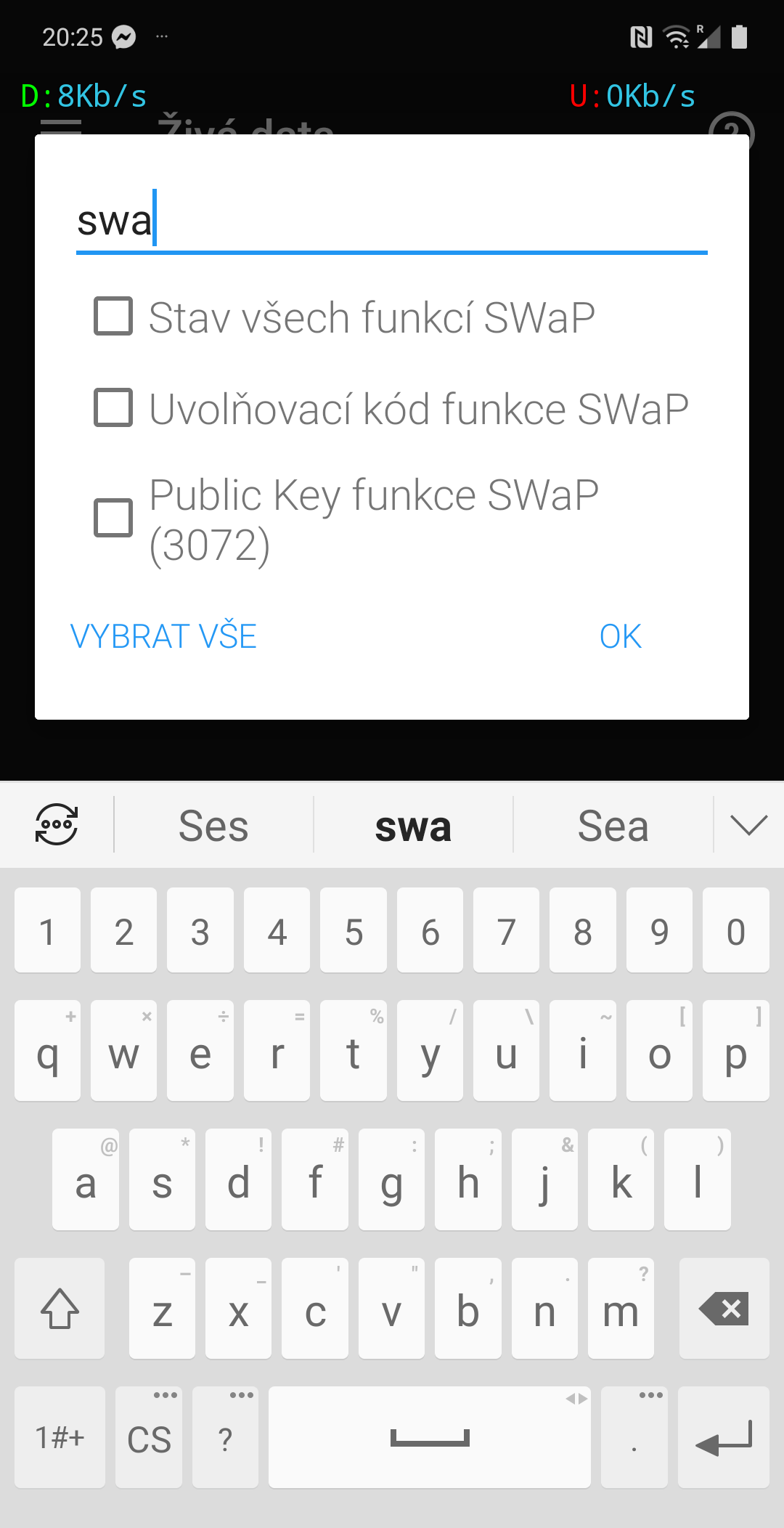
According to the Gateway unit 19 report, I have all the listed codes in the unit, why is pACC and traffic sign recognition still not working? How to activate? 19. CAN Gateway VAG Part number: 5WA907530B Software version: 7068 System supplier identifier: IN2SOFT ECU manufacturing date (ASCII): IN2 ECU serial number: 15016090003405921100 VIN: TMBJJ7NX7LY007999 Hardware Part number: 5WA907530B System supplier ECU hardware version: Hardware Version System supplier ECU software number: Software Number System supplier ECU software version: Software Version Exhaust regulation or type approval number: ------- System designation: GW2020 High ASAM/ODX: EV_GatewMQB2020 Hardware version: 734 ASAM/ODX version: 004003 Application software identification (id/version/valid/plausible/used): 7200/0201/1/1/1; 7201/----/1/1/0; 7202/D009/1/1/1; 7204/0906/1/1/1; 7205/AB53/1/1/1; 7207/0209/1/1/1; 7208/MZ0J/1/1/1; FAZIT Identification: SJ8-FST21.01.2011190280 Parameter set part number: V03935320ME Parameter set version: 0001 System abbreviation: J533 ECU manufacturing date (HEX): 4A3533 Diagnostic mode: 03 Long Coding: 0000838D0700000000000000010301B27301601902000300030100000001010100000000000000000000000000000000 SWaP list (Unlock code: available/Cancelled/Individualization valid/Prerequisites met/Configuration normal/Functionality available/Authentification valid): 10000300: 1/0/1/1/1/1/1 10000100: 0/0/0/0/1/1/0 00070500: 1/0/1/1/1/1/1 10010A00: 1/0/1/1/1/1/1 10001200: 1/0/1/1/1/0/1 10001300: 1/0/1/1/1/0/1 100E1600: 1/0/1/1/1/1/1 10001500: 1/0/1/1/1/0/1 10001700: 1/0/1/1/1/0/1 10020800: 1/0/1/1/1/1/1 00070A00: 1/0/1/1/1/1/1 10010400: 1/0/1/1/1/1/1 00060300: 1/0/1/1/1/1/1 10010500: 1/0/1/1/1/1/1 00070B00: 1/0/1/1/1/1/1 10010100: 1/0/1/1/1/1/1 00070900: 1/0/1/1/1/1/1 00040100: 1/0/1/1/1/1/1 10020E00: 0/0/0/0/1/1/0 10020F00: 0/0/0/0/1/1/0 10010200: 0/0/0/0/1/1/0 10010300: 0/0/0/0/1/1/0 10010600: 0/0/0/0/1/1/0 10010700: 0/0/0/0/1/1/0 10010800: 0/0/0/0/1/1/0 10010900: 0/0/0/0/1/1/0 100E0F00: 0/0/0/0/1/1/0 00060100: 0/0/0/0/1/1/0 00070400: 0/0/0/0/1/1/0 00070600: 0/0/0/0/1/1/0 00071C00: 1/0/1/1/1/1/1
-
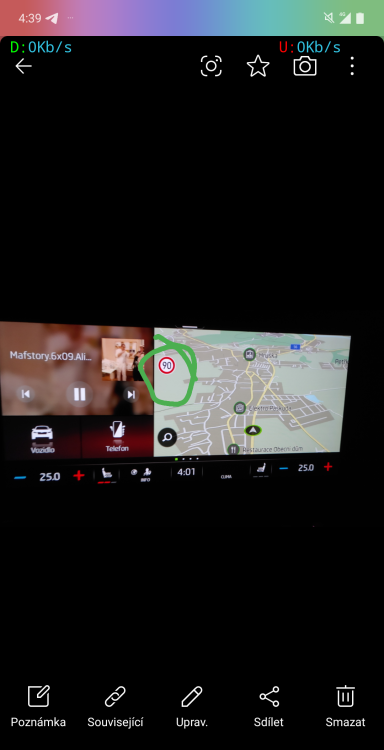
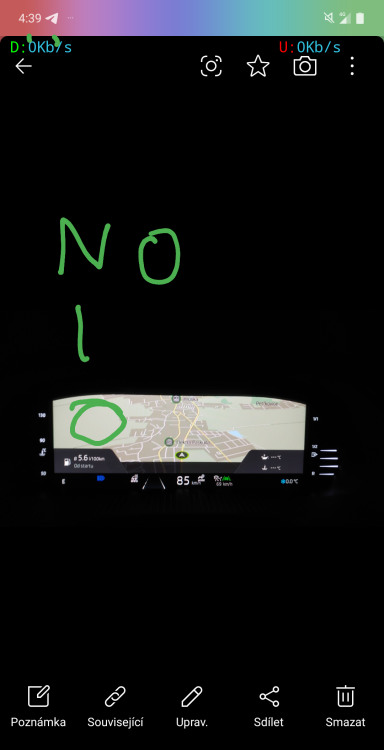
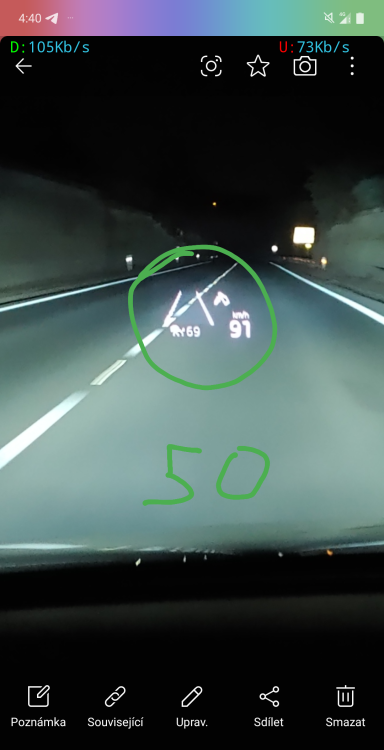
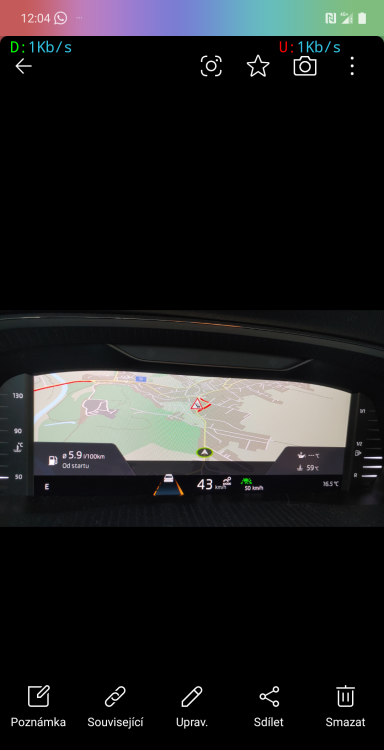
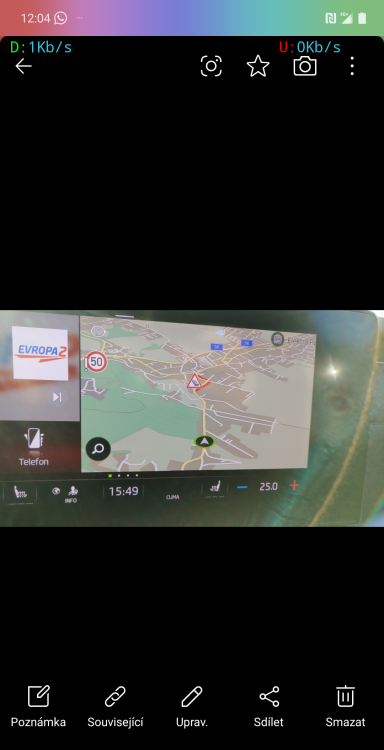
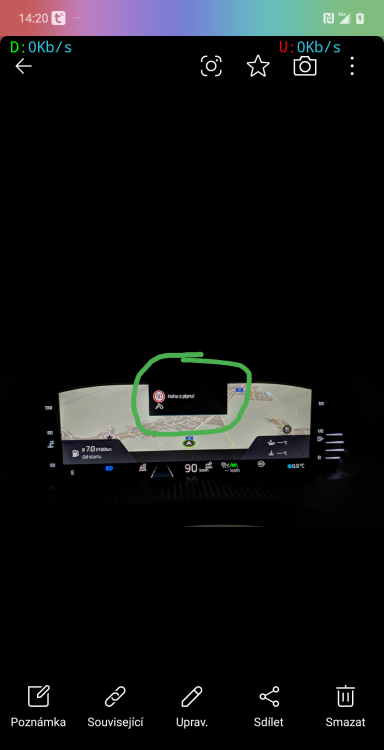
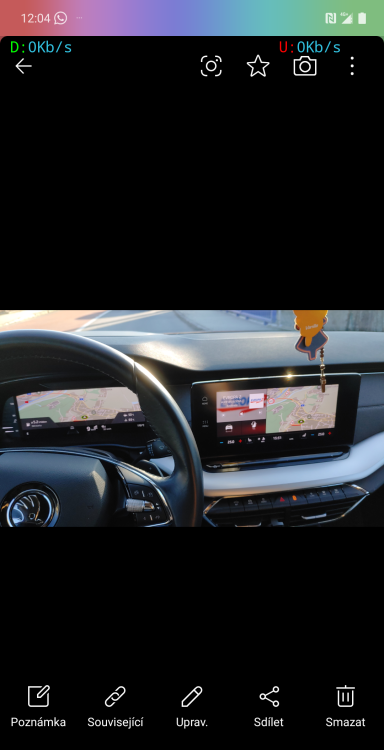
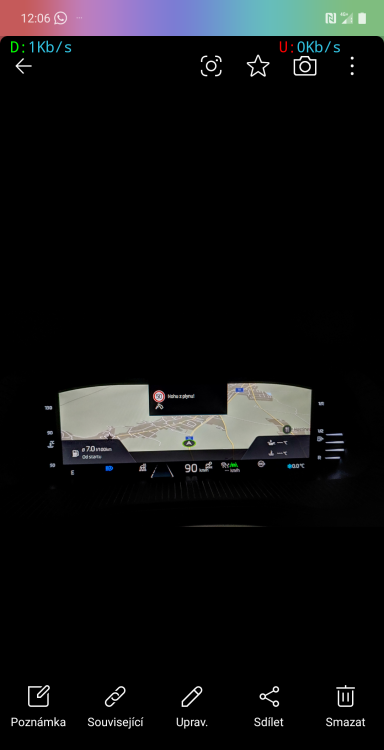
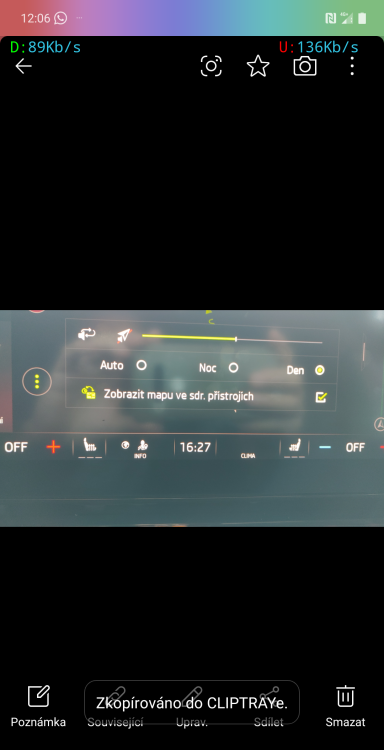
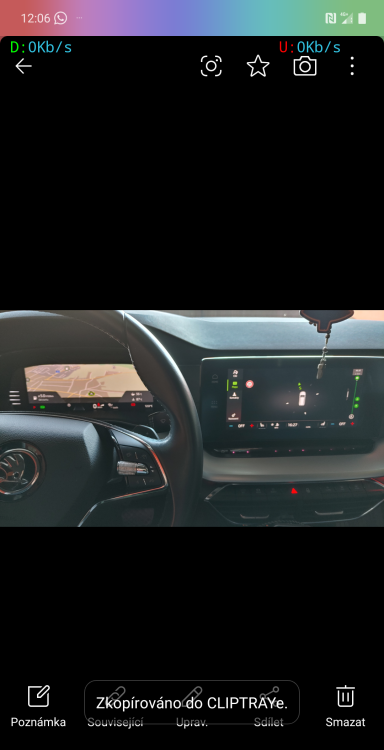
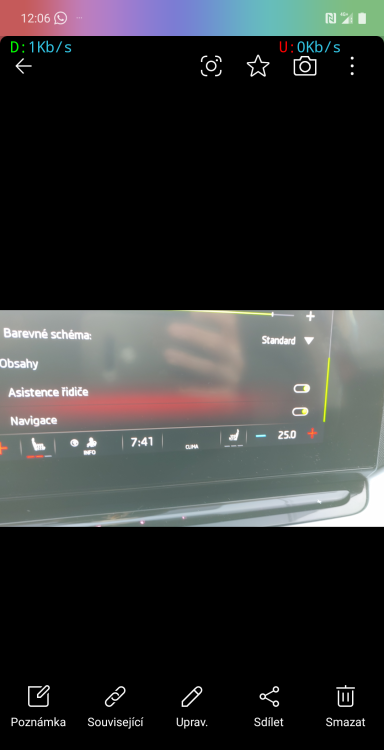
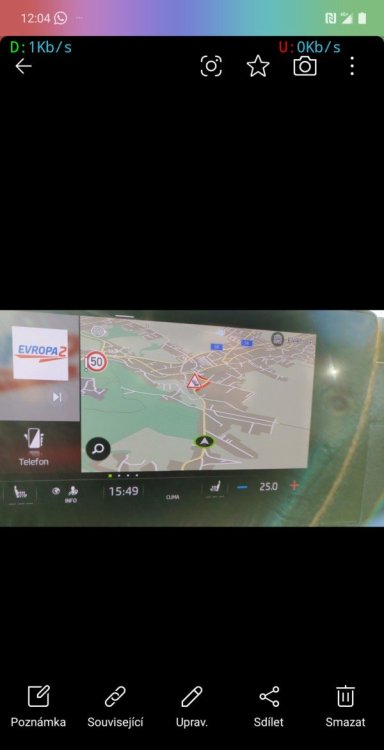
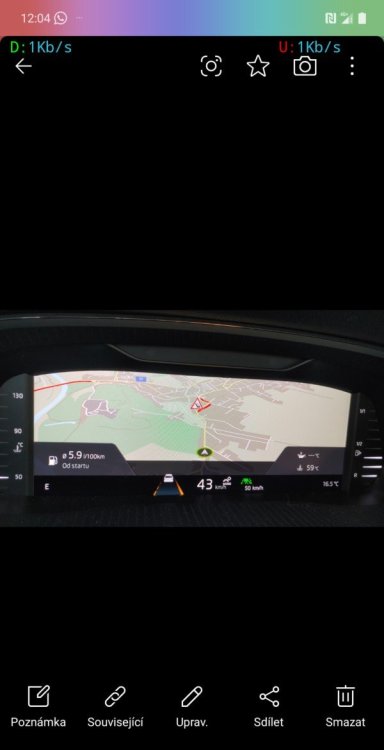
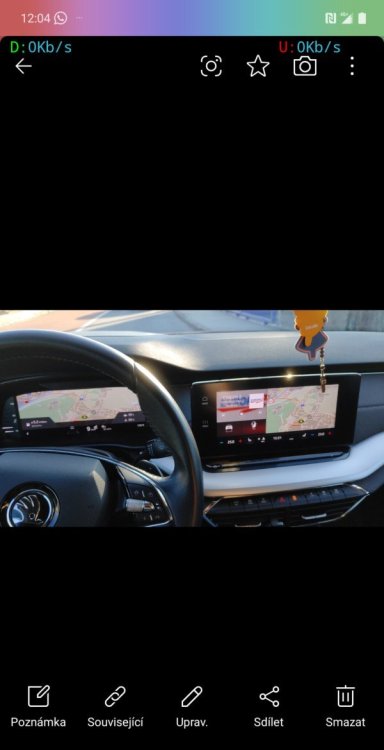
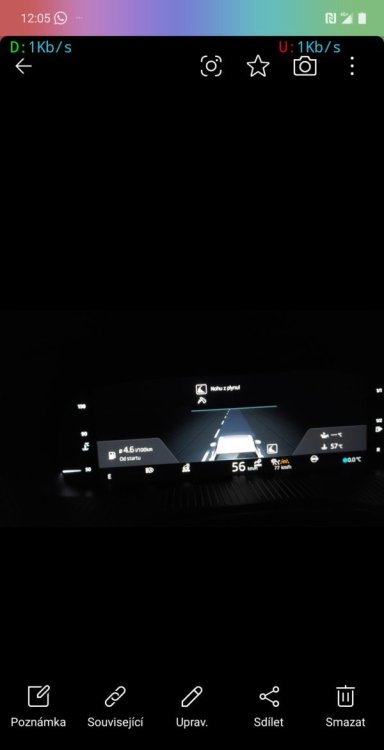
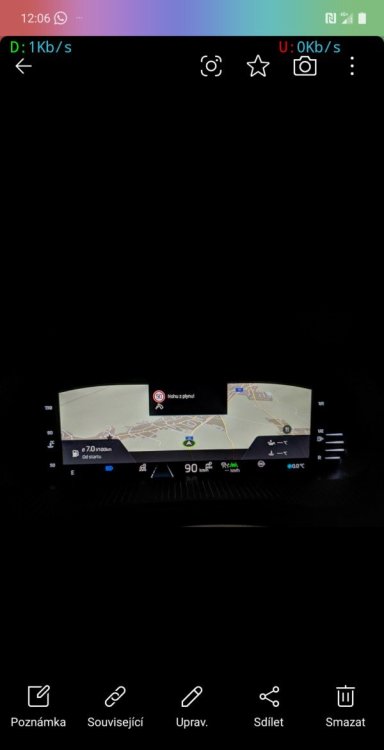
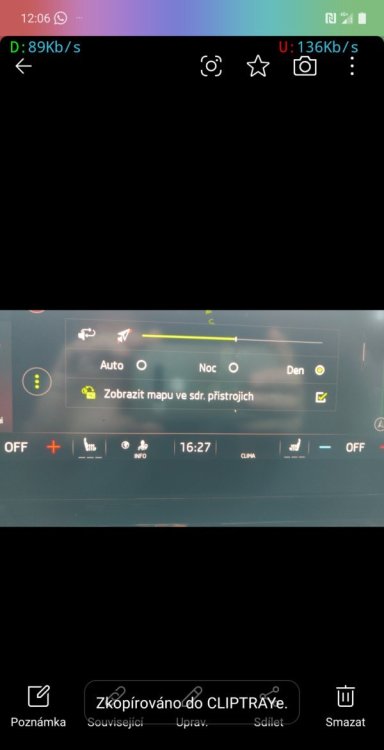
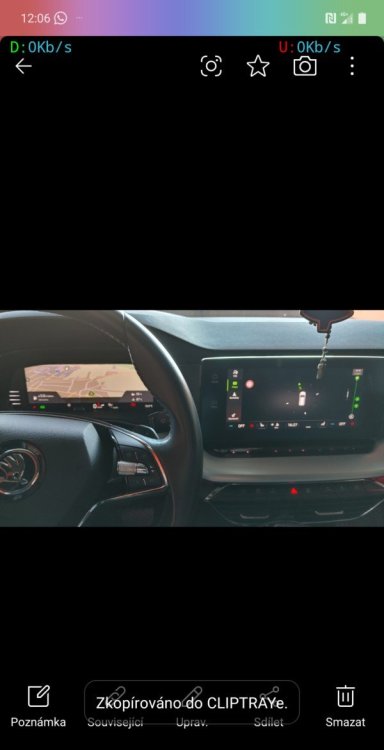
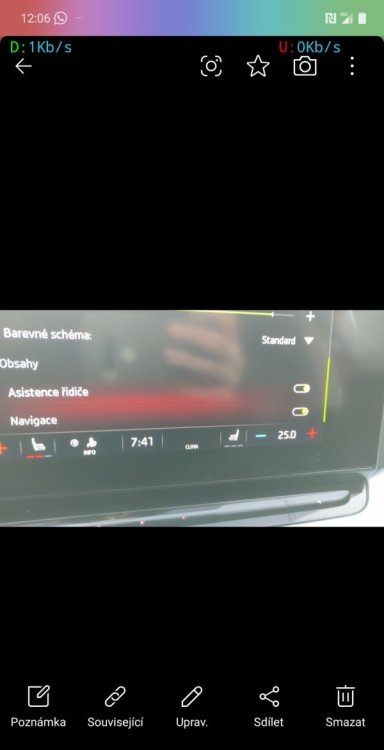
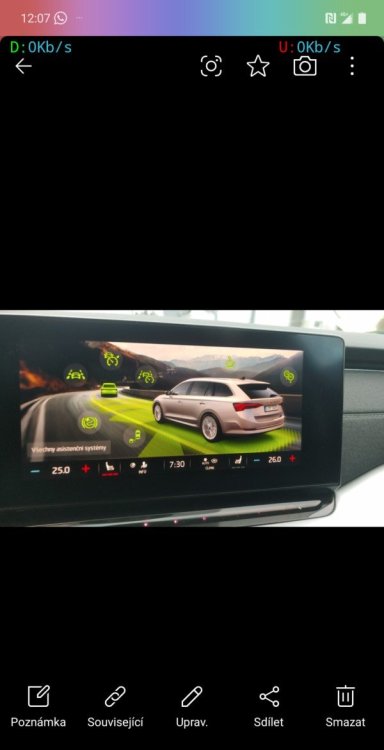
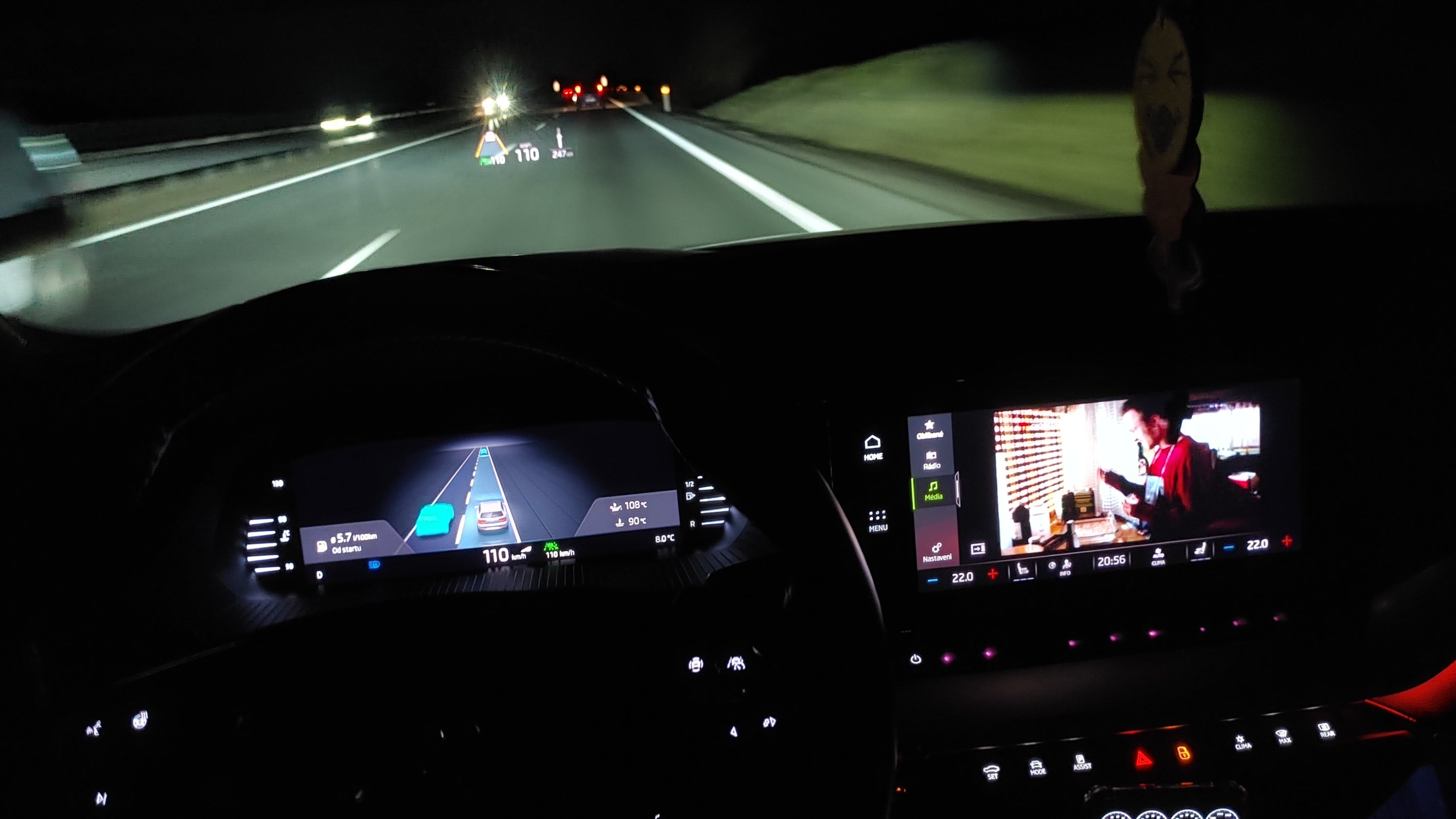
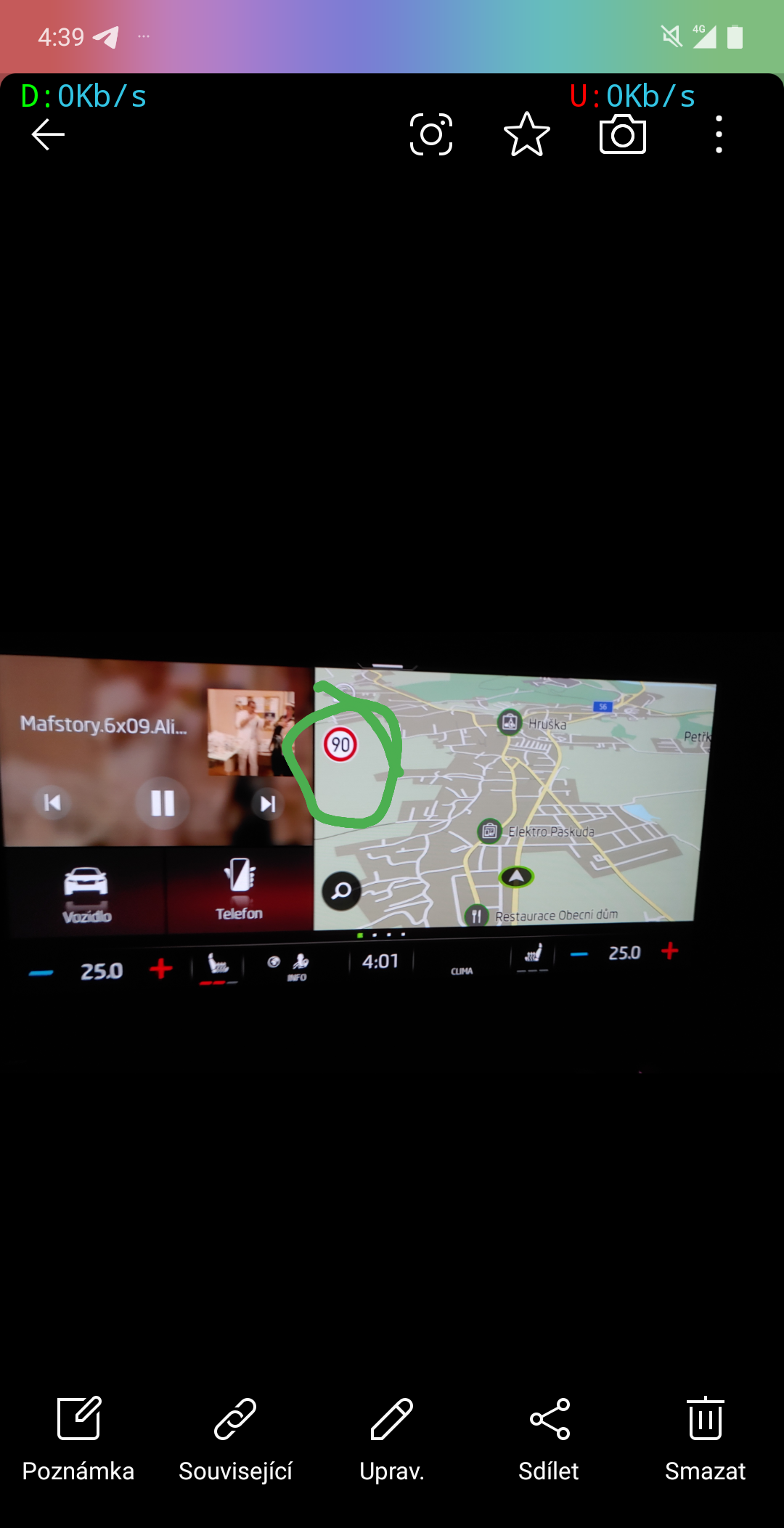
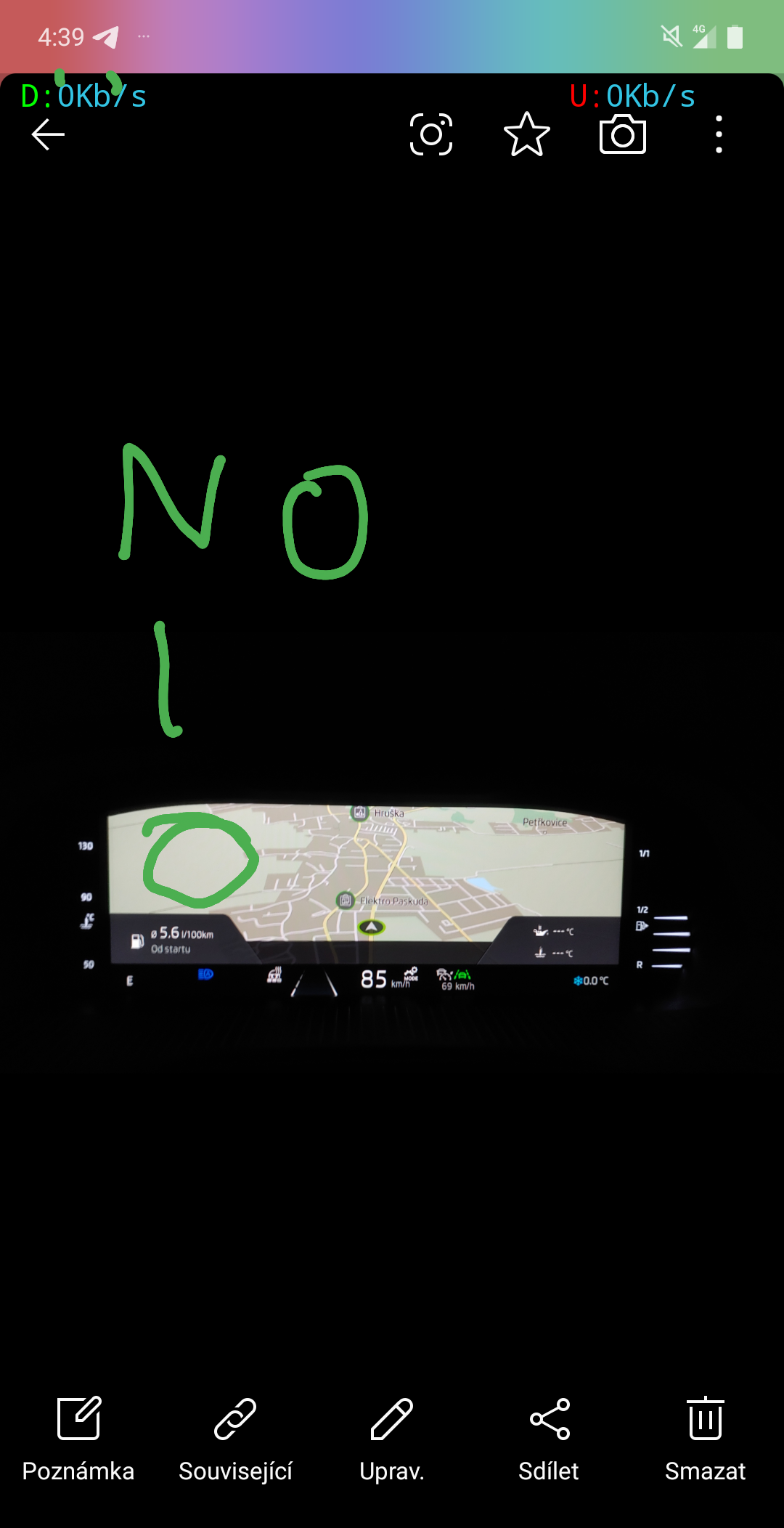
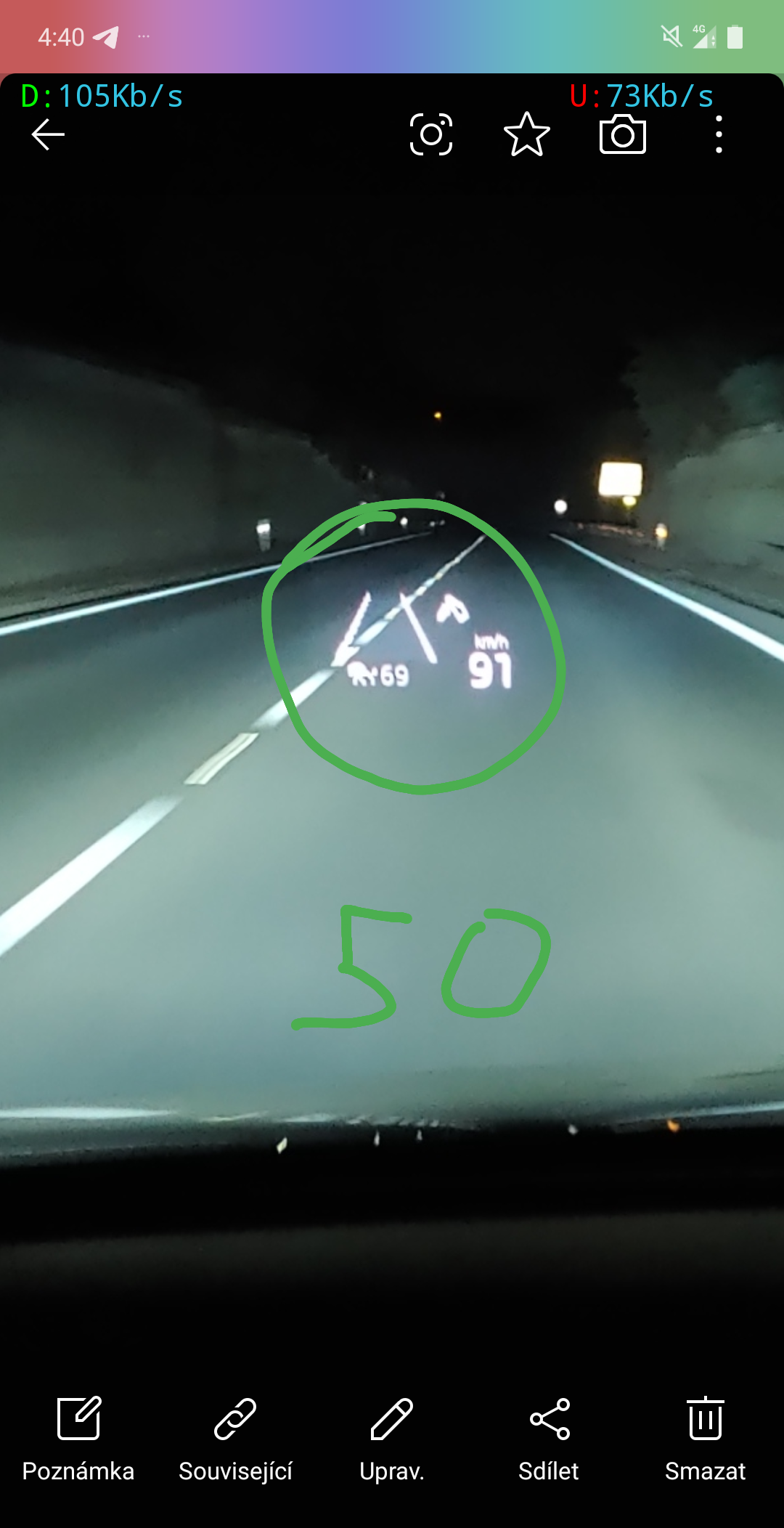
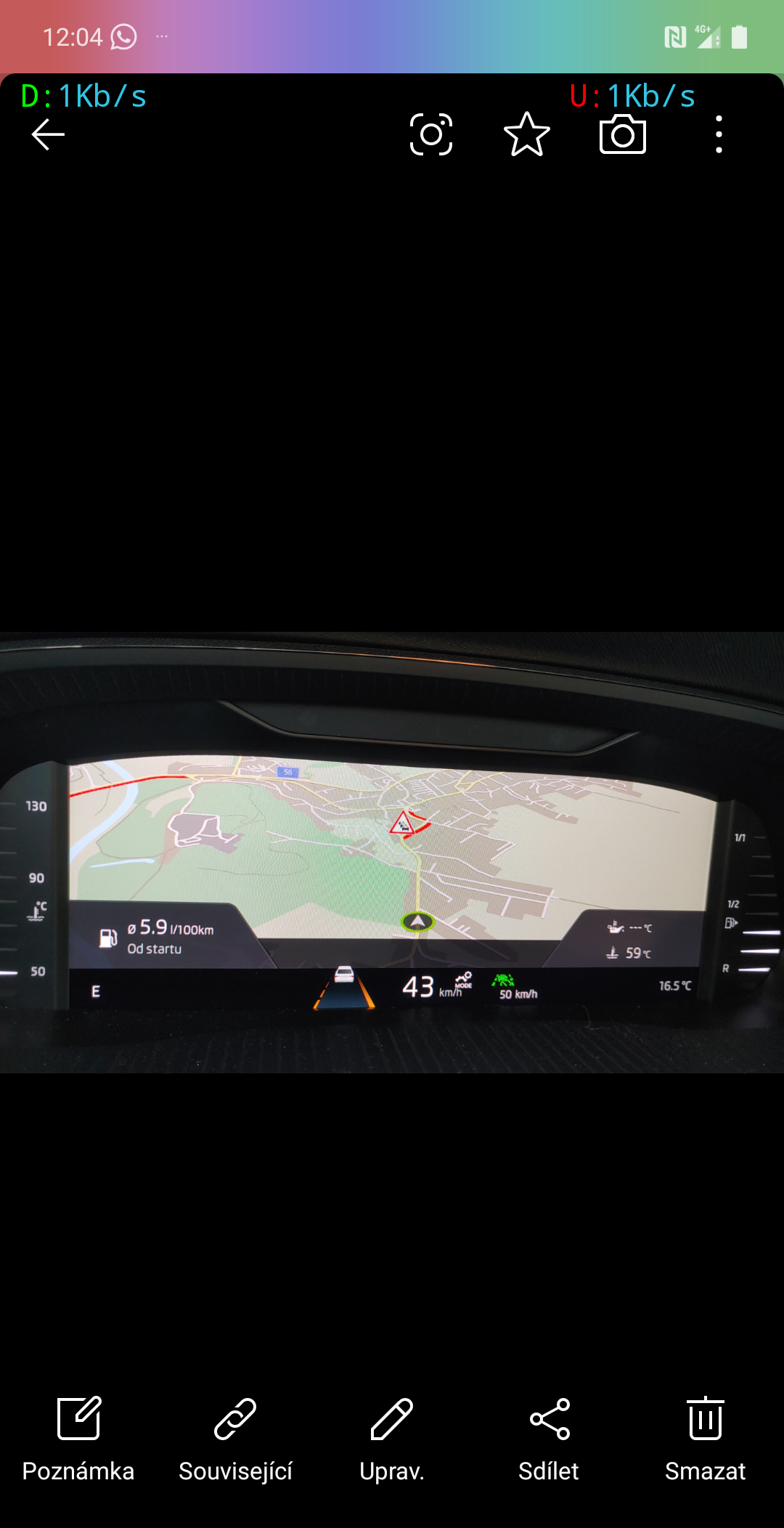
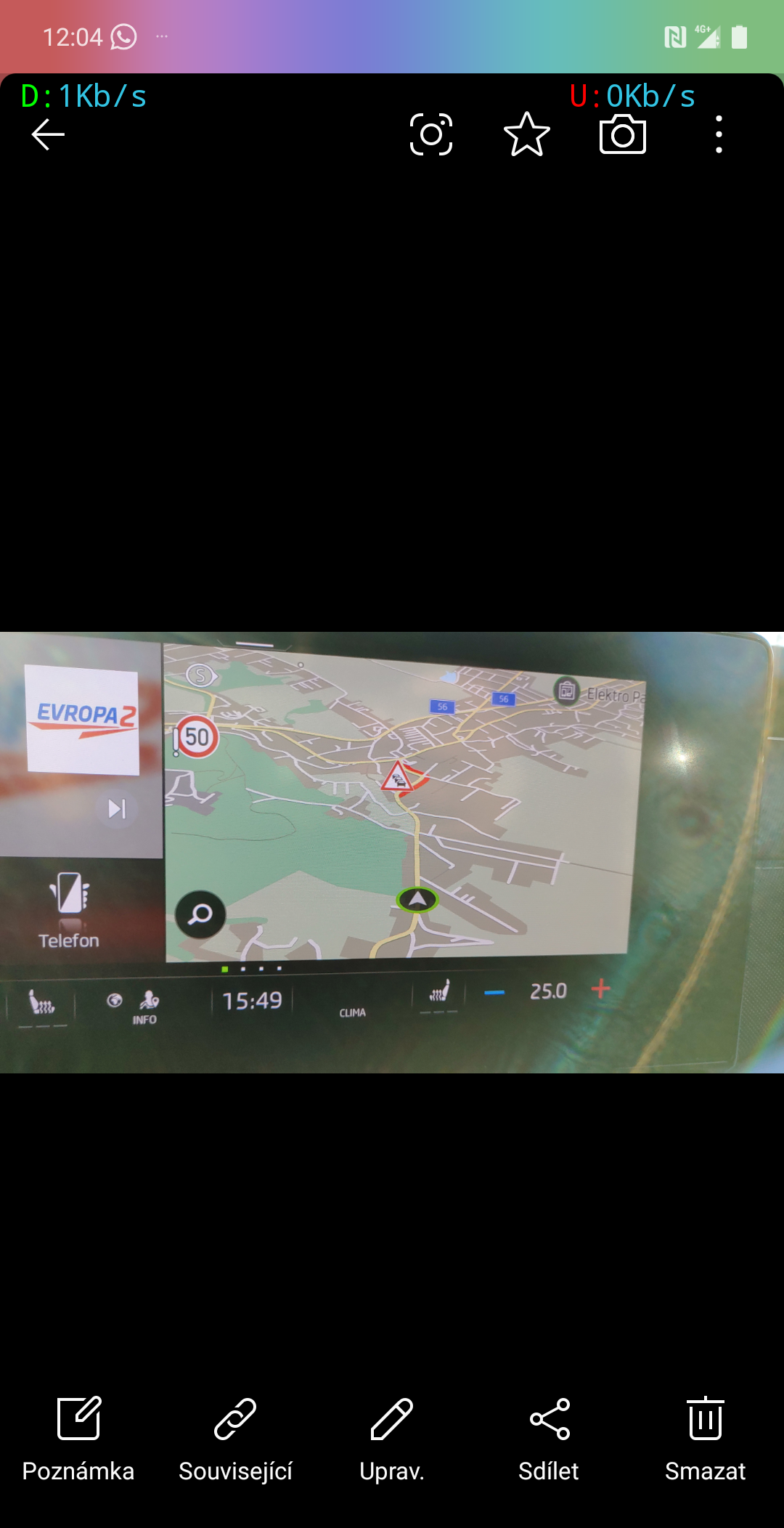
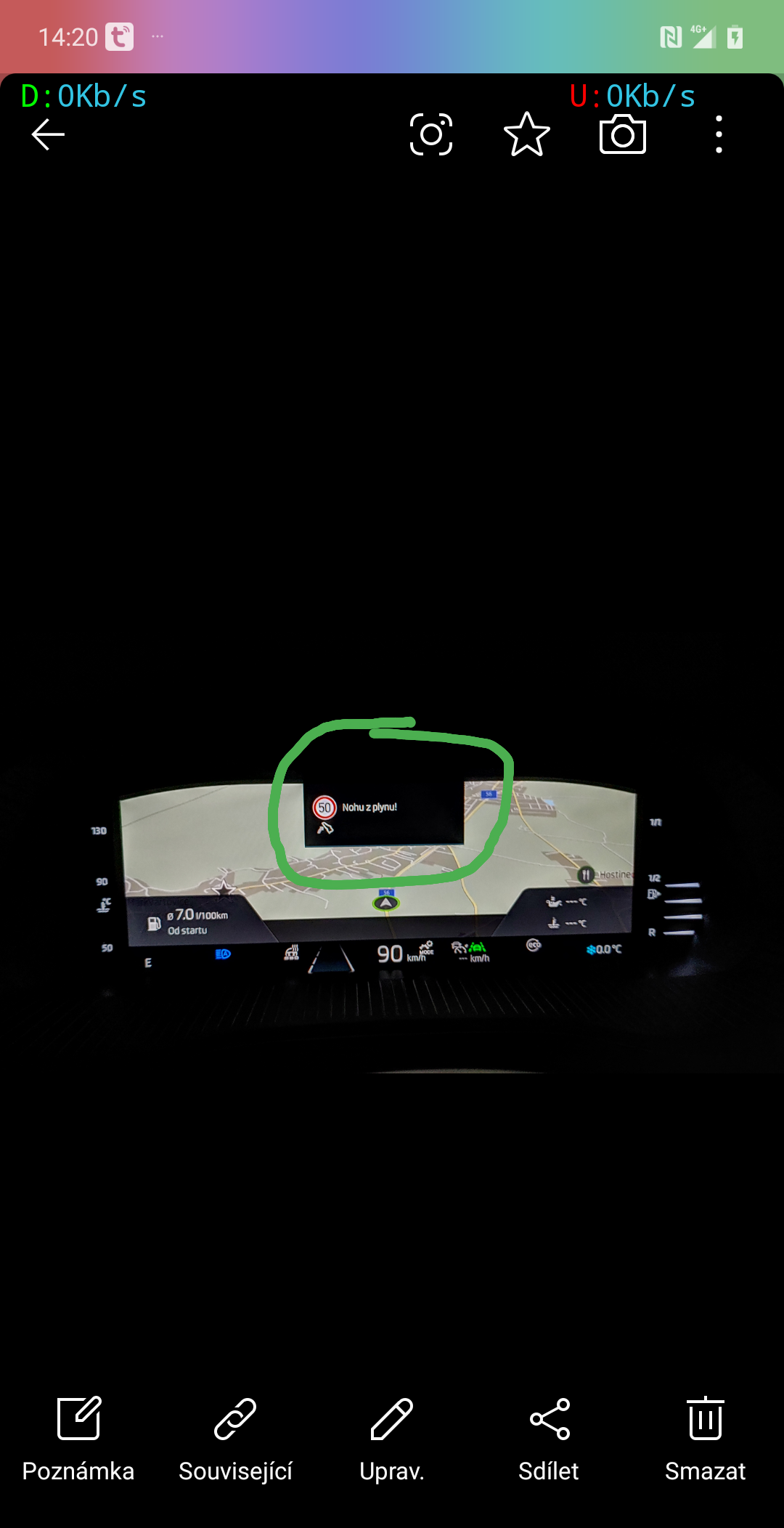
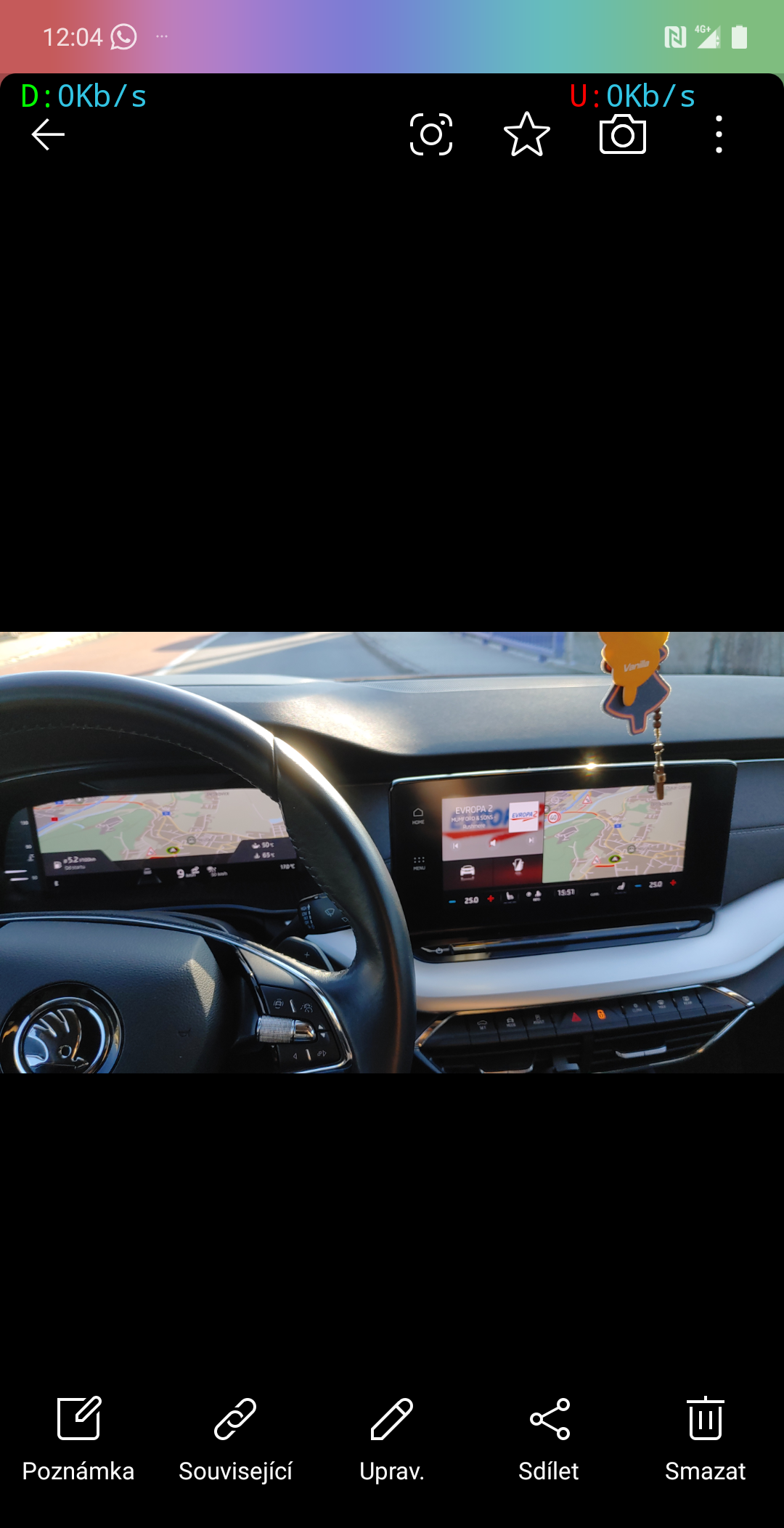
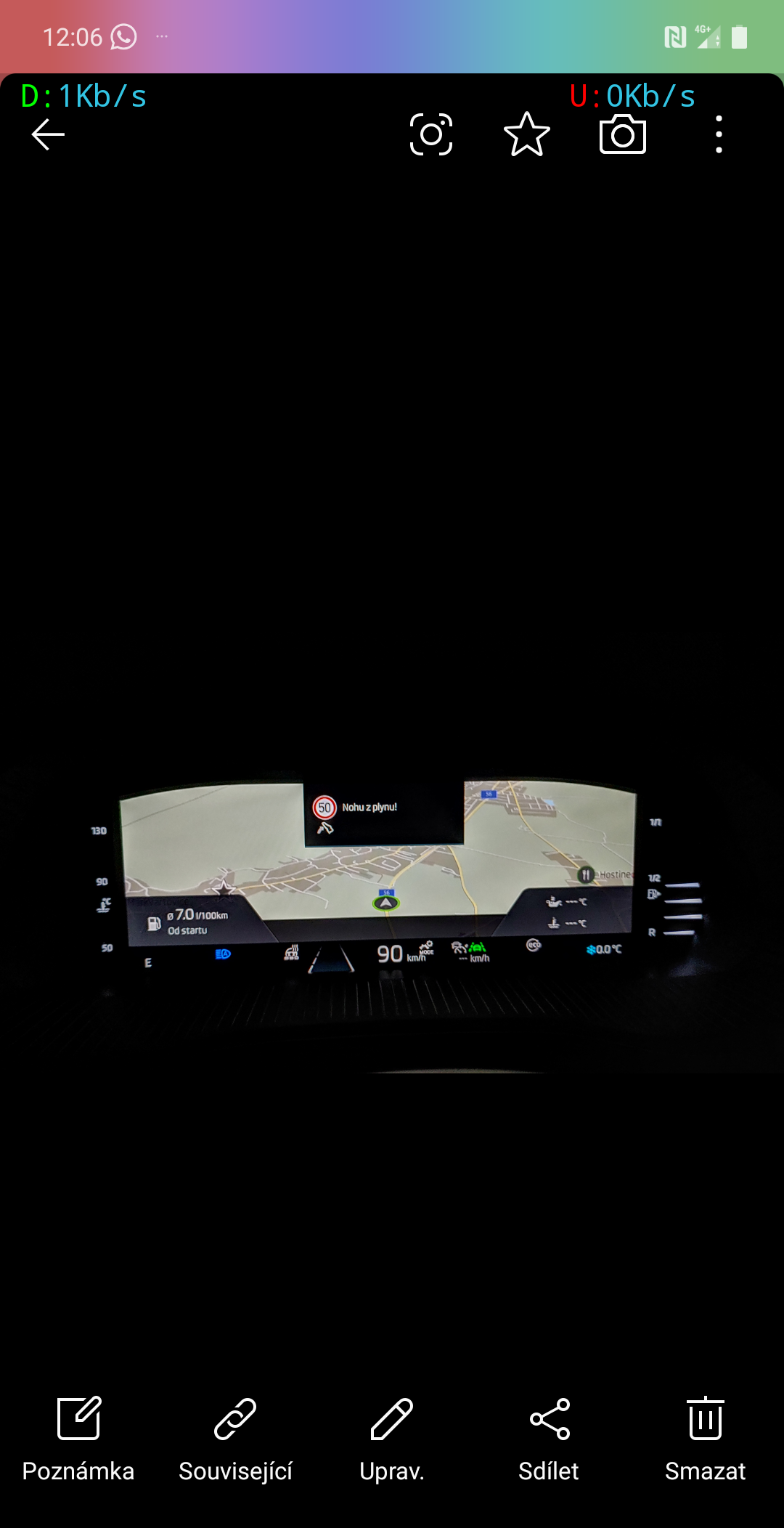
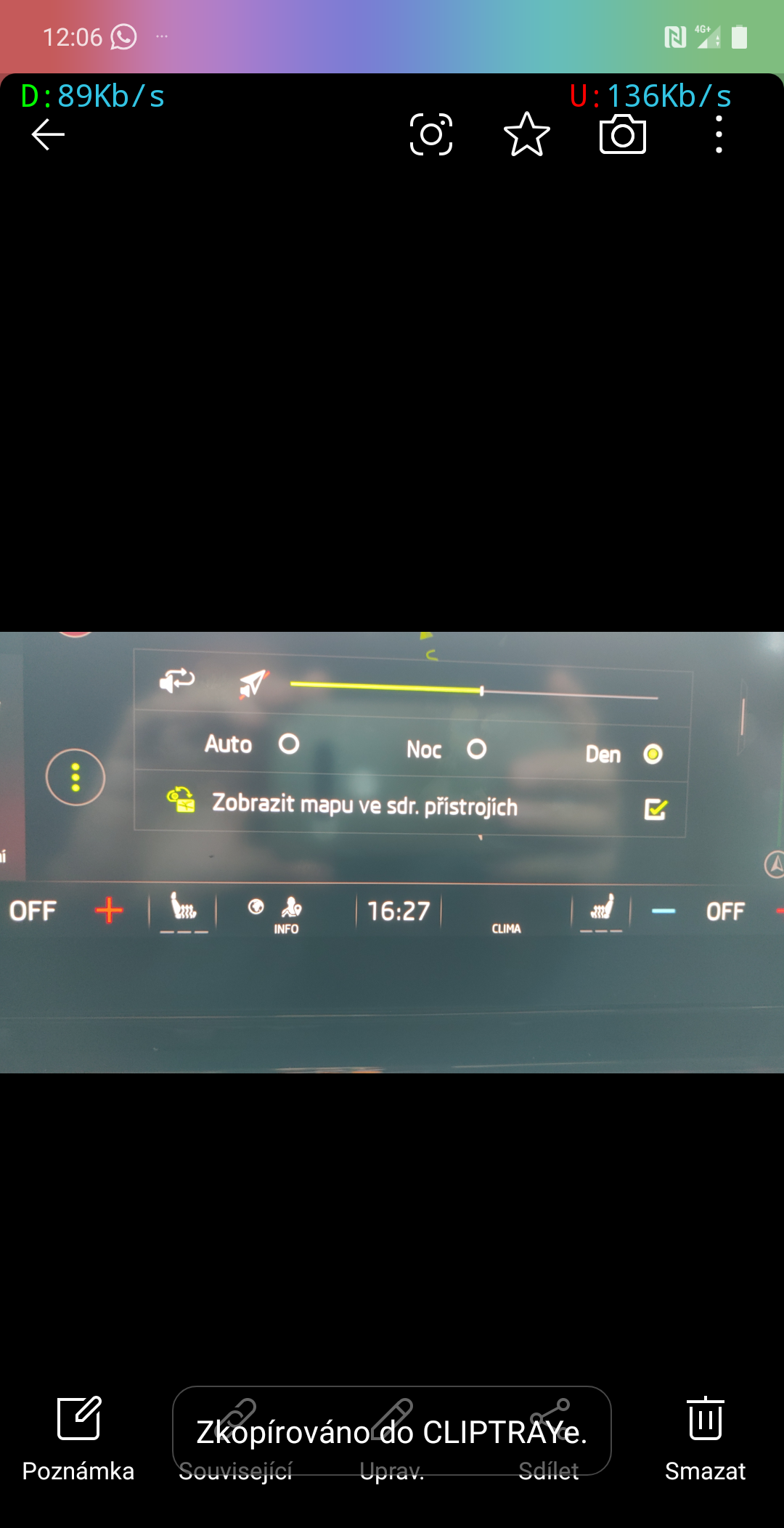
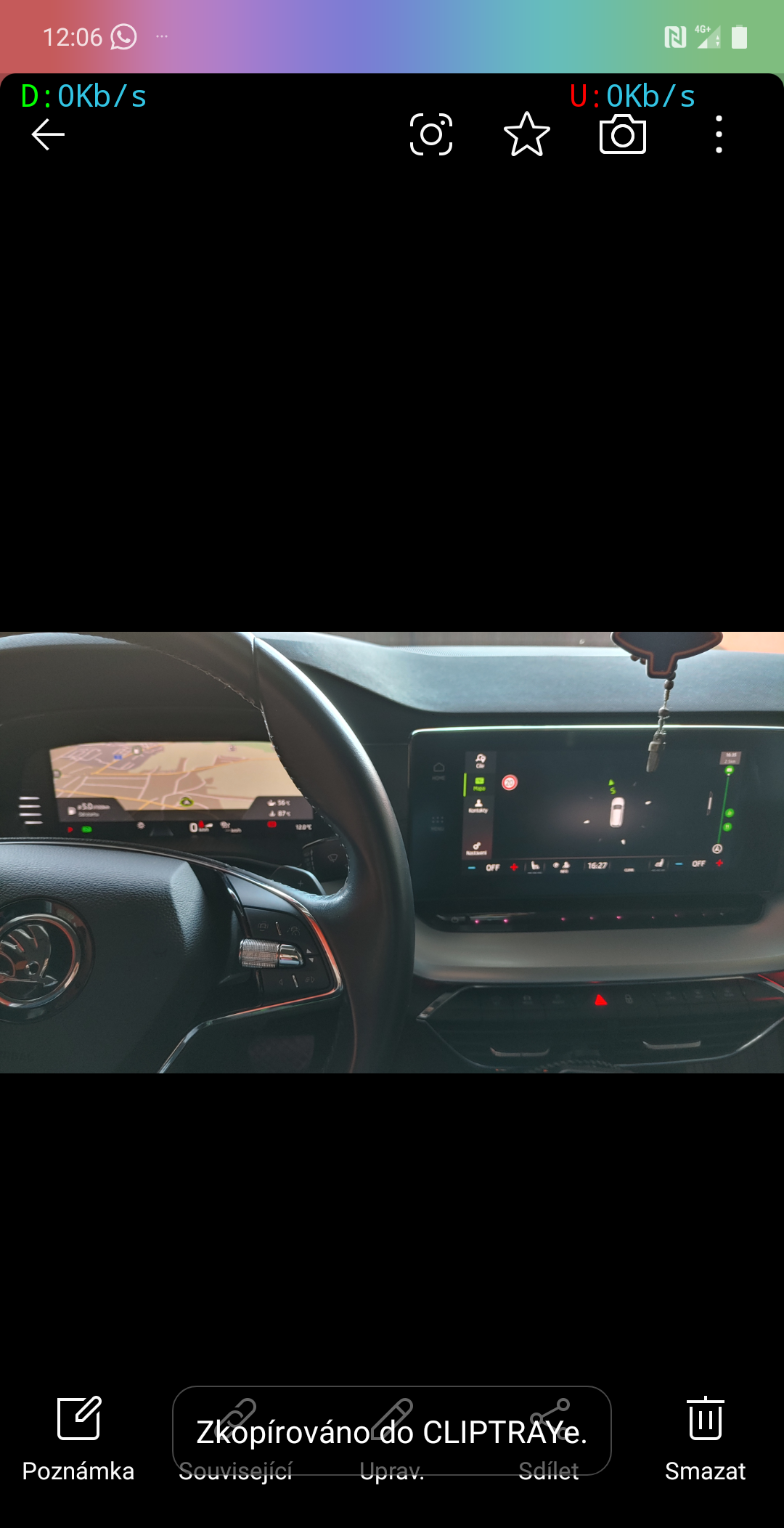
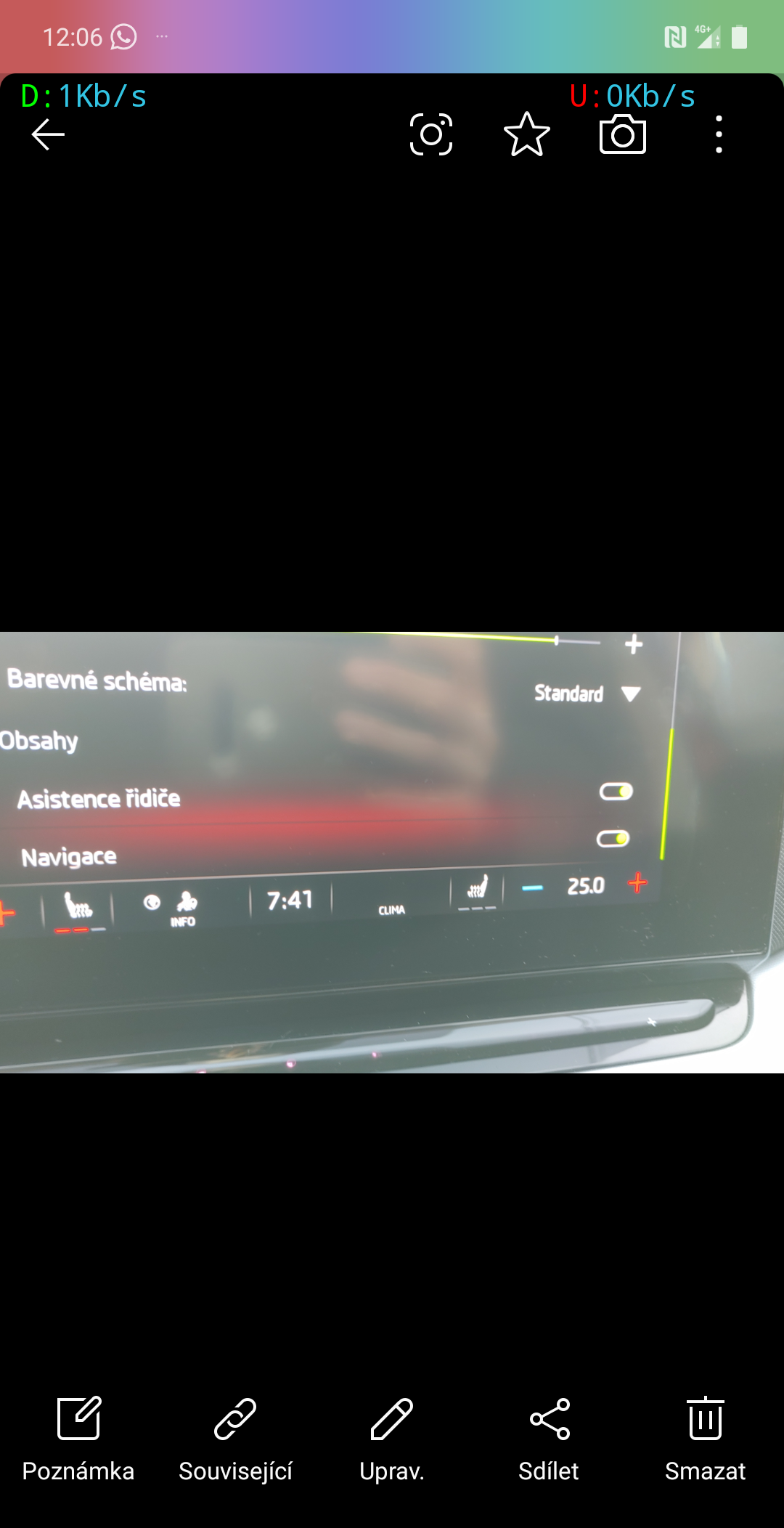
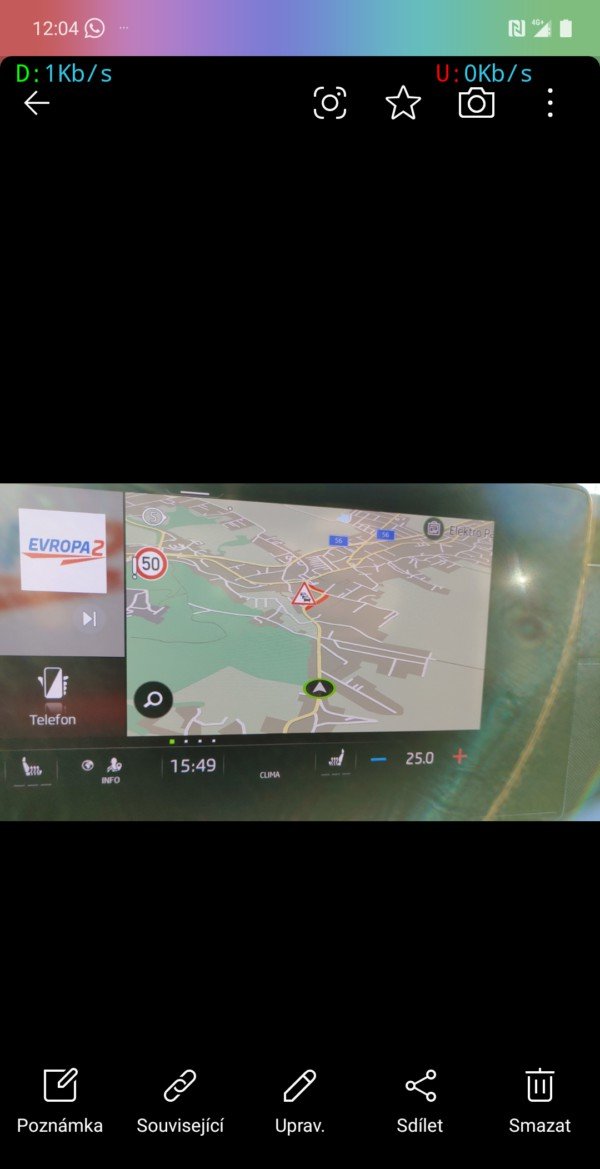
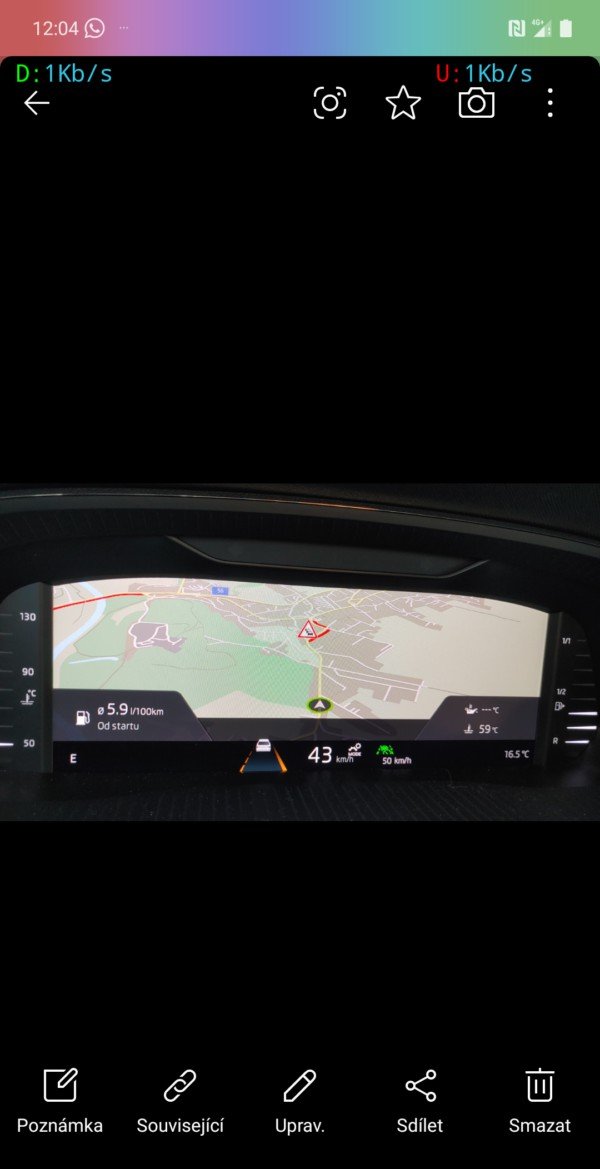
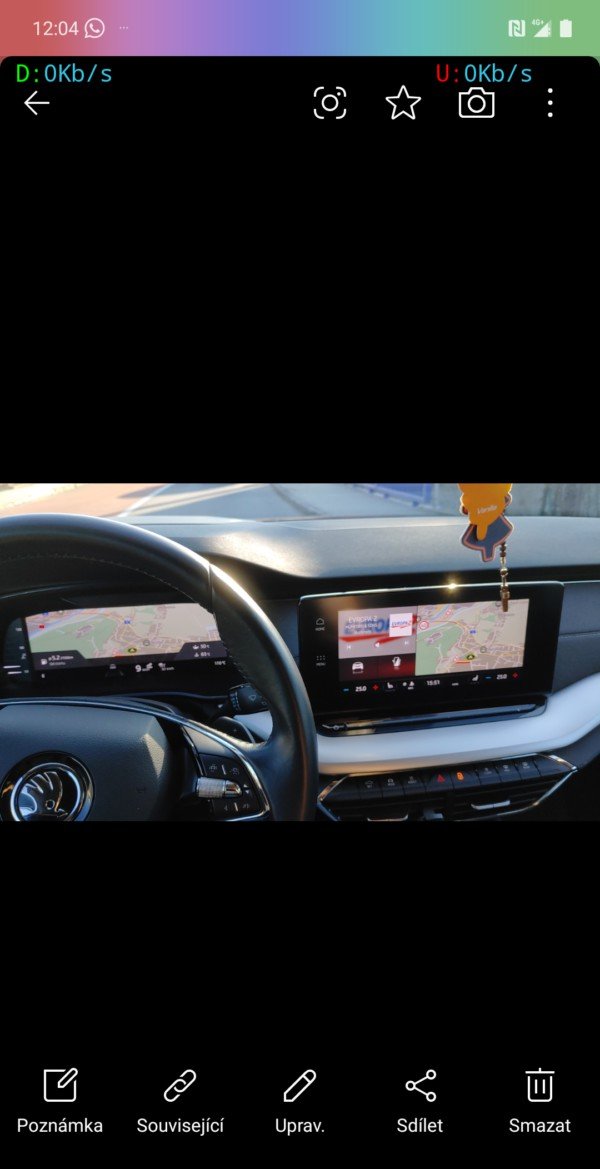
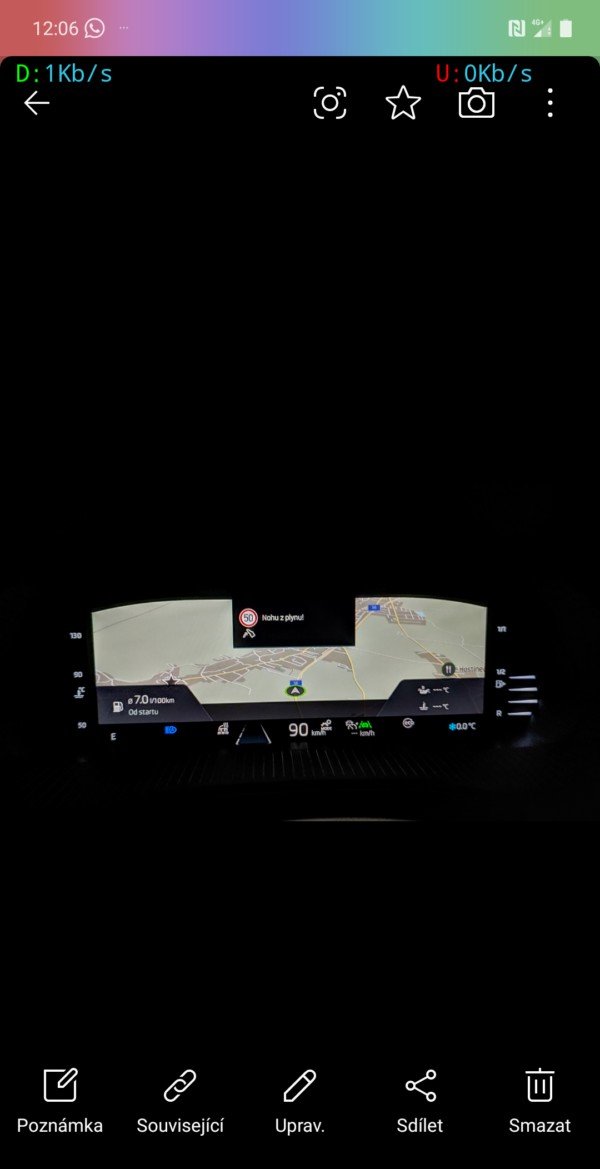
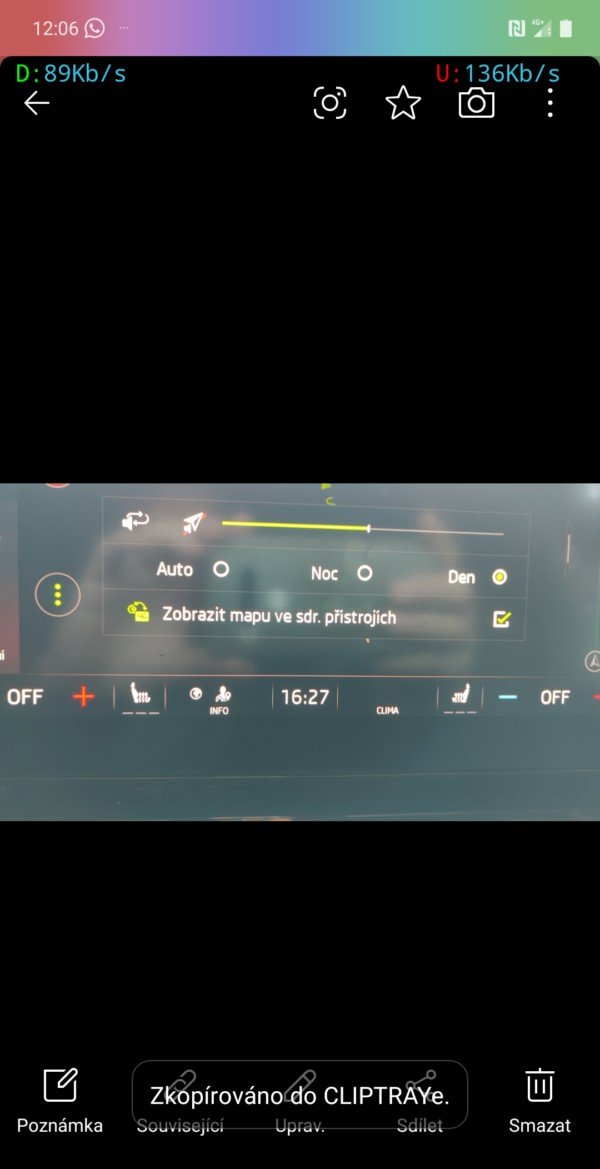
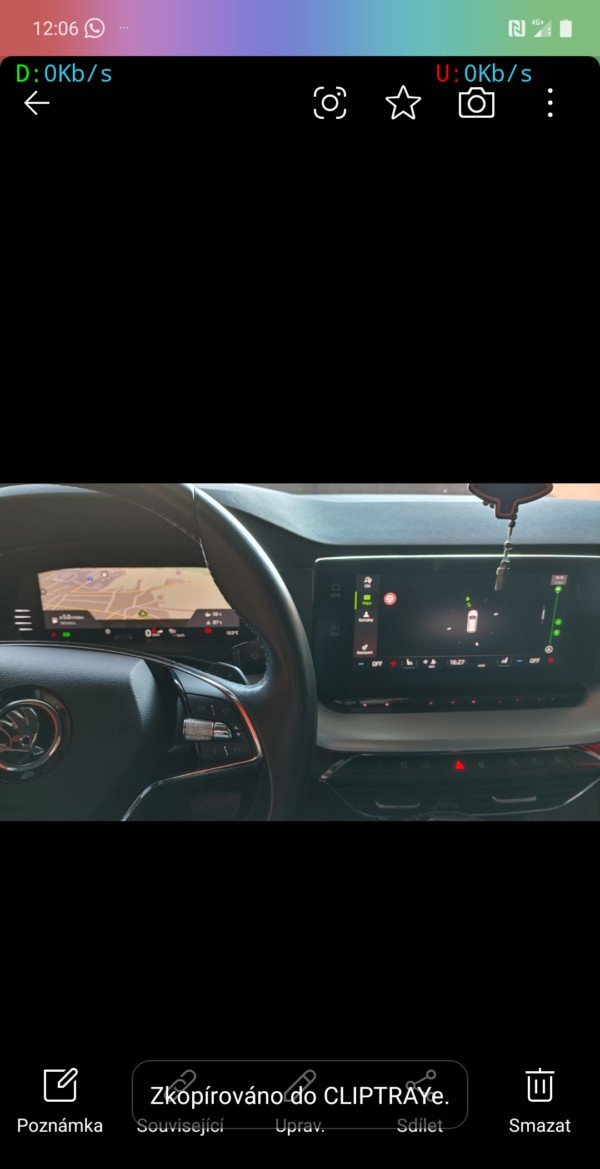
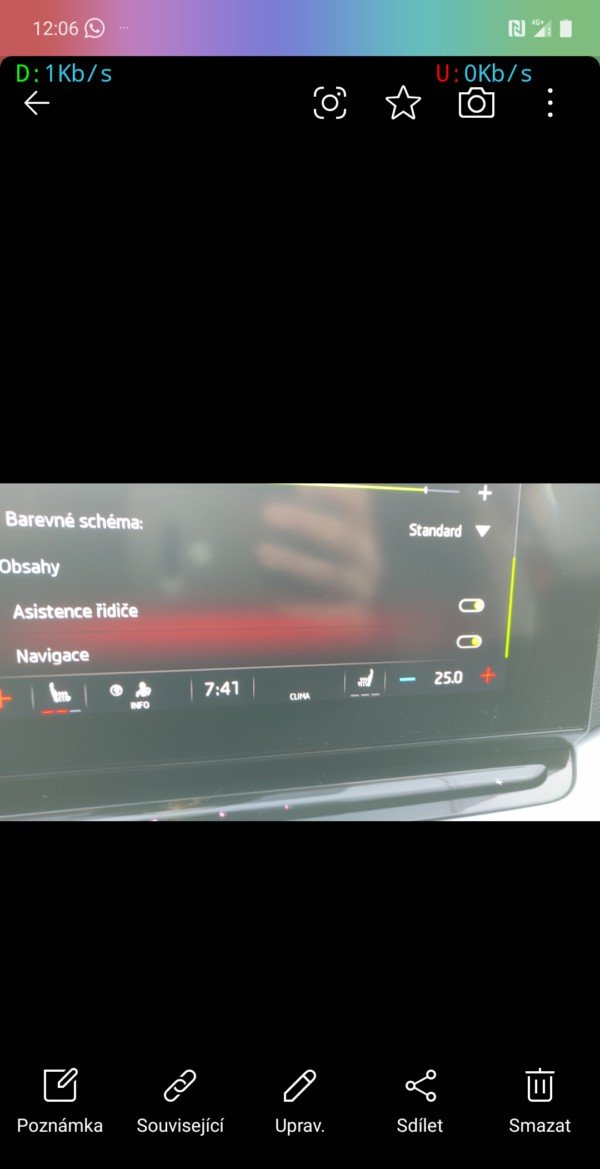
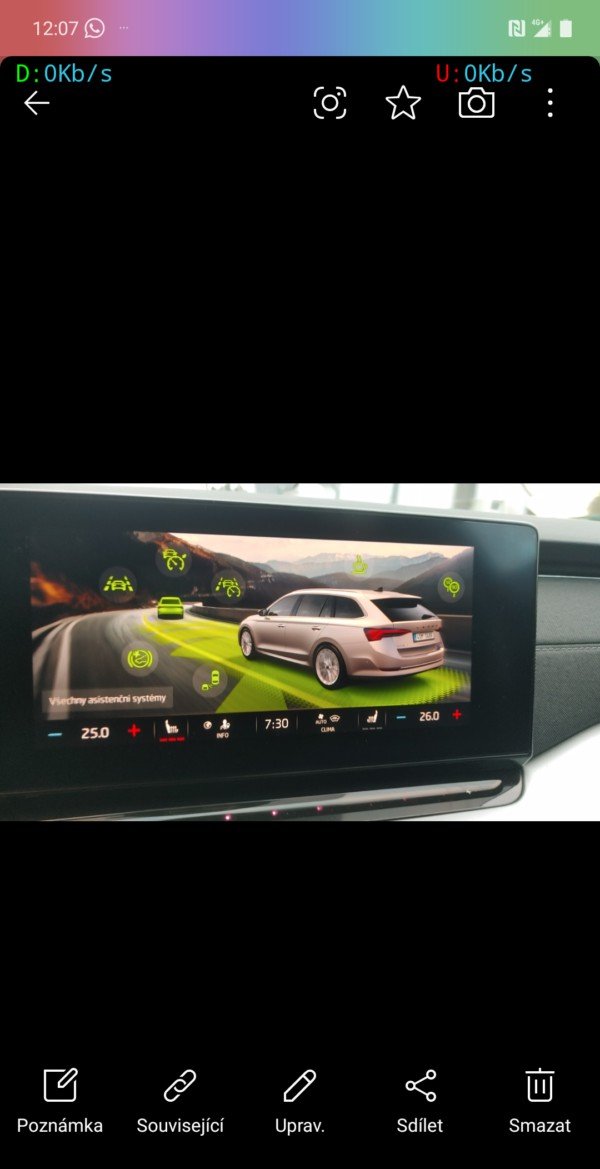
hi. I have an octavi nx 2020 and I'm solving a problem with navigation and assistants. Infotainment Columbus and Virtual copckit. The map in infotainment displays road signs as speed limits, roadworks, crossings, etc., but if I have the map displayed in VR, the signs are only displayed in infotainment on the map but in VR. (see photos) I tried turning on map switching via obd11 in the settings, in the map menu three dots day/night/car the option to switch map is displayed but the signs are not displayed in VR anyway. If the map switching option via obd11 is turned on, the map is only displayed in one system. Either only in infotainment or only in VR. If the map is switched to VR, there is only a compass and road signs on the infotainment and in virtual there is only a map. If the switching is turned off via obd11, the map is displayed on both displays but the signs are only in infotainment. Does anyone have road signs displayed in the virtual copckit map? And does anyone else have the predictive cruise control pACC that adjusts speed according to traffic signs or in curves, before intersections, etc.? I have all the assistants in Infotainment, but there is no option to adjust speed with ACC. Sometimes in VR I get some assistance like "foot off the gas" and also a sign symbol, descent or intersection or roundabout but this is only displayed occasionally (for example, I drive the same section 5 times in a row and sometimes it is displayed every time and sometimes only 2 times out of 5 passes and more. It is only displayed when I drive without ACC but when I turn on ACC or Travel Assist this additional information stops being displayed in VR completely. I see irregular speed signs and foot off the gas or descent or intersection and foot off the gas instructions in VC. However, I drive the same section of road 10 times and the information is displayed only 5 times. So not always. In addition, if I turn on ACC or Travel assist, this information (foot off the gas, intersection, speed sign) stops being displayed in VC, but ACC does not adjust the speed as if pACC was functional. Questions So does anyone have the traffic signs from the Infotainment map displayed when displaying the map in VR? Does anyone have a functional pACC? Do you also have such experience with additional information in HUD and VR that they are displayed only occasionally and are not displayed when ACC is turned on? Would anyone who has everything working properly provide a backup of the units with obd11 that are affected, i.e. 13, 17, 19, 5F, 03, 09, A5.O
-
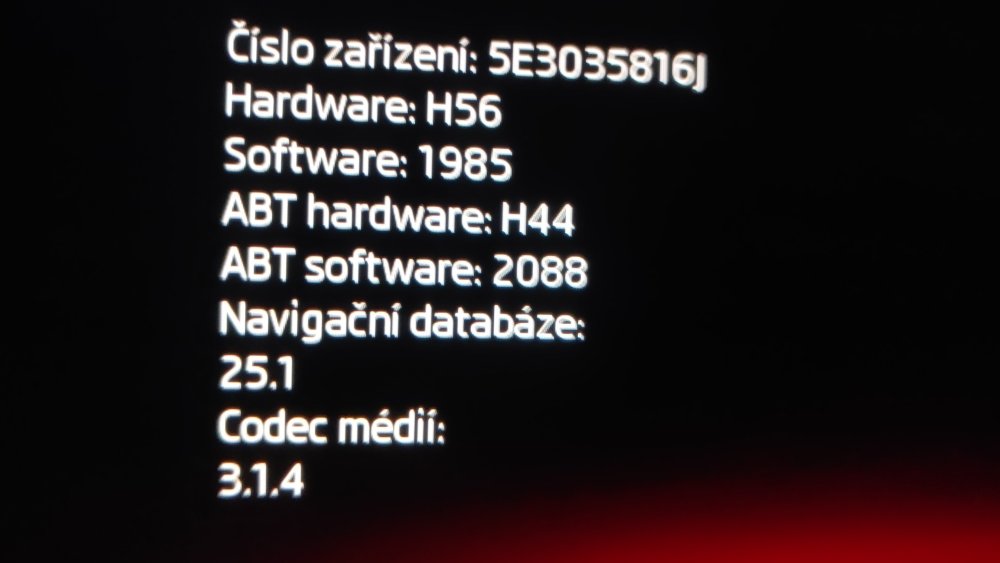
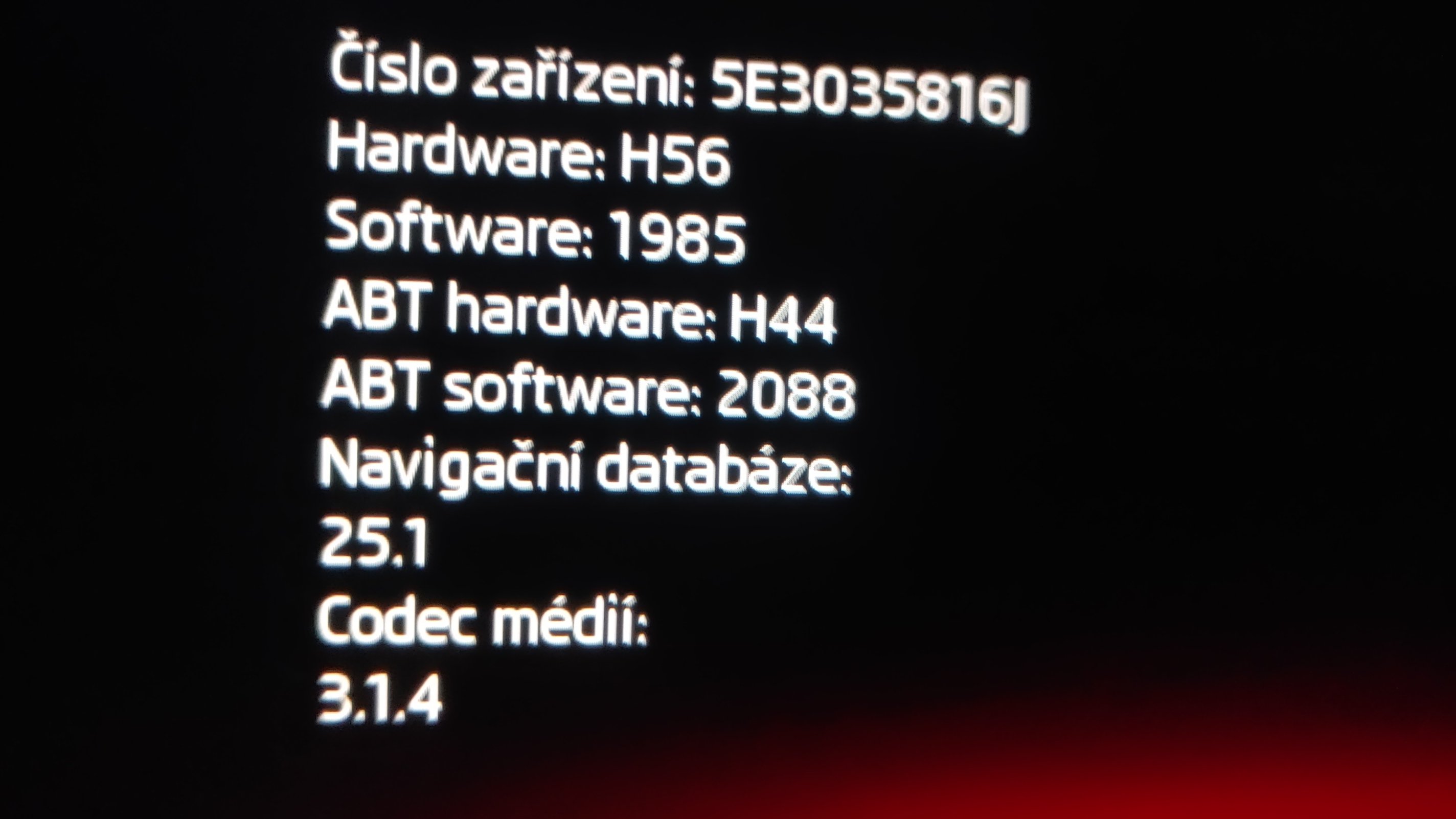
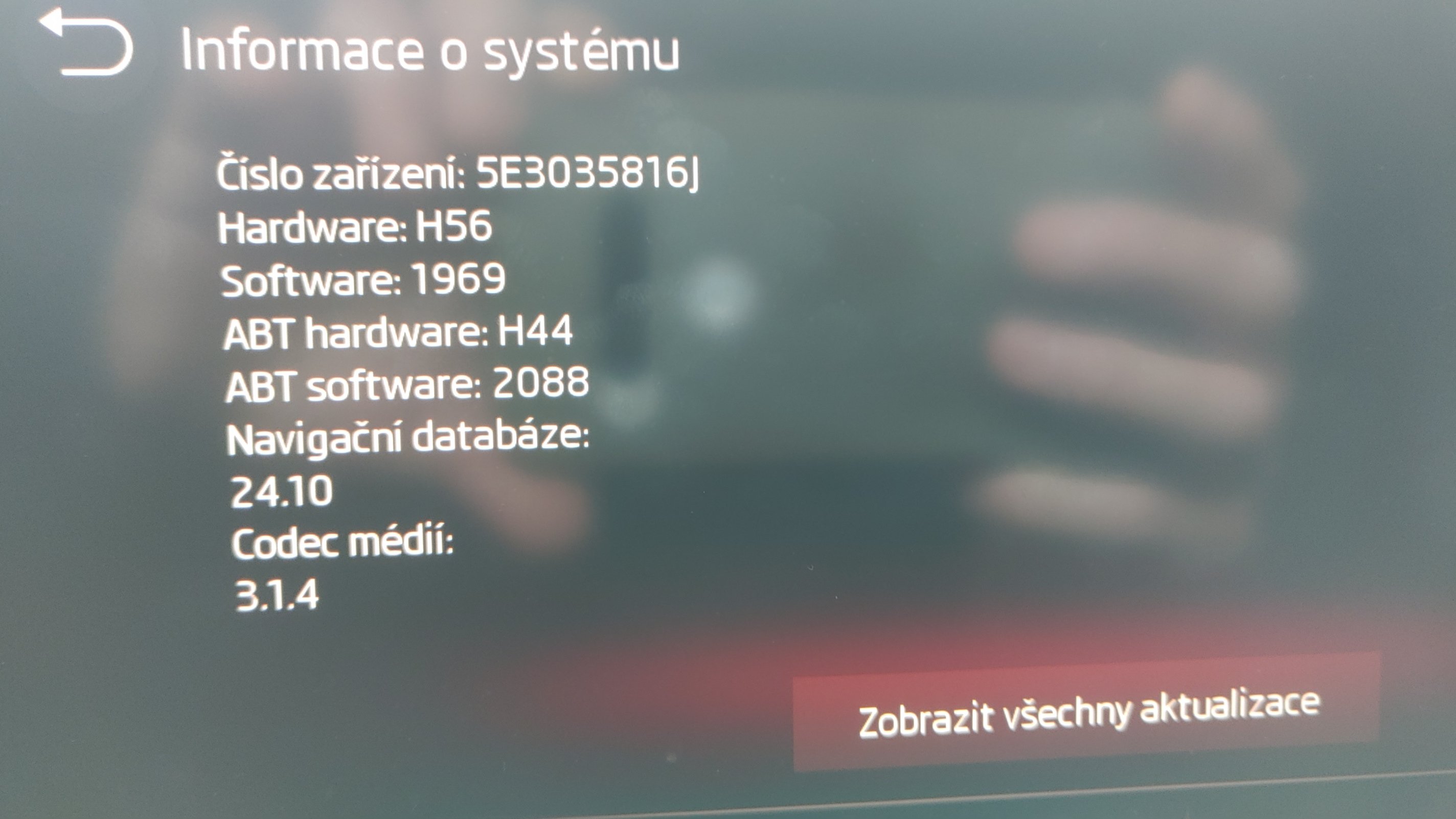
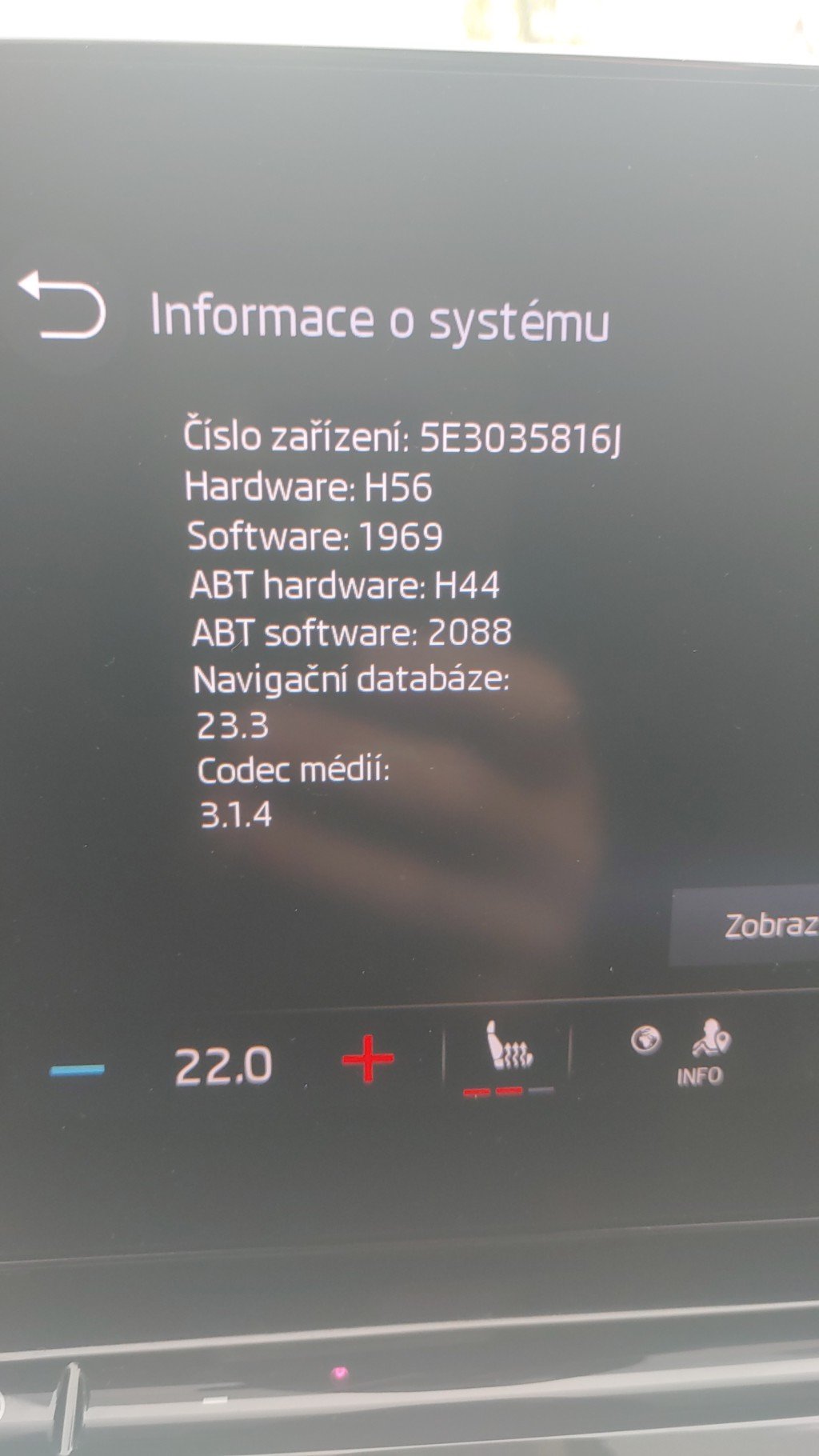
I also have 25.1 but I didn't do anything manually. The update always happens automatically via OTA I did the sw update for 1969 and 1985 via usb c but the map never updated this way, after some time an update appeared via OTA
-
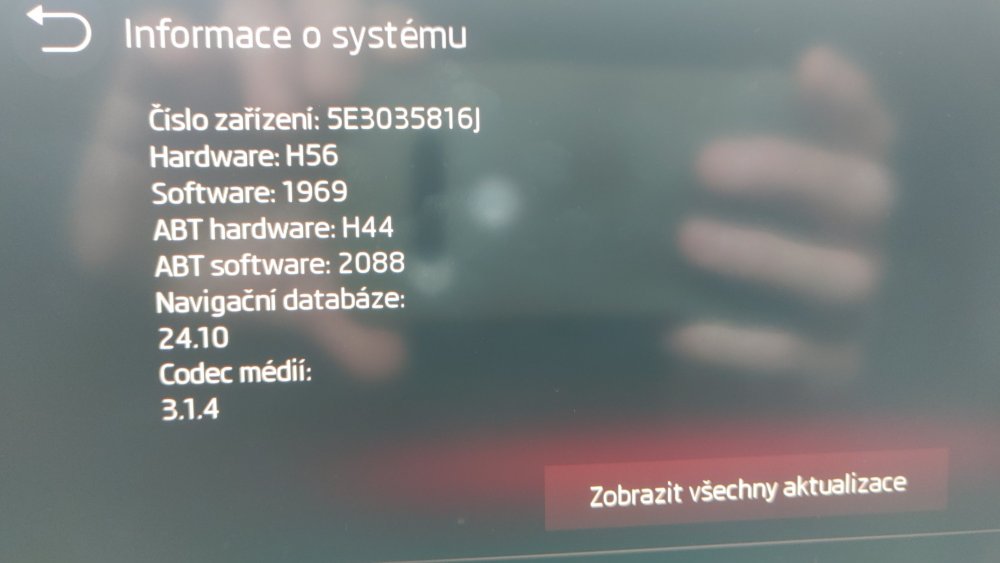
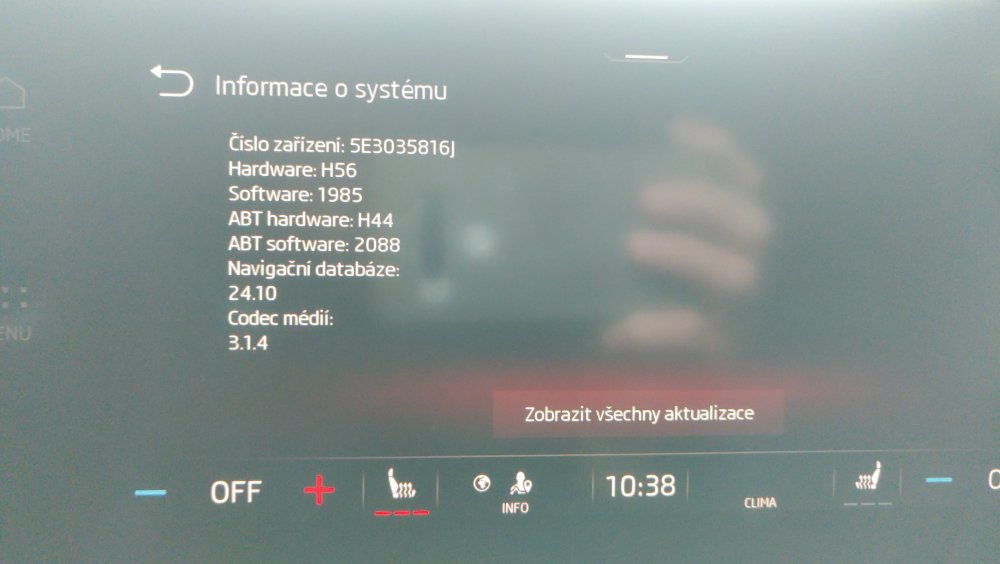
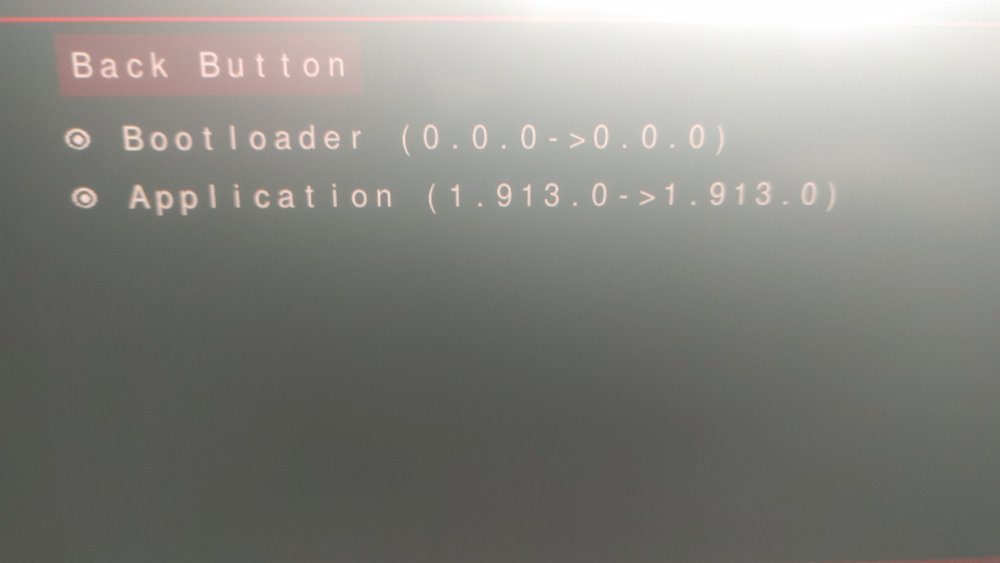
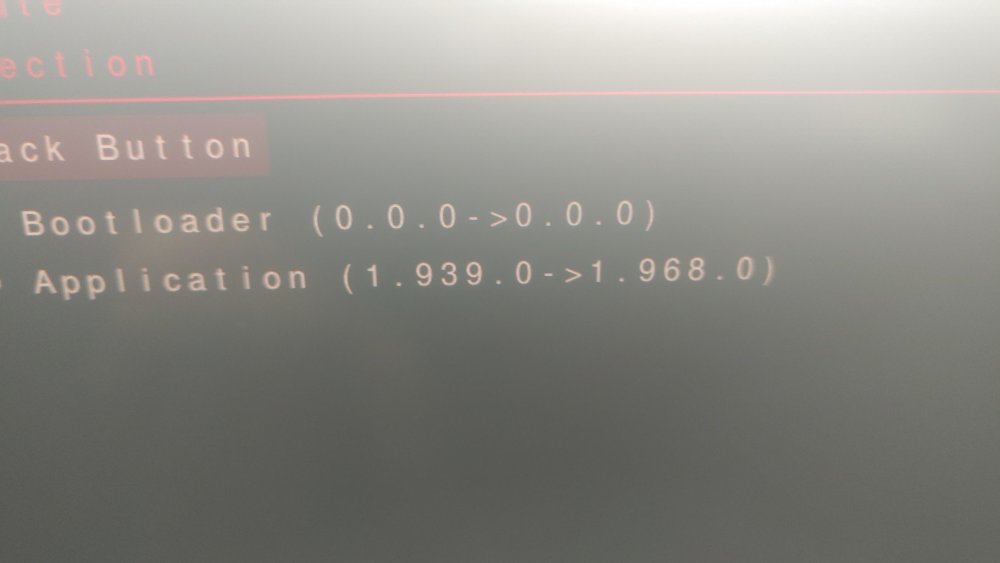
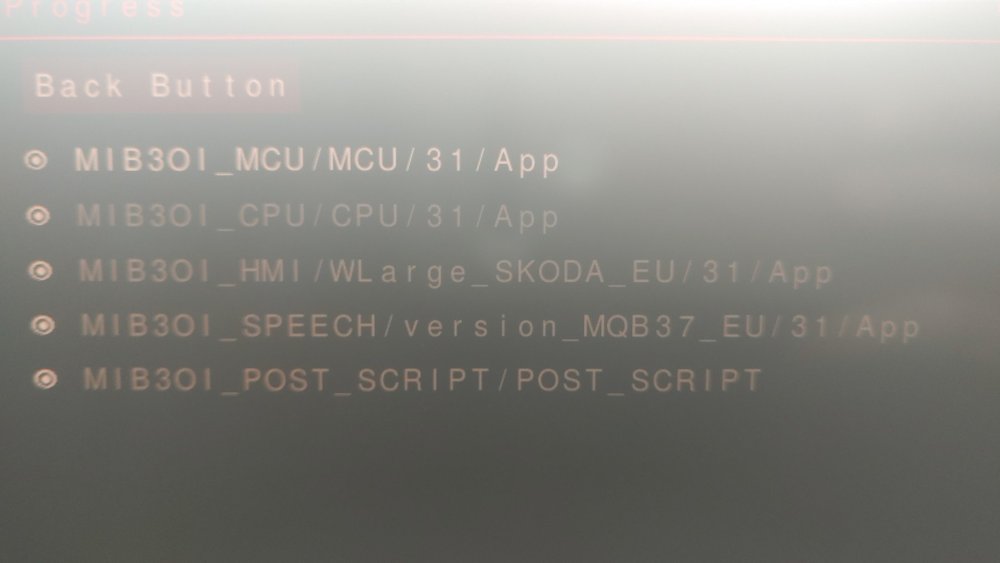
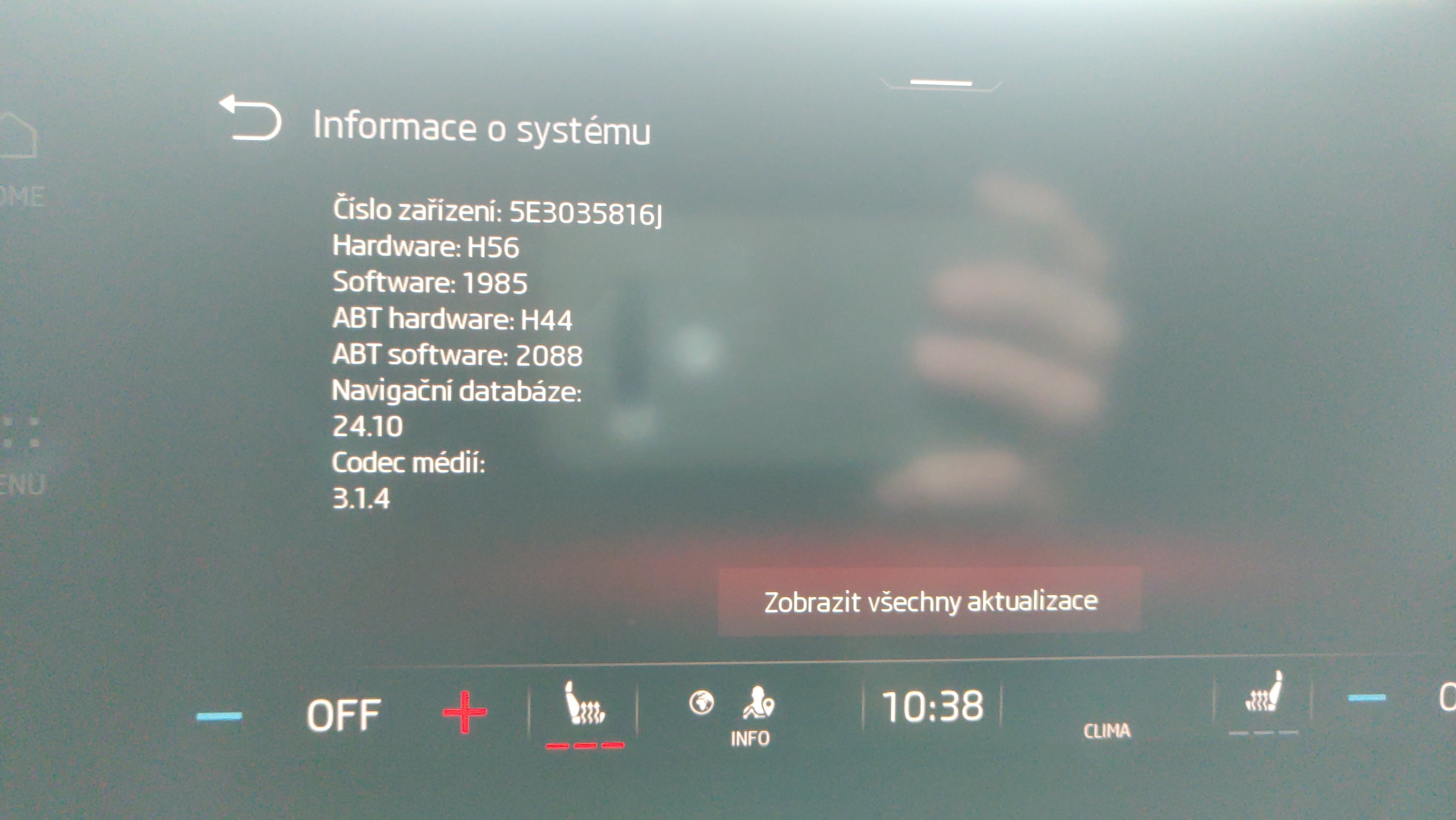
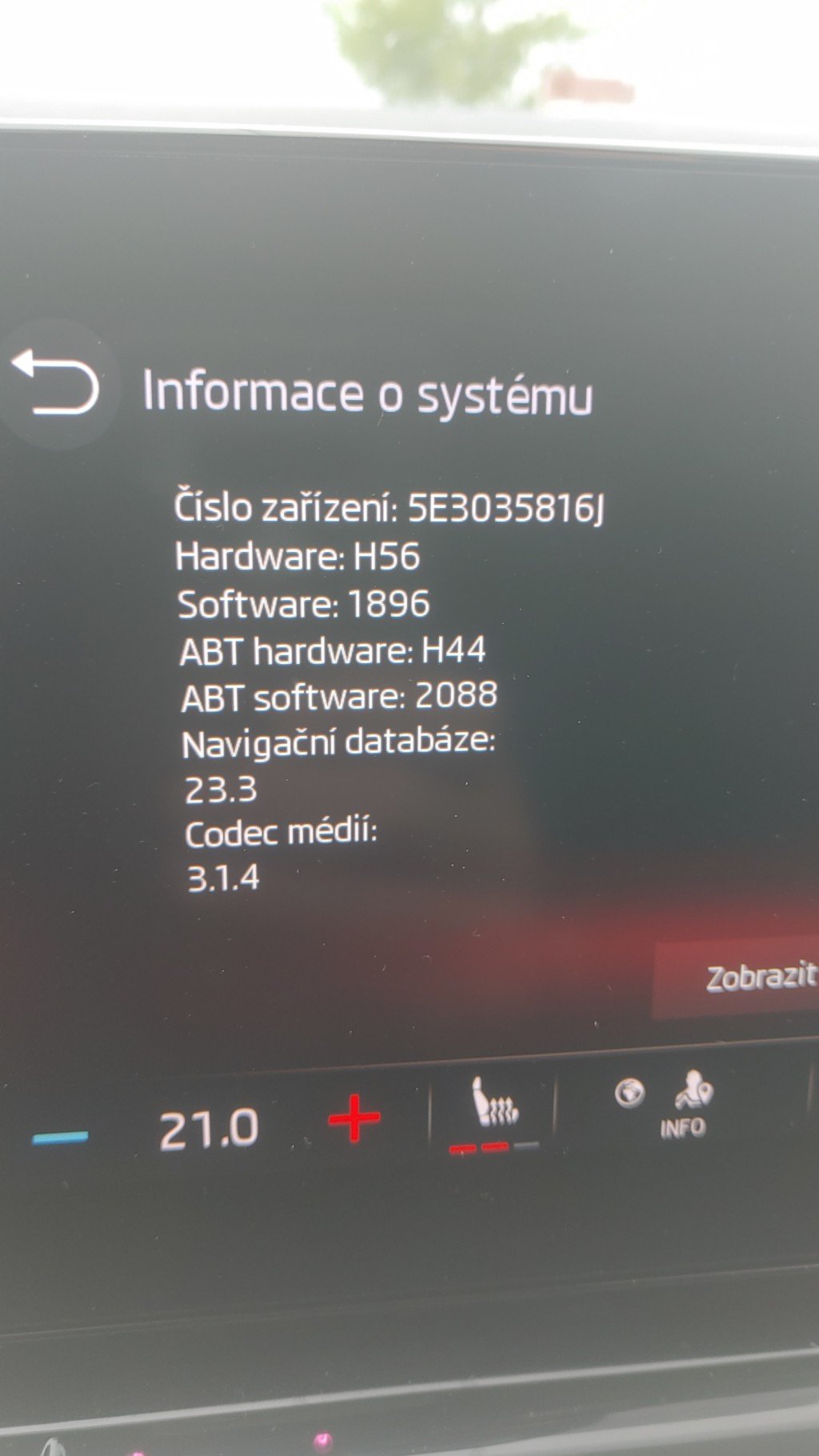
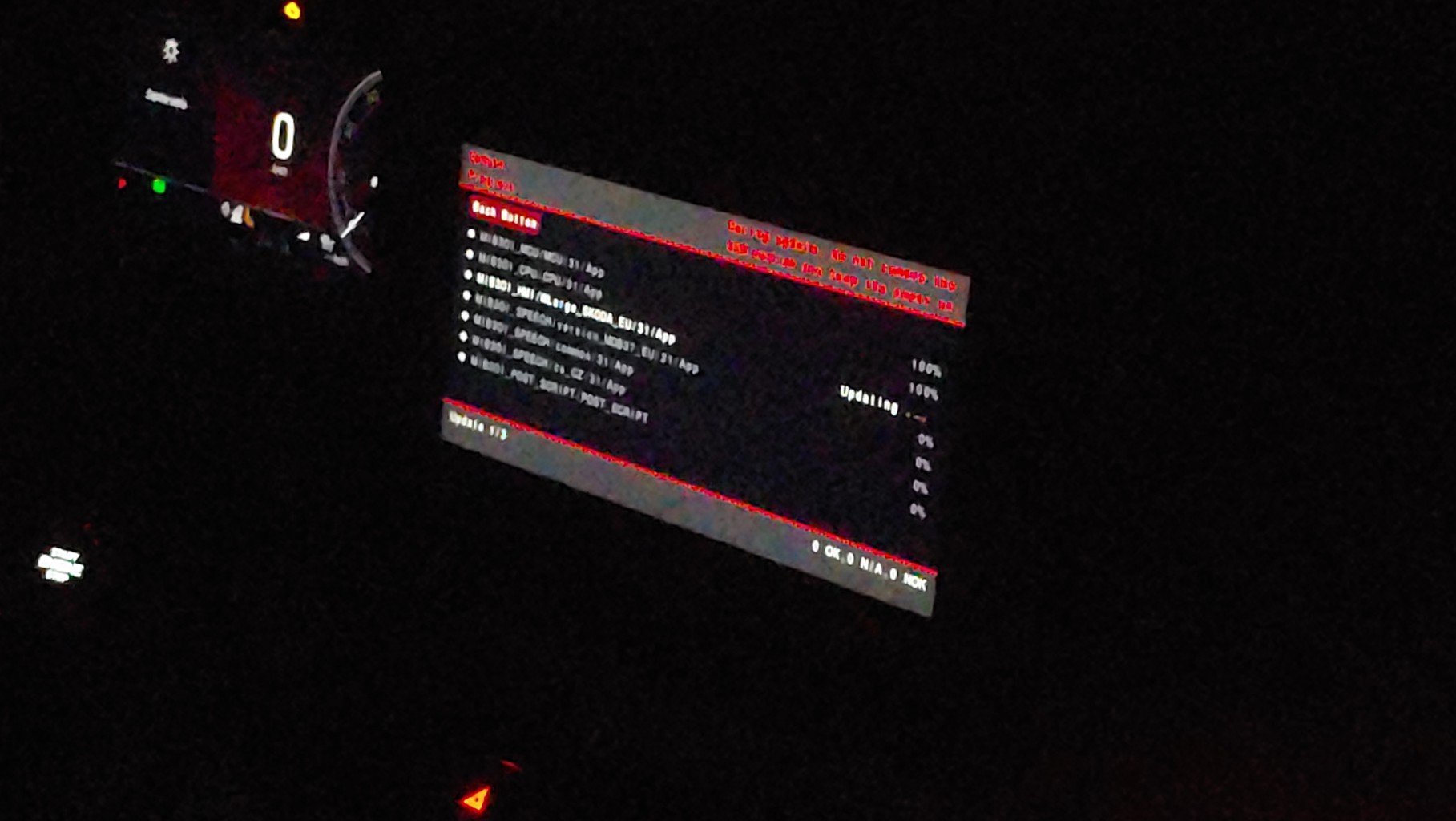
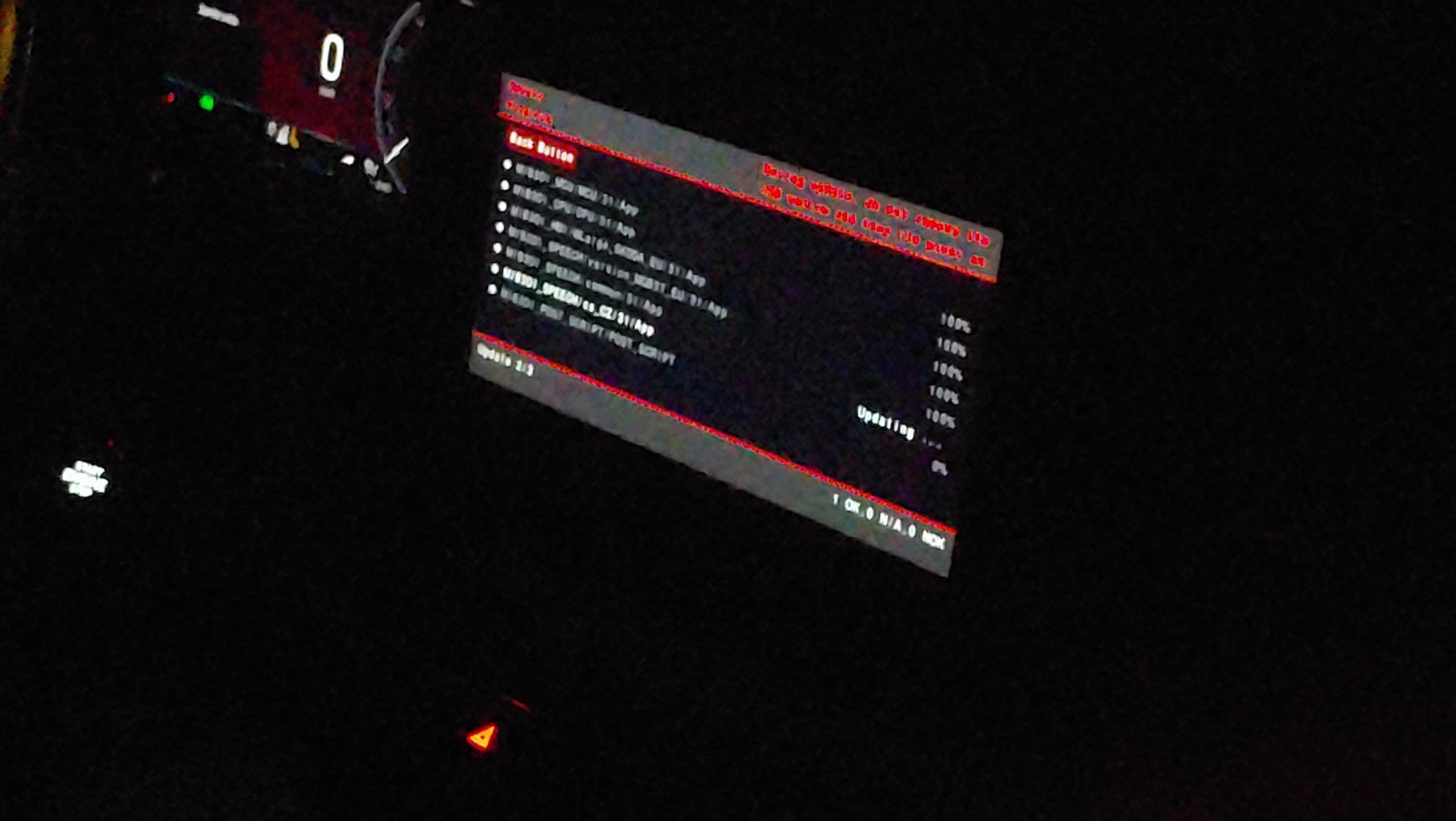
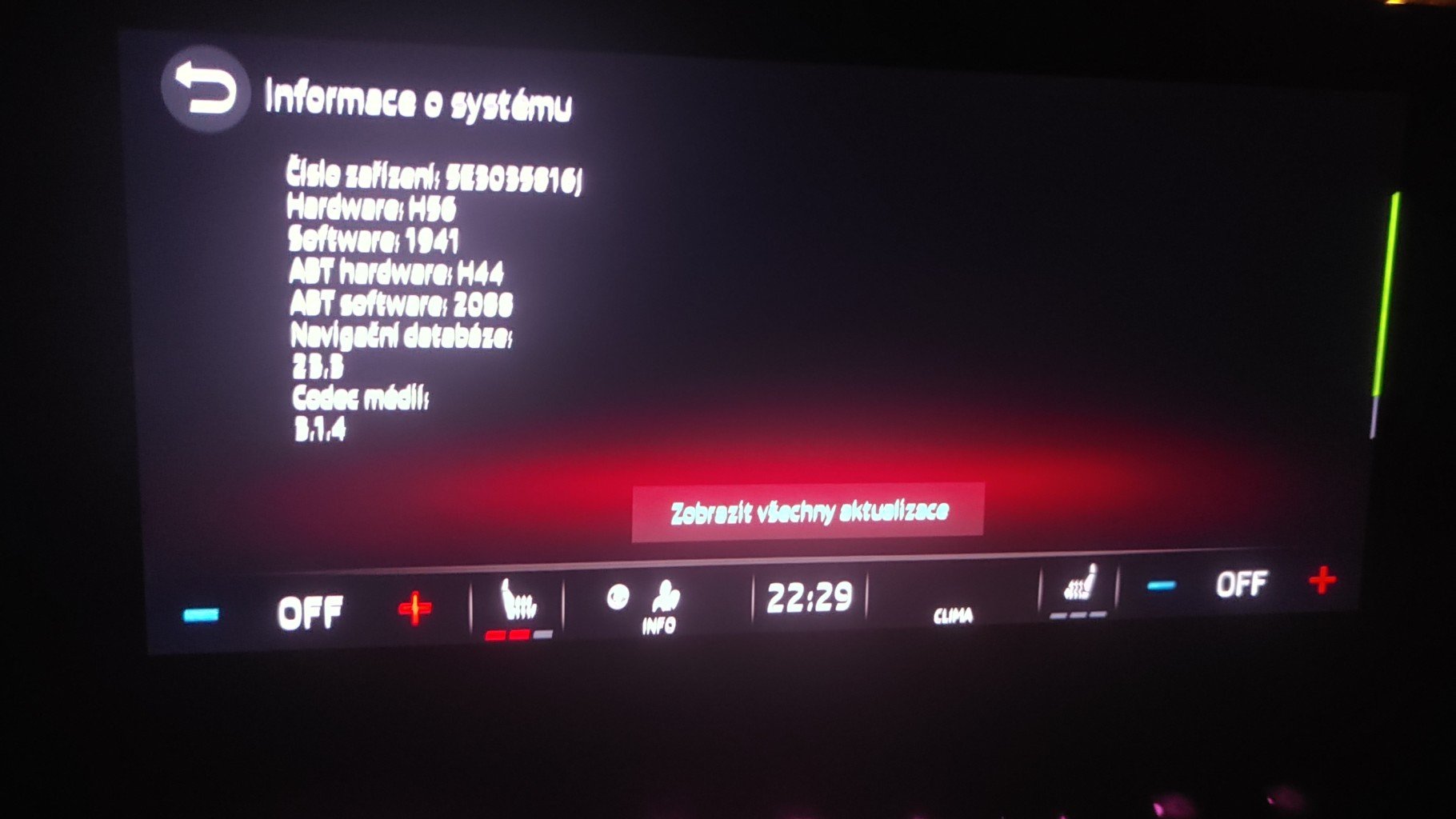
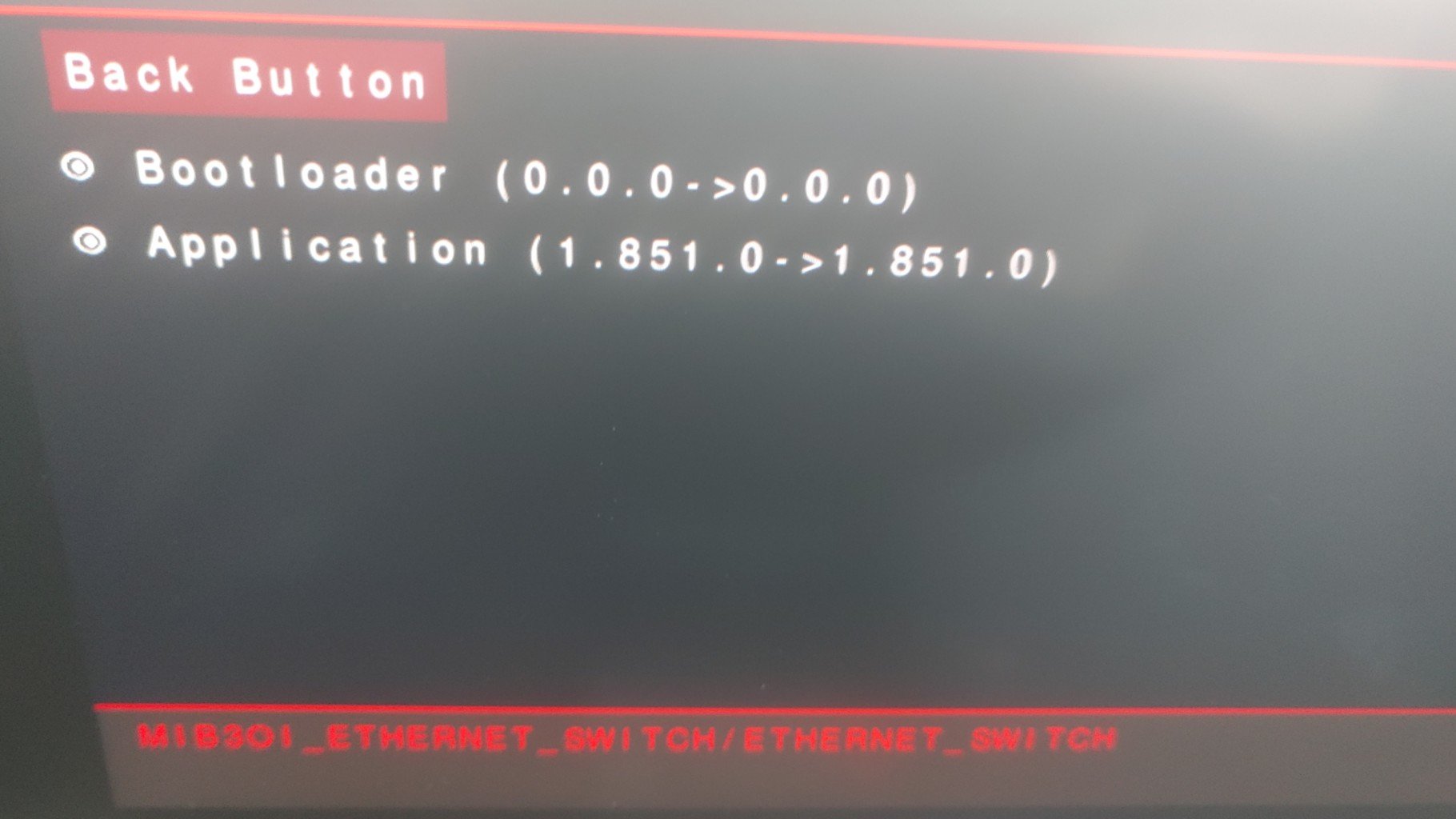
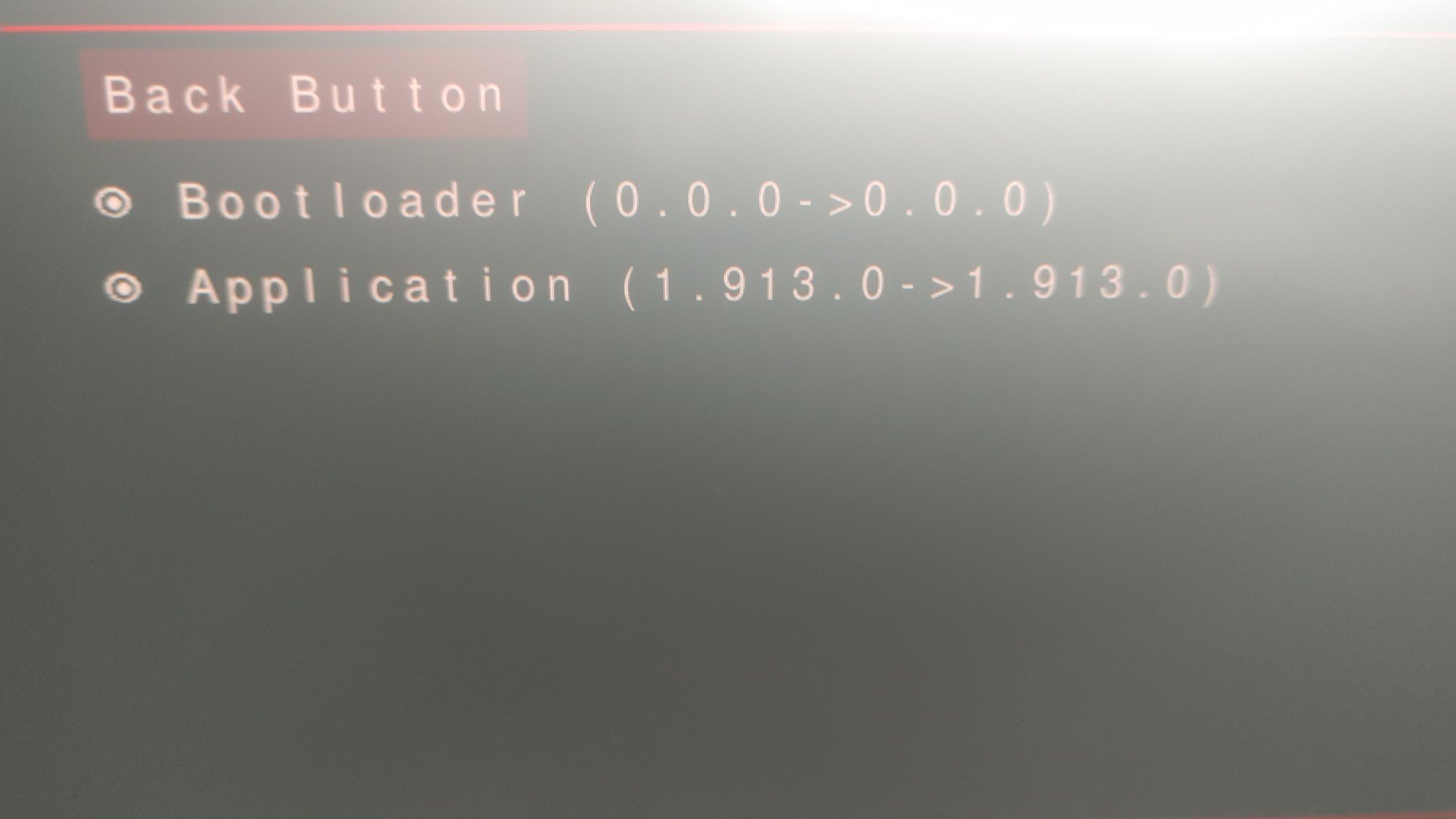
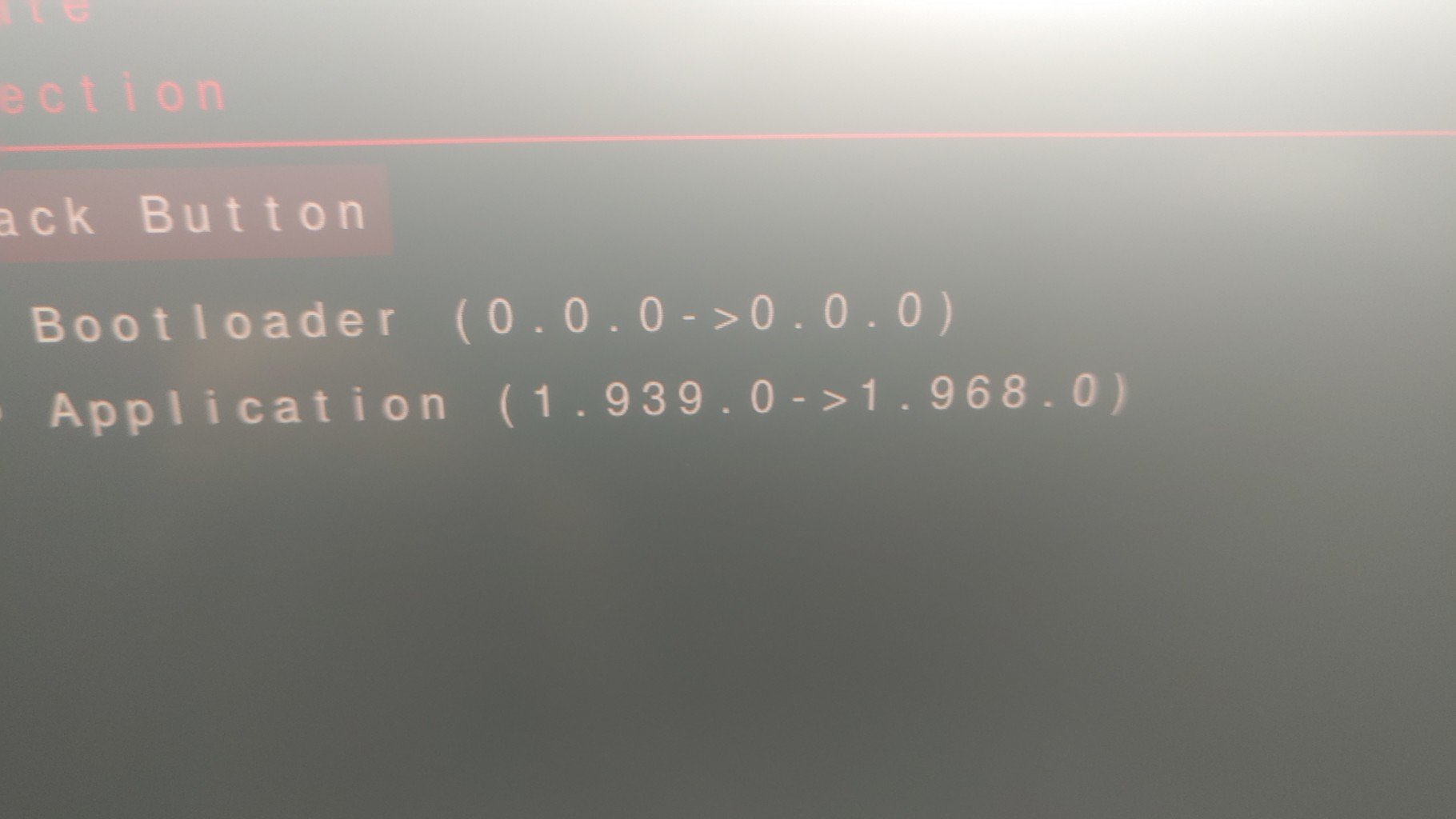
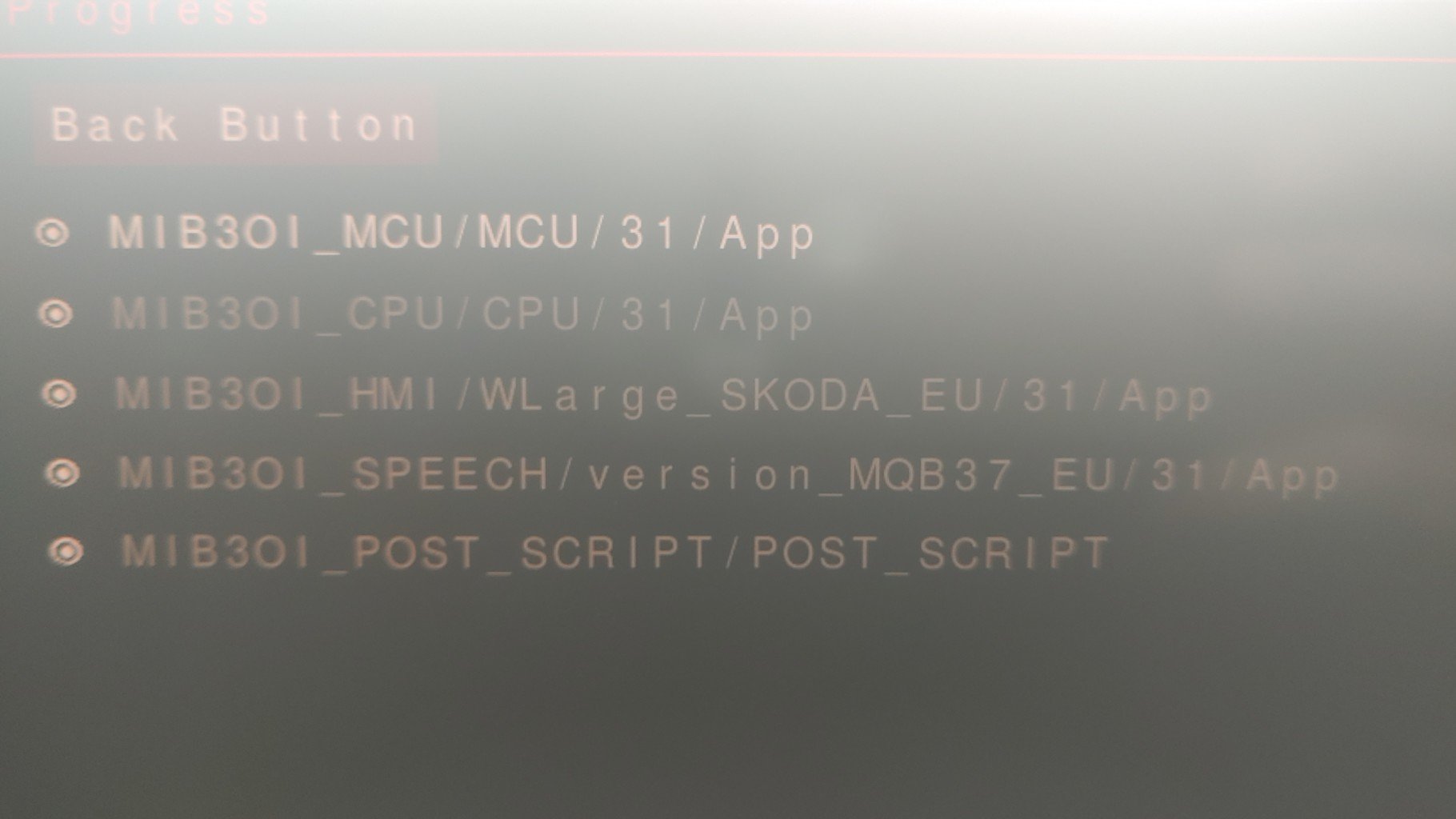
You need to format the USB drive to "exFAT". Then unzip the zip and move the two folders to the USB.Why unnecessarily let the engine run for 20 minutes when it is easier for me to connect the charger. Of course, those who do not have the opportunity to connect the charger can leave it started. For me, the charger was easier when I have a socket right next to it. And in addition, if it is -2 outside, it is gentle on the battery, which decreases its capacity, it showed only 11.9V after turning on the ignition and if I want to finish the update, I have to use the charger or start it. In the summer, I updated 1941 to 1969 and because it was warm, there was no need to start anything or use the charger when the voltage was 13VHi. Thank you for the link to download update 1985. I updated today, it went fine and I already have version 1985. Update time about 19min. It's freezing outside so I preferred to leave the battery connected to the charger during the update. Everything is fine, we'll see how the system behaves. ver 1969 wasn't bad in 1, I only had to restart 2 times but otherwise fine. We'll see what version 1985 is like. At first glance, no changes, just the system started up faster. If anyone is interested and needs a previous update, I have the previous updates 1941 and 1969 saved on my PC. Just write it down and I won't share it anywhere.
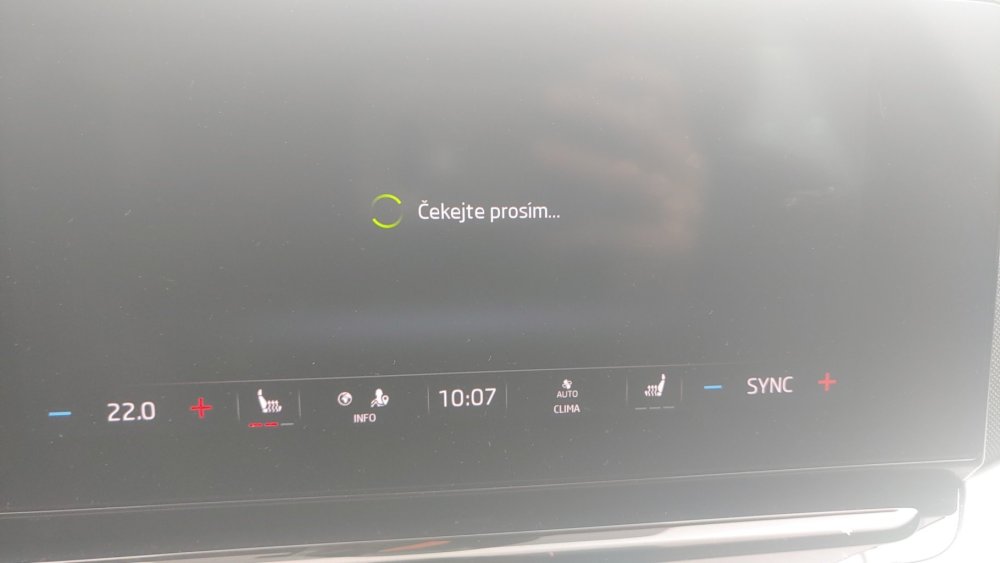
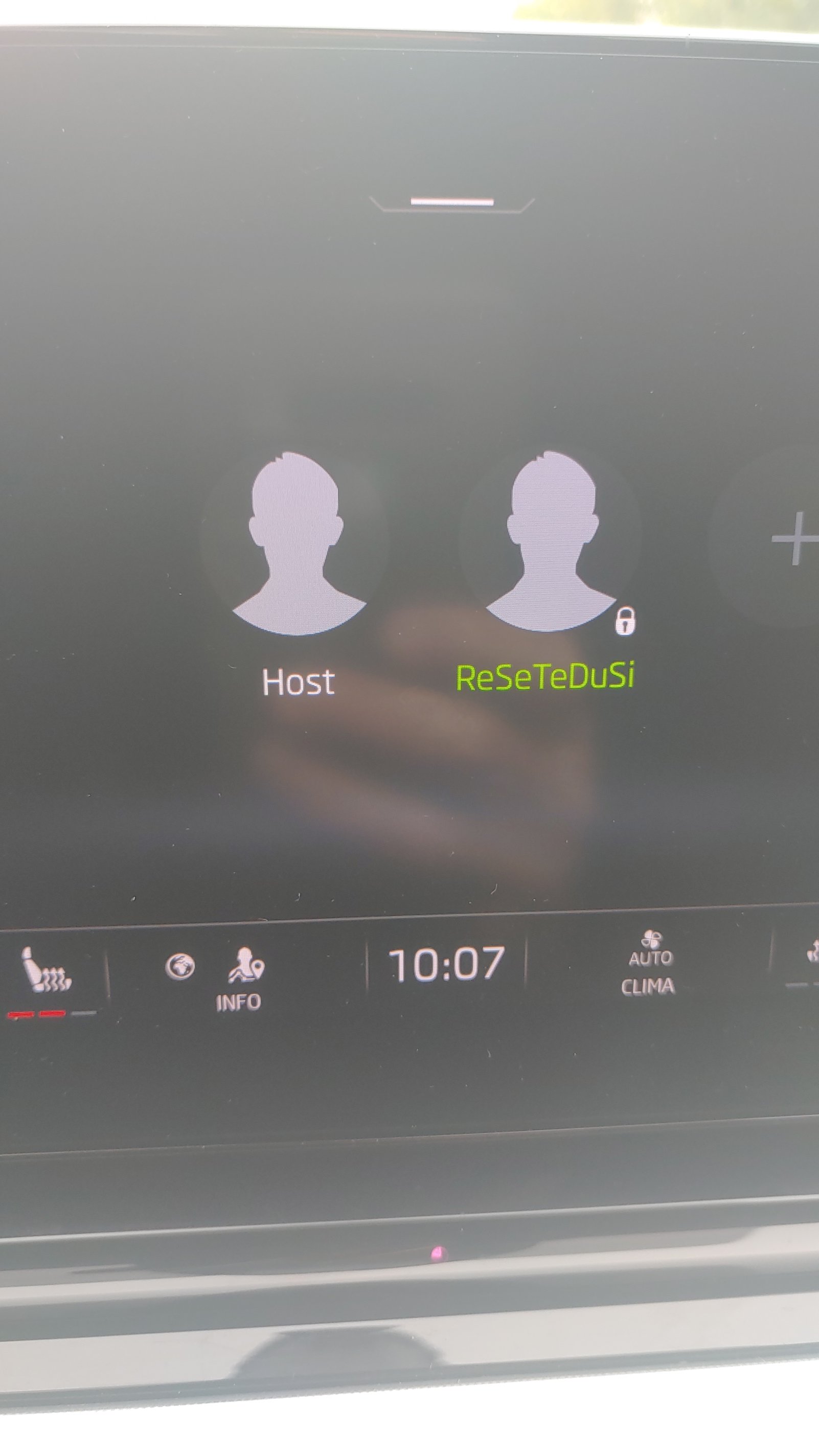
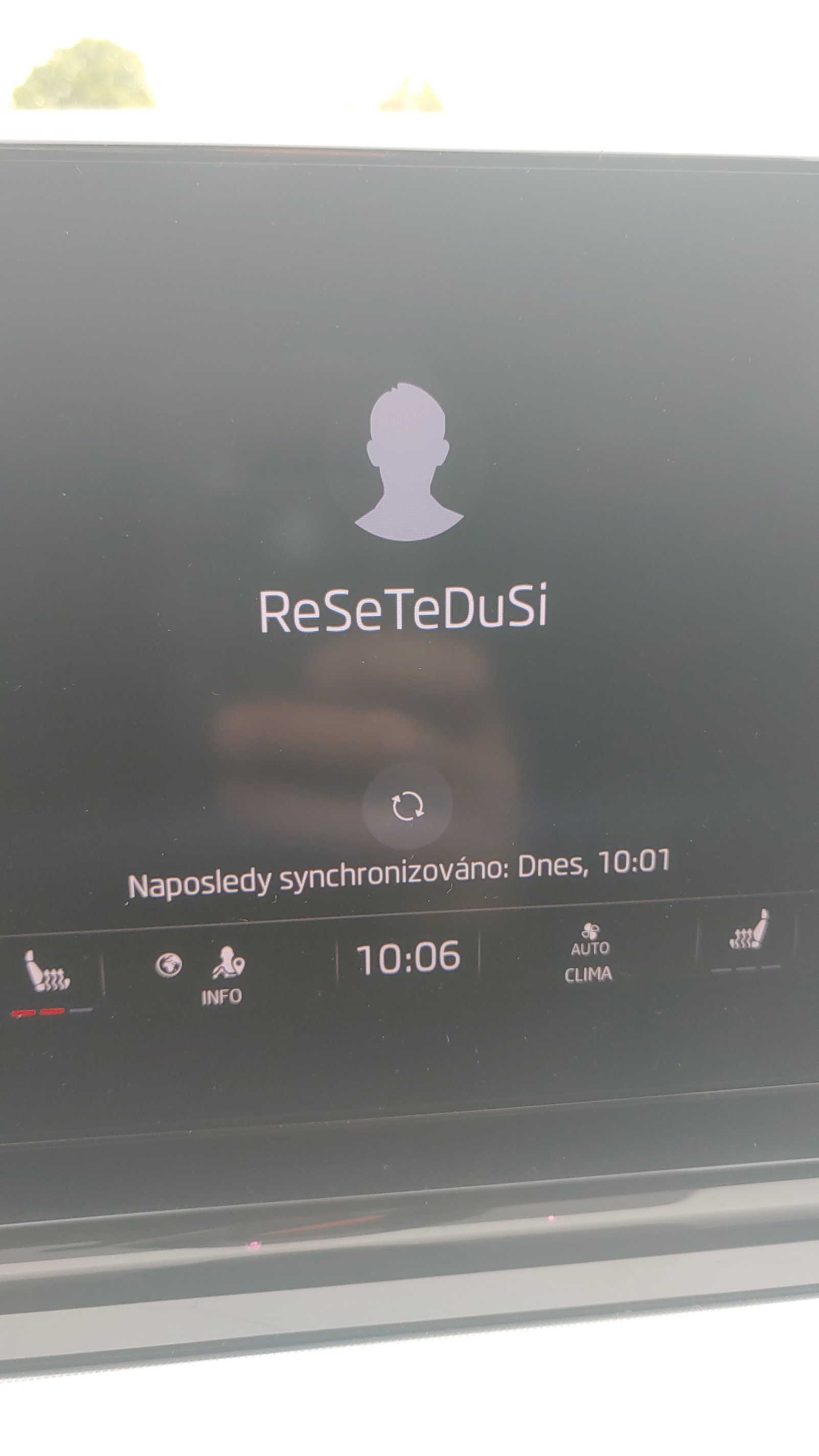
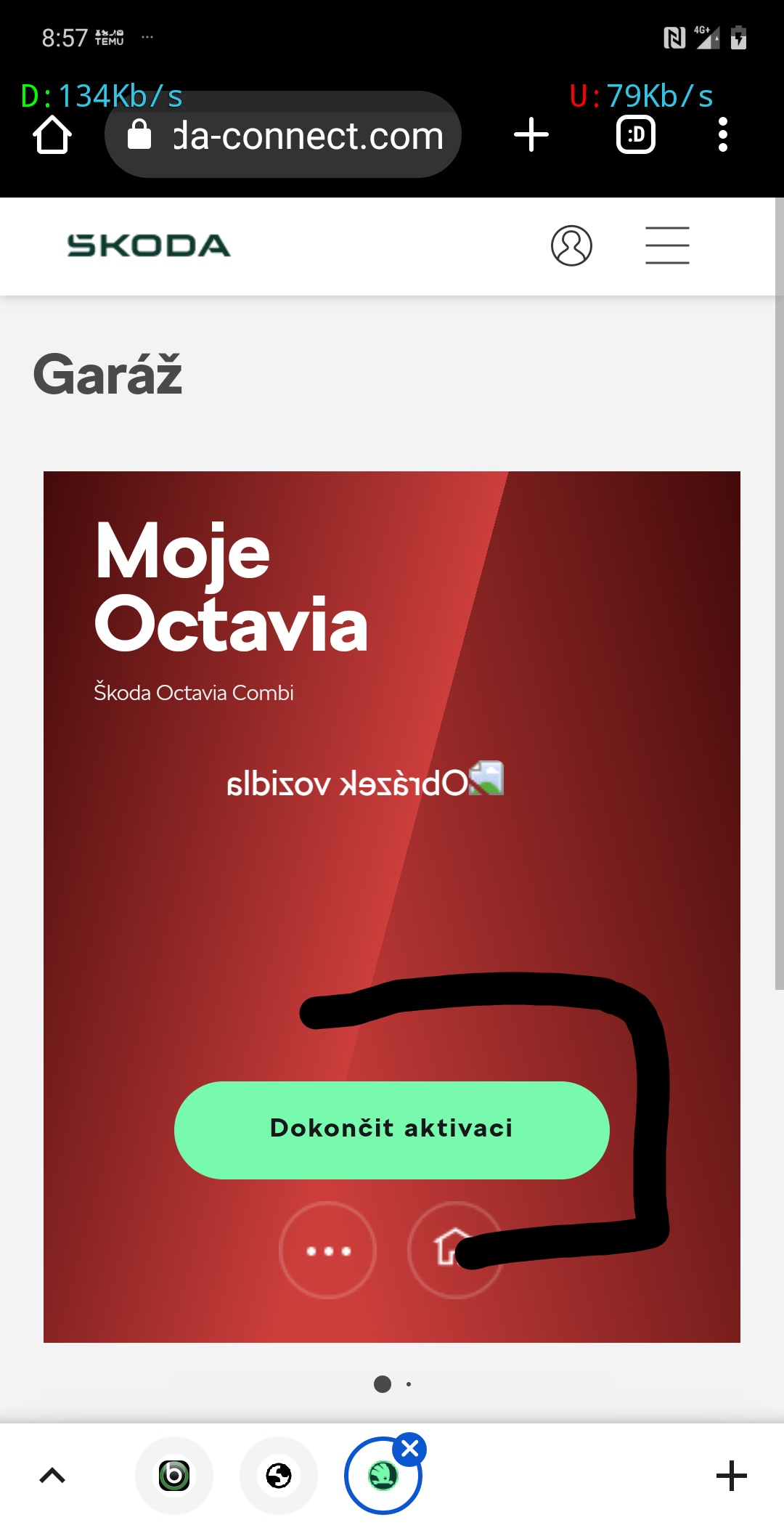
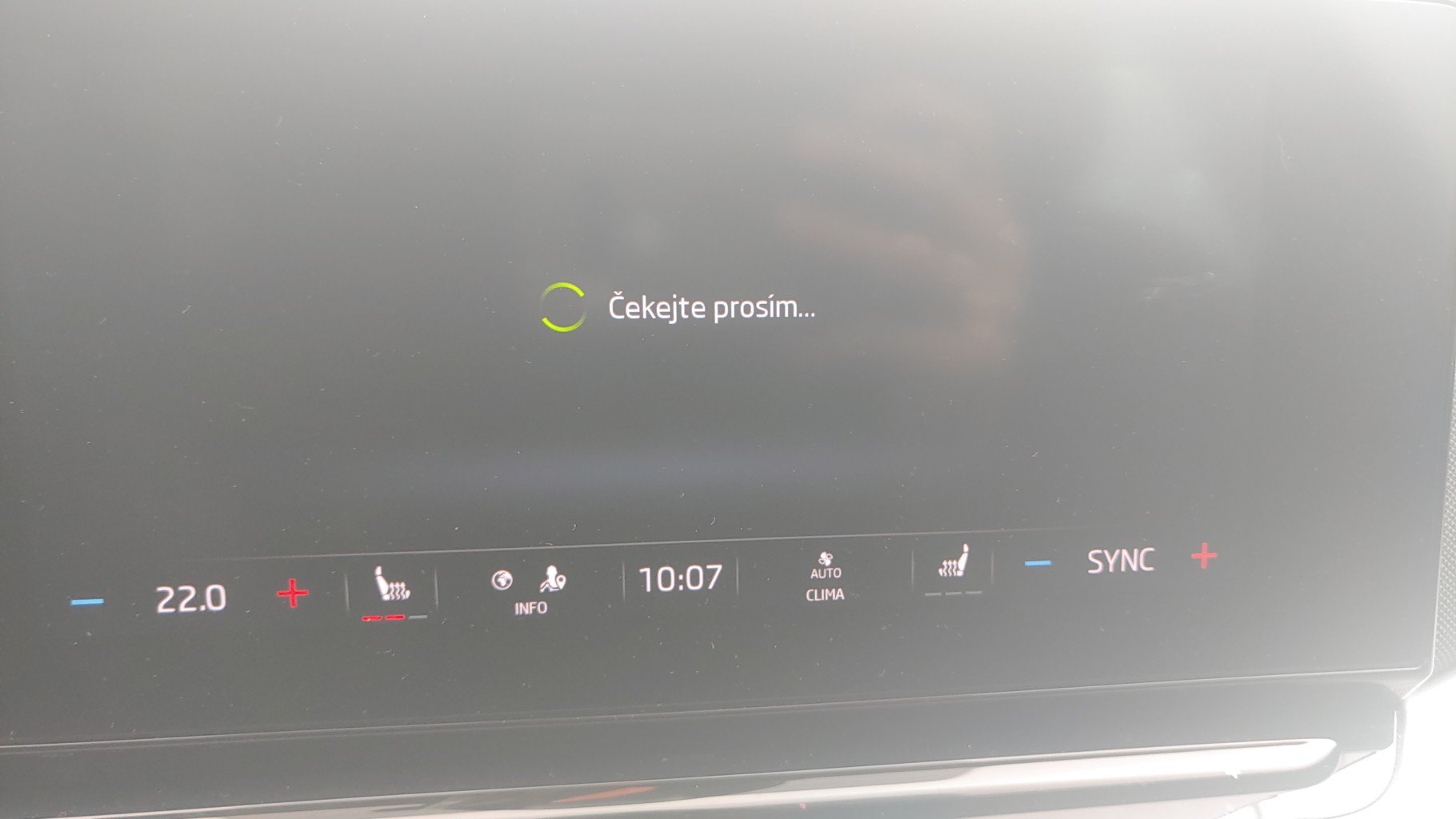
 Hello. Thanks for the answer. Quite frankly, although this is a fairly common problem, according to how many of the same problems I have read on the forums, it's a shame that Škoda support and their original service still can't fix this on the first try. The IT department referred me to my nearest service where they sent them the sw to update and it didn't help. The service contacted IT again and they received the OCU update, they did it and it didn't work, the service also tried with their ID account where they have normal vehicles in the application as the main user and it didn't work either. So, I am contacting Skoda support and the IT department again and they will call me back when they know what to do next. The user can be added and his settings are saved, but he cannot become the main user, he does not ask for authorization with the help of both keys/drivers. Without the main user, the application does not work, the activation is not completed and there is no conncet item for online services in the menu. Of course, the infotainment globe is white and I have paid for esim data services. When the next service is over, I will let other users know.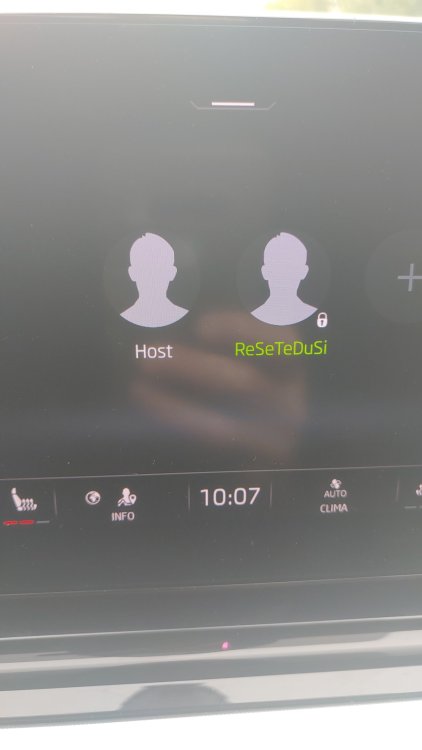
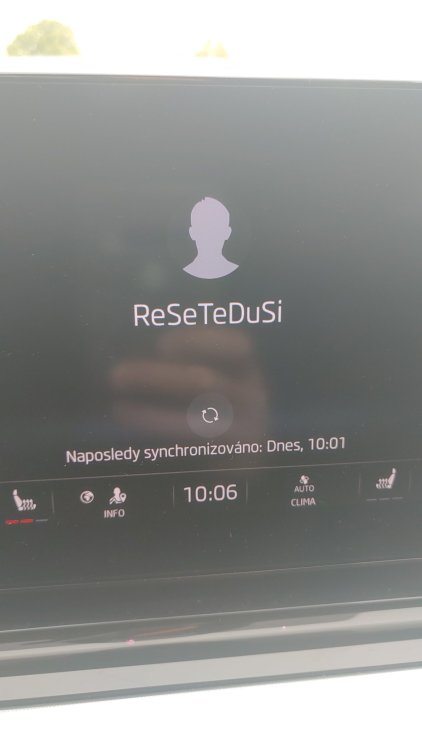
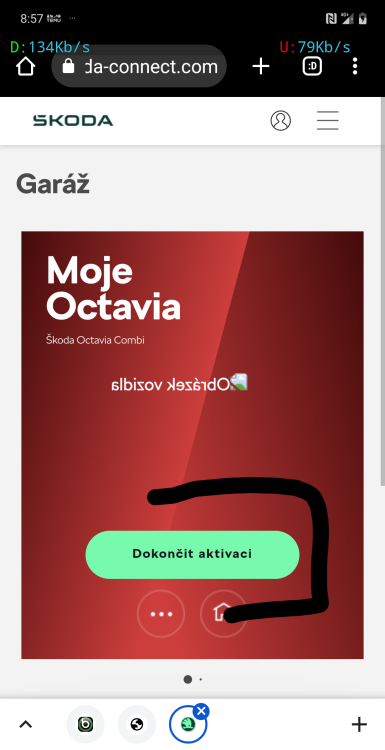 Hello to everybody. Thanks for the links to the SW update. I bought an Octavia 4 in 2020, which was version 1869. According to the following advice, I first updated the SW to version 1941, which went smoothly in about 22 minutes. I tried for 2 days and then went to update to version 1969, which also went fine in about 15min. With both updates, I noticed that the ethernet and mercury items are not updated and remain the same. Infotaiment has sped up compared to the original version, no reboot in 14 days connection of android phone is fine. The only problem that updates do not solve is the administration of the main user. since purchase in March 2024 I still haven't managed to become a master user. I dealt with Skoda support, still with version 1896, and they sent me to the service center to update the sw. I have already been to the service center 2 times and 2 times they played the software first back to version 1941 because I updated myself to version 1969 and the second time to version 1969 including resetting the oco unit and it still didn't help, still the main user. can't stand Even with me skoda ID and their skoda ID, Infotaiment will stay in spinning wheel mode and write wait. So the service is contacting support after 3 and they will call me back when they have the information.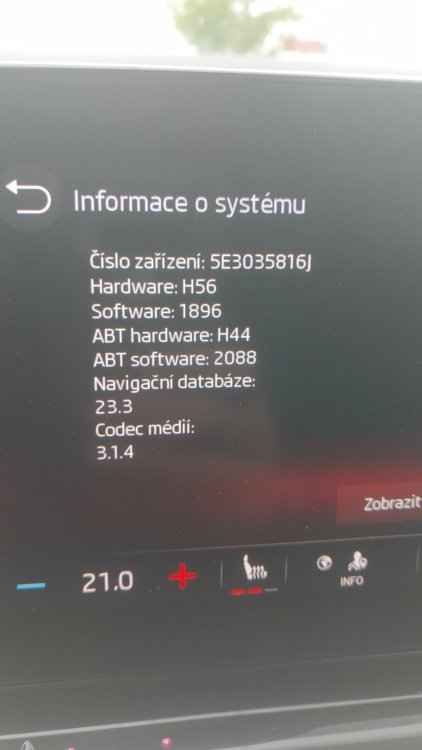
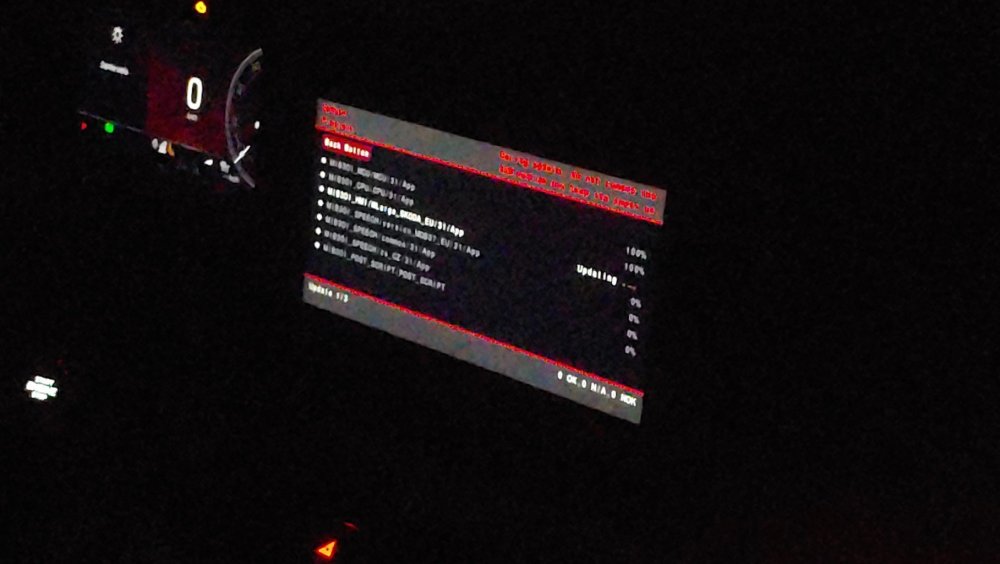
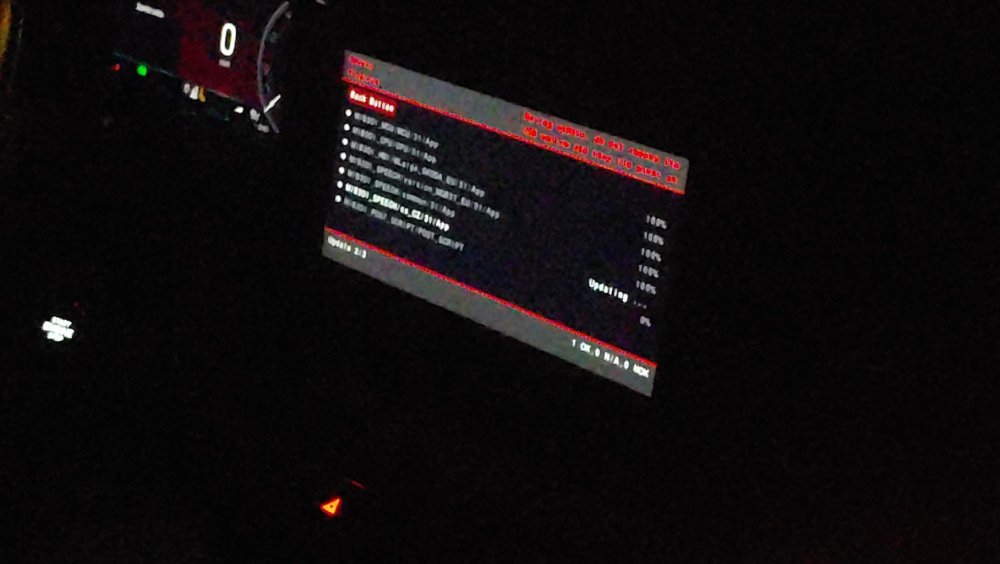
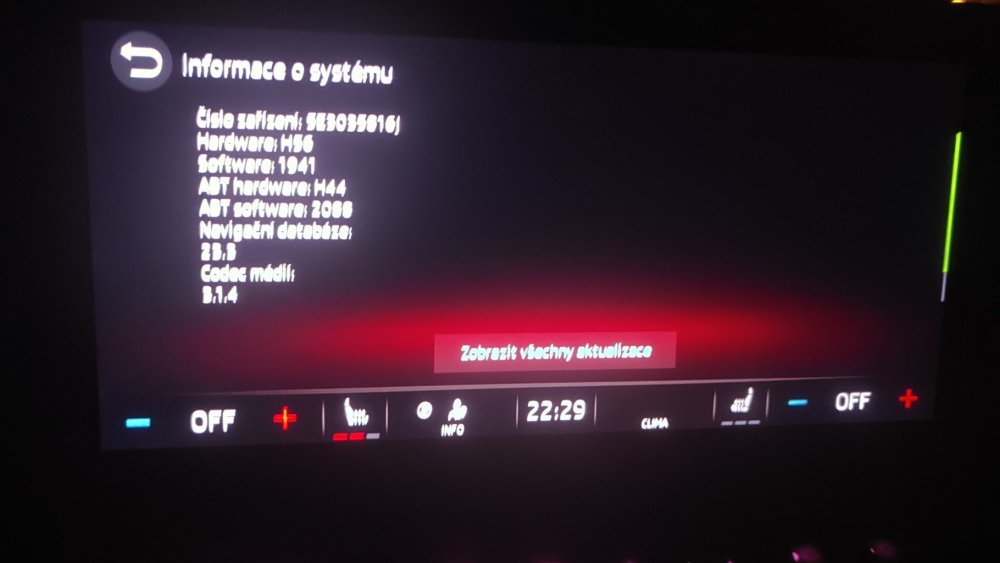
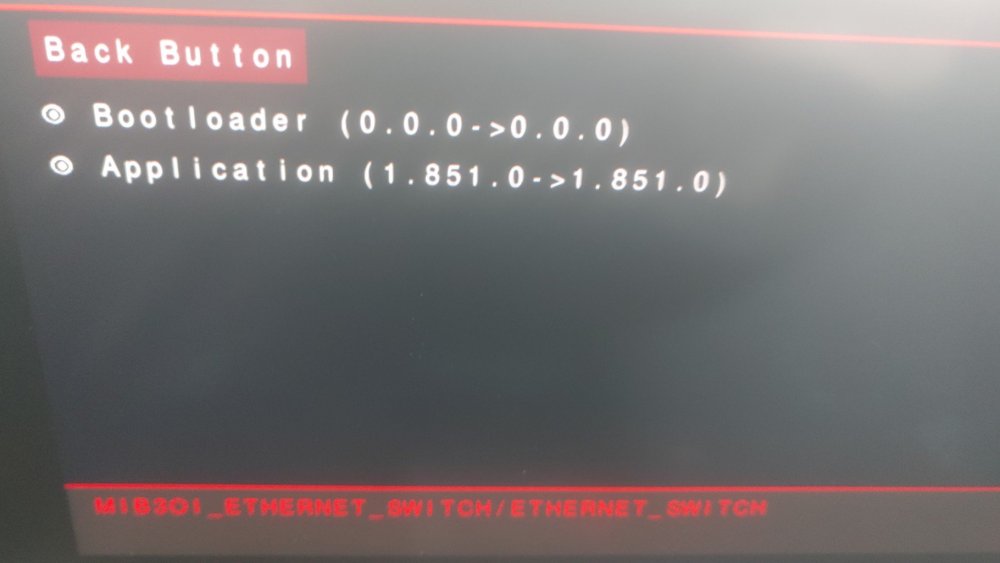
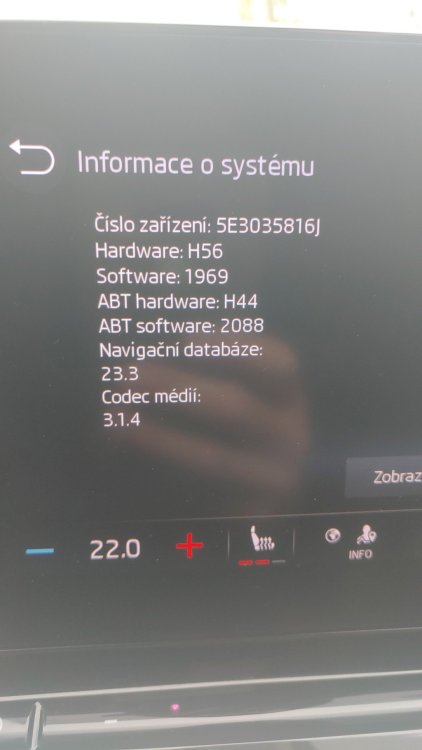
 Ahoj. Tento odkaz v txt dokumentu ke stažení sw 1969 už nefunguje. Máš a můžeš mi poslat odkaz ke stažení sw 1969


Important Information
Welcome to BRISKODA. Please note the following important links Terms of Use. We have a comprehensive Privacy Policy. We have placed cookies on your device to help make this website better. You can adjust your cookie settings, otherwise we'll assume you're okay to continue.