Starskie
New here
-
Joined
-
Last visited
Everything posted by Starskie
-
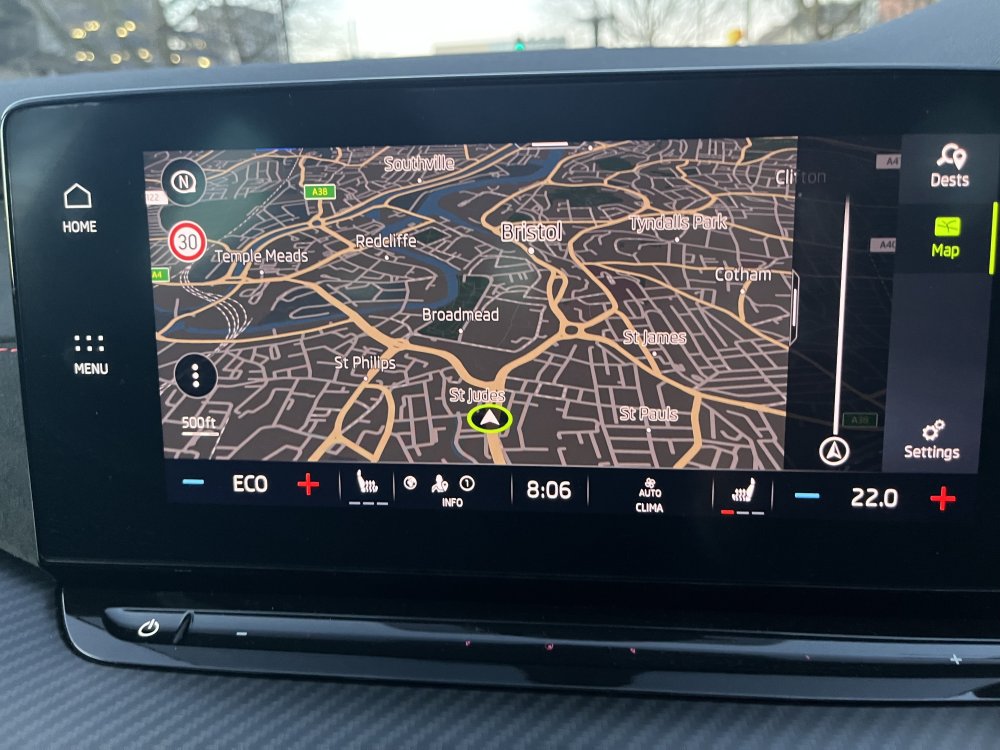
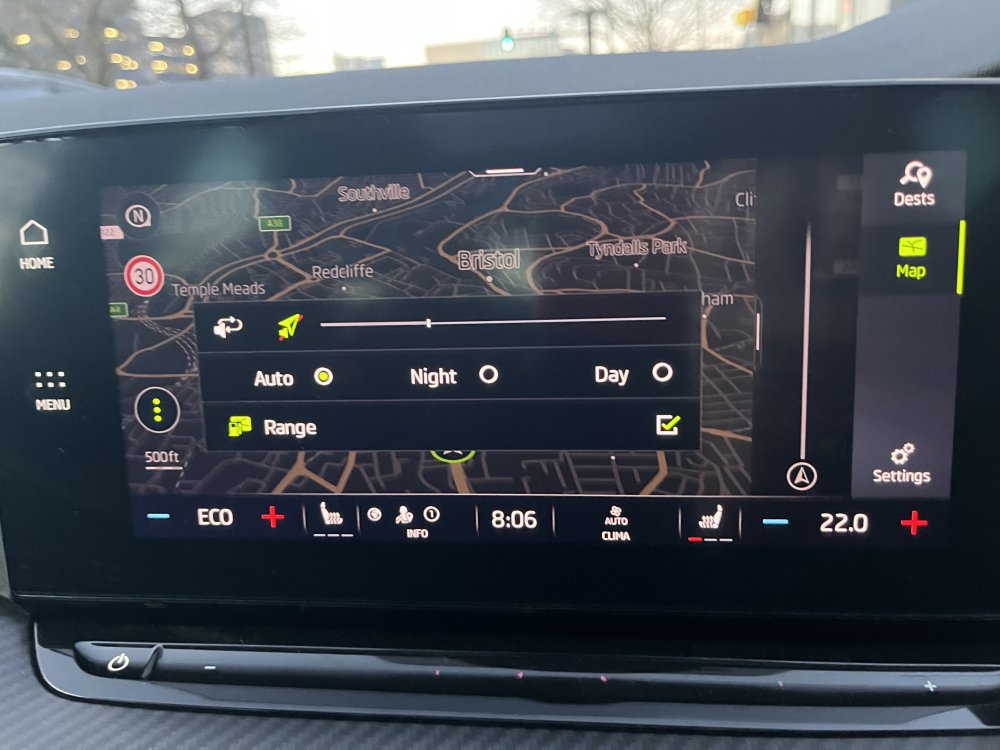
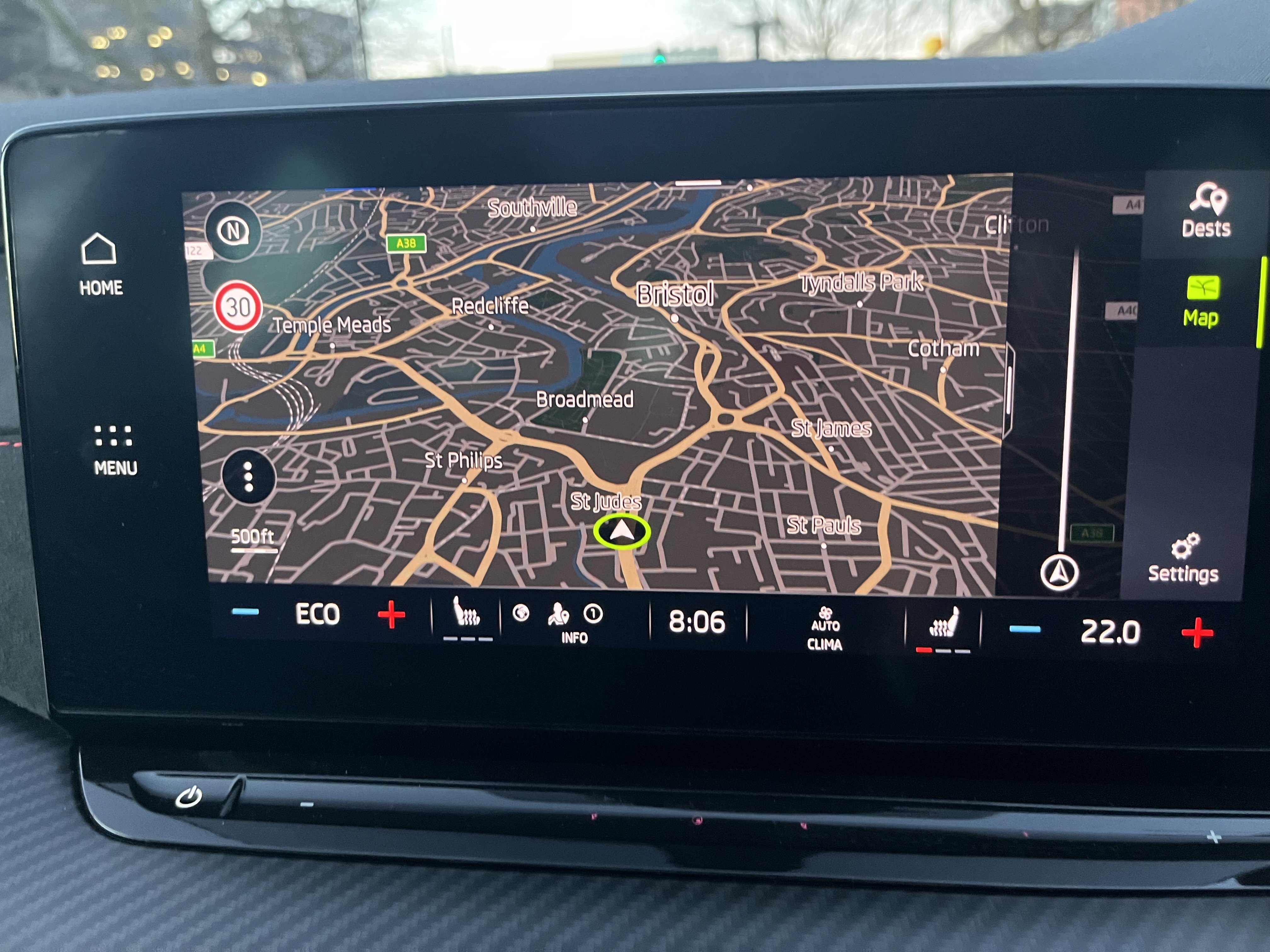
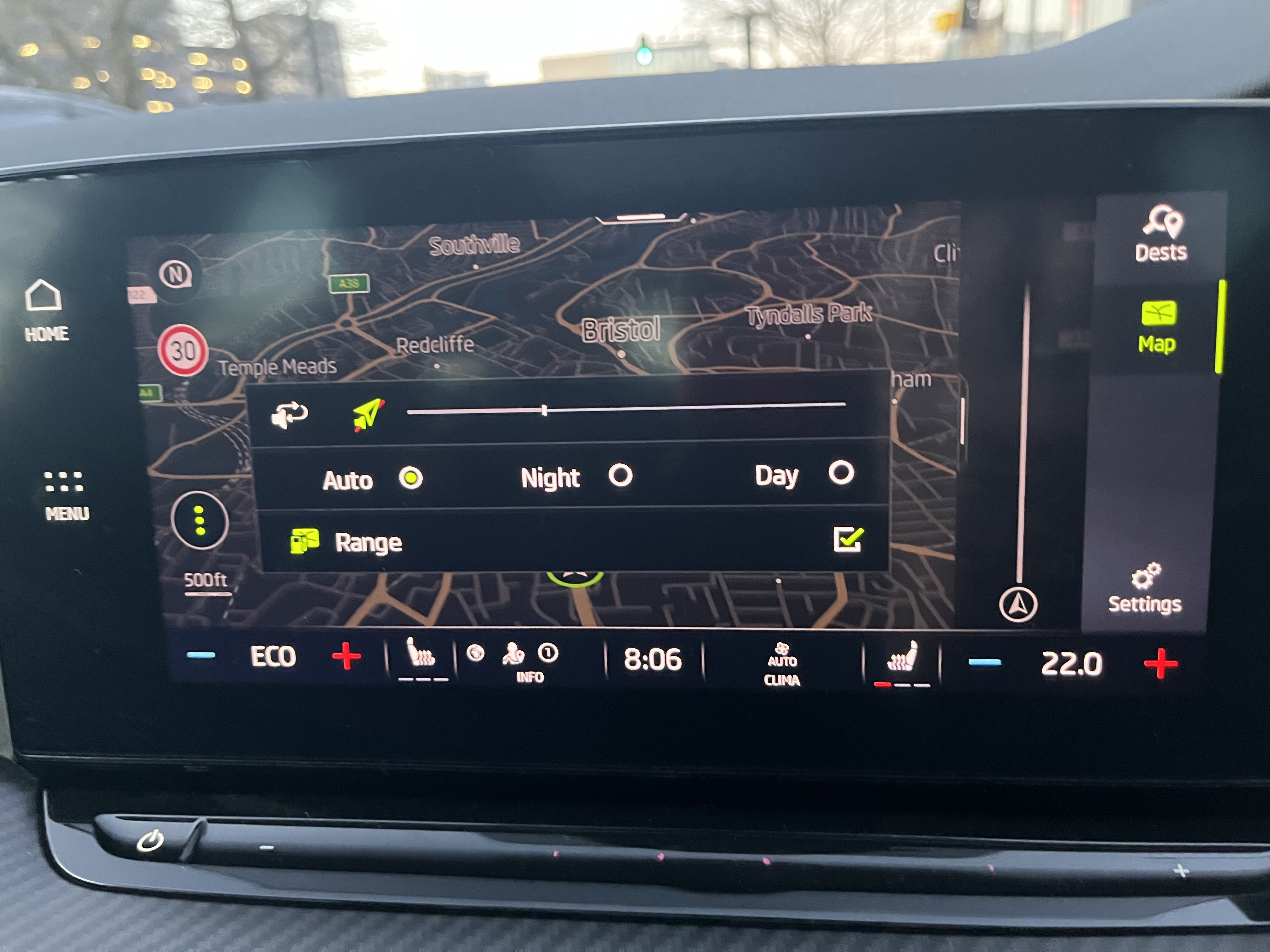
SOLVED!! I've recently encountered the same issue, quite frankly it was driving me mad and couldn’t figure it out through any of the settings. Resolution; turns out the solution is in the Nav Screen options. Select nav on the entertainment home screen, on the map view select the 3 dots in bottom left corner as per below image… Then change the setting to auto (mine was somehow on “day” setting. Dash/instrument cluster will now change with auto lights sensor.