
Davva
Finding my way
-
Joined
-
Last visited
Everything posted by Davva
-
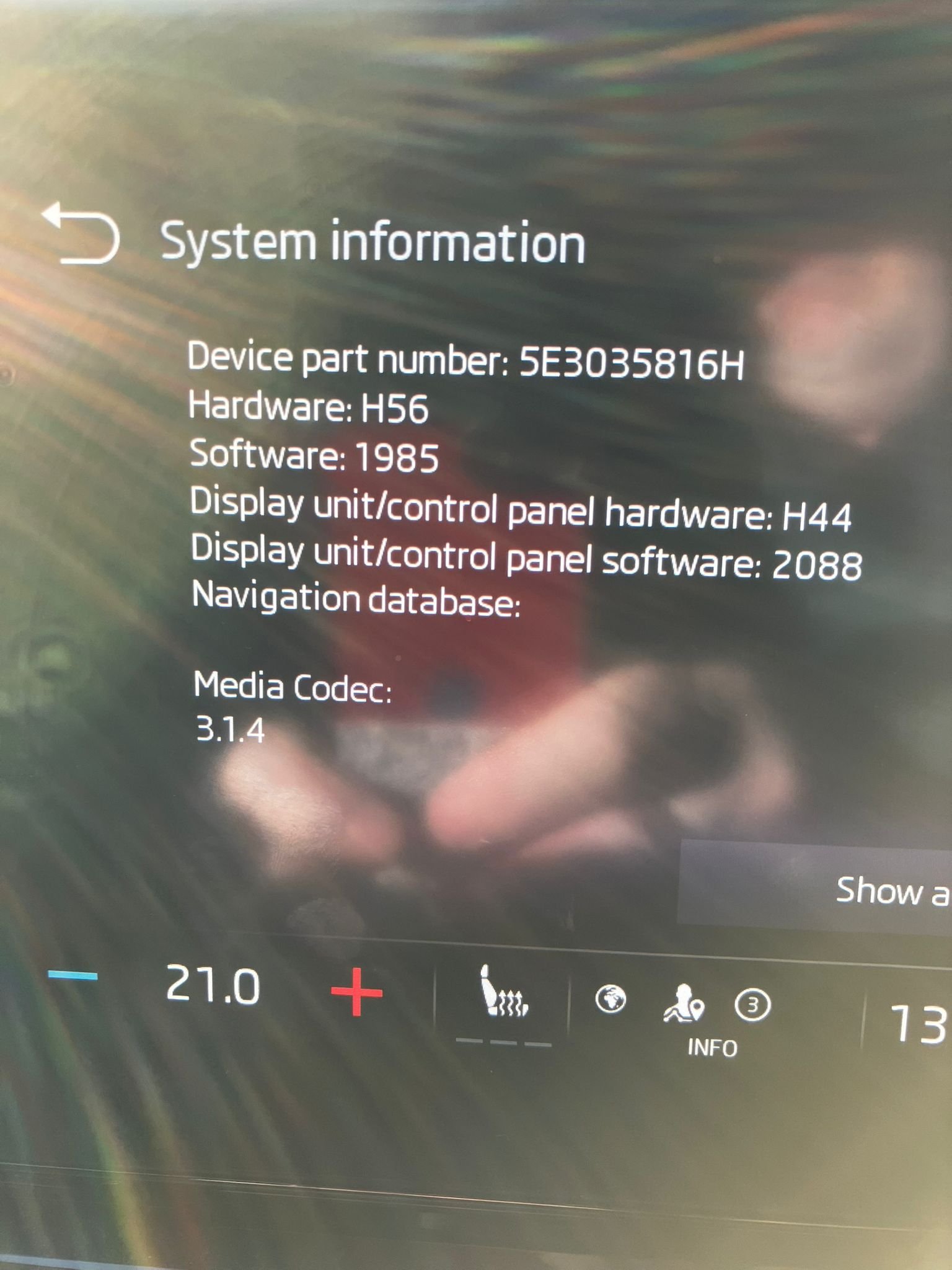
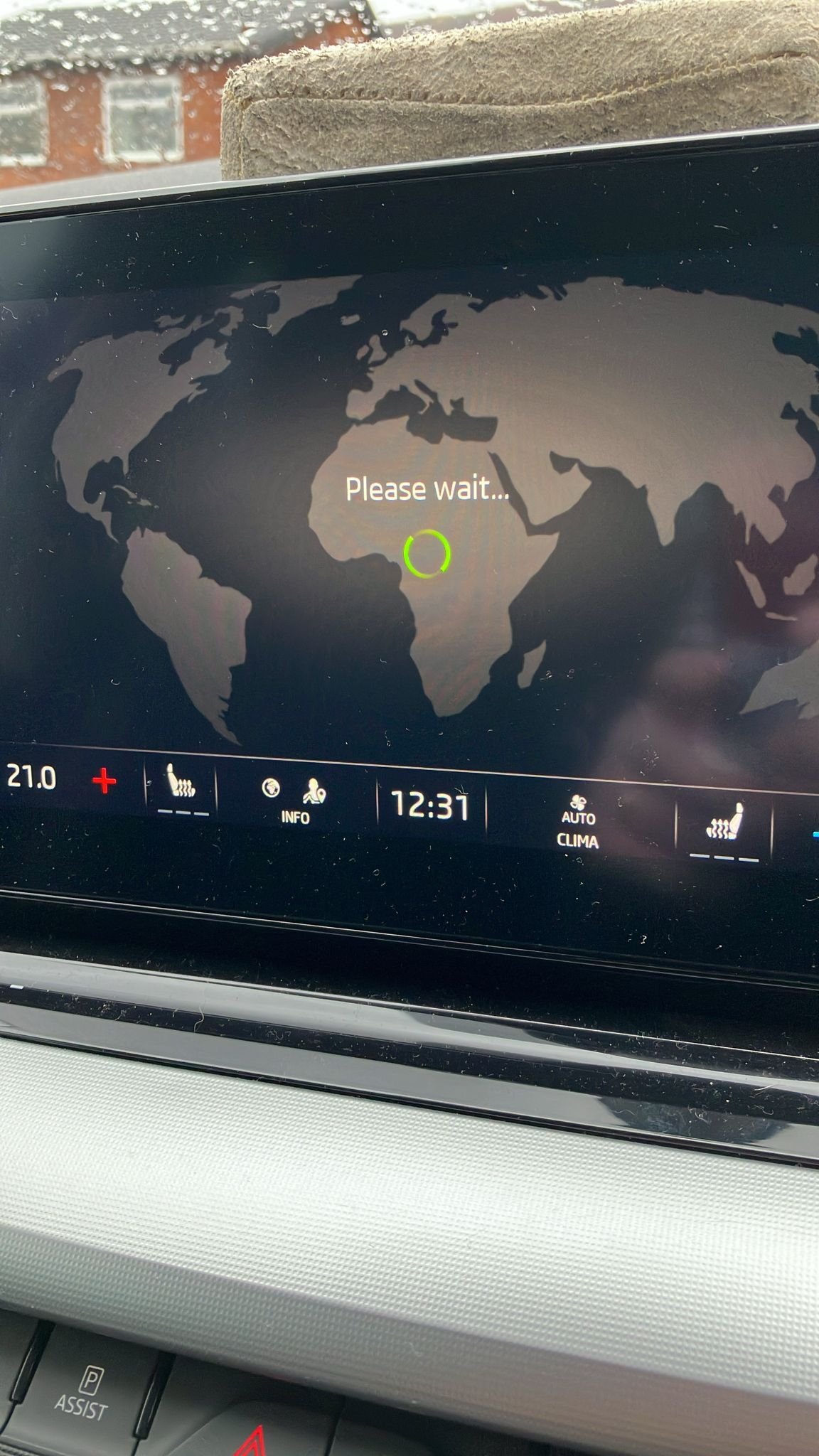
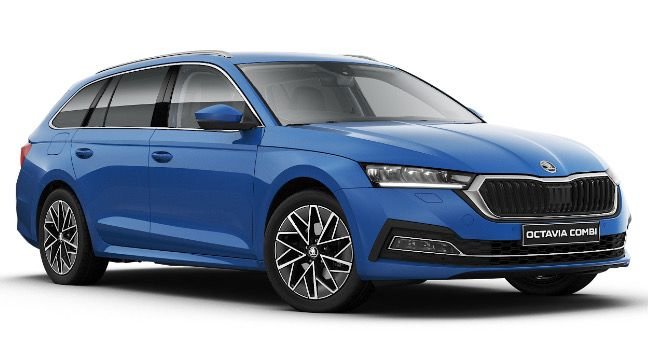
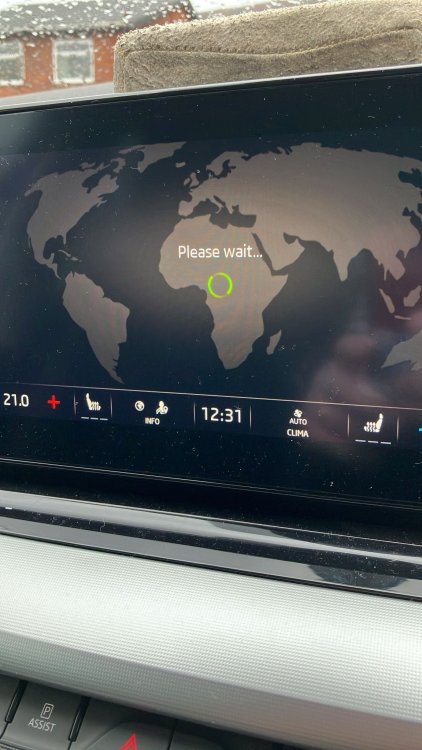
Hi All. I've read through this topic (found it via a google search before I registered) but for me the USB update isn't working. I bought a used 2021 Octavia Estate Mk IV SE-L last November. Initially, the built-in SatNav was working fine, but with out of date maps. As soon as I got home from buying the car, I went to the Skoda update portal, entered my VIN, downloaded and unzipped the file to a 64GB USB drive and stuck it into one of the USB-C slots in the centre console just in front of the gear stick. The built-in Sat Nav immediately stopped working - I assumed it was doing its map updates and would come back once the updates had completed. That was in November. The USB drive has not been removed from the slot since. I've driven the car on a few 3hr plus journeys, which judging by others comments on this forum should be plenty of time for it to do its thing, but the built-in Sat Nav still won't start. If I look on System Info, the Map Database version is a blank. I think the update has failed somehow. There have been no error messages, and there's no progress indicator, just the SatNav permanently shows "Please wait...." and a green revolving circle. I've been into the secret engineering menu (hold the Menu button for 5secs and select UPDATE), but the two USB options are both greyed out. Anyone know how to get the map database to re-install/reload please? Thanks
-
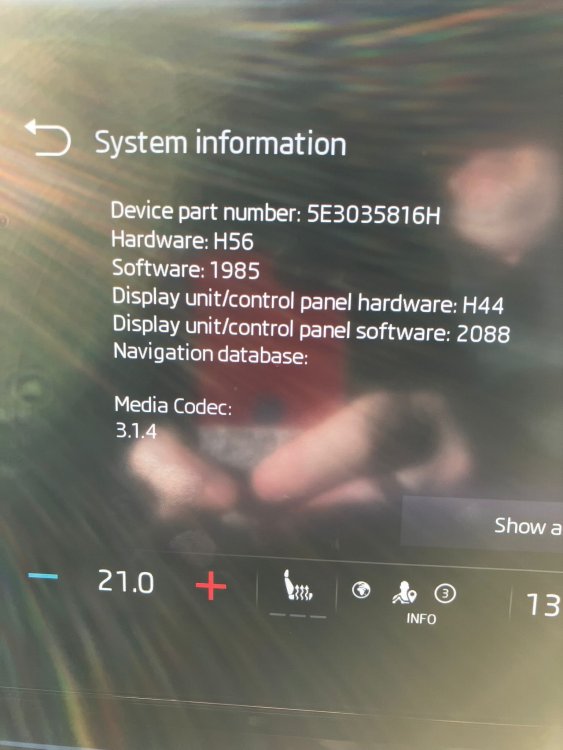
I got the 1985 update free apparently over the air. I had a message pop up on the display asking if I wanted to download an update, so I clicked the UPDATE button on the screen. Then the next time I stopped the car I had another message telling me the update was ready to install, would take aprox 30mins, and that I shouldn't be using the car while it installs the update - the message even said I should get out of the car and leave it for 30mins. Fine, took the dog for a walk, and when we got back to the car and started it, another message popped up on the display saying the update was complete.
-
Hello All. I found BRISKODA as a result of google searches for some issues I'm having with a new (to me) used Octavia Estate I recently purchased. I thought it would be a good idea to register for the forums so I could ask questions and engage directly rather than just read what google finds. My current Octavia Estate is my second one. Previous one was a 2009 Mk II that we bought as an ex-demonstrator 6mths old which served us very well until it started to get a bit cranky late 2024, so we part-ex'ed it for a newer, but used, model. I'm looking forward to engaging with people who can hopefully help me solve some issues with my Octavia, and also to share any experiences of my own that may be helpful to others. Cheers, Davva.