Mariusc46
Finding my way
-
Joined
-
Last visited
Everything posted by Mariusc46
-
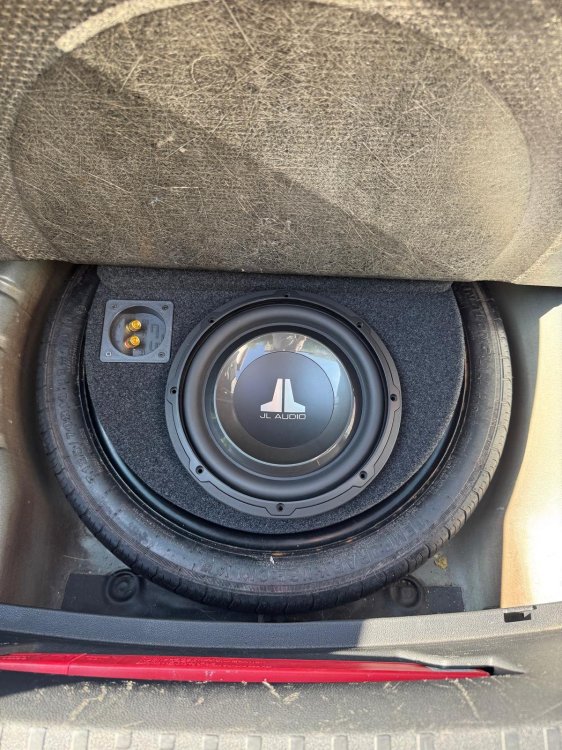
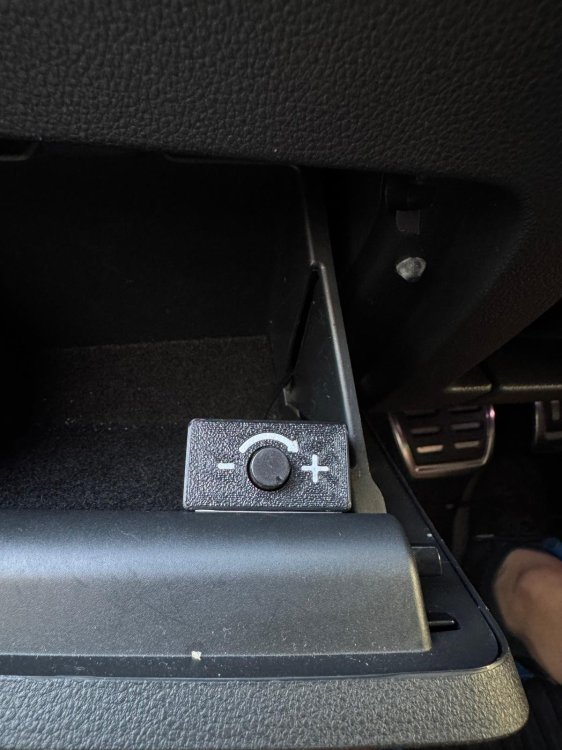
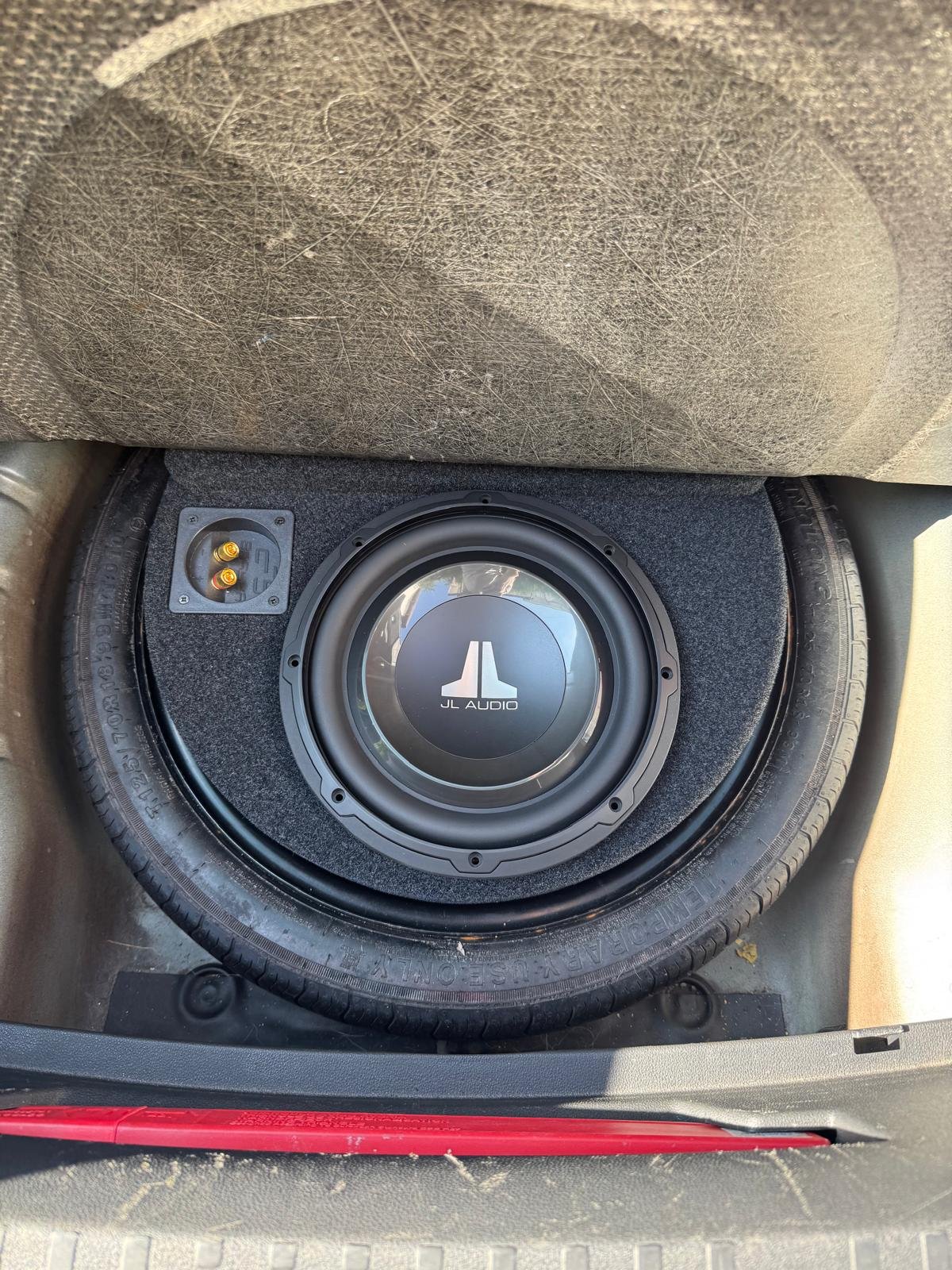
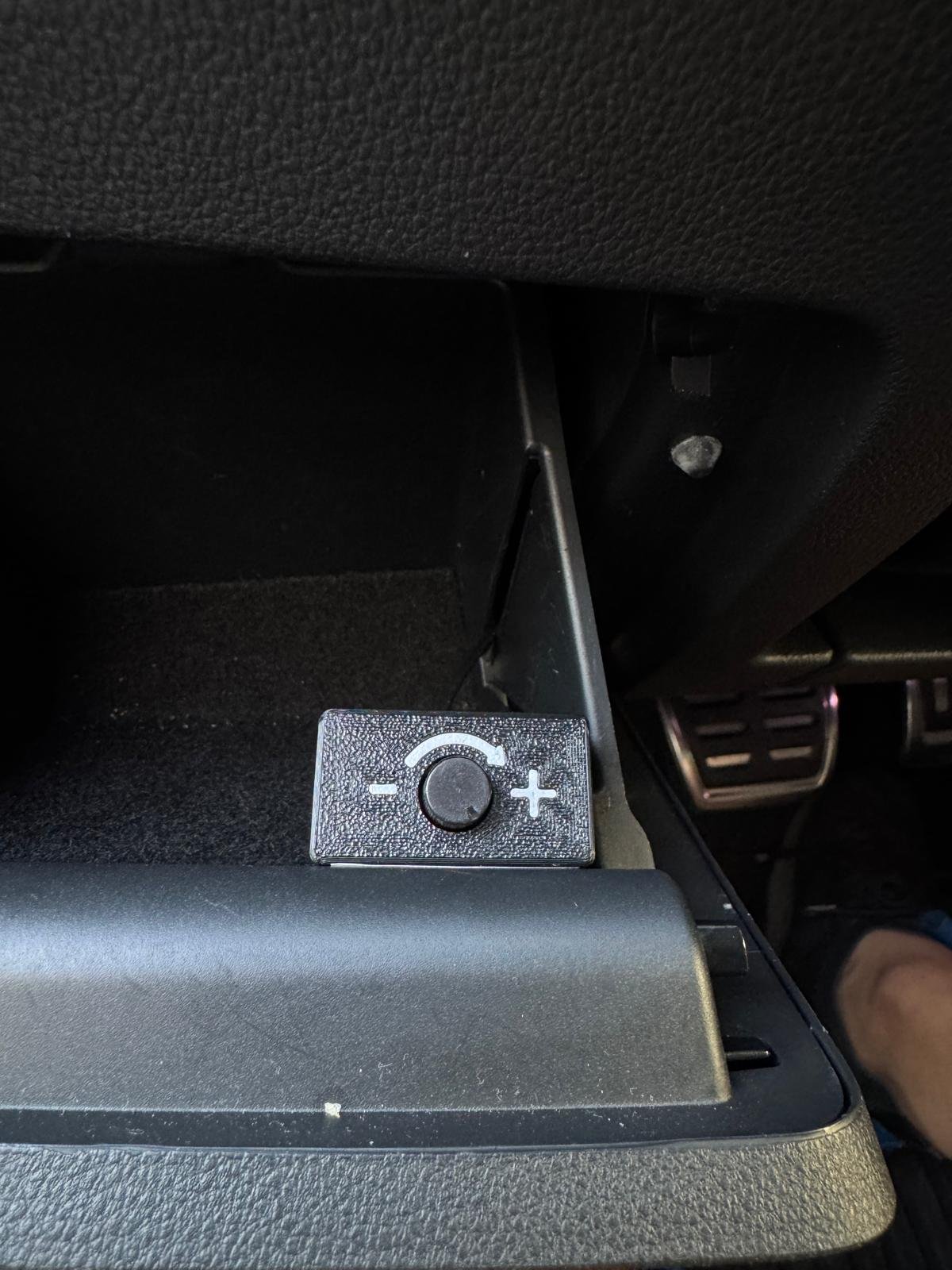
Forgot to post this earlier, but maybe it’ll help someone out. for wiring the power cable: I took a different approach and mounted the amplifier under the passenger seat, similar to the OEM setup. The signal sources are closer and easier to connect this way. I used a custom T-harness - check my comment here : https://www.briskoda.net/forums/topic/528741-quadlock-speakers-only-t-loom/#comment-5954679 Routed the amp remote into the side pocket. The woofer is installed inside the spare wheel in a Basser 15L enclosure, paired with a 300W RMS woofer.
.thumb.jpeg.fbd86c1be8f557529ce38d60ecbbe0c4.jpeg)
.thumb.jpeg.454eaf6da3a1bde4015cebc99316fa46.jpeg)
.thumb.jpeg.d8481a1515999e18b1d7e959baac054d.jpeg)
.thumb.jpeg.b90ceeacad02762c840aa118d1cfeb72.jpeg)
-
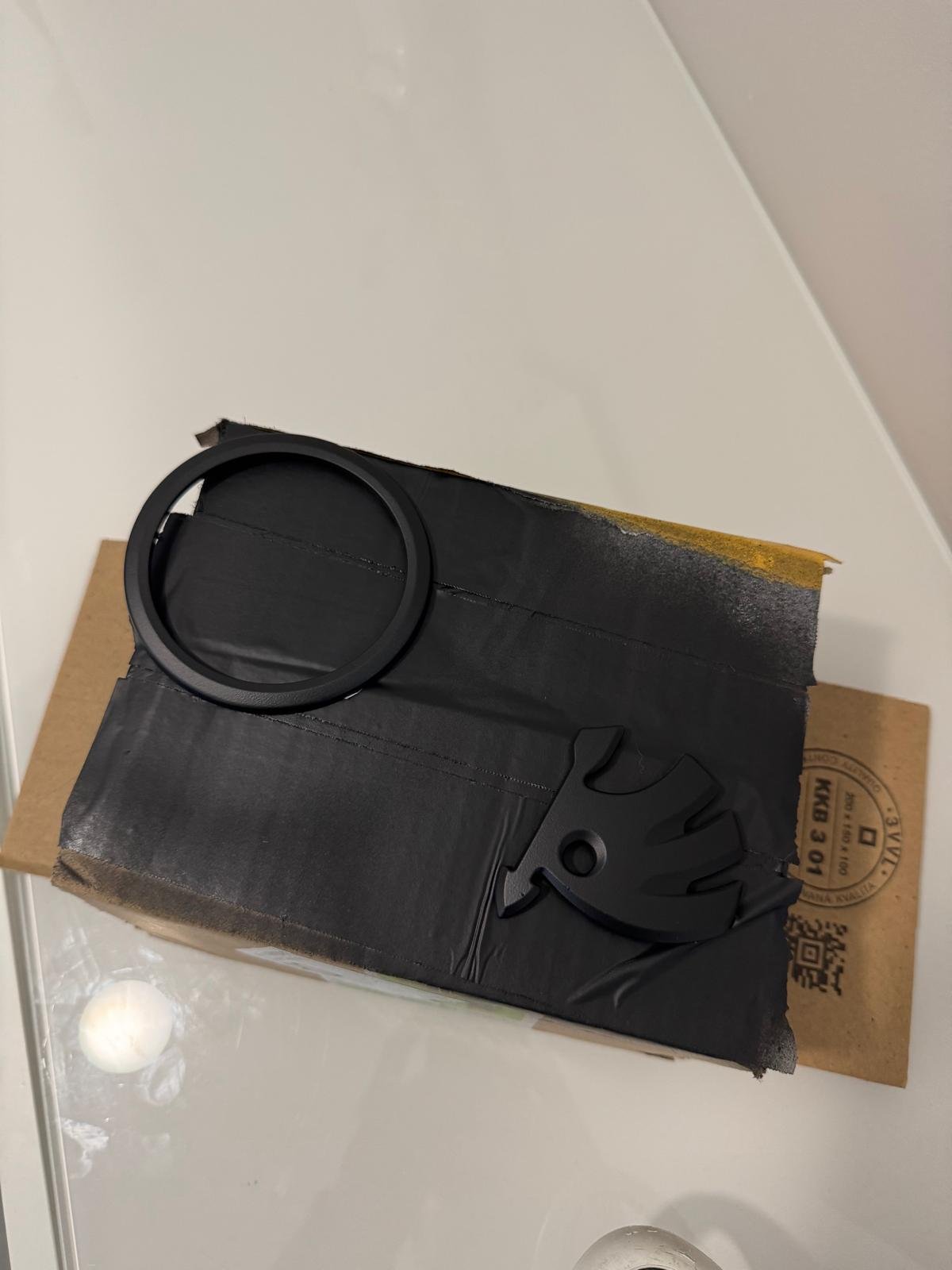
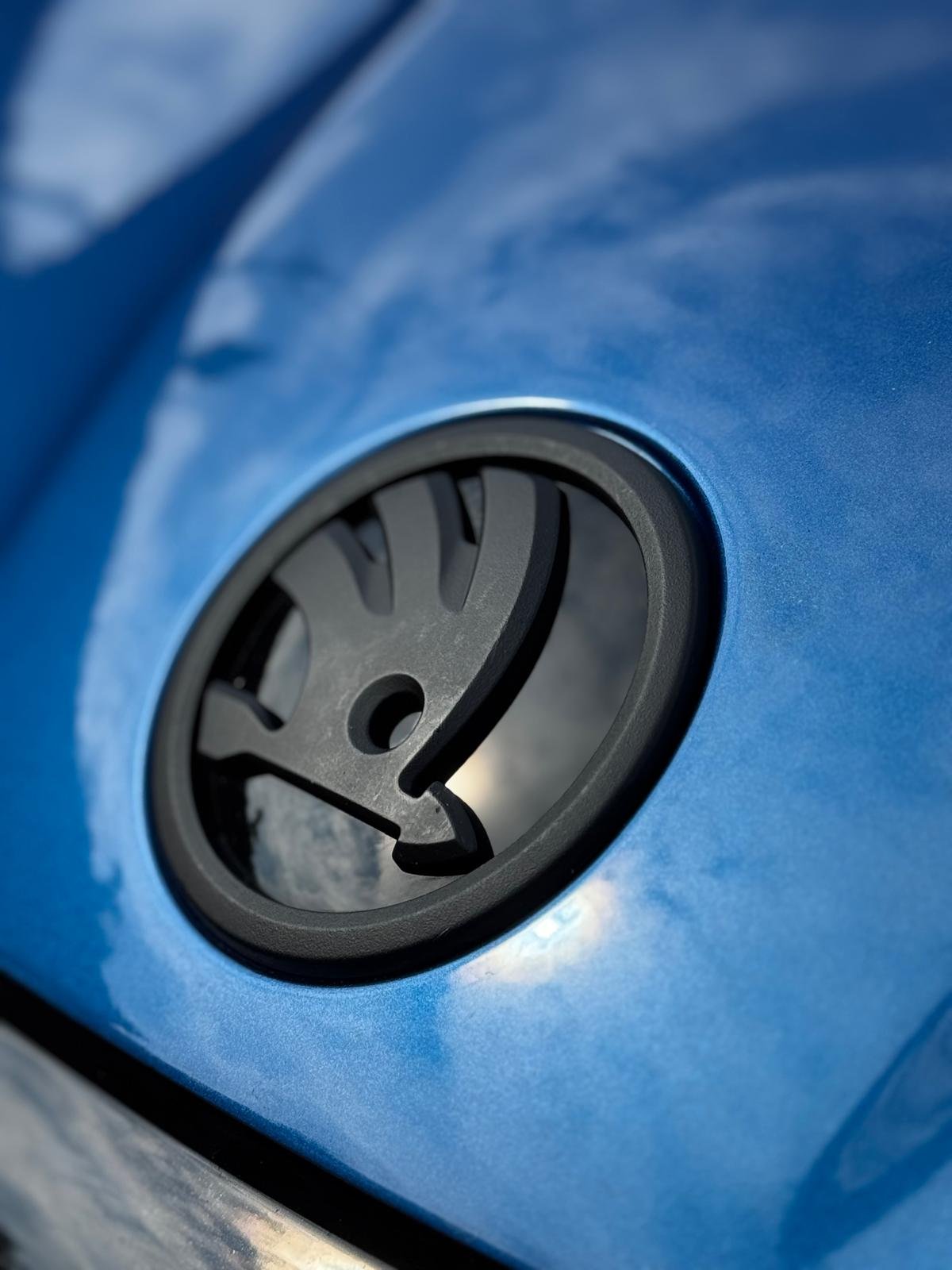
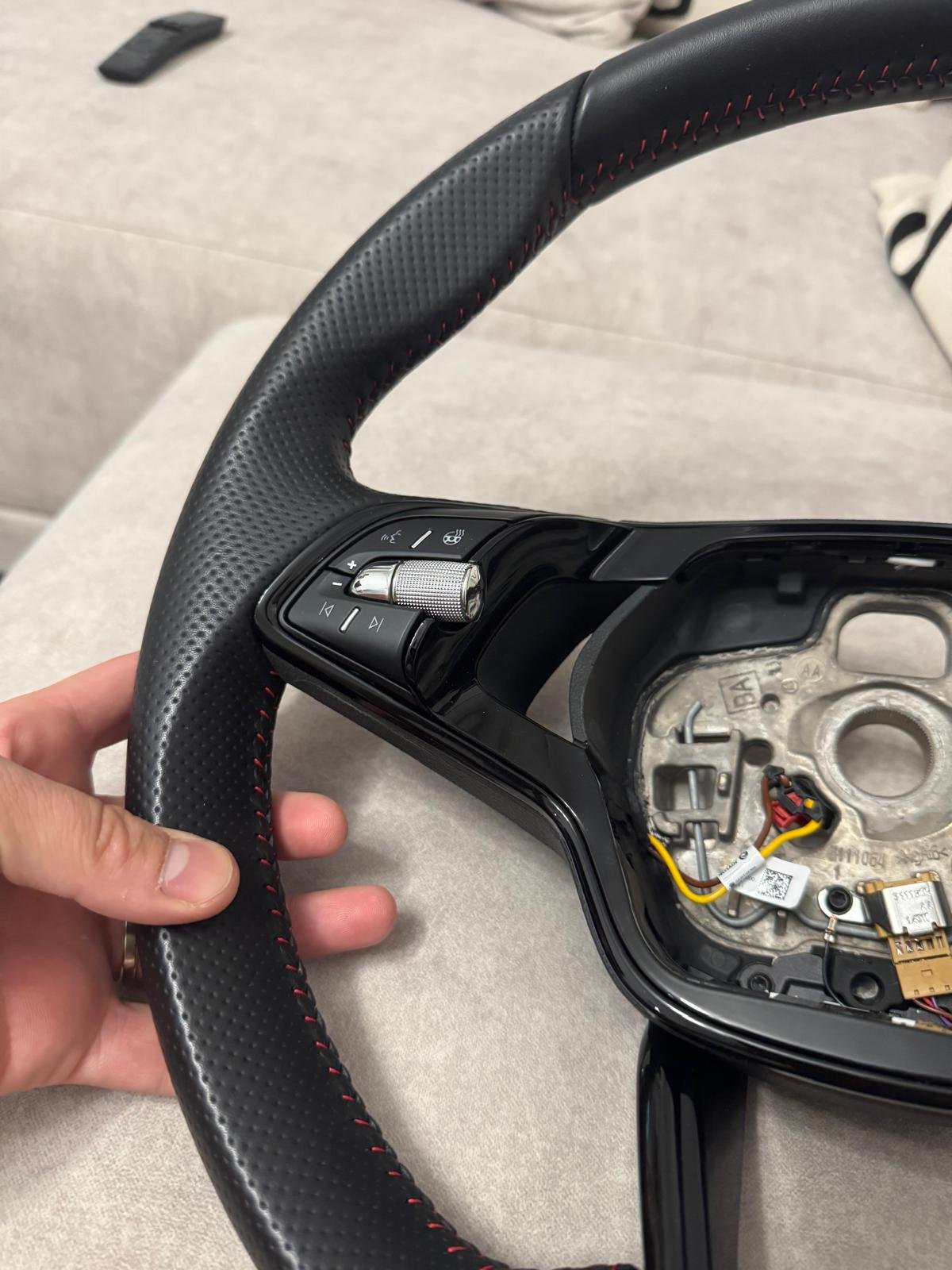
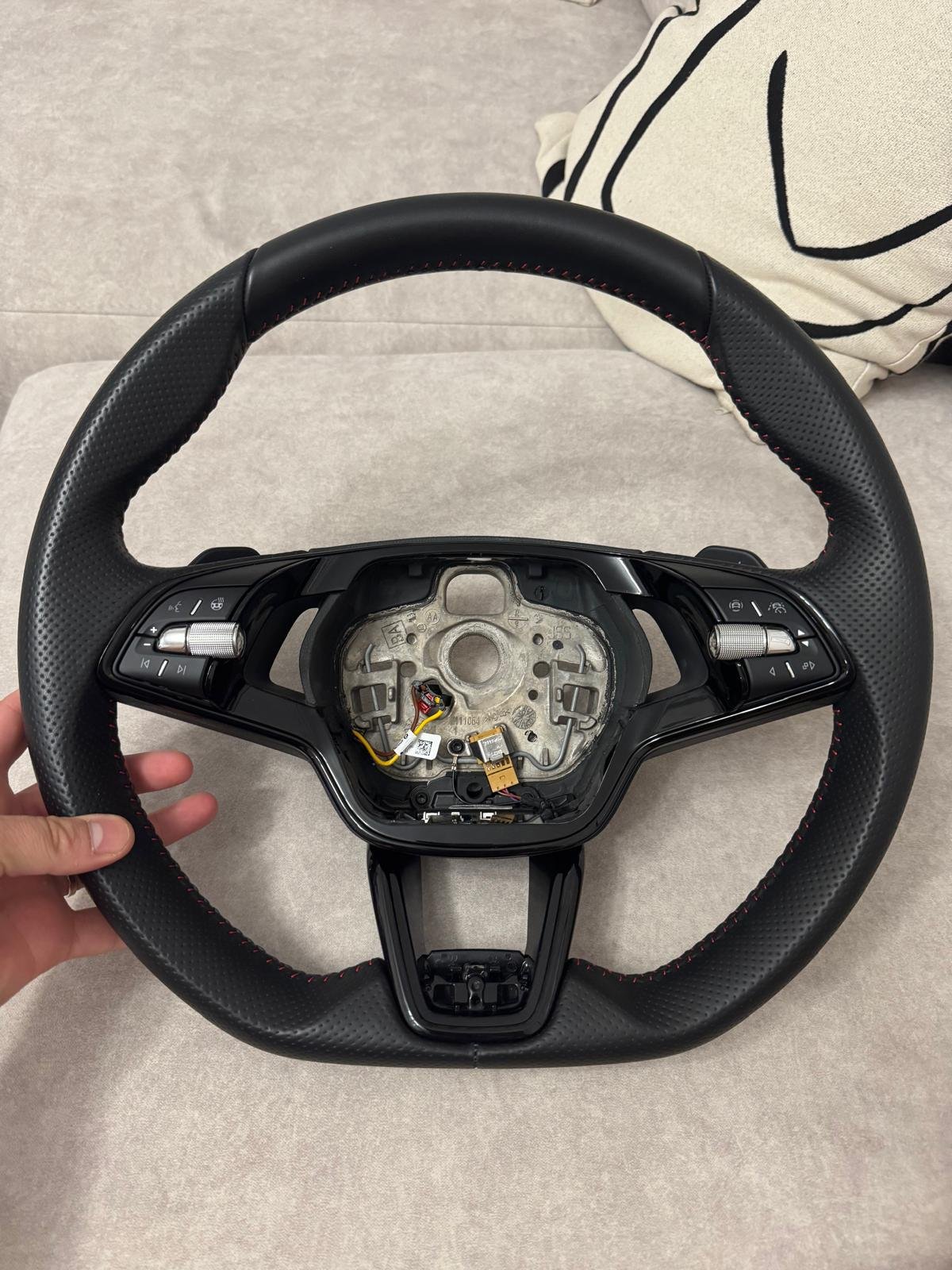
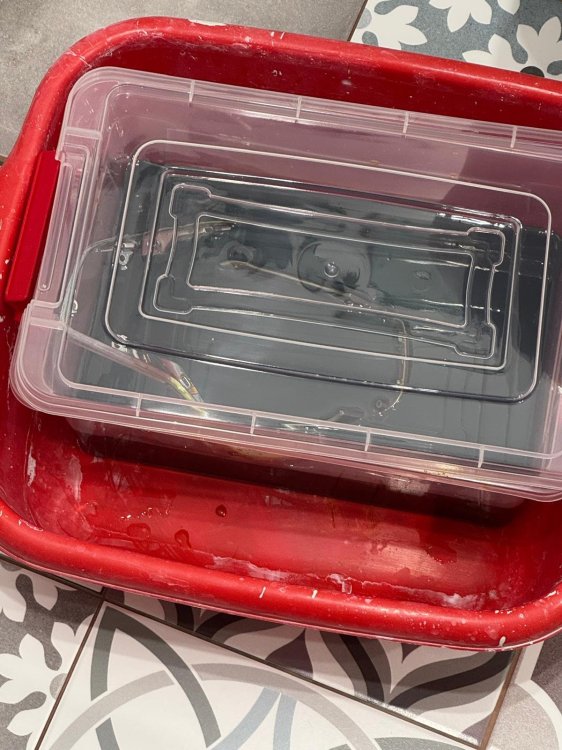
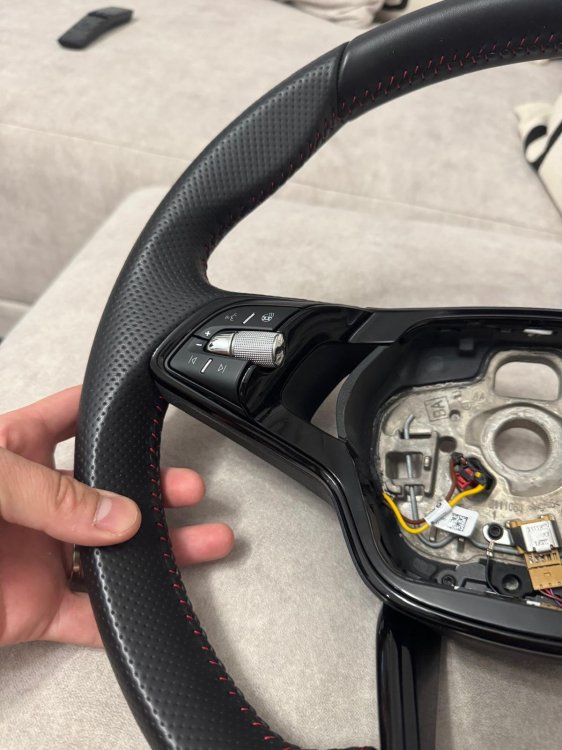
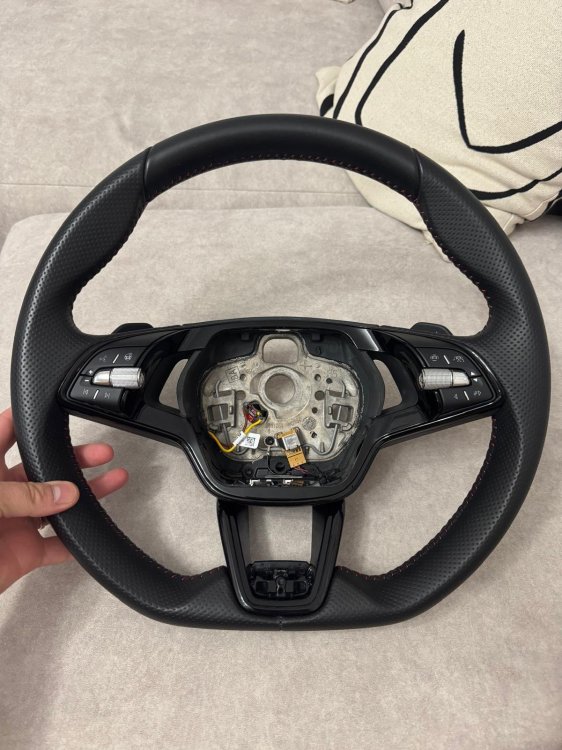
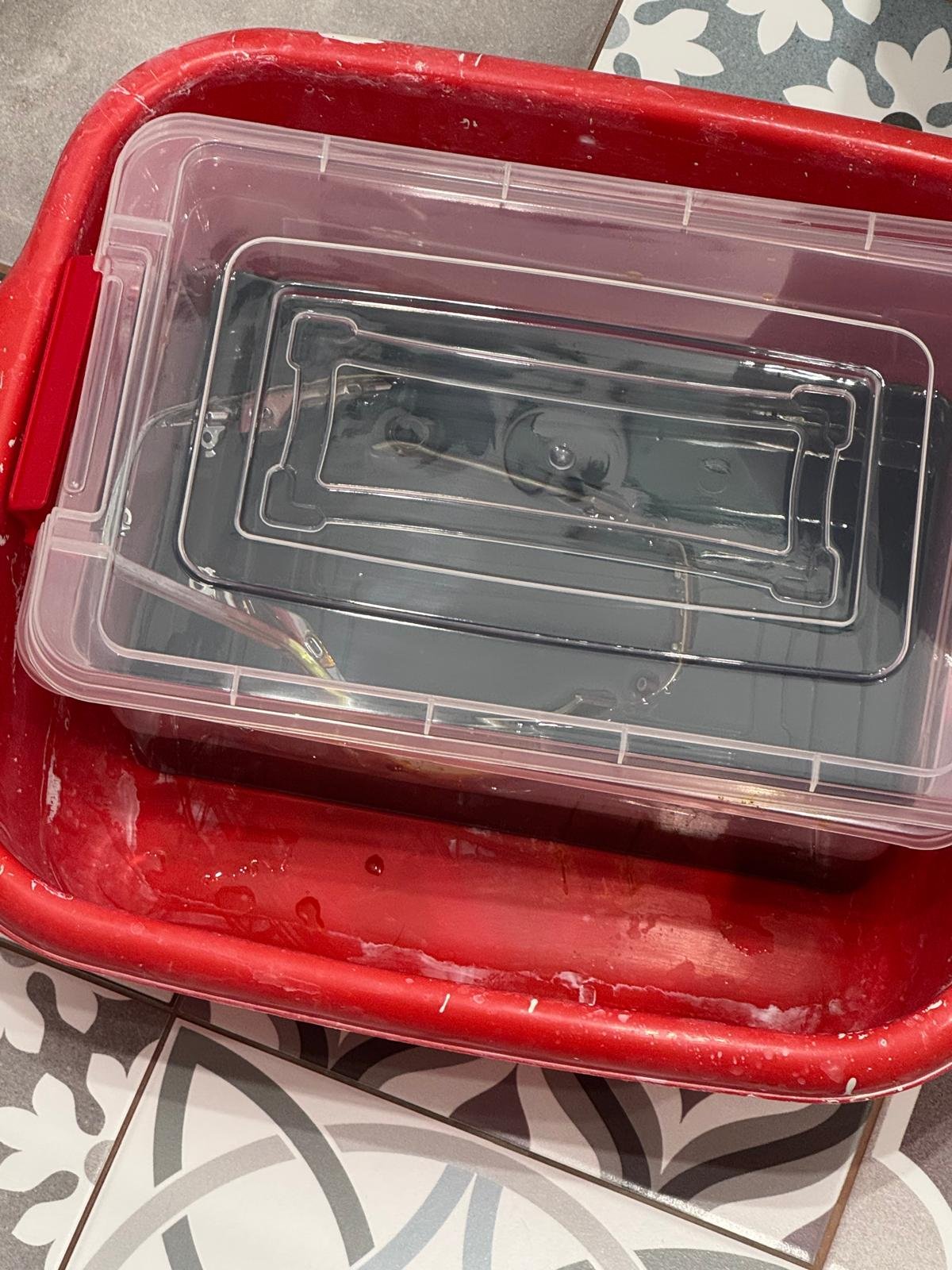
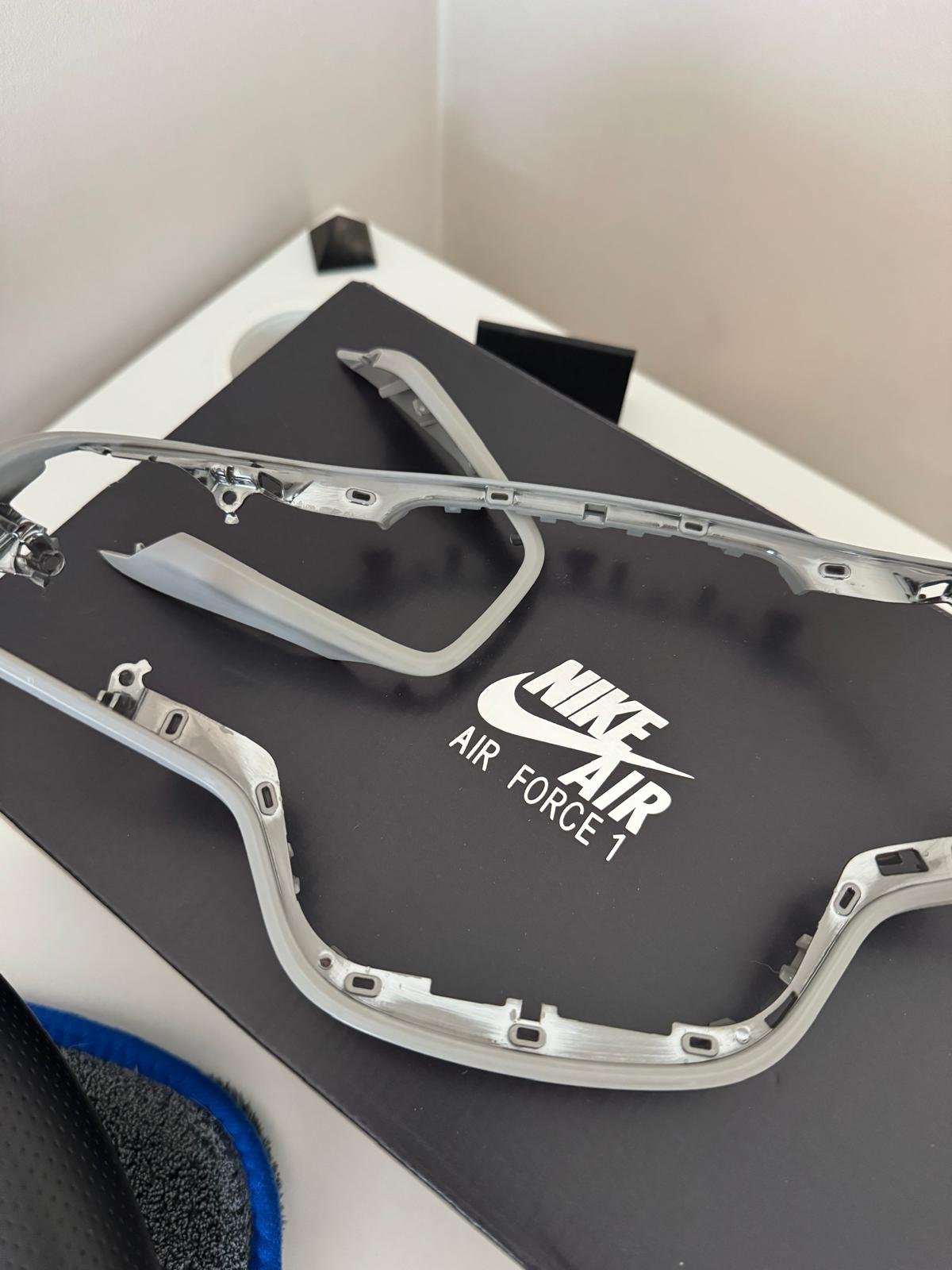
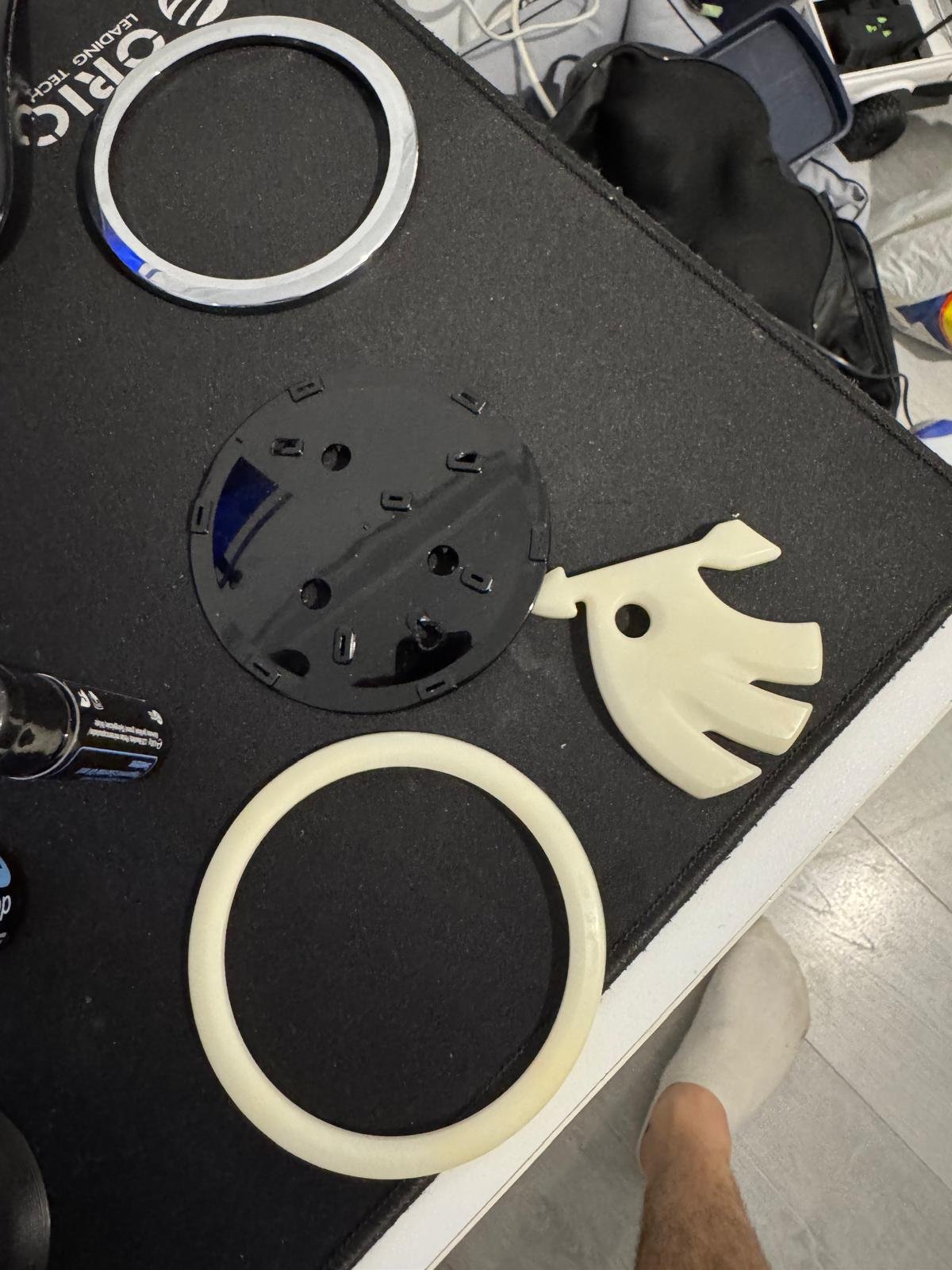
Hello everyone, If you're like me and not a fan of chrome details, this quick guide might be for you. I did this because I didn’t like the chrome on the steering wheel and I wanted a completely black emblem. So I bought a new emblem (part number 5E3 853 621 C FOD) for 18 euros and followed the steps below. While upgrading the steering wheel to a new one with a touch sensor and a Travel Assist button, I decided to give this a try. ⚠️ Disclaimer: This is a DIY project that you do at your own risk. I'm simply sharing what worked for me — if something goes wrong, please don’t blame me 😄. Always follow safety guidelines and use proper protection when working with chemicals or tools. What you'll need:400-grit sandpaper Ferric chloride (make sure to read the manual/instructions) https://www.youtube.com/watch?v=IZocSXYhk84 A large container A kitchen sponge Primer and paint spray, or you can take it to a painter. Steps:1. Removing the Emblem: Remove the emblem, peel off any adhesive tape, and break off the small tabs on the back that hold the chrome part. These will be reattached later using superglue. 2. Disassembling the Steering Wheel: Remove the steering wheel, take out the control buttons, and gently detach the trim from the button assembly. Preparing the Parts:1. Sanding: Since the front emblem and trims have a lacquer coating over the chrome, a light sanding is required so the solution can work effectively. Use 400-grit sandpaper for this. 2. Chrome Removal: Fully submerge the parts in ferric chloride and leave them to soak. (For me, it took around 24 hours.) According to the instructions, the higher the temperature, the faster the dechroming process. 3. Final Cleaning: In some areas, the chrome didn’t come off completely. I used the abrasive side of a kitchen sponge to remove the softened chrome. This doesn’t scratch the plastic but helps eliminate remaining residue. Next Steps:Apply primer, then paint, then clear coat. I painted the emblem myself using matte black spray paint, but for the steering wheel trim, I took it to a professional painter to get a perfect piano black finish. . Final Step:Reassemble everything . That’s it! Hopefully, this helps you get the look you want without breaking the bank. Enjoy your sleek, customized Skoda interior! If you try it yourself, have fun and stay safe!
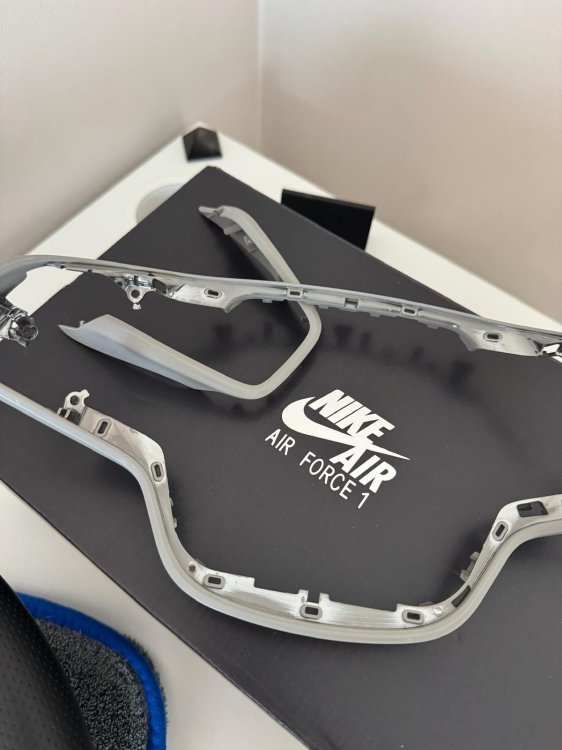
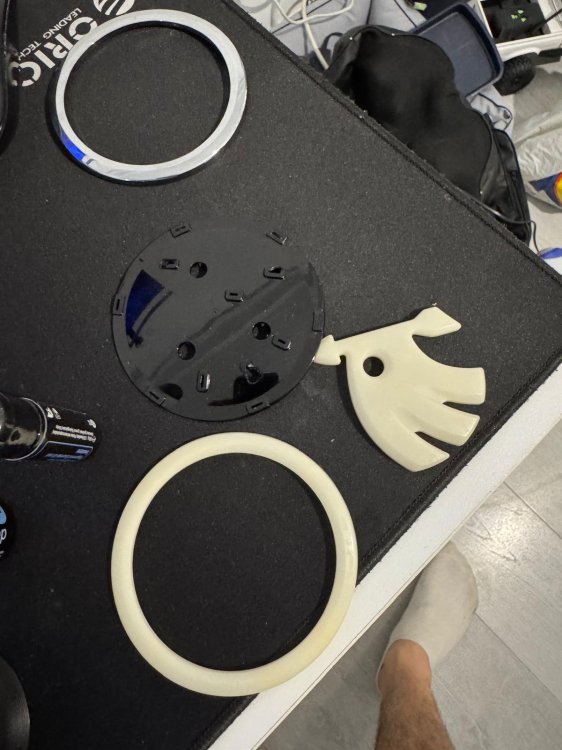
.thumb.jpeg.c9cf0bc96e64aca73bea1d39d16ab281.jpeg)
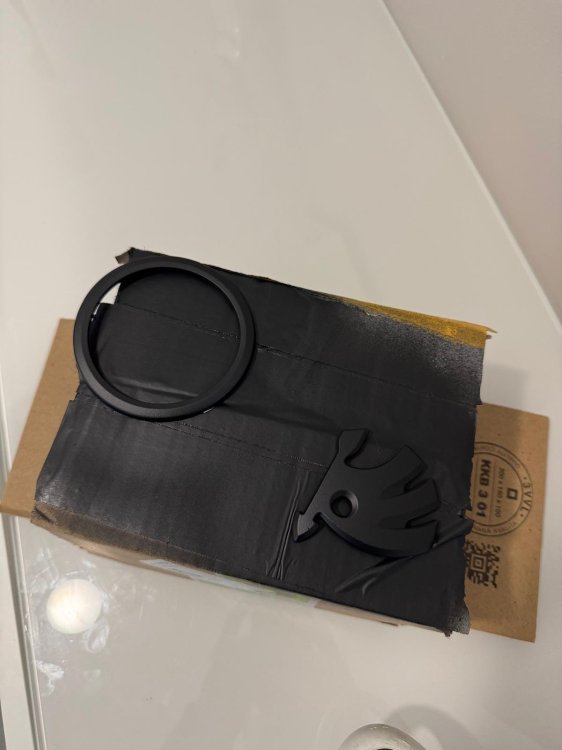
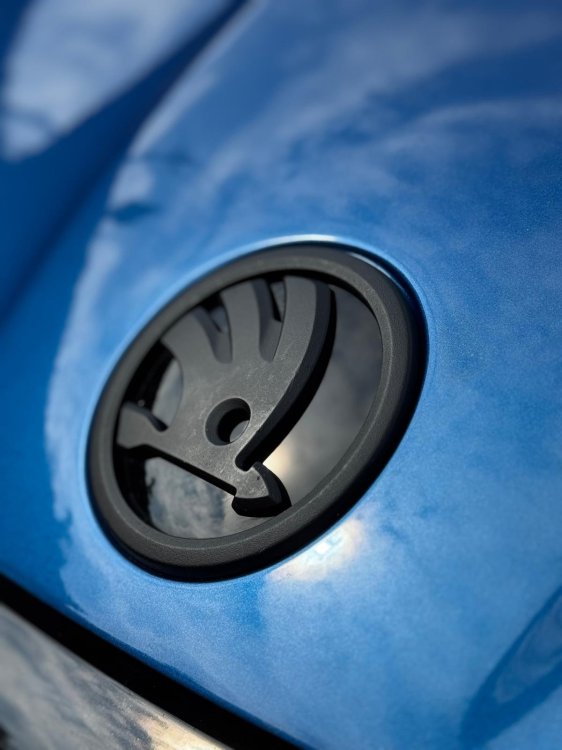
-
found them: Match MQS-Buchsenset | Caraudio-...Match MQS-Buchsenset | Caraudio-Store.de, 8,59 €MQS-Buchse mit den dazugehörigen PinsMatch MQS-Steckerset | Caraudio-...Match MQS-Steckerset | Caraudio-Store.de, 6,99 €MQS-Stecker mit den dazugehörigen Pins I think I will use this one, its easier and cheaper. I will use only the 8pin connecter, the others will be removed from it. https://www.aliexpress.com/item/1005007111279916.html
-
-
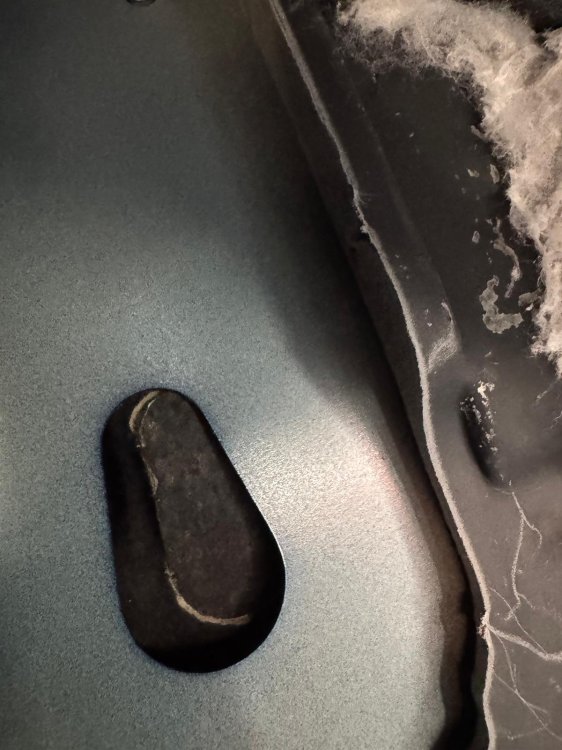
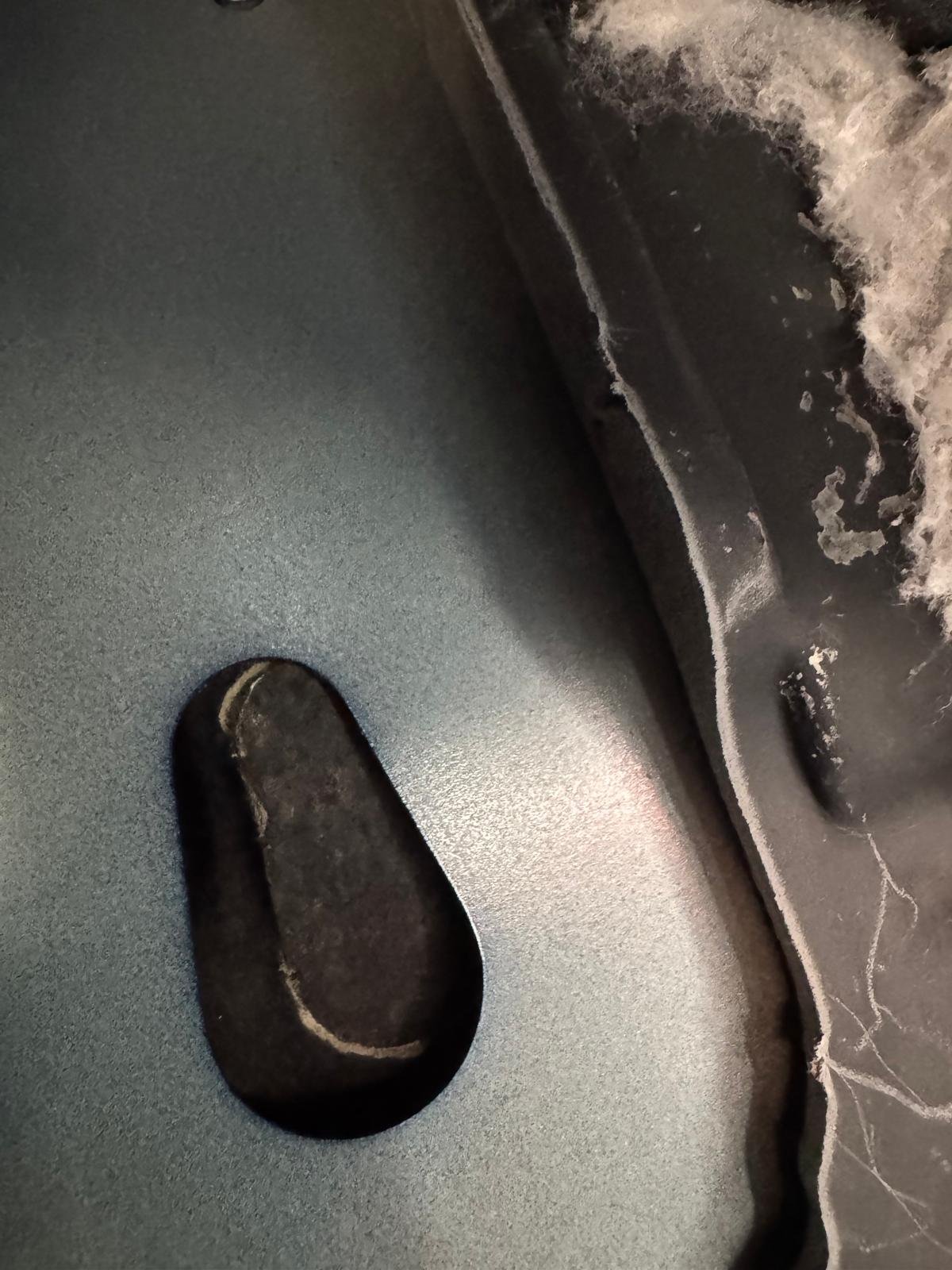
hello. I cannot find on octavia 4 the hole that needs to be used to attach the module to the chassis. can somebody add a picture please? thanks.
-
Hello. I want to buy a steering wheel with capacitive to activate Travel assist but i Have a question before. Is it possible to have classic lane assist as default (ping pong) and adaptive lane assist on travel assist (with center keeping) ? I've tested win "point of intervention early" and i have a lot of correction in order to keep the center of the lane. This is useful on highway, but in the city i would like the classic lane assist.
.jpeg.7a21e9994a06fd230607cd6b80aff58e.jpeg)
.jpeg.4d8e029c6a19d1749b792c2aa4dca6fd.jpeg)
.jpeg.7af42bdb35de7a32559eb9c7413898bf.jpeg)
.jpeg.64a79a5e466fb39c880674bb59ddaa0f.jpeg)
.jpeg.e2fc8d6e36e725ca94a3936e5e50c775.jpeg)