
TheWifesRoomster
New here
-
Joined
-
Last visited
-
Thanks a lot. I assume the FM cable needs replacing for a GPS & DAB version. Is the passenger side A pillar better as you can get the top glovebox out. I’ve seen used shark aerials at scrap dealers on eBay and thought an OE one would be best. I’m swapping out the standard Swing for an Amundsen+ so know I’ll need GPS & DAB.
-
@aubrey how difficult was it to retrofit the roof aerial? I’m looking at swapping my Swing for an Amundsen and thinking a stick on windscreen type easier to begin with.
-
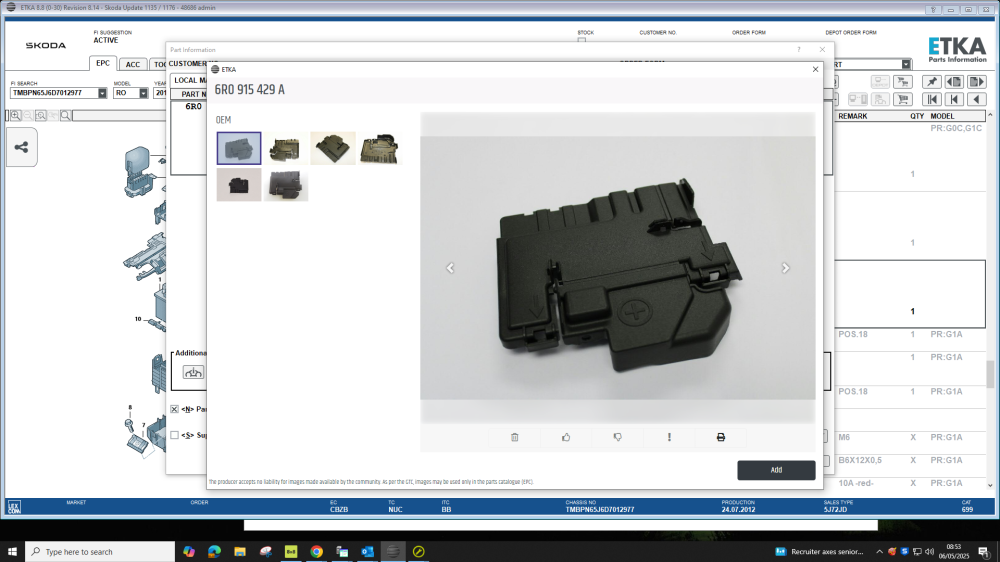
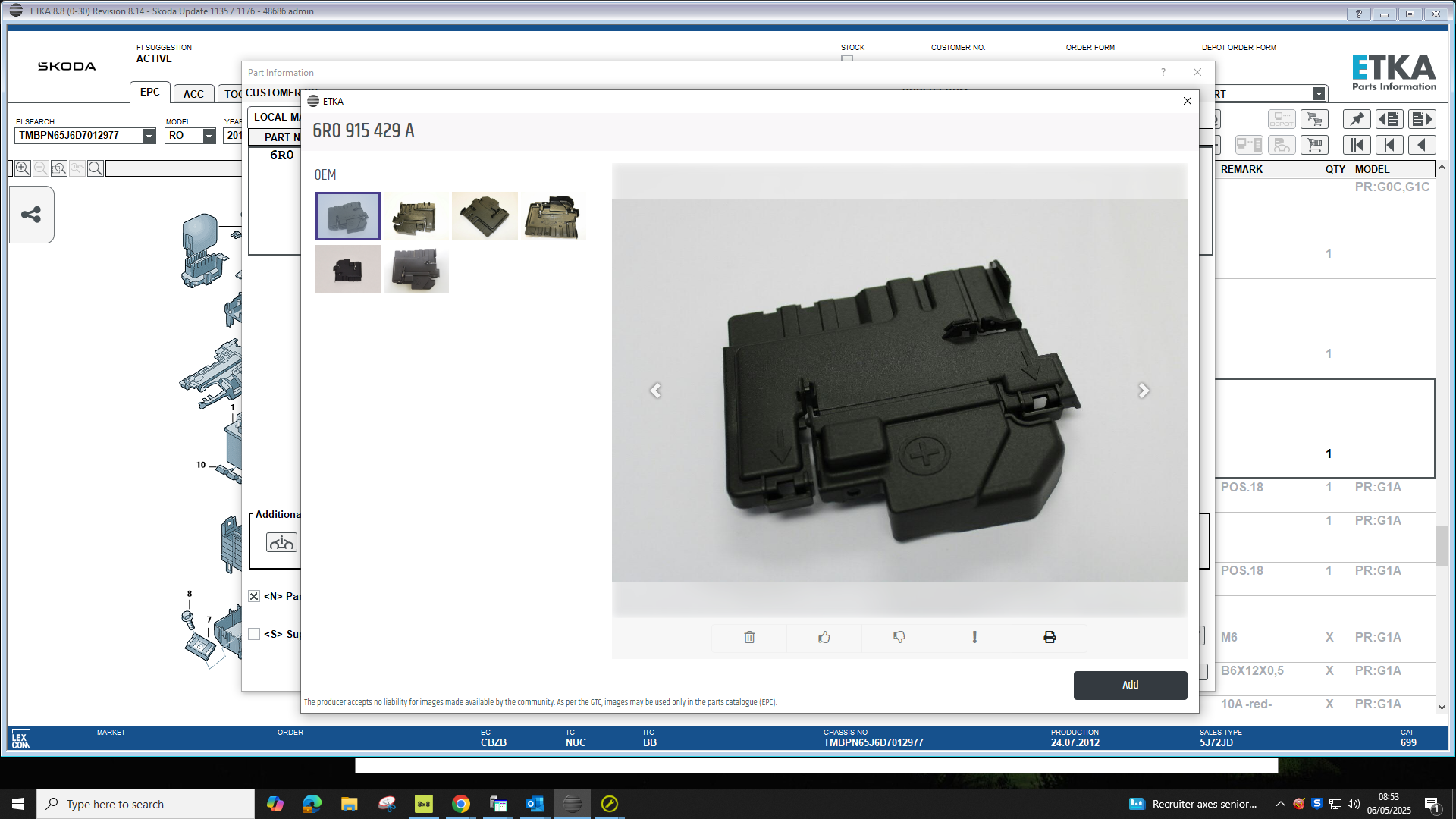
Battery fuse box cover 6R0 915 429 A
.thumb.jpg.f20bfacc6397d9c76a92d0caf0c4bb1f.jpg)
-
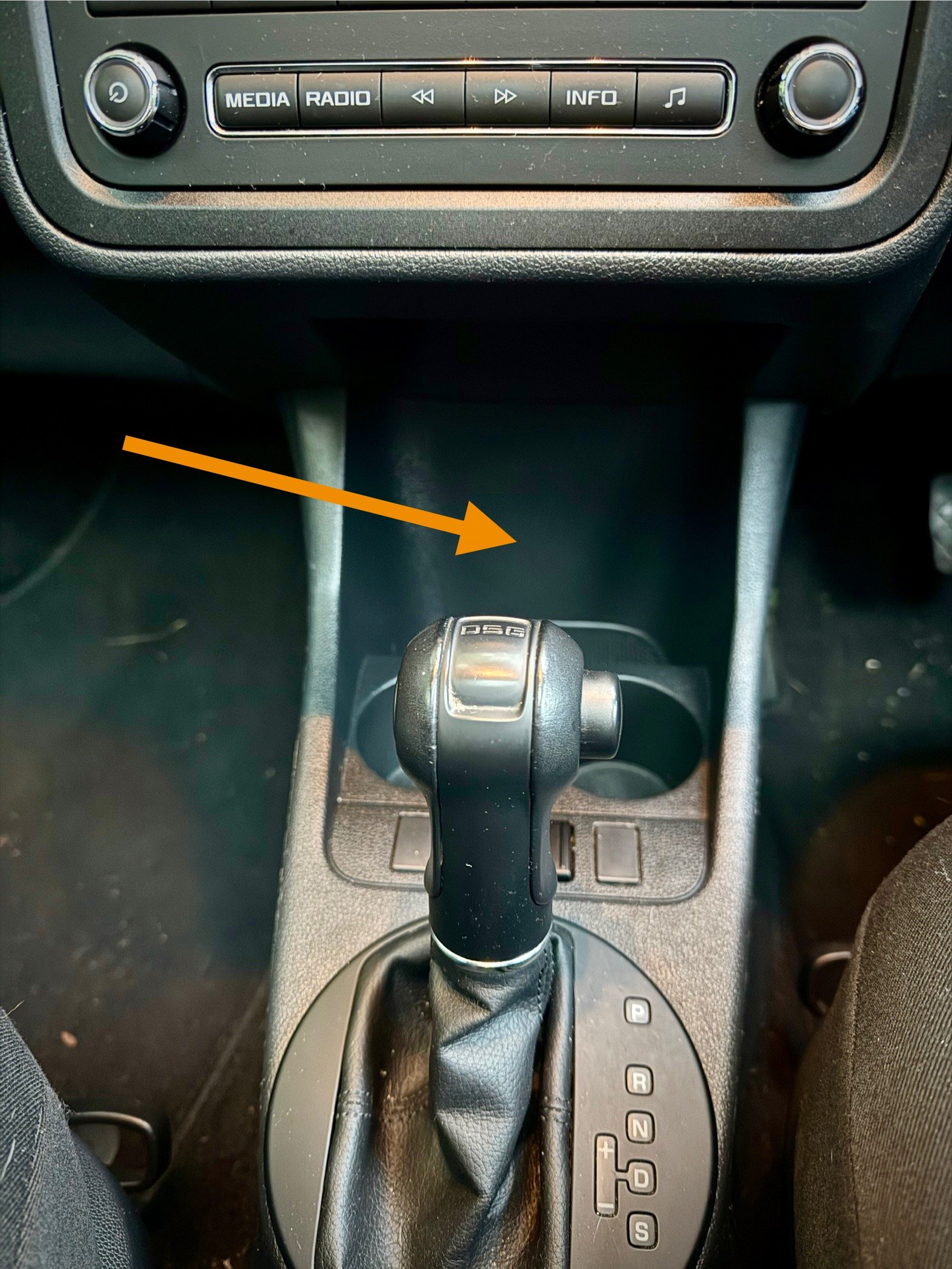
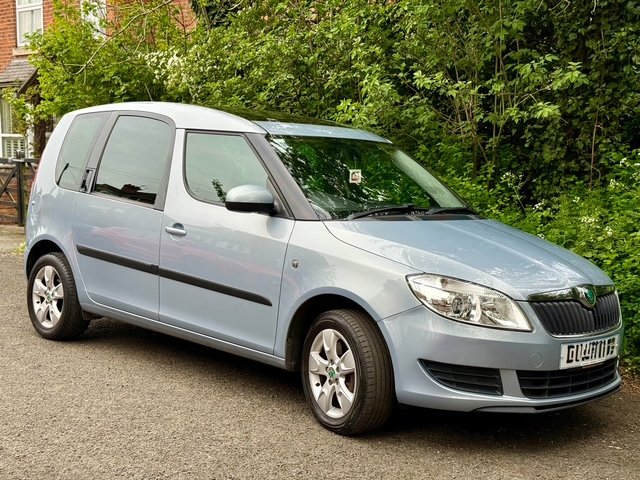
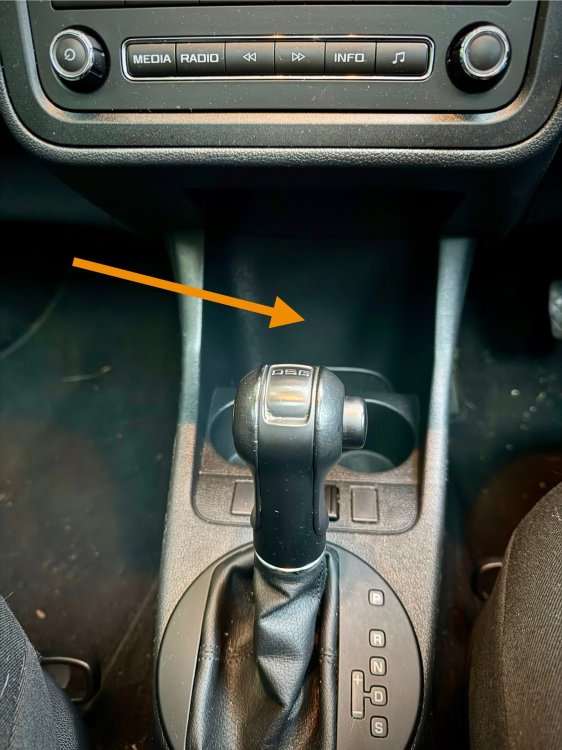
Hi Irish-Roomster, did you get round to this? We’ve just got a Roomster and I’m thinking of fitting one behind the front cupholders. I hope to pick up a switched live feed from the radio. Even if I swapped the cigarette lighter for USB the cable would still route past the gearlever/handbrake.
-
Hi all, newbie here so excuse me if I’m going over old ground. We’ve just got a 2012 Roomster SE with a Swing head unit. The sound quality isn’t the best and I’m looking at getting a DAB unit. Not too bothered about iPhone connectivity but a built in Sat Nav would be handy. Looking at various posts I know I’ll need a DAB aerial so either a stick on or if I’m feeling brave remove the headlining and swap the roof mount one and a GPS receiver behind that top glovebox for navigation. I’ve seen SK RNS 315 3T0 035 192 C or M which look to have the blue DAB input connection. Has anyone done the same in a Roomster and could offer advice? Thanks, Carl
.jpg.45194596c9f94a0b8a9041597e4fc99c.jpg)