




Chockydardo
Finding my way
-
Joined
-
Last visited
-
Have you had your AC checked for leaks? Have you replaced the pollen filter?
-
I had the same warning on my dashboard. There are sidelight bulbs in there, albeit not worth it. They are 5w bulbs. You can clearly see your offside one is out. 5 minutes to change both.
-
I am getting between 63 and 67mpg on a run to the coast every week (90 miles) Octavia Vrs 2.0 Tdi 2014 Estate, which I am happy 😊 about.
-
TBH, that's the noise my dashcam makes if there is a fault.
-
@SashaGrace Having read this awesome post, I think I may have missed something that I hope you could help me out with please Did you use VCDS or OBDeleven to code the powerfold mirrors? Also the only available modules I can find all end with either the letter E or B, is that significant. Thank you in advance for your reply 😊
-
Well, the guy who had the folding mirrors (that were going very cheap) wouldn't do the modules i needed as noted by @SashaGrace as he wanted the doors to go as complete. Yes I can get the modules from different sources, but..... he's now sold the mirrors 😭
-
Thanks for that link. I've looked at a fair few but missed that one.
-
Honestly no idea. As it's a "new to me" vehicle i was just wondering if it was a viable option.
-
Morning all. As a newbie Skoda owner, I just wanted to ask if Octavia Elegance power fold mirrors will fit on a Octavia Vrs Estate? Are they a straight swap without coding, or will they need coding to enable them? I have a chance at some with the puddle lights already in for a really good price. Thanks in advance ☺️
-
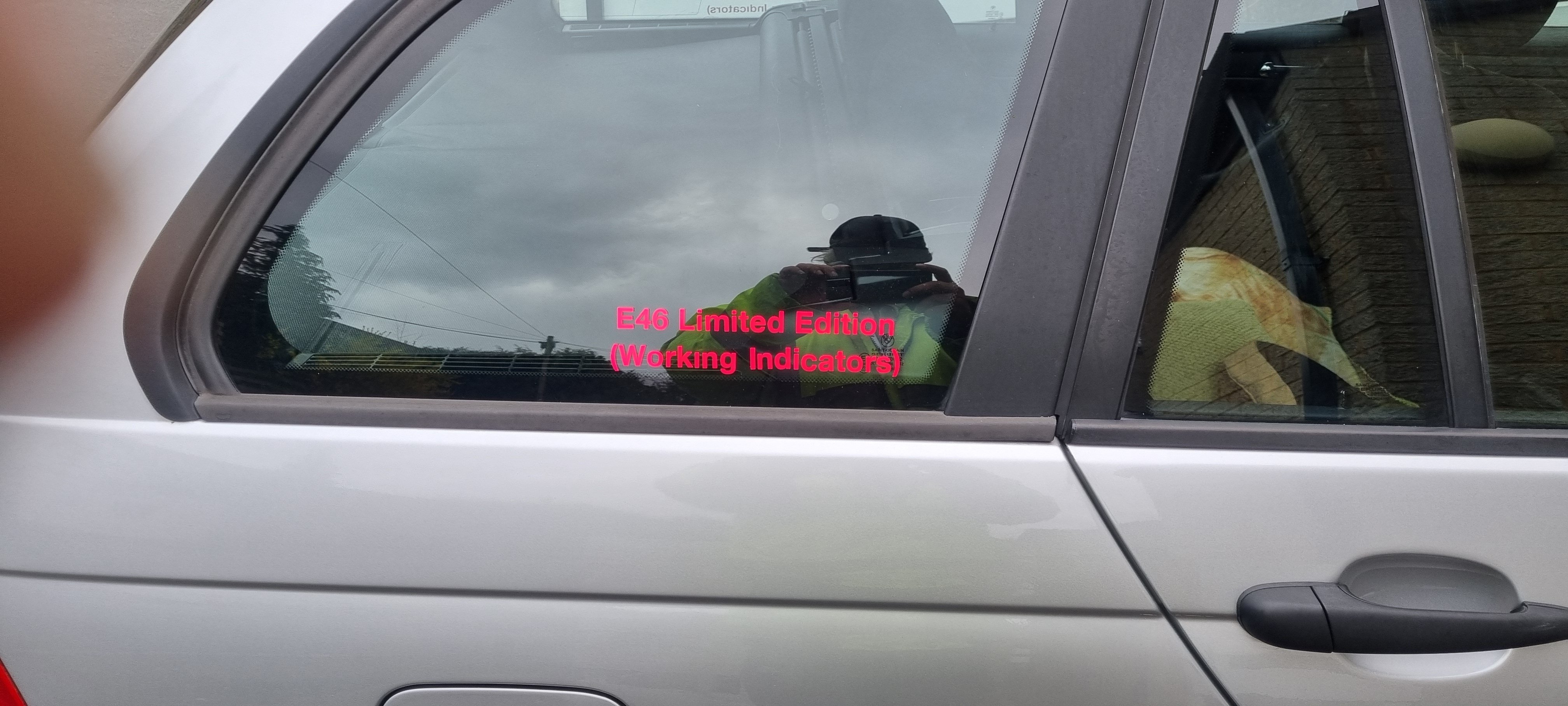
Recently purchased my first Skoda, 2014 Octavia Estate Vrs in met black. Lots of things i want to do to it, so on the look out in the forum for anyone in or close to West Yorks with VCDS 😁 Not moaning (well kinda) but surprised with the amount of "extras" that it hasn't come with, Footwell lights, puddle lights (under the mirrors) All things that were standard on my 22 year old BMW. So will be on the lookout for a lot of things in the near future.
-



Important Information
Welcome to BRISKODA. Please note the following important links Terms of Use. We have a comprehensive Privacy Policy. We have placed cookies on your device to help make this website better. You can adjust your cookie settings, otherwise we'll assume you're okay to continue.