nanobanano
Finding my way
-
Joined
-
Last visited
Everything posted by nanobanano
-
My battery died because I was messing around with the maps update with just ignition on. The battery has been checked and recharged, and they say it's above 80%, but I feel like this started happening right after that. I cleared all the error codes, and there were a million of them after the battery died.
-
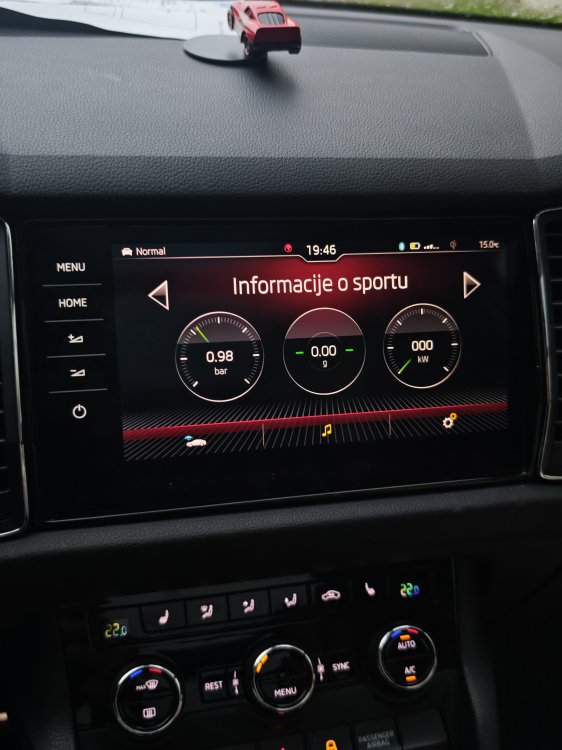
What was the problem in the end and how was it solved? I have a problem in Sport mode with jerking at speeds up to 50 km/h when I brake suddenly, in Normal mode there is never a problem
-
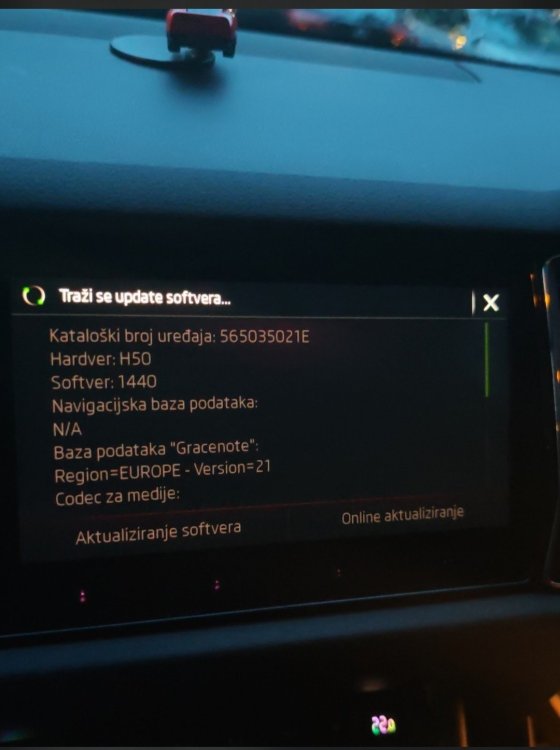
I also tried updating through the standard System Settings menu: I went to Menu -> Settings -> System Information -> Software Update. The screen just gets stuck on "Looking for software update..." (Traži se update softvera...) with the loading wheel spinning continuously. I left it running like this for about 15 minutes and nothing did happen...
-
Hi everyone, I recently upgraded my infotainment unit and did a cross-flash to a MIB2.5 Columbus with the 9.2" glass screen (Part number: 565035021E, Firmware: 1440). Everything works great, but I am currently stuck trying to update/install the navigation maps. My current NavDB shows as N/A (empty). Here is exactly what is happening: When I try to update via the standard Navigation Settings menu, it says "Navigation database not available" and I cannot access the standard update option. When I go through the LONG PRESS MENU OPTION and read the Meta Info from the SD card, the system successfully scans the files. Inside the NavDB module selection, every single country shows a "Y" (Yes), meaning the files on the SD card are 100% correct, compatible, and recognized by the unit. However, when I go back one screen, the main "Start update" (Pokrenuti) button in the top right corner remains greyed out and unclickable. The SD card is formatted correctly, and the files (Mib1, Mib2, and metainfo2.txt) are placed directly in the root directory. Maps are this HIGH2_P450_EU_202625 Honestly, I never thought that swapping the hardware, ripping apart the old screen, and doing a full firmware cross-flash would be the easy part, while installing a simple map update would turn into my final boss battle, haha! Any help or advice would be greatly appreciated! Thanks!
.thumb.jpg.5b516b60ff07f22d41489bb83cbb6978.jpg)
.thumb.jpg.de56dfce6968a125a873e517aa2a2732.jpg)
.thumb.jpg.21d919dddd2843cbb5f0952162ff28cd.jpg)
-
I did it, thanks a lot ! No errors afterwards, so I guess everything went good
-
Hi, can you reupload how-to guide ? I have MIB2 high unit and I want to upgrade it to mib 2.5 high but first I need to update it to the latest SW. Thanks !
-
Hello, Today I experienced the same issue. While I was driving, an ACC error suddenly appeared, followed by a DSG error and a message to visit the workshop. The Park Pilot also became unavailable. I stopped the car immediately, and after switching it off and then back on, everything worked perfectly again. Did you have any problems afterwards?

.jpg.72748a601755714066508451d5f819c0.jpg)
.jpg.0a3917b3e3eb7220cecff73c7dd761a6.jpg)
.jpg.163984e0bdb31f5a548090917640d12d.jpg)