Skip to content

Zlatko580

Members
  • Joined

  • Last visited

Everything posted by Zlatko580

  1. This is topic for swing, aka MEN2 units, so this is offtopic and should be removed.
  2. Did multiple devices with this method, never get this problem. There was people which had this problem, solved with desoldering eeprom chip, or desoldering atleast vcc leg. Before desoldering double check did you connected everything ok, try with and without 1.8v adapter, if everything fails, I would try to unsolder vcc leg.
  3. You need to reset to factory settings, just SmartLink settings or complete unit, depends which option you have. Path is something like Setup>Factory reset... I dont remember exactly, but it is self intuitive. Then you will get CarPlay.
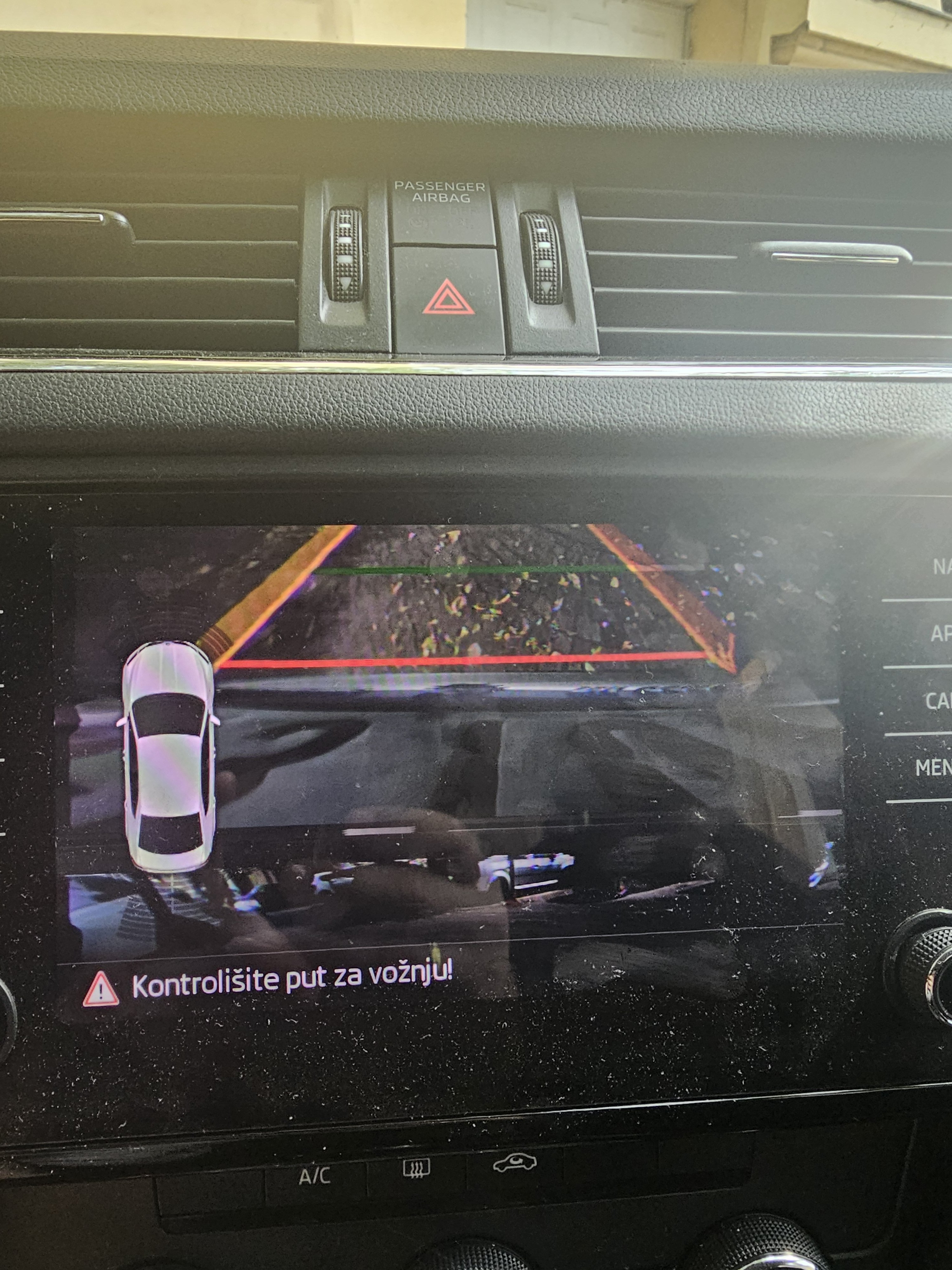
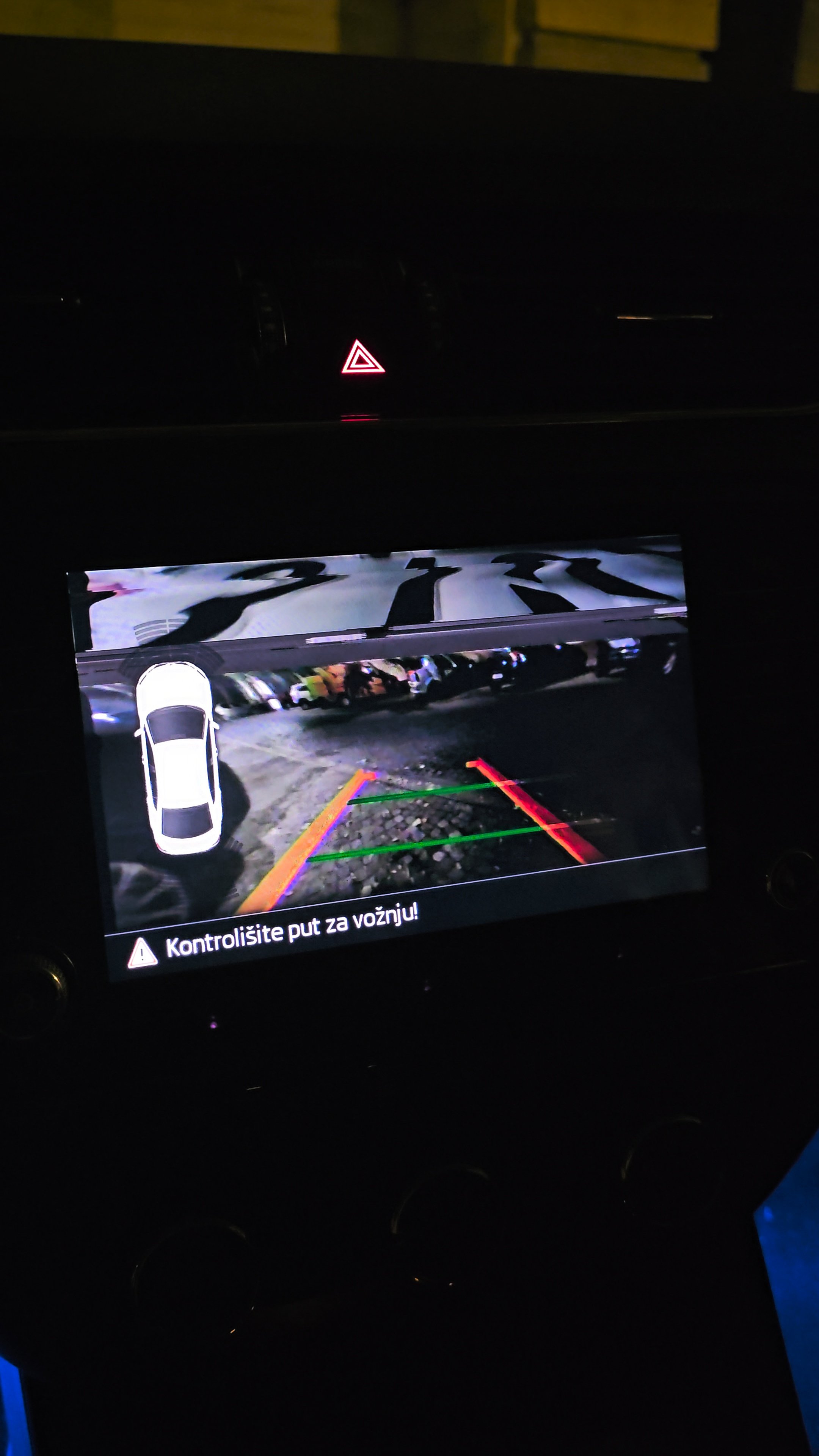
  4. Do you see CarPlay on multimedia screen when press App, without cable connected? What happens when you connect it, take some picture? Also is process of removing radio on rapid same as on octavia? For keys insert and pull?
  5. Probably clamp not have good grip... Try multiple times, compare original .bin wit patched .bin, they should be the same in lenghth.
  6. If it doesn't recognize it at all, even as "unkown device" in device manager then it is not driver releated. Try on another computer, if problem persist probably ch341a faulty.
  7. Jumper should be on pins 1-2. Try to uninstall old drivers, and try again.
  8. Double check correct adapter inserting in CH341A, if problem persist, desolder only vcc leg, not entire chip.
  9. Hi, it will work on your train version. No idea about vvdi.
  10. I tried that way already, still have "Source signature could not be verified". That is it, your is even older then mine. I read a lot of people with MU 8190 couldn't update their firmware to 8755. And as I know there is no public available any firmware for our units...
  11. I also have problem with "Source signature could not be verified". My unit have MU 8190 because of that I asked @jarowals which MU he have. @Tdawber Please can you send me your walkthrough?
  12. You messed something, which is why I wrote a disclaimer in my first post. I don't know of any way to remove CP on these units other than using ODIS with online access. You could try writing the original dump to see if that helps..
  13. There is something wrong, it must be readable with a clamp. I did over 10, every time with clamp. Even same train version as yours. Maybe faulty ch341a... Did you tried with 1.8v adapter?
  14. I don't think you can reverse firmware with factory reset. I did unlocked same train version without desoldering, with a clamp.... Can you explain me, why you need to desolder eeprom?
  15. I have exactly same unit in my car, so you can read post #1 in this thread, and follow up tutorial. Yes you have to remove radio and disasembly it. CH341A is tool for you, first try with 1.8v adapter if not work, try without it.
  16. It should work. But take extra caution when doing it. You cannot mess anything a lot if you follow up tutorial, even if patch doesn't work, you can write original .bin and return to default state. It will be very helpful if we get feedback from you, did you succeeded. Also if you need additional help write me in pm, I will give you my number.
  17. That backup was before I activated developer menu.
  18. Yes I am, but I don't have option to change color under HMI Look and Feel, as you can see in first post.
  19. Well how this guy did it then? https://www.youtube.com/watch?v=mNUeu3GJDOI Also here... https://www.drive2.ru/l/543886347014766736/ It is all set exactly. adpmap-5F-5E0-035-871-C_TMBAM7NE3J0057395-20250920-1224.CSV

Important Information

Welcome to BRISKODA. Please note the following important links Terms of Use. We have a comprehensive Privacy Policy. We have placed cookies on your device to help make this website better. You can adjust your cookie settings, otherwise we'll assume you're okay to continue.

Account

Navigation

Configure browser push notifications

Chrome (Android)
  1. Tap the lock icon next to the address bar.
  2. Tap Permissions → Notifications.
  3. Adjust your preference.
Chrome (Desktop)
  1. Click the padlock icon in the address bar.
  2. Select Site settings.
  3. Find Notifications and adjust your preference.