Zelinski
Finding my way
-
Joined
-
Last visited
Everything posted by Zelinski
-
Using the ODIS or ETKA software. This can be done at any Skoda service center.
-
Yes, you can check this using the VIN.
-
The Android Auto wireless system can be activated on any infotainment system—Swing, Bolero, or Amundsen—provided that this option was included by the manufacturer. If this option was not included at the factory, activation is not possible, as it is linked to the car's VIN.
-
Wireless Carplay / Android Auto is an optional feature. It may not be activated on your device. Activation costs approximately 80 euros. Contact your dealer.
-
Pull harder. The taillight is attached to the body with only two screws. You’ve already removed them.
-
Here
-
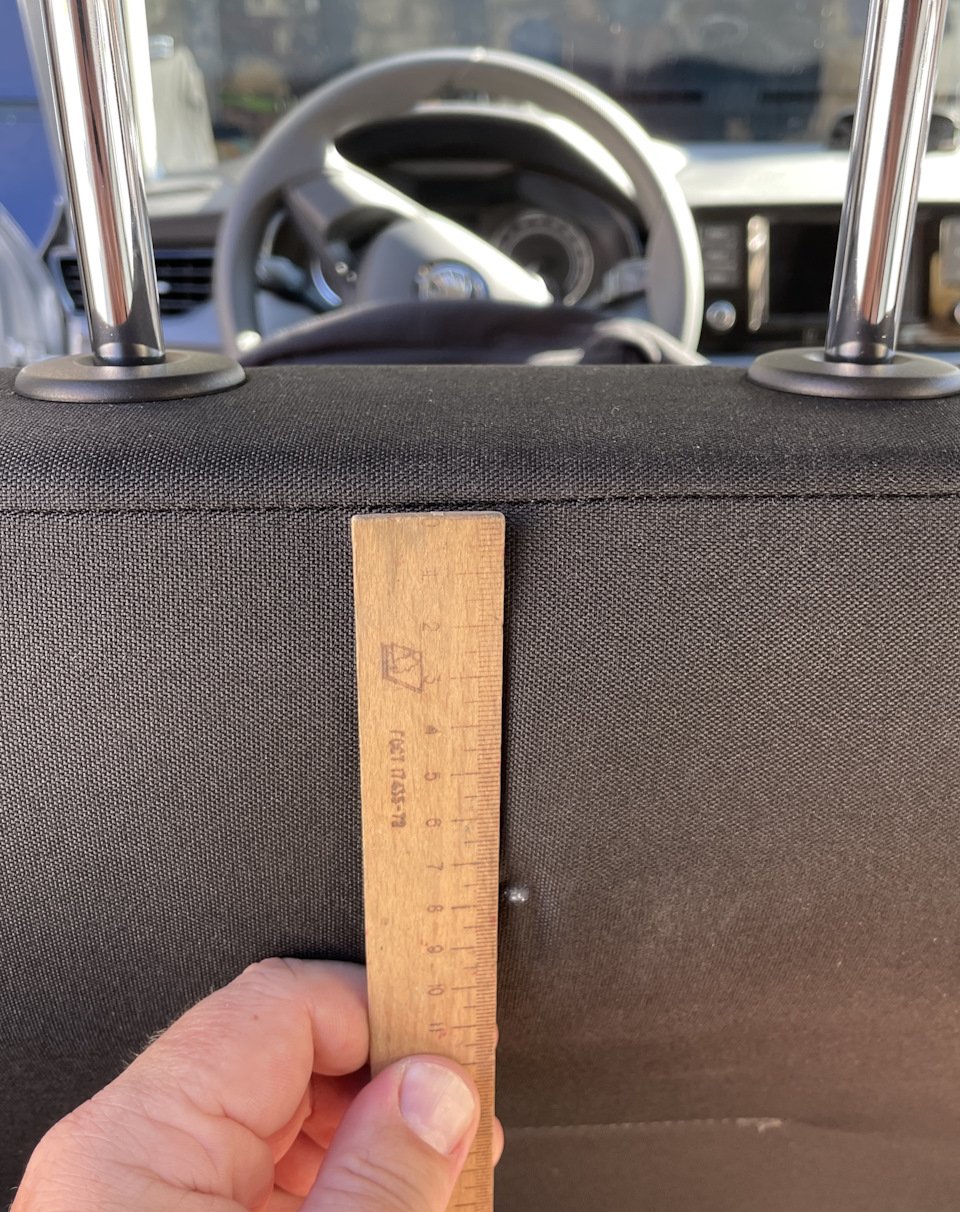
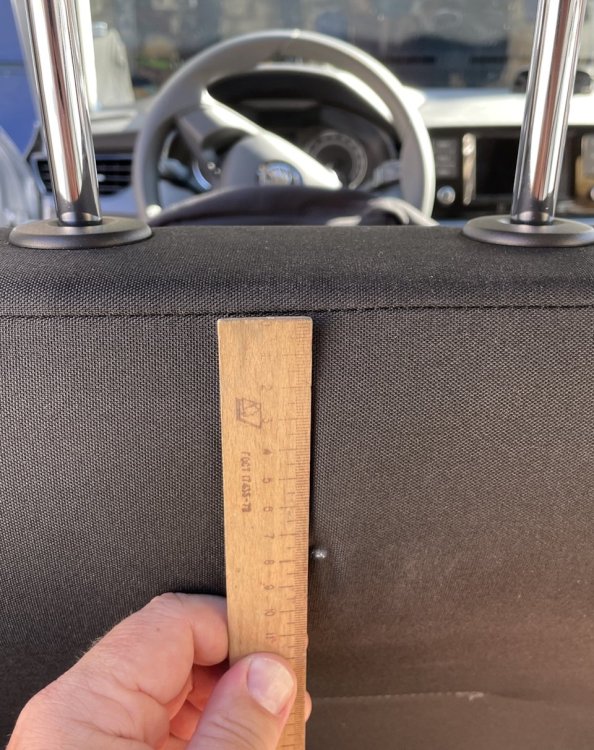
It's possible. At first, I couldn't find this button either. But it really does exist. It's about 8 centimeters from the top of the seat. In the center.
-
https://www.briskoda.net/forums/topic/529857-scala-rear-reversing-camera-retrofit/ When replacing the device, ‘System Component Protection’ will be activated. You will need to visit a dealer and link the new device to the vehicle's VIN code.