




Horalius
Finding my way
-
Joined
-
Last visited
Everything posted by Horalius
-
-
-
-
-
Trunk Lid electrical opening over the key or the button inside the car - it beeps looks like faulty sensor in the one of the eletric struns suggesting to change in 6D ,module to use only one sensor USB C Output in the back suggesting to retrofit from facelift version more power from 15w to 45w
-
-
-
-
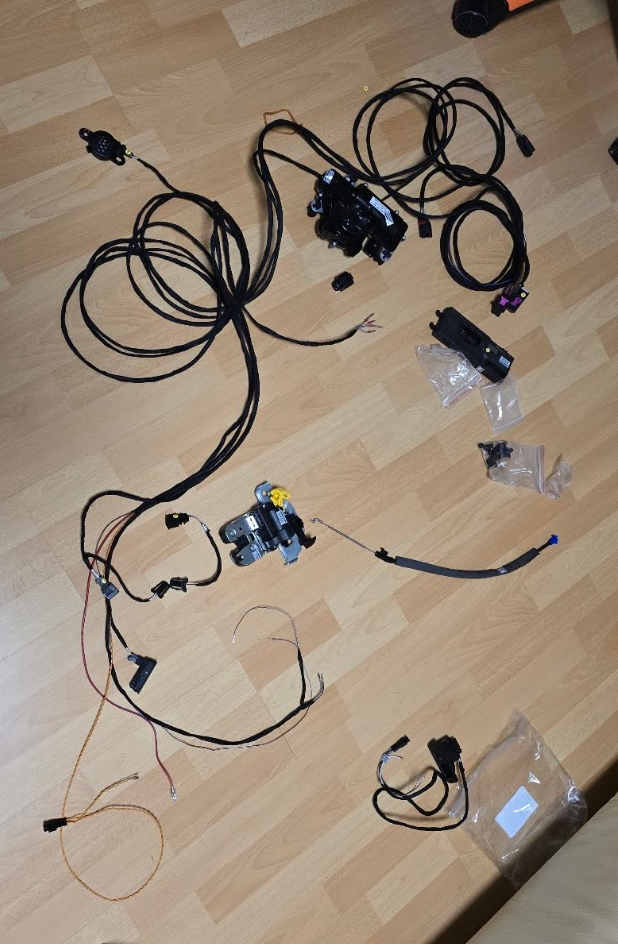
All parts ale for combi/estate model cableset from china 2x small cables from china, dont need if u cut the original cables https://www.aliexpress.com/item/1005001908131035.html model 6 and model 3 Driver Door Button need also plastic around it! cant find it atm 565959831 Tailgate button 3C0959831A Ball Studs 657827850 4x please chceck correct vehicle year 2x Trim 5E9827721A Servomotor for rear lid 5E7827851 2x please chceck correct vehicle yeari used aftermarket one original too expensive Servomotor for rear lid lock 5TA827887B Bowden for rear lid lock 3V9827532B number on this should be same as on lid for servomotor for rear lid lock Lid Lock 5E3827506 Buzzer for tailgate 8E0919279 Control Unit suggest to get from donor car or u will need to upload dataset via ODIS 5wb959107 Hope i didnt forget anything <3
-
-
where was the problem?
-
probably not , better visit official skoda service
-
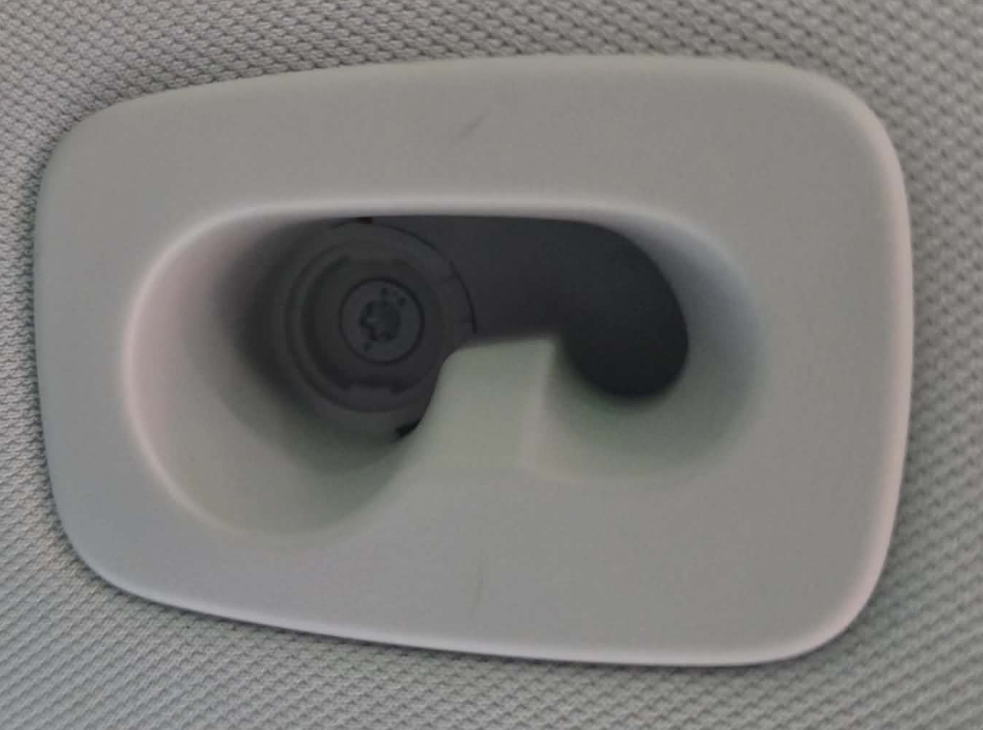
Ah you want to remove the plastic from the roof liner i see... hmm i can only suggest to search for the part and see pictures of it
-
pri it with small flat head screwdriver it should be come easy from right side
-
there should be screw under it under plastic cover inside i can take photos if u wantYou probably can pair the remote control with guides or obdeleven but to pair ignition u need to go to dealership with active access to gekoMenuesteuerung_Spiegelabsenkung:active Spiegelabsenkung_bei_Rueckwaertsfahrt:active Control Unit 9if u dont see in the radio ill suggest to take it someone with obdeleven with pro sub or odis to add it to radiodid you have option i radio to fold the mirrors when locking?
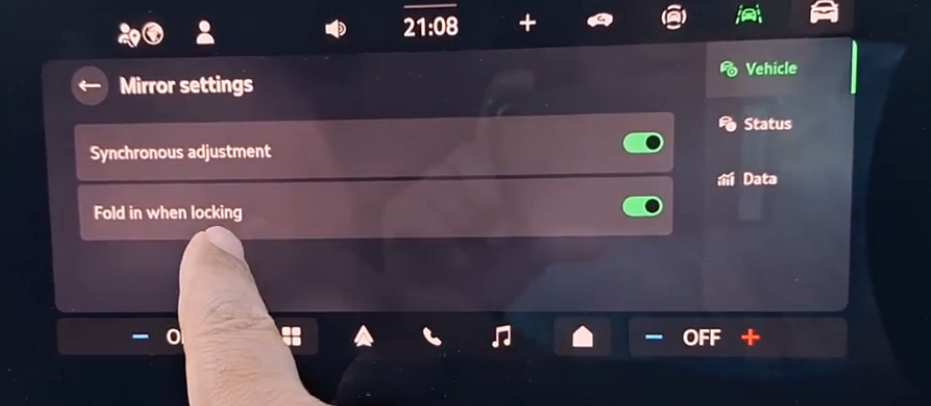 U will need to buy obdeleven with pro subsription or find somebody with it So u can see and change coding of modules.Did you check Long coding for Drivers doors module? mirror_folding > intalled?I succefully retrofited eletric tailgate for my Octavia MK4 Estate What u will need Odis with online account or ODBEleven with PRO sub and Odis offline Control unit 5WB959107 from donor octavia mk4 or from diffrent car/new but u will need to flash correct dataset for this unit with ODIS Cableset https://www.aliexpress.com/item/1005011673296593.html Bowden Motor for bowden should have same letter as bowden on IT Different lock for tailgate Interiour button on drivers door Button on tailgate Speaker Electric Tailgate Support Rod Bolts Coding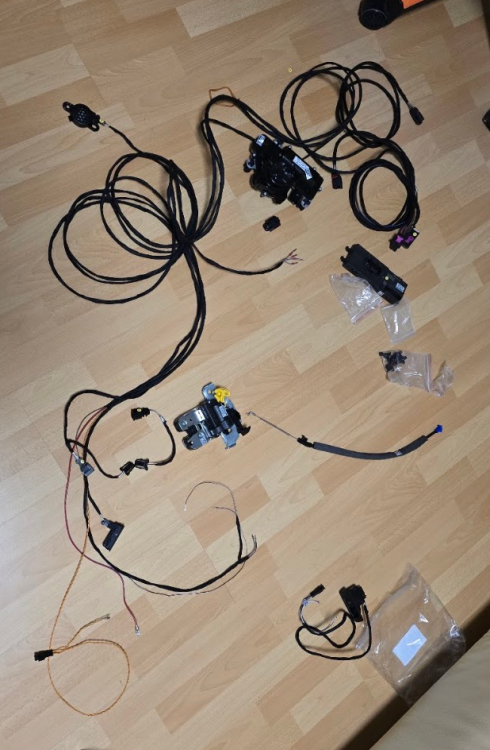



Important Information
Welcome to BRISKODA. Please note the following important links Terms of Use. We have a comprehensive Privacy Policy. We have placed cookies on your device to help make this website better. You can adjust your cookie settings, otherwise we'll assume you're okay to continue.