lookseehear
Finding my way
-
Joined
-
Last visited
-
You need to install 308 first (there's a MEGA link further up the thread with this file) then you can install 330. This is the same sequence that I followed. You may want to also update your OCU which is slightly more involved, but not massively. It might help you, but I'm now on 330 and on the latest OCU version and still having primary user problems. Skoda tech support have said I need to go to a dealership to sort it out which is really annoying.
-
-
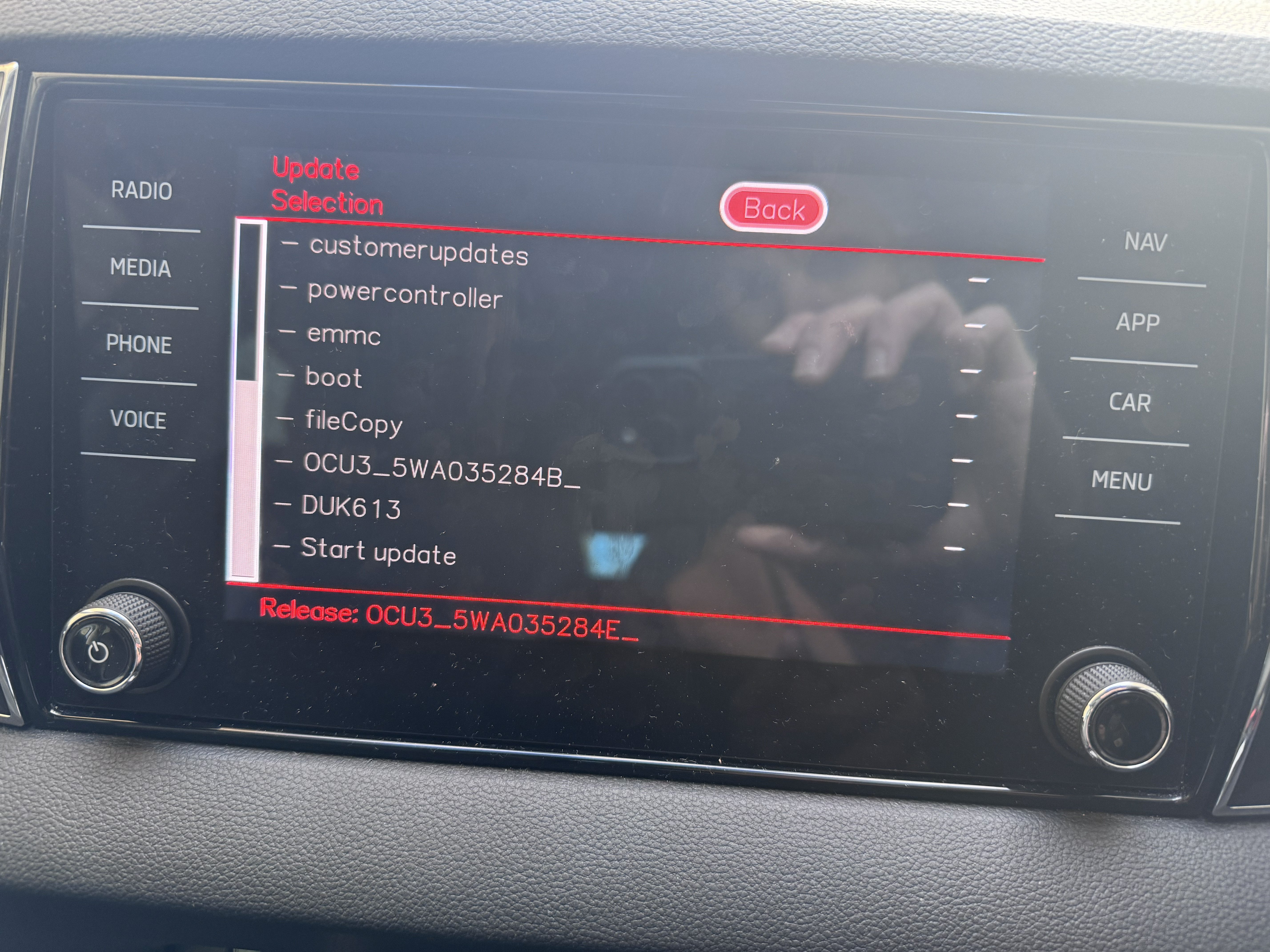
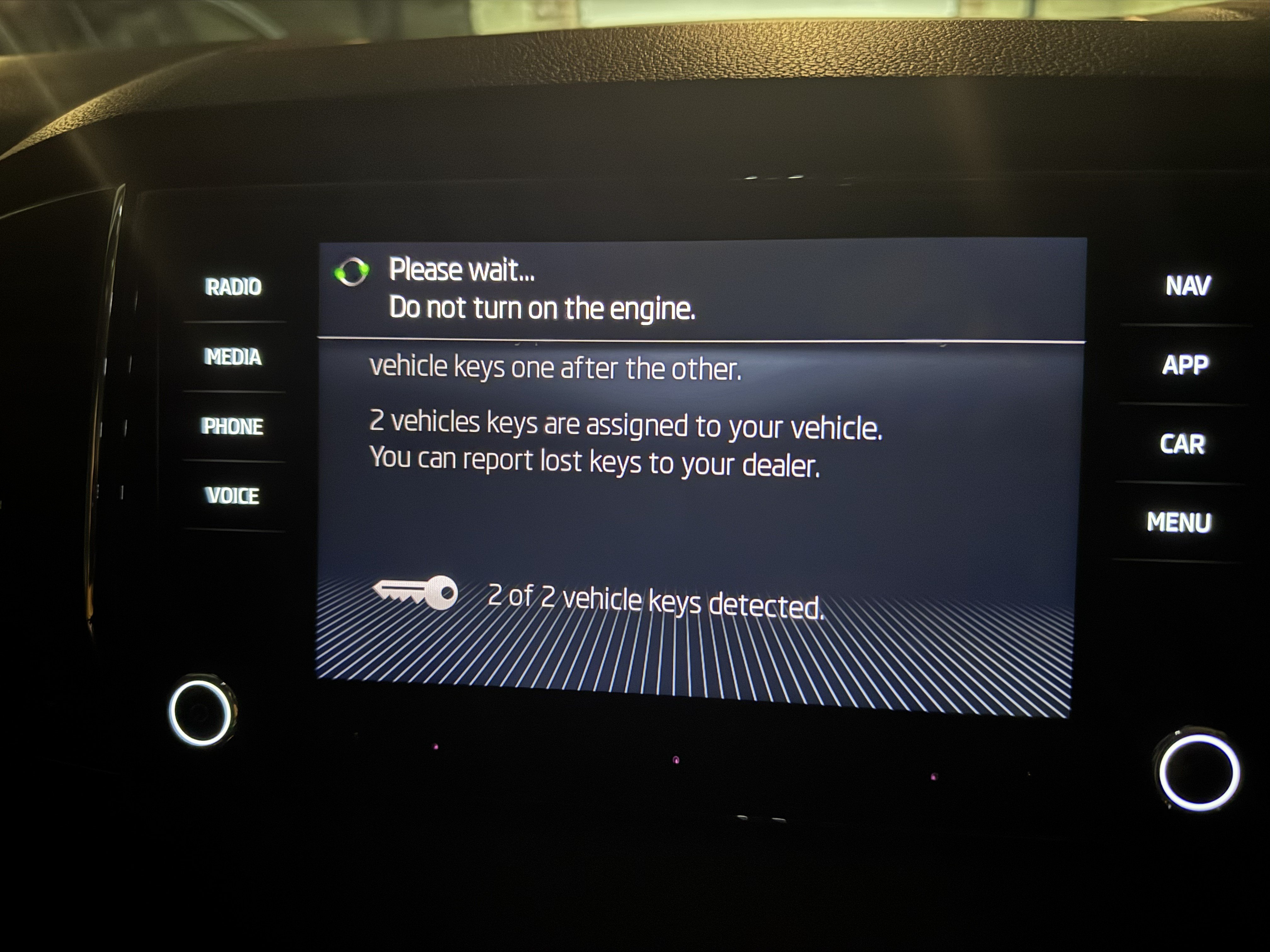
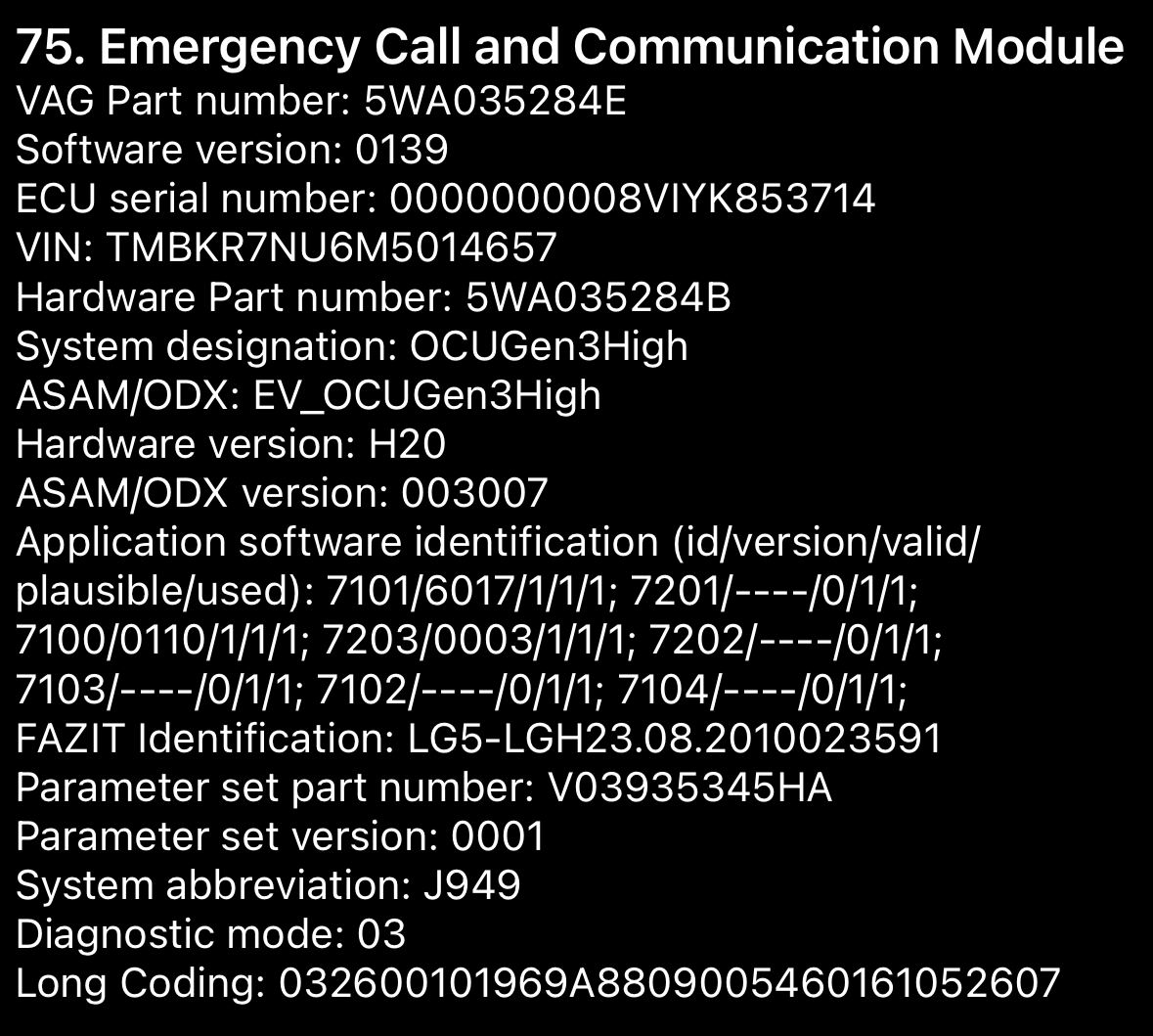
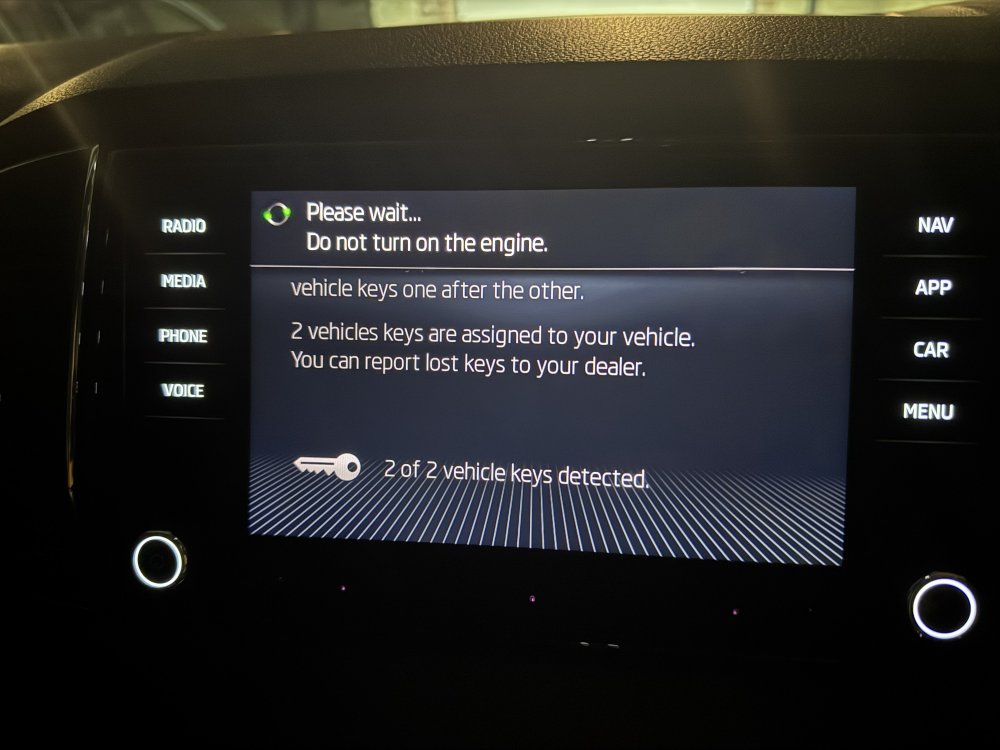
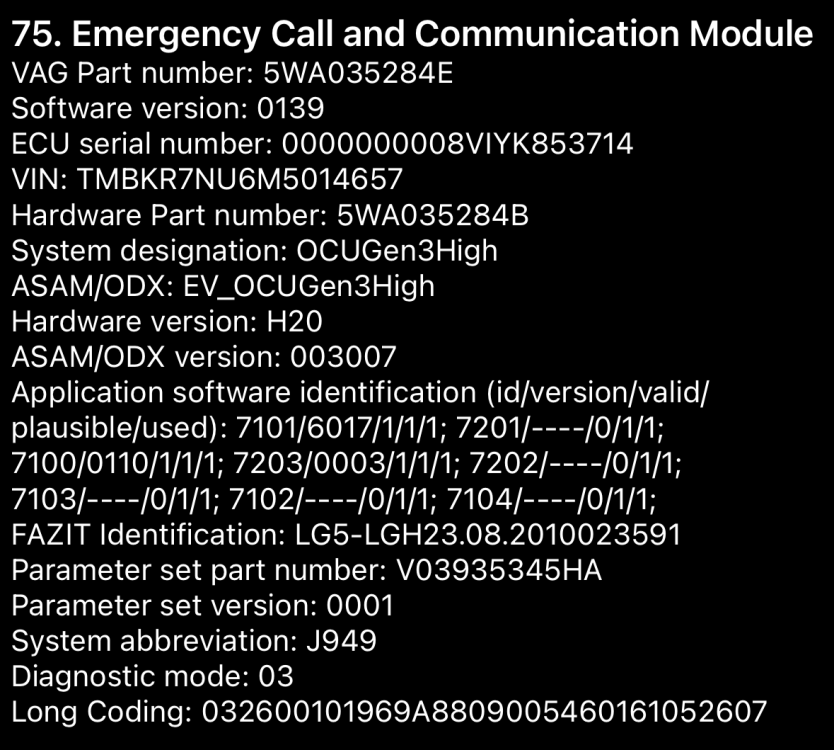
Can someone help me understand which OCU file I need please? I'm having the same 'primary user' problem as many others have had with my MY20 Karoq. I've updated the MIB3 system to 330 from 276 which has allowed me to get to the point where it asks me to unlock with both car keys, and it recognises the presses but then doesn't actually register as primary user (see screenshot below). Here's the data on the OCU version: Each time I've tried to update the OCU all the options are greyed out similar to this post. What am I doing wrong? I've tried 141 and 143 from the Mega link. Thanks in advance! IMG_2273.HEIC
-
It worked for me when formatted as fat32. Maybe try that
-
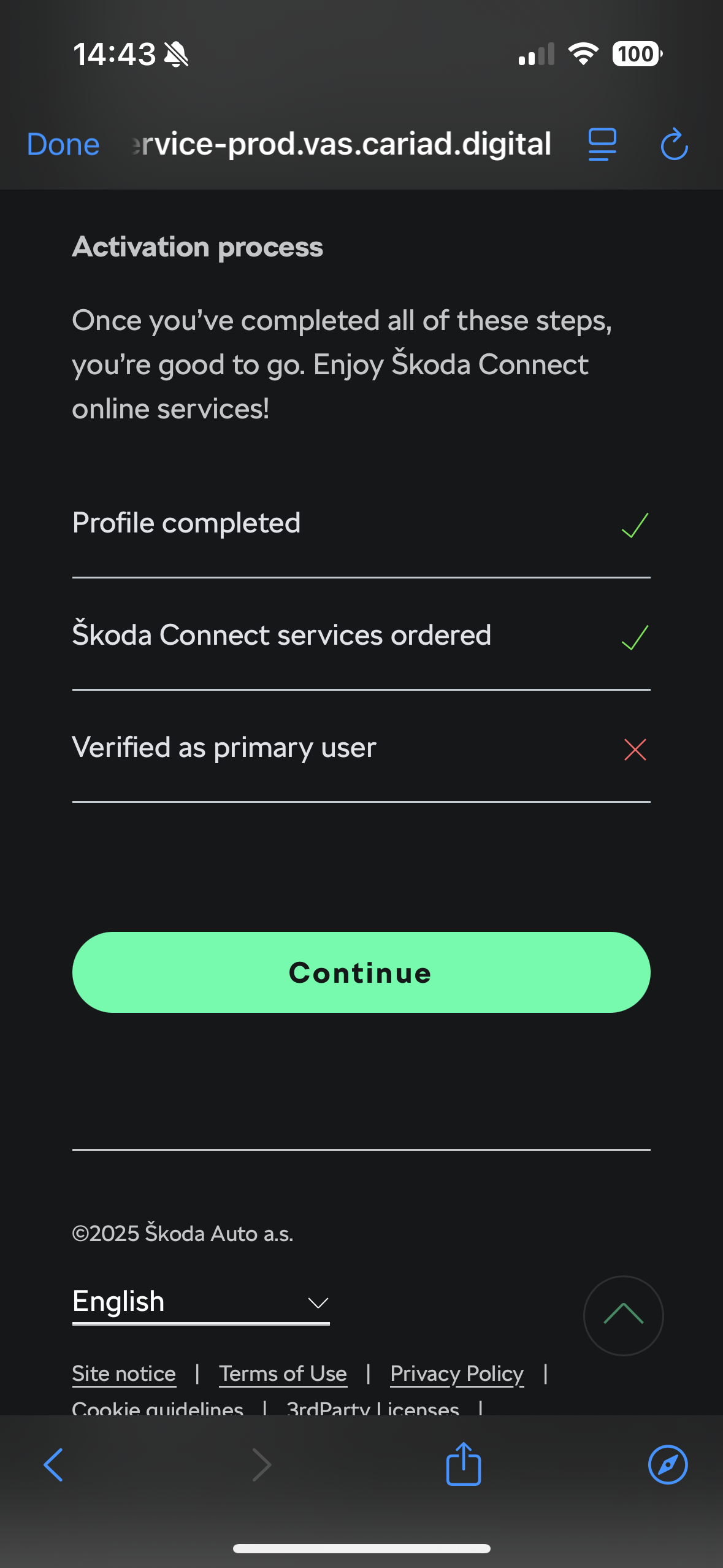
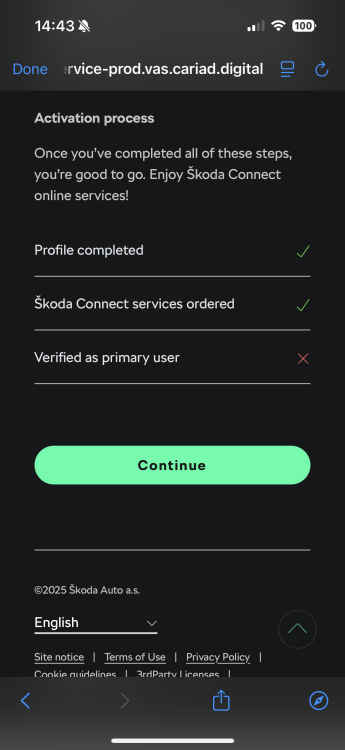
I've tried the above with both keys in the car, but one thing I haven't actually checked is whether the second key has any battery. I guess it's possible that if the car wasn't detecting the second key then it would throw the error message up. Here's the screenshot on the app - I was able to 'order' Skoda Connect services at £0.00. I don't mind paying for the services if required, but I can't even get to a screen where I can pay for them! You're on different hardware and firmware to me. I've ordered a USB C flash drive to install the newer firmware manually in case this helps.
-
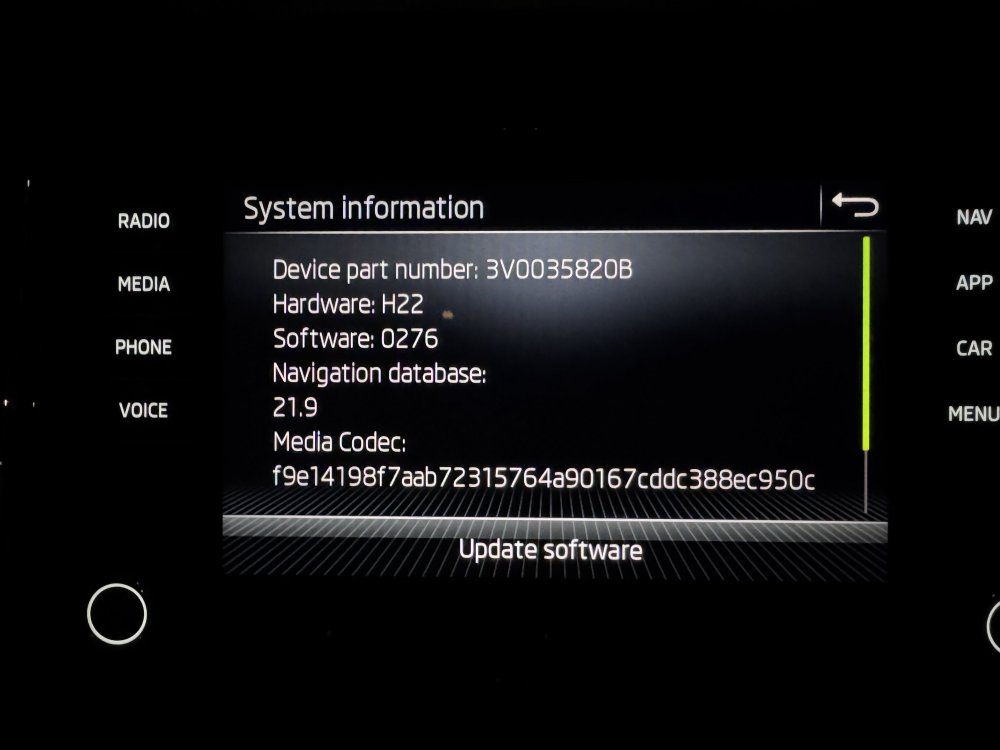
Hello all, I've had my Karoq for about a week, bought approved used. It's a 70 plate 1.5 TSI DSG. It's been fine with the exception of not being able to assign myself as primary user. Symptoms: It can clearly connect via e-sim because I can log into my account as a user without issue with email address and password Every time I start the car it says 'do you want to be assigned as primary user' - if I press yes it just spins until it fails and says 'unable to start registration' I seem to occasionally get a message when turning the car on saying 'unable to start background services' When I pull down the notifications it suggests that I need to buy something from the shop, but the shop is blank What I've tried Using Wifi/hotspot Moving to different areas to check it isn't a signal issue Deleting and re-adding users Changing my user password Rebooting the Infotainment system Full reset of the infotainment system Pulling Fuse 17 (Control unit in combined instrument cluster / Emergency call module and communication unit control unit) for 10 minutes then replacing it Here's the details of the system: I went to my closest Skoda dealer which is Platinum (I bought from Mon Motors) and they said it's because the car is too old, but I don't believe this is the case. What are my options from here? Thanks in advance.
-
Jumping on this thread - hope that's OK! I've got a 2020 Karoq which I believe is MIB2H Amundsen? Firmware is showing as 0276 and I'd like to get it updated if possible. I'm having an issue at the moment where I can't register the primary user and I want to rule out the firmware being the culprit. Does the same logic apply about 0276 -> 0308 -> 0332 for this hardware? I assume I can get the same files linked above? Thanks in advance.