gsd41
Finding my way
-
Joined
-
Last visited
-
-
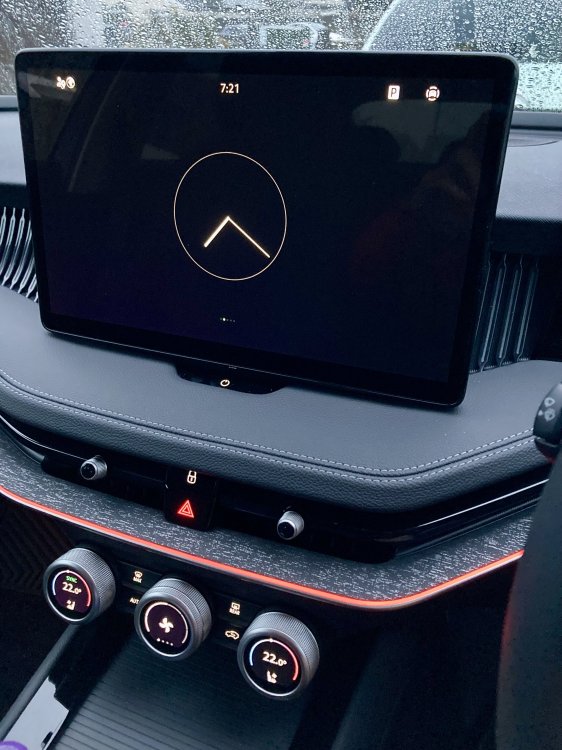
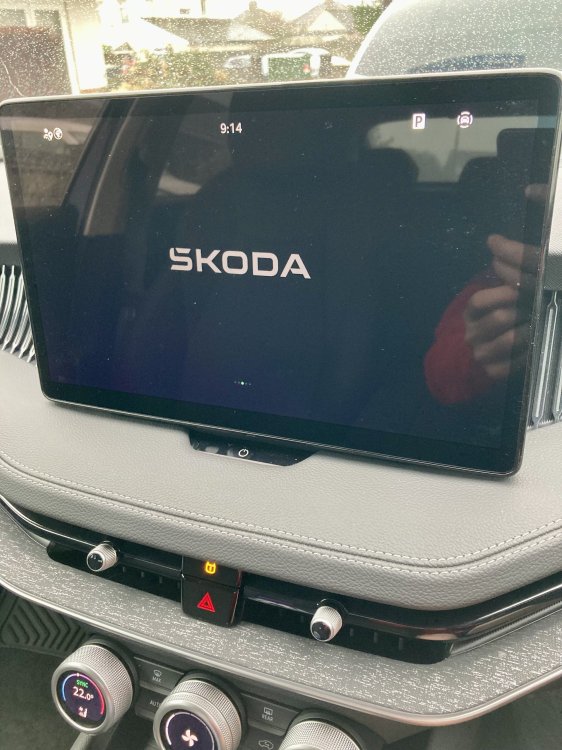
Here are my two standard options.
-
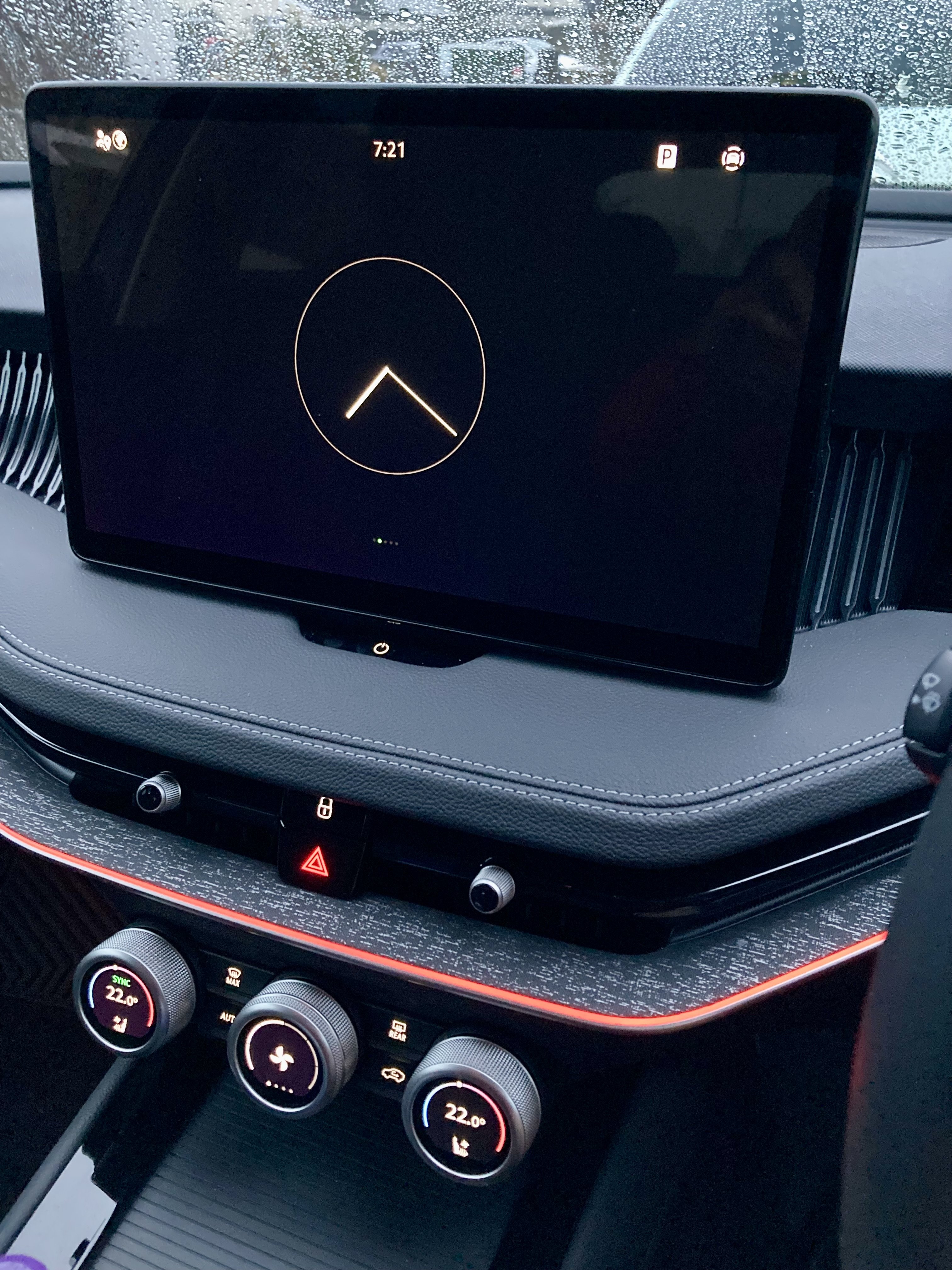
I press the on off button on mine and the screen goes off except for a large clock and the screen is black. I'll take a pic later. This is standard on mine, I have not set it up myself.
-
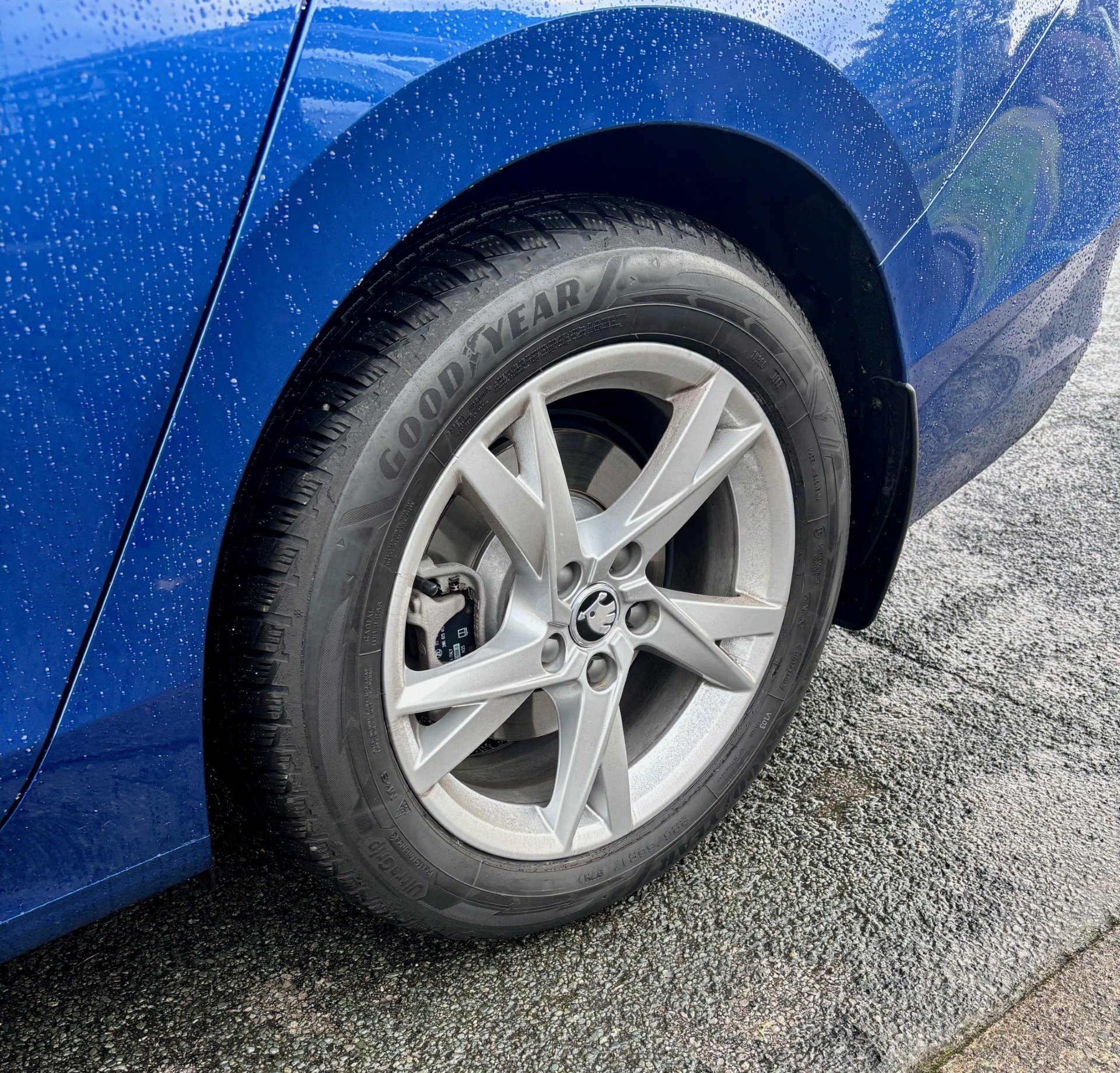
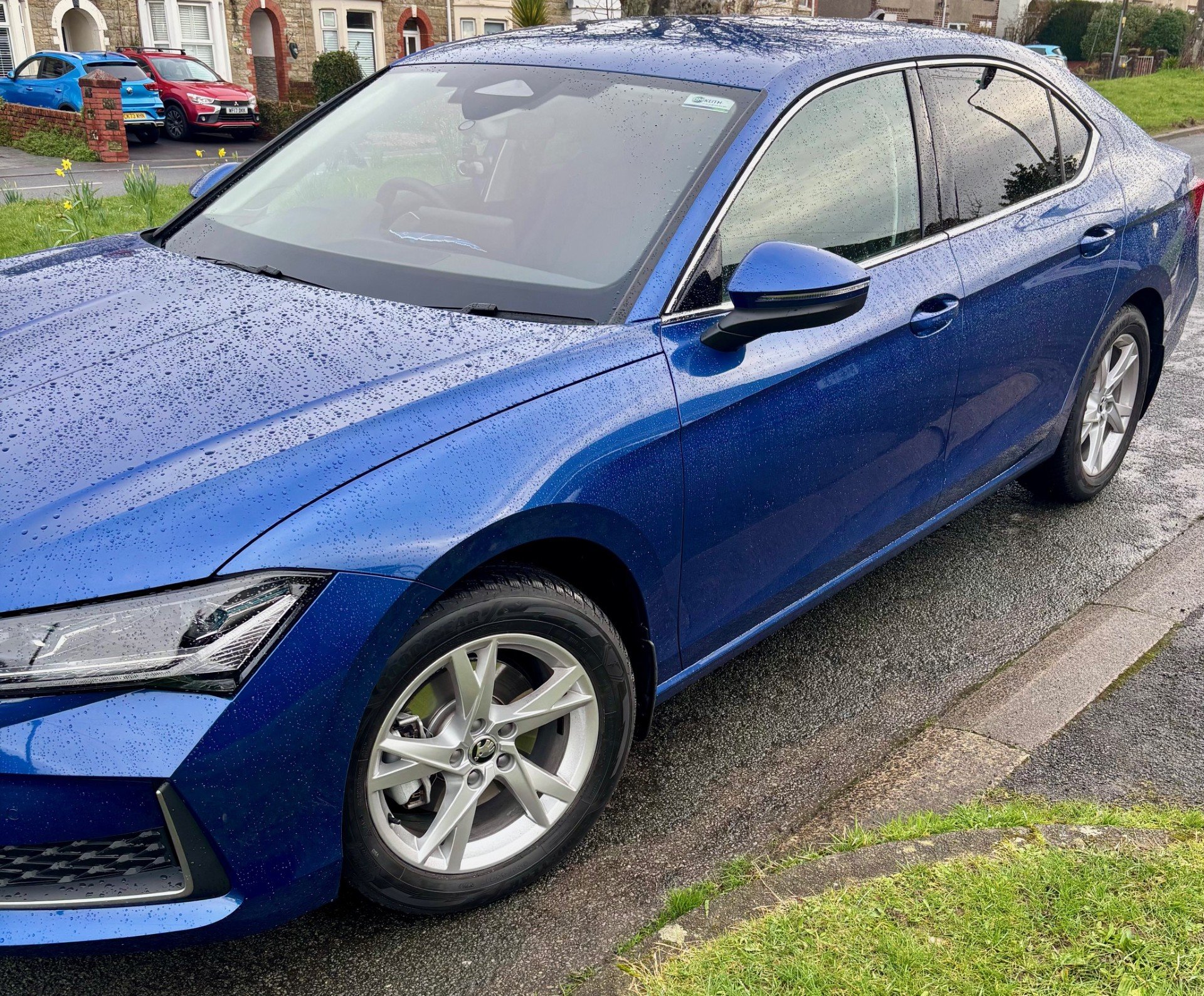
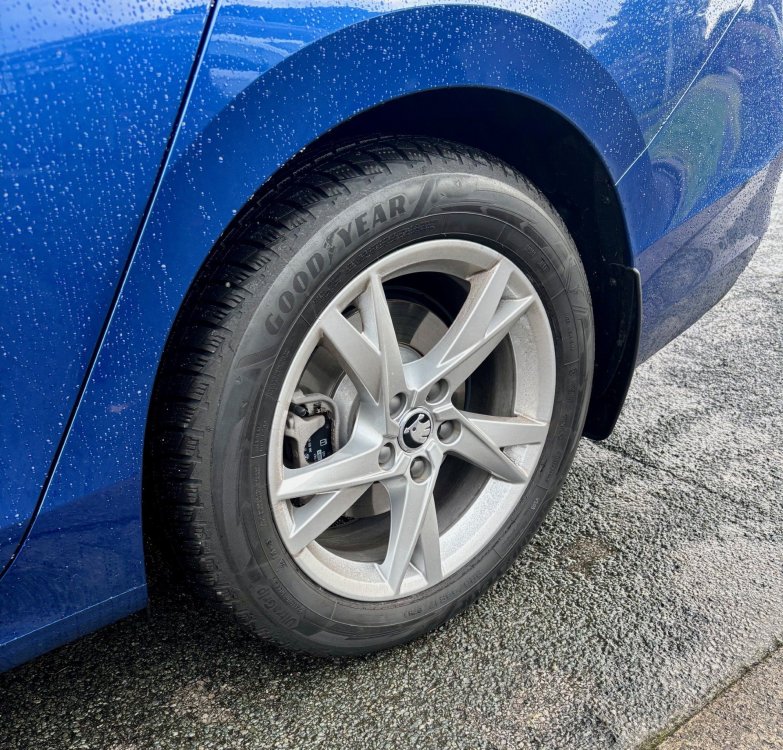
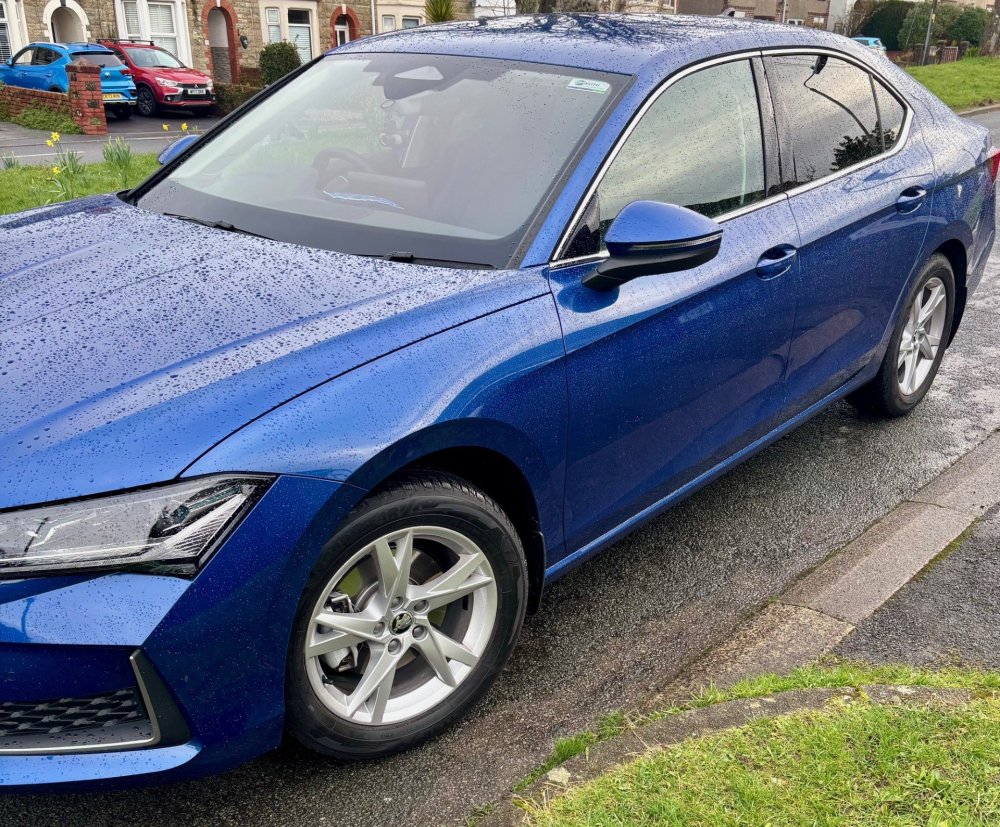
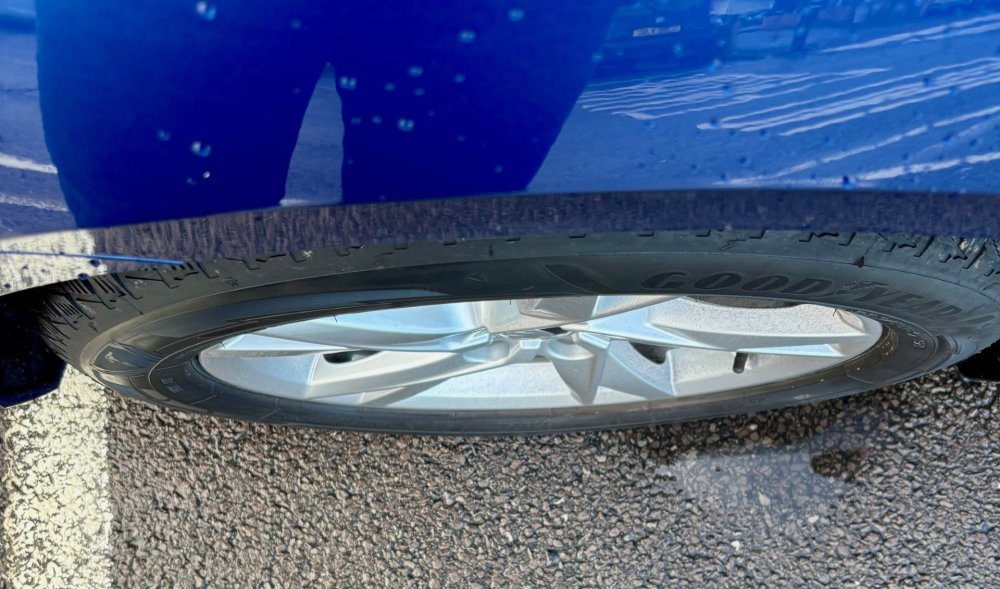
Hi, just a quick follow up, here is how the 225/55 R17 winter tyres look on the car. No problems at all with tyre pressure monitoring system. All working fine.
-
Same here, I check my tyre pressures regularly anyway. I have just purchased a second hand set of 17" alloys for winter tyres. Tyres are my next purchase.
-
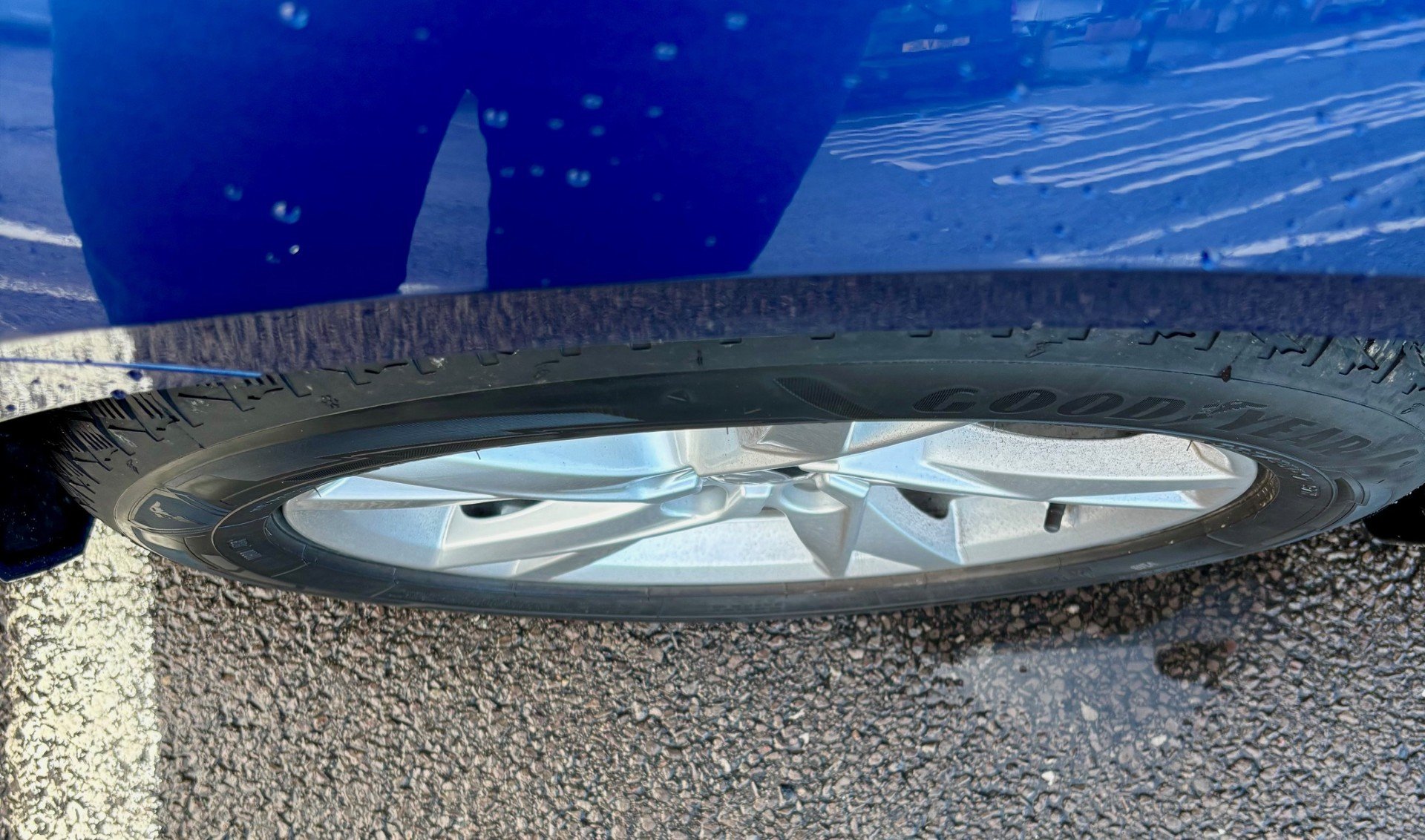
Mine look the same as a normal tubeless valve, no nut on it.
-
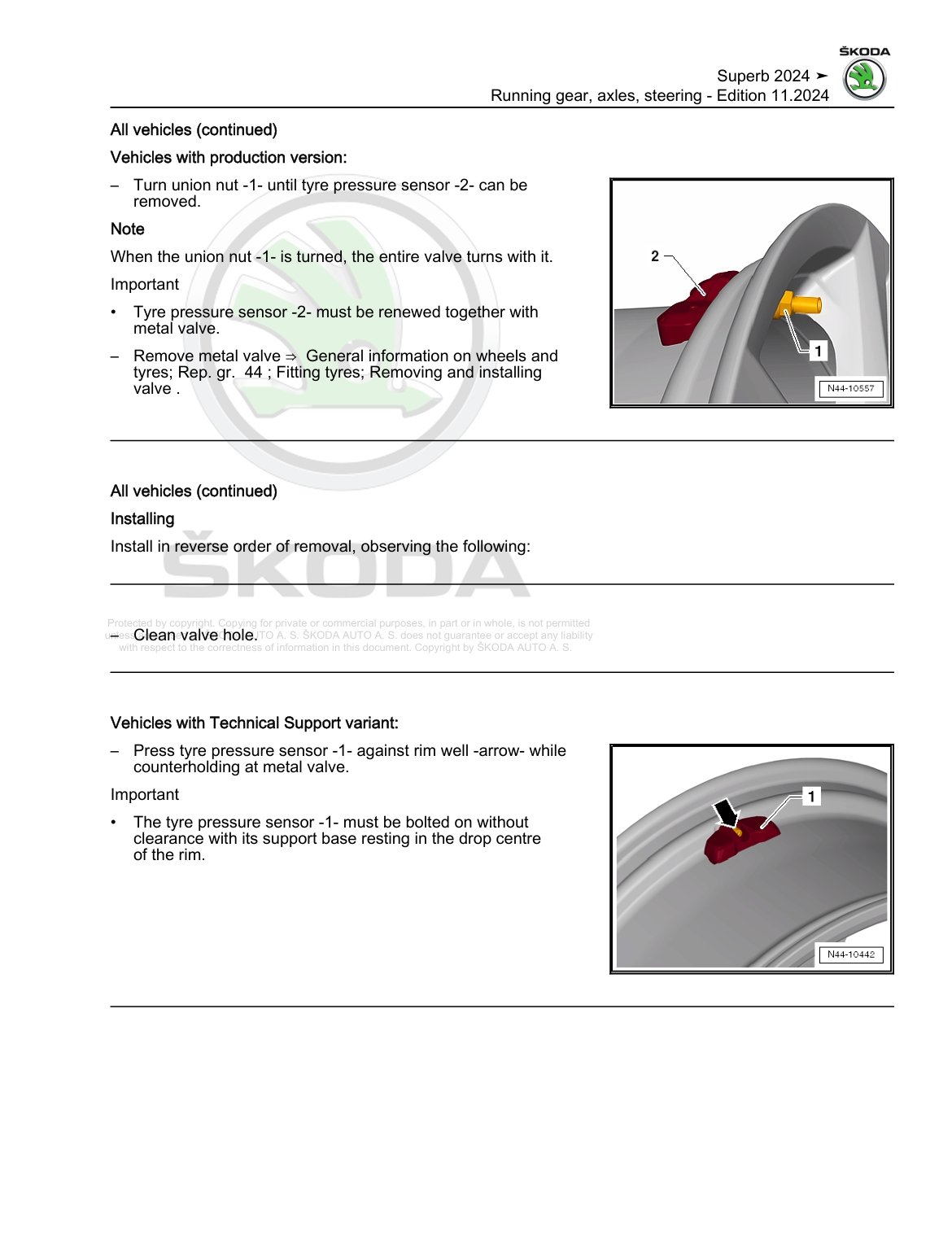
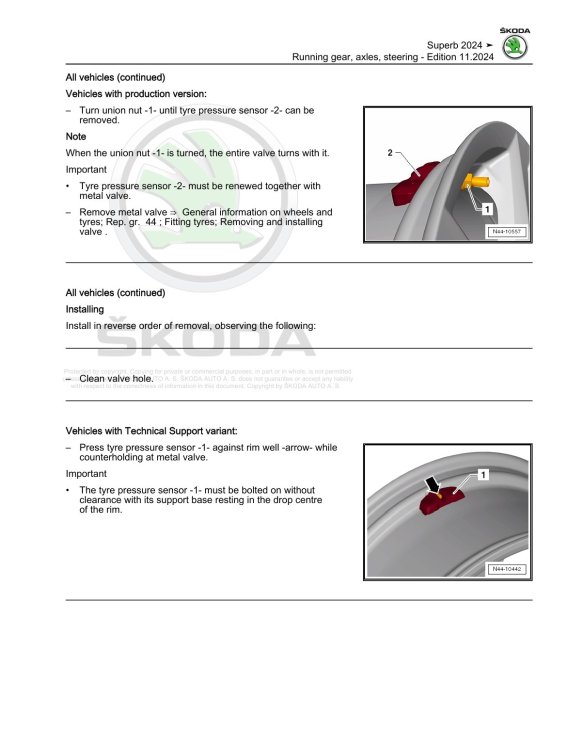
Thanks guys much appreciated. I just looked at the manual and it showed a sensor in the wheel.
-
Hi all, Does anyone know if the TPMS sensor is inside the tyre or is it picked up from the ABS sensor. My car is a Superb 2025 2.0 TDI SE L. The manual I have shows a TPMS sensor inside the wheel, but I'm not sure. The TPMS system on my car just shows a warning light and no pressure is shown for the individual wheel.
-
Is it a new car? mine is and had exactly the same on the windscreen. Mine was where some sort of sales / advertising sticker had been. Still shows up even after washing car.
-
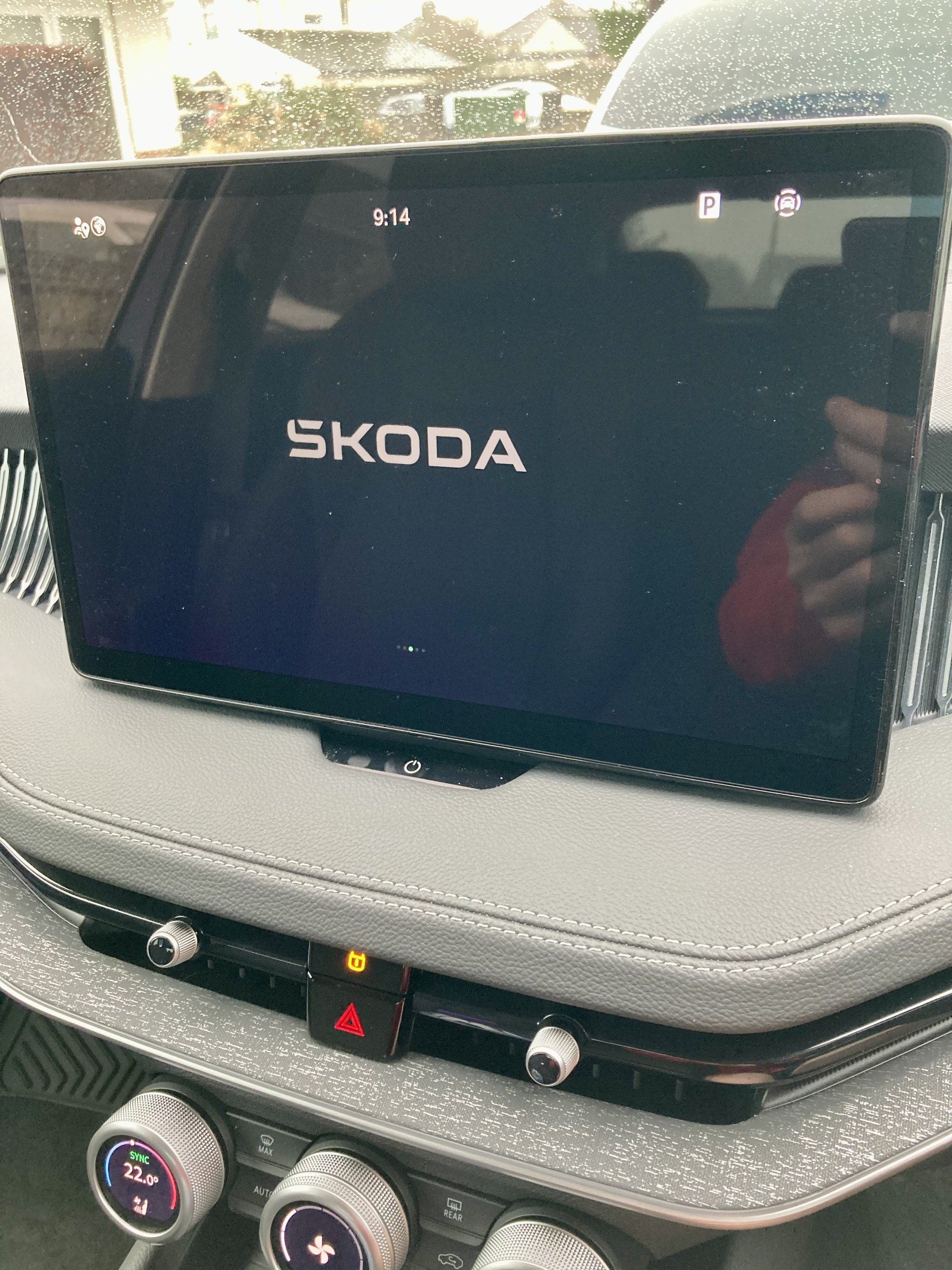
I contacted Skoda support and tried various different approaches to no avail, the 'Globus' on the main screen was always greyed out. After the third email from Skoda support, they said they had done a few tweaks their end and to do a factory reset one more time. Tried again, the 'Globus' this time turned white, and then managed to connect and everything now working perfectly.
-
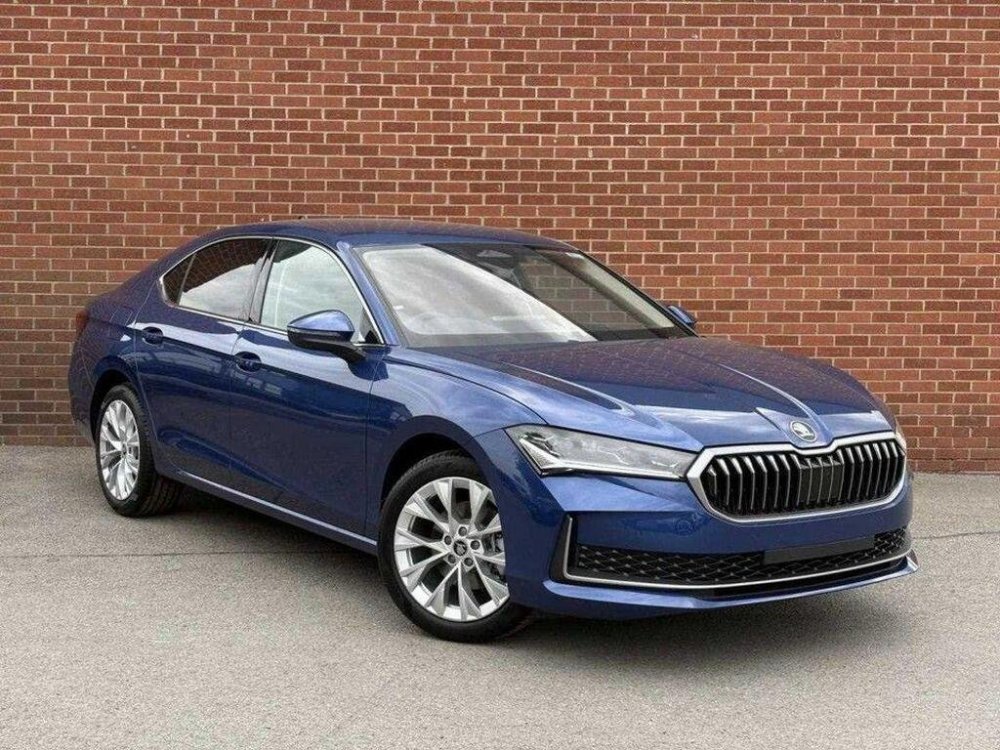
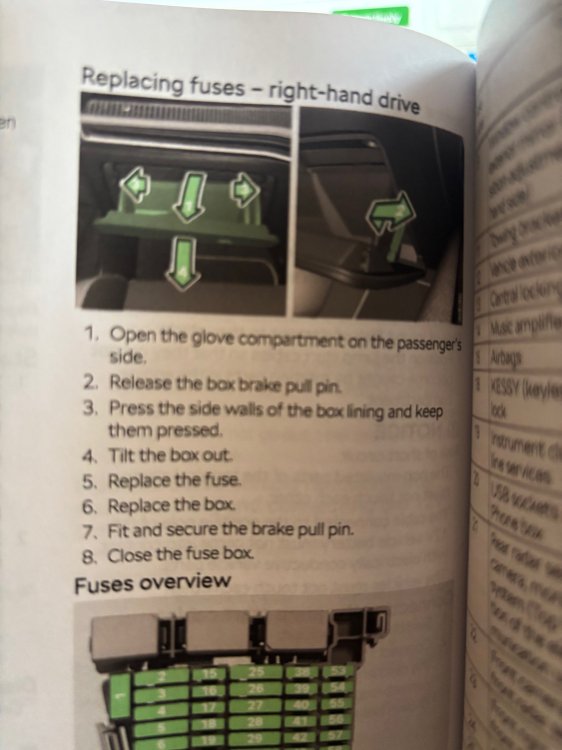
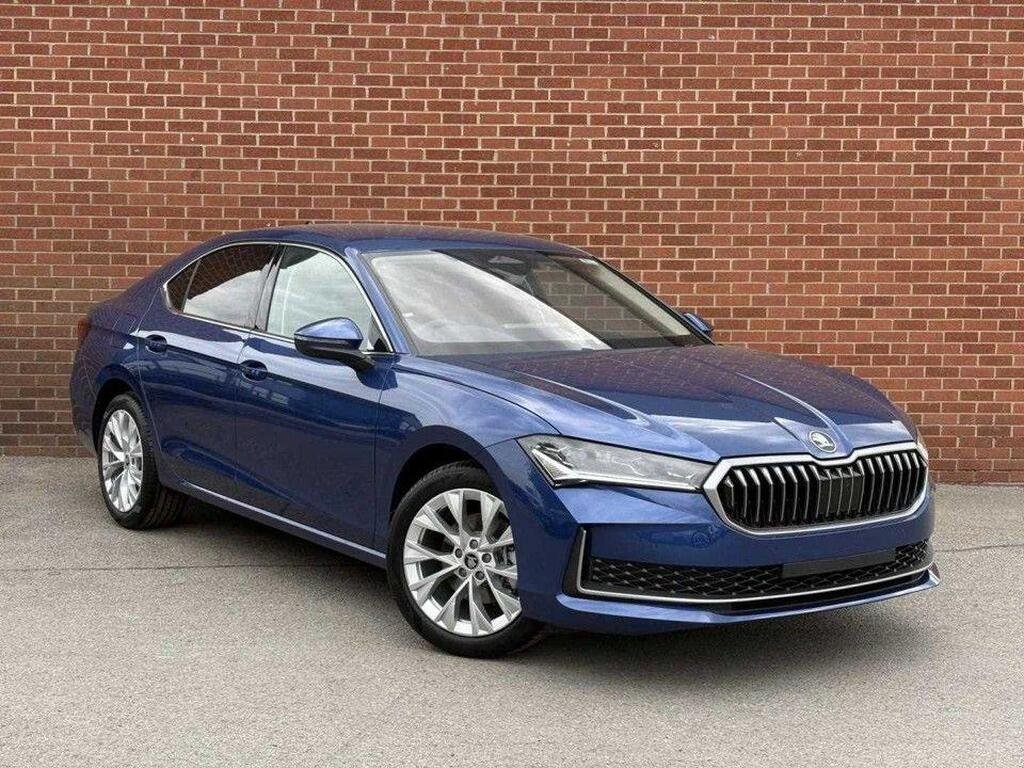
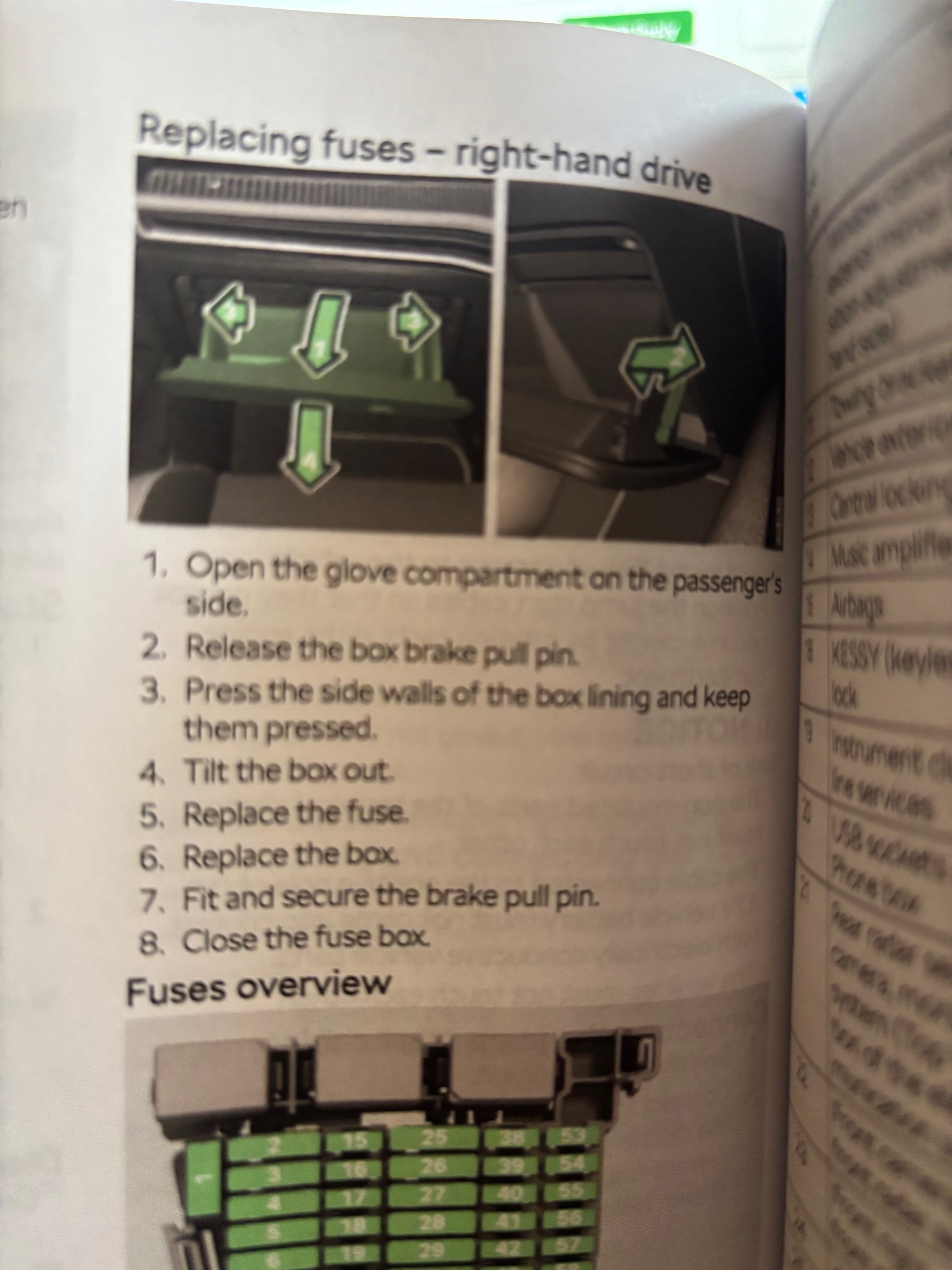
Hi everyone, I have just taken delivery of a new Skoda Superb 2.0 Diesel SE L hatchback. This is my first Skoda and very impressed with the vehicle. The dealer had problems getting me registered on the Skoda app, and couldn't get car to connect. Tried his own app and it worked, I still can't register app on my phone. I read about pulling fuse but for the life of me can't get glovebox to drop down, the manual is not very clear, any help would be appreciated.