Skip to content

Pedropitt

Finding my way
  • Joined

  • Last visited

Everything posted by Pedropitt

  1. hi everyone, with help of all you guys, i manage to update my late 2020 octavia 2.0 TDI from 1895 >> 1941 >> 1989 with no issues.. Just hope the issue that having on 1895 is fixed (sometimes radio stuck loading when SOS call service was with issue)
  2. i did find links for those versions on other threads.. but links that are not longer working :(
  3. Mine is also a late 2020 (september Manufacture i think) and is on version 1896.. only getting apps update as well. Is there a way to do a "force" check for OTA updates?
  4. can you get me the link for it? 1989 ou 1985? i only could manage to download the 1941.
  5. yeah.. i assume so, but looking arround cant find download for the latest one. only for the 1941..
  6. my late 2020 octavia doesnt show any recall to do but, im on a 1896 and i have issues with ecall and crashing the infotainement.
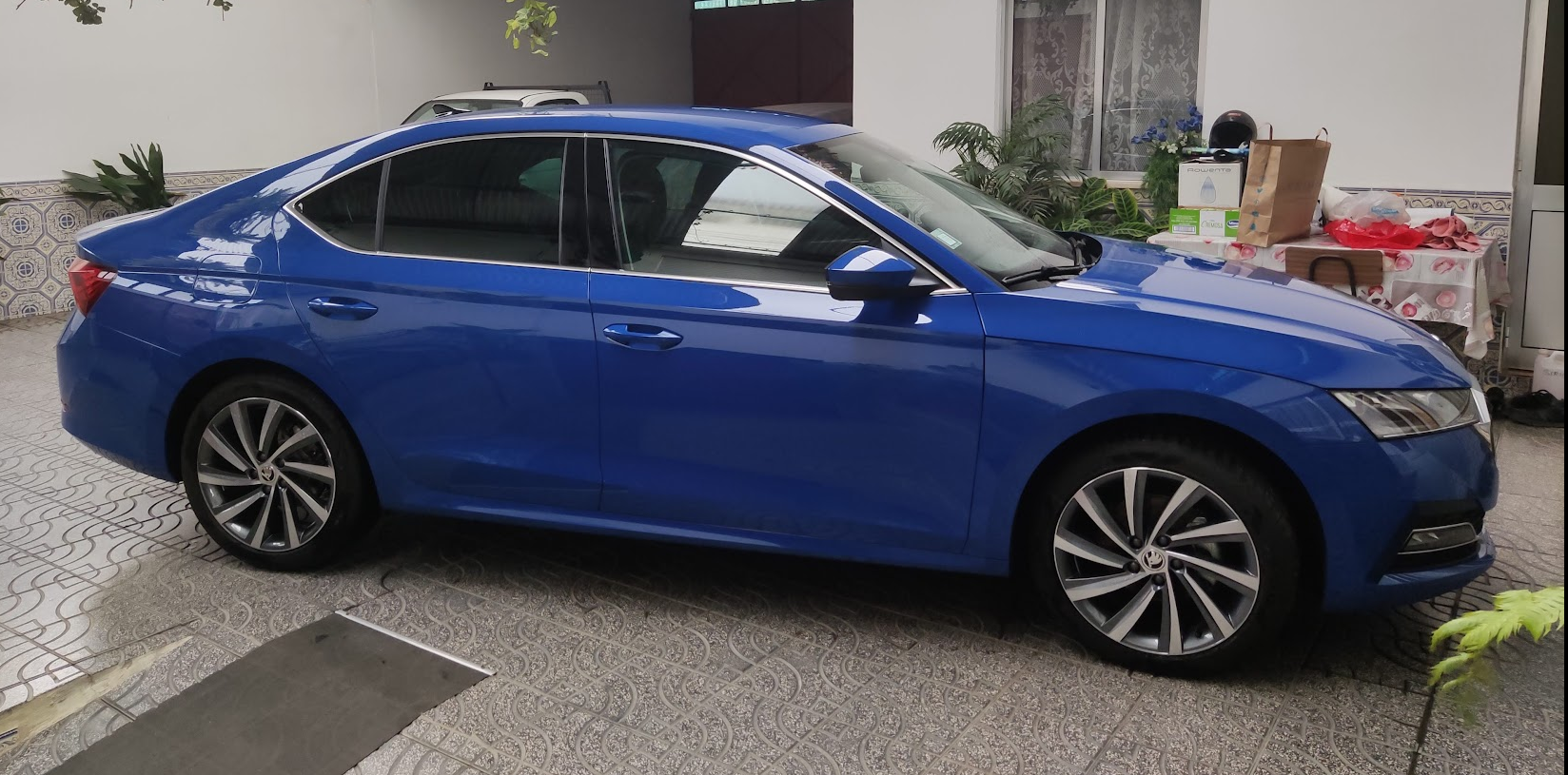
  7. Hello, I have a octavia 2020 2.0 tdi. here to share and learn about our favorite cars!
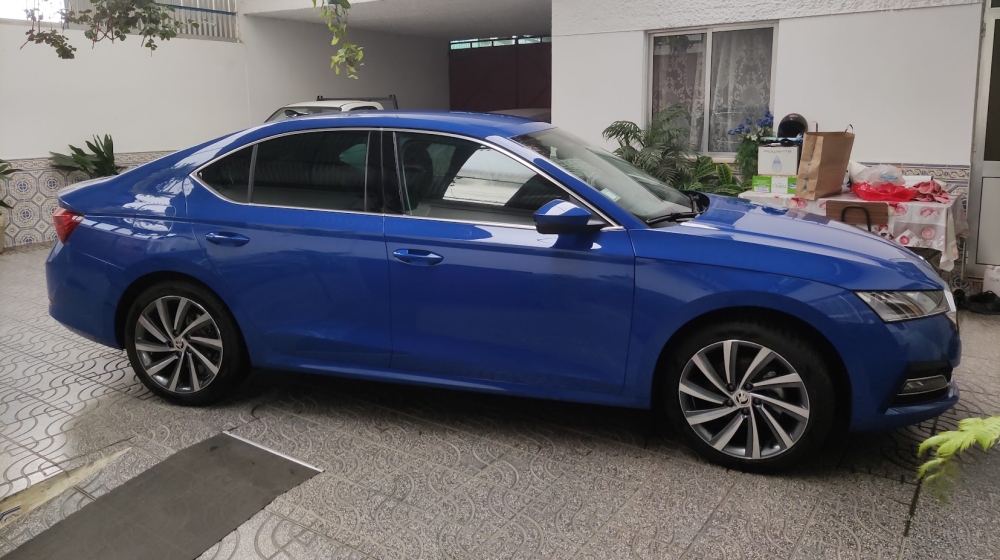
  8. Hello everyone, I have a octavia IV late 2020 manual diesel. here to share and learn!
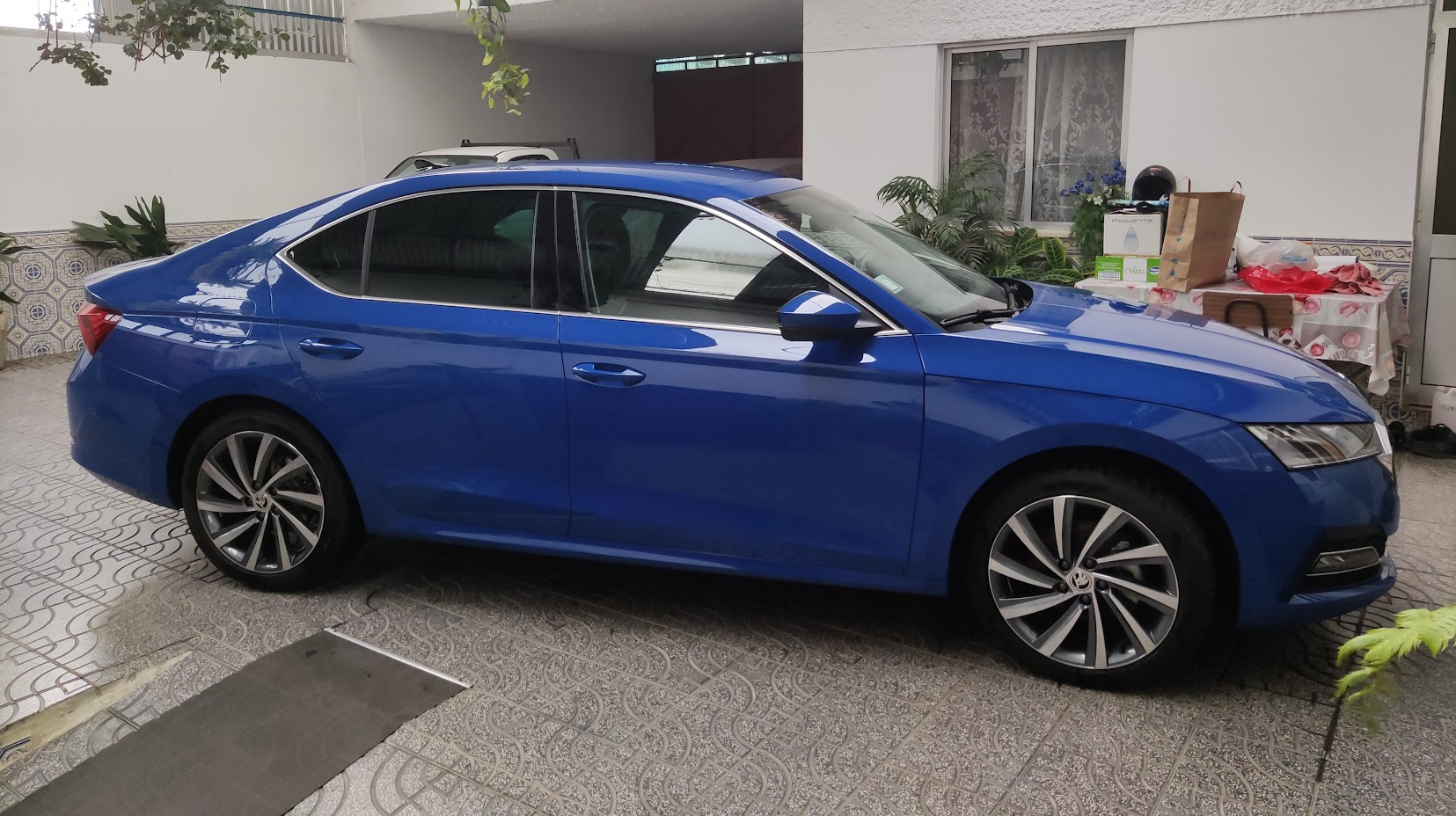
  9. Hello everyone, im on 1896, and quite new on the update process.. can you guys point me out on download links and tutorials? best

Important Information

Welcome to BRISKODA. Please note the following important links Terms of Use. We have a comprehensive Privacy Policy. We have placed cookies on your device to help make this website better. You can adjust your cookie settings, otherwise we'll assume you're okay to continue.

Account

Navigation

Configure browser push notifications

Chrome (Android)
  1. Tap the lock icon next to the address bar.
  2. Tap Permissions → Notifications.
  3. Adjust your preference.
Chrome (Desktop)
  1. Click the padlock icon in the address bar.
  2. Select Site settings.
  3. Find Notifications and adjust your preference.